Key takeaways
- 94% of B2B buying groups now use generative AI for research before talking to a sales rep, according to LinkedIn's own 2025 data -- which means your LinkedIn presence is being evaluated by AI before humans ever see it.
- LinkedIn content (articles, newsletters, company pages) is actively crawled and cited by AI models -- but only when it's structured in a way those models can parse and trust.
- The "answer-first" approach beats keyword-first: write to answer specific questions, not to rank for broad terms.
- Your company page's About section, featured content, and employee thought leadership all feed into how AI models represent your brand.
- Tracking whether any of this is working requires monitoring your actual AI search visibility -- not just LinkedIn analytics.
Your buyers stopped Googling you. That's not a prediction anymore -- it's what's happening right now. LinkedIn's own internal data from 2025 shows 94% of B2B buying groups use generative AI for research before they speak to a sales rep. Gartner projects traditional search volume will drop 50% by 2028.
What this means for your LinkedIn company page is more significant than most marketing teams realize. When a prospect asks ChatGPT "who are the best [your category] vendors for mid-market SaaS companies," the answer isn't pulled from Google. It's synthesized from sources the AI has indexed and trusts -- and LinkedIn is one of them.
LinkedIn itself saw B2B non-brand keyword traffic drop up to 60% after AI Overviews launched. Their response? They shifted from a keyword-first to an answer-first content strategy. That's the same shift your company page needs to make.
This guide covers what that actually looks like in practice -- not the generic "optimize your headline" advice you've already read.
Why AI models pull from LinkedIn in the first place
Before getting into tactics, it's worth understanding the mechanism. AI models like ChatGPT, Perplexity, and Claude build their knowledge from web crawls, and LinkedIn's domain authority is extremely high. Articles published on LinkedIn Pulse, company page updates, and newsletters are all indexable content that AI crawlers can read.
But there's a catch: AI models don't just pull any content. They favor content that:
- Directly answers a question (not content that dances around it)
- Has clear structure (headers, short paragraphs, defined claims)
- Comes from sources with consistent topical authority
- Is recent and regularly updated
This is why a company page that posts vague thought leadership and brand announcements gets ignored by AI, while a competitor with a well-structured newsletter on a specific topic gets cited repeatedly.
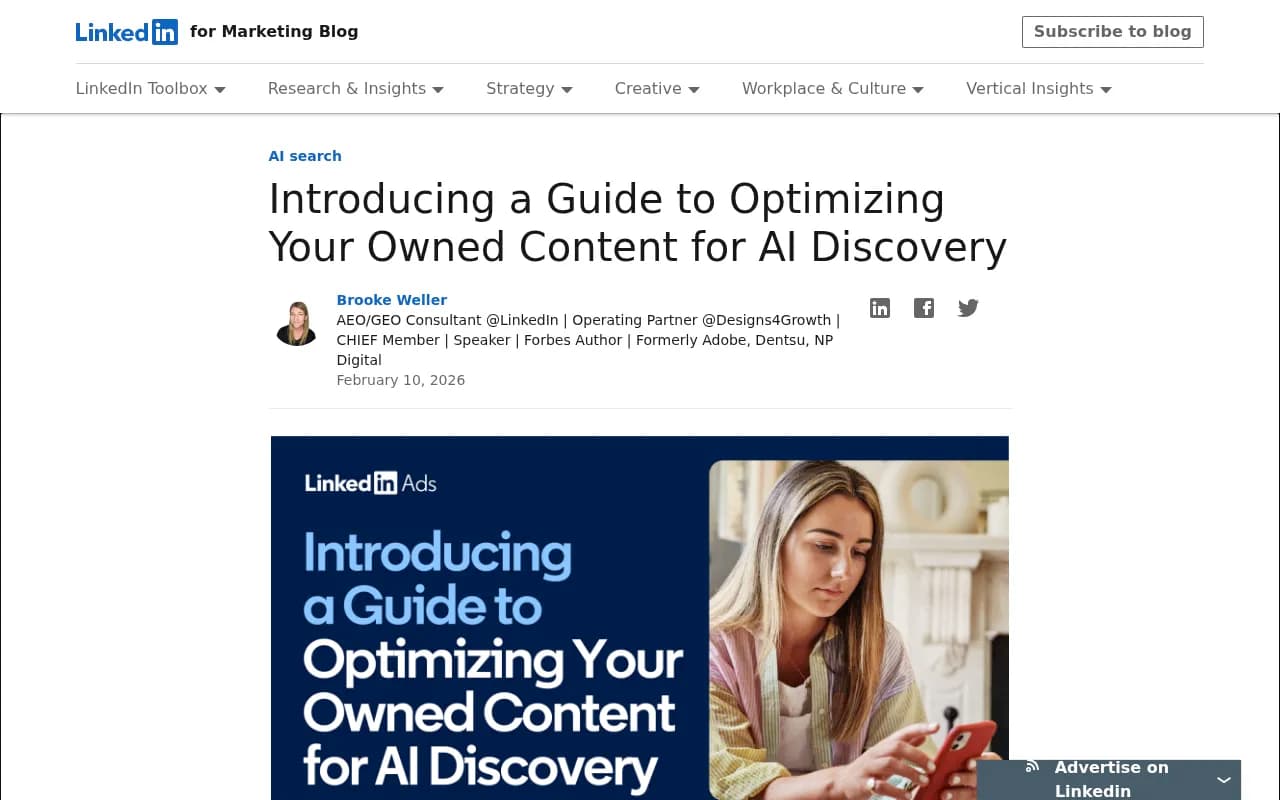
LinkedIn's own marketing team published a guide on shifting to answer-first content after seeing their non-brand traffic drop significantly post-AI Overviews.
Rewriting your company page About section for AI
The About section is one of the first things an AI crawler reads when it visits your LinkedIn company page. Most About sections are written for humans skimming a profile -- they're vague, brand-heavy, and full of adjectives that mean nothing to a language model.
AI models want to know: what does this company do, who do they do it for, and what specific problems do they solve? If your About section doesn't answer those questions in plain language, you're invisible.
Here's the structural shift to make:
Lead with a direct answer to "what is [company name]?" Not "we're a passionate team of innovators." Something like: "[Company] is a project management platform for construction teams managing 10+ concurrent job sites."
Follow with the specific problems you solve. Use language your buyers actually use when they search. If your customers ask "how do I track subcontractor compliance across multiple sites," that phrase (or close variants) should appear in your About section.
End with a clear category claim. AI models use categories to organize their answers. If you want to appear when someone asks for "construction project management software," you need to explicitly claim that category.
Keep it under 300 words. Dense, structured prose beats long paragraphs.
The answer-first content strategy for LinkedIn articles and newsletters
This is where most companies leave the most opportunity on the table. LinkedIn articles and newsletters are indexed content -- they're not just social posts that disappear. AI models read them, and if they're structured well, they cite them.
The shift from keyword-first to answer-first means writing every piece of content around a specific question your buyer is asking. Not "trends in supply chain management" but "how do mid-market manufacturers reduce supplier lead times without increasing inventory costs?"
Structure that AI models can parse
Use headers that are questions or direct statements. AI models use headers to understand what a section is about -- a header that says "Our approach" tells an AI nothing. A header that says "How to reduce supplier lead times by 20-30%" tells it exactly what the section answers.
Use short paragraphs with one idea each. Long blocks of text are harder for models to extract clean answers from.
Put the direct answer at the top of each section, then support it. This mirrors how AI models prefer to synthesize information -- they want the claim first, then the evidence.
The quarterly refresh cadence
One of the most underrated tactics for AI visibility is keeping content current. AI models weight recency, and they can detect when content hasn't been updated. Set a quarterly cadence to:
- Add new data or statistics (even one updated number matters)
- Remove claims that are now outdated
- Update the publication date when you make meaningful changes
- Add a "last updated" note at the top of long-form articles
This applies to your company page's featured articles and your newsletter archive. A 2023 article that hasn't been touched since is a liability, not an asset.
Employee thought leadership as a company page multiplier
Here's something most LinkedIn optimization guides skip: AI models don't just look at your company page. They look at the people associated with your company.
When a model is asked about a company, it synthesizes information from the company page, articles published by employees, and external mentions. A company with five employees who regularly publish well-structured content on relevant topics has dramatically more AI surface area than a company with a polished page and silent employees.
This isn't about forcing employees to post. It's about identifying the two or three people in your organization who already have credibility in your space and helping them structure their content for AI discovery -- the same answer-first approach that applies to company content.
The practical steps:
- Ensure their LinkedIn profiles clearly state their role and area of expertise in the headline
- Help them publish at least one long-form article per quarter that directly answers a question your buyers ask
- Cross-link between their articles and your company page's featured content
LinkedIn's own research identifies "high-profile employee pages" as one of the three core levers for turning LinkedIn into a B2B AI discovery engine, alongside company pages and external website content.
Schema markup and structured data: what LinkedIn can't do for you
LinkedIn handles a lot of technical optimization automatically -- you can't add custom schema markup to a LinkedIn page the way you can to your own website. But this matters for a connected reason: AI models don't just look at your LinkedIn presence in isolation. They look at your entire web footprint.
If your website has FAQPage schema that answers the same questions your LinkedIn content covers, you're reinforcing the same topical signals from two directions. LinkedIn's AEO/GEO consultant Brooke Weller specifically recommends implementing FAQPage schema tailored to your specific products and use cases -- not generic FAQ content, but answers to the actual questions buyers ask at each stage of the funnel.
The practical implication: your LinkedIn content strategy and your website schema strategy should be coordinated. The questions you answer in LinkedIn articles should also have structured FAQ entries on your website. This creates a consistent signal across multiple sources that AI models trust more than a single source.
Tracking AI crawler access to your LinkedIn content
One thing most LinkedIn optimization guides don't address: you can't control which AI crawlers access LinkedIn's content, but you can understand which AI crawlers are accessing your own website -- and that matters because your website and LinkedIn should be working together.
AI crawlers like GPTBot (ChatGPT), ClaudeBot, and PerplexityBot hit your website regularly. If they're encountering errors, blocked pages, or JavaScript-heavy content they can't render, they're forming an incomplete picture of your brand. That incomplete picture affects how AI models answer questions about you, even when the question is about something your LinkedIn page covers.
Tools like Promptwatch provide real-time AI crawler logs -- showing exactly which pages ChatGPT, Claude, and Perplexity are reading, how often they return, and what errors they encounter. This kind of visibility is what separates companies that are actively managing their AI search presence from those who are guessing.

What to actually post: content types that get cited
Not all LinkedIn content formats are equal from an AI discovery perspective. Here's how the main formats stack up:
| Content type | AI indexability | Citation likelihood | Best use |
|---|---|---|---|
| LinkedIn articles (long-form) | High | High | Answering specific buyer questions in depth |
| Newsletters | High | Medium-high | Building topical authority over time |
| Company page posts (text) | Medium | Low-medium | Reinforcing claims made in articles |
| Video posts | Low | Low | Brand awareness, not AI discovery |
| Document/carousel posts | Low | Low | Human engagement, not AI crawling |
| Employee articles | High | High | Expanding topical surface area |
The implication is clear: if your LinkedIn strategy is primarily short posts and carousels, you're optimizing for human engagement metrics while leaving AI discovery entirely on the table. Long-form articles and newsletters are where the AI visibility work happens.
What to write about
The most effective approach is to map your content to the specific questions your buyers ask at each stage of their research process. Not "thought leadership" in the abstract -- specific questions with specific answers.
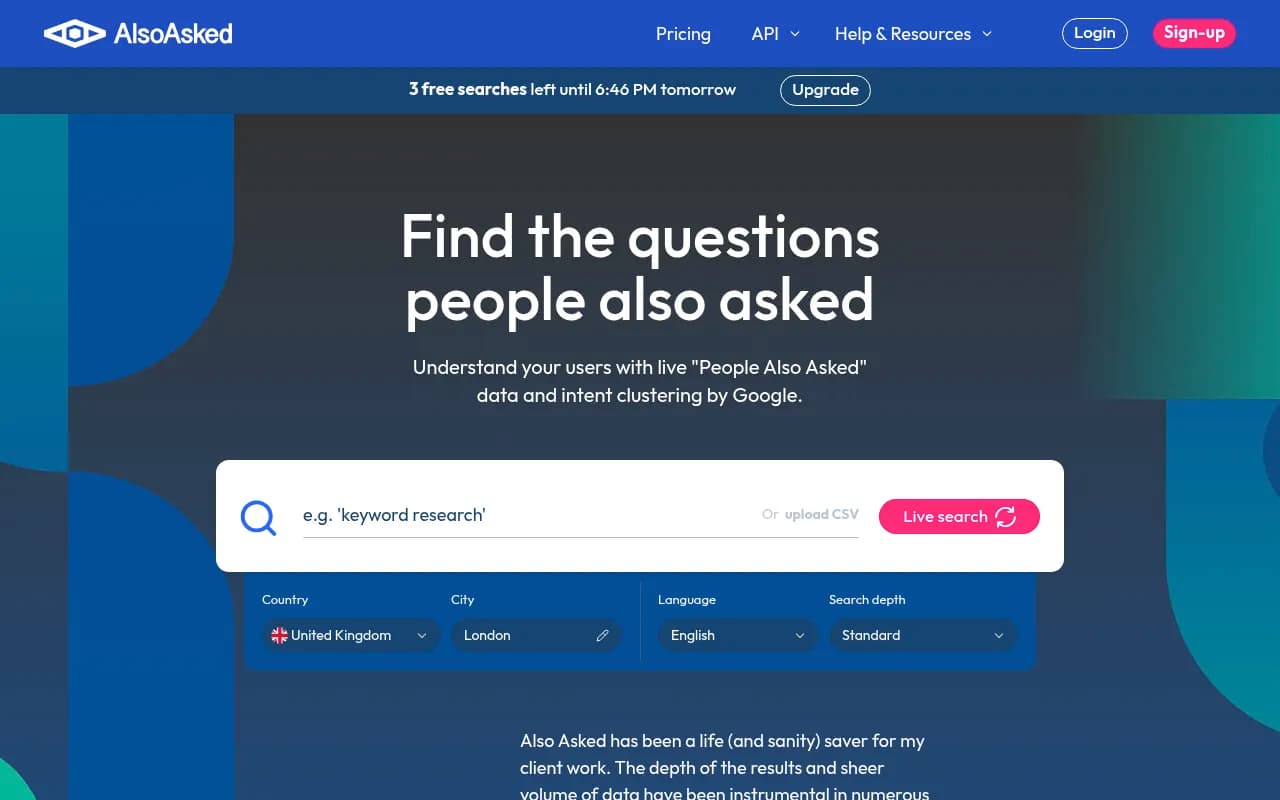
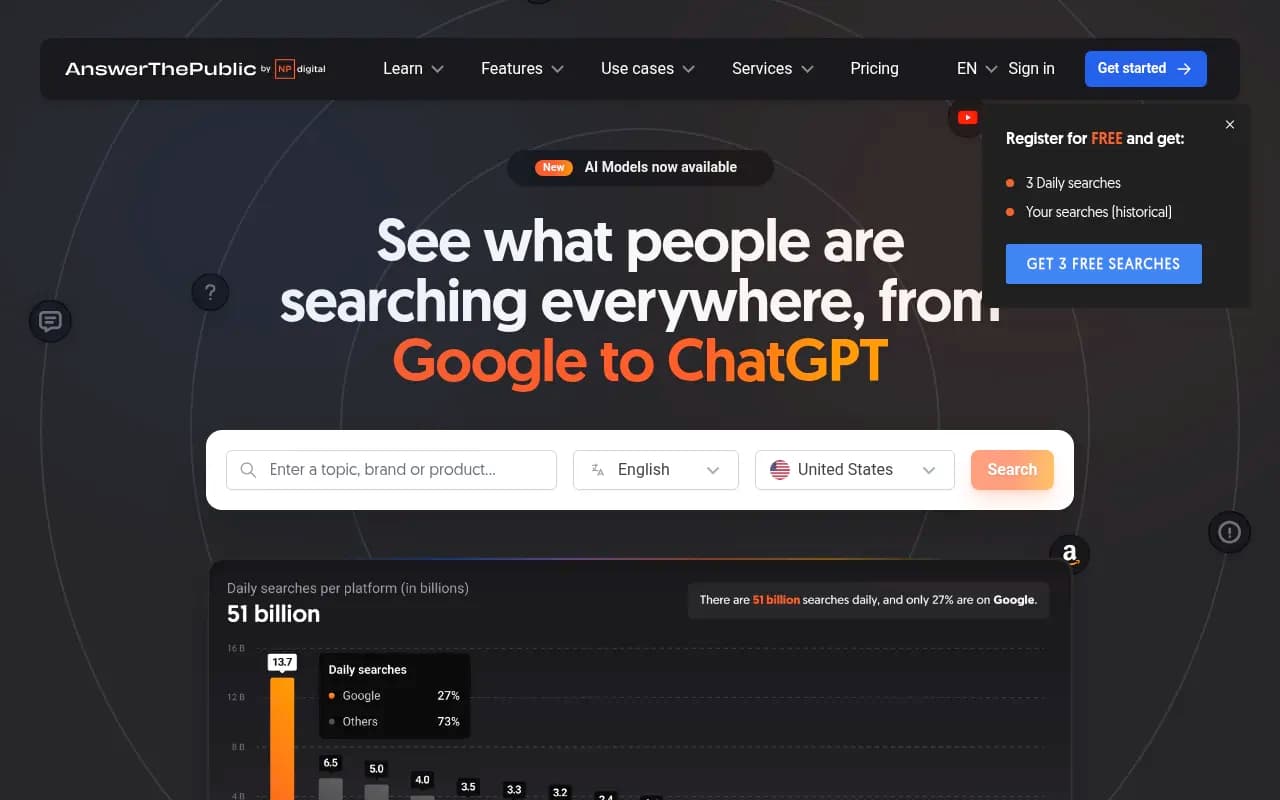
Tools like AlsoAsked and AnswerThePublic can surface the actual questions people ask about your category. These are the questions AI models are being asked, and the sources that answer them clearly are the ones that get cited.
Monitoring whether any of this is working
This is where most LinkedIn optimization efforts fall apart. Companies make changes, post more content, restructure their About section -- and then have no idea whether AI models are actually citing them more.
LinkedIn's own analytics don't tell you whether ChatGPT mentioned your company in a response. You need to track your AI search visibility separately.
The core metrics to watch:
- How often your brand appears in AI-generated responses to relevant prompts
- Which AI models are citing you (ChatGPT vs. Perplexity vs. Claude behave differently)
- Which specific content is being cited
- How your visibility compares to competitors for the same prompts
Platforms built for this kind of tracking include Promptwatch (which covers all major AI models and includes content gap analysis to show you exactly which prompts competitors are visible for that you're not), as well as lighter-weight options like Otterly.AI and Profound for teams that just need basic monitoring.
Otterly.AI

Profound

The difference matters: monitoring tools tell you where you stand. Optimization platforms tell you what to do about it. If you're investing in LinkedIn content for AI discovery, you want to close the loop between the content you publish and the visibility you gain.
A practical 90-day action plan
Here's what to actually do, in order:
Weeks 1-2: Audit and rewrite
- Rewrite your company page About section using the answer-first structure above
- Identify your three most-viewed LinkedIn articles and update them with current data
- Map the top 10 questions your buyers ask during the research phase
Weeks 3-6: Content creation
- Publish one long-form LinkedIn article per week answering one of those 10 questions
- Brief two or three employees on the answer-first approach and help them publish one article each
- Start a LinkedIn newsletter with a clear topical focus (not "company updates" -- a specific problem space)
Weeks 7-10: Technical coordination
- Audit your website for FAQPage schema opportunities that mirror your LinkedIn content
- Check that GPTBot and other AI crawlers aren't being blocked in your robots.txt
- Set up AI visibility monitoring so you have a baseline
Weeks 11-12: Measure and iterate
- Review which content is getting cited in AI responses
- Identify gaps -- prompts where competitors appear but you don't
- Plan the next quarter's content calendar around those gaps
The thing most companies get wrong
They treat LinkedIn optimization as a one-time project. Rewrite the About section, publish a few articles, done.
AI search visibility is a continuous process. Models update their knowledge, new competitors publish content, and the questions buyers ask evolve. The companies that win in AI search are the ones that treat it like an ongoing channel -- with a content cadence, a monitoring process, and a feedback loop between what they publish and what gets cited.
LinkedIn is one of the highest-authority sources AI models pull from for B2B topics. That's an advantage most companies aren't using yet. The window to build a lead over competitors who are still optimizing for 2022 search behavior is real -- but it won't stay open indefinitely.