Key takeaways
- Manual AI visibility reporting doesn't scale -- agencies managing 5+ clients need automated pipelines, not monthly CSV exports
- Looker Studio is the most practical destination for automated GEO reports: free, shareable, and familiar to most clients
- The best setup connects your AI visibility platform directly via a native connector or API, then blends that data with GSC and GA4 for full-funnel context
- Not all AI visibility tools support Looker Studio integration -- check for native connectors before committing to a platform
- The monthly report structure that works: visibility score trend, share of voice vs competitors, prompt-level breakdown, and traffic attribution
If you run an SEO or digital marketing agency, you've probably already had the conversation: a client asks how they're performing in ChatGPT or Perplexity, and you either scramble to pull screenshots or admit you're not tracking it yet. Neither answer is great.
GEO (Generative Engine Optimization) reporting is quickly becoming a standard deliverable, not a nice-to-have. The problem is that most agencies are still doing it manually -- logging into tools, exporting data, pasting it into slide decks, and repeating the whole process next month. That's not sustainable at scale.
This guide covers how to build an automated monthly GEO reporting workflow in Looker Studio: what data to pull, how to structure the dashboard, and which tools actually support this kind of integration.
Why Looker Studio is the right choice for GEO reporting
Looker Studio (formerly Google Data Studio) has a few things going for it that make it the obvious choice for agency reporting:
- It's free
- Clients can view live dashboards without needing an account on your AI visibility platform
- It supports scheduled email delivery, so reports go out automatically
- It blends data from multiple sources, so you can combine AI visibility metrics with GA4, Google Search Console, and paid media in one view
- White-labeling is straightforward -- you can match client branding without much effort
The alternative is building reports inside the AI visibility tool itself, which usually means the client needs a login, the format is fixed, and you can't combine it with other data. For one-off reports, that's fine. For monthly automated reporting across a client roster, Looker Studio wins.
What data belongs in a monthly GEO report
Before you build anything in Looker Studio, you need to decide what you're actually measuring. AI visibility reporting is still maturing, and there's no universal standard yet -- but here are the metrics that consistently matter to clients:
Visibility and coverage metrics
- AI coverage rate: What percentage of tracked prompts return a response that mentions the client's brand? This is the headline number most clients understand immediately.
- Share of voice: How does the client's mention rate compare to named competitors across the same prompt set?
- Average rank/position: When the brand is mentioned, where does it appear in the response -- first, second, buried at the end?
- Model-by-model breakdown: Coverage on ChatGPT vs Perplexity vs Google AI Overviews can vary significantly. Clients want to know where they're winning and where they're not.
Prompt-level data
- Which specific prompts trigger brand mentions?
- Which prompts are competitors winning that the client isn't?
- Are there new prompts this month that didn't exist last month?
Traffic attribution
This is where most GEO reports fall short. Showing a client their AI visibility score is useful, but connecting it to actual sessions and revenue is what justifies the budget. If your AI visibility platform supports traffic attribution (via a code snippet, GSC integration, or server log analysis), include a section that shows estimated traffic from AI referrals.
Month-over-month trends
A single data point means nothing. The report should always show direction -- is coverage improving, flat, or declining? Did a content change last month move the needle?
The tools that actually support Looker Studio integration
Not every AI visibility platform has a Looker Studio connector. Here's where the main options stand:
| Tool | Looker Studio connector | API access | White-label reporting | Content gap analysis |
|---|---|---|---|---|
| Promptwatch | Yes (via API + Looker integration) | Yes | Yes | Yes |
| Otterly.AI | Yes (native connector) | Limited | Partial | No |
| Profound | No native connector | Yes | Yes | Limited |
| Peec.ai | No | Limited | No | No |
| AthenaHQ | No | Yes | Partial | No |
Promptwatch supports Looker Studio integration via its API, and it's one of the few platforms that goes beyond just feeding data into a dashboard -- it also tells you what content to create to improve the numbers you're reporting on. More on that below.

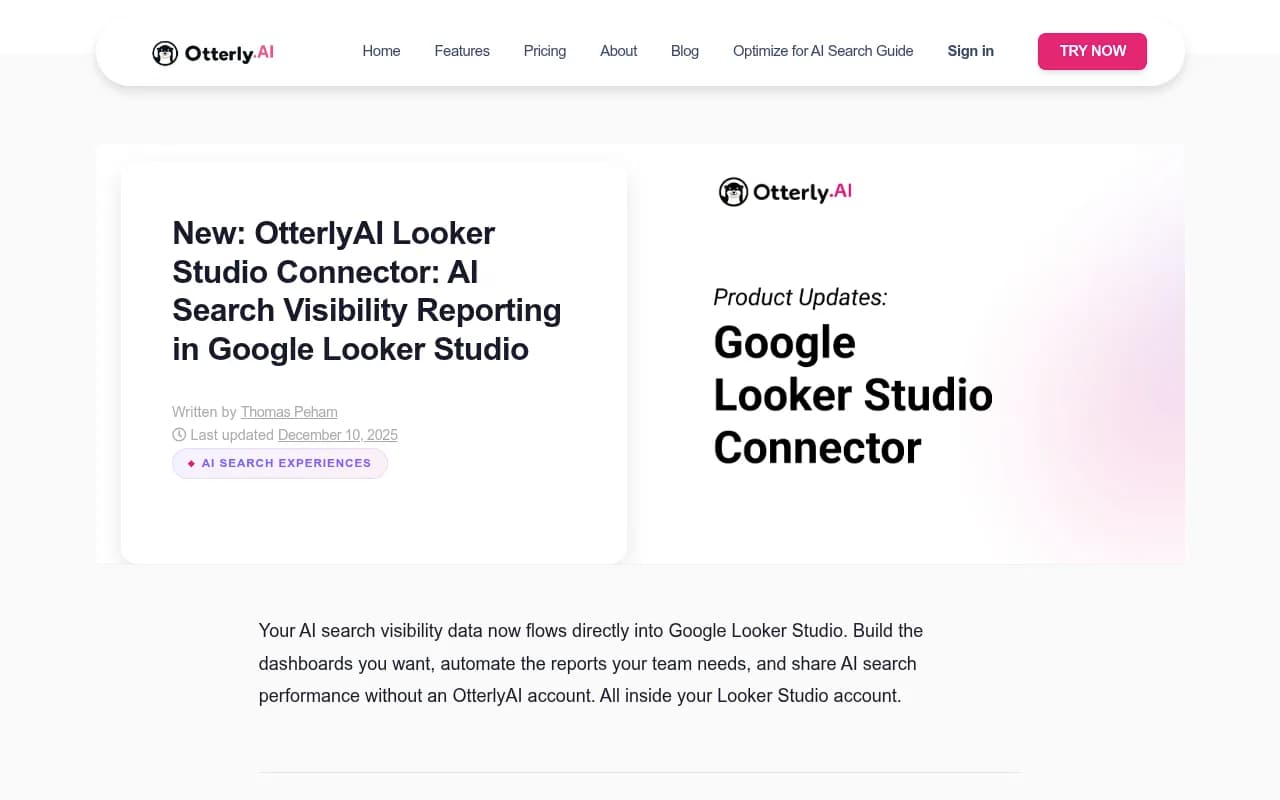
Otterly.AI has a native Looker Studio connector that's worth knowing about -- it's one of the more straightforward integrations available right now, and it supports filtering by date, country, and brand report.
Otterly.AI

For agencies that need a quick start, Otterly.AI's connector includes a pre-built template you can load automatically after connecting. It covers coverage percentage, mentions, share of voice, and average rank. That gets you 80% of the way there without building from scratch.
How to structure the automated Looker Studio report
Here's a page structure that works well for monthly GEO reporting. Each page should be a separate tab in Looker Studio so clients can navigate without scrolling through a wall of charts.
Page 1: Executive summary
One page, three numbers: overall AI coverage rate this month, change vs last month, and share of voice vs top competitor. Add a brief text box (Looker Studio supports static text) with a one-paragraph interpretation. This is the page the client actually reads.
Page 2: Model breakdown
A bar or table chart showing coverage rate by AI model (ChatGPT, Perplexity, Google AI Overviews, Gemini, etc.). Clients are often surprised by how much variation there is across models -- this page makes that concrete.
Page 3: Prompt performance
A table showing each tracked prompt, the brand's mention rate for that prompt, and the top competitor mention rate. Sort by gap (competitor rate minus client rate) to surface the biggest opportunities. This page is where the strategic conversation happens.
Page 4: Trend over time
Time series charts showing coverage rate and share of voice over the past 6-12 months. This is the page that justifies the retainer -- if the numbers are moving in the right direction, clients see it clearly.
Page 5: Traffic attribution
If your platform supports it, show estimated sessions from AI referrals (LLM.txt referrals, direct AI traffic via GSC, or platform-specific attribution). Blend this with GA4 data to show AI-sourced traffic as a percentage of total organic traffic. This is the hardest page to build but the most persuasive.
Step-by-step: connecting AI visibility data to Looker Studio
The exact steps depend on which platform you're using, but the general workflow is the same.
Option A: Native connector (Otterly.AI)
- Go to Looker Studio and click "Add data source"
- Search for the OtterlyAI connector in the connector gallery
- Authenticate with your OtterlyAI account
- Select the workspace and brand report you want to pull
- Load the pre-built template or start building from scratch
- Set up scheduled email delivery under "Share > Schedule email delivery"
This takes about 20 minutes the first time. Once it's set up, the data refreshes automatically and the scheduled email goes out without any manual work.
Option B: API + Google Sheets connector
For platforms that have an API but no native Looker Studio connector:
- Use the platform's API to pull data into Google Sheets (you can automate this with a Google Apps Script or a tool like Zapier)
- Connect the Google Sheet to Looker Studio as a data source
- Build your charts on top of the Sheets data
- The sheet updates automatically on whatever schedule you set, and Looker Studio pulls the latest data

This approach is more work upfront but gives you full control over the data structure. It also lets you combine data from multiple platforms in a single sheet before it hits Looker Studio.
Option C: Looker Studio API (advanced)
If you're managing 20+ clients and need to generate reports programmatically, Looker Studio has an API that lets you create and update reports without using the UI. This is overkill for most agencies but worth knowing about if you're building a scalable reporting product.
Making the report actually useful for clients
A dashboard full of metrics isn't a report -- it's a data dump. The agencies that retain clients longest are the ones that translate data into decisions.
A few things that make GEO reports more useful:
Add a "what changed and why" section. A static text box at the top of each page with a brief explanation of the month's movement. Did coverage drop because a competitor published new content? Did it improve because you published a comparison article? Clients want the story, not just the numbers.
Flag the gaps, not just the wins. The most valuable part of any GEO report is the list of prompts where competitors are visible and the client isn't. This is where the next month's content strategy comes from. Tools like Promptwatch have an Answer Gap Analysis feature that surfaces exactly these gaps -- which prompts competitors are winning that you're not.
Connect visibility to revenue. Even a rough estimate ("AI-referred traffic generated approximately X sessions, which at your average conversion rate represents Y leads") makes the report feel like a business document rather than a vanity metric dashboard.
Keep the design clean. Looker Studio makes it easy to add too many charts. Resist. One clear visualization per question is better than six overlapping ones. Use the client's brand colors and logo -- it takes 10 minutes and makes the report feel like something you built for them specifically.
Common mistakes agencies make with GEO reporting
Tracking too many prompts. It's tempting to monitor 200 prompts per client, but that creates noise. Start with 20-30 high-intent prompts that map to the client's actual buyer journey. Expand from there once you have a baseline.
Reporting on AI visibility in isolation. AI visibility without traffic attribution is interesting but not compelling. Always try to connect the dots to sessions, leads, or revenue -- even if the attribution is imperfect.
Using the same prompt set for every client. The prompts that matter for a B2B SaaS company are completely different from those that matter for a hotel chain. Build prompt sets based on the client's actual buyer personas and purchase journey.
Not tracking competitors. Share of voice is more meaningful than absolute coverage. A client with 40% coverage sounds great until you tell them their main competitor is at 70%.
Forgetting about AI crawler logs. If your platform supports crawler log monitoring (Promptwatch does, most others don't), include a section showing which pages AI crawlers are visiting and which ones they're ignoring. This is often the most actionable technical insight in the whole report.
Tools worth knowing for agency GEO reporting
Beyond the platforms already mentioned, a few other tools are worth having in your stack:
Profound

Profound has a strong agency mode with multi-brand configurations and is worth evaluating if you're managing enterprise clients with complex brand hierarchies.

Peec.ai is a lighter-weight option for agencies that are just getting started with AI visibility tracking and don't need the full feature set of a platform like Promptwatch.
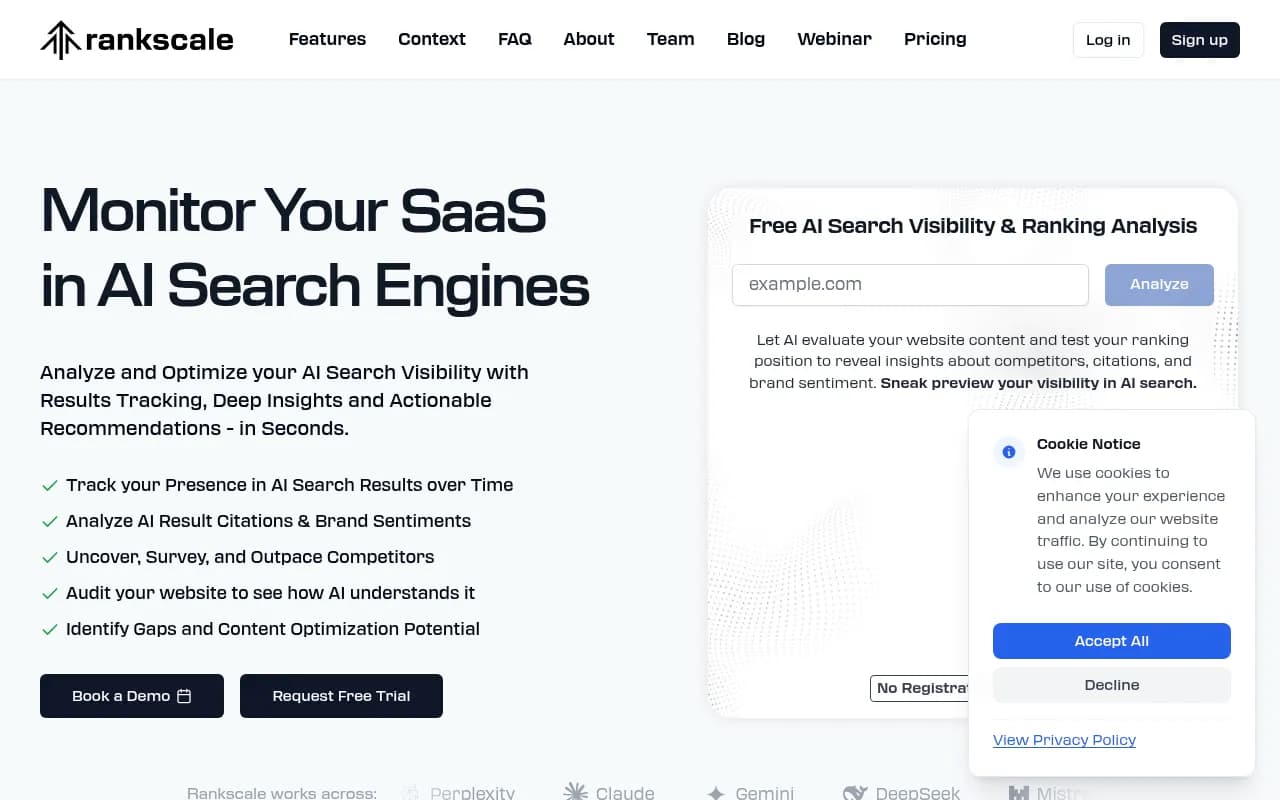
Rankscale is built specifically for agencies and includes multi-client management features that make it easier to handle a large roster.
For the reporting layer itself, the Porter Metrics YouTube channel has a solid 2.5-hour tutorial on Looker Studio that covers data blending, white-labeling, and scheduled delivery -- worth bookmarking if you're building these dashboards from scratch.
The reporting workflow that actually scales
Here's the end-to-end workflow that works for agencies managing multiple GEO clients:
- Set up the data pipeline once -- connect your AI visibility platform to Looker Studio via native connector or API + Sheets
- Build a master template -- one Looker Studio report template that you copy for each new client, then swap in their data source and branding
- Schedule automated delivery -- set up monthly email delivery to the client contact directly from Looker Studio
- Review before it goes out -- spend 15 minutes each month checking the automated report for anomalies before the scheduled send
- Use the gap data to drive content -- take the prompt gaps from the report and feed them into your content planning for the following month
The last step is where most agencies leave money on the table. The report shouldn't just document what happened -- it should drive what you do next. If your AI visibility platform has content generation capabilities (Promptwatch does, with an AI writing agent that generates articles based on citation data and prompt gaps), you can close the loop between reporting and execution in the same tool.
That's the difference between a reporting service and an optimization service -- and it's the difference between a client who sees GEO as a line item and one who sees it as a growth channel.