Summary
- AI visibility platforms track how brands appear in ChatGPT, Perplexity, Claude, and other LLMs -- a critical new channel as AI search usage soars
- Agencies need platforms that support multiple clients, white-label reporting, and separation between accounts
- The evaluation process should include trial testing with real client prompts, not just feature checklists
- Decision frameworks should weigh monitoring vs optimization capabilities, pricing models, and integration depth
- Most platforms fall into monitoring-only or full-stack categories -- understanding the difference saves time and money
AI search is rewriting the rules. ChatGPT usage is climbing, Google's AI Overviews appear in nearly half of all searches, and brands that don't show up in AI answers are losing visibility fast. For agencies managing multiple clients, this shift creates a new problem: how do you track and improve brand presence across 10+ AI models without drowning in dashboards?
The AI visibility platform market is crowded and confusing. Some tools just show you data. Others help you fix the gaps. Pricing ranges from $29/month to enterprise contracts with no public numbers. Features overlap but execution varies wildly. And most platforms weren't built for agencies -- they're single-brand tools trying to scale.
This guide walks through the agency-specific research process: where to find platforms, how to run trials that reveal real capabilities, and decision frameworks that match tools to your client mix and budget.
Where to find AI visibility platforms
Start with directories and comparison sites. These aggregate tools and surface options you might miss searching solo.
Comparison sites and roundups
Sites like Zapier, SE Visible, and Quattr publish "best of" lists that compare features, pricing, and use cases. These are useful starting points but read critically -- some are affiliate-heavy and favor tools with referral programs.
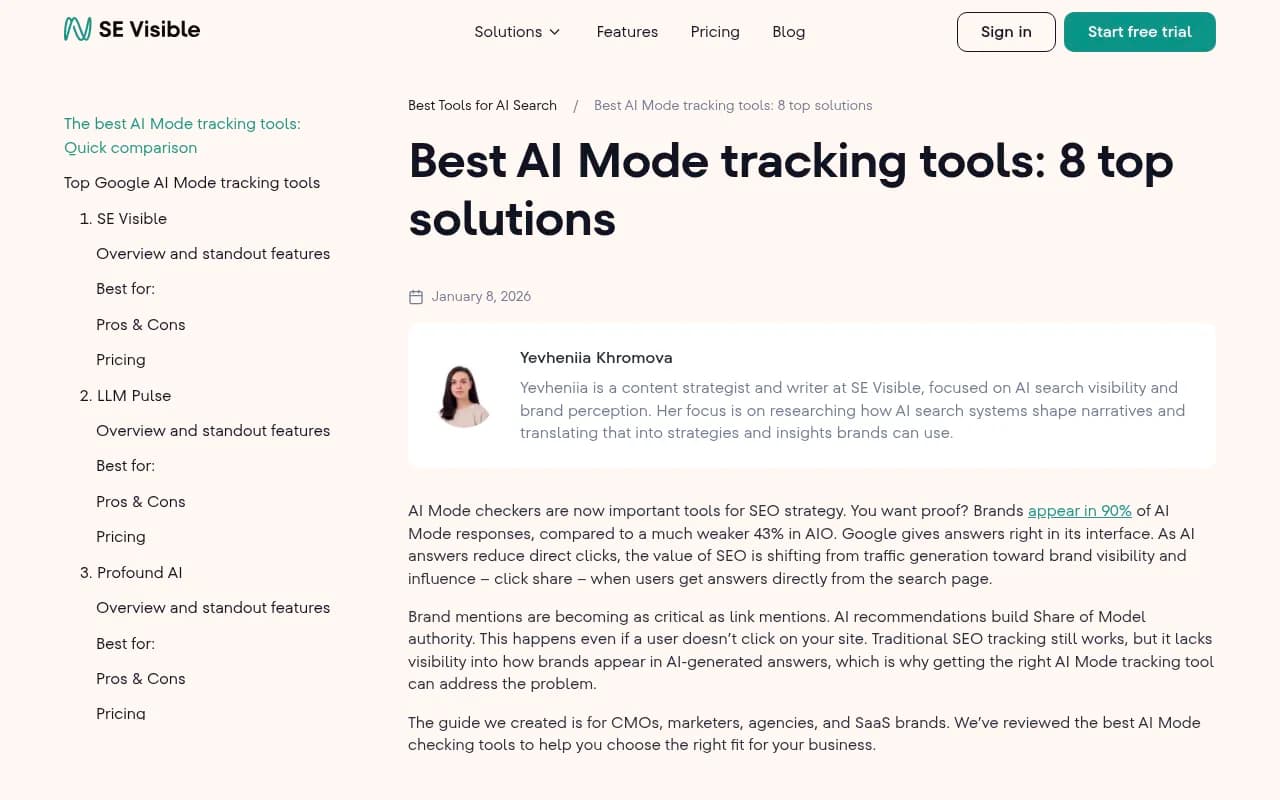
Zapier's list focuses on all-in-one platforms and affordability. SE Visible digs into AI Mode tracking specifically. Quattr highlights tools with content optimization features. Cross-reference multiple sources to spot patterns and outliers.
Product Hunt and launch platforms
New AI visibility tools launch weekly. Product Hunt surfaces these early. Filter by "AI" and "SEO" tags, sort by recent launches, and check upvotes and comments for signal. Early-stage tools often offer aggressive trial pricing to build user bases.
LinkedIn and Twitter
Follow GEO practitioners and agency owners. They share real experiences with tools, not marketing copy. Search "AI visibility platform" or "GEO tool" on LinkedIn and look for posts with engagement. Twitter threads often contain unfiltered takes on what works and what doesn't.
Direct outreach to tool vendors
Most platforms have agency-specific plans or custom pricing. Reach out directly and ask about multi-client support, white-label options, and volume discounts. Some vendors don't advertise agency features publicly but offer them on request.
Running effective trials
Free trials are standard but most agencies waste them. You get 7-14 days and spend the first week figuring out the interface. Then the trial ends before you've tested anything meaningful.
Here's a better process.
Define trial objectives before signing up
Pick 2-3 clients to test with. Choose a mix: one with strong existing visibility, one struggling, and one in a competitive vertical. Write down specific questions you need answered:
- Does the platform show accurate citation data for our clients?
- Can we separate client workspaces cleanly?
- Does the reporting export in a format we can white-label?
- How fast does the platform detect changes after we publish new content?
Objectives keep you focused. Without them you'll spend trial time exploring features you don't need.
Load real client data immediately
Don't test with dummy data. Add actual client domains, competitors, and prompts on day one. Most platforms let you import keyword lists or connect Google Search Console. Do this immediately so the platform has time to gather baseline data.
For prompt-based tools, use questions your clients actually get asked. Pull these from:
- Google Search Console queries
- Customer support tickets
- Sales call transcripts
- Reddit threads in your client's niche
Generic prompts like "best CRM software" tell you nothing. Specific prompts like "CRM for real estate teams under 10 people" reveal whether the platform tracks nuance.
Test the optimization workflow, not just monitoring
Most platforms show you where your client ranks. Fewer help you improve it. During the trial, test the full loop:
- Identify a gap (a prompt where your client doesn't appear but competitors do)
- Use the platform's suggestions to create or update content
- Track whether visibility improves
Some platforms like Promptwatch include built-in content generation tied to citation data. Others just flag the gap and leave you to figure out the fix. Test which workflow fits your team.

Document pain points in real time
Keep a running list of friction points as you use the platform. Things like:
- "Switching between client accounts takes 4 clicks"
- "Export button is buried in settings"
- "Competitor comparison only works for 3 brands at a time"
These small annoyances compound when you're managing 10+ clients. If something feels clunky during a trial, it'll be worse at scale.
Ask support hard questions
Every platform claims great support. Test it. Ask:
- How do you handle API rate limits if we're tracking 50+ clients?
- Can we get raw data exports for custom reporting?
- What happens if a client churns mid-contract?
Support responses during trials reveal how the vendor handles edge cases. Slow or vague answers are red flags.
Decision frameworks for agencies
Once you've tested 3-5 platforms, you need a structured way to compare them. Feature checklists don't work -- every tool claims to do everything. Instead, evaluate on dimensions that matter for agency operations.
Monitoring vs optimization capabilities
This is the biggest split in the market. Monitoring-only tools show you data. Optimization platforms help you act on it.
| Capability | Monitoring-only | Optimization platform |
|---|---|---|
| Track brand mentions | Yes | Yes |
| Identify content gaps | Limited | Yes |
| Generate content | No | Yes |
| Track AI crawler logs | Rare | Common |
| Prompt difficulty scoring | No | Yes |
| Page-level citation tracking | Basic | Detailed |
Monitoring tools are cheaper but leave you stuck after you see the data. You know your client ranks poorly for "best project management software" but the platform doesn't tell you why or how to fix it.
Optimization platforms close the loop. They show the gap, suggest content, and track results. Promptwatch is the clearest example -- it combines Answer Gap Analysis (shows missing content), AI content generation (creates articles grounded in citation data), and page-level tracking (measures improvement).
For agencies, optimization platforms reduce manual work. You're not just reporting problems to clients -- you're delivering solutions.
Multi-client architecture
Some platforms bolt on multi-client support as an afterthought. Others build it from the ground up. Test these specifics:
- Workspace separation: Can you switch between clients without logging out? Are permissions granular enough to give junior team members limited access?
- Reporting: Can you white-label exports with your agency branding? Do reports auto-generate or require manual assembly?
- Billing: Is pricing per client, per prompt, or flat? Hidden per-seat fees kill profitability.
Platforms like Profound and Peec AI market heavily to agencies and include features like pitch environments and brand configurations. But check whether these are real workflow improvements or just rebranded dashboards.

Profound

Pricing models and scalability
AI visibility platforms use wildly different pricing structures:
- Per-client pricing: You pay for each brand you track. Simple but expensive at scale.
- Prompt-based pricing: You pay for the number of prompts monitored. Works if you track a focused set of queries.
- Flat agency pricing: Unlimited clients for a fixed monthly fee. Rare but ideal for agencies with large portfolios.
- Usage-based pricing: Pay for API calls, content generation, or other consumption metrics. Unpredictable costs.
Calculate total cost at your target client count. A tool that's $99/month for one client becomes $990/month for ten. Some platforms offer volume discounts but you have to ask.
Also check contract terms. Annual commitments lock you in. Monthly plans give flexibility but cost more per month. If you're testing AI visibility as a new service line, start monthly.
Integration depth
Standalone platforms are fine if you're just starting. But as you scale, you'll want integrations with:
- Google Search Console: Pull keyword data automatically instead of manual CSV uploads
- Looker Studio / Tableau: Build custom dashboards that combine AI visibility with traditional SEO metrics
- Slack / Teams: Get alerts when a client's visibility drops or a competitor surges
- CMS platforms: Some tools can push optimized content directly to WordPress or other CMSs
Check whether integrations are native or require Zapier. Native integrations are faster and more reliable. Zapier adds another layer of potential failure.
LLM coverage
Not all platforms track the same AI models. Most cover ChatGPT, Perplexity, and Google AI Overviews. Fewer track Claude, Gemini, Grok, DeepSeek, or Mistral.
For B2B clients, ChatGPT and Perplexity matter most. For consumer brands, Google AI Overviews drive the most traffic. Match LLM coverage to your client mix.
Some platforms let you add custom LLMs or test against private models. This matters if you have clients in regulated industries using internal AI tools.
Comparison table: Agency-focused platforms
Here's a side-by-side look at platforms built for or marketed to agencies:
| Platform | Multi-client support | Content generation | Starting price | Best for |
|---|---|---|---|---|
| Promptwatch | Yes (unlimited) | Yes (AI writer) | $99/mo | Agencies wanting optimization, not just monitoring |
| Profound | Yes (brand configs) | Limited | $99/mo | Large agencies with enterprise clients |
| Peec AI | Yes | No | €89/mo | Simple dashboards and competitor benchmarks |
| Otterly.AI | Yes | No | $29/mo | Budget-conscious agencies focused on monitoring |
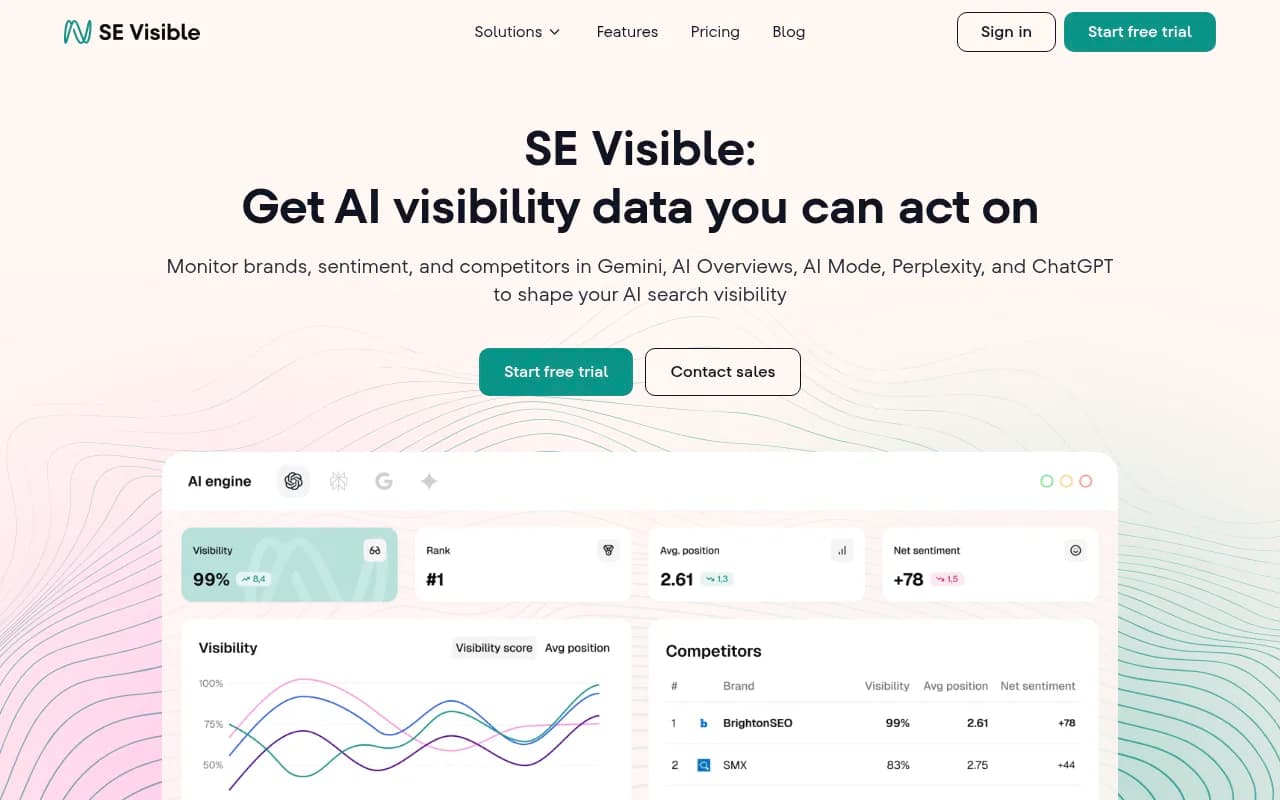
| SE Visible | Yes | No | $189/mo | Agencies already using SE Ranking |
| Semrush | Limited | No | Varies | Existing Semrush customers adding AI tracking |
Otterly.AI

Prompwatch stands out because it's the only platform that combines deep monitoring (crawler logs, citation analysis, prompt volumes) with built-in content creation. Most competitors make you export data, write content elsewhere, then come back to track results. Promptwatch closes that loop in one platform.
Red flags to watch for
Some platforms look good on paper but reveal problems during trials or after you sign up. Watch for:
Fixed prompt sets
Some tools only let you track a predefined list of prompts. You can't add custom queries or test niche angles. This kills flexibility. Your clients need tracking for their specific use cases, not generic industry prompts.
No page-level tracking
Platforms that only show domain-level visibility miss the story. You need to know which specific pages get cited, not just that your client's domain appears somewhere in the response. Page-level data tells you what content works so you can replicate it.
Slow data refresh
AI search results change constantly. Platforms that update once a week are useless. Daily updates are minimum. Real-time or on-demand tracking is better.
No traffic attribution
Visibility doesn't matter if it doesn't drive traffic. Platforms that can't connect AI citations to actual website visits leave you guessing about ROI. Look for tools with code snippet tracking, Google Search Console integration, or server log analysis.
Promptwatch includes all of these: custom prompts, page-level tracking, daily updates, and traffic attribution via code snippet or GSC integration.
Building your evaluation scorecard
Create a simple scorecard to compare platforms consistently. Weight criteria based on what matters most to your agency.
Example scorecard:
| Criteria | Weight | Platform A | Platform B | Platform C |
|---|---|---|---|---|
| Multi-client support | 20% | 8/10 | 6/10 | 9/10 |
| Content optimization | 25% | 9/10 | 4/10 | 7/10 |
| Pricing at scale | 15% | 6/10 | 8/10 | 7/10 |
| LLM coverage | 10% | 9/10 | 7/10 | 8/10 |
| Reporting/export | 10% | 7/10 | 9/10 | 6/10 |
| Integration depth | 10% | 5/10 | 8/10 | 7/10 |
| Support quality | 10% | 8/10 | 6/10 | 9/10 |
| Total score | 7.65 | 6.65 | 7.75 |
Adjust weights based on your priorities. If you're a small agency with 5 clients, pricing matters less than workflow efficiency. If you're managing 50+ clients, multi-client architecture and reporting become critical.
Common mistakes agencies make
Picking tools based on features, not workflows
A platform with 100 features is useless if the core workflow is clunky. Prioritize tools that make your daily tasks faster, not ones with the longest feature list.
Ignoring onboarding time
Some platforms take weeks to set up properly. If you're launching AI visibility as a new service, you need tools that onboard fast. Ask vendors for realistic timelines during trials.
Underestimating data volume
Tracking 10 clients with 50 prompts each generates 500 data points. Multiply by daily updates and you're looking at thousands of rows per week. Make sure the platform can handle this without slowing down or hitting usage caps.
Not testing with real client scenarios
Demo environments are polished. Real client data is messy. Test with actual domains, competitors, and prompts to see how the platform handles edge cases.
Wrapping up
AI visibility platforms are no longer optional for agencies. Clients expect you to track and improve their presence in ChatGPT, Perplexity, and other AI search engines. But the market is fragmented and most tools weren't built for agency workflows.
The research process comes down to three steps:
- Find platforms through directories, Product Hunt, and direct outreach
- Run focused trials with real client data and specific objectives
- Evaluate using a structured framework that weighs monitoring vs optimization, multi-client support, pricing, and integrations
Monitoring-only tools are cheaper but leave you stuck after you see the data. Optimization platforms like Promptwatch close the loop by showing gaps, generating content, and tracking results -- all in one workflow.
Start with 2-3 trials. Test the platforms that match your client mix and budget. Build a scorecard. Pick the one that makes your team faster, not the one with the most features.
AI search isn't going away. The agencies that figure out visibility tracking now will own this service line for the next decade.