Summary
- Declining crawl frequency from AI bots (ChatGPT, Claude, Perplexity) signals your content is losing relevance in their training and retrieval pipelines
- Increased error rates and timeout patterns indicate technical barriers preventing AI systems from indexing your pages
- Shallow crawl depth (bots only hitting homepage/top pages) means your internal linking and content structure aren't guiding AI crawlers to valuable content
- Stale last-modified timestamps correlate directly with citation loss—pages not updated quarterly are 3× more likely to drop from AI answers
- Missing or blocked AI-specific user agents (GPTBot, ClaudeBot, PerplexityBot) means you're invisible to the systems that generate citations
Your server logs contain early warning signals that your content is about to vanish from ChatGPT, Perplexity, Claude, and Google AI Overviews. Most brands don't notice until citations are already gone.
I've spent the last year analyzing crawler patterns across hundreds of sites, and the correlation is brutal: specific log patterns predict citation loss 2-4 weeks before it shows up in visibility tracking. The sites that catch these signals early can fix the problem. The ones that don't watch their traffic evaporate.
Why AI crawler logs matter more than you think
Traditional SEO taught us to obsess over Googlebot. That's still important, but it's no longer enough. AI search engines work differently—they crawl to build retrieval indexes, not just rank pages. When ChatGPT's GPTBot stops visiting your site regularly, you're not just losing rankings. You're losing the ability to be cited at all.
The retrieval layer is where most sites fail before they even get to compete for citations. LLMs need fresh, structured, consistently accessible content. If your crawler logs show warning signs, the models are already deprioritizing you.
Promptwatch tracks these patterns automatically with real-time AI crawler logs—you see exactly which pages GPTBot, ClaudeBot, PerplexityBot, and others are hitting, how often, and where they're encountering errors. Most competitors don't offer this at all.

Pattern 1: Declining crawl frequency
This is the first domino. When AI bots visit your site less often, it means their systems have downgraded your content's value.
What to look for:
- GPTBot visits dropping from daily to weekly or less
- Claude-Web or PerplexityBot showing up sporadically instead of consistently
- Overall AI crawler traffic declining month-over-month while Googlebot stays stable
Why it happens:
- Your content isn't being updated—AI systems prioritize fresh information
- Competitors are publishing more frequently on your topics
- Your pages lack the structured signals (schema, clear headings, citation blocks) that make content easy to extract
- You're not answering the specific questions users are prompting AI models with
What to do:
- Audit your update cadence. Pages not refreshed in 90+ days are at high risk.
- Add explicit freshness signals: "Updated February 2026: New data on AI citation patterns added."
- Implement citation blocks—40-60 word summaries at the start of each section that directly answer the question.
- Check your internal linking. AI crawlers follow links to discover content. If important pages are buried, they won't get crawled.
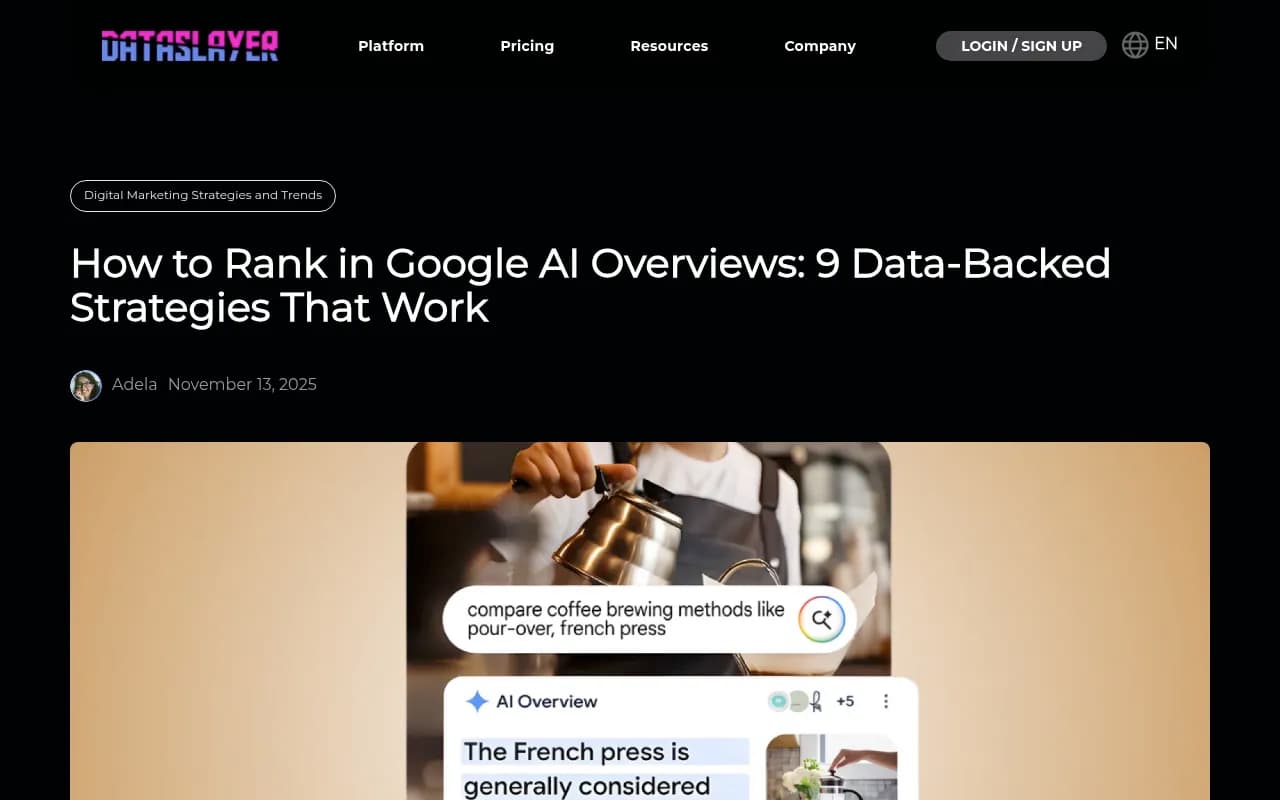
Research from AirOps shows pages not updated quarterly are 3× more likely to lose citations. The correlation is direct: stale content gets crawled less, which leads to fewer citations, which leads to even less crawling. It's a death spiral.
Pattern 2: Increased error rates and timeouts
AI crawlers are less forgiving than Googlebot. When they hit errors, they don't retry as aggressively—they just move on to a competitor's site.
What to look for:
- 4xx errors (404, 403) in AI crawler logs
- 5xx server errors when AI bots visit
- Timeout patterns—requests that take >5 seconds and get abandoned
- Redirect chains that AI crawlers give up on
Why it happens:
- Heavy JavaScript that doesn't render properly for AI bots
- Slow server response times under AI crawler load
- Aggressive rate limiting that blocks legitimate AI crawlers
- Broken internal links or outdated sitemaps
- Login walls or paywalls blocking content AI systems need to index
What to do:
- Monitor error rates specifically for AI user agents (GPTBot, ClaudeBot, etc.)
- Test your pages with JavaScript disabled—if content doesn't render, AI crawlers can't see it
- Implement server-side rendering or prerendering for critical content
- Whitelist known AI crawler IPs to prevent false-positive rate limiting
- Fix redirect chains—AI crawlers often stop after 2-3 redirects
- Ensure your robots.txt isn't blocking AI crawlers accidentally
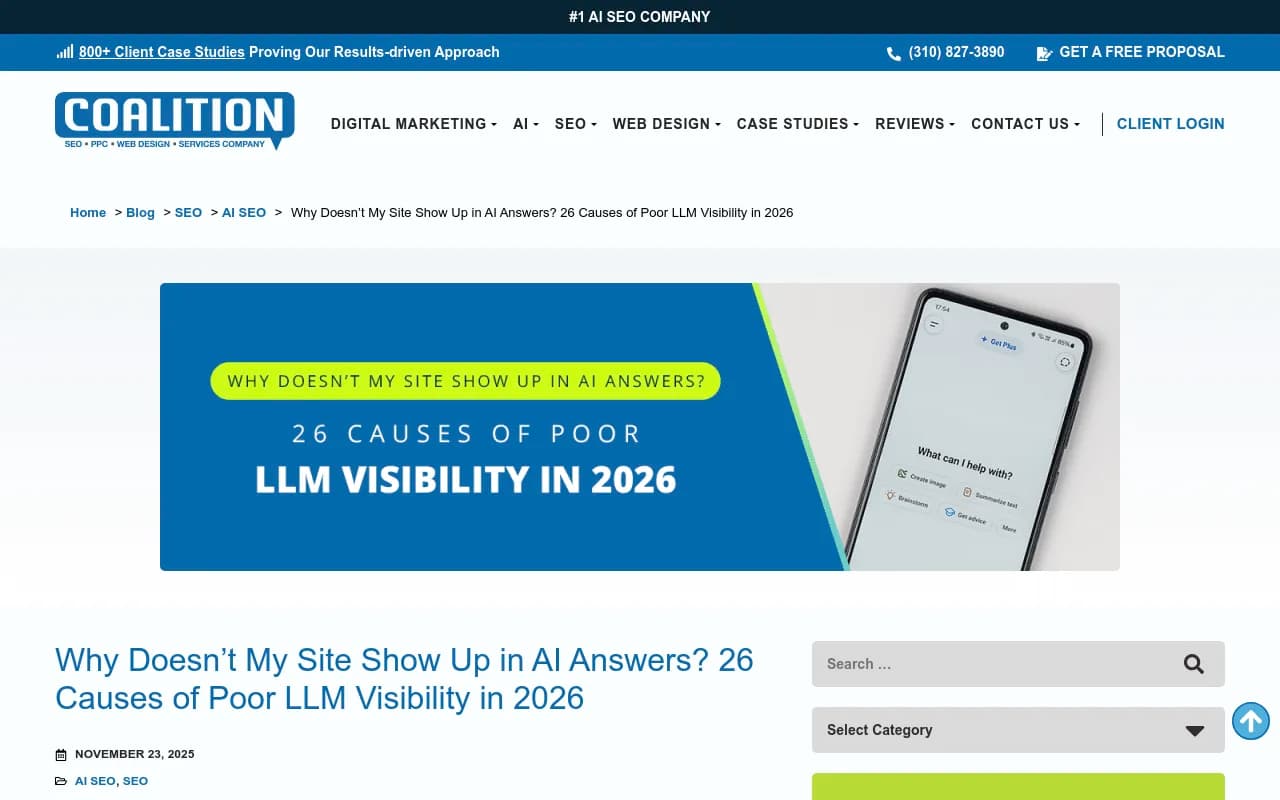
Technical crawl barriers are citation killers. Coalition Technologies research identified this as one of the top 26 reasons sites fail to appear in AI answers. If your logs show consistent errors for AI bots, you're already losing.
Pattern 3: Shallow crawl depth
AI crawlers hitting only your homepage and top-level pages means they're not discovering your best content.
What to look for:
- AI bots crawling <10% of your total pages
- Crawl activity concentrated on homepage, main category pages, and sitemap
- Deep content (guides, detailed product pages, comparison articles) not being accessed
- No crawl activity on recently published pages
Why it happens:
- Weak internal linking structure—important pages aren't linked from high-authority pages
- Missing or poorly structured XML sitemaps
- Lack of topical clustering—AI crawlers can't understand your content hierarchy
- No clear navigation paths to deep content
- Orphaned pages that aren't linked from anywhere
What to do:
- Build topic clusters with pillar pages linking to related content
- Add contextual internal links from high-traffic pages to deeper content
- Submit a clean, prioritized XML sitemap with lastmod dates
- Implement breadcrumb navigation with schema markup
- Create hub pages that organize content by topic and link to everything relevant
- Add "Related Articles" sections to guide crawlers through your content
Shallow crawl depth directly correlates with low citation rates. If AI systems aren't discovering your content, they can't cite it. This is where internal linking becomes a competitive advantage.
Pattern 4: Stale last-modified timestamps
AI systems use last-modified dates to prioritize fresh content. If your timestamps are old, you're signaling that your content is outdated.
What to look for:
- Last-modified headers showing dates >6 months old
- No updates to high-traffic pages in 90+ days
- Competitor pages with more recent timestamps outranking you
- AI crawler logs showing reduced frequency on pages with old timestamps
Why it happens:
- You're not refreshing content regularly
- Your CMS doesn't update last-modified dates when you make changes
- You're publishing new content but not updating existing pages
- You're ignoring seasonal or trending topics that need fresh takes
What to do:
- Set up a quarterly content refresh schedule for top-performing pages
- Update statistics, examples, and references to current year (2026)
- Add new sections addressing recent developments or questions
- Ensure your CMS correctly updates last-modified headers when you edit
- Use explicit date stamps in content: "Updated February 2026"
- Refresh meta descriptions and titles to reflect current year
Ocula Technologies research confirms that content freshness is critical for AI citation. Google's Freshness Update affects 6-10% of all searches, but for product and commercial queries, that number is far higher. AI systems amplify this—they want to cite the most current information available.
Pattern 5: Missing or blocked AI-specific user agents
If you're blocking AI crawlers in robots.txt or not seeing them in your logs at all, you're invisible to AI search.
What to look for:
- No GPTBot, ClaudeBot, PerplexityBot, or other AI crawler activity in logs
- Robots.txt rules blocking AI user agents
- Rate limiting triggering on AI crawler IPs
- CDN or firewall rules blocking AI bots
Why it happens:
- Overly aggressive robots.txt rules
- Security tools misidentifying AI crawlers as threats
- Rate limiting set too low for AI crawler behavior
- Lack of awareness about which AI user agents to allow
What to do:
- Audit your robots.txt—ensure you're not blocking AI crawlers
- Whitelist known AI crawler user agents: GPTBot, ClaudeBot, Claude-Web, PerplexityBot, Meta-ExternalAgent, Google-Extended
- Configure rate limiting to allow legitimate AI crawler traffic
- Monitor logs for new AI crawler user agents and adjust rules accordingly
- Test with curl or Postman using AI user agent strings to verify access
Websearchapi.ai's January 2026 report showed Meta-ExternalAgent traffic surged 36% while Googlebot share declined. AI crawler traffic is growing fast—if you're not seeing it in your logs, you're blocking it.
How to monitor AI crawler logs effectively
Most analytics tools don't break out AI crawler traffic. You need specialized monitoring.
Manual approach:
- Parse server logs for AI user agent strings
- Track crawl frequency, error rates, and pages accessed
- Compare month-over-month trends
- Correlate with citation tracking data
Automated approach:
- Use a platform like Promptwatch that provides real-time AI crawler logs with error tracking, frequency analysis, and page-level visibility
- Set up alerts for declining crawl frequency or increased error rates
- Monitor which pages AI crawlers are accessing vs. ignoring
- Track correlation between crawler activity and citation performance
Comparison: AI crawler monitoring tools
| Tool | AI crawler logs | Error tracking | Page-level detail | Citation correlation | Pricing |
|---|---|---|---|---|---|
| Promptwatch | Yes | Yes | Yes | Yes | From $99/mo |
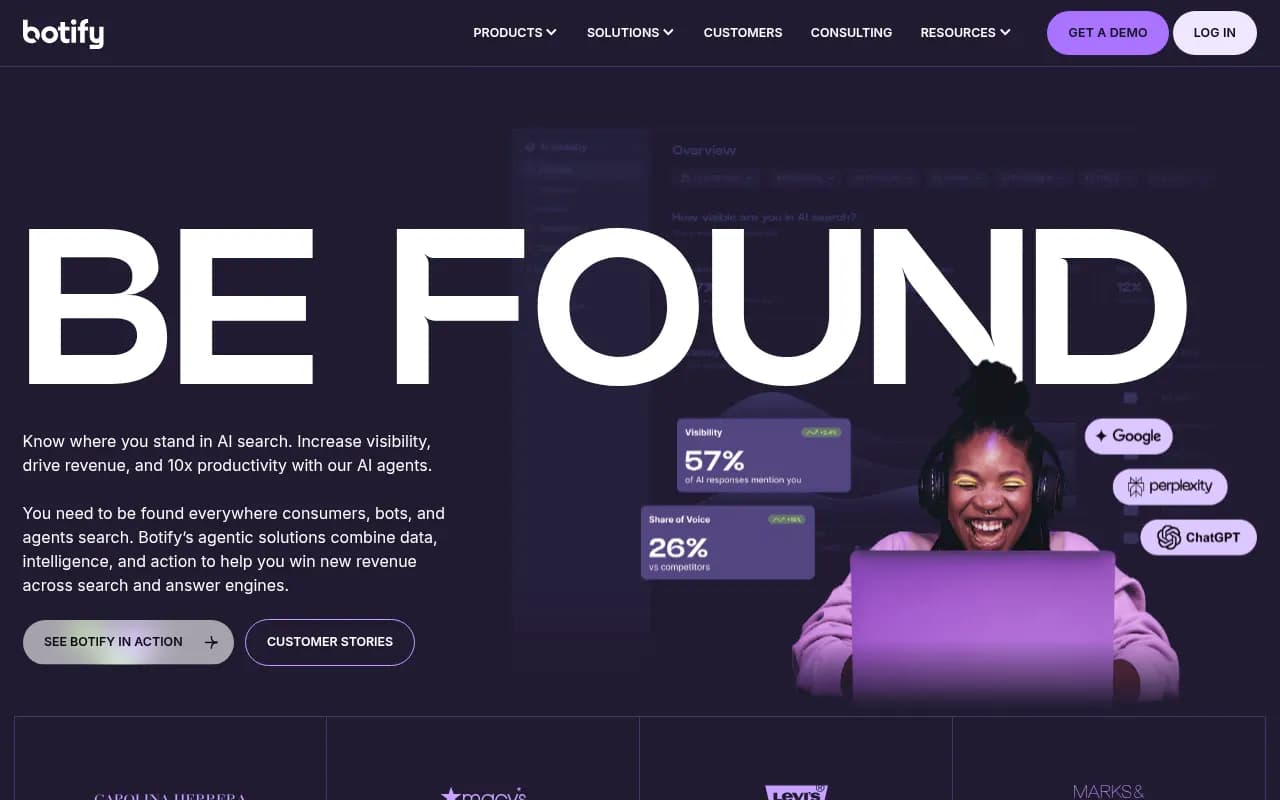
| Botify | Yes | Yes | Yes | Limited | Enterprise |
| Screaming Frog | No | No | No | No | From $259/yr |
| Google Search Console | No | No | No | No | Free |
| Semrush | No | No | No | No | From $139.95/mo |
Most SEO tools don't track AI crawlers at all. Traditional crawl analysis focuses on Googlebot. That's no longer enough.
What to do when you spot warning patterns
Seeing these patterns in your logs is the early warning system. Here's the action plan:
-
Prioritize high-value pages first. Focus on pages that drive traffic or conversions. Fix crawler issues there before worrying about low-priority content.
-
Implement citation blocks. Add 40-60 word summaries at the start of each major section that directly answer the question the section addresses. AI systems extract these for citations.
-
Refresh content quarterly. Update statistics, examples, timestamps, and add new sections. Make last-modified dates current.
-
Fix technical barriers immediately. Errors, timeouts, and blocks are citation killers. AI crawlers don't retry—they just leave.
-
Build internal linking paths. Guide AI crawlers from high-authority pages to deep content. Use contextual links, topic clusters, and hub pages.
-
Monitor and iterate. Track crawler activity weekly. Correlate with citation performance. Adjust based on what's working.
The sites winning in AI search right now are the ones treating crawler logs as a leading indicator, not a lagging one. They see the warning signs and fix problems before citations drop.
The bigger picture: retrieval beats generation
AI search isn't about tricking language models. It's about making your content easy to retrieve, extract, and cite. Crawler logs tell you whether you're succeeding.
When GPTBot stops visiting your site, when error rates climb, when crawl depth stays shallow—these are signals that your content isn't meeting the bar for AI retrieval systems. Fix the technical and structural issues, and citations follow.
Most brands are still focused on traditional SEO metrics. The ones paying attention to AI crawler patterns are building a durable advantage. They're visible in ChatGPT, Perplexity, Claude, and Google AI Overviews while competitors wonder why they're not showing up.
Your crawler logs are screaming warnings. The question is whether you're listening.