Key takeaways
- AI shopping visibility is how often, and how high, your products get recommended when shoppers ask ChatGPT or Google AI Mode what to buy. You track it by running a fixed set of buying prompts on a schedule and logging every product each AI names.
- Treat each AI surface as its own shelf. GrowByData found that over one week of running-shoe prompts (September 15 to 21, 2026), ChatGPT and Google AI Mode never once put the same product first on the same day.
- Shopify's built-in analytics only show the traffic that arrives. They say nothing about the times you were skipped. You need prompt tracking for that half of the picture.
- Product pages are the most cited content type in ChatGPT, at 22.4% of citations. Feed quality, schema, and presence on third-party review pages decide most of the outcome.
- Start with a small prompt set (20 to 50 buying questions), fix one market, and review weekly. Add paid tooling when you need competitors, history, and action lists.
Why Shopify merchants need a different kind of tracker
A normal rank tracker answers one question: where does my page sit for this keyword in Google? AI search doesn't work like that. A shopper asks "what's the best waterproof running shoe under $150?" and gets a short list of products with reasons. There is no page one. You're either in the answer or you aren't, and the answer changes by platform, by day, and sometimes by the shopper's location.
Shopify merchants have a particular blind spot here. Your admin shows sessions, orders, and referrers. If ChatGPT sends you a visitor, you can see it. If ChatGPT recommends three of your competitors and never mentions you, nothing in your dashboard changes at all. A Shopify Community thread on this exact problem has the honest summary from merchants: there isn't a single reliable native way to see AI visibility yet, so people stitch together referral reports, manual prompt checks, and a paid app or two.
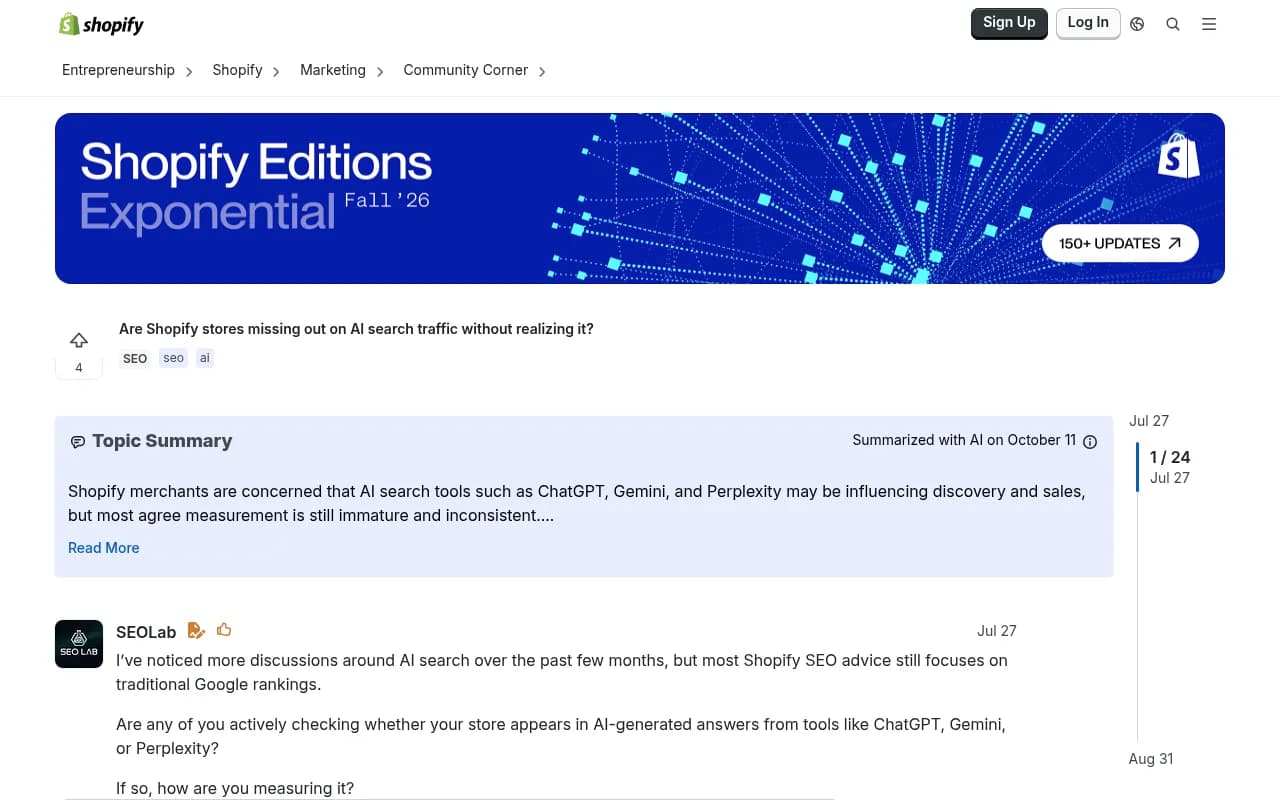
That thread is worth a skim, mostly to see how many store owners are in the same position. The rest of this guide is the practical version of what they're asking for.
What AI shopping visibility actually measures
Visibility is tracked at the product level. That matters for a store. A brand mention is nice, but a mention of your brand in a sentence about someone else's bestseller doesn't pay for ads or inventory. What you want to know is which models or SKUs win, and in which position.
GrowByData draws a useful line between product visibility (which products get recommended) and merchant visibility (which stores get named or linked). A single answer can include both, and they can diverge. You might be the merchant AI links to for a competitor's product, or the brand AI names without ever picking your best SKU.
A workable metric set for a Shopify store looks like this:
- Mention rate: the share of tracked prompts where your brand or a product of yours appears at all.
- Position: where you land in the list of recommended products. Earlier is better.
- Product-level wins: which SKUs get named, so you can tell whether one hero product is carrying the whole catalog.
- Competitor presence: who shows up when you don't.
- Cited sources: which pages the AI pulled from. This is the clue to why you are or aren't there.
- Referral traffic and conversions: what visibility actually sends you.
If you want formal definitions of mention rate versus citation, the citations vs mentions guide in the Promptwatch Academy is a clear reference.
Why the same prompt returns different products on every platform
This is the part that surprises most merchants. In GrowByData's sample, ChatGPT leaned on review sites and third-party pages (cited third-party pages on 118 of 159 placements), while Google AI Mode leaned on Google Shopping listings (Google Shopping product links on 71 of 130 AI Mode placements, versus 16 of 66 AI Overview placements). Different inputs, different winners.
The practical consequence: a single blended "AI visibility score" hides the story. You might be strong in AI Mode because your Merchant Center feed is clean, and invisible in ChatGPT because no review site or roundup mentions you. Or the reverse.
| Platform | What a brand can influence | What to check |
|---|---|---|
| Google AI Mode and AI Overviews | Product listing data in the Shopping Graph (Merchant Center feed) | Feed errors, price and availability accuracy, product identifiers |
| ChatGPT | Feed access through Shopify Catalog or a direct application, plus coverage in the review and retail pages it cites | Whether your products appear in the roundups and review pages it cites |
No platform has published a full ranking formula, so treat the table as the levers you can pull, not guarantees. Per GrowByData, if your product isn't in the pages ChatGPT cites, a clean feed alone won't put it first.
What the citation data says about where to focus
Promptwatch Data's report on ChatGPT citation share by content type (September 28 to October 4, 2026) is the most useful public benchmark for a store owner, because it shows which kinds of pages ChatGPT actually cites.
| Content type | Share of ChatGPT citations |
|---|---|
| Product pages | 22.4% |
| Landing pages | 16.8% |
| Listicles | 13.6% |
| How-to guides | 8.7% |
| Documentation | 7.5% |
| Comparisons | 5.9% |
| FAQ | 3.3% |
| Reviews | 1.7% |
A few things stand out. Product and landing pages together make up 39% of citations, which is good news: your own Shopify pages are in the game. For commercial prompts the skew is stronger. Product pages take 26.0%, landing pages 20.6%, listicles 15.0%, and comparisons 7.9%. Those four types are almost 70% of commercial citations.
Branded prompts (where the shopper already names you) look different. Reviews rise to 5.6%, FAQ to 4.8%, and social posts to 3.0%. So what shoppers read about you after they know your name is not the same material that gets you recommended in the first place.
The takeaway for Shopify: product pages need to be comparable (clear pricing, specs, who it's for), you want a presence in the "best of" roundups ChatGPT cites in your category, and review coverage on trusted sites matters more than the raw review count on your own domain.
One more data point worth knowing. Promptwatch's ChatGPT Shopping feature usage report found that ChatGPT attaches shopping features like product cards to only a low single-digit percentage of web-search responses overall, but trigger rates run far higher on commercial and transactional prompts. The rate also moves in steps, which Promptwatch reads as OpenAI actively tuning when cards appear. That is a strong reason to track on a schedule instead of checking once and calling it done. (The page itself is dated November 2025 while describing late-May behavior, so treat its exact dates with caution.)
How to build a tracking setup, step by step
1. Write your prompt set
Start with 20 to 50 prompts that mirror how your customers actually ask. Mix three types:
- Category prompts: "best linen bedding that doesn't wrinkle"
- Constraint prompts: "vegan leather backpack under $120 for travel"
- Comparison prompts: "[your brand] vs [competitor]"
Pull the wording from real sources: customer emails, support tickets, Search Console queries, and your own product reviews. Real phrasing beats clever phrasing every time.
2. Fix your market and device
Answers can reference the shopper's location, so lock the country (and city if you sell locally) before you compare week over week. If you ship to several countries, run separate prompt sets per market rather than mixing them.
3. Run each surface separately
Cover ChatGPT, Google AI Mode, Google AI Overviews, and Perplexity independently. Log, for each response: which products were named, their order, the source pages cited, and whether shopping cards appeared. Run the set on a schedule. Weekly is a reasonable floor for a small store; daily gives a steadier number because answers vary run to run.
4. Check the real interface, not just an API
Consumer-facing answers can differ from API outputs, particularly for shopping carousels and citations. If a tool only queries an API, treat its numbers as directional.
5. Pair visibility with traffic
Visibility without traffic data is half a story. In Shopify, you can check referrals directly. A tip circulating in the r/ecommerce community: search your traffic by referrer for "chatgpt.com / referral" to see how many visits came from ChatGPT. Do the same for perplexity.ai, gemini.google.com, and copilot.microsoft.com.
A caveat for late 2026: ChatGPT stopped sending a referrer on October 8, 2026, so untagged visits may land in Direct. If you control any links that ChatGPT surfaces, tag them with utm_source=chatgpt.com, and check your analytics tool for a setting that counts those tagged visits as ChatGPT traffic. Promptwatch's guide to attributing AI traffic walks through the options.
Tools for tracking AI visibility on Shopify
There are two broad groups: apps built for Shopify merchants, and general AI visibility platforms that work with any site. Which one fits depends on how many prompts you need, whether you want competitor data, and whether you want help fixing what you find.
Shopify-native option: Visibly AI
Visibly AI is a Shopify App Store listing from the developer Afluo. It tracks real shopping prompts on a schedule on ChatGPT and Gemini, reports an AI Visibility Score from 0 to 100, how often you're mentioned, which products get recommended, and who outranks you. It also ranks AEO recommendations by impact. The listing shows a free plan (tracking on ChatGPT) and a $79 per month tier, and a 5.0 rating from three reviews at the time of research. Three reviews is thin, so test it on your own prompts before trusting it.
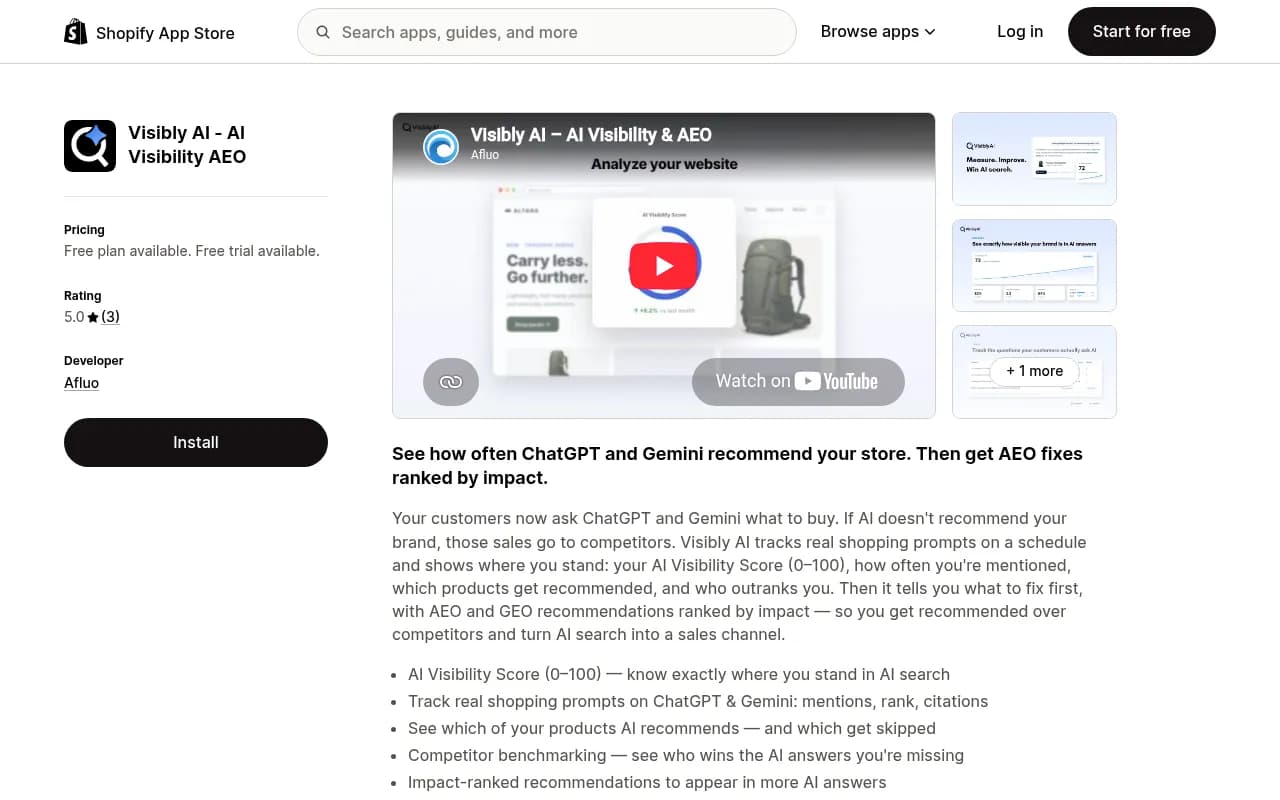
The appeal is simple: it installs from the admin and doesn't need a separate login or analytics setup. The tradeoff is coverage. It lists ChatGPT and Gemini, so if Google AI Mode, Perplexity, or Copilot matter for your category, check what's actually included on your plan.
Full platform: Promptwatch
For stores that want more than a score, Promptwatch is an AI search visibility and GEO platform that works with any storefront, Shopify included. It monitors the real interfaces of ChatGPT, Google AI Overviews, Google AI Mode, Gemini, Perplexity, Copilot, and others, and its ChatGPT Shopping tracking shows which products ChatGPT recommends and which competitors it picks instead. Beyond the monitoring, it helps with the fix: content gap analysis, a Content Agent that can publish through Webflow, WordPress, or Framer (note: not Shopify directly, so blog and guide content on Shopify gets copied over or published via the API), and IP-verified AI crawler logs so you can tell whether bots can even read your product pages.
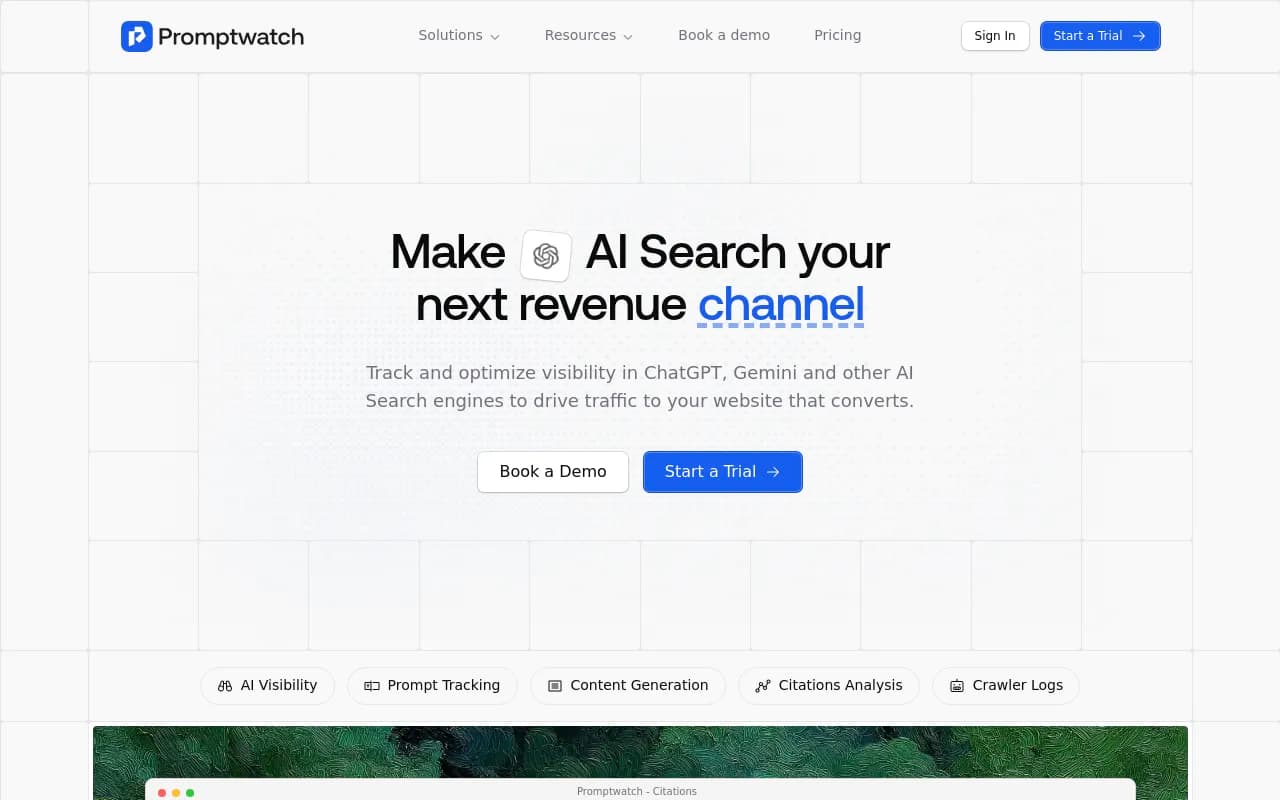
Pricing starts at $95 per month on Essential (50 prompts, daily tracking), with Professional at $245 and Business at $579, which adds ChatGPT Shopping insights, Ads Radar, and local targeting. Shopping insights need Business, so confirm current plans at promptwatch.com/pricing. There is a 7-day free trial on monthly billing, and a free AI visibility report you can run without logging in to see a first read on ChatGPT, Gemini, and Perplexity.
Other trackers worth a look
If you're comparing options, these are in our catalog:
Otterly.AI

Otterly.AI covers ChatGPT, Perplexity, and Google AI Overviews as a straightforward monitoring tool.
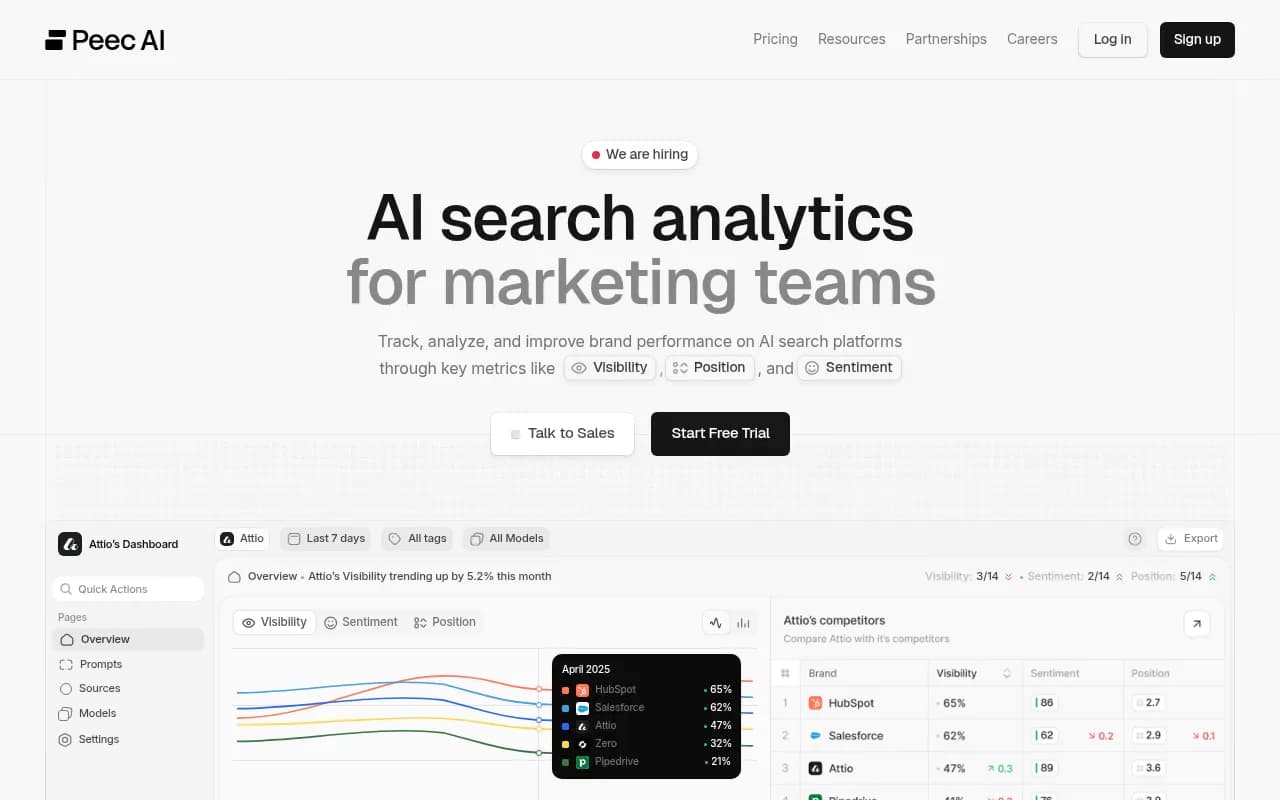
Peec AI tracks AI search visibility for marketing teams, again monitoring-focused.
Profound
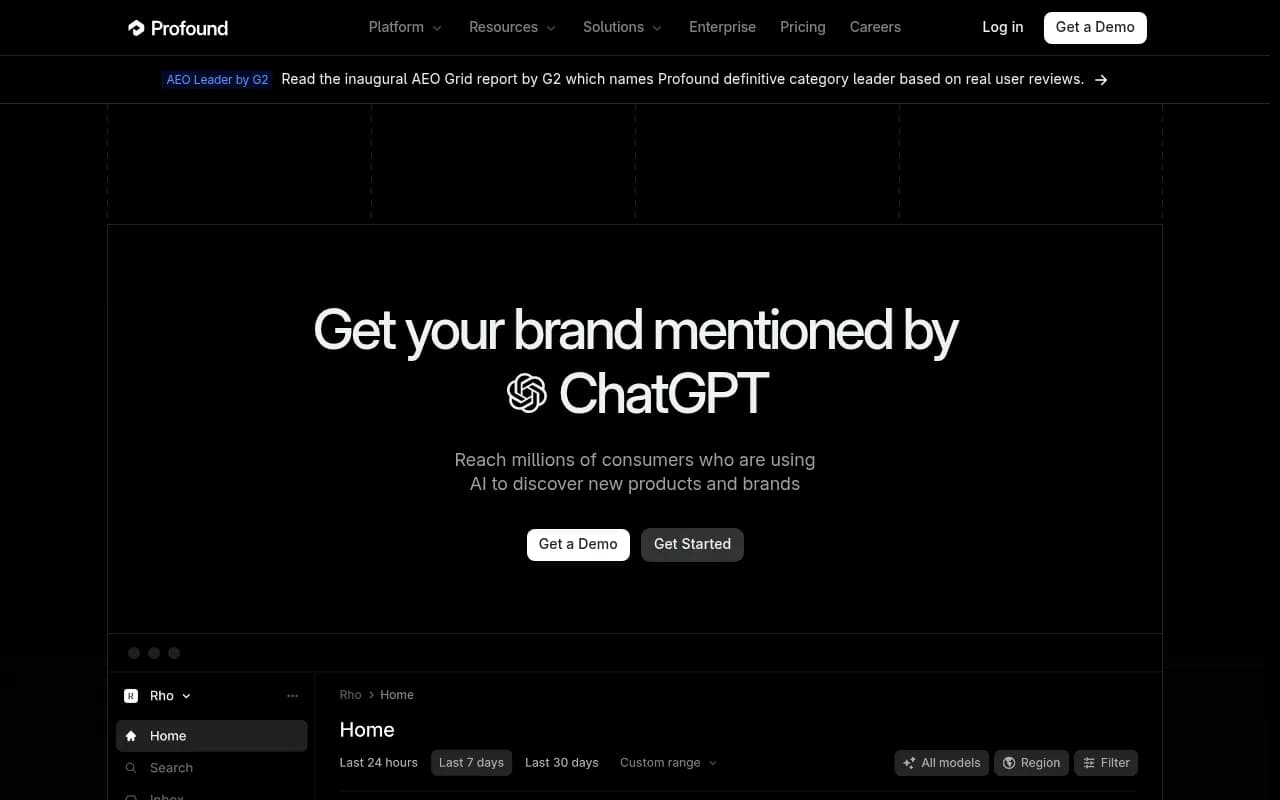
Profound is aimed at enterprise brands and priced to match.
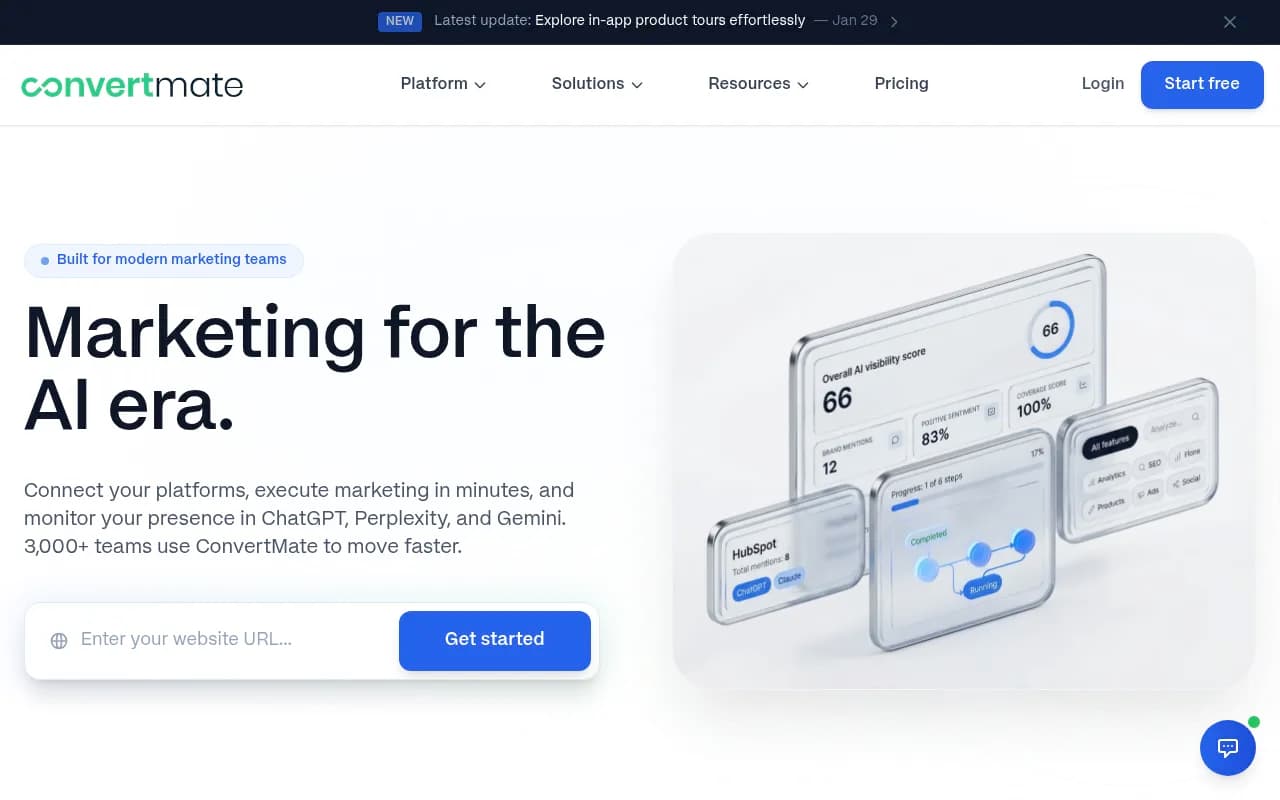
ConvertMate is an AI SEO platform aimed specifically at e-commerce stores, so it may suit merchants who want ecommerce content tooling alongside tracking.
For a wider list by category, the GEO software directory at bestgeosoftware.com and the AI rank tracking tools directory are good places to compare more options.
| Option | Best for | Surfaces covered | Fix and action support |
|---|---|---|---|
| Visibly AI | Small Shopify stores wanting an in-admin score | ChatGPT, Gemini | Ranked AEO recommendations |
| Promptwatch | Stores and agencies that want tracking plus content and crawler data | ChatGPT, AI Mode, AI Overviews, Gemini, Perplexity, Copilot and more | Action Board, Content Agent, crawler logs |
| Otterly.AI / Peec AI | Budget monitoring of brand mentions | ChatGPT, Perplexity, AI Overviews | Mostly monitoring |
| Manual checks plus Shopify referrals | Very small catalogs, first experiments | Whatever you test by hand | None |
The free, manual version
Before paying for anything, run a manual baseline. It takes an afternoon and teaches you more than the first month of a dashboard.
- Pick 15 buying prompts for your top category.
- Run each in ChatGPT and Google AI Mode in a fresh session, with the same location.
- Paste results into a spreadsheet: prompt, platform, products named in order, sources cited, cards shown (yes or no).
- Repeat the same sheet one week later.
The second week is where it gets interesting, because you will see the drift between runs. That drift is the argument for scheduled, automated tracking. A free tool like Google Search Console also helps here for finding the questions shoppers already use to reach you.
Fixing what you find
Tracking tells you where you are. These are the levers that tend to move it for Shopify stores, in rough priority order.
Feed and product data first
Product feed quality is the lever most practitioners point to first, because AI agents surface products from structured catalog data rather than page design. Complete the fields: accurate price, availability, GTINs, brand, and clear product titles. For Google, that means a healthy Merchant Center feed. For ChatGPT, it means feed access through Shopify Catalog or a direct application, per the OpenAI help center.
Product schema and clear page copy
Add complete Product schema (JSON-LD) with price, availability, and review data, and keep it in sync with what the page says. Write product copy that states who the product is for, the specs that matter, and the tradeoffs. Comparable pages are easier for AI to quote.
Let AI crawlers in
Check robots.txt and any bot protection. A store that blocks GPTBot, OAI-SearchBot, or Google's crawlers can't be cited from fresh content. Promptwatch's robots.txt generator for AI and AI crawler URL inspector are free ways to verify access.
Get into the pages AI already cites
This is the lever most stores skip. Run your category prompts, look at the sources ChatGPT cites, and see which roundups and review sites keep appearing. Then pursue inclusion there: product seeding, review requests, outreach to the authors. A clean feed won't compensate for absence from those pages.
Add FAQ and comparison content
FAQ pages and honest comparison pages are cited at lower rates than product pages, but they cover branded and consideration-stage prompts where reviews, FAQs, and social posts matter more.
A simple weekly routine
- Monday: review the prior week's mention rate and position by platform. Note any product that dropped out.
- Tuesday: check Shopify referral reports for AI sources, and compare to visibility changes.
- Midweek: pick one fix (a feed error, a product page rewrite, one outreach target) and ship it.
- Friday: rerun any prompts tied to that fix and record the result.
Keep a changelog. When visibility jumps, you want to know whether you caused it or whether the platform shifted. Promptwatch Data has documented abrupt platform-level changes, such as Reddit's share of ChatGPT citations falling from about 4% to 0.5% on August 14, 2026 (report), so not every move is yours.
Common mistakes
- Checking once and treating it as a result. Answers vary by run, by day, and by platform tuning.
- Using one blended score. Split by surface, or you will fix the wrong shelf.
- Tracking only your brand name. Branded prompts are the easy ones. The sales are in category and constraint prompts where you compete.
- Ignoring feed errors because the site looks fine. AI doesn't judge page design.
- Counting only referral traffic. Referrers are lossy, and zero clicks can still mean a recommendation that influenced a later direct visit.
Which setup should you pick
If you have under 50 SKUs and a tight budget, start with the manual spreadsheet plus Shopify referral reports, then try Visibly AI's free tier for a scheduled ChatGPT baseline. If you sell in several markets, have a larger catalog, or want to see competitors, cited sources, and crawler access in one place, a platform like Promptwatch fits better. If you run an agency managing several Shopify clients, look at agency plans instead of per-store pricing.
Whichever route you take, the discipline is the same: fixed prompts, fixed market, scheduled runs, one fix at a time. The merchants who get ahead in AI shopping results will be the ones with a log of what changed, not the ones with the fanciest dashboard.
If you want a deeper look at the traffic side, the Promptwatch Data hub publishes regularly updated research on what AI engines cite, which is a better baseline than guesswork.