Key takeaways
- Slack alerts only matter if they trigger an action. For a lean team, three or four alert types beat a firehose of notifications.
- Promptwatch supports Slack for chatting with your data and for scheduled briefings in channels, and it starts at $95/mo on the Essential plan. Confirm current pricing at promptwatch.com/pricing.
- Otterly.AI is the cheapest entry point at $29/mo, but its lowest tier has 15 prompts and 4 models, and no API or MCP access below the $189 tier (per Promptwatch's own August 2026 comparison page, which is vendor-authored, so verify on each vendor's site).
- I could not verify native Slack alert support for every tool in this guide. Check the integrations page of any tool before you pay, and keep Zapier or n8n in mind as a fallback if email is the only native channel.
- Alert on changes in your citation pickup, not on daily noise. AI answers move around a lot, and a good alert threshold is a trend, not a single day.
Why Slack matters more than a dashboard for a small team
Most startups I talk to have the same problem with AI visibility. They sign up, they look at the dashboard for two weeks, and then nobody opens it again. There is no marketing ops person whose job is to check it. There might not even be a marketing team, just a founder and a contractor.
Slack fixes that because it is where the team already lives. A weekly briefing dropped into a channel gets read. A login-only dashboard does not. The Rank Masters made the same argument in a guide updated in May 2026: AI visibility fails when it lives in a dashboard nobody checks, so you need a scheduled report that leadership reads plus near-real-time alerts routed to the right person. I agree with that framing, and the rest of this guide applies it to teams of one to five people.

That guide compares Profound, Peec, OtterlyAI, Conductor and Promptmonitor. It is worth reading for the weekly operating rhythm section, even though its tool list skews toward bigger teams.
What to alert on (and what to ignore)
The temptation is to alert on everything. Don't. AI answers are volatile by nature, and an alert that fires every morning trains your team to mute the channel within a week.
Promptwatch Data's Average Sources Per Response report, built on 26B+ analysed data points, shows how much the baselines differ by engine. ChatGPT cites about 5 sources per web-search answer and that average drifts with model and retrieval updates. Google AI Overviews cite about 10 sources and stay steady. Perplexity cites almost exactly 10 every day. Copilot swung from under 2 to nearly 17 sources before settling at the low end.
The practical lesson: Perplexity is the calmest engine to benchmark against, and Copilot is the noisiest. A drop in Copilot citations tells you very little. A drop in Perplexity citations tells you more.
For a lean team, I would set up these alerts and nothing else at first:
- A sustained fall in visibility for your top three prompts, measured over a week rather than a day.
- A competitor suddenly appearing in answers where you used to be alone.
- A negative sentiment shift or a new inaccurate claim about your product.
- A technical flag, such as AI crawlers hitting errors on your key pages.
Everything else belongs in a weekly digest, not a ping.
The shortlist
Here is how the tools stack up for a small team. Pricing comes from Promptwatch's August 2026 comparison page, which is vendor-authored, so treat it as a starting point and confirm on each vendor's pricing page.
| Tool | Entry price | Entry limits | Slack angle | Best for |
|---|---|---|---|---|
| Promptwatch | $95/mo (Essential) | 50 prompts, ~6,000 responses, all models, daily tracking | Slack integration for chatting with data and scheduled briefings in channels | Teams that want to act on gaps, not just watch them |
| Peec AI | $95/mo (Starter) | 50 prompts, 3 of 6 models, extra models $35/mo each | Not verified, check the vendor | Teams that want unlimited users and simple tracking |
| Otterly.AI | $29/mo (Lite) | 15 prompts, 4 models | Not verified, check the vendor | Solo founders testing the waters |
| Profound | $99/mo (Agency Growth) | 50 prompts, 1,500 responses | Covered in the Rank Masters guide | Agencies, not typical startups |
| Promptmonitor | Check vendor | Basic monitoring | Covered in the Rank Masters guide | Very basic needs |
I want to be upfront about the gap in that table. The research behind this guide confirmed pricing and tier limits but did not verify native Slack alert support for each competitor, and I did not walk through each tool's Slack setup. Where the table says "check the vendor", do exactly that before you commit.
Promptwatch: the one I would start with
Promptwatch is the tool 1001 SEO Media uses for its own AI visibility work, so I am not neutral here. But the reasoning is concrete for a small team.
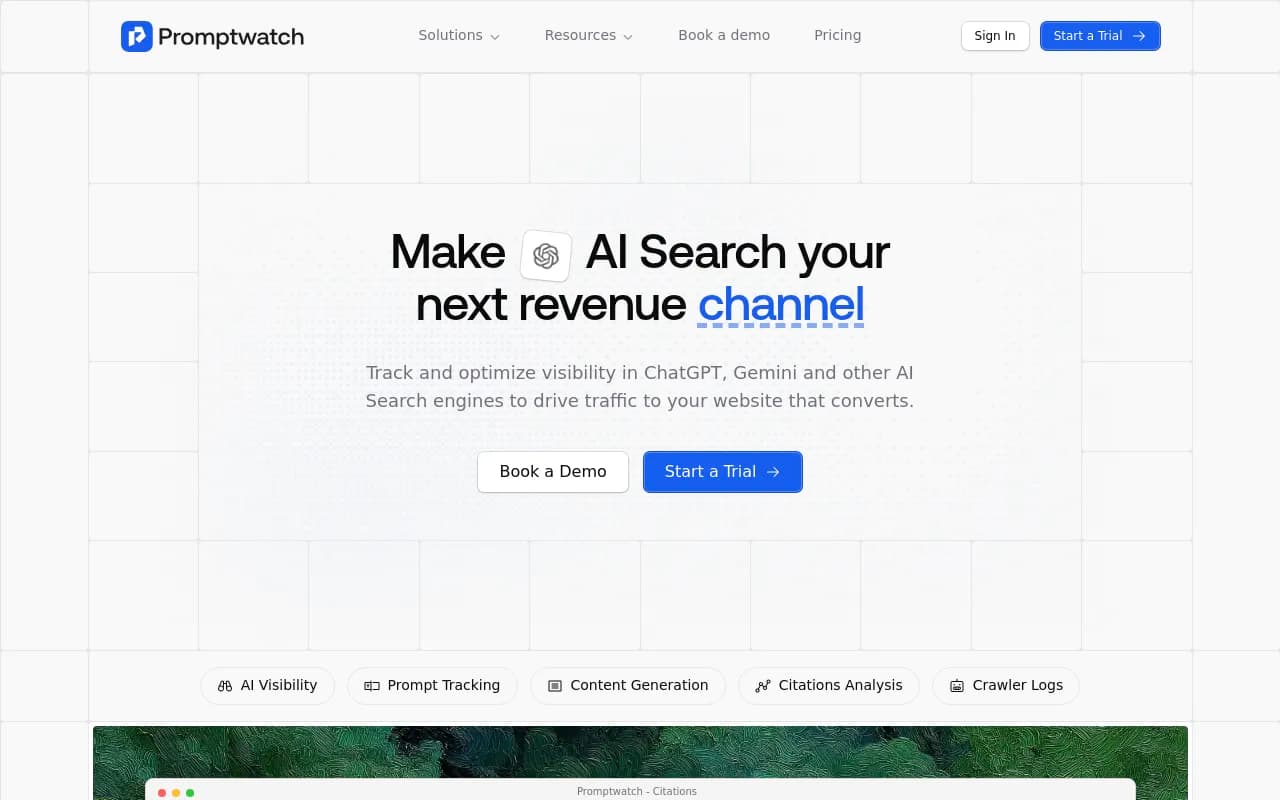
The Slack integration lets you chat with your data from a channel and get scheduled briefings delivered there. Agent Chat can run a 7-day GEO briefing, a competitor gap analysis or a citation research task on a schedule, and post it in Slack. For a team with no analyst, that is the closest thing to hiring one. Every brand plan includes 10 scheduled chats and 10 scheduled PDF reports, so you can have a Monday briefing in Slack and a monthly PDF for investors without paying extra.
The other half of the pitch is that the tool does not stop at telling you something is wrong. The Action Board gives you a prioritised to-do list, a Discovery agent investigates your data weekly and suggests up to five evidence-backed actions, and a digest email lands every Monday. On Business and above, the Content Agent writes and publishes pages to WordPress, Webflow or Framer. Then crawler logs, visitor analytics and Page Tracker check whether the fix worked.
That loop matters for a lean team because you do not have spare hours to translate a dashboard into tasks. Crisp, for example, scaled to 5-10 articles per day and saw 2x higher conversion from AI traffic, which is the kind of throughput a small team cannot reach by hand.
Pricing, so you can plan:
| Plan | Price | What a startup gets |
|---|---|---|
| Essential | $95/mo | 1 project, 50 prompts, 6,000 responses, daily tracking, 500 Agent Credits, 360 Insights |
| Professional | $245/mo | 2 projects, 150 prompts, 18,000 responses, 1,500 Agent Credits, 5 AEO articles, crawler logs |
| Business | $579/mo | 5 projects, 350 prompts, Content Agent, hourly tracking options, Fact Check, Ads Radar |
Every plan includes unlimited team seats, all AI models, Agent Chat, Brand Narrative, visitor analytics, site audits, and MCP and API access. Annual billing gives 12 months for the price of 10. Note one thing: Essential has no crawler logs and no AEO articles, so if you want to know whether AI bots can read your site, you need Professional. There is a 7-day free trial on monthly billing, and a free AI visibility report if you want to see a baseline before signing up. See current numbers at promptwatch.com/pricing.
One correction to a comparison point I have seen: Promptwatch's own Peec comparison says Peec includes unlimited users on every plan, while Promptwatch's older material limited users by tier. Current Promptwatch plans include unlimited team seats, so check the live pricing page rather than relying on either article.
Peec AI: simple and cheap, with trade-offs
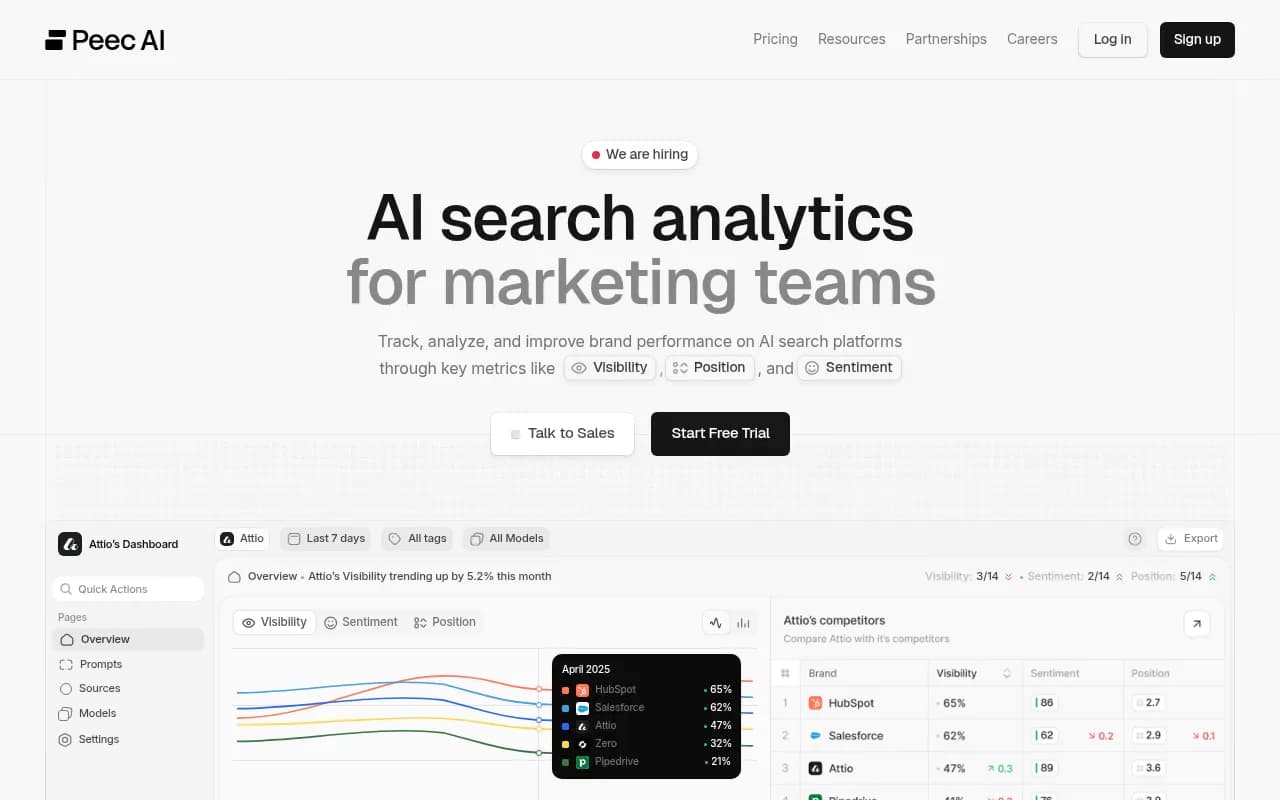
Peec AI's Starter plan costs the same $95/mo as Promptwatch Essential with 50 prompts, but you get 3 of 6 models, and extra models cost $35/mo each. Add three more models and you are at $200/mo before you have seen any extra capability. API access and SSO are Enterprise-only. Peec's higher tiers run $245 and then $495 versus Promptwatch's $579, so it is cheaper at the top end, but it is a tracker, without crawler logs, visitor analytics or content generation.
If your need is purely "tell me when we drop", it is a reasonable pick. If you want to close the loop, you will be exporting data and doing the work elsewhere. There is a head-to-head at Promptwatch vs Peec if you want the detail.
Otterly.AI: the budget starter
Otterly.AI

Otterly's Lite plan at $29/mo is the cheapest thing on this list. You get 15 prompts and 4 models. For a pre-seed team that wants to see whether anyone is mentioning them at all, that is a fine experiment. The catch is that there is no API, MCP or Agent Analytics below the $189 tier, which also limits how well you can wire alerts into Slack through automation.
Fifteen prompts is not a lot. Once you add a handful of brand prompts and a few competitor comparisons, you are out of room, and the true cost of staying with Otterly is the next tier up. Compare Promptwatch vs Otterly before you decide.
Profound, Promptmonitor and the rest
Profound
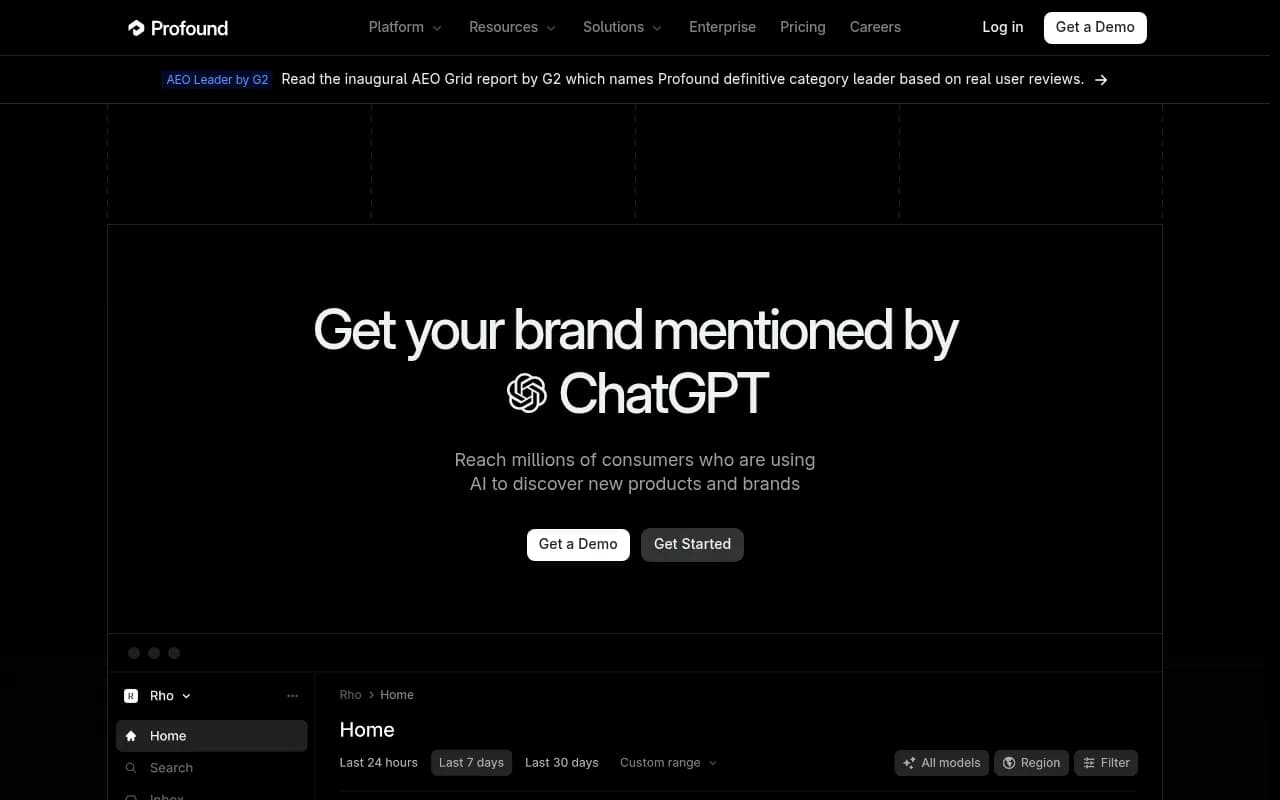
Profound is a strong monitoring platform, but it is aimed at agencies and enterprises. Its Agency Growth plan is $99/mo with 50 prompts and 1,500 responses, and Promptwatch's comparison notes that brand plans were removed in September 2026, with client workspaces costing $399 each and Enterprise custom. For a startup tracking one brand, that structure does not fit well.
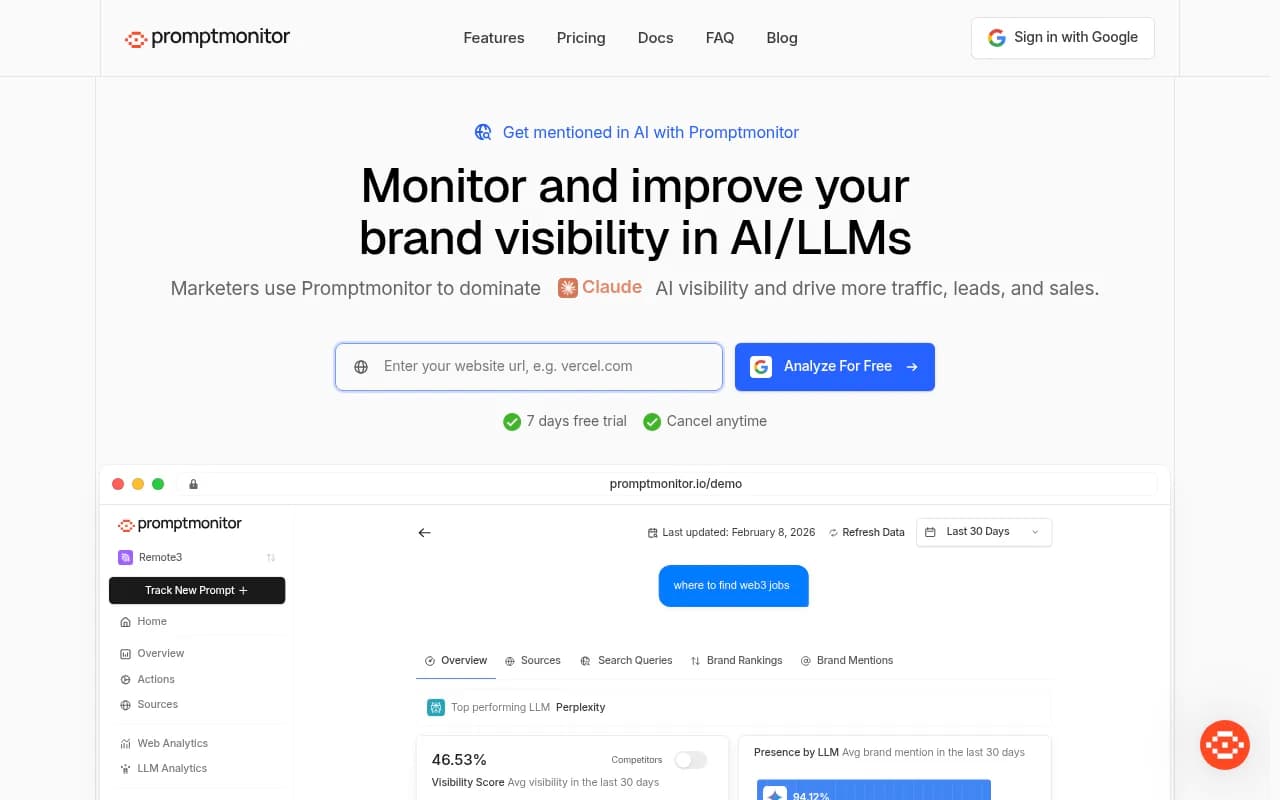
Promptmonitor shows up in the Rank Masters guide for its reporting and alerts, but in our catalog it is described as basic monitoring that is missing key features. It could work if you only want a light check. For a longer list of options, the GEO software directory at bestgeosoftware.com covers many more tools.
When native Slack alerts are not available: the Zapier route
If your chosen tool only sends email, you can still get alerts into Slack. Forward the scheduled report email into a channel, or use a connector.
Zapier can watch an inbox for a report or alert email and post it to a Slack channel. For more control, n8n is an open-source alternative that can call a tool's API on a schedule, compare today's number with last week's, and only post when the change crosses your threshold.
That last point is the one I would push on. Threshold logic is what turns a notification into a signal. If your tool exposes an API (Promptwatch's REST API v2 covers visibility, citations, sentiment and crawler analytics, and it includes a hosted MCP server), you can build a single "visibility dropped more than X over seven days" alert in an afternoon. If your tool has no API at your tier, you are limited to whatever the vendor's email digest offers.
A weekly routine that fits a team of three
Tools are only half of it. Here is the rhythm I would run.
Monday: read the briefing
A scheduled briefing lands in a Slack channel. One person spends 15 minutes on it. They look for three things: where visibility moved, which competitor gained, and whether any new claim about your product looks wrong.
Midweek: act on one thing
Pick exactly one action. A content gap, a page AI cannot crawl, a thread worth answering. The Action Board does the prioritising if you are on Promptwatch. On other tools you will be doing this by hand, which is fine, but be disciplined about picking one.
Friday: check the alert channel
If the alert channel was quiet, good. If it fired more than twice, your thresholds are too tight. Loosen them.
Monthly: look at traffic, not just mentions
Mentions are not revenue. Check whether AI-referred visitors arrive and convert. Note that ChatGPT stopped sending a referrer on October 8, 2026, so tagged links such as utm_source=chatgpt.com are now the reliable way to count that traffic. Promptwatch has a setting for this, and the Academy guide on attributing AI traffic explains the approach.
Things that waste a startup's money
- Buying a plan for prompt volume you will never review. Fifty well-chosen prompts beat 500 you ignore.
- Tracking every model from day one. Start with the engines your buyers use and expand.
- Alerting on daily swings. The data above on Copilot ranging from under 2 to nearly 17 sources shows why.
- Treating monitoring as the finish line. Seeing a gap and fixing it are different jobs, and the second one is where small teams stall.
If you are weighing whether to build this capability in-house or hand it off, an agency such as 1001 SEO Media handles AI search and GEO work for teams without the headcount, though most startups should first spend a month with a tool and a weekly routine to learn what matters.
Which one should you pick
| If you are... | Pick | Why |
|---|---|---|
| A solo founder testing demand | Otterly.AI Lite | $29/mo, enough to see if you appear at all |
| A two-to-five person team that wants alerts and action | Promptwatch Essential or Professional | Slack briefings, Action Board, unlimited seats, API and MCP |
| A team that only wants simple tracking | Peec AI Starter | Clean tracking at the same entry price, extra models cost more |
| An agency running client workspaces | Profound or Promptwatch agency plans | Built for multiple clients |
My honest take: if Slack is the whole point, verify the Slack feature in a trial before anything else. The Promptwatch 7-day trial is a quick way to test the briefing workflow, and you can start it here. For other categories of tools, the directory at surferstack.com is a decent next stop.
The short version: pick the cheapest tool that gives you a trend alert, route it into one Slack channel, and review it every Monday. That habit will outperform any feature list.