
Key takeaways
- AthenaHQ has not published how it collects responses. One reviewer (seoClarity) says it could not confirm API versus consumer interface collection from public materials. A LinkedIn review claims real browser tracking, but that is a secondary source.
- The AthenaHQ docs describe a Responses page where you can inspect raw answers. That is the best way to test the question yourself.
- Interface data and API data can differ, because an API call lacks the consumer system prompt and default browsing behavior.
- Promptwatch states openly that it monitors the real UIs of ChatGPT, Gemini, Perplexity, Google AI Overviews and others. Profound is described as using a headless browser on front-end interfaces.
- Whatever tool you pick, run the same prompts in a trial and compare the saved answers against what you see by hand.
Why this question matters
When a GEO tool tells you your brand showed up in 42% of ChatGPT answers, that number only means something if the answers it collected look like the ones real users get. There are two ways to collect them. One is the model API. The other is driving the actual consumer product (the ChatGPT web app, the Google AI Overview box, the Perplexity site) in a browser and recording what comes back.
The two are not the same thing. An API response lacks the consumer system prompt and the default web-browsing behavior, so it approximates what a user sees rather than mirroring it. Growthmethod makes this point in its roundup of AI visibility tools. Swydo adds the tradeoff: API collection is cheaper and steadier, which suits trend tracking, while interface collection is closer to what buyers see, which suits competitive reporting.
Promptwatch Data points to the same issue from the engine side. Citation behavior varies a lot by engine: Promptwatch's average sources per response data shows ChatGPT citing about 5 sources per web-search answer, while Google AI Overviews and Perplexity each cite about 10. That report dates from 2025, so treat the numbers as directional. The point is that each engine's real interface behaves differently, and a tool that skips the interface can miss that.
So what does AthenaHQ actually do?
Honest answer: I can't confirm it, and neither can most reviewers.
What the evidence says
- seoClarity writes that it could not confirm how AthenaHQ collects responses, through model APIs or consumer interfaces, in the public materials it reviewed.
- A LinkedIn article by Sanjay Singh says AthenaHQ uses real browser tracking instead of APIs. Rankscope also discusses real browser versus API responses in its AthenaHQ alternatives post. Both are secondary claims, and I could not tie them to an AthenaHQ primary source.
- Growthmethod says most startup trackers don't disclose collection methods at all.
- The AthenaHQ docs I looked at do not state API versus UI. The Responses page is described as the raw data engine, where you can browse, filter, export and drill into each collected response.
My read: the "real browser" claim is plausible but unverified. Until AthenaHQ says it in its own docs, treat it as an open question and ask the sales team directly. If a vendor won't answer in writing, that tells you something too.
What AthenaHQ does document
The docs, last modified in November 2026, list ChatGPT, Claude, Gemini, Perplexity, Copilot, Grok, DeepSeek and Muse Spark. The navigation also lists Shopping Insights (ChatGPT, AI Mode and Gemini carousels), Ads, a crawler page, Site Health, an API and Oracle. Third-party reviews put its paid Starter plan at $295/mo with 11 models, plus a free Essential tier (5 engines, 300 credits). Verify all of that on the live pricing page, since I did not.
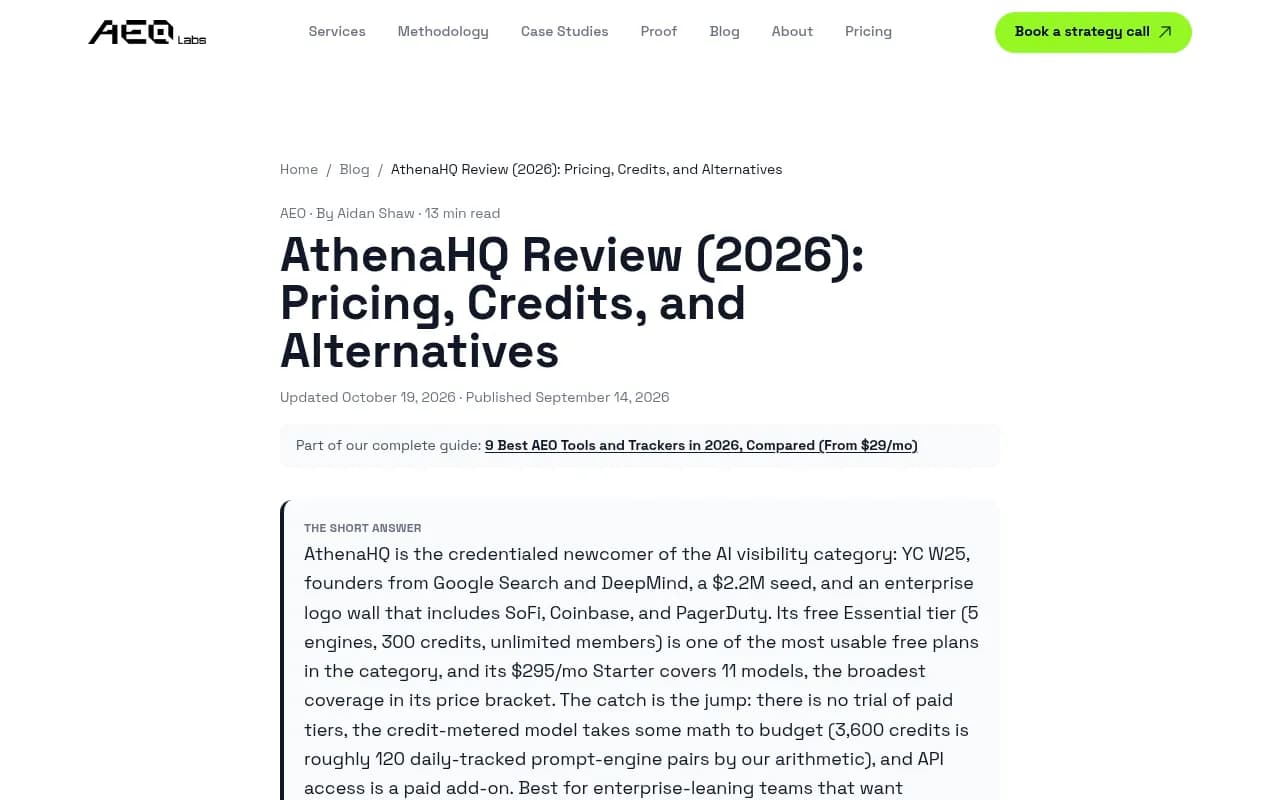
The credit model matters for budgeting. AEO Labs estimates one prompt tracked daily on one engine burns roughly 30 credits a month, so five engines is about 150 for a single prompt. That limits how many models you can realistically track every day.

API vs real interface: what changes in practice
| Factor | API collection | Real interface collection |
|---|---|---|
| Closeness to what users see | Approximation | Closest match |
| System prompt and browsing defaults | Missing | Included |
| Cost to the vendor | Lower | Higher |
| Stability over time | Steadier | Can break when the UI changes |
| Best for | Trend tracking, training-data view | Competitive reporting, citation analysis |
Neither is wrong. API models are useful for seeing what a model believes from training data. But if the question is what a buyer sees in ChatGPT Search or AI Overviews today, the interface is the better source.
Don't forget that answers are noisy
Even perfect interface collection gives you a moving target. A SparkToro and Gumshoe.ai study had 600 volunteers run 12 prompts 2,961 times across ChatGPT, Claude and Google AI. Fewer than 1 in 100 runs returned the same brand list, and fewer than 1 in 1,000 returned the same list in the same order. A stable group of brands did recur, though.
Swydo's advice follows from that: report visibility rates across many runs ("appeared in 42% of 300 answers"), not single positions. Any tool you use should give you repeated runs and let you read the underlying responses.
How the alternatives describe their collection
| Tool | Collection method as publicly described | Notes |
|---|---|---|
| AthenaHQ | Not confirmed in public materials | Real browser tracking claimed by a third-party review; raw responses viewable in-app |
| Promptwatch | Real UI monitoring of ChatGPT, Gemini, Perplexity, AI Overviews, Claude and others | States it scrapes LLM interfaces and collects 100M+ data points per day |
| Profound | Headless browser on each engine's front end, per Swydo | Also references panel and clickstream data |
| SE Ranking | Claims 25.5M+ prompts across 5 engines, refreshed monthly | Per Growthmethod |
| Peec AI | Check vendor docs | Verify in trial |
| Otterly.AI | Check vendor docs | Verify in trial |
I have marked Peec and Otterly as unverified because the research I have does not state their methods. Ask them.
Promptwatch
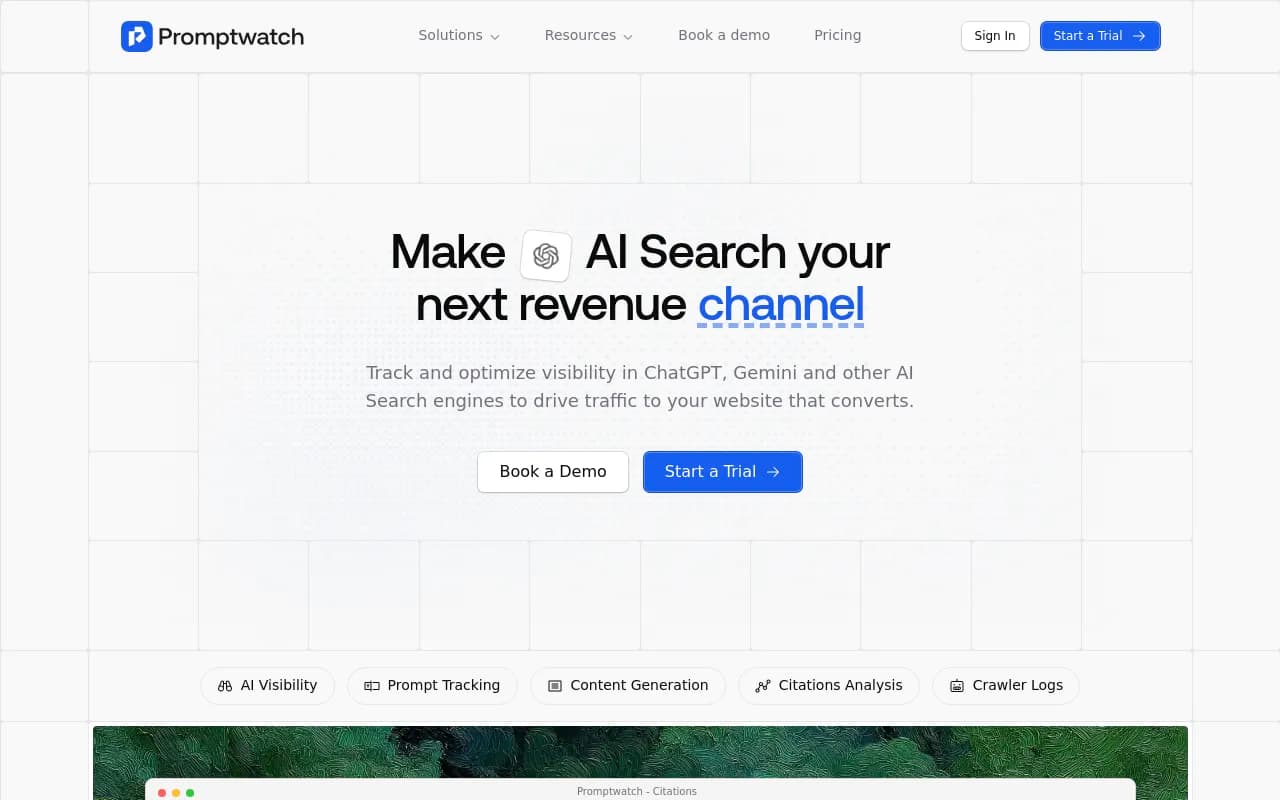
Promptwatch is the one that is most explicit here. It monitors the real interfaces of ChatGPT, Google AI Overviews, Google AI Mode, Gemini, Perplexity, Copilot, Amazon Alexa and Meta AI in each country and language, and tracks API models such as Claude, DeepSeek, Mistral and Grok alongside to show what models believe from training data. Perplexity tracking runs with account memory and search-history personalization off, so earlier sessions don't shape recorded answers. Its data-collection explainer walks through the method.
Beyond tracking, it traces which pages get cited, logs AI crawler visits, measures AI-referred traffic, and has a Content Agent that writes and publishes pages to fill gaps. Most competitors stop at monitoring. If you want to compare it directly, see Promptwatch vs AthenaHQ. Pricing starts at $95/mo for Essential, with a 7-day free trial on monthly billing; confirm current numbers at promptwatch.com/pricing.
Profound
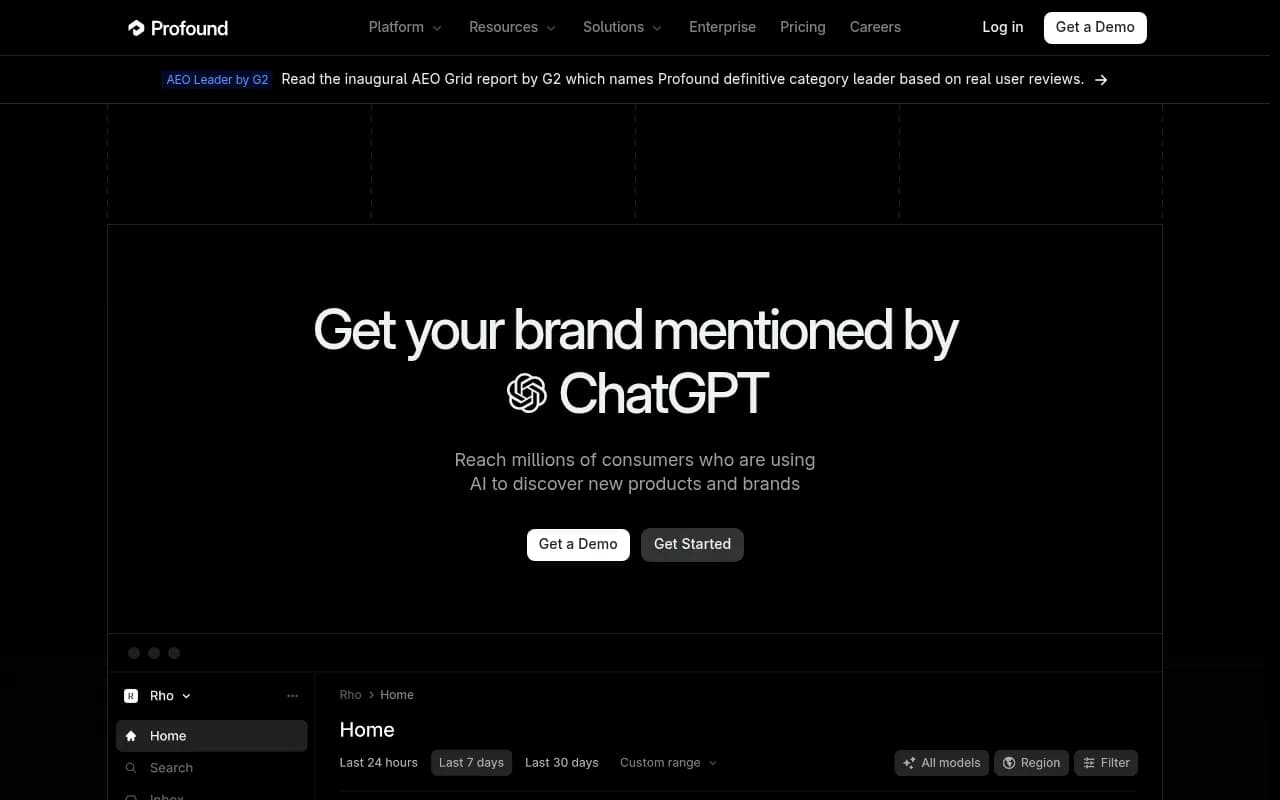
Swydo says Profound runs prompts daily through each engine's front-end interface in a headless browser rather than through APIs. It is a strong monitoring product, though it sits at higher price points. See Promptwatch vs Profound for a side-by-side.
Profound
Peec AI and Otterly.AI
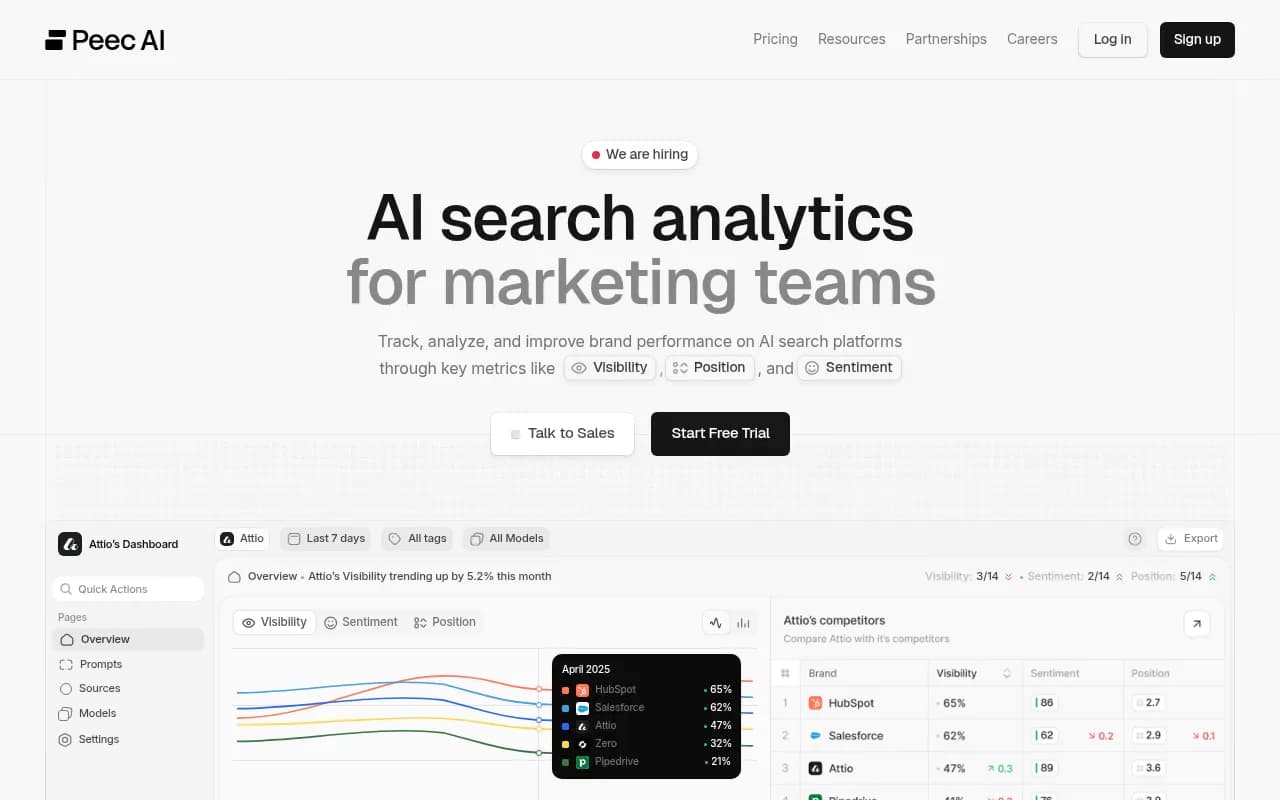
Both are cheaper entry points. AEO Labs positions Otterly at $29/mo and Peec at $95/mo as better starting places for SMBs than AthenaHQ's $295. Neither description I have confirms collection method, so test them the same way as everything else.
Otterly.AI

Others worth a look
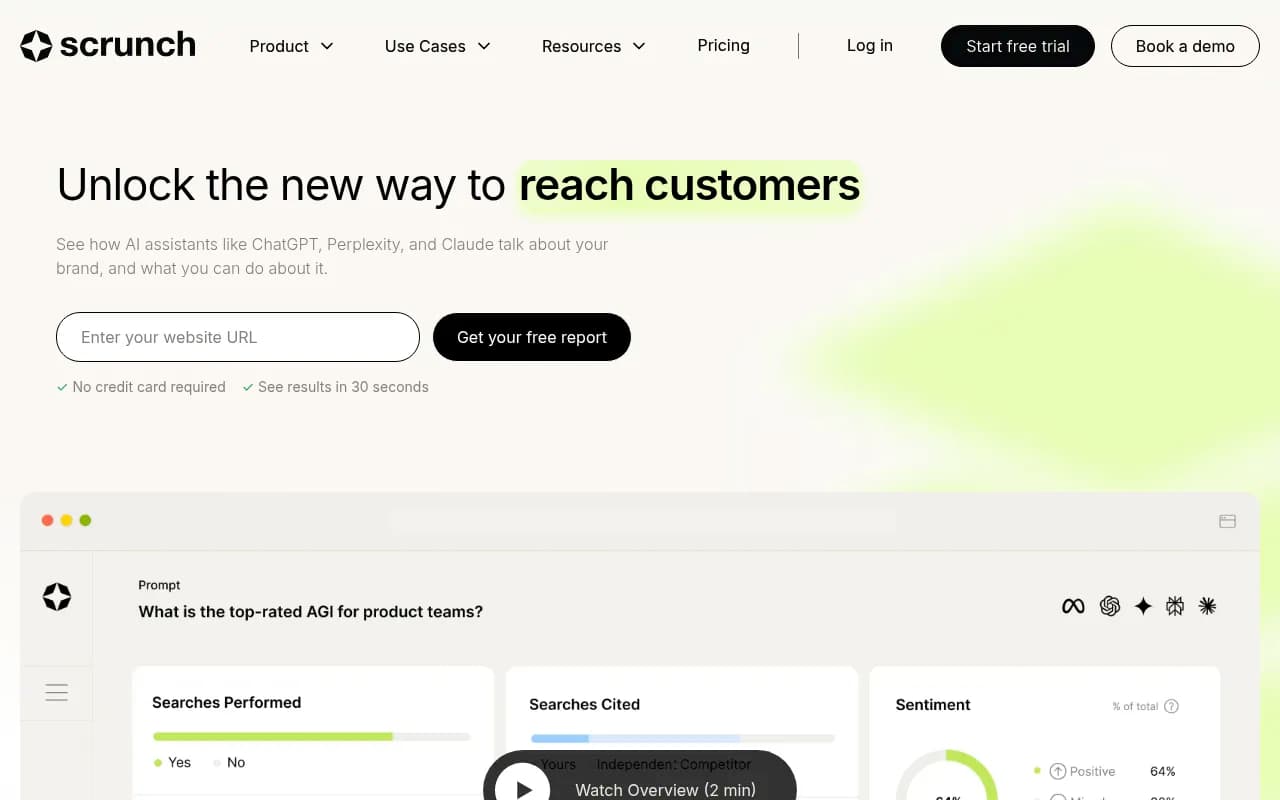
If you are building a shortlist, the GEO software directory at bestgeosoftware.com lists many more trackers, including Scrunch, Rankshift and Qwairy.
A trial plan that settles the question
Because vendors rarely document this, test it. A few steps drawn from the reviewers' advice:
- Pick one stable set of ten buyer prompts and keep it identical across tools.
- Record the settings: model, country, language and refresh cadence.
- Open the raw responses in each tool (in AthenaHQ, the Responses page).
- Run the same prompt yourself in the real ChatGPT or Google interface, in the same country, and compare citations and brand lists.
- Check whether the dashboard separates a mention, a recommendation and a cited source.
- Ask the vendor in writing how responses are collected and how often.
- Total the real cost, including credits, API add-ons and exports.
One catch: AthenaHQ has no trial of paid tiers according to AEO Labs, so use the free Essential plan (five engines, small prompt set) and keep your test inside it. Claude is not one of the five engines on the free tier.
Which should you pick?
- You care most about interface-accurate data and want fixes, not just reports: Promptwatch.
- You want breadth of models and revenue attribution through Shopify, Webflow and Google Analytics, and can stomach credit math: AthenaHQ, after you confirm collection method.
- You are an SMB on a tight budget: Otterly or Peec, after checking how they collect.
- You are enterprise and want panel and clickstream data: look at Profound.
AthenaHQ is polished and its dashboard is widely described as intuitive. The gap is transparency. Until the company states its collection method in its own docs, the "real interface data" claim stays unproven, and you should decide with your own trial rather than a review.
FAQ
Does AthenaHQ use real interface data?
Unconfirmed. One third-party article says it uses real browser tracking, while seoClarity could not confirm API versus interface from public materials. Ask AthenaHQ for a written answer.
Is API data bad?
No. It is cheaper and steadier, and it shows what a model knows from training. It just approximates a consumer answer rather than reproducing it.
How can I verify any tool's data?
Run the same prompts manually in the real interface and compare against the tool's saved responses, in the same country and language. Repeat across many runs, since answers vary.