
Key takeaways
- Searchable is a decent AI visibility platform with built-in content generation, but if you want to build custom agent workflows on top of your visibility data, the quality of the API and MCP server matters more than the dashboard.
- Promptwatch has the broadest programmatic surface in the category: a hosted MCP server with 110+ read and write tools, REST API v2, and a ChatGPT plugin and Claude Connector.
- Some competitors reserve API access for agency or enterprise plans (Scrunch is one example), so check plan gating before you commit.
- MCP is not the only way to wire tools to agents. Webhooks, plain REST calls, and workflow tools like n8n and Zapier are often lighter and safer.
- Treat MCP servers like any other code you run: a March 2025 Equixly assessment found command injection flaws in 43% of the MCP implementations it tested.
Why people look for Searchable alternatives when they need automation
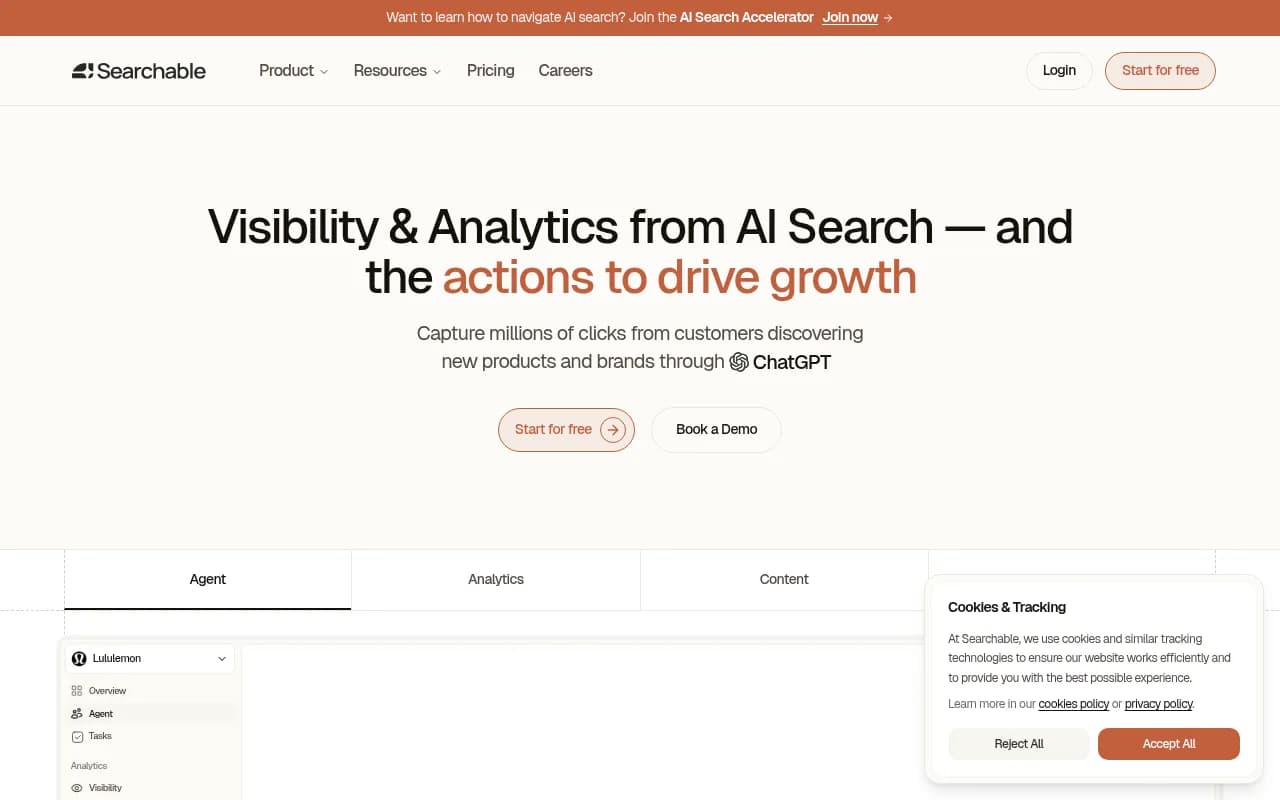
Searchable sells itself as an AI search visibility platform with content generation built in. For a marketer who wants a dashboard and a content queue, that can be enough. The friction shows up when someone on the team says, "Can we pull this into our own agent?" or "Can Claude just answer questions about our visibility data?"
That is a different buying question. You are no longer evaluating charts. You are evaluating:
- Is there a documented API, and which plans include it?
- Is there an MCP server, and does it only read data or can it also change things?
- How are requests rate limited?
- Can you authenticate with scoped keys, or is it all-or-nothing?
- Does the data you can pull include the stuff you actually need (responses, citations, crawler data, traffic), or just a summary score?
I would rather you ask those questions before signing up than after. Plenty of tools in this space bolt an export button onto a dashboard and call it an API.
MCP, REST API, or webhook: pick the right plumbing first
Before comparing vendors, it helps to be honest about what MCP is for. The Model Context Protocol, introduced by Anthropic in November 2024, standardizes how AI agents connect to tools. Microsoft, OpenAI, and Google adopted it, so most agent clients can talk to an MCP server now.
That does not make it the right choice for every job.
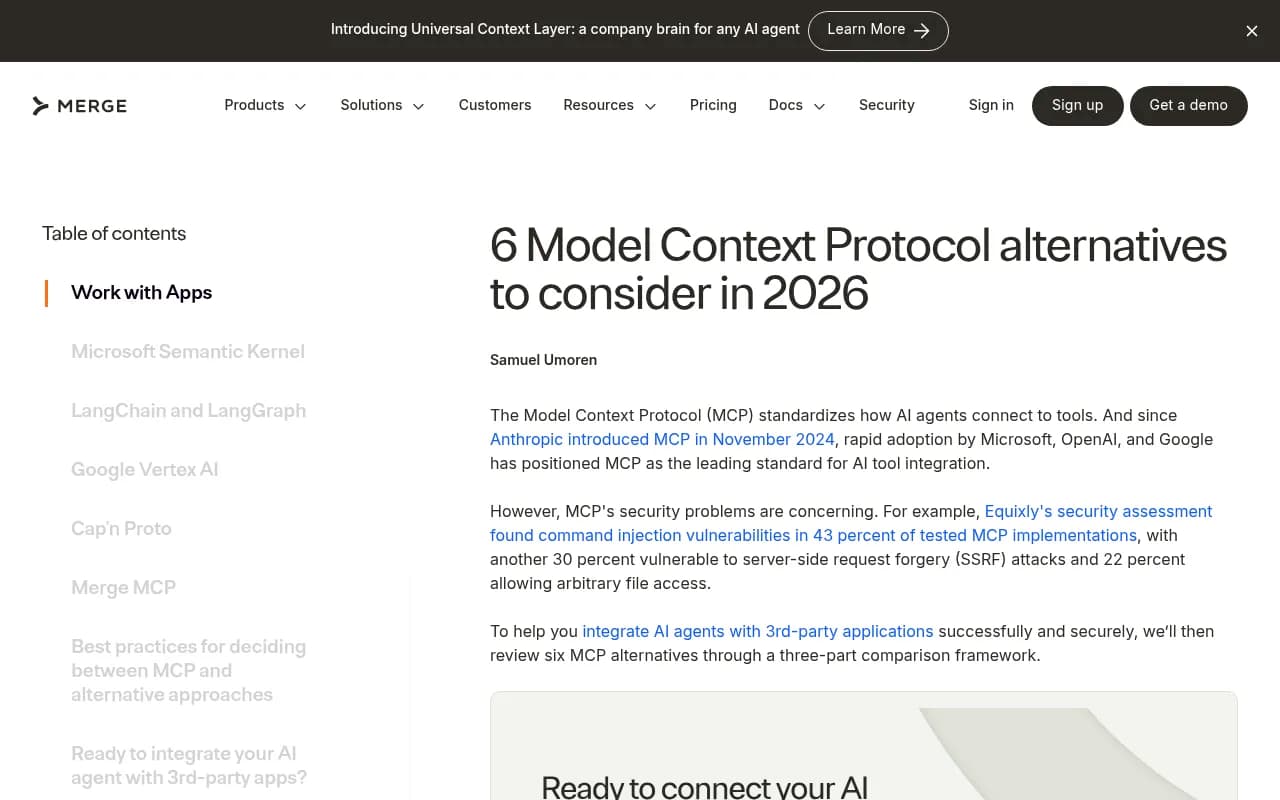
Merge's write-up of MCP alternatives is a useful read here, partly because it is blunt about security. It cites Equixly's finding that 43% of tested MCP implementations had command injection flaws, 30% were open to server-side request forgery, and 22% allowed arbitrary file access. That study dates from March 2025, so treat the numbers as a warning about early implementations, not a current scorecard. Still, the lesson holds: a community MCP server you found on GitHub deserves the same scrutiny as any dependency.
| Approach | Best for | Weak spot |
|---|---|---|
| Hosted MCP server | Letting Claude, ChatGPT, or Cursor query and act on data conversationally | Vendor quality varies; tool sprawl can confuse models |
| REST API | Scheduled jobs, warehouses, dashboards, anything deterministic | You write the glue code |
| Webhook into a workflow | Triggering a known process from an agent with fixed inputs | Only does what the workflow does |
| Workflow platform (n8n, Zapier, Make) | Non-engineers chaining visibility data to Slack, CRM, or CMS | Per-task cost and limits |
The KDnuggets piece on lightweight MCP alternatives makes a point I agree with. Its webhook example keeps the workflow URL and token in configuration, validates inputs before sending, and returns a clean state (completed, pending, or failed) to the agent. The model never sees the credentials. That pattern works with any vendor that has a REST API, and it is often a better first step than standing up an MCP server.
What to check in any vendor's API and MCP offering
I use this list when someone asks me to vet a tool for agent workflows.
- Read and write coverage. A read-only MCP server is fine for reporting. If you want an agent to queue content, update monitors, or move tasks, you need write tools.
- Authentication. Look for OAuth for MCP clients and scoped API keys (project, organization, read-only) for scripts.
- Rate limits by plan. Limits of a few hundred requests per hour disappear fast once an agent starts looping.
- Date range limits. If you cannot pull a full quarter in one request, reporting jobs get tedious.
- Data depth. Do you get raw responses, citations, and sentiment, or only an aggregate score?
- Plan gating. Some vendors keep the API for their top tiers. One comparison of AI visibility tools with API and MCP access notes that Scrunch has an OAuth MCP server but reserves its API for agency and enterprise plans.
- Audit trail. If an agent can write, you want a log that says what changed and who or what changed it.
The alternatives
Promptwatch
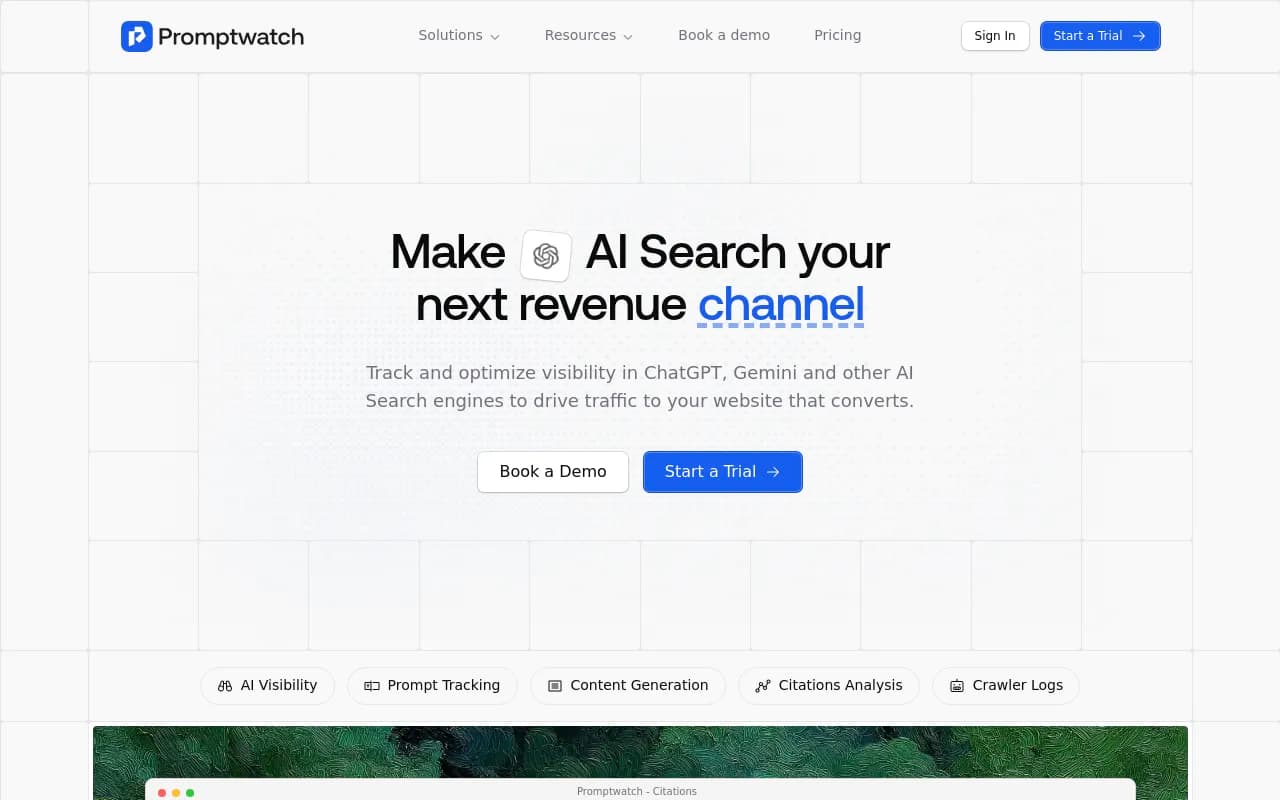
Promptwatch is the one I would start with if the goal is custom workflows, because the programmatic side is a first-class product and not an afterthought. It also does the underlying job end to end: it tracks how ChatGPT, Gemini, Claude, Perplexity, Google AI Overviews, Google AI Mode, Copilot and others mention and cite your brand, shows where AI gets its answers, then helps you fix gaps with content agents and an Action Board.
The relevant pieces for builders:
- A hosted MCP server with 110+ read and write tools, usable from Claude, Claude Code, ChatGPT, Cursor, Lovable, Codex, and any MCP client, with one-click OAuth or an API key.
- REST API v2 covering visibility, prompts, responses, citations, sentiment, crawler and visitor analytics, shopping, Ads Radar, site audit, content, and publishing. Date ranges go up to 92 days, so a quarter fits in one request. Citation snippets are included. Docs live at promptwatch.com/docs.
- Scoped project, organization, and read-only API keys, plus an organization audit log on Business, Agency Scale, and Enterprise that records whether a change came from the dashboard, the API, an MCP client, or Agent Chat.
- API and MCP access on every plan, including the free Explore plan (100 requests per hour there, rising to 500 on Essential, 2,000 on Professional, and 10,000 on Business).
- Agent Chat inside the product, a conversational analyst over your live data that can build dashboards and PDF reports, run saved skills, and deliver scheduled briefings to Slack.
- Agencies can create pitch projects through the API and MCP, and produce AI Visibility Reports for prospects.
The workflow story is where it separates from monitoring-only tools. An agent can pull a competitor gap, queue a piece through the Content Agent, publish to WordPress, Webflow, or Framer, and later check whether the live page was crawled, cited, and clicked. TreeHouse (the company behind Pararius) automated weekly reporting with the Promptwatch MCP while growing AI search to roughly 25% of its organic conversions, per its case study.
Pricing starts at $95/mo for Essential, $245/mo for Professional, and $579/mo for Business, with agency plans from $199/mo. A 7-day free trial is available on monthly billing. Confirm current numbers at promptwatch.com/pricing. For a direct feature-by-feature view, see the broader 2026 GEO platform comparison.
Scrunch
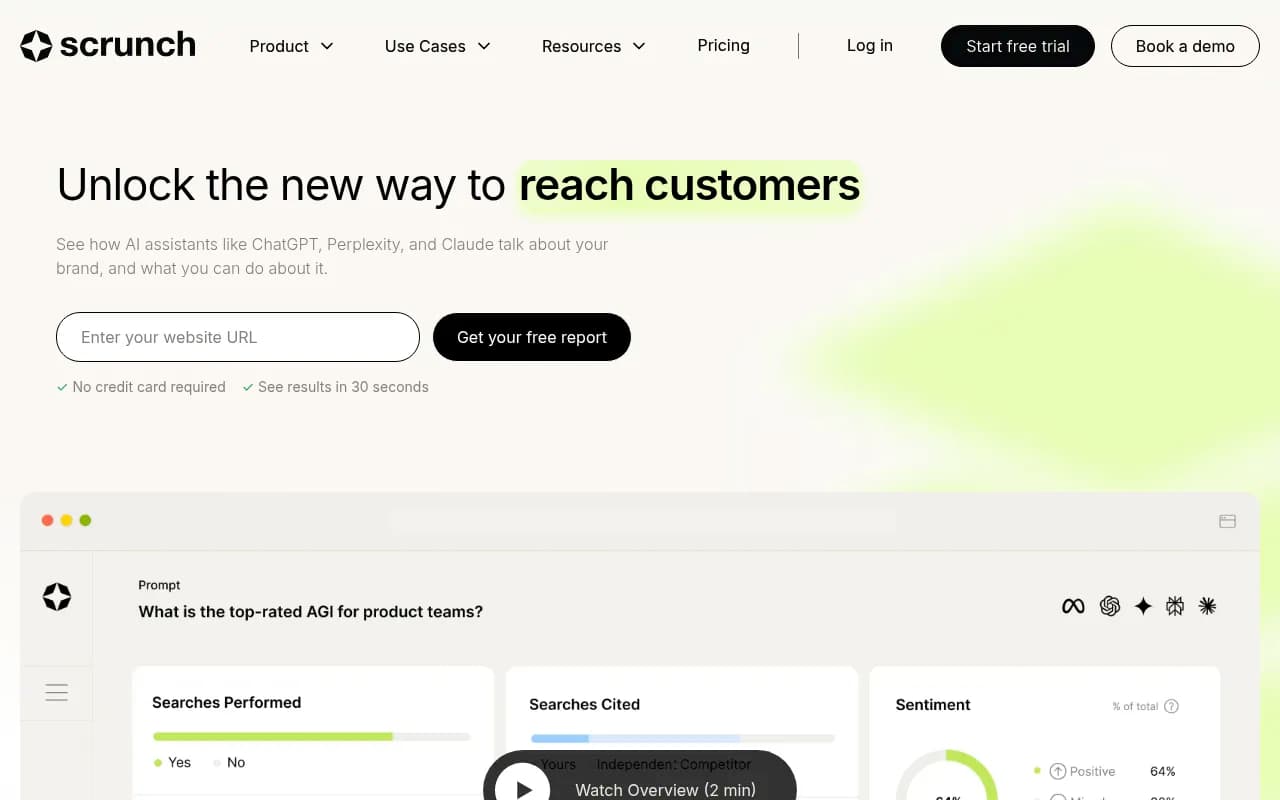
Scrunch is a strong monitoring product with an OAuth MCP server, which is a good sign for conversational use. The catch, per the comparison above, is that its API is reserved for agency and enterprise plans. If you are a mid-size brand wanting to script reports, that gating can be a dealbreaker. It also lacks Reddit tracking and agentic content execution. Head to head: Promptwatch vs Scrunch.
Profound
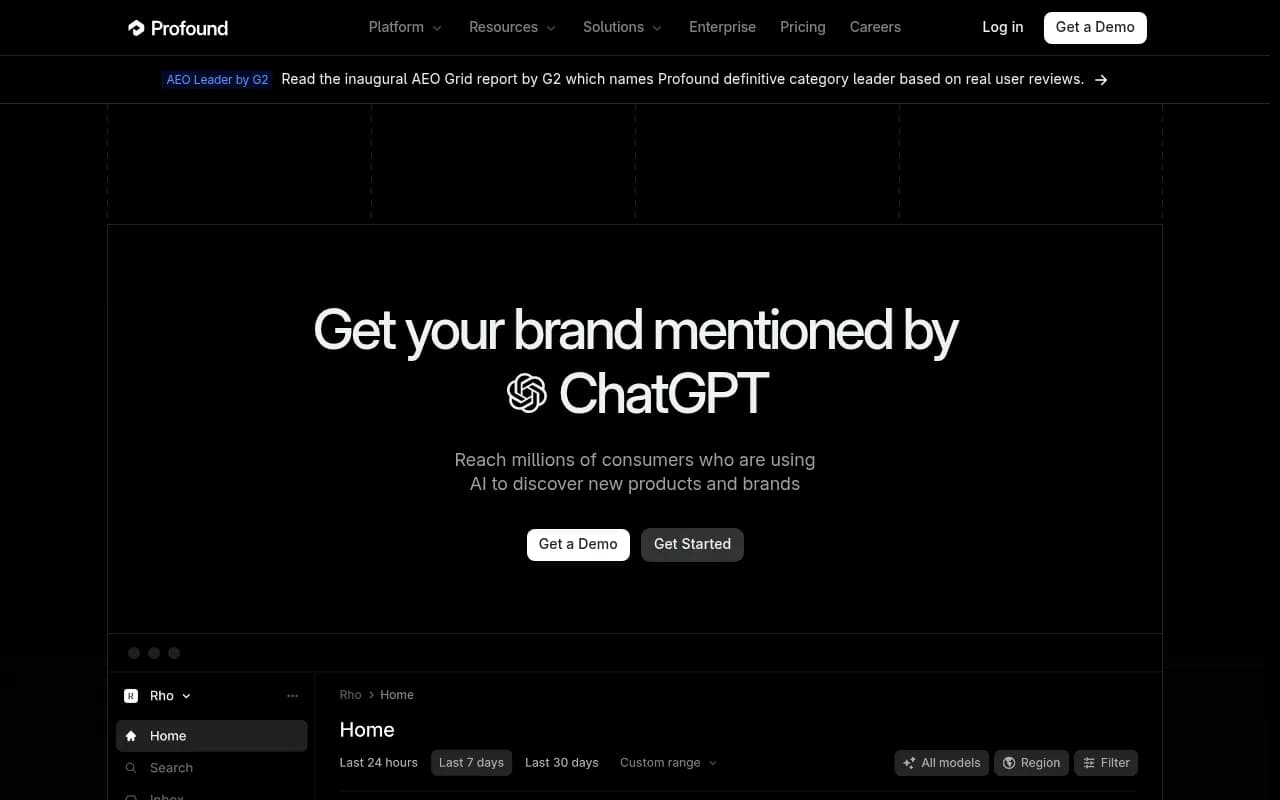
Profound is an enterprise platform with deep monitoring across many AI engines. It fits large organizations with budget and procurement patience. It comes in at a higher price point than most alternatives and does not do agentic execution. If your custom workflow is mostly "export data to the warehouse," it can do that. If you want agents that write and publish, you will build that part yourself. See Promptwatch vs Profound.
Profound
Peec AI, Otterly.AI, and other prompt trackers
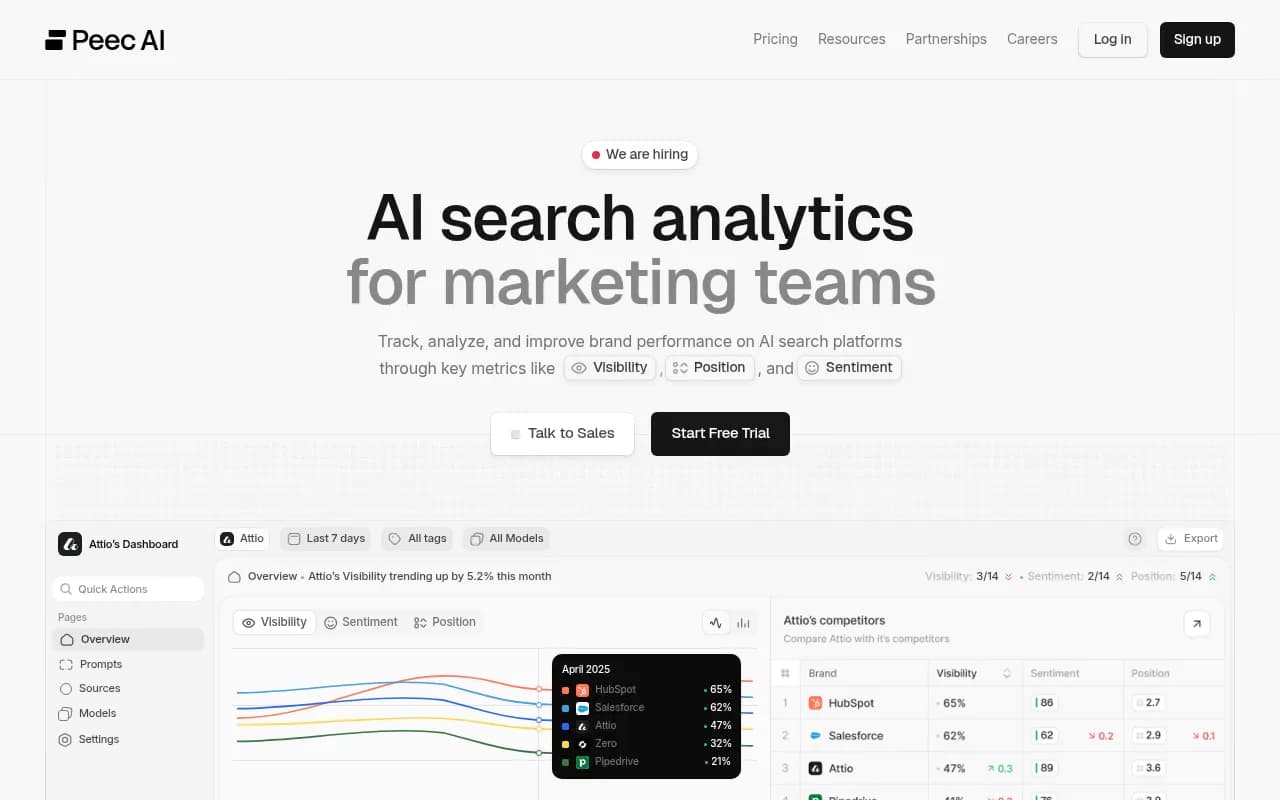
Peec AI and Otterly.AI are approachable and cheap, and for a team that only needs to know "were we mentioned," they work. For custom workflows they are thinner: no crawler logs, no visitor analytics, no content generation, so there is less data to feed an agent and nothing for it to act on. Compare them at Promptwatch vs Peec and Promptwatch vs Otterly.
Otterly.AI

AthenaHQ, Qwairy, and LLM Pulse
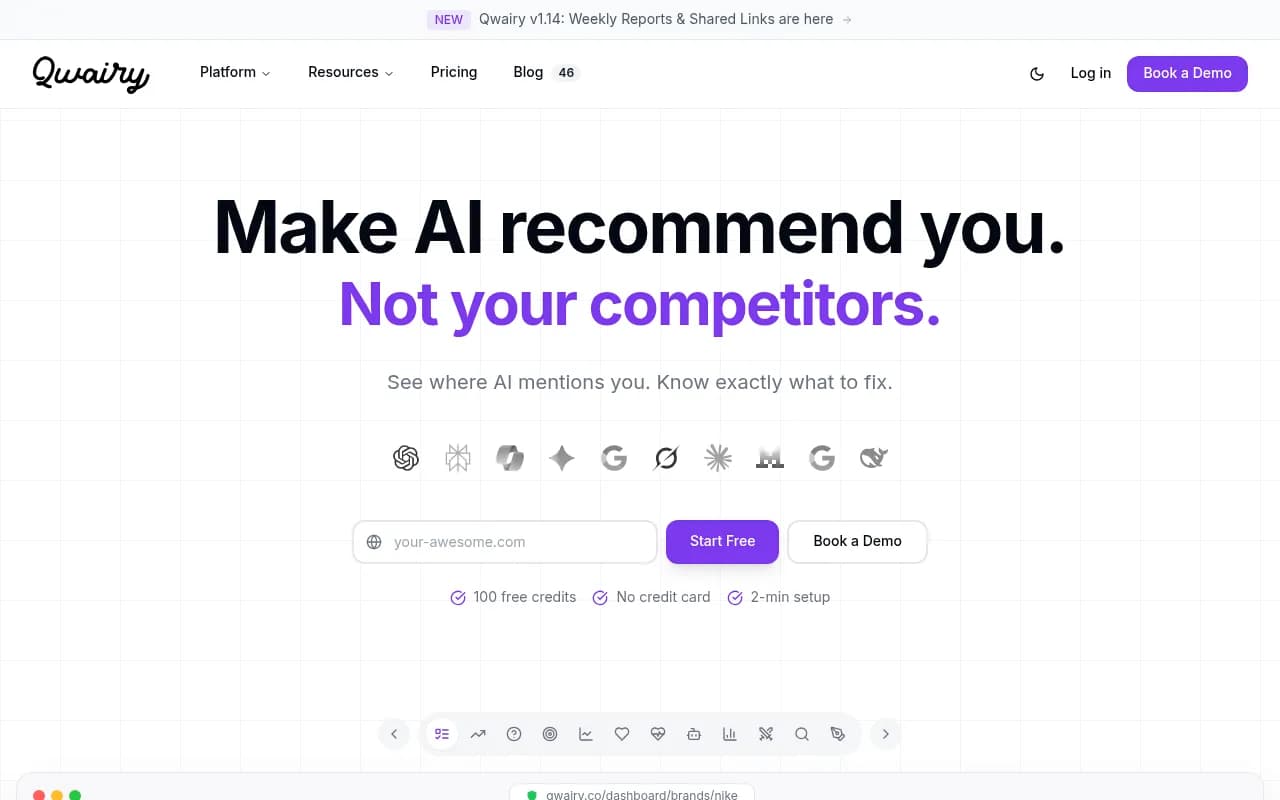
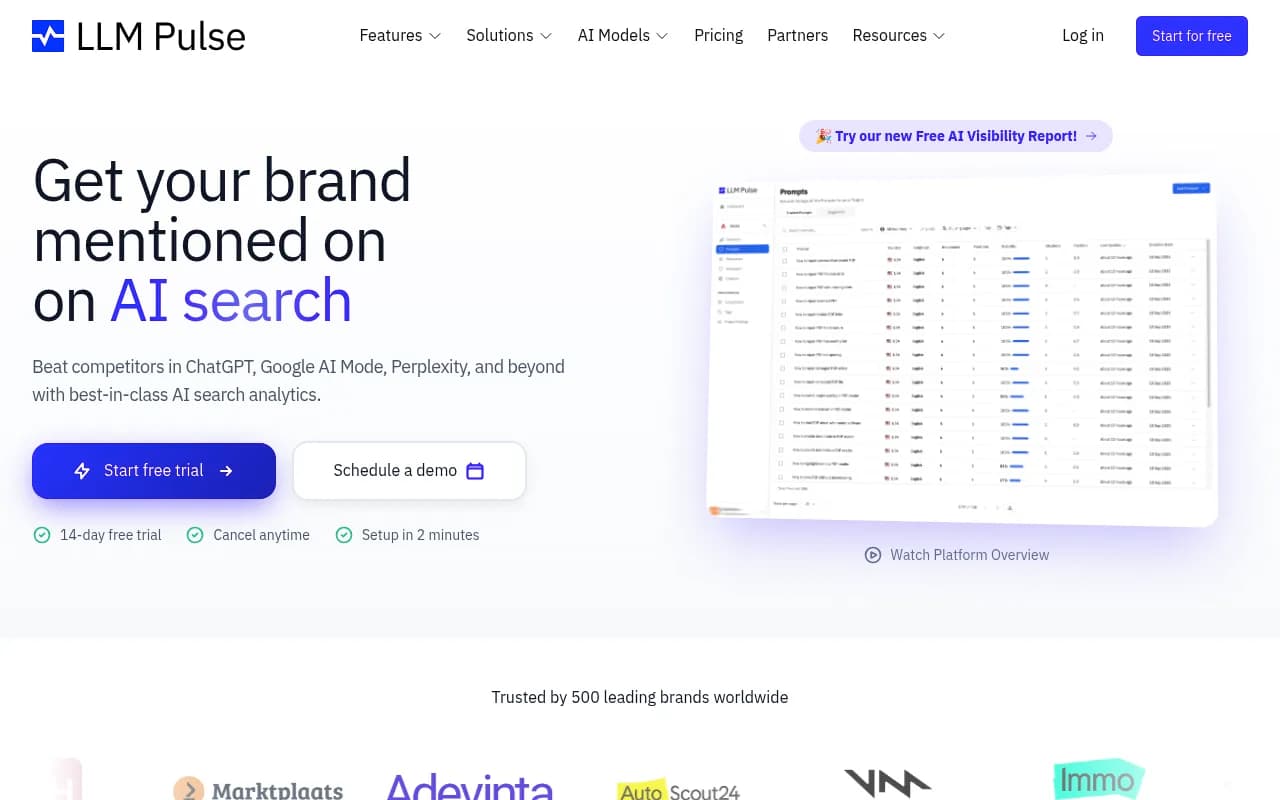
These are monitoring-focused. They are fine dashboards and some expose data, but none give you the combination of CMS publishing, agentic workflows, and write-capable MCP tools that custom automation usually wants.

Semrush and Ahrefs Brand Radar
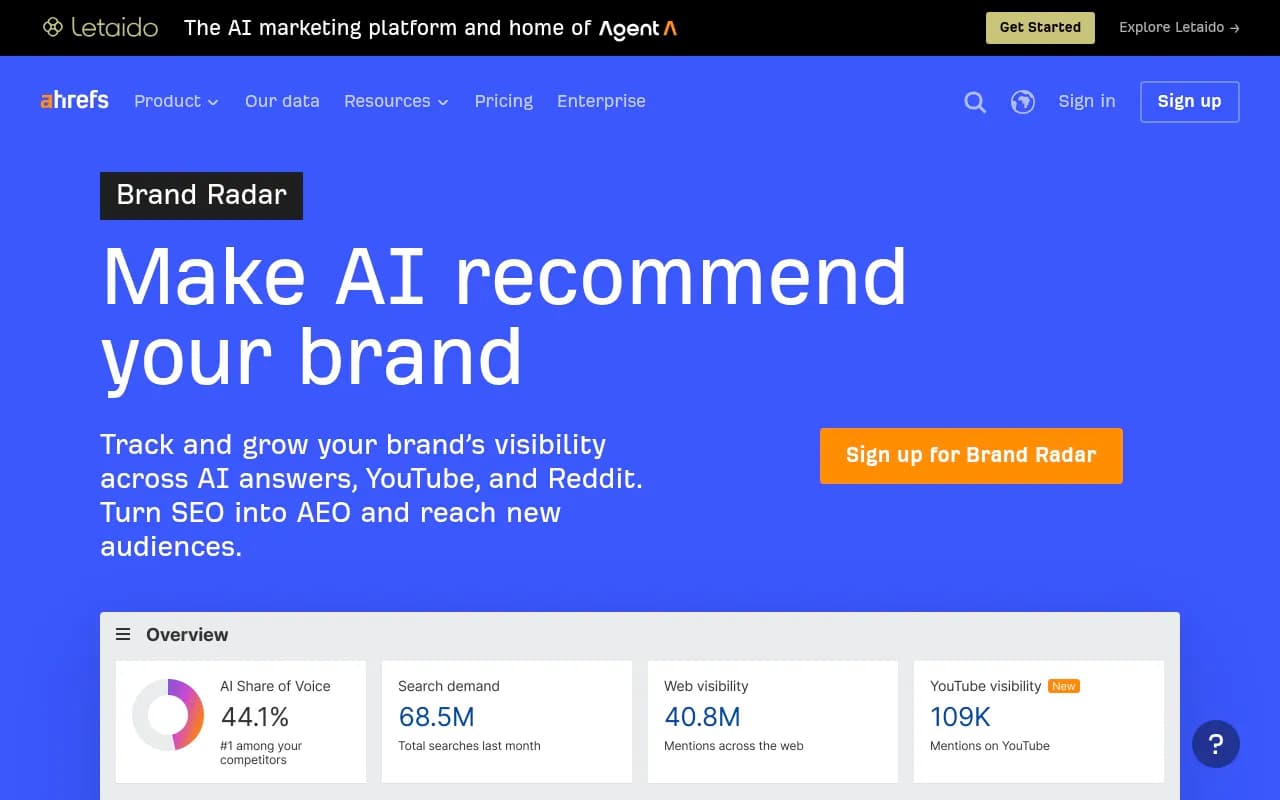
Both bolt AI tracking onto mature SEO suites with mature APIs. The tradeoff is fixed prompt sets and shallower AI-specific data, with no AI crawler logs and no AI traffic attribution. They make sense if your workflow already lives inside those suites.
Side-by-side comparison for builders
| Tool | MCP server | API access | Acts on gaps (content, publishing) | Crawler logs and AI traffic |
|---|---|---|---|---|
| Promptwatch | Hosted, 110+ read and write tools | REST API v2, every plan | Content Agent, CMS publishing, Action Board | Yes, IP-verified, plus visitor analytics |
| Scrunch | OAuth MCP | Agency and enterprise only | Limited | No |
| Profound | Check current docs | Enterprise-oriented | No agentic execution | Limited |
| Peec AI | Check current docs | Varies by plan | No | No |
| Otterly.AI | Check current docs | Varies by plan | No | No |
| Semrush / Ahrefs | Check current docs | Mature suite APIs | Not AI-specific | No |
Where the table says "check current docs," I am being honest: vendors change this stuff quickly and I would not want you to trust a stale claim from a guide. Verify before you buy.
Building the workflow: three patterns that work
Pattern 1: weekly briefing to Slack
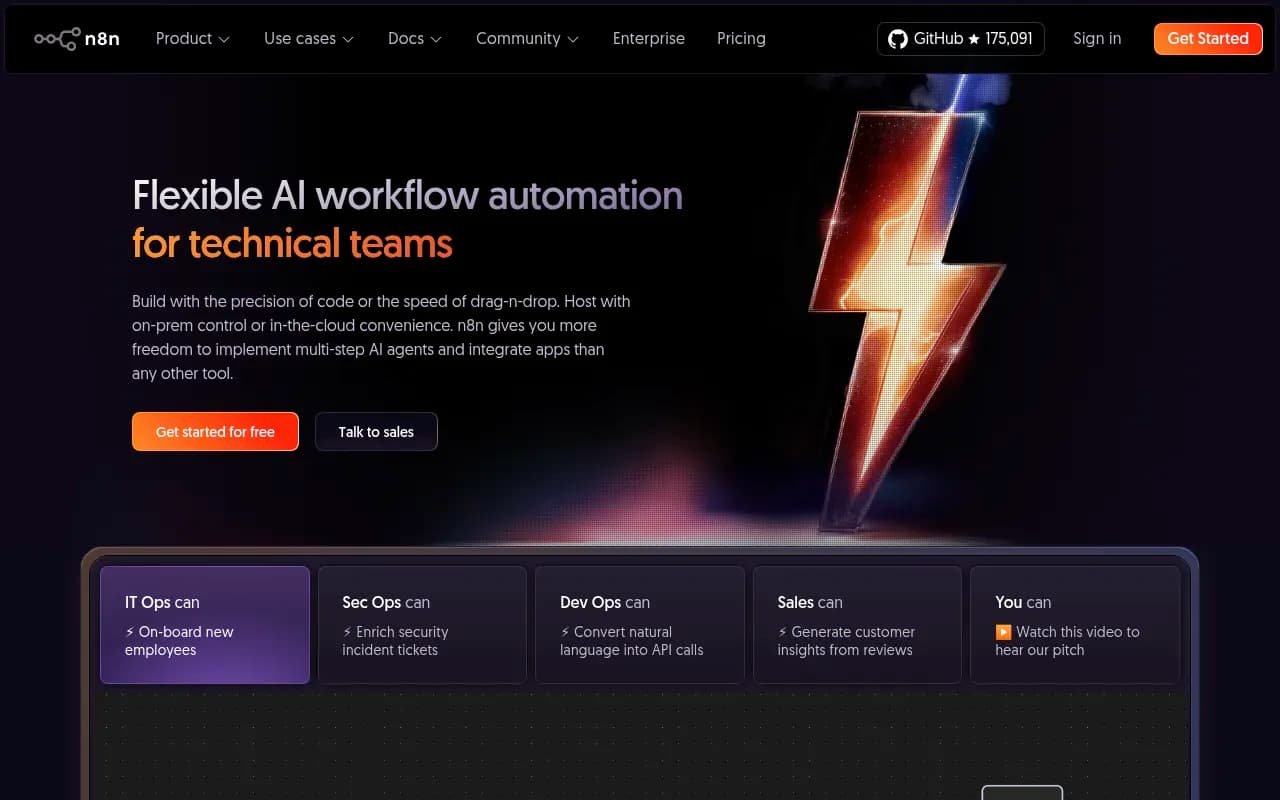
Pull visibility, citation, and sentiment changes through the API on a schedule, summarize them with an LLM, and post to Slack. With Promptwatch you can skip the glue entirely, since scheduled chats deliver in-app or in Slack. If you want more control, a script plus n8n does it in an afternoon.
Pattern 2: gap to published page
An agent reads content gaps, picks the highest-value prompt, drafts an article with a brief, and pushes it as a draft to your CMS for human review. Keep the approval step. I have seen fully hands-off publishing work well on narrow topics, but I would not start there.
Pattern 3: warehouse reporting
Use the REST API to land responses and citations in your warehouse daily, then join them with revenue data. Pair it with Looker Studio or your BI tool. This is the boring pattern, and it is usually the one that earns its keep, because it connects AI visibility to pipeline numbers.
If you need live web search inside your agent
A separate question is whether your agent needs web search itself, not visibility data. Vellum's comparison of search APIs and MCPs covers Firecrawl, Brave Search, Exa, Perplexity Sonar, and Parallel AI, and separates SERP wrappers (pointers to content) from AI-native APIs that return cleaned page content.
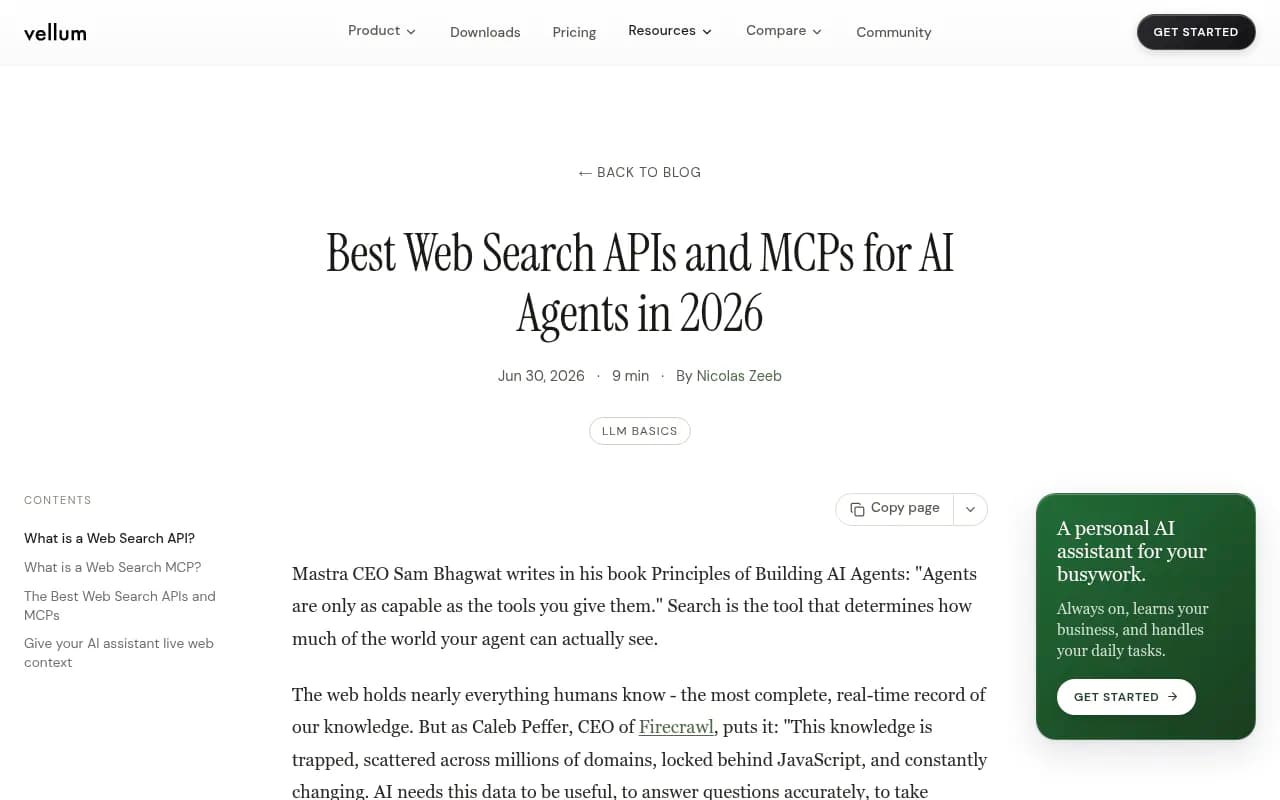
Firecrawl is in our catalog if you want crawling as a building block.
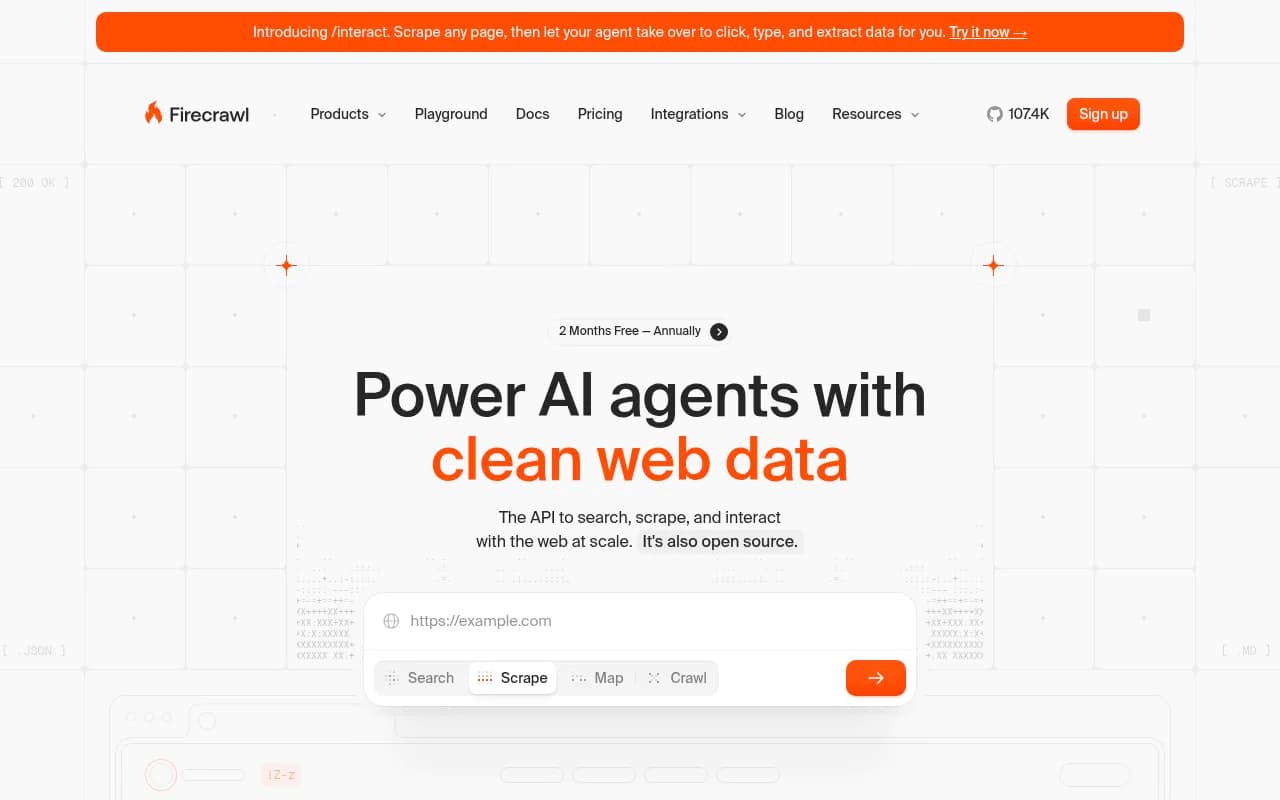
Note that Promptwatch already includes Firecrawl and DataForSEO in every plan, so you do not need separate accounts for those.
Security habits for any MCP setup
- Prefer hosted MCP servers from vendors who publish auth details over random repos.
- Use read-only keys for reporting agents. Give write scope only to agents that need it.
- Keep tokens in configuration, never in prompts.
- Validate inputs before they hit an API, the way the KDnuggets webhook example does with SKUs.
- Turn on audit logging where it exists.
Which one should you pick?
If you only want a dashboard and content generator, Searchable can be fine and you may not need anything else. If you want agents, scripts, and pipelines, pick for API depth and plan gating first, features second. For most teams that means Promptwatch, because the MCP server, API, and publishing tools cover the full loop of monitoring, fixing, and measuring. Start with the 7-day free trial or the free Explore plan to test the MCP in your own client, and browse the GEO software directory at bestgeosoftware.com if you want a wider shortlist.
FAQ
Do I need an MCP server, or is a REST API enough?
A REST API is enough for scheduled jobs and warehouse loads. MCP earns its place when you want people to ask questions of the data from Claude or ChatGPT, or let an agent take actions.
Is MCP safe to use in production?
It can be, with care. Early audits found serious flaws in community implementations, so use vendor-hosted servers, scoped credentials, and logs.
Which Searchable alternative has the most generous API limits?
Among the tools covered here, Promptwatch includes API and MCP access on every plan, with limits scaling from 100 to 10,000 requests per hour on brand plans.
Can an agent publish content directly?
With Promptwatch, yes: via the Content Agent, REST API, or MCP, to WordPress, Webflow, or Framer, as a draft or live.