
Key takeaways
- AEO and GEO tools collect answers in one of two ways: calling model APIs, or running prompts through the real consumer interface. The answers can differ a lot.
- Surfer's vendor-reported study of 13,779 answers found API and scraped-UI overlap of roughly 30% at best. Treat it as a vendor claim, but the direction matches what other sources report.
- Some things only exist in the real UI: ChatGPT ads, shopping cards, source panels, personalization and memory behavior.
- You can test your own vendor in about three days with a small prompt set and a manual comparison.
- API collection is not evil. The real problem is vendors who don't say which channels use which method.
Why this question matters
There is no Search Console for AI answers. ChatGPT, Gemini, Perplexity and Google's AI surfaces don't publish rankings or impressions. So every visibility tool has to generate its own data by running prompts and recording what comes back.
How it runs those prompts is the biggest methodological difference between products. And it is the one most dashboards hide behind a clean chart.
If the numbers come from an API that behaves differently from the app, you are optimizing for an audience that doesn't exist. Your share of voice could look healthy while real buyers see a different set of brands. I'd call that the quietest way to waste a GEO budget.
The two collection methods
Method 1: API-based collection
The tool sends your tracked prompts to a provider's developer endpoint, such as the OpenAI API or the Gemini API, and parses the output. According to the metehan.ai breakdown of how AI visibility tools collect data, APIs are stable, fast, cheap at scale and officially supported. That is a real advantage. You can run thousands of prompts a day without anything breaking.
The catch is that the API is not the product consumers use.
- The model behind the chat app is often a different build than the API default, with different system instructions and tuning.
- Web search may be off. An API call without a search tool returns parametric memory only, so citation data can be missing or synthetic.
- Interface behavior is absent. Follow-up suggestions, shopping modules, source carousels and ads exist only in the real UI.
Method 2: real UI execution
The tool runs your prompts through the interface a person uses: the actual ChatGPT web app, the actual Google results page with AI Overviews, the actual Perplexity thread. It records the rendered answer, including sources and interface modules.
This is slower, more expensive and harder to keep running, because interfaces change and each answer can take tens of seconds. GEO Scout's write-up on API vs interface monitoring makes the same point: the price gap is the main reason many vendors choose the API.
Side-by-side comparison
| Dimension | API-based collection | Real UI execution |
|---|---|---|
| Model served | Closest equivalent the vendor picks | Production model users get |
| System prompt | Only what the tool sends | The app's full instructions |
| Web search | A tool the vendor configures | Product decides when and how to search |
| Citations and source panels | Missing or approximated | Real, as rendered |
| Ads, shopping cards, modules | Not visible | Visible and measurable |
| Cost and speed | Cheap, fast | Slower, more expensive |
| Maintenance | Low | High, interfaces change |
What the research says about the gap
Surfer ran 1,000 prompts across five AI products, once by scraping the interfaces and once through an API. It collected 13,779 answers and reported that overlap between the two methods was about 30% at best, and smaller in many cases. Two cautions. Surfer sells scraping-based tracking, so it has a stake in this result. And its AI Overviews "API" method is borrowed from AI Mode, because no AI Overviews API exists.
Still, a few details from the study are useful on their own:
- In the interfaces, search ran on 88% of ChatGPT prompts and 100% of prompts on the other four products. Via API, search ran on 83% for ChatGPT, 85% for Gemini, 94% for AI Mode and 100% only for Perplexity, according to the GEO Scout summary of the study.
- Different search behavior means different sources, and sources decide which brands appear.
- Surfer's data scientist notes that a single sentence in a system prompt can swing a response by 180 degrees, and consumer apps run long instructions that differ by product.
Otterly's own UI vs API comparison for ChatGPT and Perplexity reaches the same conclusion: answers shown in the interface can differ from API answers, and that matters less if you are building a custom app but a lot if you are measuring buyer-facing visibility. A separate vendor post from AEOContent.ai adds that API answers skip memory and search, so buyers never see them. I haven't independently verified those two claims.
Things only the real UI shows
The cleanest argument for UI collection isn't a percentage. It is features that simply don't exist in an API response.
ChatGPT ads
Promptwatch Data tracked ads in ChatGPT Search from May 20 to August 17, 2026. ChatGPT served no ads until May 27, then ads appeared in an average of 20.1% of responses that ran a web search over the 90 days, with daily rates reaching 43.9%. By the end of the window the 7-day average was 32.4%. The full numbers are in the ChatGPT Ads Over Time report. A tool that only reads API output has no way to see any of that. That is my inference rather than something I checked against API docs, but the logic is simple: ads are a rendering layer in the app.
Shopping cards
Shopping modules show up in a low single-digit share of web-search responses, concentrated on commercial prompts. Promptwatch's ChatGPT shopping usage data shows the rate moving in steps, which the report reads as OpenAI actively tuning when cards appear. Again, an interface behavior.
Step changes in retrieval
ChatGPT's search behavior changes suddenly. On August 8, 2026, the site: operator went from about 0.4% to about 17% of fanout queries overnight, per Promptwatch's site: operator report. On August 14, reddit.com's share of ChatGPT citations fell from about 4% to 0.5%, covered in the Reddit citations report. Average citations per response also dropped around the GPT-5.3 rollout on March 4, per the ChatGPT citation drop report. If your tool's history shows none of these shifts, ask why.
These datasets come from the live products, which is what makes them able to show step changes in the first place.
How to test your own vendor
You don't need to trust anyone's methodology page. You can run a small experiment. The GEO Scout post suggests a three-day mini test; here is my version.
Step 1: pick 10 to 15 prompts
Use a mix: a few organic category prompts, a few brand-specific, a few competitor comparisons. Include at least two commercial prompts where shopping cards or ads might appear.
Step 2: run them by hand
Open the real apps in a clean browser session. For ChatGPT, use a logged-out or fresh profile if you can, so memory doesn't skew the result. Record the full answer, the brands named, the order, and every cited URL. Screenshot anything that isn't plain text.
Step 3: export the vendor's data for the same prompts
Pull the raw responses, not the summary score. This is the point from the metehan.ai guide worth repeating: no metric is auditable without access to the observations behind it. If a vendor can't show you raw answers, treat that as a failed test.
Step 4: compare on four things
- Brands mentioned and their order
- Cited domains and exact URLs
- Answer length and structure
- Interface extras such as ads, cards or source panels
Step 5: repeat for three days
AI answers are non-deterministic. One run proves little. Repeat across days and look at whether differences are random noise or systematic. Systematic gaps, like the vendor never showing any citations your manual runs show, point to API collection or a stripped-down scrape.
Reading the results
| What you see | Likely cause |
|---|---|
| Vendor answers have no sources, yours do | API call without search tool |
| Same brands, different order every time | Normal variance, check with more runs |
| Vendor never shows ads or shopping cards | No real-UI rendering |
| Vendor data doesn't move when ChatGPT changes | Static API or cached collection |
| Vendor cites sources you never see | Different retrieval configuration |
Questions to ask any vendor
Put these in writing. The metehan.ai guide makes a good point: if a vendor won't answer, that is the answer.
- For each AI engine, do you use the API or the real interface?
- Which model version do you query, and how do you know it matches the consumer product?
- How often do you run each prompt, and how do you handle non-deterministic answers?
- Can I see the raw answer and citation list for any prompt?
- Do you capture ads, shopping modules and source panels?
- Is Perplexity run with personalization and memory off?
- How are country and language handled, and are they fixed per monitor?
Sampling matters as much as method. One run a week is a poll, not a measurement.
Is API data ever acceptable?
Yes, with disclosure. API calls are fine for showing what a model believes from training data, with no live retrieval involved. That is a legitimate and useful signal for brand perception. The problem comes when a tool labels API output as "what ChatGPT says" and sells it as buyer-facing visibility.
The sensible setup is both, clearly labeled: real UI for the surfaces consumers use, API for model-memory checks.
Tools and what they say about collection
I haven't verified each vendor's method, and methodology changes, so confirm in writing before buying. Here is where the tools I could speak to stand.
Promptwatch states that it monitors the real user interfaces of ChatGPT, Google AI Overviews, Google AI Mode, Microsoft Copilot, Gemini, Perplexity, Amazon Alexa and Meta AI in each country and language, and tracks API models such as Claude, DeepSeek, Mistral and Grok alongside them to show what models believe from training data. Perplexity tracking runs with account memory and search-history personalization turned off. It also goes past monitoring: IP-verified AI crawler logs, visitor analytics and a Content Agent are in the same product. Its ChatGPT visibility page and Academy guide on how Promptwatch collects data explain the method, and paid plans start at $95/mo (confirm at promptwatch.com/pricing).
Surfer states that it scrapes real AI results rather than using APIs, and published the study above. Its AI tracking sits alongside its content tools.
Otterly.AI publishes a UI-vs-API explainer but I didn't confirm which channels it collects through, so ask directly.
Otterly.AI

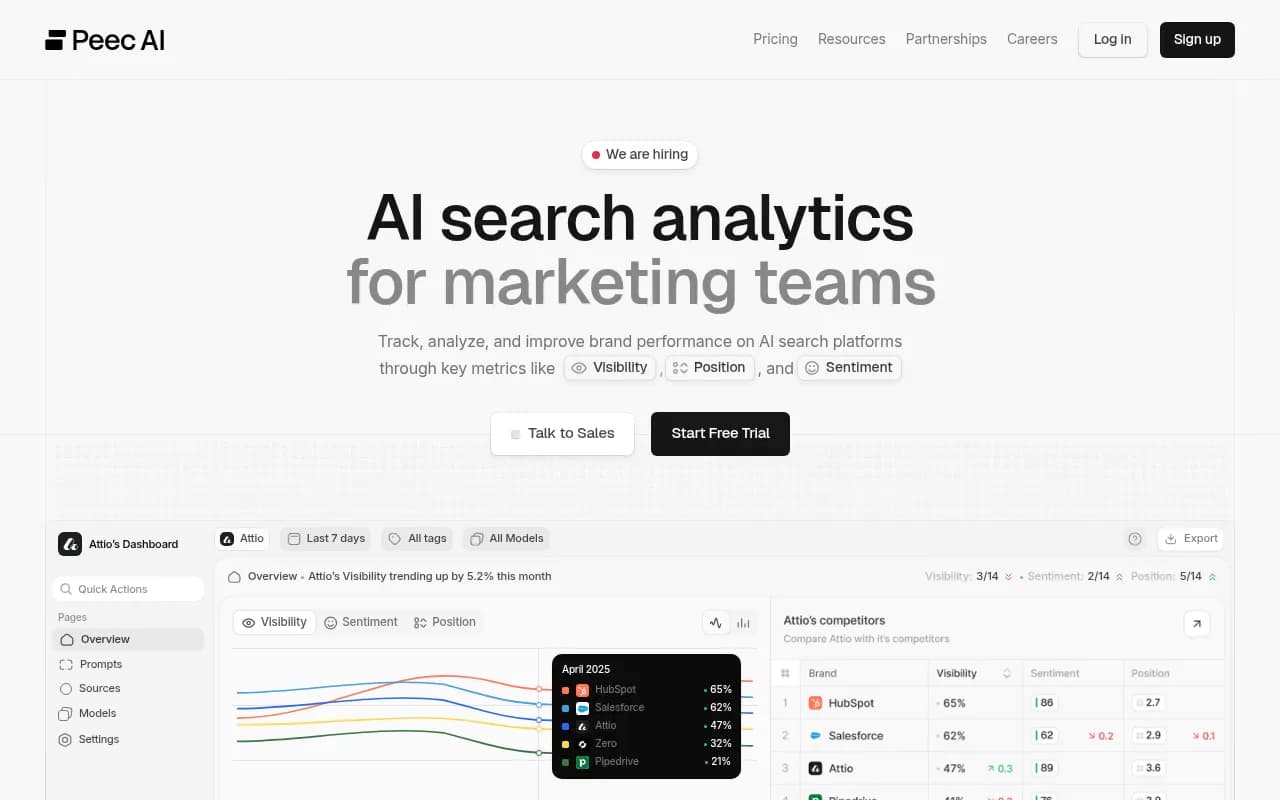
Profound and Peec AI are two other commonly compared platforms. Ask both the seven questions above.
Profound
For a broader list of options, the GEO software directory at bestgeosoftware.com is a good place to browse.
| Tool | Collection method claim | What to verify |
|---|---|---|
| Promptwatch | Real UI for major engines, API for model-memory checks | Raw answers per prompt, country coverage |
| Surfer | Scraped interfaces | Coverage across engines, raw export |
| Otterly.AI | Not confirmed in this research | Method per channel |
| Profound | Not confirmed in this research | Method per channel |
| Peec AI | Not confirmed in this research | Method per channel |
Checks beyond the collection method
Real-UI collection is necessary but not sufficient. Once you trust the inputs, look at whether the platform helps you do anything with them:
- Does it show where AI gets its answers, via citations and crawler logs?
- Does it separate access problems from content problems?
- Does it connect visibility to traffic and conversions?
- Can it track a change you publish and show whether it worked?
A tool that is accurate but only gives you a score still leaves all the work to you.
If you'd rather have a team run this evaluation and the fixes, 1001 SEO Media is an SEO and GEO agency that works with Promptwatch for AI visibility, but the test above works fine in-house.
Frequently asked questions
Do API and UI answers really differ that much?
Often, yes. The size of the gap depends on the engine and prompt. Surfer's vendor-reported figure is about 30% overlap at best. Run your own three-day test rather than relying on one number.
Is UI scraping against terms of service?
That varies by provider and I haven't researched it here. Ask your vendor how they collect and what safeguards they use.
Can I just check manually instead of buying a tool?
For 10 to 20 prompts, yes, and you should do it anyway as a sanity check. It doesn't scale to hundreds of prompts across countries and models.
Why does real-UI tracking cost more?
Each answer takes longer, interfaces change and need constant maintenance, and the collection infrastructure is heavier. That is why cheap plans with huge prompt allowances deserve a second look at the methodology.
What should I do first?
Email your current vendor the seven questions above and run the manual test on a dozen prompts. If the vendor's raw data and your hand-run answers don't resemble each other after three days, you have your answer.