
Key takeaways
- n8n exposes workflows as MCP tools through its MCP Server Trigger node. Zapier MCP gives you a managed server with 9,000+ apps and no hosting.
- n8n bills per full workflow execution, so a multi-step SEO tool call (SERP, crawl, summarize) counts once. Zapier bills in tasks.
- Custom beats off-the-shelf when you need your own data blend, your own scoring rules, or data that must stay on your infrastructure.
- Off-the-shelf wins when you only need to query one vendor's data. Building a wrapper around a single API is busywork.
- Check Zapier's per-call task rate before you budget. Sources conflict, and a promotion runs from Nov 23, 2026 to Jan 5, 2027.
What an SEO MCP server actually is
MCP (Model Context Protocol) is the standard way an AI client such as Claude calls external tools. An MCP server publishes a list of tools, say "get keyword difficulty" or "crawl this URL and list broken links", and the client decides when to call them.
For SEO work, that means you can ask an assistant "which of my top 50 pages lost clicks last month, and what changed on them?" and have it pull real data instead of guessing. The question is who builds and runs the server that sits between the model and your data.
You have three options:
- Use a vendor's official MCP server (most big SEO suites are heading this way).
- Build your own on a workflow platform like n8n or Zapier.
- Write one from scratch in code.
This guide covers option two, because it is the sweet spot for most marketing teams: no server code, but you control what the tools do. I should be upfront that I found no solid public data on specific SEO vendors' official MCP servers while researching this, so check each vendor's docs for what they currently ship.
How the n8n route works
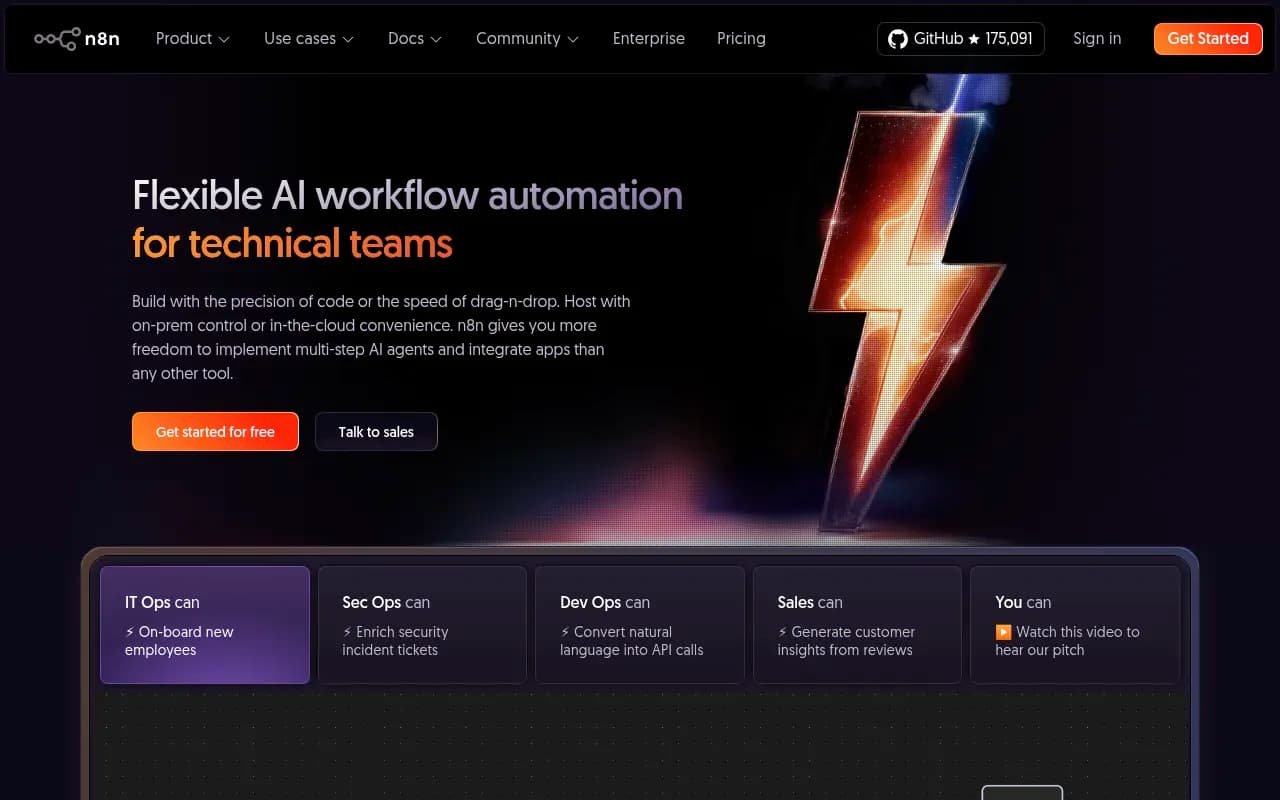
n8n's official docs describe an MCP Server Trigger node. Drop it on a canvas and n8n becomes an MCP server with its own URL. The details matter, so here are the ones that trip people up.
The trigger only talks to tool nodes
The MCP Server Trigger connects to tool nodes, not ordinary nodes. To expose a whole workflow (your SERP-then-crawl-then-summarize chain), you attach it through the Custom n8n Workflow Tool node. So the pattern is: build the workflow normally, wrap it as a tool, attach the tool to the trigger.
Transports, URLs and auth
- Transports are SSE and streamable HTTP. stdio is not supported.
- There is a Test URL and a Production URL. The production URL registers when you publish the workflow, and its data appears only in the Executions tab.
- Authentication options are None, Bearer, Header, and n8n User Auth (OAuth2). OAuth2 needs node version 2 or later.
- With OAuth2, "Require Workflow Execute Permission" is on by default. On node v2.1 and later, "Include User in Output" is also on by default, which passes the caller's ID, email and name to your tools. That is handy for audit trails and for per-user client access.
- The URL path is random by default. You can set a custom one.
Never leave auth on None for a server that touches paid SEO API credits. Someone will find the URL eventually.
The Instructions field is underrated
There is an optional Instructions field that gets sent to clients on connect. Clients usually add it to the model's system prompt. Use it for tool-choice rules, for example: "Use the keyword tool for volume questions. Only call the full-site crawl tool when the user names a specific domain." That one field cuts a lot of wasted API calls.
Connecting Claude Desktop
Claude Desktop needs the mcp-remote gateway via npx. You pass the MCP URL and an Authorization: Bearer header in claude_desktop_config.json:
{
  "mcpServers": {
    "seo-tools": {
      "command": "npx",
      "args": [
        "mcp-remote",
        "https://your-n8n.example.com/mcp/seo-tools",
        "--header",
        "Authorization: Bearer ${AUTH_TOKEN}"
      ],
      "env": { "AUTH_TOKEN": "your-token-here" }
    }
  }
}
Use the path you set on the trigger, and keep the token in the env block rather than hard-coded in args.
The queue-mode pitfall
If you run n8n in queue mode with multiple webhook replicas, SSE and streamable HTTP need the same instance to handle the persistent connection. Route all /mcp* traffic to one dedicated webhook replica, or connections break in confusing ways. This is the kind of thing that works on your laptop and fails in production.
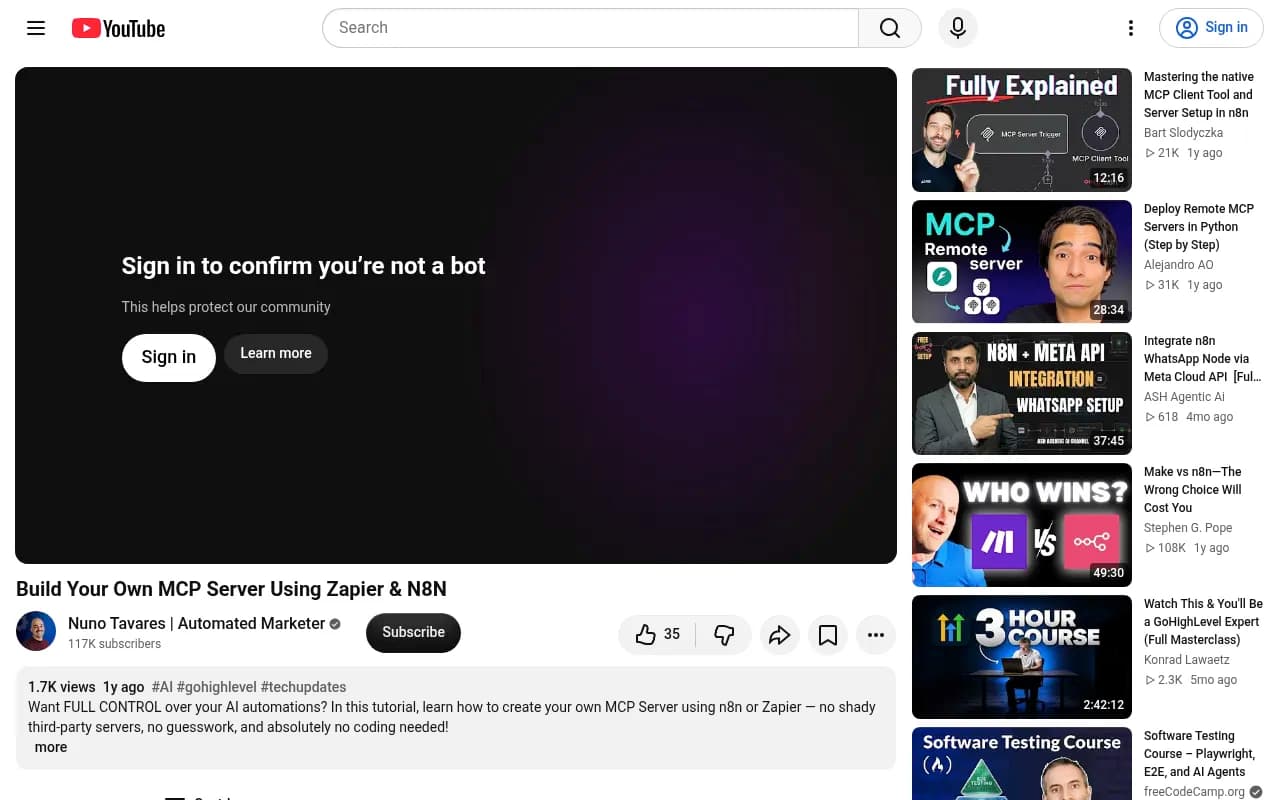
A walkthrough video by Nuno Tavares covers the basic n8n setup and the Claude Desktop config end to end. Note it dates from April 2025, when MCP support needed a beta n8n build. That requirement is stale now, so follow the current docs for versions.
How the Zapier route works
Zapier MCP is the opposite philosophy. You don't host anything. You pick actions from Zapier's catalog, get a server URL, and paste it into your MCP client.
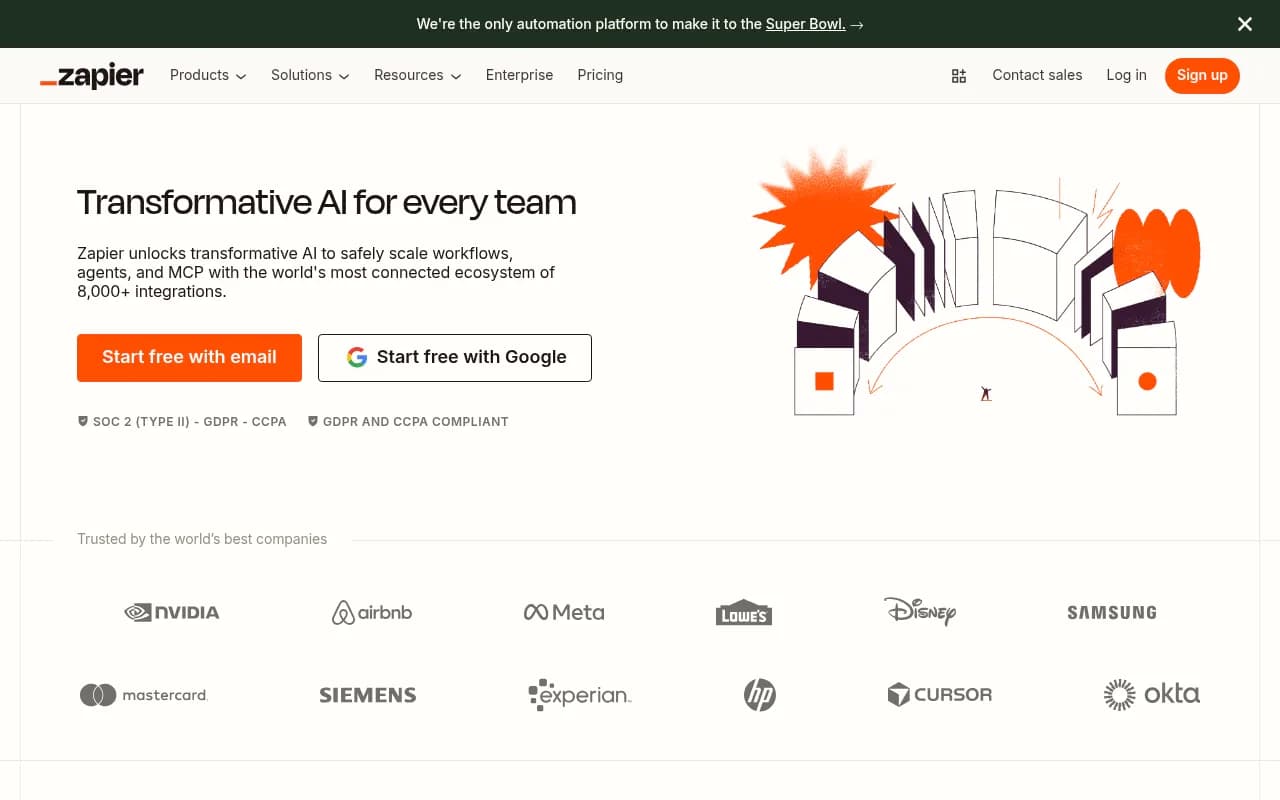
What Zapier advertises on its MCP page:
- 9,000+ apps and 66,000+ triggers and actions
- If no standard action fits, the agent can write and run code to reach an internal API
- Credentials managed by Zapier, app-level and action-level access controls, a history of every MCP action, and SOC 2 Type II certification
- Workflows can be saved as reusable Skills, or deployed as Next Gen Zaps (early access)
- Its own figures: 500,000+ MCP servers created and 25M+ tool calls
For an SEO team, the appeal is obvious. Your stack probably spans Google Sheets, a CRM, Slack, a CMS and a few niche tools. Zapier probably already has actions for all of them, and the OAuth is handled for you.
How Zapier MCP is billed
There is no separate MCP price. Successful tool calls use tasks from the same allowance as your Zaps. From Zapier's usage docs:
- Failed calls, listing tools, setup and viewing history use no tasks.
- A batch call is billed once however many items it handles. Adding 100 rows in one call is one call.
- Test calls count like any other successful call.
- Over the limit, calls stop until the cycle resets, unless pay-per-task billing is on, in which case they continue up to a cap.
- There is no limit on tools per server or calls per session, but you get one server per MCP client at a time.
Two things to verify before you budget. First, the per-call rate: Latenode's write-up says 2 tasks per successful call, while Zapier's rates page snippet shows a change to 0 or 1, which looks like a mid-change. Check the page yourself. Second, there is a promotion from Nov 23, 2026 to Jan 5, 2027 (12 pm ET) during which successful MCP tool calls use no tasks. A good window to prototype for free, but don't size your production budget on it.
Cost at volume: where the two diverge
SEO tool calls are chatty. One question to an assistant can trigger a SERP lookup, a crawl, and a summary. That shape favors n8n's pricing.
n8n counts one execution as one whole workflow run, whatever the number of steps. Zapier charges per step or task. Third-party comparisons (NAXIA, Flowmondo) claim gaps anywhere from 80-90% to "up to 10x" for long workflows. Treat those as directional, since they depend on the workflow, but the logic holds: the more steps per call, the more n8n wins.
| n8n | Zapier MCP | |
|---|---|---|
| Hosting | Self-host (free Community Edition) or n8n Cloud | Fully managed |
| Billing unit | One execution per full workflow run | Tasks per successful tool call |
| Integration breadth | Fewer native nodes, plus HTTP node for any API | 9,000+ apps |
| Custom logic | Native JavaScript and Python | Limited, agent can run code |
| Data location | Your infrastructure if self-hosted | Zapier cloud |
| Auth handling | You configure it | Managed by Zapier |
| Learning curve | Steeper | Flattest |
| Best for | Multi-step, high-volume, sensitive data | Fast setup, niche apps, low volume |
n8n pricing notes
n8n's pricing page lists Starter at $20/mo and Pro at $50/mo (billed annually, hosted by n8n), and Business at $800/mo (billed annually, self-hosted only). One third-party source (CloudZero) lists euro prices and execution caps of 2,500 (Starter), 10,000 (Pro) and 40,000 (Business). The currency differs between sources, so confirm on n8n.io/pricing before you quote anything to a client.
The free Community Edition has unlimited executions but falls under the Sustainable Use License, and features like SSO/LDAP are not included. Self-hosting does not make the cost vanish. It moves from a software bill to the hours of whoever patches, backs up and monitors the box. At low volume that is a bad trade. At high volume it pays off.
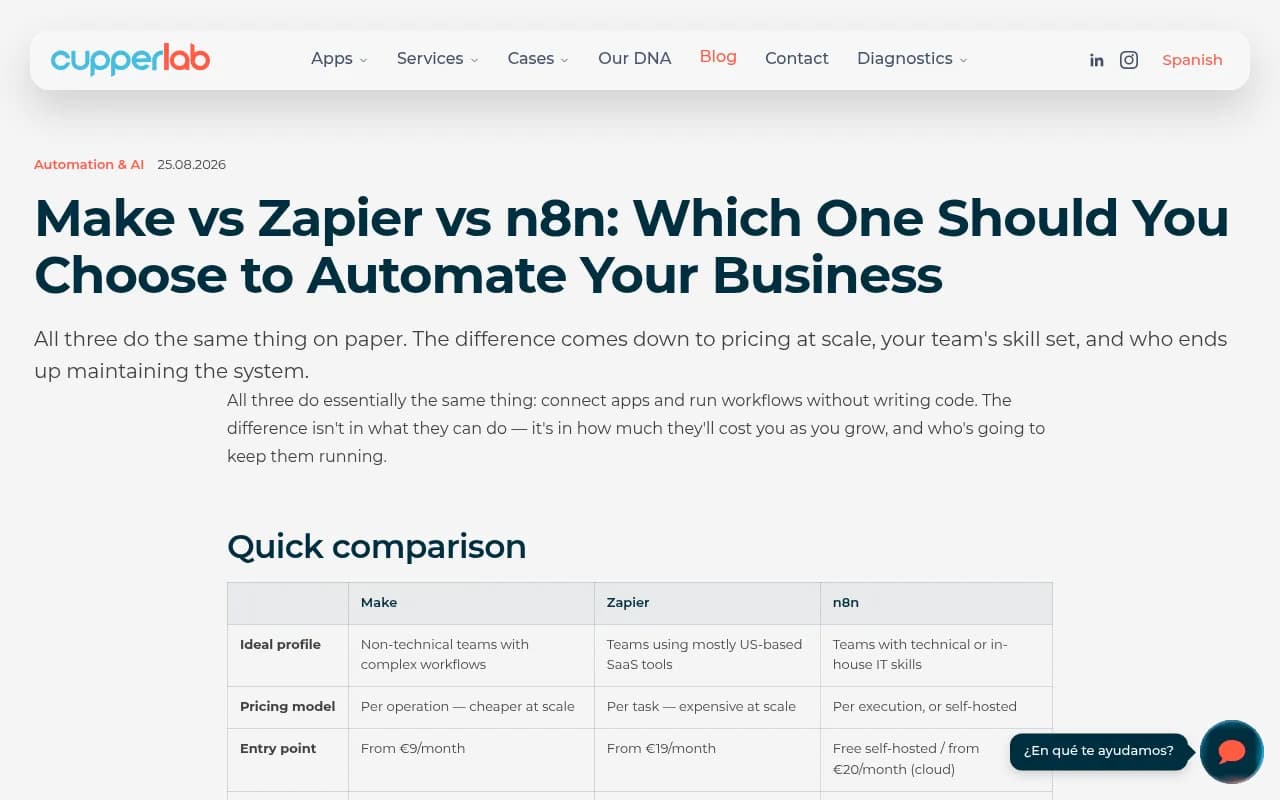
Cupperlab puts it bluntly: Zapier is the easiest to start with and the most expensive to scale, and some clients arrive with a bill that tripled without the business tripling anything. I agree with the instinct, with one caveat. For an MCP server used by two or three people asking a few dozen questions a day, volume is tiny and the Zapier bill will be fine.
If you already use Make, it is a third option worth a look, though this guide sticks to the two platforms with documented MCP paths.
When a custom server beats an off-the-shelf one
Here is the honest test. Ask whether the value is in the data or in the logic around it.
Custom wins when you blend sources
An official vendor MCP server answers questions about that vendor's data. Your real questions usually span several sources: Search Console clicks, a crawl, rank data, and your own revenue by landing page. A single custom tool can fetch all four, join them, and return one answer: "pages that lost clicks and have broken internal links and drive revenue." No off-the-shelf server will do that because it doesn't know your CRM.
Useful building blocks for this kind of blend:
- Google Search Console for clicks and impressions per page
- Firecrawl for API-based crawling and page extraction
- Screaming Frog for deeper technical audits, if you run it on a schedule and push results somewhere your workflow can read
Custom wins when you own the scoring rules
Maybe your agency defines "quick win" as position 8-20, over 200 impressions, and a page under 1,500 words. Bake that into a tool and every team member gets the same answer. With an off-the-shelf server, each person prompts it slightly differently and gets slightly different results.
Custom wins on data control
Client data that can't leave your infrastructure is the cleanest argument for self-hosted n8n. Cupperlab makes the same call: n8n when there is in-house IT or data privacy requirements.
Custom wins on spend guardrails
A wrapper you control can cap API calls per day, cache SERP results for 24 hours, and refuse expensive crawls without confirmation. An open-ended official server will happily burn credits on a vague prompt.
Off-the-shelf wins when you only need one vendor
If your whole use case is "ask questions about my Ahrefs data," build nothing. Use the vendor's server. Rebuilding a thin wrapper around one API in n8n is maintenance with no upside, and you will be the one fixing it when the API changes.
Off-the-shelf wins when nobody can maintain it
A self-hosted server that only one person understands is a liability. If that person leaves, your team's AI workflows stop. Zapier's managed approach is worth paying for in that situation.
A decision table
| Situation | Best choice |
|---|---|
| One vendor's data, ad hoc questions | Vendor's official MCP server |
| Quick prototype, niche apps, no technical staff | Zapier MCP |
| Multi-step tool calls, steady volume | n8n |
| Client data must stay in your infrastructure | Self-hosted n8n |
| Custom scoring and blended data sources | n8n (or custom code) |
| Agency with many clients and tight audit needs | n8n with OAuth2 and user passthrough, or Zapier with its action history |
A practical build order
Here is the sequence I would follow for a first SEO MCP server on n8n.
- Start with one workflow that already works. Pick something you run manually, like a weekly "pages losing clicks" report. Get it working as a normal n8n workflow first.
- Wrap it as a tool. Attach it through the Custom n8n Workflow Tool node, and write a clear name and description. The model chooses tools based on those, so vague descriptions lead to wrong calls.
- Add the MCP Server Trigger with Bearer or OAuth2 auth. Set a custom path. Write the Instructions field.
- Test against the Test URL, then publish. Remember the Production URL only registers when the workflow is published, and its runs show up in Executions.
- Connect a client. Claude Desktop through
mcp-remote, as shown above. - Add tools one at a time. Three focused tools beat fifteen overlapping ones. Models get worse at picking when the list is long and the descriptions blur together.
- Log and cap. Use the Executions tab to see what is actually being called, and add a daily limit on paid API calls.
For Zapier, the flow is shorter: create a server, add actions (a Search Console lookup, a Google Sheets write, a Slack post), copy the URL into your client, and test. The tradeoff is that your logic lives in action configuration rather than code, which limits how clever the tools can get.
Don't forget the AI visibility side
An SEO MCP server mostly serves classic work: rankings, crawls, content gaps. If your team also needs to know how brands show up in ChatGPT, Perplexity and Google AI Overviews, that is a separate data problem, and rebuilding it in n8n would mean scraping real AI interfaces at scale. That is a poor use of workflow time.
Platforms like Promptwatch already cover that side, tracking how AI engines mention and cite a brand, and they expose a hosted MCP server so an assistant can query the data directly. A sensible setup is to keep your custom n8n server for the logic only you can write, and connect a purpose-built platform alongside it for AI search data.
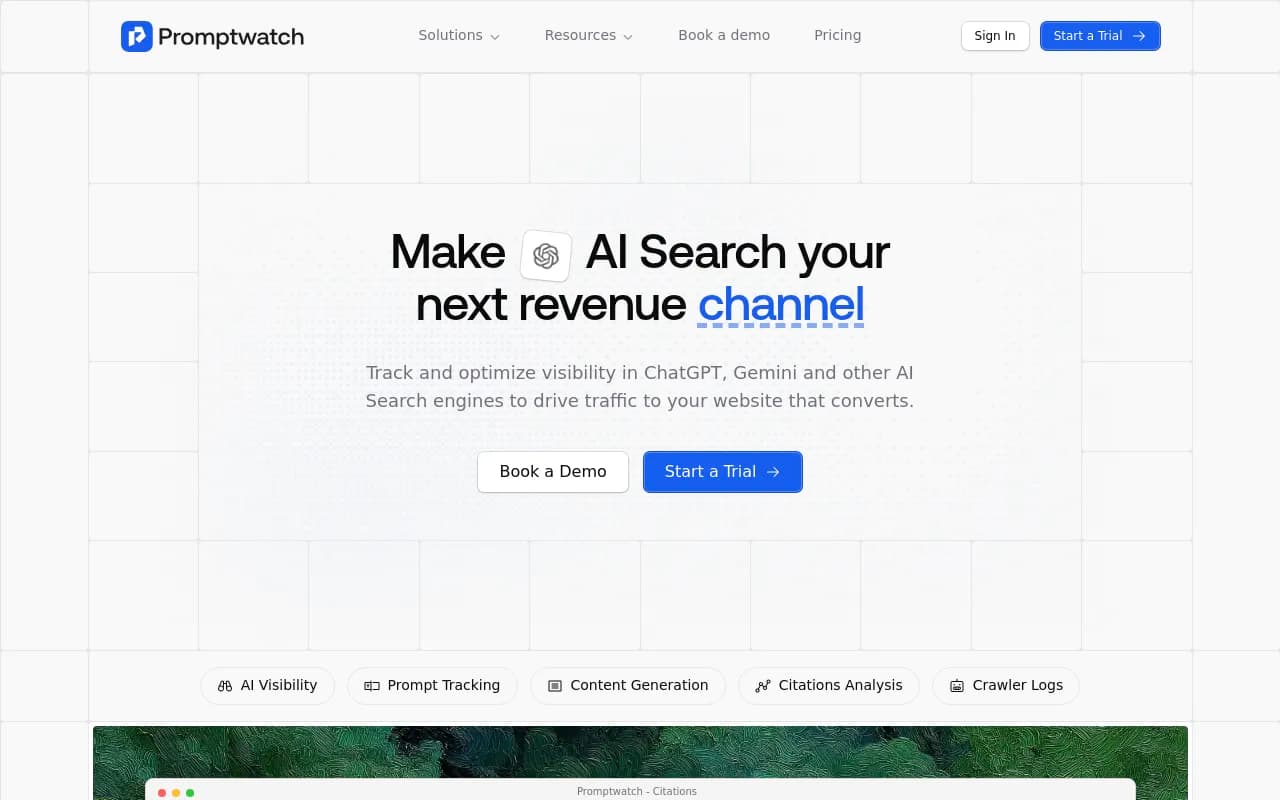
If you want to see what is happening in AI search before deciding how much of it to wire into your stack, Promptwatch's research hub at promptwatch.com/data shows the kinds of citation and crawler questions that are worth automating. For more options in the category, the GEO software directory at bestgeosoftware.com lists alternatives.
Risks to plan for
- Security. An exposed MCP URL with no auth is an open door to your API keys and data. Always set auth, and rotate tokens.
- Prompt injection. If a tool fetches web pages, that page content flows into the model. A hostile page can try to steer it. Keep write actions (publishing, deleting, emailing) behind confirmation.
- Runaway cost. A model in a loop can call a paid API hundreds of times. Add caps and caching.
- Drift. APIs change. Budget a few hours a month to keep custom tools working, or accept that they will quietly break.
- Stale tutorials. Much of what ranks for this topic dates from spring 2025. Version requirements and beta flags from then no longer apply, so rely on the current n8n and Zapier docs.
Bottom line
Build custom when the value is in your own logic, blended data, or data control, and pick n8n if your tool calls involve many steps or you need self-hosting. Pick Zapier MCP when speed, breadth of apps and managed auth matter more than cost per call, or when nobody on the team wants to run a server. If your need is one vendor's data, skip the build and use their official server. Prototype on Zapier during the free-calls window if you want a no-cost test, then compare a month of real usage against n8n's per-execution pricing before you commit.
FAQ
Can n8n act as an MCP server?
Yes. The MCP Server Trigger node exposes a URL for MCP clients over SSE or streamable HTTP. It connects only to tool nodes, so wrap full workflows with the Custom n8n Workflow Tool node.
Does Zapier MCP cost extra?
There is no separate MCP price. Successful tool calls use tasks from your plan allowance. Failed calls, listing tools and setup use none. Confirm the current per-call rate on Zapier's rates page, since sources disagree.
Which is cheaper for SEO workflows?
For multi-step workflows at volume, n8n, because it counts one execution per workflow run regardless of steps. For light use, the difference is small and Zapier's convenience may win.
Do I need to self-host n8n?
No. n8n Cloud hosts it for you. Self-hosting makes sense when data must stay on your infrastructure or volume is high enough to justify the maintenance time.
Does Claude Desktop connect directly to n8n?
It needs the mcp-remote gateway via npx, with the MCP URL and an Authorization Bearer header in claude_desktop_config.json.