Key takeaways
- Google officially rolled out ads inside AI Overviews in 2026, not just above or below them, and the auction rules work the same as regular Search ads: anyone can bid on your brand terms unless you're running defensive brand campaigns.
- Ad presence in AI Overviews is still genuinely rare. One paid search agency clocked it at under 0.01% of relevant queries as of early 2026, so don't panic, but don't ignore it either.
- The real competitive risk right now comes from Performance Max and AI Max campaigns expanding into placements advertisers didn't explicitly choose, including surfaces next to AI-generated answers.
- Manual checks (incognito searches, SpyFu, competitor ad previews) still work, but they're slow and inconsistent because AI Overviews don't trigger on every query or every session.
- If brand protection against AI-answer ad placements matters to your business, pair manual spot-checks with a monitoring tool that can run queries at scale and flag when a competitor shows up next to your name.
Why this question even exists now
For most of Google Ads history, if you wanted to know whether a competitor was bidding on your brand name, you ran a search, looked at the top of the results page, and either saw their ad or you didn't. Simple enough.
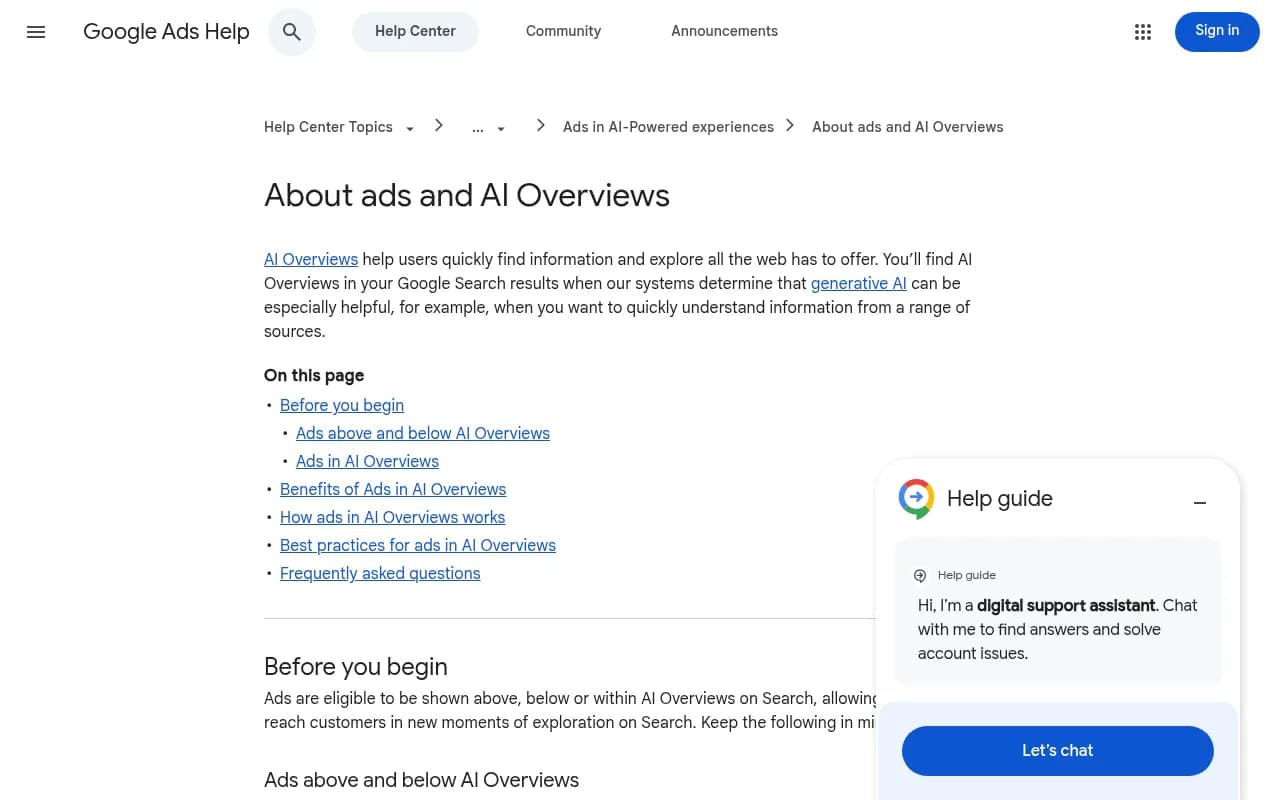
2026 made that simple. Google has been actively testing and then formally rolling out ads that sit above, below, and now inside AI Overviews themselves. According to Google's own Ads Help documentation, existing Search, Shopping, Local, App, and Performance Max campaigns are automatically eligible to show ads above or below an AI Overview in every market where AI Overviews are live, which as of May 2026 is already over 200 markets. Ads appearing inside the AI Overview content block (not just around it) are a narrower rollout, live in English on mobile and desktop in a dozen countries including the US, Canada, Australia, and India.
I'll be honest, when I first read that both the query and the content of the AI Overview are used as targeting signals for in-overview ads, my first thought was "so a competitor's product could literally get inserted next to the summary Google wrote about my brand." That's the scenario people are worried about, and it's a fair thing to worry about. It's also, right now, a smaller problem than most of the hand-wringing about it suggests.
The reality check: how often is this actually happening
Before you build a whole monitoring workflow around this, look at the actual frequency. On a recent Optmyzr and Adthena webinar covering 2026 paid search trends, Adthena's Mery Hayles put a number on it directly: ads inside AI Overviews are showing on under 0.01% of relevant queries. Her advice, which I think is the right call, was "monitor it, don't obsess over it."
That low frequency doesn't mean the risk is zero, though. Two things are converging that make this worth a periodic check rather than a one-time look:
First, AI Overviews themselves are showing up a lot more often. GrowByData's 2026 guide puts AI Overview appearance at around 47% of US searches as of May 2026, concentrated heavily on informational and commercial-intent queries, which includes a lot of brand and "brand vs competitor" searches. The more AI Overviews show, the more surface area there is for ads to eventually attach to them.
Second, and this is the part that actually worries me more than the raw ad frequency: broad-match automation is bidding in places advertisers didn't explicitly ask it to. The same Optmyzr/Adthena webinar flagged Performance Max and AI Max as active sources of "accidental competitor bidding," meaning advertisers are ending up on competitor brand terms, and presumably getting shown to people searching for competitors, without having typed that keyword in anywhere. If your competitor's PMax campaign is loosely targeted, there's a reasonable chance they're showing up against your brand queries without even meaning to, inside or outside an AI Overview.
What Google's rules actually say about bidding on brand terms near AI Overviews
A few mechanics worth knowing before you go checking:
- Ads above or below an AI Overview follow the standard auction ranking system. There's no separate bidding mechanism, so if a competitor's ad quality score and bid are competitive on your brand term, they can show there the same way they could show above a normal organic result.
- Ads inside the AI Overview block itself are currently limited to Text and Shopping ads from existing Search, Shopping, and Performance Max campaigns, and only in the countries listed above.
- Google has publicly stated that for any given AI Overview, you get one ad slot, not ads both above and inside. A Facebook post circulating in the PPC community paraphrased this as "your ads won't appear above and inside AI Overviews, you get one slot, not both," which lines up with how Google frames the rollout in its own documentation.
- There's no brand-term carve-out. If a competitor wants to bid on your company name as a keyword and their ad meets Google's policies, Google will run the auction. This hasn't changed with AI Overviews, it's just a new surface where it can play out.
How to check if a competitor is bidding on you right now
1. Run the manual search test, properly
The free option still works, you just need to do it correctly:
- Use an incognito or private window, logged out of any Google account.
- Search your brand name alone, then your brand name plus common modifiers ("[brand] pricing", "[brand] vs [competitor]", "[brand] alternative").
- Note whether an AI Overview appears at all. If it does, check above, below, and inside it for ads, and note which advertiser is showing.
- Repeat from a different device and connection. AI Overview appearance rates genuinely differ by device, something the Optmyzr/Adthena webinar specifically called out as a reason to revisit device-level targeting; desktop and mobile show AI Overviews at noticeably different rates, so a single mobile check isn't representative of the full picture.
- Repeat the search over several days. AI Overviews don't trigger deterministically on the same query every time, so a single snapshot tells you very little.
This works, but it's slow, inconsistent, and easy to mistake for a representative sample when it isn't.
2. Use competitive intelligence tools built for ad auctions
Tools like SpyFu and Similarweb can show you which keywords a competitor is actively bidding on, including your brand terms, without you having to manually trigger the auction yourself.
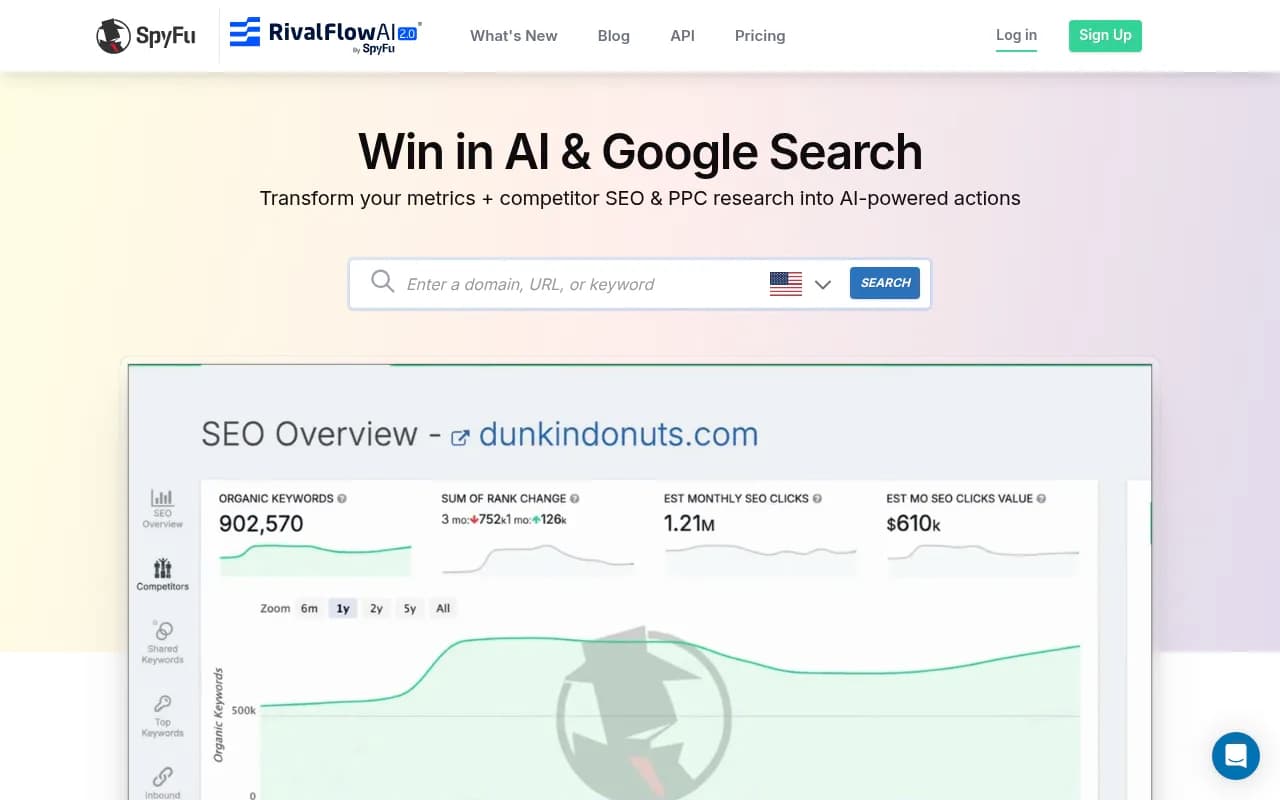
SpyFu's competitor keyword data is specifically built for this: it tracks historical and current PPC keyword overlap, so you can search your own brand name and see which other advertisers have bid on it over time, even outside of AI Overviews. It won't tell you whether that bid specifically triggered inside an AI Overview slot, since Google doesn't expose that level of granularity through its ad auction data, but it will tell you whether the bidding is happening at all.
Similarweb takes a broader competitive-traffic lens and can help you spot when a competitor's paid search spend or ad presence shifts noticeably, which is a useful early warning even if it's not AI-Overview-specific.
3. Track your brand's actual AI visibility, not just the ad auction
Here's the thing that manual searching and keyword tools both miss: they tell you about ad auctions, but not about what's happening in the AI Overview's generated text itself. If a competitor is being cited, mentioned favorably, or positioned next to your brand inside the actual AI-written summary (separate from any paid ad slot), that's a visibility problem that ad tools won't catch.
This is where Promptwatch fits in. It monitors the real user-facing output of Google AI Overviews, Google AI Mode, ChatGPT, Perplexity, and other AI surfaces, not just API responses, which matters because what a user actually sees in their browser can differ from what an API call returns. Promptwatch tracks citation trends, competitor share of voice, and sentiment across these surfaces, so beyond "is there an ad here," you get a clearer answer to "is my competitor actually winning the narrative when AI summarizes my category."

It also has a built-in Ads Radar specifically for tracking sponsored placements inside AI search results, including which competitors are bidding on your prompts and how their ad copy is positioned, which is a more systematic version of the manual incognito-search routine above.
4. Set up recurring monitoring instead of one-off checks
Given how rare and inconsistent AI Overview ad triggers currently are, a single check tells you almost nothing. You need something that runs repeatedly across devices, locations, and query variations, and flags changes over time. If brand protection in AI search is a priority for your marketing team, this is the kind of recurring job worth automating rather than doing by hand every few weeks.
Comparing your options
| Method | What it actually shows you | Catches ads inside AI Overviews specifically | Effort required | Best for |
|---|---|---|---|---|
| Manual incognito search | Real-time snapshot of one query, one session | Yes, if you happen to catch it | High, inconsistent | Spot-checking high-value brand terms occasionally |
| SpyFu / keyword PPC tools | Historical and current keyword bidding overlap | No, shows auction participation not placement | Low | Confirming a competitor is bidding on your brand at all |
| Similarweb | Competitor traffic and ad spend shifts | No | Low | Early warning on competitor paid strategy changes |
| Promptwatch | AI Overview and AI Mode citation content, sentiment, and ads radar across AI surfaces | Yes, including sponsored placements and competitor positioning | Low once set up | Ongoing AI visibility and ad monitoring at scale |
What to actually do if you find a competitor bidding on your brand
Finding it is only half the job. Here's what's worth doing next, roughly in order of effort:
- Run your own brand defense campaign. If you're not bidding on your own brand name, you're leaving the top slot open for whoever wants it, AI Overview ad or not.
- Check whether the competitor's ad copy misrepresents your product or makes a comparative claim that's inaccurate. Google's ad policies prohibit misleading claims, and you can report policy violations directly.
- Review your own Performance Max and AI Max settings. The same automation that lets competitors land on your brand terms accidentally can do the same thing in reverse, you might be bidding on competitor terms without realizing it, which invites retaliation.
- If the issue is really about how AI Overviews describe your brand (not the paid ad slot), that's a content and citation problem, not a bidding problem, and the fix looks more like improving what gets cited about you than adjusting ad bids. This is exactly the kind of gap a GEO-focused platform is built to close, since it connects what AI engines are saying about you to concrete content fixes rather than just reporting the mention.
The bigger picture for 2026
Ads inside AI Overviews are a genuinely new surface, but at under 0.01% of relevant queries, they're not yet the main battlefield. The bigger shift happening quietly underneath this is automated bidding (PMax, AI Max) blurring the line between "a competitor deliberately targeted my brand" and "a competitor's automation accidentally landed on my brand." Either way, the outcome for you looks the same on the results page.
If your business genuinely stands to lose meaningful leads or sales from this kind of competitive bidding, run the manual checks periodically, lean on a PPC intelligence tool like SpyFu for the auction side, and consider a dedicated AI visibility platform for the citation and sentiment side. For teams that want this handled as an ongoing discipline rather than a quarterly fire drill, it's worth exploring the broader directory of GEO software at bestgeosoftware.com to see what else exists in this space beyond the tools mentioned here.
If you'd rather not build and run this monitoring yourself, an agency that already does GEO and AI search work daily, like 1001 SEO Media, can set up the tracking and content response as part of a broader AI search strategy instead of a one-off project.