Key takeaways
- Google's AI Overviews actively pull YouTube video content as source material, especially for how-to, comparison, and explainer queries
- Transcripts, chapters, and structured descriptions are how AI systems actually parse your video content — they matter more than most creators realize
- Building topic clusters around a subject (not just uploading individual videos) dramatically improves your chances of being cited
- Connecting your YouTube content to your website creates a reinforcing signal loop that Google's AI uses to evaluate authority
- Tracking which videos appear in AI Overviews requires dedicated tooling — standard YouTube Analytics won't show you this
Why YouTube is now an AI Overview source, not just a traffic channel
Something shifted in 2025 and it's accelerated into 2026: Google's AI Overviews don't just cite web pages. They pull from YouTube videos, Reddit threads, and other structured content sources when those formats better answer the query.
This makes sense when you think about how AI Overviews work. Google's Gemini model synthesizes answers from multiple sources, and for queries like "how to fix a leaking pipe" or "best CRM for small business," a video demonstrating the process carries real evidential weight. It's not just information — it's proof.
According to a Semrush study of over 10 million keywords, AI Overviews appeared in roughly 15-16% of queries by late 2025, concentrated heavily in informational and how-to categories. Those are exactly the query types where YouTube content thrives.
The practical implication: if you're creating YouTube content and ignoring AI Overview optimization, you're leaving a significant visibility channel untouched.
What triggers an AI Overview (and when YouTube gets cited)
Not every search shows an AI Overview. They appear most consistently for:
- Questions starting with "how," "what," "why," or "which"
- Long-tail queries with four or more words
- Multi-step processes ("how to set up Google Analytics 4 for ecommerce")
- Comparison queries ("X vs Y" or "best X for Y")
- Informational queries in science, technology, health, and finance categories
YouTube content specifically gets pulled when the query has a demonstrable or visual component. "How to tie a bowline knot" is going to surface video. "What is compound interest" might too, if a well-structured explainer video exists. Pure transactional queries ("buy running shoes near me") almost never trigger AI Overviews at all.
The key insight: optimize for the queries where video naturally belongs, not every query your channel touches.
How Google's AI actually reads your video
This is where most YouTube creators get it wrong. They think about thumbnails, titles, and view counts. Google's AI is reading something different entirely.
Transcripts are the primary text layer
When Google crawls a YouTube video, the transcript is effectively the "content" it can parse. Auto-generated captions exist for most videos, but they're often messy — run-on sentences, no punctuation, incorrect terminology. If your video is about a technical topic, the auto-transcript may mangle the exact terms Google needs to match your content to relevant queries.
Upload a clean, manually edited transcript or use a tool to generate accurate captions. This single step probably does more for AI Overview visibility than any other optimization.
Chapters signal structure
Video chapters (added via timestamps in the description) tell Google exactly what each segment covers. This is the video equivalent of H2 headings on a web page. A video with chapters like "0:00 Introduction / 1:30 What causes the problem / 4:15 Step-by-step fix / 9:00 How to prevent it" is far more parseable than a 10-minute video with no structure markers.
AI systems love structure. Chapters give them a map.
The description is a metadata document
Most creators treat the description as an afterthought — a few sentences and some hashtags. Treat it as a 300-500 word document that explains exactly what the video covers, who it's for, and what questions it answers. Include the natural language phrases your audience would use to search for this content. Don't keyword-stuff; write it like a human explaining the video to someone who can't watch it.
Title and thumbnail work together for click signals
AI Overviews still factor in engagement signals when deciding which sources to cite. A video that gets clicked and watched signals that it actually answers the query. Your title needs to match the exact question someone would ask — not a clever creative title, but a direct answer to "what is this video about?"
The optimization checklist: what to do before and after uploading
Before you record
- Identify the specific question your video answers. Write it out as a complete sentence.
- Check whether that query currently triggers an AI Overview in Google. If it does, look at what sources are cited and what format they use.
- Plan chapters before you record, not after. Structure the video around the answer, not around what's easy to film.
During production
- Say the target query phrase naturally in the first 60 seconds of the video. AI systems weight early content heavily.
- Use precise terminology. If you're making a video about "technical SEO," say "technical SEO" — don't just say "this stuff" or "these settings."
- Demonstrate, don't just describe. Videos that show a process get cited more often for how-to queries because they carry stronger credibility signals.
After uploading
- Upload a clean transcript or edit the auto-generated captions immediately.
- Write a full description (300+ words) that answers the question in text form.
- Add chapters with descriptive labels.
- Add relevant tags, but don't go overboard — 5-10 highly relevant tags beat 30 generic ones.
- Create a companion blog post on your website that embeds the video and covers the same topic in text. This creates a cross-format authority signal.
Building topic hubs, not just individual videos
One video rarely wins in AI Overviews. What wins is a channel (and website) that Google recognizes as an authoritative source on a topic.
Think about it from Google's perspective: if one channel has 40 videos covering every angle of "home network setup" — beginner guides, troubleshooting, equipment comparisons, security settings — that channel is a more credible source than a channel with one popular video on the subject.
A topic hub strategy means:
- Choosing 3-5 core topics your channel will own
- Creating a "pillar" video for each topic (comprehensive, 10-20 minutes, covers the full subject)
- Building "cluster" videos around each pillar (specific sub-questions, comparisons, updates)
- Linking between related videos in descriptions and end screens
- Mirroring this structure on your website with a pillar page and supporting articles
This is how YouTube channels get recognized as authoritative sources — not by going viral once, but by consistently covering a topic from every angle.
Connecting YouTube to your website (the signal loop)
Google doesn't evaluate YouTube and your website in isolation. They're both signals in the same authority assessment.
When your website embeds your YouTube videos, links to them, and covers the same topics in text form, you're creating a reinforcing loop. The website gives the video topical context. The video gives the website multimedia credibility. Together, they're stronger than either alone.
Practical steps:
- Embed every video on a relevant page of your website within 24-48 hours of publishing
- Write a companion article (not just a transcript dump — actual analysis and context)
- Add VideoObject schema markup to the page so Google can parse the video metadata directly
- Link from the article to related articles and videos on your site
The VideoObject schema is worth spending time on. It lets you specify the video title, description, thumbnail URL, upload date, and duration in structured data that Google reads directly. Tools like Yoast SEO and Rank Math handle this automatically for WordPress sites.
Schema markup and technical optimization
Schema markup is how you communicate directly with Google's crawlers in a language they understand unambiguously.
For YouTube-adjacent content on your website, the most relevant schema types are:
VideoObject — the core schema for any page featuring a video. Tells Google the video title, description, duration, thumbnail, and upload date.
HowTo — for step-by-step process videos, this schema maps directly to the structure of AI Overview responses. Google often uses HowTo schema content verbatim in AI-generated answers.
FAQPage — if your video answers multiple questions, adding FAQ schema to the companion page gives Google pre-formatted Q&A pairs it can pull directly into AI Overviews.
Article — for the companion blog post, standard Article schema with author information supports E-E-A-T signals (Google's framework for evaluating Experience, Expertise, Authoritativeness, and Trustworthiness).
You don't need to hand-code all of this. Most SEO plugins handle it, and tools like Semrush can audit your schema implementation.
Optimizing for specific query types
Different query types need different optimization approaches.
| Query type | Example | Video format | Key optimization |
|---|---|---|---|
| How-to | "How to set up Google Analytics" | Step-by-step tutorial | HowTo schema, clear chapters, transcript |
| Comparison | "Notion vs Obsidian for notes" | Side-by-side comparison | Structured description, clear verdict |
| Explainer | "What is compound interest" | Animated or talking-head | Dense transcript, FAQ schema on companion page |
| Best-of | "Best free CRM tools" | Listicle walkthrough | Numbered chapters, companion article with structured list |
| Troubleshooting | "Why is my WiFi slow" | Diagnostic walkthrough | Problem/solution structure, HowTo schema |
The pattern across all of these: structure the video so the answer is findable, not just watchable.
Tracking your AI Overview visibility
Here's the frustrating part: YouTube Studio and Google Search Console don't tell you whether your videos are appearing in AI Overviews. You can see impressions and clicks, but not the specific AI Overview appearances.
To actually track this, you need dedicated tooling. Promptwatch monitors AI Overview appearances across Google and other AI search engines, showing you which content is being cited, for which queries, and how often. For teams serious about AI visibility, this kind of tracking is what closes the loop between optimization work and actual results.

For keyword research and identifying which queries trigger AI Overviews in your niche, Semrush and Ahrefs both have AI Overview tracking features, though their coverage varies.
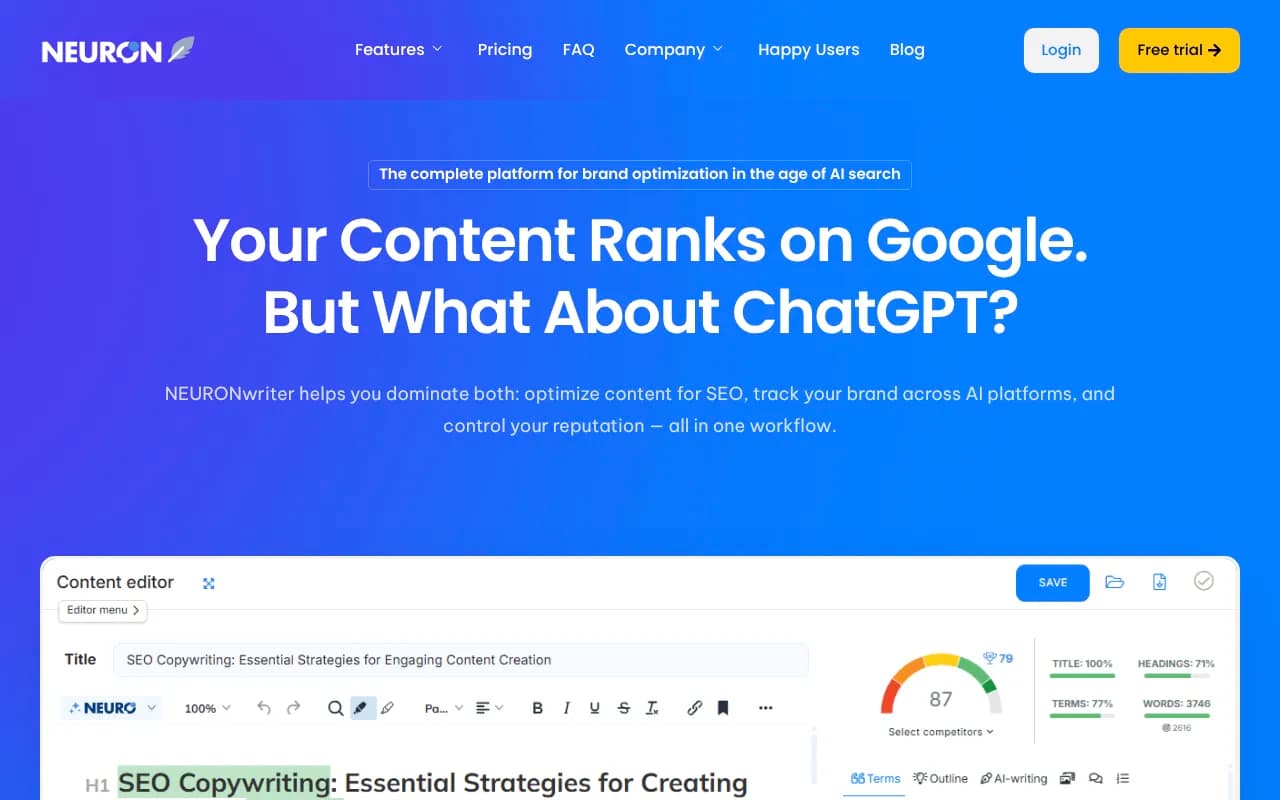
For content optimization — making sure your companion articles are structured to get cited — tools like Surfer SEO and NeuronWriter analyze top-ranking content and give you specific recommendations.
Common mistakes that kill AI Overview visibility
Optimizing for watch time at the expense of answer clarity. YouTube's algorithm rewards watch time, which pushes creators toward longer, more engaging videos. Google's AI rewards clear, direct answers. These goals sometimes conflict. The fix: answer the question clearly early in the video, then go deeper for viewers who want more.
Ignoring the companion page. A YouTube video with no associated web content is much harder for Google to evaluate in context. The companion page is not optional if you're serious about AI Overview appearances.
Using vague or creative titles. "I tried this for 30 days and it changed everything" is a great YouTube title for human click-through. It's useless for AI Overview matching. You need both: a title that signals the topic clearly AND is compelling enough to get clicks.
Neglecting transcript quality. Auto-generated transcripts for technical content are often wrong in ways that matter. If your video is about "schema markup" and the transcript says "schema mark up" inconsistently, or misses the term entirely, you've lost the text signal.
Publishing one video and waiting. AI Overviews favor sources with demonstrated topical depth. One video, no matter how good, rarely establishes that. Consistent publishing on a focused topic over time is what builds the authority signal.
Putting it together: a practical workflow
- Pick a query that triggers AI Overviews in your niche (use Semrush or Ahrefs to verify)
- Plan a video that directly answers that query, with chapters mapped out before filming
- Record the video, saying the target query phrase naturally in the first minute
- Upload with a clean transcript, full description, and chapters
- Publish a companion article on your website that embeds the video and covers the topic in text
- Add VideoObject and HowTo/FAQ schema to the companion page
- Track AI Overview appearances with a dedicated tool
- Repeat for related queries to build topical depth
This isn't a one-time optimization — it's a workflow. The channels and brands that consistently appear in AI Overviews are the ones that treat this as a repeatable process, not a one-off project.
The underlying logic hasn't changed: Google cites sources it trusts. Trust comes from demonstrated expertise, clear structure, and consistent coverage of a topic. YouTube just happens to be a format where all three of those things are now measurable and optimizable in ways they weren't two years ago.