ContentStudio Review 2026
Finds trending content and schedules it across multiple social networks, built for marketers and agency teams.
Key takeaways
- ContentStudio covers the whole social workflow in one subscription: content discovery, AI-assisted creation, multi-network scheduling, a unified inbox, and analytics, starting at $19/month.
- The agency tooling is the standout. No-login client approvals, EasyConnect onboarding, white-labeling, and unlimited workspaces make the $99 Agency Unlimited plan a strong deal for teams managing 10-25 client accounts.
- Reliability complaints recur across reviews: failed Instagram direct posts, video upload glitches, and occasional bugs. For a tool whose core job is publishing, that's the risk to test during the trial.
- Competitor analytics only cover Facebook and Instagram, and social listening is a paid add-on from $99/month, so don't expect a full listening suite.
- Best fit: small and mid-size agencies, lean in-house marketing teams, and solo creators who want one subscription instead of four separate tools.
What ContentStudio actually is
ContentStudio launched in 2017 out of Claymont, Delaware, as a content discovery and curation tool, and it has since grown into a full social media management suite. It now claims 16,500+ brands and agencies, with client logos including Unilever, Decathlon, and New York University. The pitch is consolidation: one subscription replaces a scheduler, an AI writer, an inbox tool, and an analytics platform.
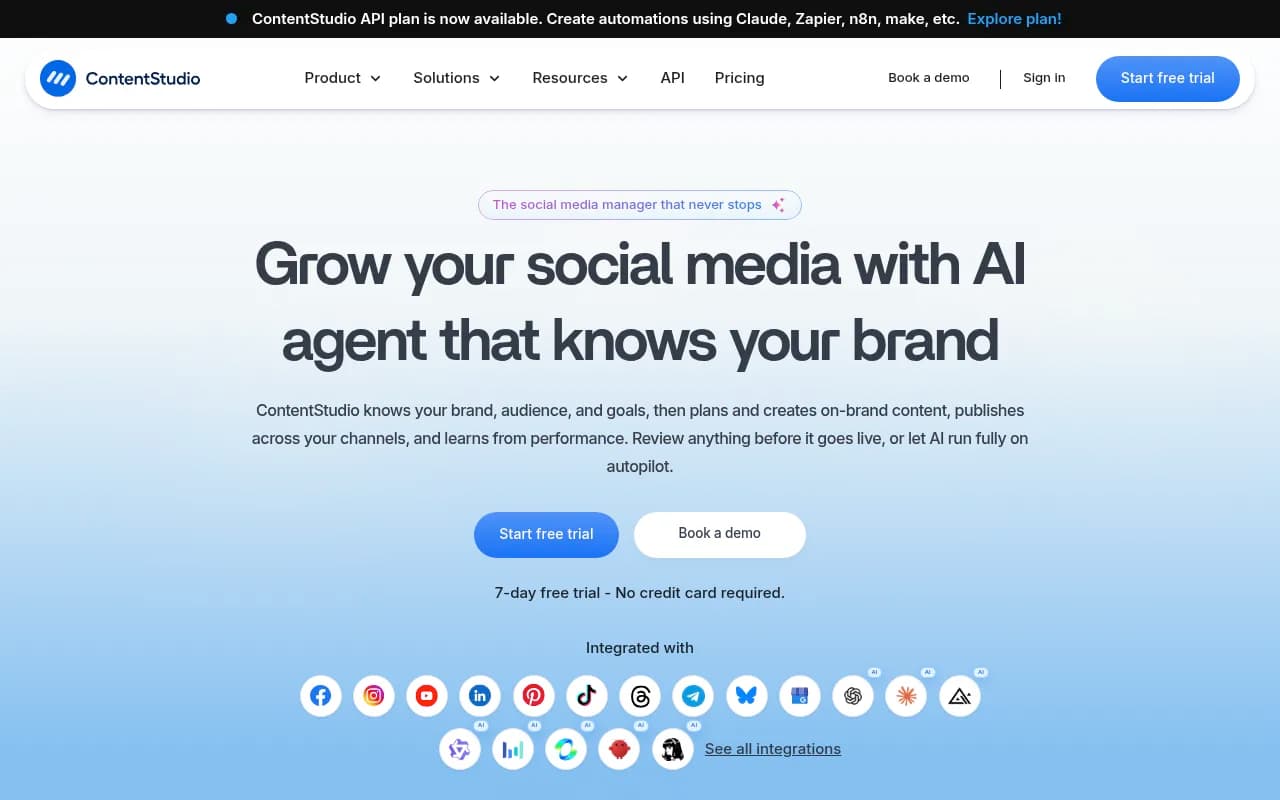
It connects to 11 networks: Facebook, Instagram, X, LinkedIn, TikTok, YouTube, Pinterest, Threads, Bluesky, Telegram, and Google Business Profile. The newer additions (Threads, Bluesky, Telegram) tell you the team is paying attention to where audiences are actually moving, which is more than I can say for some competitors.
The platform is organized into five modules: Publish, AI Studio, Engage, Analyze, and Discover.
Publish: the calendar and scheduler
The unified content calendar is the core of the product, with list, feed, and grid views. Scheduling works the way you'd expect, with several touches that save real time:
- Network-tailored posts adapt one piece of content to each platform's format, so you compose once and publish everywhere without manual resizing.
- Bulk scheduling via CSV lets you queue months of posts in one sitting.
- Evergreen campaigns recycle top-performing content on a schedule you define.
- First-comment scheduling works on Facebook, Instagram, LinkedIn, and YouTube, useful for dropping links or hashtags without cluttering the caption.
- Best-time-to-post recommendations draw on your account's engagement history.
Media can be pulled from Canva, Figma, Google Drive, Dropbox, and Pixabay, and a WordPress plugin handles cross-publishing to a blog. The approval workflow deserves a special mention: you share a calendar link, the client reviews and approves posts without creating an account, and feedback lands in one place. One agency owner put it plainly: approvals used to mean spreadsheets and missed replies, and now clients sign off without being chased.
In December 2025 the team added Smart Scheduling, a chat-based assistant that generates captions, attaches media, and bulk-schedules across accounts from a single prompt. It's a genuinely useful direction, though you'll still want to review what it produces before anything goes live.
AI Studio: creation with generous credits
AI Studio handles captions, hashtags, images, and video. Instead of locking you into one provider, it plugs into OpenAI, Claude, Flux, Qwen, Kling, Seedance, MiniMax, and Google models, with image-to-video generation included and regular model upgrades in the changelog.
The credits are generous for the price. The $19 Standard plan includes 25,000 AI text credits, 25 image credits, 100 video credits, and 100 video clipping credits. AI Studio also does brand-voice personalization and can pull live web results into the chat, which helps when you're writing about news or summarizing a link.
Honest take: the output is competent but generic. Fine for first drafts and caption variations, and the hashtag suggestions are solid. Nobody will mistake the AI images or videos for a designer's work. Treat this as a productivity boost, not a replacement for creative staff.
Engage: the unified inbox
The inbox pulls comments, DMs, and mentions from every connected account into one stream, with direct Instagram DM support and team notes for keeping replies consistent. Mobile apps handle messages on the go.
One caveat: the inbox only exists on the Advanced plan and above. If you're on Standard and answering DMs manually in each app, that's a real limitation to know about before buying.
Analyze and Discover
Analytics cover campaign and label performance, with AI-driven insights flagging what works. Reports can be scheduled, branded, and emailed automatically, which agencies will appreciate. The weak spot is competitor tracking, which only covers Facebook and Instagram. If your clients care about TikTok or LinkedIn competitive data, you'll need another tool.
Discover is the curation module that made ContentStudio's name originally. Follow RSS feeds, import sources in bulk via OPML, organize them into custom groups, and share straight into the scheduler. It's a clean reader wired directly into publishing, a workflow I wish more tools copied.
Pricing
- Standard: $19/month ($228/year). 5 social accounts, 1 user, 1 workspace, 25,000 AI text credits, 10 GB storage.
- Advanced: $49/month ($588/year). 10 accounts, 2 users, 2 workspaces, 50,000 AI credits, 15 GB storage. Unlocks the inbox, competitor analytics, approval workflow, bulk CSV scheduling, post recycling, RSS autoposting, and scheduled reports.
- Agency Unlimited: $99/month ($1,188/year). 25 accounts, unlimited users and workspaces, 125,000 AI credits, 25 GB storage. Adds EasyConnect, client management, live training, and priority support.
- Enterprise: custom pricing with SSO and full API access.
- API plan: $15/month for developers, 10 accounts and 3,000 requests, scalable to 50 accounts and 50,000 requests, with Zapier, Make, n8n, and Claude support via an MCP server.
Add-ons: extra social accounts at $5/month each, extra users at $10/month, white-label at $50/month, social listening from $99/month, SSO at $150/month. Every plan has a 7-day free trial with no credit card required.
The structure rewards you for going up a tier and pinches a little if you stay small. Standard is honest value for a solo creator, but the moment you need a second user or the inbox, you're at $49, and some Capterra reviewers note the jumps feel steep for small teams. Agency Unlimited is where the value concentrates: unlimited users alone makes it cheaper than per-seat competitors once you have four or five people.
What users say
Ratings are strong: 4.7/5 on Capterra from 674 reviews (97% positive), with value-for-money at 4.8/5, and a similarly positive picture on G2. Case studies include concrete numbers: The Modern Firm reports saving $1,000+ per month, Risely cut response times 7x, and Webeing credits a 40% productivity increase.
The complaints cluster around reliability. Recurring cons across Capterra reviews: failed or limited Instagram direct posting, video upload problems, inconsistent publishing across platforms, and occasional bugs and error messages that interrupt workflows. A G2 reviewer also called out rough UI edges despite liking the overall depth.
None of this is unusual for a tool publishing to 11 platforms through APIs that change constantly, but it's the one risk that matters. A scheduler that occasionally fails to post is a scheduler you have to babysit.
Who it's for
- Agencies managing 10-25 client accounts. The approval workflow, EasyConnect, white-label add-on, and unlimited workspaces were built for this. Strongest use case.
- In-house marketing teams of 2-5 people. Advanced covers scheduling, inbox, and reporting without enterprise pricing.
- Solo creators and small businesses. Standard at $19 is among the cheaper legitimate options, and the AI credits soften the creation workload.
- Automation builders. The $15 API plan with an MCP server and native Zapier, Make, and n8n support is unusually developer-friendly for a social tool.
Bottom line
ContentStudio is a mature, fairly priced platform that does most of what the bigger names do, plus content discovery and a capable AI studio, usually for less money. The agency tooling is genuinely thoughtful rather than checkbox-deep. The risk is publishing reliability, so use the 7-day trial to schedule real video posts to Instagram and TikTok and watch what happens. If those go through cleanly on your accounts, this is one of the better values in social media management. To weigh it against the alternatives first, the reviews and comparisons at surferstack.com cover the rest of the category.
Tags:
Frequently asked questions
How much does ContentStudio cost?
Which social networks does ContentStudio support?
Does ContentStudio include a social inbox?
Is ContentStudio good for agencies?
Does ContentStudio have AI content creation?
Similar and alternative tools to ContentStudio