Key takeaways
- Google AI Overviews pull from pages Google has already crawled, rendered and indexed. If a page isn't indexed and eligible for a snippet, it can't be cited. Fix that before anything else.
- Rendering is where many modern sites quietly fail. Content that only appears after client-side JavaScript runs is a risk, so serve the important text in the initial HTML.
- Check robots.txt, CDN and WAF rules for each AI crawler separately. Google-Extended is a training control token, not a crawler, and blocking it does not hide you from Googlebot.
- Shallow architecture, no orphan pages, clean 200 responses and fast pages keep crawlers returning, and the rest of your content work rests on that.
- Verify with server logs and Search Console, not assumptions. A fix isn't done until you've seen the crawl and the citation.
What technical SEO has to do with AI Overviews
I'll say the unglamorous part first. There is no secret AI Overviews markup. No special tag, no magic schema type. Google's AI features draw on its normal search index, so the job is the one technical SEOs have always done: get pages discovered, fetched, rendered, indexed and kept fresh. What changed is the cost of getting it wrong.
A thread on r/TechSEO put the situation bluntly: clean, lightweight HTML and fast server-side rendering are now do-or-die, and Google's Web Rendering Service (WRS) feeds what ends up in AI Overviews. That is one practitioner's view rather than Google documentation, so check Google's own Search Central guidance on AI features before you build a strategy on it. But it matches what I see when I audit sites: the pages that don't get cited are very often pages with a plumbing problem, not a content problem.
The Terra technical SEO checklist (June 2026) makes the same point from a different angle: if a page can't be found or saved, nothing else on the checklist matters. Their cited stat is that roughly 96% of websites fail at least one Core Web Vitals assessment and 52% have broken links. Those are third-party figures, but they sound about right.
How this differs from ranking in blue links
AI Overviews still correlate heavily with classic rankings. Seer Interactive data, as relayed by ZipTie, put 92.36% of AI Overview citations on top-10 domains. That's a third-party number I haven't verified, so treat it as directional. The practical read: technical SEO gets you into the pool, and content quality and authority decide which pages in the pool get cited.
Content type matters too. Promptwatch Data's July 2026 report on AI Overviews citation types (see the report) found listicles averaged 18.0% of classified citations, product pages 16.3%, how-tos 15.1% and news articles 13.5%. From July 28, product pages were the most cited format every day. Product pages were around 9% in January and have nearly doubled. So if you sell something, your product page templates deserve technical care.
Step 1: Make sure Google can crawl and index the page
Start with the boring checks. They find more problems than anything clever.
Audit robots.txt, but know what each directive does
Robots.txt is the one file most AI crawlers actually respect. Terra notes that ChatGPT, Claude, Perplexity and Gemini all follow robots.txt directives, while many ignore canonical tags and noindex. That means robots.txt is where you control access, per user-agent.
A few user-agent tokens worth knowing:
- Googlebot: the crawler behind Search and, by extension, AI Overviews.
- Google-Extended: a robots.txt token that controls whether Google uses your content for certain AI training. It is not a separate crawler that fetches pages, and it is not how you opt out of AI Overviews.
- GPTBot, OAI-SearchBot, ChatGPT-User: OpenAI's training, search and on-demand fetch agents.
- ClaudeBot and PerplexityBot: Anthropic's and Perplexity's crawlers.
Here is a sanity-check robots.txt that allows the major search and answer-time agents while leaving an explicit decision about training:
User-agent: Googlebot
Allow: /

User-agent: OAI-SearchBot
Allow: /

User-agent: ChatGPT-User
Allow: /

User-agent: PerplexityBot
Allow: /

User-agent: GPTBot
# Training crawler: your call
Disallow: /private/

Sitemap: https://example.com/sitemap.xml
The point isn't to copy this. The point is to decide deliberately. Splitting training crawlers from answer-time fetchers is also the advice in Promptwatch Data's AI crawler traffic report (June 8 to Sept 6, 2026): provider totals hide that split, and you should check robots.txt, CDN and WAF rules for every major crawler.
Don't forget the CDN and WAF
A clean robots.txt means nothing if your CDN's bot protection returns 403s to legitimate crawlers. I have seen this more than once: the SEO team signs off on robots.txt, and a security rule quietly blocks half the crawler traffic. Compare your server logs with the market mix. Promptwatch's data shows OpenAI at 79.8% of verified AI crawler requests in the week of Aug 31 to Sept 6, 2026, down from 94.8% in mid-June, with Anthropic, Google, Perplexity and Mistral growing their combined share (AI crawler traffic report). If a provider has a big share there but is near zero in your logs, you are probably blocked or unreachable for that provider.
Note that those numbers only count IP-verified requests. Spoofed user agents are everywhere in raw logs, so verify IPs against each operator's published ranges before drawing conclusions.
Find invisible pages
Terra makes a distinction I like: a page can be invisible because it was blocked, or because it was never discovered. The symptoms look identical and the fixes differ.
- Run URL Inspection in Google Search Console on pages you care about and read the crawl, index and canonical status.
- Map click depth from the homepage. Anything buried more than three or four clicks deep gets crawled rarely.
- Check that every indexable URL is in your XML sitemap, and that the sitemap contains only indexable, 200-status, canonical URLs.
For larger sites, a dedicated crawler pays for itself fast. Screaming Frog is the standard desktop option, and Sitebulb turns audits into prioritized, readable hints. For very big sites with log analysis needs, JetOctopus and OnCrawl are built for that scale.

Step 2: Fix rendering so the content is actually in the HTML
This is the section that separates "technically fine" from "technically fine in a browser."
Google can render JavaScript through its Web Rendering Service, but rendering happens in a queue, uses resources and can fail on blocked scripts, timeouts or errors. And most other AI crawlers are less forgiving. Terra's checklist says most AI bots don't render JavaScript at all. ZipTie's matrix claims GPTBot and ClaudeBot can't see client-side rendered content while PerplexityBot can. I haven't verified that table, and its "Google-Extended" column is misleading since that token doesn't fetch or render anything. But the direction of the advice is right: if your key content depends on client-side JavaScript, you are betting on every consumer rendering it correctly.
Rendering options compared
| Approach | What the crawler gets in the first response | Risk | Good for |
|---|---|---|---|
| Client-side rendering (CSR) | Mostly an empty shell plus scripts | High. Depends on JS execution | Logged-in apps, not content pages |
| Server-side rendering (SSR) | Full HTML for the page | Low | Dynamic content pages, product pages |
| Static site generation (SSG) | Prebuilt full HTML | Low | Docs, blogs, marketing pages |
| Pre-rendering or dynamic rendering | Snapshot of rendered HTML served to bots | Medium. Must match what users see | Legacy JS sites you can't rebuild yet |
A fast test you can run today
View source (not Inspect Element) on a key page. Search for a sentence from your main body copy, your price, your H1. If it isn't in the raw HTML, you depend on rendering. Then use URL Inspection's rendered HTML view in Search Console to confirm Google sees it. Also try curl -A "Googlebot" https://example.com/page | grep "your phrase" to see what a non-rendering client receives.
curl -s https://example.com/pricing | grep -i "per month"
If that returns nothing and the browser shows pricing clearly, you have a rendering dependency.
When you can't rebuild the front end
If a full SSR migration is months away, a pre-rendering layer is a reasonable stopgap. Prerender.io, DataJelly and SEO4Ajax serve rendered HTML to bots, and LovableHTML does the same for sites built with AI site builders. Keep the served HTML faithful to what users see. Differences between the bot version and the human version are how you end up in cloaking trouble.
Also check the rendered output for the quiet failures: blocked JS or CSS files in robots.txt, content that loads only on scroll or click, and lazy-loaded text that never fires without user interaction. The MakerKit developer guide lists blocking JavaScript as a common mistake for exactly this reason: if search engines can't render your scripts, they can't index what those scripts produce.
Step 3: Clean up indexing signals
Crawled isn't indexed, and indexed isn't citable. Work through these.
Status codes and redirects
SE Ranking's analysis, quoted by ZipTie, reports 96.45% of URLs cited in AI Overviews return HTTP 200. That's a third-party stat, but it matches common sense: Google isn't going to cite a 404, and 5xx errors or long redirect chains waste crawl effort. Fix redirect chains, link to final URLs and clear soft 404s.
Canonicals and duplicates
Pick one canonical per page and make sure internal links, sitemaps and the canonical tag agree. Conflicting signals make Google choose for you, and it may not choose the version you want cited. Search Console's Page indexing report lists "Duplicate, Google chose different canonical than user", which is the clearest early warning.
Noindex and snippet controls
If a page carries noindex, it's out. Less obvious: nosnippet and max-snippet directives restrict what Google can show from your page, and Google's AI features respect snippet controls. Audit these on templates, since one misplaced directive in a layout file can hit thousands of pages. Confirm the current rules in Google's Search Central documentation for AI features, because I haven't verified whether any requirements go beyond being indexed and snippet-eligible.
Freshness
Promptwatch Data's content half-life research (chatgpt-content-half-life) covers ChatGPT, not AI Overviews, but the lesson transfers: news-type pages lose citations fast, while landing pages and docs stay cited longest. Keep lastmod dates honest in your sitemap and refresh pages you want cited. MakerKit's advice is blunt and I agree: updating a page that already ranks beats publishing a new article on the same topic most of the time.
Step 4: Structure the site so crawlers keep coming back
Click depth and orphan pages
Several of the sources agree on keeping important pages within about three clicks of the homepage. Discovered Labs cites Botify data that orphan pages consume 26% of Google's crawl budget without contributing to indexation. I haven't traced that figure to its source, so lean on the principle rather than the number: if nothing links to a page, crawlers find it slowly or not at all.
A quarterly routine works:
- Crawl the site and export every URL.
- Compare it against sitemap URLs and Search Console's indexed pages.
- List URLs that appear in the sitemap but not the crawl. Those are orphans.
- Link to the ones worth keeping from relevant hub pages. Remove or redirect the rest.
Internal links with descriptive anchors
Swap "click here" for the actual topic. Descriptive anchors tell crawlers and language models what the target page is about. Breadcrumbs on feature, product and blog pages add a free upward link path and clarify where a page sits in your hierarchy.
Broken links on a schedule
Terra suggests recurring crawls so new broken links get caught before they pile up. That's the right habit. Set a weekly or monthly crawl and alert on new 4xx and 5xx responses. Tools like ContentKing or SiteGuru monitor continuously and flag changes between runs.
Step 5: Performance and mobile
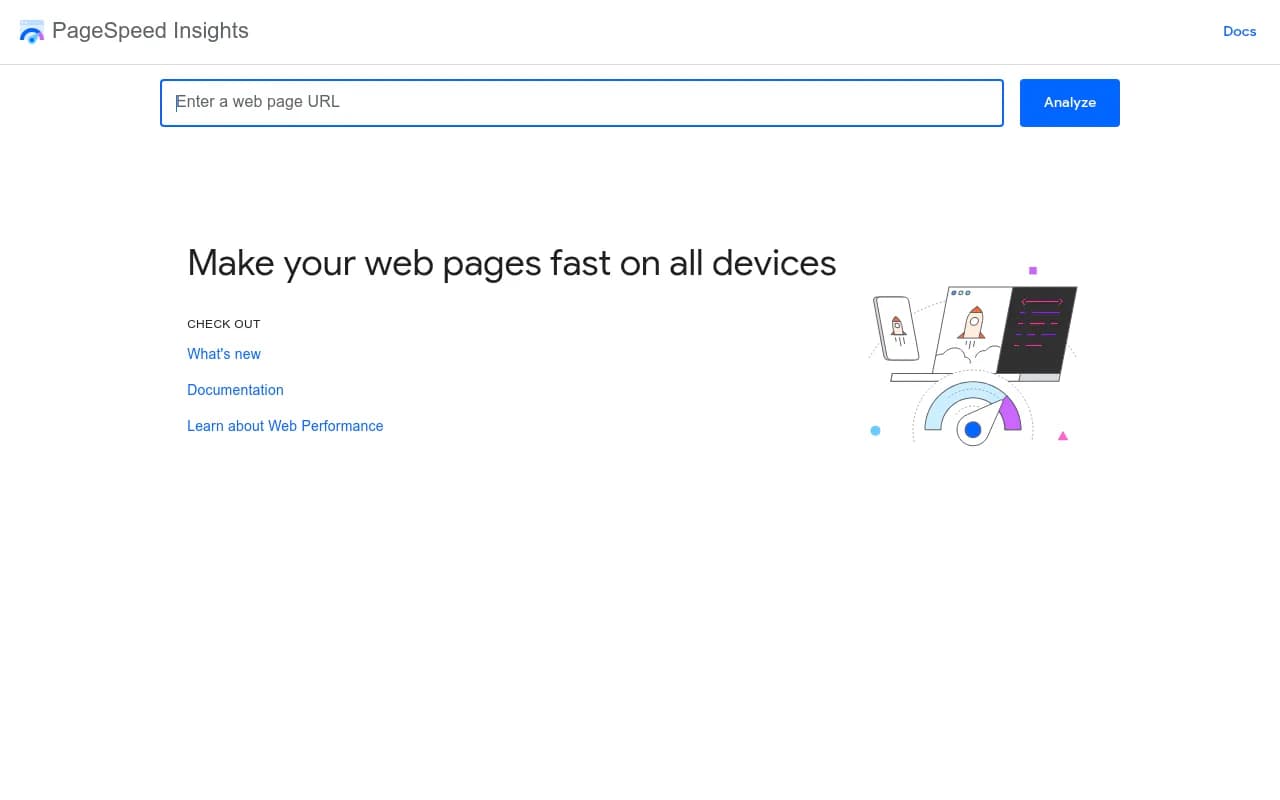
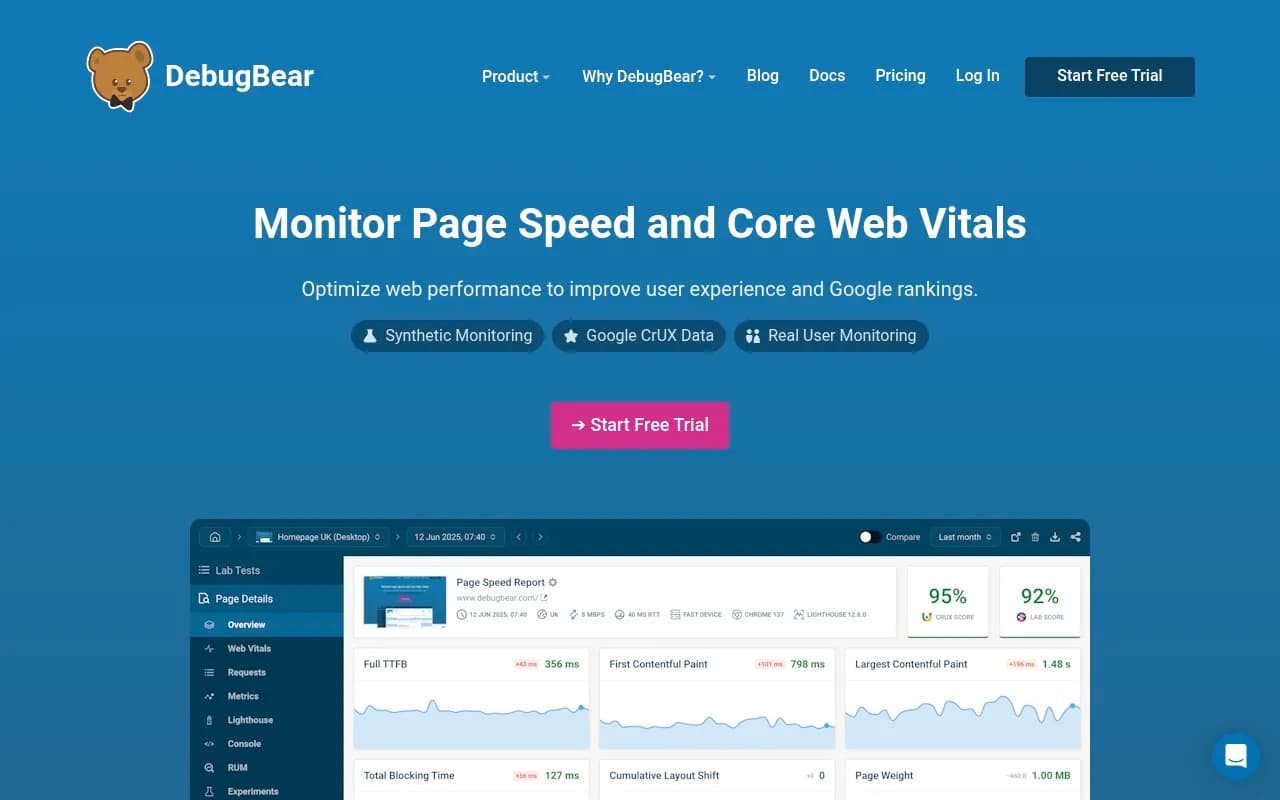
Google indexes the mobile version, so everything above has to work on a phone. The MakerKit targets are the standard Core Web Vitals thresholds: LCP under 2.5 seconds, INP under 200ms, CLS under 0.1. Check them with Google PageSpeed Insights for lab and field data, and use GTmetrix or DebugBear when you want waterfalls and regression monitoring.
Performance isn't a direct "AI Overviews switch." Slow server responses and heavy scripts do hurt crawling and rendering, though, and that's the path through which they cost you. Fix server response time and render-blocking scripts first, since those help crawlers as well as users.
Step 6: Structured data, used honestly
Schema isn't a requirement for AI Overviews, and I wouldn't promise a lift from it. It does give machines explicit facts: product price and availability, organization details, article dates, FAQs that match visible content. Promptwatch's July 2026 report recommends structured specs, clear pricing and fresh availability data on product pages, which fits. Mark up only what's visible on the page, validate it, and keep it in sync with the content. WordLift is built around entity-based structured data if you want help at scale.
Step 7: Verify with logs and citations
This is the step most guides skip. You fixed things; did anything change?
What to watch
| Question | Where to look |
|---|---|
| Is Google crawling and indexing the page? | Search Console URL Inspection, Page indexing report |
| Is Google rendering the content? | URL Inspection rendered HTML and screenshot |
| Are AI crawlers reaching the site, and getting 200s? | Server or CDN logs, filtered by verified IPs |
| Is the page being cited in AI Overviews? | An AI visibility tracker |
| Is it driving visits? | Analytics segments for AI referrers |
Tools for the job
For the Google side, Search Console and Bing Webmaster Tools cover indexing and query data for free. For AI-side visibility, Promptwatch is the one I'd point most teams to, because it ties IP-verified AI crawler logs to citations and traffic on a per-page basis, so you can see whether a rendering fix led to a crawl and then a citation. It also tracks Google AI Overviews and AI Mode alongside ChatGPT, Perplexity and others using the real interfaces, and its Action Board turns the findings into a prioritized to-do list.

If you only need lighter monitoring, there are plenty of simpler trackers in the catalog, such as Otterly.AI and Peec AI. They answer "was I mentioned," but they generally don't show crawler behavior or tie fixes to outcomes. Semrush and Ahrefs have added AI tracking to their SEO suites if you already live in them. To browse the wider field, the GEO software directory at bestgeosoftware.com is a decent starting point.
Otterly.AI



| Tool type | Examples | What it tells you |
|---|---|---|
| Crawlers | Screaming Frog, Sitebulb, OnCrawl | Structure, status codes, canonicals, orphans |
| Search engine consoles | Google Search Console, Bing Webmaster Tools | Indexing, queries, rendering |
| Performance | PageSpeed Insights, DebugBear | Core Web Vitals, regressions |
| Pre-rendering | Prerender.io, DataJelly | Bot-readable HTML for JS sites |
| AI visibility and crawler logs | Promptwatch, ZipTie | Citations, AI crawler hits, traffic |
A prioritized fix order
If you have limited dev time, this is the order I'd work in:
- Confirm key pages return 200, are indexable, and aren't blocked by robots.txt, CDN or WAF rules.
- Check that primary content appears in the initial HTML. If not, plan SSR, SSG or pre-rendering.
- Resolve canonical conflicts, redirect chains and soft 404s on pages that should be cited.
- Link orphan pages into the architecture and keep priority pages within three clicks.
- Fix slow server response and Core Web Vitals on templates with the most traffic potential.
- Add accurate structured data on product, article and organization pages.
- Set up logging and citation tracking, then re-check two to four weeks after each change.
What technical SEO won't fix
Be honest about the limits. A perfectly crawlable page with thin content won't get cited, and Promptwatch Data's work on other surfaces shows how different the citation mix can be: for example, AI Overviews drew 12.2% of citations from social platforms in the week of Sep 28 to Oct 4, 2026, versus 0.46% for ChatGPT (social media citations report). That tells you source mix varies by surface, so offsite presence and content format matter on top of the plumbing.
Think of technical SEO as the entry ticket. It won't win you the citation, but without it you aren't in the room. If you'd rather hand the audit and implementation to specialists, agencies like 1001 SEO Media run technical SEO and AI search work together, but a motivated in-house team can do most of the above with the tools listed here.
Start with the render test on your ten most important pages. It takes ten minutes, and it's the check most likely to turn up something you didn't know was broken.