Key takeaways
- Zapier bills per task, Make bills per module action (credit), and n8n bills per full workflow execution. Multi-step workflows cost the most on Zapier and the least on n8n.
- Make is the easiest switch for marketing teams that want visual branching at a lower price. n8n suits teams with a technical person who wants control and self-hosting.
- Power Automate makes sense if you already pay for Microsoft 365. Pabbly Connect, Gumloop and Lindy cover flat-rate budgets, AI canvases and AI assistants.
- Pricing figures below for Zapier, Make and n8n come from their pricing pages. Others were not verified, so confirm before buying.
Why marketing teams look past Zapier
Zapier is still the default for connecting SaaS apps, and I'm not going to pretend otherwise. It has the biggest app library, the gentlest learning curve, and a polished AI orchestration push with Agents, Chatbots, Canvas and MCP.
But marketing workflows tend to be multi-step. A new lead arrives, you enrich it, score it, route it, post to Slack, update the CRM, add it to an email sequence. That is six or seven tasks per lead on Zapier, and the bill follows. Add AI steps and code steps, which now follow the same task-based pricing, and a busy campaign month gets expensive.
The other common reasons for leaving:
- Complex branching and loops that feel cramped in a linear builder
- Self-hosting or data control requirements
- Free-tier limits: 100 tasks a month, two-step Zaps and 15-minute polling
- Wanting AI agents rather than simple trigger-and-action flows
One caution before the list. Many roundups of Zapier alternatives are written by vendors selling their own product. The Vellum guide, for example, ranks Vellum first and itself says its pricing figures are directional and change often. Treat any single list, including this one, as a starting point and test with a real workflow.
The billing models are the real difference
Before comparing features, understand how each tool counts usage. A cost comparison that ignores this will mislead you.
| Tool | What you pay for | Entry paid price (as scraped) | Free tier |
|---|---|---|---|
| Zapier | Tasks (each action step) | From $19.99/month Professional | 100 tasks/month, 2-step Zaps |
| Make | Credits (one per module action) | $12/month Core at 10,000 credits, annual | 1,000 credits, 2 active scenarios |
| n8n | Full workflow executions | $20/month Starter, 2.5K executions, annual | Self-hosted Community Edition |
Take a seven-step lead workflow that runs 1,000 times. On Zapier that is roughly 7,000 tasks. On Make it is about 7,000 credits. On n8n it is 1,000 executions. Same workflow, very different meter. That is why n8n tends to win on cost for long workflows and Zapier tends to lose.
The 8 Zapier alternatives
1. Make
Make is where most marketing teams should look first. It is a visual scenario builder where you can see branches, routers and iterators laid out on a canvas, which makes complex logic far easier to reason about than a vertical list of steps. It lists 3,500+ apps.
Pricing at 10,000 credits a month on annual billing, with 25% savings shown: Free is $0 for 1,000 credits, Core is $12, Pro is $21 and Teams is $38. Per 1,000 credits that works out to $1.20 on Core, $2.10 on Pro and $3.80 on Teams.
Things to know:
- The free plan allows 2 active scenarios with a 15-minute minimum interval. Core and above give unlimited active scenarios and a 1-minute interval.
- Custom variables and full-text execution log search start at Pro. Team roles and shareable templates start at Teams.
- Code and AI cost extra. The Make Code App (JavaScript and Python) costs 2 credits per second of runtime, so a slow script gets pricey.
- The Maia assistant, an MCP server and AI Agents (beta) are included on all plans.
Best for marketing ops people who think visually and want branching without paying a task tax.
2. n8n
n8n charges per full workflow execution and steps are unlimited. For a technical marketer or a team with a developer nearby, that changes the economics completely. You can also self-host the free Community Edition, which has around 207K GitHub stars.
Cloud pricing on annual billing: Starter is $20 a month for 2.5K executions, Pro is $50 for 10K executions, and Business is $800 for 40K executions. Enterprise is custom. Annual billing saves 17%, and companies under 20 employees can get 50% off Business through the Start-up plan. The cloud trial needs no credit card.
The catch is that jump from Pro to Business. Going from $50 to $800 is steep, and Business is currently self-hosted only. Starter is also limited to 1 shared project, 5 concurrent executions and a 5-minute maximum execution time, with 7 days of log retention. Pro raises that to 3 shared projects, 50 concurrent executions, 40 minutes and 30 days.
n8n has an AI Agent node, an MCP server trigger and client, and human approval for tool calls. Note that its license is source-available (Sustainable Use License), not OSI-approved open source, which matters if your legal team cares about the distinction.
Best for teams that want data control, self-hosting, or heavy multi-step and AI workflows.
3. Microsoft Power Automate
If your company already lives in Microsoft 365, Power Automate adds automation without another vendor. It has cloud and desktop flow designers, and it supports on-premises connectivity through a gateway. Licensing is by user or by process capacity. One roundup quotes $15 per user per month, but I did not verify Microsoft's current pricing, so check it.
It is less pleasant outside the Microsoft world. Marketing stacks built on HubSpot, Webflow and Slack often feel better served elsewhere.
Best for Microsoft-centric organizations.
4. Pabbly Connect
Pabbly Connect is the budget pick, with flat-rate pricing and no per-task charges according to Vellum's shortlist. That predictability is attractive for small teams that dread a surprise bill. I have not verified its current plans, and its interface and app depth are a step behind Make and Zapier.
Best for small teams who want a predictable monthly cost.
5. Gumloop
Gumloop is a canvas-based AI workflow builder aimed at ops and marketing teams, and it is popular for SEO and content workflows like scraping pages, summarizing them with an LLM and writing the output to a sheet.
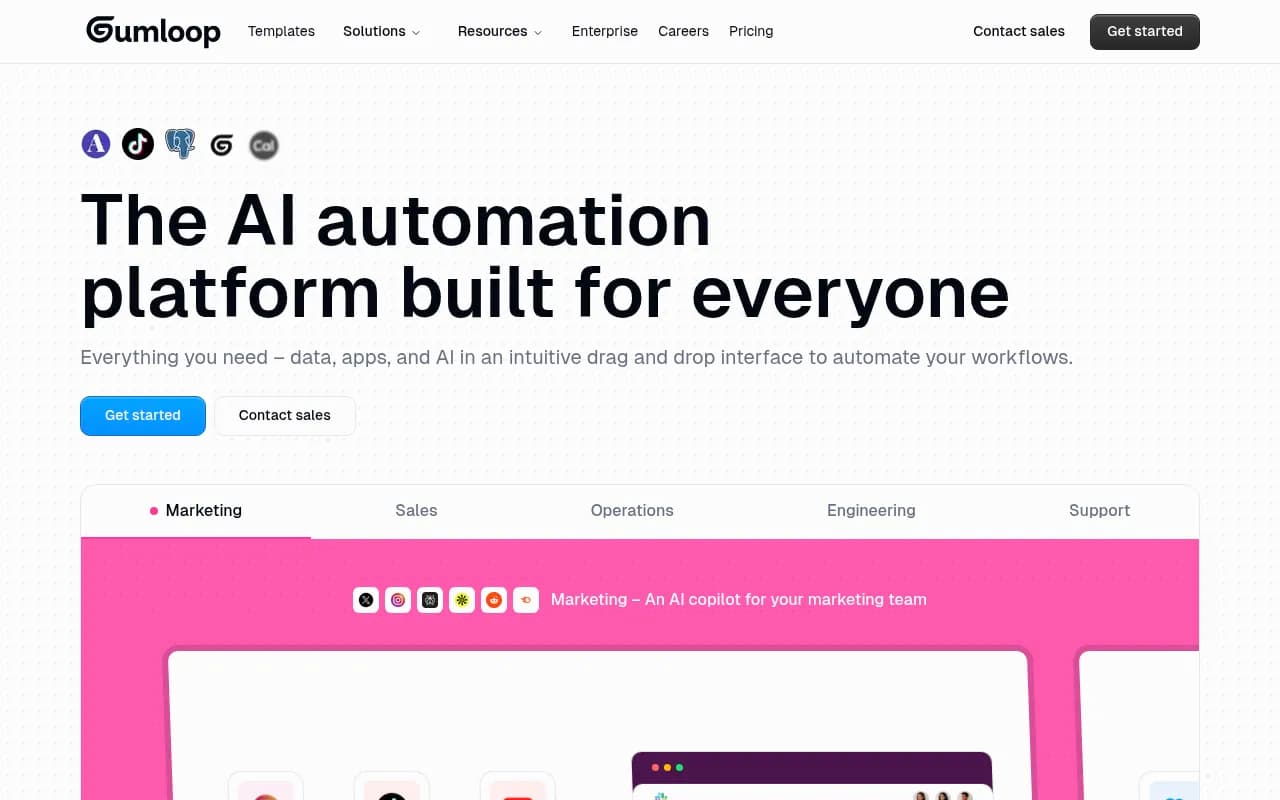
It is built around AI steps rather than bolting them onto classic triggers. If your automations are mostly about processing text at scale, it fits better than Zapier.
Best for AI-heavy content and research workflows.
6. Lindy AI
Lindy is less a workflow builder and more a way to create no-code AI assistants for sales, recruiting and customer support. You describe a job and the agent handles inbox triage, scheduling or follow-ups.
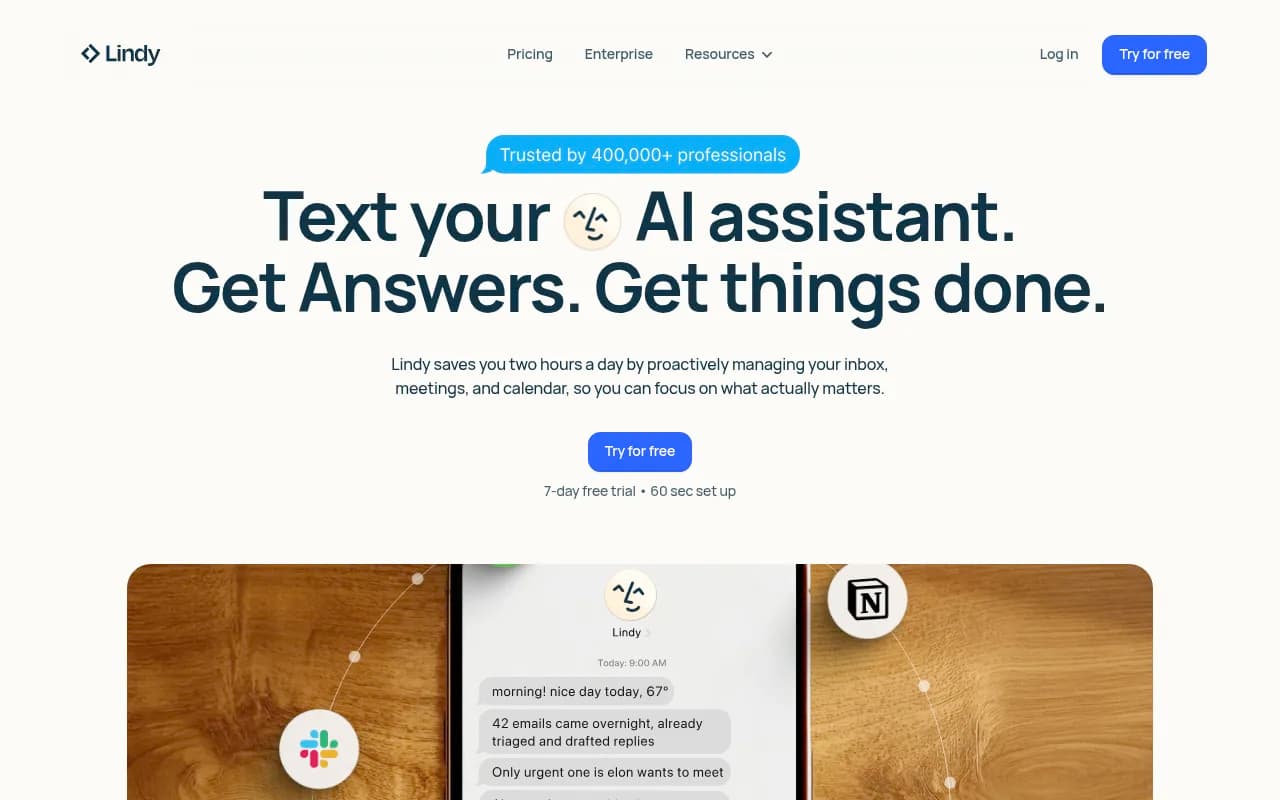
It is a different category from Zapier. Choose it when you want to delegate a role-like task rather than wire up a deterministic pipeline.
Best for sales and support teams delegating inbox-style work.
7. Relay.app
Relay.app focuses on human-in-the-loop automation. Workflows pause for a person to approve, edit or choose, then continue. For marketing that is useful anywhere a human should sign off before something goes live, such as AI-drafted copy or outbound emails.
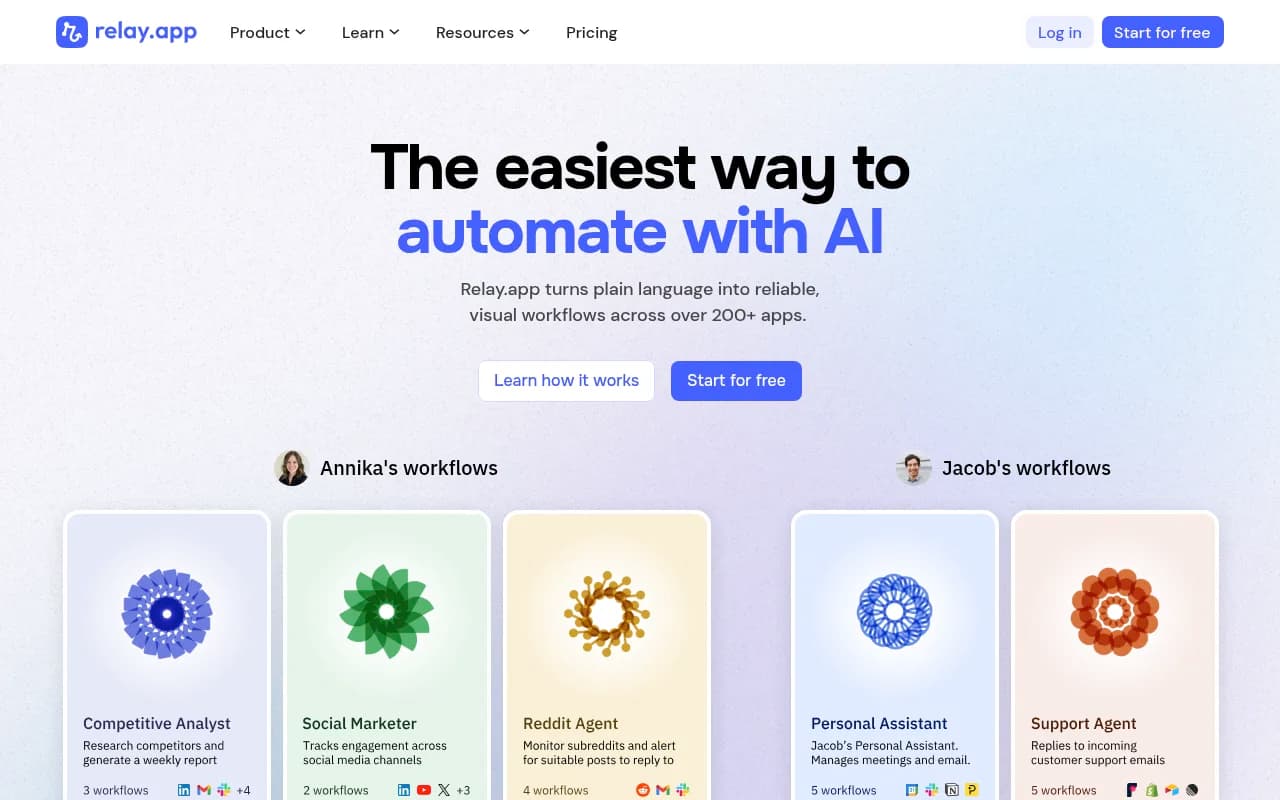
Best for approval-heavy content and outreach flows.
8. Pipedream and Workato (the developer and enterprise ends)
Two more worth knowing. Pipedream is aimed at developer-led API workflows where you write code directly in steps. Workato is for governed enterprise automation with serious security and admin controls. Most marketing teams will not need either, but if your automation is owned by engineering or a central IT team, they come up quickly. Zapier maintains its own list of Workato alternatives if you go that way.
Side-by-side comparison
| Tool | Best for | Builder style | Hosting | Cost model |
|---|---|---|---|---|
| Make | Visual marketing ops | Visual scenarios | Vendor-hosted | Credits |
| n8n | Technical teams | Node-based plus code | Self-host or cloud | Executions |
| Power Automate | Microsoft 365 shops | Cloud and desktop flows | Vendor-hosted | User or capacity |
| Pabbly Connect | Tight budgets | Linear | Vendor-hosted | Flat rate |
| Gumloop | AI content workflows | AI canvas | Vendor-hosted | Varies, check vendor |
| Lindy AI | AI assistants | Prompt-based agents | Vendor-hosted | Varies, check vendor |
| Relay.app | Human approvals | Step-based | Vendor-hosted | Varies, check vendor |
| Pipedream / Workato | Dev and enterprise | Code and governed flows | Vendor-hosted | Varies, check vendor |
Other lists on the web, such as the Sim AI comparison, add Sim and Activepieces to the mix, and CiraSync's roundup argues for its own CiraHub when what you really need is two-way contact and calendar sync, something Zapier cannot do.
How to choose
If your workflows are long
Count the steps. Anything past four or five steps pushes you toward n8n (per execution) or Make (cheaper per unit). Zapier's per-task model punishes depth.
If polling speed matters
Free tiers on both Zapier and Make poll every 15 minutes, which is too slow for lead routing where a prospect expects a quick reply. Paid Zapier tiers drop to 2 minutes on Professional and 1 minute on Team. Make reaches 1 minute from Core.
If security review is coming
Zapier's own claims are SOC 2 Type II, GDPR, SAML SSO with SCIM, and OAuth credentials so agents never see raw API keys. Its SDK is still in beta. If you need to keep data on your own infrastructure, n8n self-hosted or Sim are the realistic options, and Workato for governed enterprise setups.
If you want AI agents, not just flows
Zapier, Make and n8n all now ship agent features and MCP support. Gumloop and Lindy are built around AI from the start. My view: for deterministic marketing pipelines, stick with a workflow tool and add AI steps. Reach for an agent only when the task genuinely needs judgment.
Migration tips
- Audit your Zaps first. Sort by monthly task volume and kill anything dead.
- Rebuild your three highest-volume workflows in the new tool and compare the real bill, not the pricing page.
- Watch for hidden meters: Make's 2 credits per second for code, n8n's concurrency limits on Starter, Zapier's 2,000-task threshold for live chat support.
- Run both tools in parallel for a week before switching triggers off.
- Check polling intervals and error handling, since silent failures cost more than subscription fees.
For a wider look at general software options, the directory at surferstack.com is a handy place to browse.
Final take
For most marketing teams, test Make first and n8n second. Make gives you the nicest visual experience at a lower unit price, and n8n gives you the lowest cost on long workflows if someone on the team is comfortable with a bit of technical setup. Stay on Zapier if your workflows are short, your team is non-technical, and the app coverage and support matter more than the bill. Everything else on this list is a specialist pick for a specific situation: Microsoft shops, flat-rate budgets, AI-first canvases, or human approvals.
Prices change often, so confirm each vendor's current pricing page before committing.