Key takeaways
- Screaming Frog now costs $279 per user per year, with a free version capped at 500 URLs. It is still the best value desktop crawler for most SEOs.
- Sitebulb is the closest alternative: a desktop crawler with prioritized Hints, visual crawl maps, and a cloud version. Pro is $42 per month.
- JetOctopus, Lumar, Botify and OnCrawl are cloud platforms for large sites. They cost far more, but they remove the memory limits of a laptop and add log analysis.
- ContentKing, SiteGuru, SEOmator and the audit modules in Semrush, Ahrefs and SE Ranking suit monitoring and lighter audits.
- A crawler finds problems. It does not tell you whether AI search engines can read your pages, which is a separate check worth adding in 2026.
Why look for a Screaming Frog alternative at all
Screaming Frog SEO Spider is good. I want to say that up front, because a lot of "alternatives" articles are written as if the incumbent is broken. It isn't. It audits 300+ issues, runs on Windows, macOS and Linux, supports JavaScript rendering, custom extraction, crawl comparison and scheduling, and it costs less than most SaaS tools.
So why do people leave, or at least add something? Usually for one of five reasons:
- The interface. It is a spreadsheet-style tool. Experienced SEOs love it. Account managers and clients do not. Sophie Gibson of StudioHawk says on Sitebulb's comparison page that the tool is "not very intuitive" and takes a long time to learn, though her team still uses it.
- Scale. The paid crawl limit is technically unlimited, but in practice it depends on the memory and storage of your machine. Crawling several million URLs on a laptop is miserable.
- Collaboration. A desktop licence is per user. Sharing audit data across a team means exporting files.
- Monitoring. Screaming Frog can schedule crawls, but it is not built for always-on change detection.
- Prioritization. It gives you the data. It doesn't tell you which of 40 issues matters most.
If one of those is your problem, here is where to look.
Quick comparison
| Tool | Type | Starting price | Best for |
|---|---|---|---|
| Screaming Frog | Desktop | Free to 500 URLs, then $279/user/year | Power users, custom extraction |
| Sitebulb | Desktop and cloud | $18/mo Lite, $42/mo Pro | Readable audits, agencies |
| JetOctopus | Cloud crawler plus log analyzer | $349/mo | Large sites, log analysis |
| Lumar | Cloud, enterprise | Custom | Enterprise governance |
| Botify | Cloud, enterprise | Custom | Very large sites |
| OnCrawl | Cloud, enterprise | Custom | Data-heavy technical teams |
| ContentKing | Cloud, real-time | Custom | Change monitoring |
| SiteGuru | Cloud | Low monthly pricing | Small sites and freelancers |
Pricing for Screaming Frog, Sitebulb and JetOctopus comes from their vendor pricing pages. For Lumar, Botify, OnCrawl and the rest I haven't verified current plans, so check each vendor before you budget.
Screaming Frog baseline: what you are comparing against
The licence is $279 per year per user, with volume discounts: $265 for 5 to 9 licences, $249 for 10 to 19, and $235 for 20 or more. Licences last a year and then renew. The free version crawls 500 URLs. The current version is v24.3, and there is a separate Log File Analyser.
Recent versions added crawling with OpenAI and Gemini, a Looker Studio crawl report, custom JavaScript and forms-based authentication. That is a lot of capability for the money, and it is the bar every alternative has to clear.
Sitebulb: the closest like-for-like alternative
Sitebulb is what I would try first if the main complaint is usability. It started as a desktop crawler built by people who used Screaming Frog every day and wanted something that explained itself.

What you get:
- Prioritized Hints that explain what an issue is, why it matters, and how to fix it. Lite has 100+ Hints and Pro has 300+.
- Crawl maps and site visualizations, which help when you need to show a client why their internal linking is a mess.
- JavaScript crawling on every plan at no extra cost, plus Google Analytics, Search Console and Google Sheets integration.
- A new MCP that connects audit data to Claude and ChatGPT, available on all plans.
Pricing is $18 per month for Desktop Lite (one user, 10,000 URLs per audit) and $42 per month for Desktop Pro (500,000 URLs per audit by default, raisable to 2 million, with a warning that it may strain your machine). Extra Pro users are $11 per month each. Yearly billing saves 15%. There is a 14-day trial equivalent to Pro with no credit card.
Pro-only features include structured data, hreflang, performance and mobile checks, accessibility, spell checking, scheduling and auto-export to Google Sheets.
Sitebulb Cloud starts at $125 per month for two or more users, with no project limits, automated recurring crawls and a Data Studio integration. One caution: the FAQ on Sitebulb's pricing page quotes different figures (from 95 pounds per month) than the headline price, so confirm the current number before committing.
The honest trade-off: Sitebulb is slower to customize than Screaming Frog for odd extraction jobs, and it is still bound by your machine on the desktop version. Many teams keep both. Sitebulb's own page says as much.
JetOctopus: cloud crawling plus log analysis
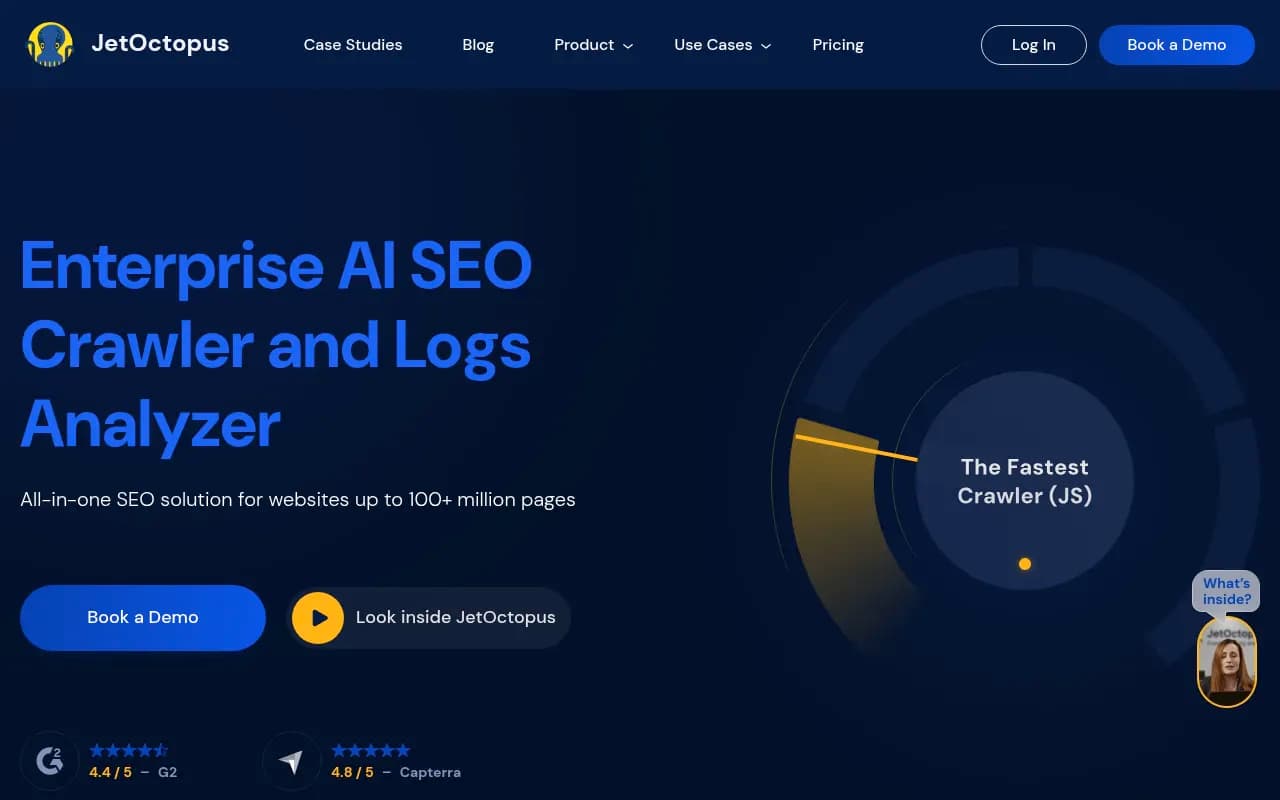
JetOctopus moves the crawl off your laptop and puts log file analysis in the same platform. It is aimed at sites with 10K+ pages, and it now markets itself as a technical SEO platform for Google and AI search, with AI bot tracking in its logs.
| Plan | Monthly price | Crawled URLs per month | Log lines per month | GSC / GA4 properties |
|---|---|---|---|---|
| Growth | $349 | 500K | 2M | 3 each |
| Pro | $809 | 2M | 8M | 10 each |
| Ultra | $1,559 | 5M | 25M | 20 each |
| Unlimited | Custom | Custom | Unlimited | Unlimited |
There are no per-seat or per-domain fees, and seats, projects and simultaneous crawls are unlimited. Features include crawl-to-crawl comparison, segmentation, JavaScript rendering, Core Web Vitals, a cannibalization tool, an API, Looker Studio, an MCP integration and an AI Interlinker. Annual billing is 25% cheaper than quarterly, and there is a 7-day free trial.
This is a different buying decision from Sitebulb. At $349 a month the starting price is more than the cost of a Screaming Frog licence for the entire year. It pays off when you have a large e-commerce or publisher site and you want crawl data and server logs joined in one place, so you can see what Googlebot actually does versus what your crawl says it could do.
Enterprise crawlers: Lumar, Botify and OnCrawl
These three sit at the top end. I haven't verified current pricing or feature lists for them, and all three tend to sell on custom quotes, so treat this section as orientation rather than a spec sheet.
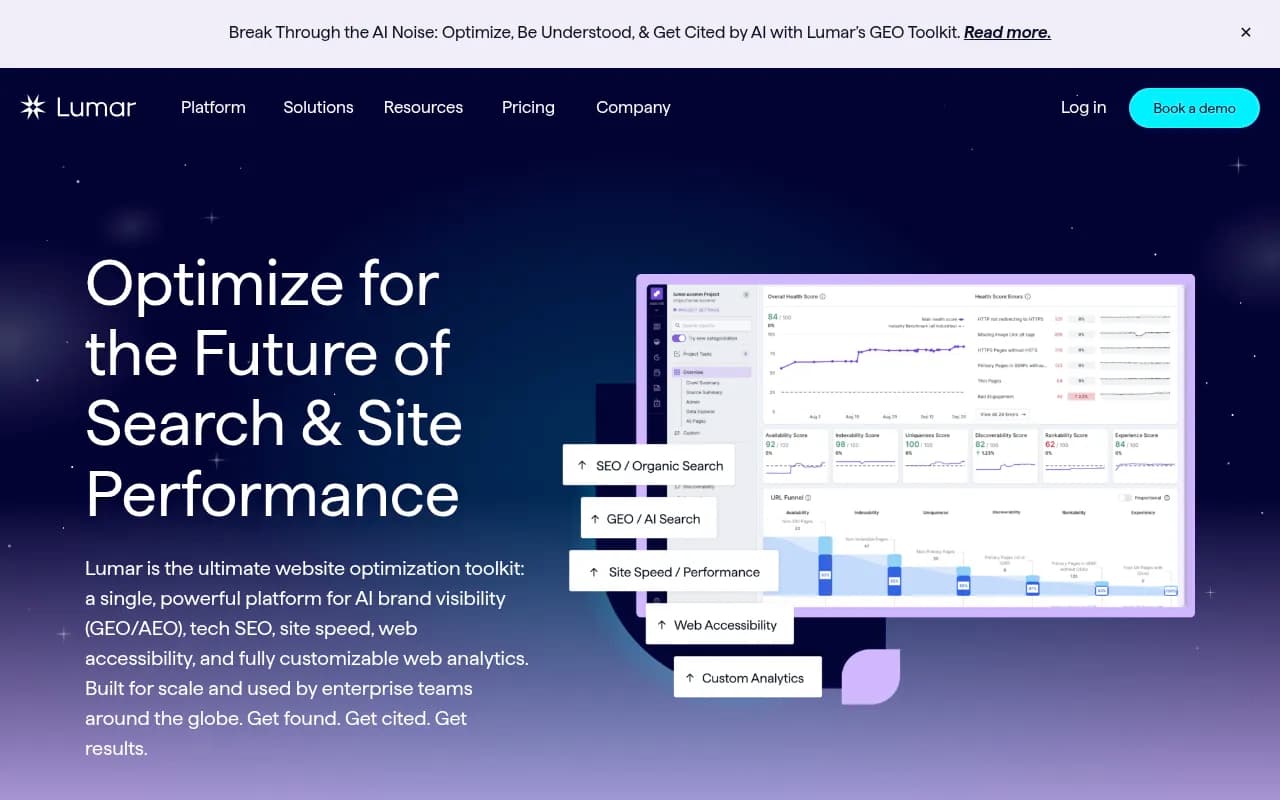
Lumar is positioned as an enterprise website optimization platform covering SEO, GEO and broader site health. It is strong on governance: monitoring, alerting and reporting across large site portfolios.
Botify is built for very large sites, and now pitches itself on AI search optimization as well as classic SEO. If you have millions of URLs and an enterprise budget, it belongs on the shortlist.
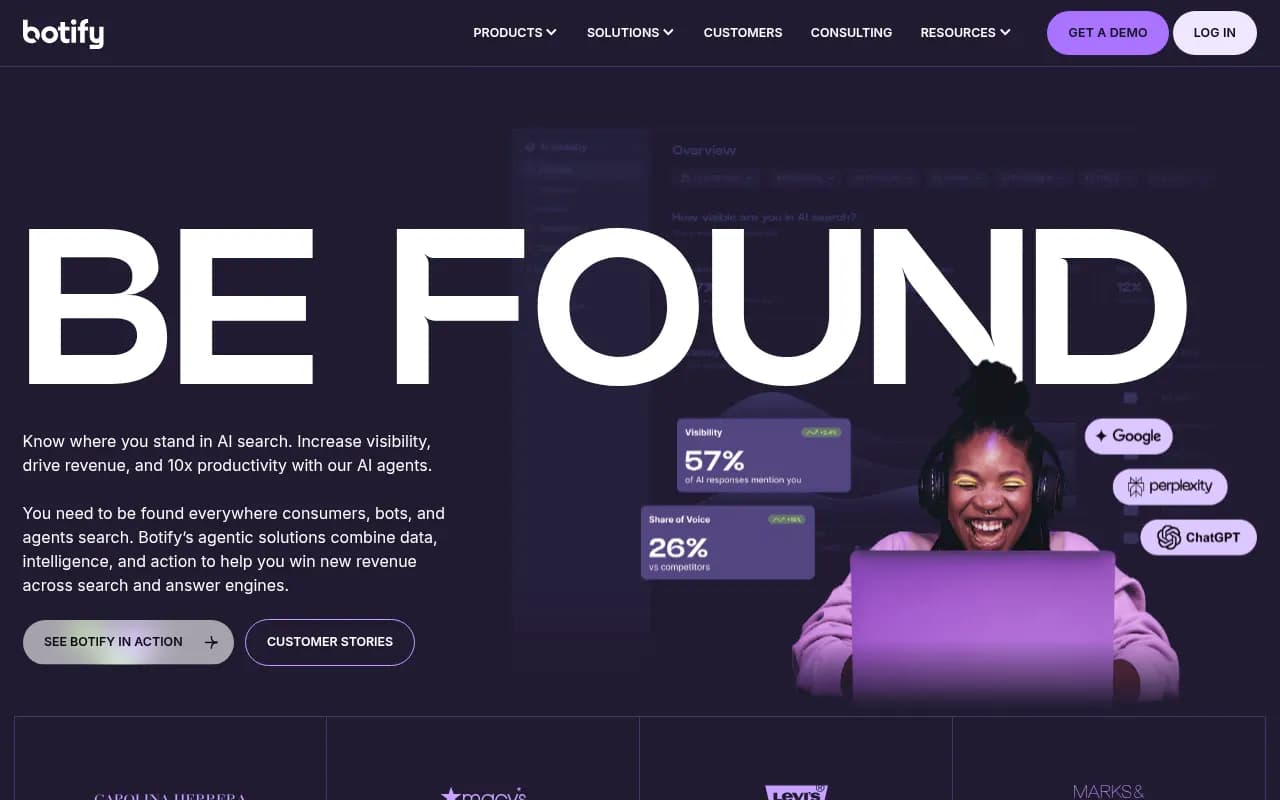
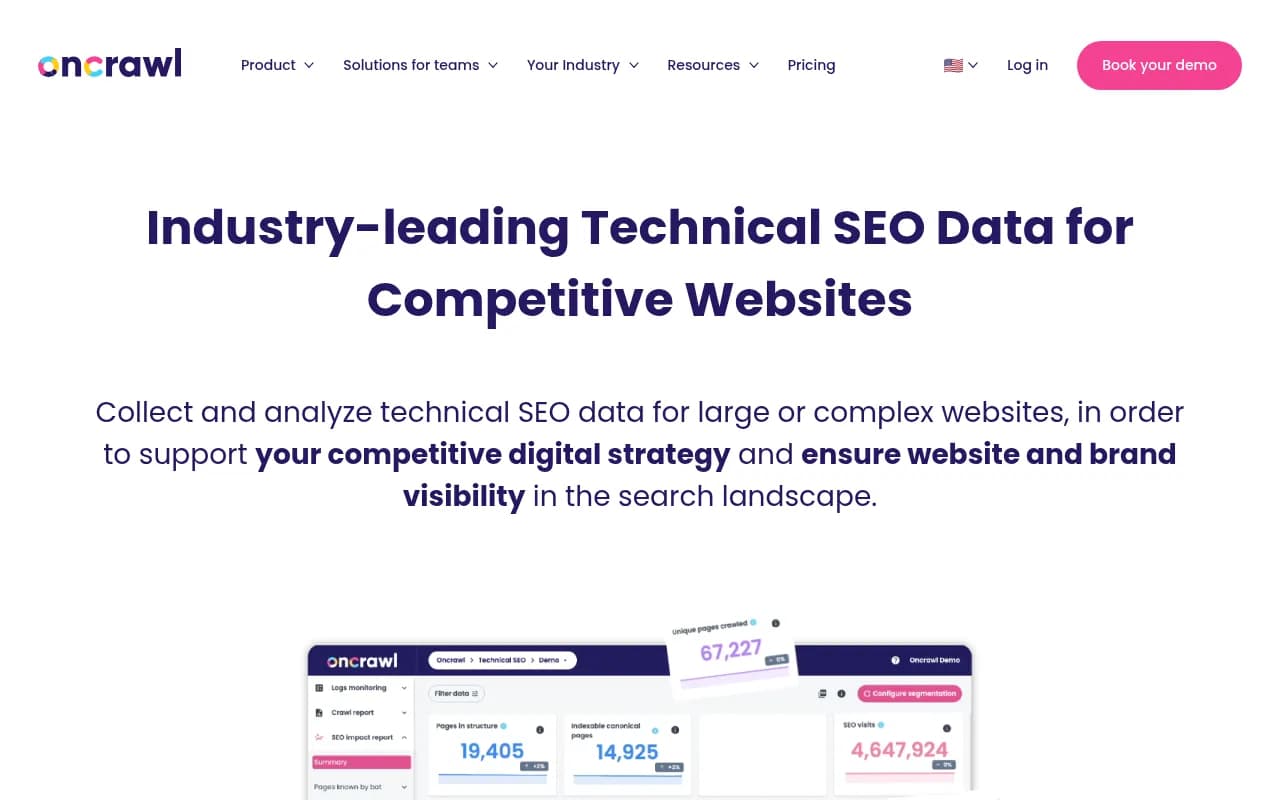
OnCrawl is a data-heavy technical platform with log analysis and segmentation. It suits teams that want to build their own analysis on top of crawl data.
For a team of one or two, these are overkill. For an in-house team managing a site where a single template bug can affect 200,000 pages, the price makes sense.
Monitoring-first options
A crawler tells you what was true on the day you ran it. If a developer pushes a noindex tag to production on Tuesday and you crawl monthly, you find out in a month.
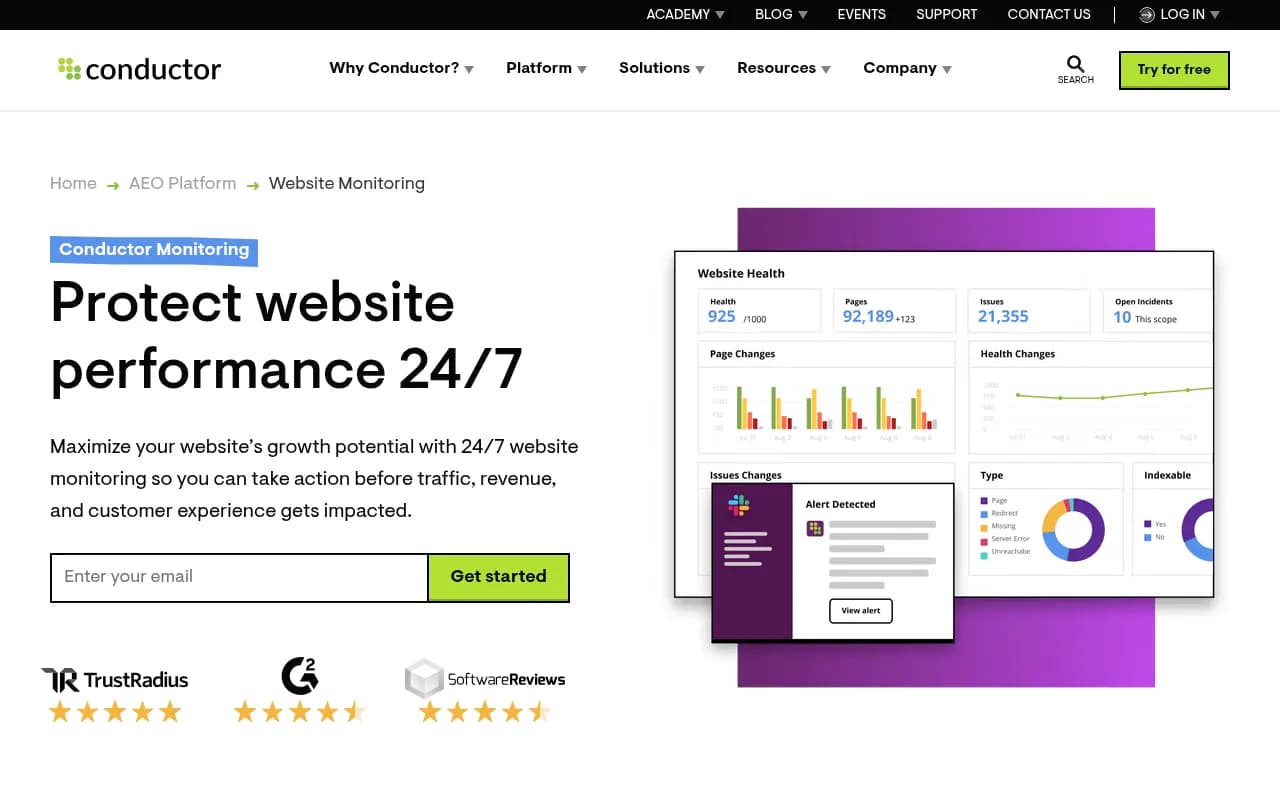
ContentKing was built for this: real-time auditing and change tracking, so you get alerted when something breaks. Check its current availability and packaging before you plan around it, since it now sits under a larger vendor.
Page Modified is a lighter way to watch for changes on specific pages.
Lighter audits and all-in-one suites
Not everyone needs a dedicated crawler. If you already pay for an SEO suite, its site audit may be enough for routine checks.
| Tool | What the audit is good for | Limits |
|---|---|---|
| Semrush | Scheduled audits alongside keyword and rank data | Less control than a dedicated crawler |
| Ahrefs | Site audit tied to backlink and rank data | Less custom extraction |
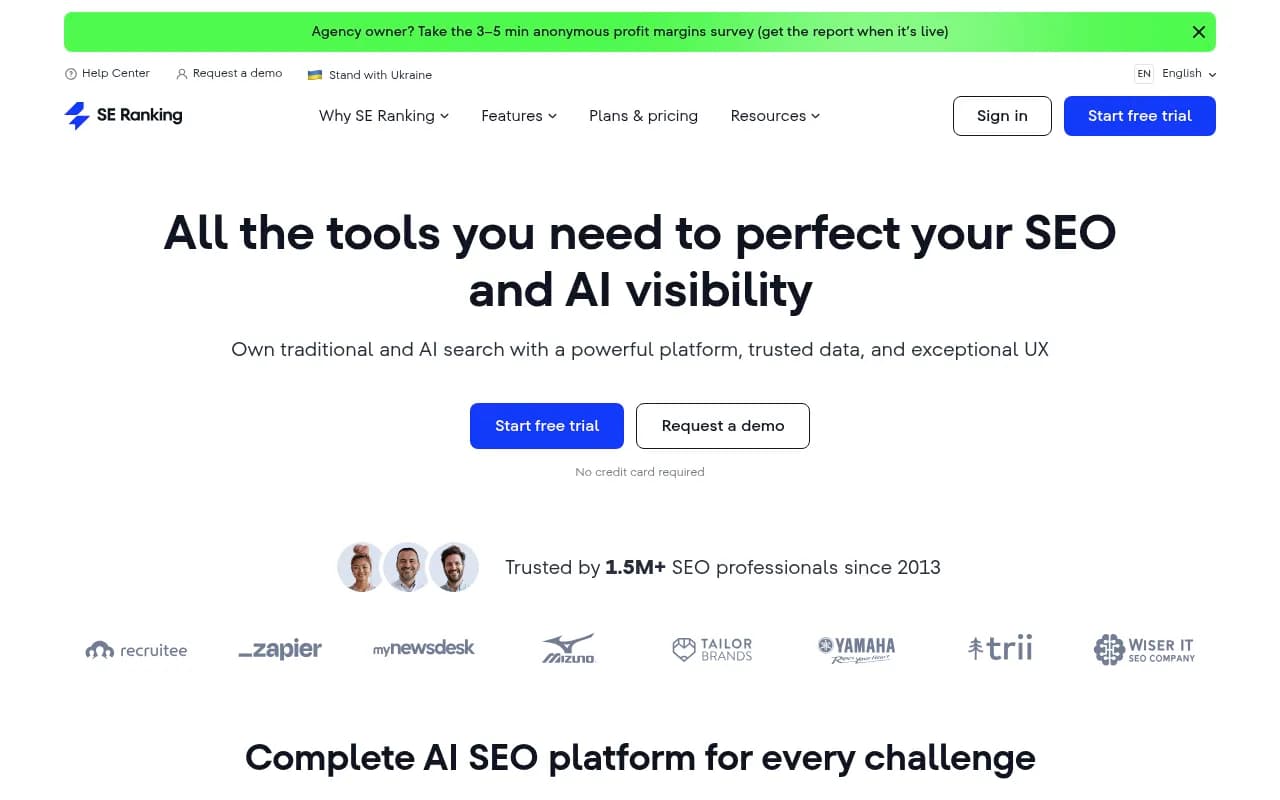
| SE Ranking | Affordable audits with rank tracking | Lighter on enterprise features |
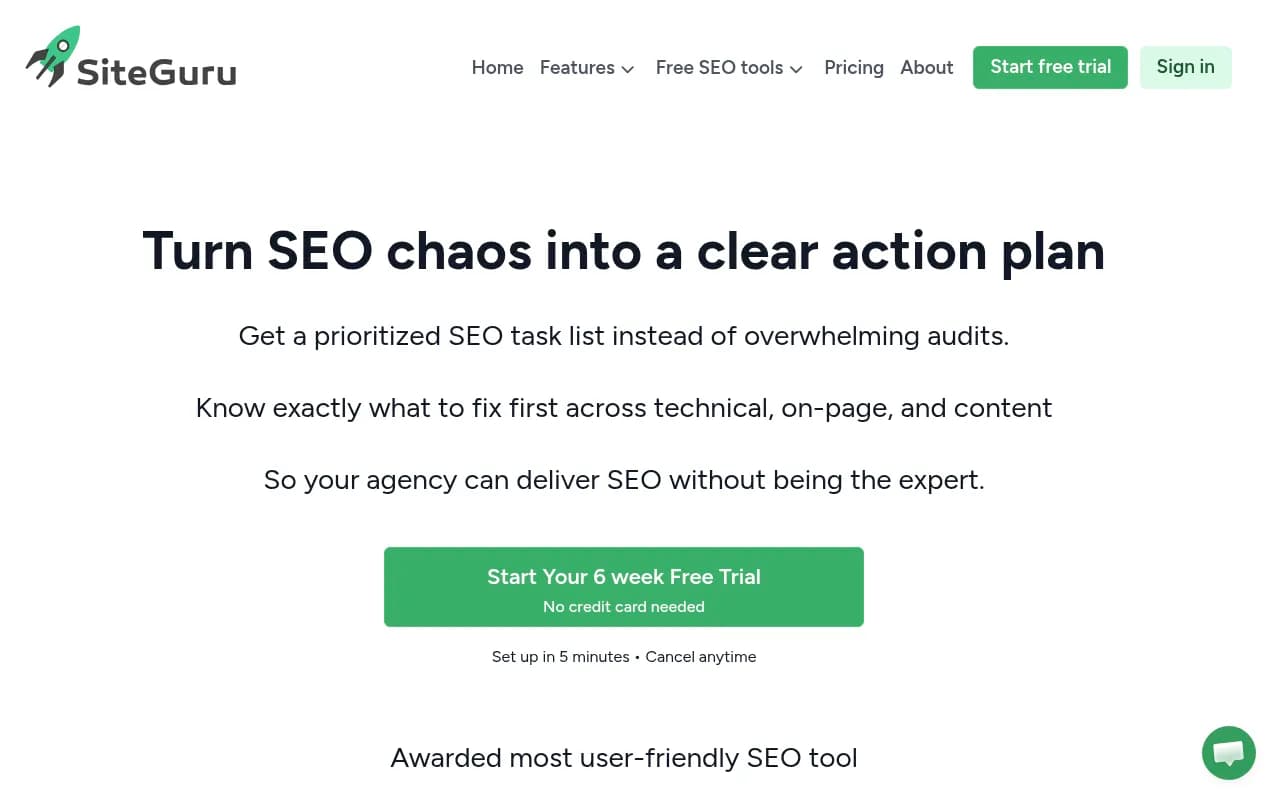
| SiteGuru | Simple, readable audits for small sites | Not built for huge sites |
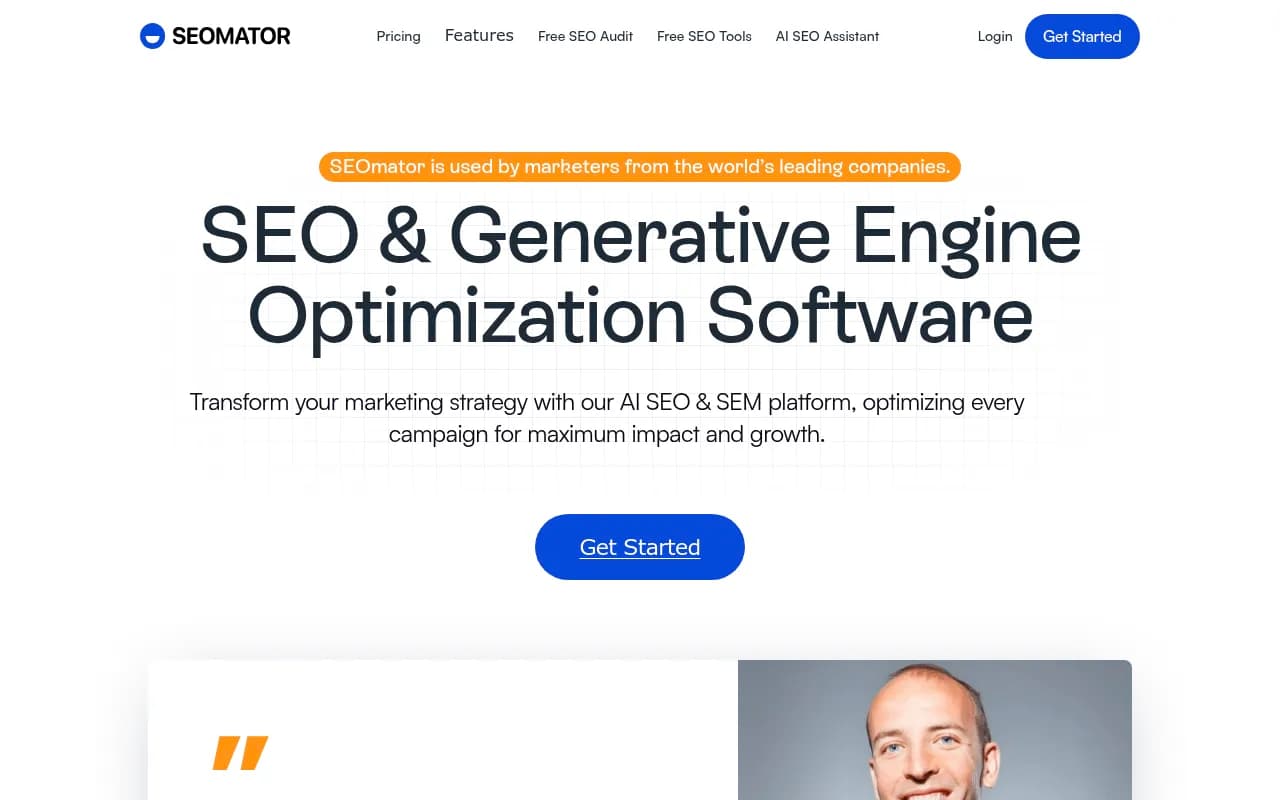
| SEOmator | Automated audit and monitoring | Narrower depth |

These won't replace Screaming Frog for custom extraction, log joins or migration QA. They do cover the "is anything on fire" question for a small or mid-sized site with less setup.
Open-source and developer-friendly routes
If your objection is the licence cost or you want to script your own crawls, there are a few directions.
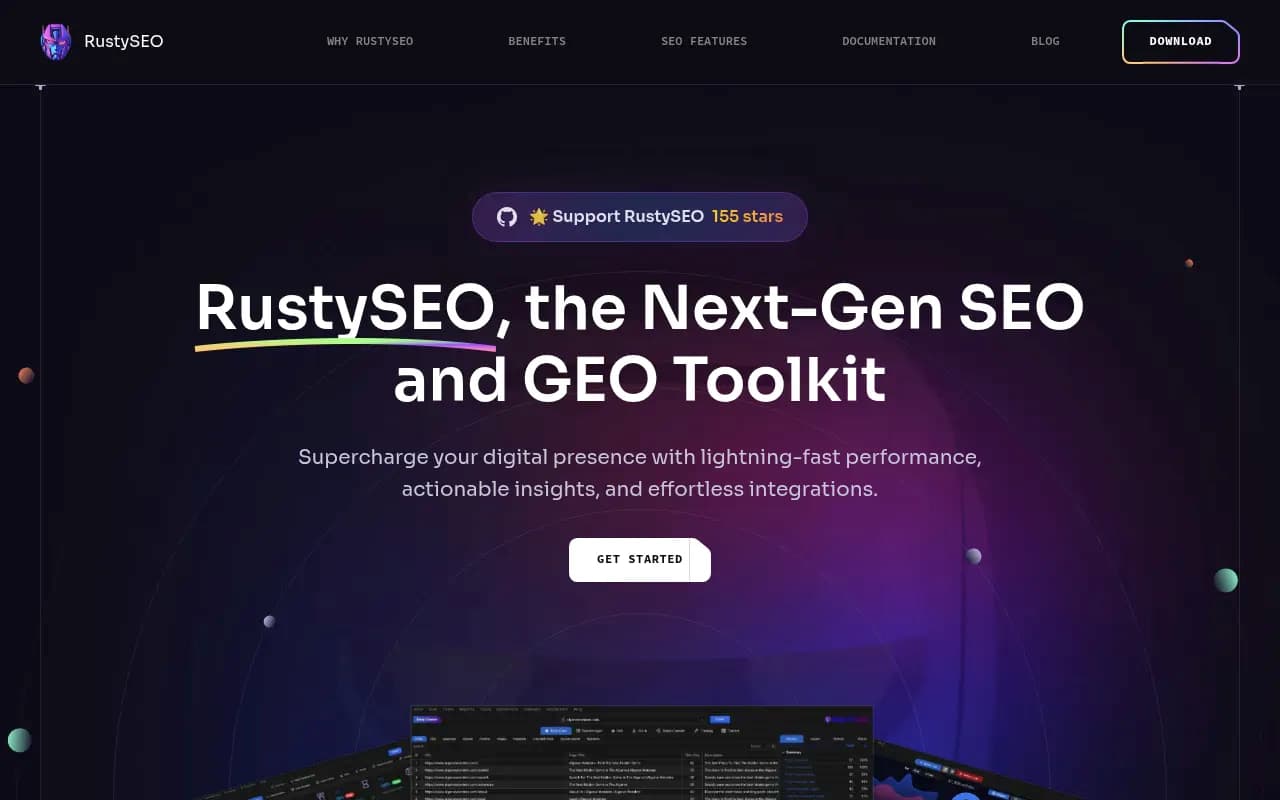
- RustySEO is an open-source SEO tool for audits and reporting.
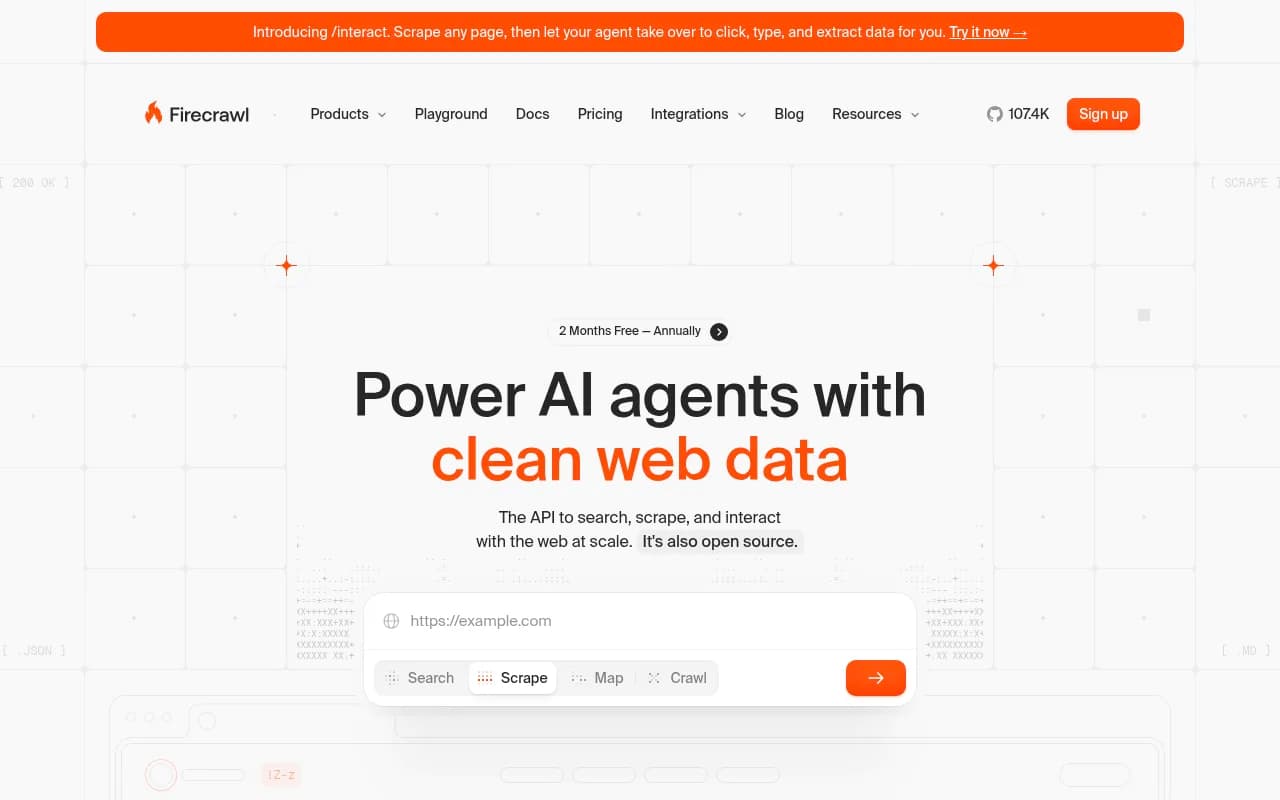
- Firecrawl is an API-based crawler used in SEO and AI workflows. It is closer to a data pipeline than a point-and-click auditor.
- Squirrelscan's list also names LibreCrawl and SiteOne Crawler as open-source desktop options. I haven't tested either, so try them on a small site first.
Open-source crawlers usually mean you accept rougher reports and less support. For one-off jobs that is fine.
How to choose
Pick by the actual constraint, not by feature count.
- You crawl under 100,000 URLs and work alone. Stay on Screaming Frog. It is cheap, fast and flexible.
- You report to clients or non-SEOs. Try Sitebulb. The Hints and visuals save you writing explanations by hand.
- Your crawls choke your machine, or you need logs. Look at JetOctopus first, then the enterprise options.
- You are an enterprise team with governance needs. Lumar, Botify or OnCrawl, after a demo with your own site.
- Breakage between crawls is the real risk. Add a monitoring tool rather than switching crawlers.
- You just want a health check inside a tool you already pay for. Use the Semrush, Ahrefs or SE Ranking audit.
A practical test that works for any of them: crawl the same 5,000-page section of your own site in two tools, then compare the issue lists. Where they disagree is where you learn what each one actually does well.
The step most crawler comparisons skip: AI search readiness
Traditional crawlers answer "can Googlebot reach and understand this page?" They don't tell you whether ChatGPT, Perplexity or Claude are visiting your pages, what they read, or whether they cite you afterwards. That matters now because AI crawler traffic is a real share of server requests. Promptwatch Data's AI crawler traffic report tracks weekly IP-verified requests from OpenAI, Anthropic, Google, Perplexity and Mistral from June 8 to September 6, 2026, and its Meta-WebIndexer report shows one crawler going from about 2% to nearly 38% of tracked AI crawler requests between mid-July and August 9, 2026. Your robots.txt rules and rendering setup affect which of those bots get through.
Tools like Promptwatch cover this side: IP-verified AI crawler logs, citation tracking, and weekly site audits aimed at what keeps AI systems from reading your content. It sits next to a technical crawler rather than replacing one.

If you are comparing AI visibility tools more broadly, the GEO software directory at bestgeosoftware.com is a good place to continue. For general software comparisons, surferstack.com covers the wider category.
A sensible 2026 stack for a technical SEO: one crawler (Screaming Frog or Sitebulb), Google Search Console, server logs or a log analyzer, and one tool that shows AI crawler and citation behavior.
Final recommendation
Most people should not switch. Screaming Frog at $279 a year is hard to beat on value, and the free tier covers small sites. Add Sitebulb if readability and client reporting are the pain. Move to JetOctopus or an enterprise platform when scale and logs force you off the desktop. Whatever you choose, trial it on your own site for a week before you pay, and check the vendor's pricing page, since several of these have changed in the past year.