Key takeaways
- llms.txt is the cheapest standard to ship and applies to every site. MCP server cards and A2A agent cards only matter if you actually run an MCP server or an agent.
- The standards are young and moving. Even the MCP server card path is not settled: sources point to /.well-known/mcp/server-card.json, while Cloudflare's scanner uses /.well-known/mcp.json.
- None of this is proven to raise AI citations. Treat it as legibility for agents, not a ranking lever.
- Before any of it, confirm your robots.txt and CDN let AI crawlers in. A perfect llms.txt behind a blocked crawler does nothing.
- You can test your domain in about 20 seconds with a free scan, then fix what fails and rerun it.
What agent readiness means
Agent readiness is how easily AI crawlers and AI agents can find, read and use your website. Two kinds of visitors are involved, and they want different things.
Crawlers like OAI-SearchBot, Claude-SearchBot and PerplexityBot read pages so ChatGPT, Claude and Perplexity can find and cite them. Agents go further. They call APIs, sign in on a user's behalf and finish tasks. Both start with the same questions: am I allowed in, where is the content, and is there something cleaner than HTML?
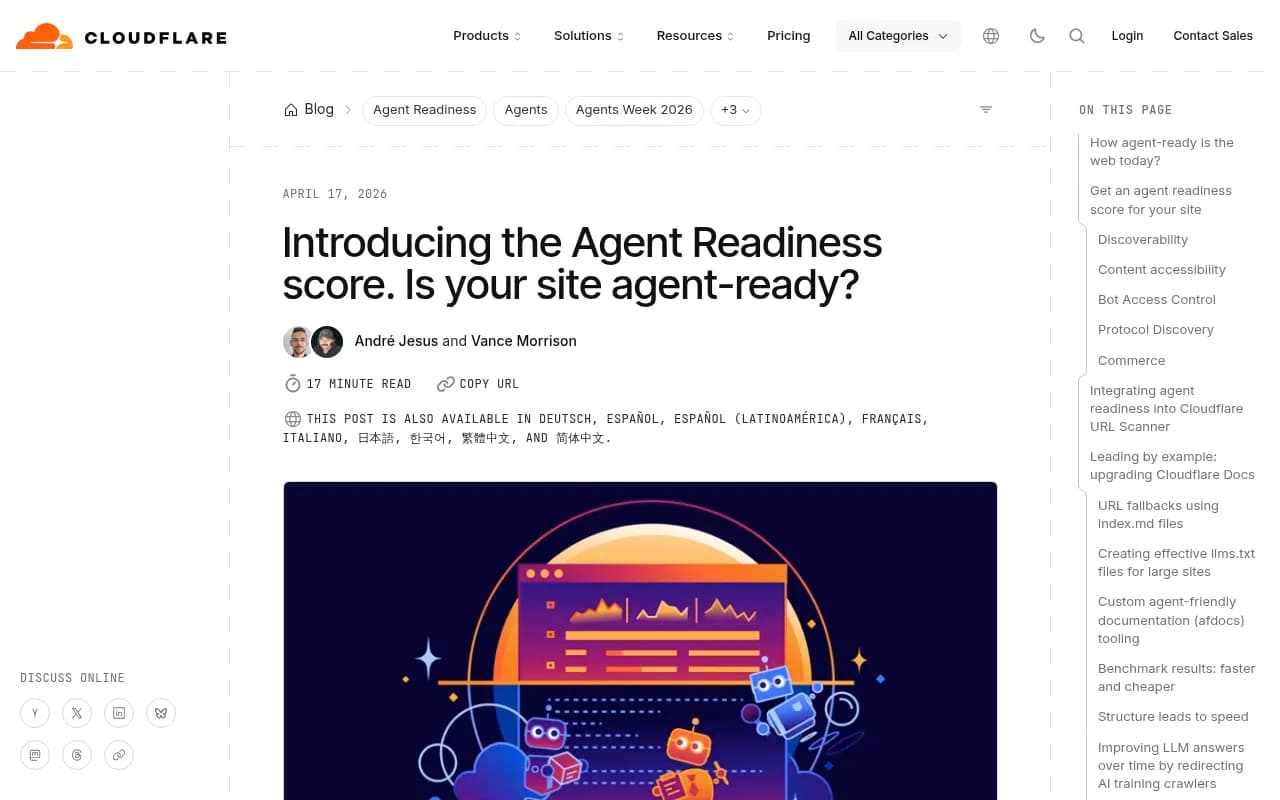
The standards that answer those questions are new. Cloudflare scanned the 200,000 most visited domains for its Agent Readiness score and concluded the web is not very agent-ready yet. Its numbers for the emerging standards are blunt: MCP Server Cards and API Catalogs (RFC 9727) together appear on fewer than 15 sites in that dataset. That is a thin field, which is either a reason to wait or a chance to be early. I lean toward early, for the cheap ones.
The standards, one by one
llms.txt
Proposed in September 2024, llms.txt is a plain text file at the root of your site that gives agents a structured reading list: what the site is, what is on it, and where the important content lives. It is the one standard that applies to every site.
Be realistic about it. Some agents fetch it and some do not. One site owner who tracks this reported ChatGPT-User, ClaudeBot and OAI-SearchBot fetching these endpoints regularly in server logs, and Chrome's Lighthouse agentic browsing audit now checks for the file. But nobody has published a comparable study showing llms.txt drives citations. It takes about 30 minutes to write, and the downside of being wrong is near zero. That is the whole case for it.
If you want a head start, there is a free LLMs.txt generator.
One more caveat from the developer community: llms.txt solves LLM understanding, not agent discovery. An agent using MCP or A2A discovery will not find you through it.
llms-full.txt
The companion file at /llms-full.txt. Where llms.txt is an index, the full version holds the content itself in one document. Checkers treat it as medium impact for every site. Ship it if your docs are compact enough to be useful in one file.
MCP server cards
An MCP server card is a small JSON file that tells agents where your Model Context Protocol server lives and what it can do. Cloudflare describes it as a proposal still in draft. If you do not run an MCP server, skip it. If you do, it is the difference between agents finding you automatically and a developer pasting a URL into a config file.
Here is the shape from Cloudflare's example:
{
  "$schema": "https://static.modelcontextprotocol.io/schemas/mcp-server-card/v1.json",
  "version": "1.0",
  "protocolVersion": "2025-06-18",
  "serverInfo": {
    "name": "search-mcp-server",
    "title": "Search MCP Server",
    "version": "1.0.0"
  },
  "description": "Search across all documentation and knowledge base articles",
  "transport": {
    "type": "streamable-http",
    "endpoint": "/mcp"
  },
  "authentication": { "required": false },
  "tools": [
    {
      "name": "search",
      "title": "Search",
      "description": "Search documentation by keyword or question",
      "inputSchema": {
        "type": "object",
        "properties": { "query": { "type": "string" } },
        "required": ["query"]
      }
    }
  ]
}
The path problem is real. Promptwatch's checker and BlogSEO's checker both look at /.well-known/mcp/server-card.json. Cloudflare's scanner exposes its own server at /.well-known/mcp.json. One site owner serves the card at the canonical SEP-1649 path and also at the older /.well-known/mcp-server.json during the transition. My advice: publish at the /.well-known/mcp/server-card.json path, and if you can, mirror it at one legacy location until the spec settles. Check the current MCP community charter before you commit.
A2A agent cards
An A2A agent card describes an agent your site exposes to other agents under the Agent2Agent protocol: its skills, capabilities and supported authentication schemes. Agents can be added to an A2A registry by supplying the card URL, according to a proposal in the A2A project's GitHub discussions.
The path varies by source. Current checkers look at /.well-known/agent-card.json, while older versions used agent.json. I did not verify the current A2A spec path myself, so check the official spec before publishing. And the honest filter here: you need an A2A card if your site IS an agent. A content site or a store with no agent interface should not bother.
Other discovery pieces
- Link headers on the homepage response that point to your API catalog, service description and docs.
- API Catalog (RFC 9727) at /.well-known/api-catalog.
- OAuth discovery through RFC 8414 and RFC 9728, so agents know how to authenticate.
- Markdown for agents, meaning your pages answer Accept: text/markdown.
- Content Signals lines in robots.txt that state how your content may be used.
- WebMCP, which exposes tools through JavaScript in the browser (document.modelContext).
- AP2, an extension declared in the A2A card for stores and paid APIs. Informational for most.
A Link header example:
Link: </.well-known/api-catalog>; rel="api-catalog"
Link: </.well-known/mcp/server-card.json>; rel="service-desc"; type="application/json"
Link: </docs>; rel="service-doc"; type="text/html"
What to publish by site type
| Standard | Content site / blog | SaaS or API product | Ecommerce | Maturity |
|---|---|---|---|---|
| robots.txt allowing the AI crawlers you want | Must | Must | Must | Stable |
| sitemap.xml | Must | Must | Must | Stable |
| llms.txt | Should | Should | Should | Stable spec, uneven agent support |
| llms-full.txt | Optional | Optional | Optional | Informal |
| Markdown for agents | Should | Optional | Optional | Emerging |
| Content Signals | Should | Should | Should | Emerging |
| MCP server card | No | If you run an MCP server | If you expose an API | Draft |
| OAuth discovery and API catalog | No | Yes | If you have an API | Emerging |
| WebMCP | Optional | Yes | Yes | Emerging |
| A2A agent card | No | Only if you are an agent | No | Emerging |
That table is why a blog scoring 7 out of 17 on a checker can be fully set up, as BlogSEO points out. Chasing a perfect score on the wrong site type is wasted effort.
How the main checkers compare
Several free scanners exist, and they do not test the same things.
| Checker | What it covers | Notes |
|---|---|---|
| Promptwatch Agentic Readiness Check | 17 scored agent standards plus robots.txt against 9 AI crawlers | Free, no signup, about 20 seconds |
| Cloudflare isitagentready.com | Agent Skills, API Catalog, OAuth discovery, MCP Server Card, WebMCP, Markdown negotiation | Does not check llms.txt by default; exposes a scan_site MCP tool |
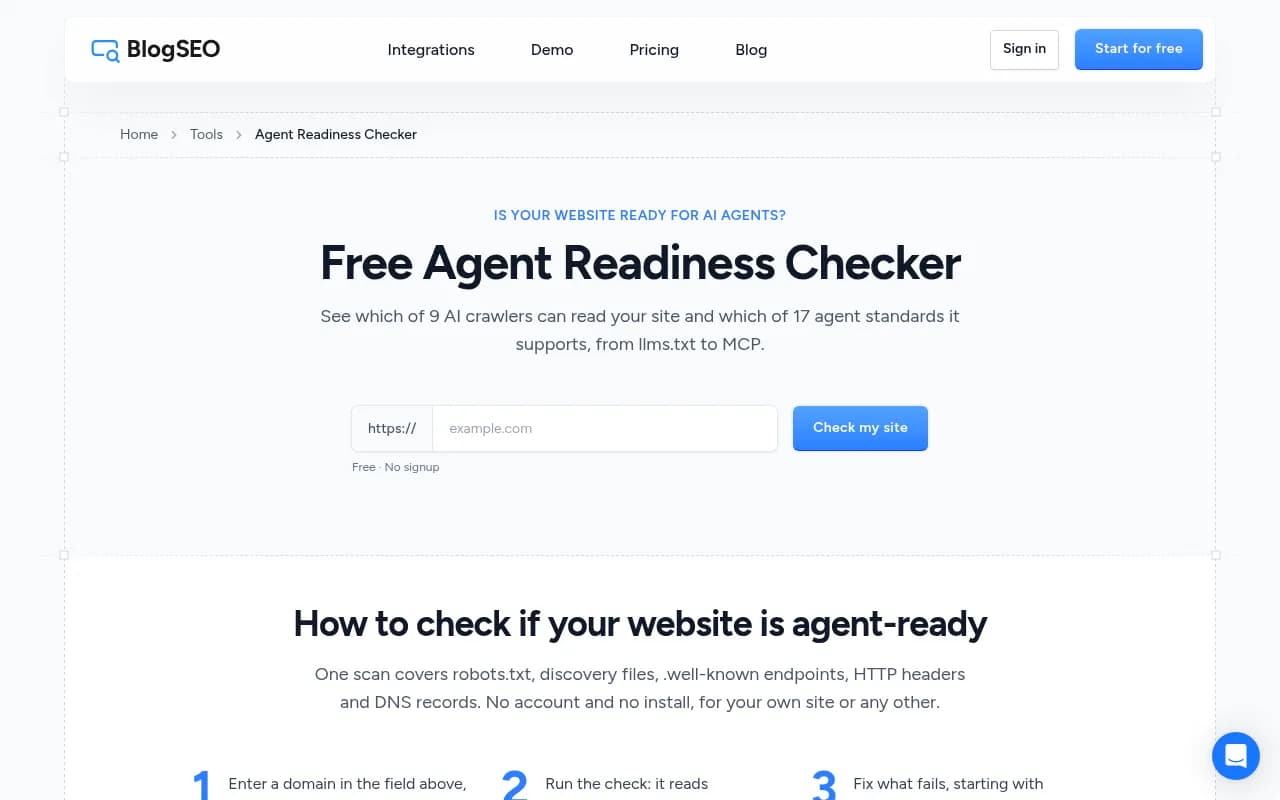
| BlogSEO Agent Readiness Checker | 9 crawlers, 17 standards plus informational ones | Shows who needs each file and the impact today |
| Agent Ready (agent-ready.dev) | 72 checks including A2A, agents.json, x402, NLWeb | Deepest, also via API, CLI and MCP |
Because the checkers disagree on paths and scoring, run two of them and look at where they differ. Those differences usually point at a draft spec rather than a real bug on your site.
Running the check
The Agentic Readiness Check from Promptwatch is a free scan with no signup. It reads your robots.txt the way each of nine AI crawlers would, then probes your domain for the standards above.
The nine crawlers it tests are GPTBot, OAI-SearchBot, ChatGPT-User, ClaudeBot, Claude-SearchBot, PerplexityBot, Perplexity-User, Google-Extended and Meta-ExternalAgent. Run it at promptwatch.com/agentic-readiness-check, then:
- Fix crawler access first. A blocked bot makes everything else irrelevant.
- Add robots.txt rules per AI bot, plus a sitemap line. The robots.txt generator for AI helps if you are unsure of the syntax.
- Publish llms.txt.
- If you run an API or MCP server, add the .well-known files and the Link header.
- Rerun the scan and compare.
For real-world reference, the live leaderboard on that page shows razorpay.com and airbyte.com at 15 out of 17, monday.com and resend.com at 14, and a cluster of well-known SaaS names at 12. Recent scans from small sites mostly land at 3 to 8. Those scores shift, so treat them as a snapshot. Inspecting what the top scorers actually publish is a decent shortcut.
Do not skip the crawler layer
Scores for exotic standards can distract from the plain stuff. Promptwatch Data tracked IP-verified AI crawler requests from June 8 to September 6, 2026, and OpenAI accounted for 79.8% of them in the week of Aug 31 to Sep 6, down from 94.8% in early June (see the AI crawler traffic report). The practical advice from that report: compare your own logs with that mix. A provider that is large in the chart but near zero in your logs probably means you are blocked somewhere in robots.txt, CDN or WAF rules.
That is also where AI crawler logs earn their keep. A checker tells you what you declare. Logs tell you what bots actually do, including whether ChatGPT-User or ClaudeBot ever requested your llms.txt.
Markdown is a different channel
A tempting mistake is building .md mirrors of every page because agents seem to like them. Promptwatch's Markdown in AI search report looked at a 7-day window of citations across ChatGPT, Claude, Perplexity and AI Overviews: HTML was 99.94% of citations and .md files 0.05%, roughly 2,000 to 1. The advice from that data is to spend the effort on clear heading hierarchy, semantic markup and fixing heavy client-side JavaScript. Keep .md endpoints for developer docs, where coding agents do fetch them. Promptwatch logs show anthropic-claudebot and openai-searchbot requesting /docs/**.md paths, with the top path at 3,241 requests.
There is no Promptwatch report measuring llms.txt fetches or citations directly, so do not claim it boosts citations. Nobody can honestly say that yet.
Measuring whether any of it matters
Once files are live, the useful question is whether AI answers and AI traffic move. That needs three things: tracking of what ChatGPT, Gemini and Perplexity say about you, crawler logs showing whether bots read your pages, and visitor analytics for AI referrals. Promptwatch covers all three in one product, and its AI visibility report is a free starting point. For other options, the GEO software directory lists alternatives.
A minimum viable setup
If you only have an afternoon:
- Check robots.txt and WAF rules against the nine crawlers you care about.
- Make sure sitemap.xml exists and is referenced in robots.txt.
- Publish llms.txt (30 minutes).
- Add Content Signals to robots.txt if you have a position on training and search use.
- Pick one: Markdown negotiation for content sites, or an MCP server card and WebMCP for tool-rich sites.
- Rerun the check and save the score so you can see change over time.
Skip A2A cards unless you run an agent. Skip chasing 17 out of 17.
Caveats worth repeating
Shipping any of this does not guarantee citations, AI search visibility or referral traffic. The specs change, the paths differ between tools, and agent behavior varies: some fetch llms.txt, some do not. What you get is being legible to the systems that decide whether to cite or use you, at a cost of a few hours. That is a fair trade, as long as you do not oversell it to your boss.
If you would rather hand technical SEO and AI search work to specialists, 1001 SEO Media runs audits and GEO programs for brands that want to be cited in ChatGPT, Perplexity and Google AI Overviews.