
Key takeaways
- Most content decisions in AI search do not need hourly data. Citations in ChatGPT persist for weeks, and daily tracking covers the rest.
- Hourly refresh earns its cost in four cases: launches and campaigns, news-driven topics, incident and volatility detection, and checking whether a specific change had an effect.
- Platforms differ a lot on refresh frequency, and many publish daily or weekly only. Ask for the exact cadence per plan, not a marketing claim.
- Faster tracking raises response volume and cost. Run hourly on a small set of prompts, not your whole monitor.
- Refresh speed is only useful if the platform also tells you why a number moved and what to do about it.
Why refresh speed became a buying criterion
A year ago, the question was whether a tool tracked ChatGPT at all. Now every vendor does, and the differentiators moved to depth: crawler logs, traffic attribution, content execution, and how often the data refreshes.
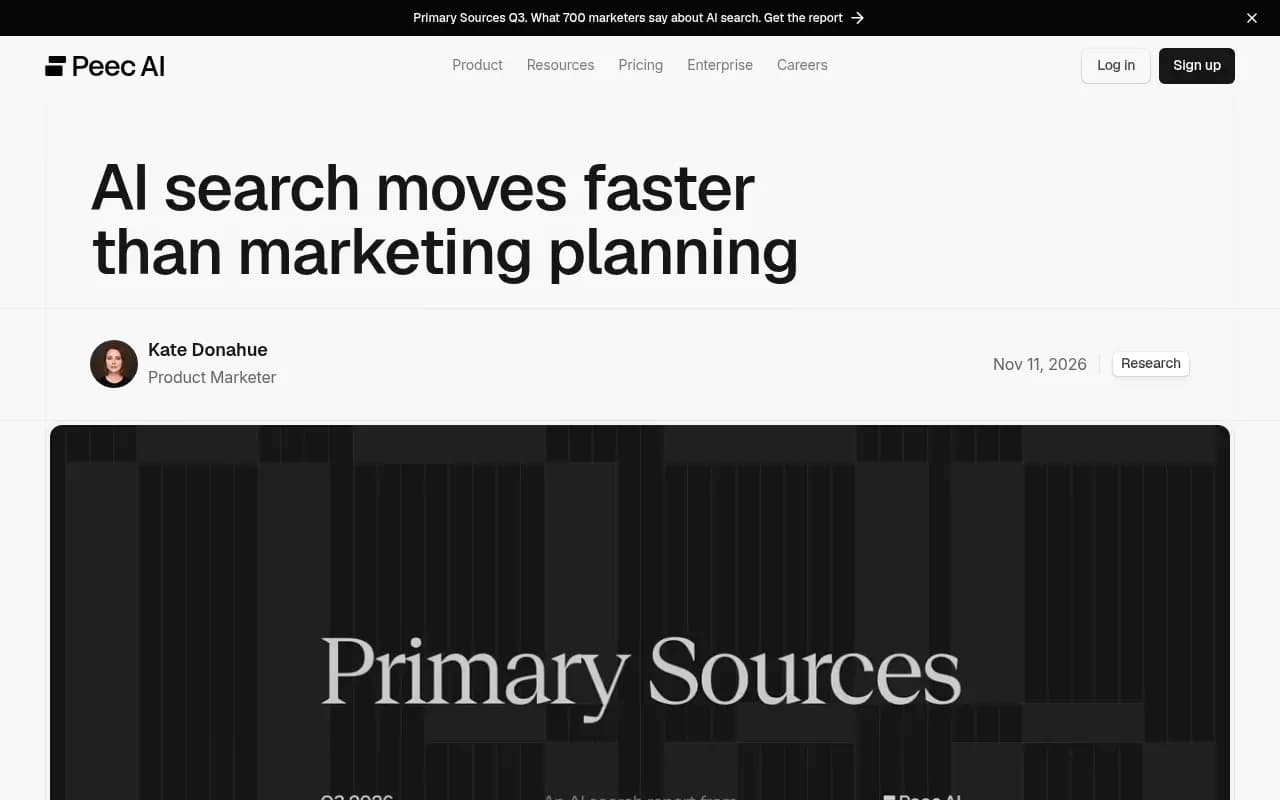
The speed question is legitimate. Peec AI's Primary Sources Q3 2026 research notes that on any given day a platform update can change how an AI assistant searches for information and which sources it uses. Their survey of 700 marketing decision-makers in the US, UK and Germany found 89% increased AI search spend over the past year, while only 24% say they can prove ROI. That gap matters here. Teams are spending before they can measure, and faster data feels like the obvious fix.
But faster data is not the same as better decisions. I would argue that for most teams, hourly tracking is a tool for a handful of specific moments, and paying for it across the board is waste.
What the data says about how fast AI search actually changes
Two Promptwatch Data reports give a useful picture of both sides: what changes abruptly, and what stays put.
Retrieval behavior changes in steps
Promptwatch's ChatGPT query fanouts report shows how many web searches ChatGPT runs per response. The average was about 2.15 searches per response in early December, about 1.84 by early March, and then 1.0 per response when fanouts returned in April, after a gap in the data. Average query length fell from about 117 characters to the high 80s in February and March, then to about 53 characters in April. The report notes the drops happened in steps tied to behavior changes.
A related change: Promptwatch's site: operator report found ChatGPT Search started using the site: operator at scale on August 8, 2026, jumping from roughly 0.4% to about 17% of fanout queries overnight, with searches per response nearly doubling.
Overnight is the key word. A weekly snapshot would show you a before and an after, and blur the day it happened. Daily or hourly tracking lets you tie a visibility swing to a specific change instead of guessing.
Citations themselves are sticky
The other side is the content half-life report. Promptwatch followed every page ChatGPT cited on July 6, 2026, through October 4, 2026:
- After 30 days, ChatGPT still cited 78% of landing pages and 76% of docs.
- After 60 days, it cited 69% of landing pages and 67% of docs.
- Product pages, reviews and how-tos had a half-life of 74 to 77 days, with about 55% still cited at day 60.
- News was the outlier: about a quarter of pages were never cited again after day 0, and half were gone after 36 days.
So a page you publish is not going to flip in or out of ChatGPT answers every hour. For evergreen content, the signal moves over weeks. Hourly data on a how-to page is mostly noise.
Put the two reports together and you get the real rule: the platform's behavior can change fast, while your content's standing changes slowly. Hourly tracking is for the first problem, not the second.
When hourly tracking changes decisions
Launches and campaigns
You ship a product, run a PR push, or publish a big piece of original research. In the first 48 hours you want to know whether AI answers pick up the news, which sources they cite, and whether competitors respond. Daily data gives you two or three points. Hourly gives you a curve, and you can adjust a distribution plan while it still matters.
News and fast-moving topics
Because news pages lose half their citations within 36 days in ChatGPT, categories driven by news (finance, politics, tech releases, sports) churn faster than everything else. If your prompts sit in those areas, hourly refresh on a small subset makes sense.
Volatility and incident detection
If your visibility score drops 30% on a Tuesday, the first question is whether it is you, a competitor, or the model. Hourly tracking narrows the window. You can compare the drop to a known platform change, a robots.txt deploy, or a site outage. Pair it with crawler logs and you can separate an access problem from a content problem.
Verifying that a change worked
You rewrote a page, fixed a canonical, or opened a crawler block. Waiting a week to learn nothing happened is slow. With hourly runs on the relevant prompts, you see within a day or two whether the page started getting cited.
When it does not help
- Quarterly reporting to leadership.
- Content planning for evergreen topics.
- Long-tail prompts with low volume, where run-to-run variance is bigger than any real change.
- Teams without the capacity to act on a signal within a day. Faster alerts you cannot respond to are just anxiety.
The variance problem nobody mentions
AI answers are not deterministic. Run the same prompt twice an hour apart and you may get different brands, different order, different sources. Hourly tracking on one prompt gives you a noisy line. It becomes useful when you aggregate across enough prompts and runs that the noise averages out.
That suggests a practical setup:
- Keep your full monitor on daily tracking as the baseline.
- Pick 10 to 30 high-stakes prompts (brand queries, top commercial comparisons, launch topics).
- Put those on a separate monitor with hourly or six-hourly runs.
- Read the hourly monitor as a trend, not as individual data points.
- Switch it off or retarget it when the launch or investigation ends.
This also keeps cost sane, since faster cadence multiplies response volume.
How platforms compare on refresh frequency
Here is where I have to be honest about limits. I could not verify per-vendor refresh cadence for most tools from public sources, and vendors change plans often. The table below reflects what is established for Promptwatch and what to ask everyone else.
| Platform type | Typical cadence | What to verify |
|---|---|---|
| Promptwatch | Daily on every plan; every 12, 6 or 1 hours on Business and Agency Scale (Enterprise on request) | Pricing at promptwatch.com/pricing |
| Enterprise GEO platforms (for example Profound, Scrunch) | Often daily, faster on higher tiers | Exact cadence per plan, and whether it is real-UI data |
| Lightweight prompt trackers (for example Otterly.AI, Peec AI) | Commonly daily or weekly | Whether faster refresh exists at all, and its cost |
| SEO suites with AI add-ons (for example Semrush, Ahrefs Brand Radar) | Often fixed prompt sets on a set schedule | Whether you can choose prompts and cadence |
Questions to ask any vendor before you pay for speed:
- Is the faster cadence available per prompt, per monitor, or only account-wide?
- Does data come from the real interfaces of ChatGPT, AI Overviews and others, or from APIs? User-facing answers and citations can differ from API output.
- How many responses does hourly tracking consume from my plan?
- Can I see crawler logs and traffic, so I can explain a swing and not only see it?
- Does the platform alert me on a threshold, or do I have to watch a dashboard?
Platforms worth a look
Promptwatch is the one I would start with if hourly tracking is a real requirement, because speed is only half the job. Business and Agency Scale plans can run a monitor every 12, 6 or 1 hours instead of daily, and the platform pairs that with IP-verified AI crawler logs, visitor analytics, and an Action Board, so a swing in visibility can be traced to an access problem, a content gap, or a model change. It tracks the real interfaces of ChatGPT, Google AI Overviews, Google AI Mode, Gemini, Perplexity, Copilot, and others. Business is $579/mo; confirm current details at promptwatch.com/pricing. There is a 7-day free trial on monthly billing.
Profound is an enterprise-focused option with a broad monitoring feature set. It is typically priced higher, and it lacks Reddit tracking and ChatGPT Shopping insights. Check the cadence on the tier you would actually buy. There is a head-to-head at Promptwatch vs Profound.
Profound
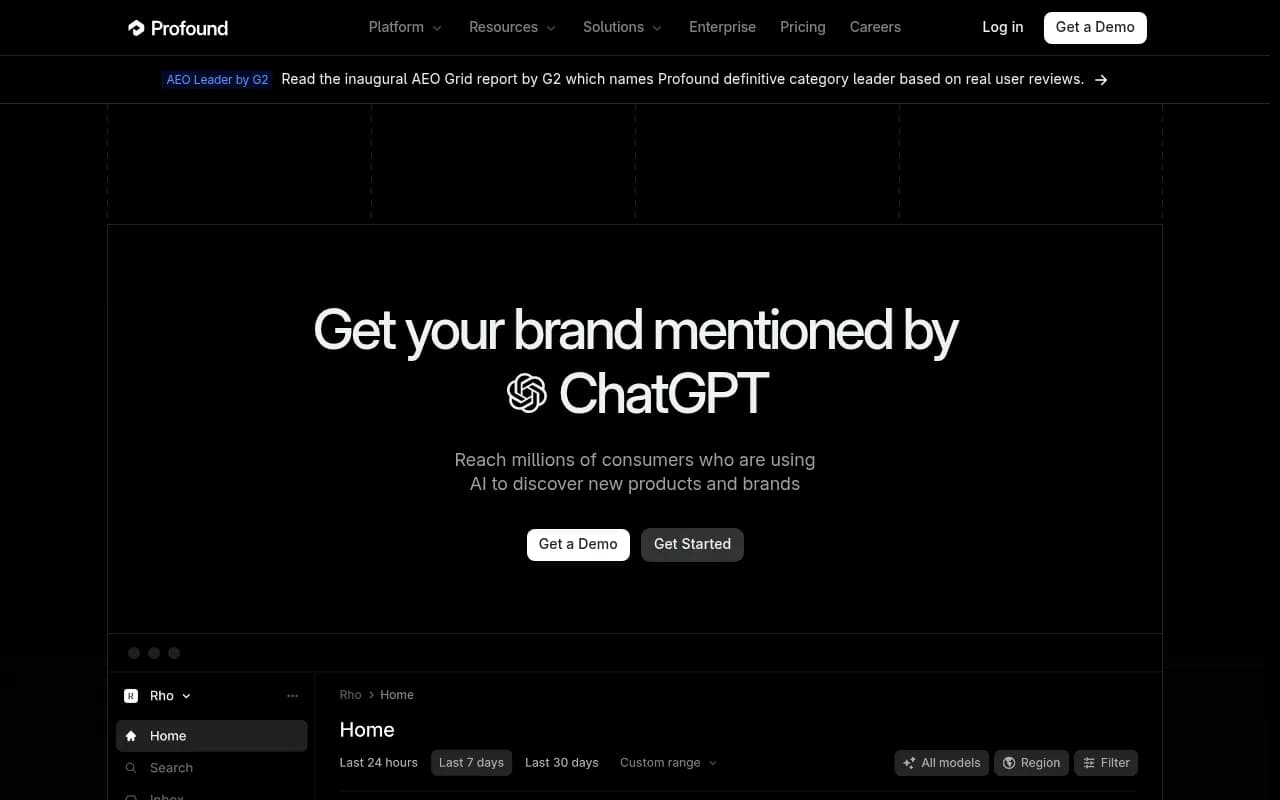
Peec AI is a straightforward tracker with a research arm behind it, as the Primary Sources series shows. It is a reasonable fit for teams that want clean measurement and do not need crawler logs or content execution.
Otterly.AI is a monitoring platform for brand mentions across ChatGPT, Perplexity and Google AI Overviews. Good for lightweight tracking, thinner if you need to diagnose or act.
Otterly.AI

Scrunch AI is another enterprise-leaning monitoring option.
For teams already living in an SEO suite, Semrush and Ahrefs Brand Radar add AI tracking next to classic SEO data. Convenient, but prompt sets tend to be fixed and refresh control is limited.
For a wider scan of the market, the GEO software directory at bestgeosoftware.com lists many more options.
What to pair with fast tracking
Speed without diagnosis gives you a faster way to be confused. Three things turn a hourly signal into a decision.
Crawler logs
If visibility drops, the first check is whether AI bots can still read your pages. IP-verified logs of GPTBot, ChatGPT-User, ClaudeBot, PerplexityBot and others show which pages they hit and which errors they get. Promptwatch's AI crawler logs cover this, and its free Agentic Readiness Check is a quick first test of what is blocked.
Traffic and conversion data
A visibility swing matters only if it moves visits and revenue. Visitor analytics that attribute AI referrals close that loop. Note that ChatGPT stopped sending a referrer on October 8, 2026, so tagging with utm_source=chatgpt.com helps. The Academy guide on attributing AI traffic walks through it.
A response plan
Decide in advance what you do when the alert fires. For example: if brand visibility drops more than a set percentage within 24 hours, check crawler errors, check the latest platform changes, review the top three cited competitor pages, then queue a content refresh. Without a plan, hourly data just creates more dashboards.
A simple framework for deciding
| Situation | Cadence | Why |
|---|---|---|
| Evergreen content strategy | Daily or weekly | Citations persist for weeks to months |
| Brand and top commercial prompts | Daily | Enough resolution to catch week-level shifts |
| Product launch, PR push, campaign | Hourly or six-hourly | You need a curve while it can still change |
| News-driven categories | Six-hourly or hourly | News pages decay fast |
| Investigating a sudden drop | Hourly, temporarily | Narrow the window to a cause |
| Verifying a technical fix | Hourly for a few days | Faster confirmation than a weekly check |
| Executive reporting | Weekly or monthly | Trends matter more than points |
A practical rollout
- Start on daily tracking for everything. Establish a baseline for two to four weeks.
- Identify which prompts have real business stakes and which topics are news-sensitive.
- Build a small fast monitor for those prompts only.
- Connect crawler logs and visitor analytics so you can explain movement.
- Write down your response triggers.
- Review monthly. If the hourly monitor never changed a decision, drop back to daily and save the budget.
If you are an agency, the same logic applies per client: most clients are fine on daily, and one launching a product gets a temporary fast monitor. Agency Scale at $799/mo includes tracking every 12, 6 or 1 hours.
Bottom line
Hourly tracking is worth paying for when you have a specific question that a day is too long to wait for. For the rest of your work, daily data is plenty, because ChatGPT citations for most content types last weeks, not hours. Pick a platform that offers the faster cadence as an option on a subset of prompts, explains why numbers moved, and helps you act. Then use it for launches, volatility, and verification, and turn it off when the moment passes.