Summary
- AI crawlers (GPTBot, Claude-Web, PerplexityBot) need clean HTML, semantic structure, and fast load times to properly index WordPress sites
- Most WordPress sites are invisible to AI search engines because of bloated code, poor semantic markup, and missing structured data
- The right plugin stack can fix these issues: lightweight SEO plugins for schema markup, caching for speed, and crawler log monitoring to see what AI bots are actually reading
- Traditional SEO plugins like Yoast and Rank Math work for Google but miss critical AI crawler optimization features
- Tracking AI visibility requires specialized tools -- Promptwatch shows you which pages AI models cite, which prompts you're missing, and generates content engineered to rank in ChatGPT and Perplexity

Why AI crawlers see your WordPress site differently
AI search engines don't work like Google. When ChatGPT's GPTBot or Claude's crawler hits your WordPress site, they're looking for clean, semantic HTML that answers specific questions. They don't care about keyword density or meta descriptions. They want structured content they can extract and cite.
Most WordPress sites fail this test. The average WordPress installation loads 20+ plugins, each injecting its own JavaScript and CSS. AI crawlers time out before they reach your actual content. Or they parse a mess of div soup and move on.
The gap shows up in the data. A site might rank #1 on Google for "best project management software" but never get cited when someone asks ChatGPT the same question. The content exists, but the structure makes it invisible to AI.
The AI crawler optimization stack for WordPress
You need five types of plugins to make your WordPress site visible to AI search engines. Each addresses a specific technical requirement AI crawlers have.
1. Lightweight SEO plugin for schema markup
AI crawlers rely heavily on structured data to understand page content. Traditional SEO plugins like Yoast work but add bloat. Better options:
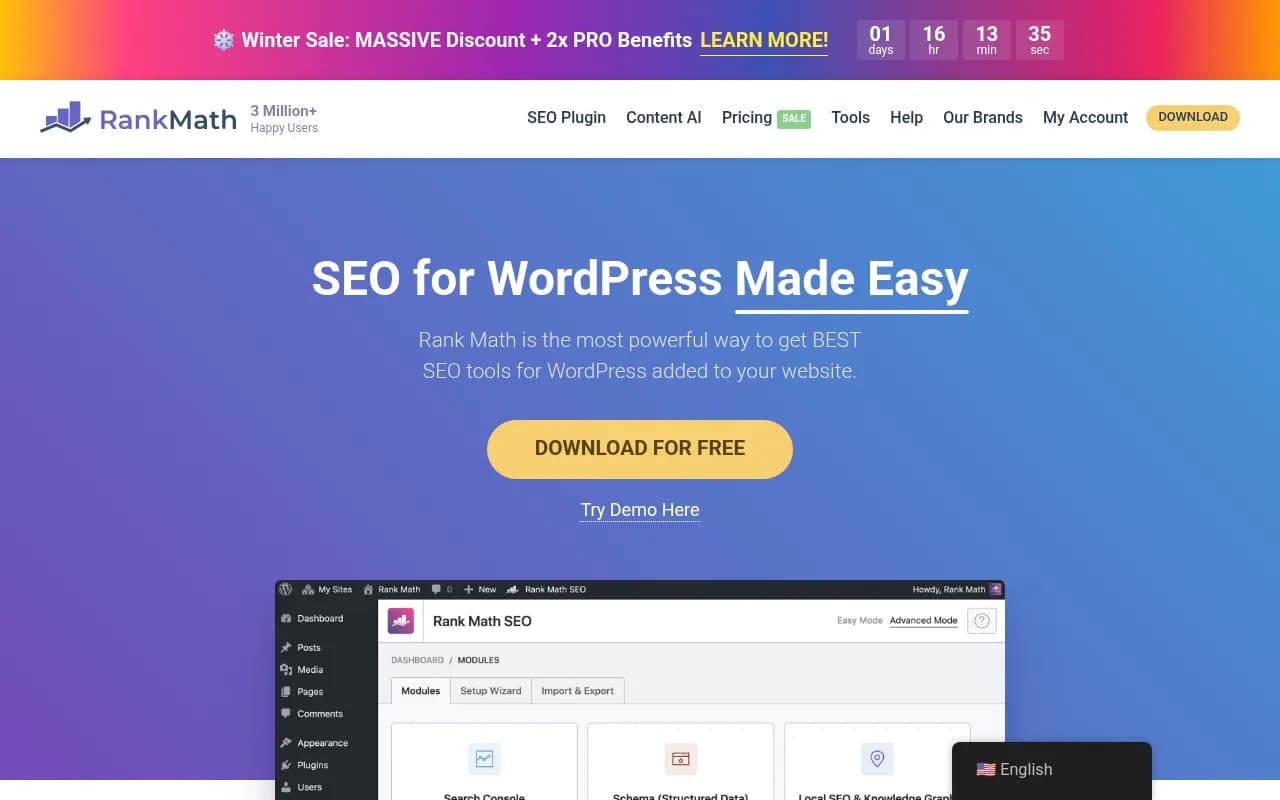
Rank Math is the current best choice for AI crawler optimization. It generates clean JSON-LD schema, supports FAQ and How-To markup (which AI models love), and doesn't slow your site down. The free version covers everything most sites need.
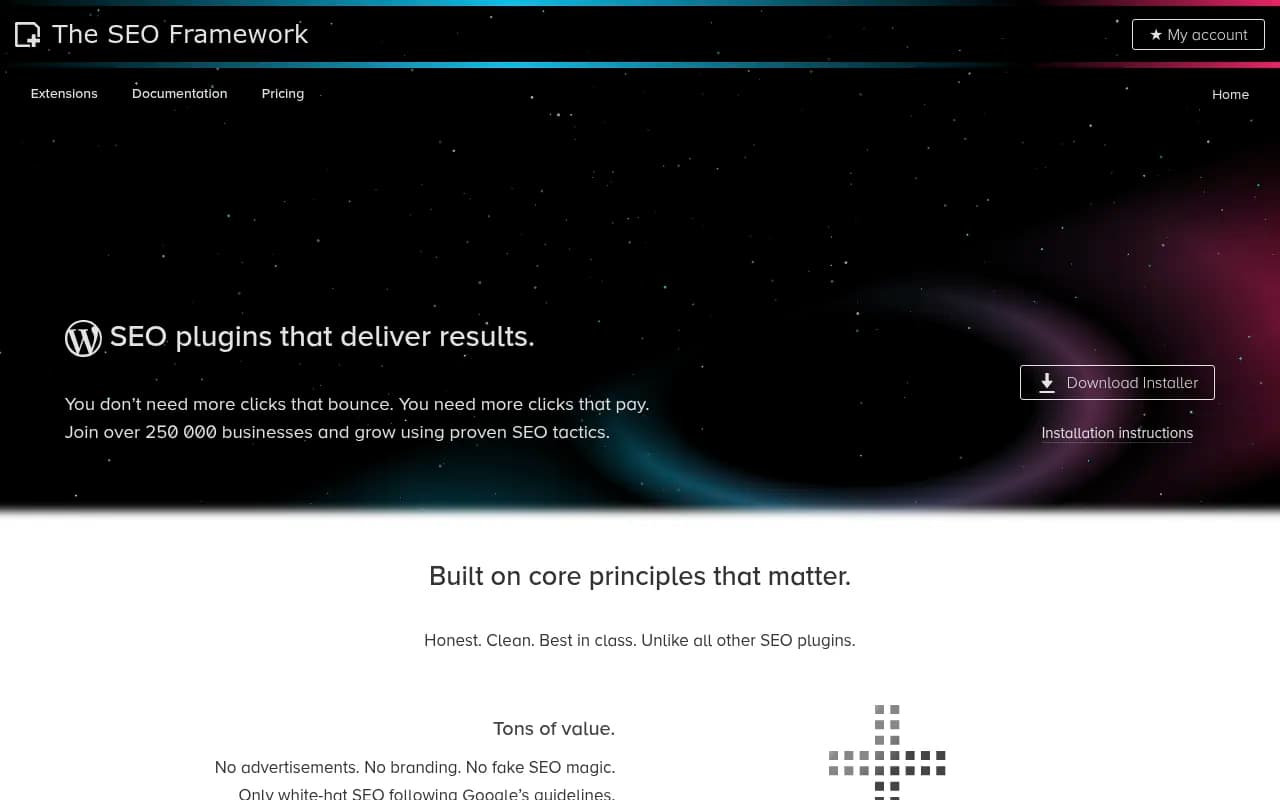
The SEO Framework is even lighter -- zero bloat, automated schema generation, no upsells. If you want set-it-and-forget-it SEO without the feature creep, this is it.
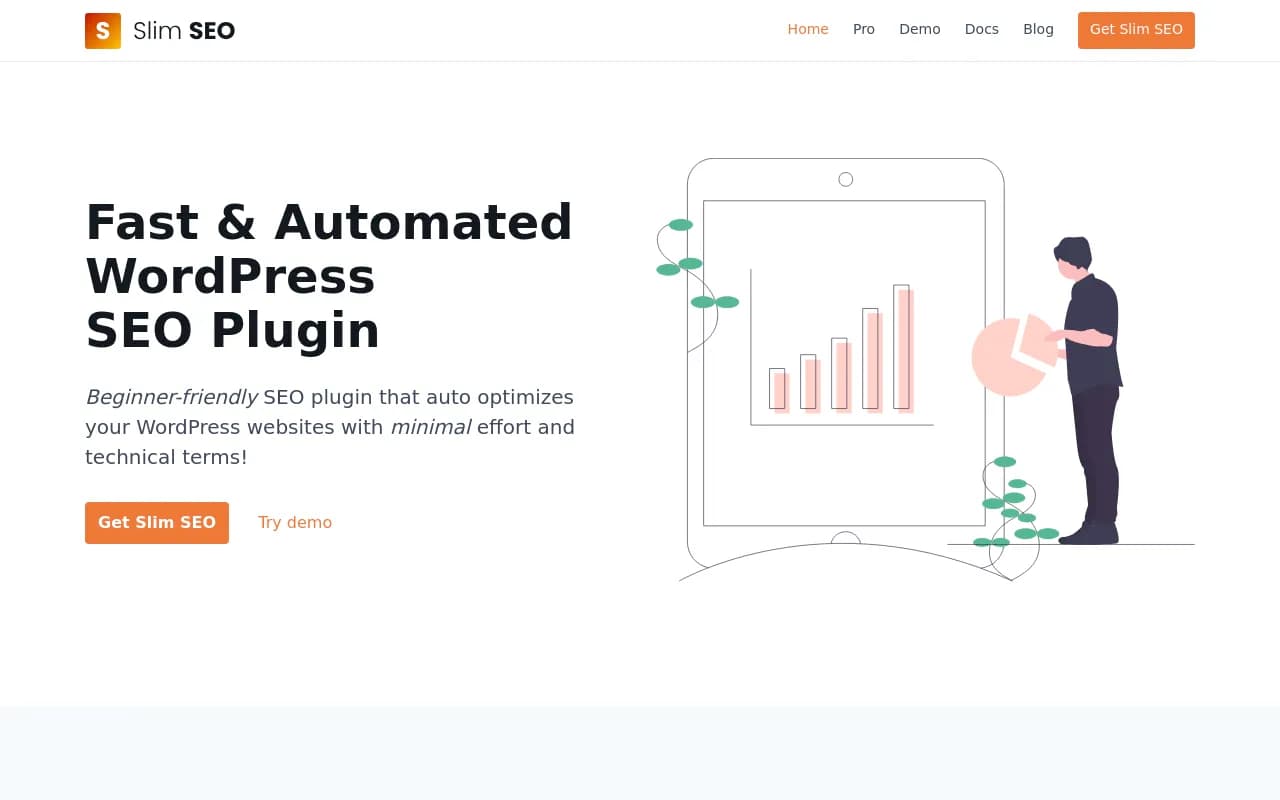
Slim SEO automates everything -- meta tags, schema markup, sitemaps -- with zero configuration. Good for developers who want SEO handled invisibly.
Avoid: Yoast SEO and All in One SEO are fine for traditional SEO but add unnecessary weight. AI crawlers don't need readability scores or keyword density checks.
2. Caching and performance optimization
AI crawlers have tight timeout windows. If your page takes more than 3 seconds to load, they might bail before seeing your content. Speed is not optional.
WP Rocket is the gold standard. Page caching, lazy loading, CSS/JS minification, database optimization -- everything you need in one plugin. It's paid ($59/year) but worth it if AI visibility matters.
LiteSpeed Cache is free and powerful if you're on LiteSpeed hosting. Includes image optimization and critical CSS generation.
W3 Total Cache is the free workhorse. More complex to configure but handles caching, CDN integration, and minification.
Pair any caching plugin with Imagify for image compression. AI crawlers don't need high-res screenshots -- compress everything to WebP format.
3. Clean code and semantic HTML
AI crawlers parse HTML structure to understand content hierarchy. If your theme outputs messy markup or your page builder generates div soup, you're invisible.
GeneratePress (theme, not plugin) is the cleanest WordPress theme for AI crawlers. Semantic HTML5, minimal CSS, fast load times. Pair it with GenerateBlocks for layout -- no page builder bloat.
Kadence Blocks is a Gutenberg block library that outputs clean HTML. Use it instead of Elementor or Divi if you need visual building without the markup mess.
Avoid: Elementor, Divi, and other drag-and-drop page builders wrap everything in unnecessary divs. AI crawlers struggle to extract meaning from the nested structure.
4. Structured content blocks
AI models extract information from specific content patterns: Q&A pairs, lists, tables, definitions. WordPress core blocks handle this, but specialized plugins make it easier.
BetterDocs creates knowledge base articles with built-in FAQ schema and table of contents. Perfect for documentation sites that want AI visibility.
Stackable adds advanced Gutenberg blocks with proper semantic markup -- FAQ blocks, feature lists, comparison tables. All output clean HTML that AI crawlers can parse.
TablePress for data tables. AI models cite tables frequently because they're scannable and structured.
5. AI crawler monitoring and analytics
You can't optimize what you don't measure. Most WordPress analytics plugins track Google but ignore AI crawlers entirely.
This is where specialized tools come in. Promptwatch is the only platform that shows you:
- Which AI crawlers (GPTBot, Claude-Web, PerplexityBot) are hitting your WordPress site
- Which pages they're reading and which they're skipping
- Crawl errors and timeout issues
- Citation tracking -- when ChatGPT or Perplexity cite your content, you see it
- Answer Gap Analysis -- the exact prompts competitors rank for but you don't
Most competitors (Otterly.AI, Peec.ai, AthenaHQ) only show you monitoring dashboards. Promptwatch goes further: it identifies the content gaps on your site, then generates articles engineered to rank in AI search. You're not just tracking visibility -- you're actively improving it.
For basic server-level crawler tracking, WP Statistics logs AI bot visits in your WordPress dashboard. Free but limited.
Technical setup: Step-by-step configuration
Step 1: Install and configure Rank Math
- Install Rank Math from the WordPress plugin directory
- Run the setup wizard -- choose "Blog" or "Business" depending on your site
- Enable these schema types: Article, FAQ, How-To, Organization
- In Rank Math > General Settings > Breadcrumbs, enable breadcrumbs (AI crawlers use these for context)
- Go to Rank Math > Sitemap Settings and enable XML sitemaps
Rank Math automatically generates JSON-LD schema for every post and page. AI crawlers read this to understand your content structure.
Step 2: Set up caching and performance
- Install WP Rocket (or LiteSpeed Cache if on LiteSpeed hosting)
- Enable page caching and browser caching
- Turn on CSS/JS minification and concatenation
- Enable lazy loading for images and iframes
- Set up database optimization to run weekly
- Install Imagify and compress all existing images to WebP format
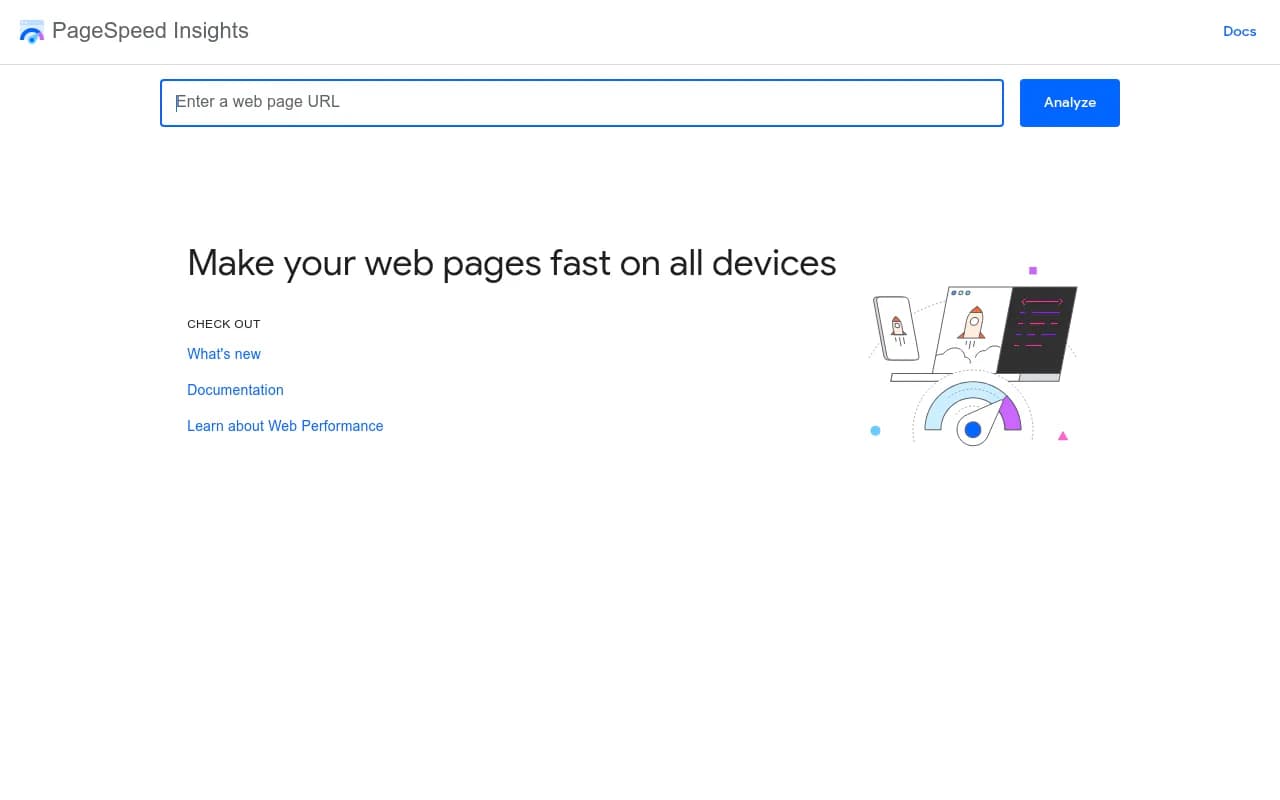
Test your site speed with Google PageSpeed Insights. Aim for a score above 90 on mobile. AI crawlers use similar metrics to decide whether to fully index your pages.
Step 3: Structure your content for AI extraction
AI models extract information by scanning for direct answers and clear patterns. Restructure your existing content:
Use question-based headings: Instead of "Our Pricing Model", write "How much does [product] cost?"
Lead with the answer: Start each section with the main point, then add supporting details. AI crawlers extract the first 100 words of each section.
Add FAQ blocks: Use Rank Math's FAQ block or Stackable's FAQ block to create structured Q&A pairs. These get cited frequently in AI responses.
Create comparison tables: When comparing products, features, or approaches, use TablePress or core WordPress tables. AI models love scannable data.
Break up walls of text: Keep paragraphs to 2-3 sentences. Use bullet lists for multi-point explanations.
Step 4: Implement semantic HTML and structured data
Rank Math handles most schema markup automatically, but you can enhance it:
Add Organization schema: Go to Rank Math > General Settings > Local SEO and fill in your business details. This helps AI models understand who you are.
Use proper heading hierarchy: H1 for page title, H2 for main sections, H3 for subsections. Never skip levels. AI crawlers use this to understand content structure.
Mark up key entities: When you mention specific people, products, or concepts, link to authoritative sources (Wikipedia, official websites). AI models use these signals to verify information.
Add breadcrumbs: Enable breadcrumbs in Rank Math and display them on your site. AI crawlers use these to understand your site architecture.
Step 5: Monitor AI crawler activity
Set up tracking to see which AI bots are visiting your site and what they're reading:
- Sign up for Promptwatch and add your WordPress site
- Install the Promptwatch tracking snippet (or integrate via Google Tag Manager)
- Check the AI Crawler Logs dashboard to see GPTBot, Claude-Web, and PerplexityBot activity
- Review which pages are being crawled and which are being skipped
- Fix any crawl errors or timeout issues
Promptwatch also shows you citation tracking -- when ChatGPT or Perplexity cite your content in their responses, you'll see the exact prompt and response.
Common WordPress configurations that block AI crawlers
Aggressive caching plugins
Some caching plugins serve stale HTML to bots or block them entirely. Check your caching plugin settings:
- Make sure "Cache for logged-in users" is disabled (AI crawlers aren't logged in)
- Don't block bots by user agent -- you'll block AI crawlers
- Enable "Separate cache for mobile" if you have a mobile-specific layout
Cloudflare bot protection
Cloudflare's "Bot Fight Mode" blocks many AI crawlers by default. If you use Cloudflare:
- Go to Security > Bots
- Disable "Bot Fight Mode"
- Create a custom rule to allow GPTBot, Claude-Web, PerplexityBot, and other AI crawler user agents
Robots.txt blocking
Check your robots.txt file (yoursite.com/robots.txt). Make sure you're not blocking AI crawlers:
User-agent: GPTBot
Allow: /

User-agent: Claude-Web
Allow: /

User-agent: PerplexityBot
Allow: /

User-agent: Google-Extended
Allow: /
Some WordPress security plugins add aggressive robots.txt rules. Review and adjust.
JavaScript-heavy themes and page builders
Elementor, Divi, and similar page builders generate content via JavaScript. AI crawlers see the raw HTML before JavaScript executes -- often just empty divs.
Solution: Switch to a lightweight theme (GeneratePress, Kadence) and use Gutenberg blocks instead. If you must use a page builder, enable server-side rendering or use a prerendering service.
Comparison: Traditional SEO plugins vs AI-optimized plugins
| Plugin | Schema markup | Performance impact | AI crawler support | Best for |
|---|---|---|---|---|
| Rank Math | Excellent | Low | Yes | Most WordPress sites |
| Yoast SEO | Good | Medium | Partial | Traditional SEO focus |
| The SEO Framework | Excellent | Very low | Yes | Developers, minimalists |
| All in One SEO | Good | Medium | Partial | Feature-rich setups |
| Slim SEO | Good | Very low | Yes | Set-and-forget automation |
For AI crawler optimization specifically, Rank Math or The SEO Framework are the best choices. They generate clean schema markup without the bloat.
Advanced: Content generation for AI visibility
Tracking AI crawler activity is step one. The bigger opportunity: creating content that AI models actually cite.
This is where most WordPress sites fail. You can optimize your existing content all day, but if you're missing the topics and angles AI models want, you'll stay invisible.
Promptwatch solves this with Answer Gap Analysis. It shows you:
- Which prompts your competitors are visible for but you're not
- The specific content your site is missing (topics, angles, questions)
- Prompt volumes and difficulty scores so you can prioritize high-value, winnable prompts
Then it goes a step further: the built-in AI writing agent generates articles, listicles, and comparisons grounded in real citation data (880M+ citations analyzed). This isn't generic SEO filler -- it's content engineered to get cited by ChatGPT, Claude, and Perplexity.
You publish the content to WordPress, track the results in Promptwatch, and watch your visibility scores improve as AI models start citing your new pages. Close the loop with traffic attribution (code snippet, GSC integration, or server log analysis) to connect visibility to actual revenue.
Most competitors (Otterly.AI, Peec.ai, AthenaHQ, Search Party) stop at monitoring. Promptwatch is built around taking action.
Measuring success: What to track
AI visibility optimization is a different game than traditional SEO. Track these metrics:
AI crawler activity: Are GPTBot, Claude-Web, and PerplexityBot visiting your site regularly? Check Promptwatch's crawler logs.
Citation frequency: How often do AI models cite your content in their responses? This is the AI equivalent of ranking #1 on Google.
Prompt coverage: What percentage of relevant prompts in your niche do you appear in? Promptwatch shows this as a visibility score.
Page-level performance: Which specific pages are being cited? Double down on what's working.
Traffic from AI referrals: Are users clicking through from ChatGPT or Perplexity? Set up UTM tracking or use Promptwatch's traffic attribution.
Don't expect overnight results. AI models update their training data periodically. You might optimize your site today and not see citation increases for weeks. Consistent monitoring is key.
Common mistakes WordPress users make
Over-optimizing for Google at the expense of AI
Keyword stuffing, exact-match anchor text, and other traditional SEO tactics hurt AI visibility. AI models want natural, conversational content that directly answers questions.
Ignoring page speed
A site that loads in 5 seconds on desktop might time out for AI crawlers on mobile networks. Speed matters more for AI than for Google.
Using too many plugins
Every plugin adds code. The average WordPress site loads 20+ plugins. AI crawlers hit timeout limits before parsing your actual content. Audit your plugins quarterly and remove anything you don't actively use.
Not monitoring AI crawler activity
You can't optimize what you don't measure. Most WordPress users have no idea whether AI crawlers are even visiting their site, let alone which pages they're reading.
Blocking AI crawlers accidentally
Security plugins, Cloudflare settings, and aggressive robots.txt rules often block AI crawlers by default. Review your configuration.
The future: AI-first WordPress development
WordPress development is splitting into two paths. One path optimizes for Google -- keyword research, backlinks, meta descriptions. The other path optimizes for AI search -- semantic HTML, structured data, answer-first content.
The gap will widen. Sites that ignore AI visibility will become invisible as more users shift to ChatGPT, Perplexity, and other AI search tools for research and recommendations.
The good news: WordPress is well-positioned for this shift. The block editor outputs semantic HTML by default. Plugins like Rank Math handle schema markup automatically. The infrastructure exists -- you just need to use it correctly.
Start with the five-plugin stack outlined in this guide. Monitor AI crawler activity with Promptwatch. Identify content gaps and fill them. Track your visibility scores over time.
AI search is not replacing Google overnight, but the shift is happening. WordPress sites that adapt now will dominate AI visibility in their niches. The ones that wait will spend 2027 playing catch-up.