Key Takeaways
- Rank Math offers the most generous free tier with unlimited focus keywords, Google Trends integration, schema markup, and redirects -- features that Yoast and AIOSEO lock behind paywalls
- Yoast SEO remains the most beginner-friendly option with superior readability analysis and the largest user base (5M+ active installs), though it limits free users to 1 focus keyword
- All in One SEO (AIOSEO) provides the best balance for growing sites with strong technical SEO features, TruSEO scoring, and local SEO tools starting at $49.60/year
- SEOPress is the white-label champion with no branding, unlimited keywords, and full feature access in the free version -- ideal for agencies managing multiple client sites
- WordPress SEO plugins handle on-page optimization, but visibility in AI search engines requires a different approach -- tools like Promptwatch help you track and improve how ChatGPT, Perplexity, and other AI models cite your content
What WordPress SEO Plugins Actually Do (And What They Don't)
WordPress is well-structured for search engines out of the box, but ranking competitively requires more control than the default platform provides. SEO plugins add a control panel to your dashboard for managing critical on-page and technical SEO tasks without touching code.
These plugins handle:
- Meta optimization: Customize page titles and meta descriptions that appear in Google search results
- XML sitemaps: Automatically generate and update sitemaps so search engines can discover all your pages
- Schema markup: Add structured data to enable rich results like star ratings, FAQ dropdowns, and product cards
- Content analysis: Get real-time feedback on keyword usage, readability, and optimization scores as you write
- Technical SEO: Manage redirects, canonical URLs, robots.txt, and breadcrumbs
- Social previews: Control how your content appears when shared on Facebook, Twitter, and LinkedIn
What they don't do: track your visibility in AI search engines like ChatGPT, Claude, Perplexity, or Google AI Overviews. Traditional SEO plugins optimize for Google's web crawler, but AI models consume and cite content differently. If you want to understand how AI engines reference your brand -- and create content that actually gets cited -- you need a platform built for Generative Engine Optimization (GEO).

The 4 Leading WordPress SEO Plugins Compared
Let's break down the four most popular WordPress SEO plugins based on features, usability, pricing, and real-world performance.
1. Rank Math: The Feature-Rich Free Option
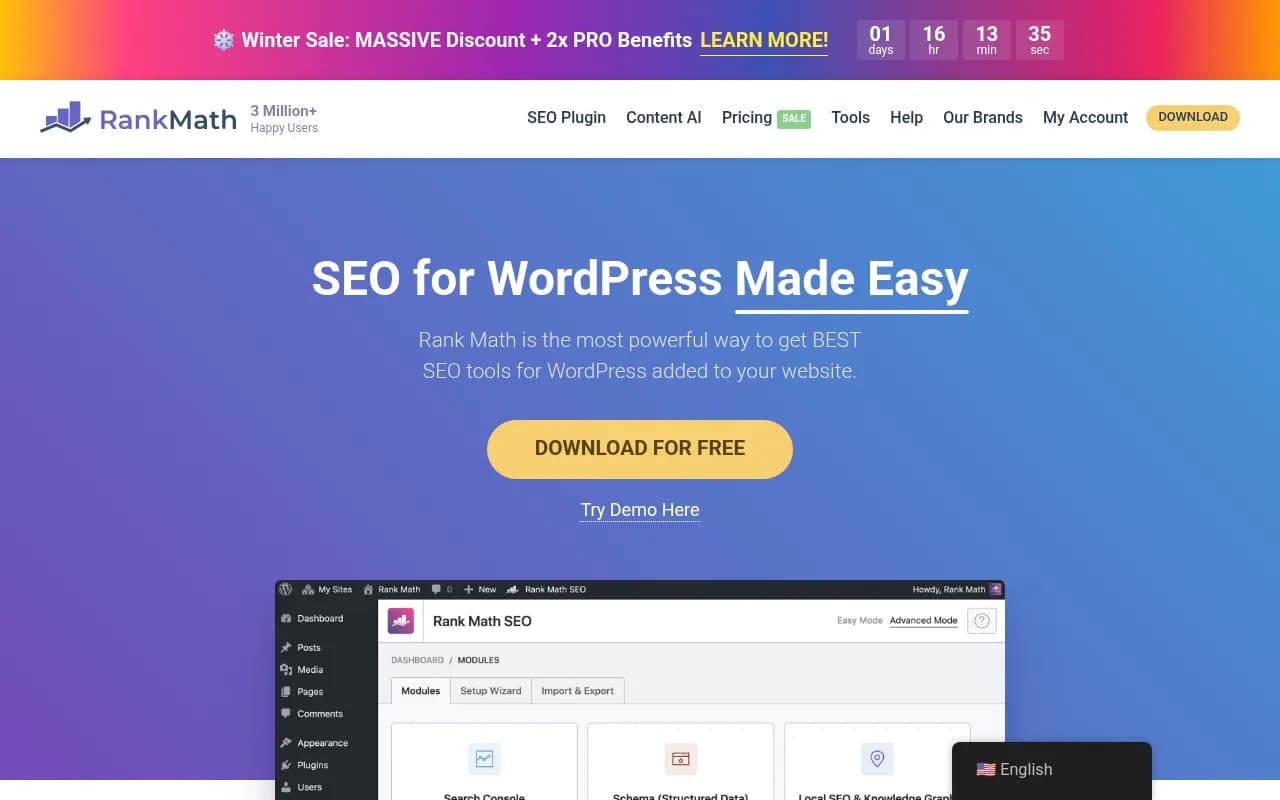
Rank Math has rapidly gained traction since its 2018 launch by offering an absurdly generous free version. While Yoast limits free users to 1 focus keyword and AIOSEO locks most features behind paywalls, Rank Math gives you unlimited keywords, Google Trends integration, schema markup, and 404 monitoring at no cost.
What makes Rank Math stand out:
- Unlimited focus keywords in the free version (Yoast charges $99/year for this)
- Built-in schema markup with 15+ schema types including FAQ, How-To, Recipe, and Product
- Google Trends integration shows search volume and trending data directly in the editor
- 404 monitor and redirect manager included free (Yoast charges extra)
- Local SEO features with Google Business Profile integration
- Advanced WooCommerce SEO for product optimization
- Clean, modern interface that's easier to navigate than Yoast's cluttered dashboard
Limitations:
- Newer plugin with a smaller community compared to Yoast's 15+ year history
- Some advanced features (video SEO, news sitemap, Google Analytics integration) require the Pro version ($59/year)
- Can be overwhelming for absolute beginners due to the sheer number of options
Best for: Bloggers, small businesses, and anyone who wants professional-grade SEO features without paying for a premium plugin. If you're comfortable with a learning curve, Rank Math delivers the most value per dollar.
Pricing: Free version is feature-complete for most users. Pro starts at $59/year for unlimited sites.
2. Yoast SEO: The Industry Standard
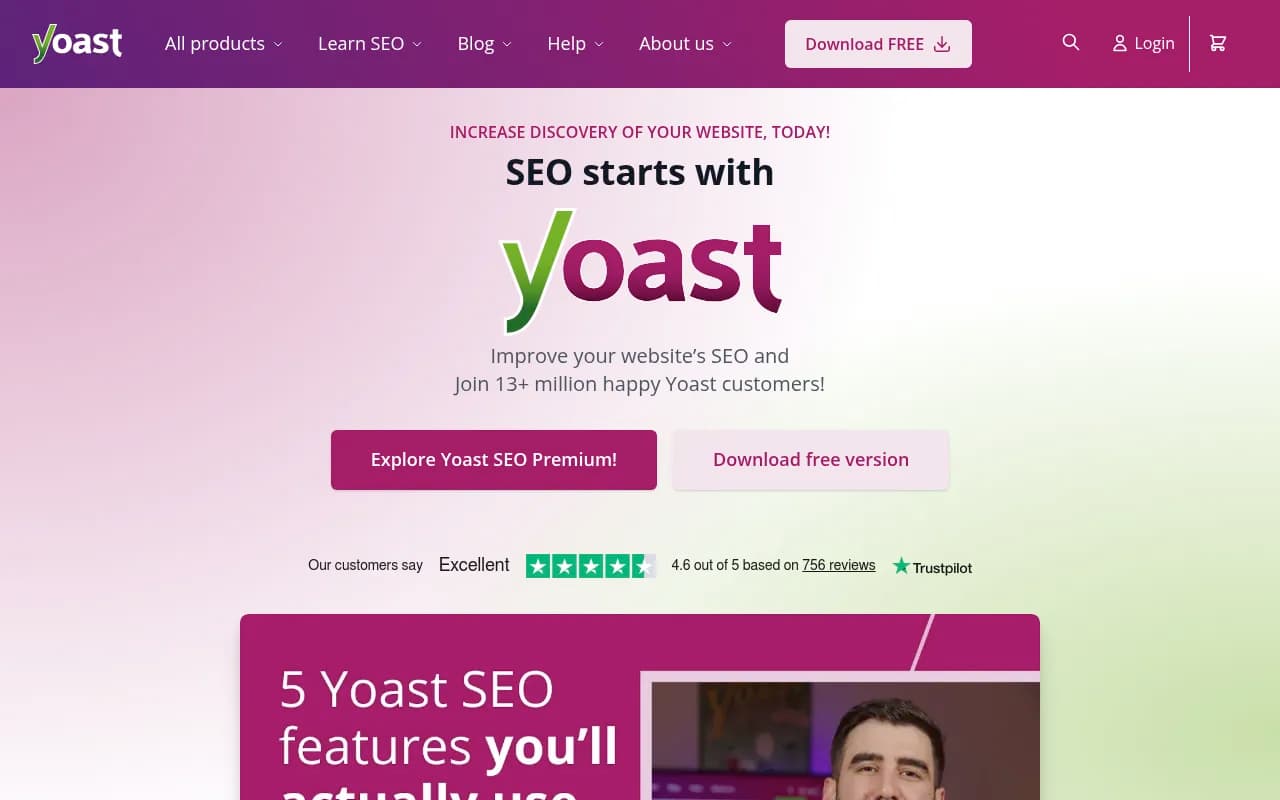
Yoast SEO is the most recognizable name in WordPress SEO with over 5 million active installations and 15+ years of development. It pioneered the traffic light system (red/orange/green) for content optimization and remains the most beginner-friendly option.
What makes Yoast SEO stand out:
- Best-in-class readability analysis with Flesch Reading Ease scoring, sentence length checks, and transition word suggestions
- Massive user base and documentation -- every WordPress question has been answered somewhere
- Regular updates and proven stability backed by a large development team
- Excellent onboarding with a setup wizard that guides new users through configuration
- Strong integration ecosystem with page builders, eCommerce platforms, and marketing tools
Limitations:
- Free version is restrictive: Only 1 focus keyword, no redirect manager, no schema markup beyond basic article schema
- Premium is expensive: $99/year for a single site, $229/year for 5 sites
- Interface feels dated compared to Rank Math's modern design
- Ads in the free version promoting Yoast's premium products and courses
Best for: Complete beginners who prioritize ease of use over advanced features, or established sites that have used Yoast for years and don't want to migrate.
Pricing: Free version available. Premium starts at $99/year for 1 site.
3. All in One SEO (AIOSEO): The Balanced Choice
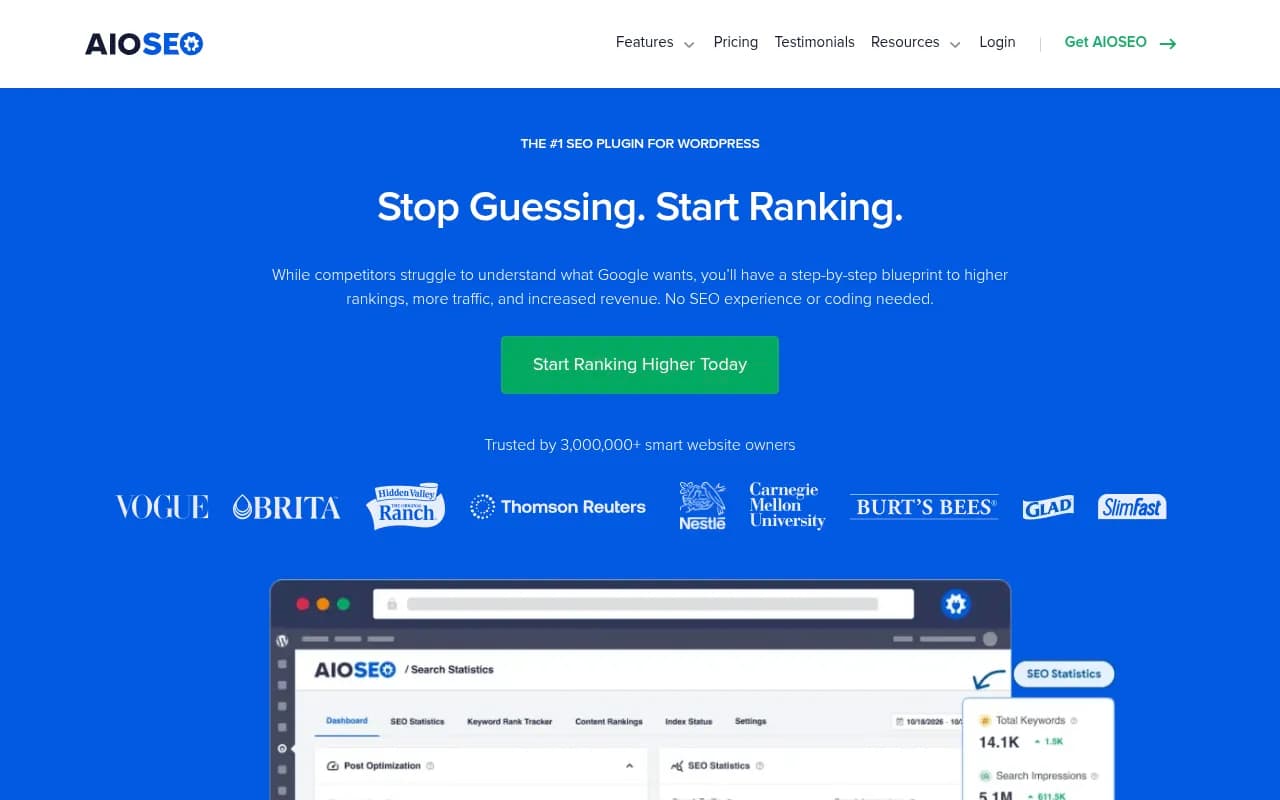
All in One SEO has been around since 2007 (predating Yoast) and positions itself as a middle ground between Yoast's simplicity and Rank Math's feature density. The plugin was acquired and rebuilt in 2019 with a modern codebase and improved interface.
What makes AIOSEO stand out:
- TruSEO score provides actionable recommendations with a clean checklist interface
- Strong local SEO features including location-based schema, business hours, and Google Maps integration
- Smart XML sitemaps that automatically prioritize important pages
- WooCommerce SEO with product schema and optimization features
- Headline analyzer helps you write better titles before publishing
- Link assistant suggests internal linking opportunities as you write
Limitations:
- Free version is limited: Basic features only, no schema markup, no redirects, no local SEO
- Premium required for most value: $49.60/year (often discounted) gets you schema, redirects, and local SEO
- Smaller community than Yoast, though documentation is solid
Best for: Growing businesses and bloggers who want more than Yoast's free version offers but don't need Rank Math's complexity. The $49.60/year entry price is reasonable for the feature set.
Pricing: Free version available. Lite plan starts at $49.60/year for 1 site (often discounted to $39.60).
4. SEOPress: The White-Label Agency Option
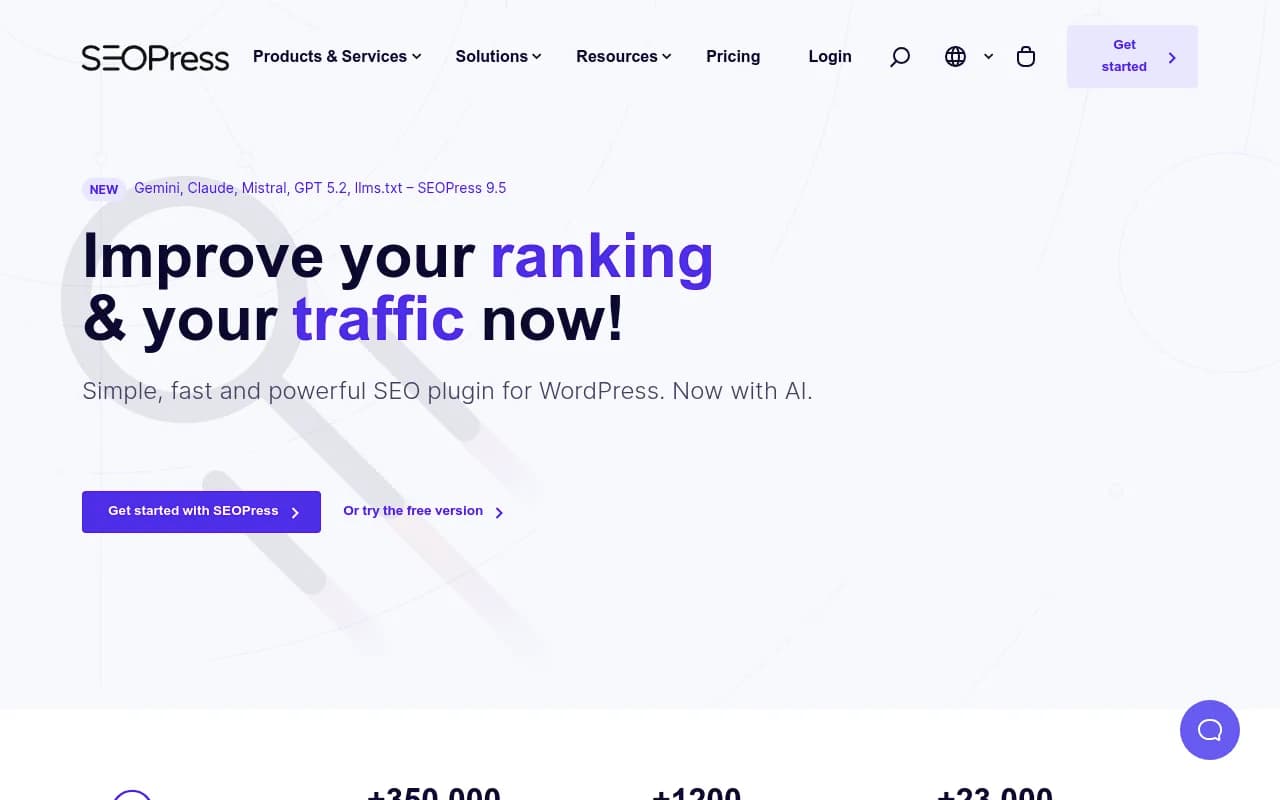
SEOPress is the dark horse in this comparison -- less well-known than the other three but beloved by agencies and developers for its clean, ad-free interface and white-label capabilities.
What makes SEOPress stand out:
- No branding or ads in the free version (unlike Yoast)
- Unlimited keywords in the free version
- Full schema markup support including JSON-LD for 8+ schema types
- Built-in redirect manager (301, 302, 307, 410, 451 redirects)
- Google Analytics and Matomo integration with custom dimensions
- Content analysis similar to Yoast but without the upsells
- White-label ready -- perfect for agencies managing client sites
Limitations:
- Smallest user base of the four plugins, which means fewer third-party integrations
- Advanced features require Pro: WooCommerce SEO, local business schema, broken link checker, and Google Suggestions are Pro-only ($49/year)
- Less hand-holding than Yoast -- assumes you understand basic SEO concepts
Best for: Agencies, developers, and experienced users who want a clean, powerful plugin without ads or branding. The free version is genuinely feature-complete for most use cases.
Pricing: Free version is robust. Pro starts at $49/year for 1 site, $99/year for unlimited sites.
Feature Comparison: What You Get With Each Plugin
| Feature | Rank Math Free | Yoast Free | AIOSEO Free | SEOPress Free |
|---|---|---|---|---|
| Focus Keywords | Unlimited | 1 | 1 | Unlimited |
| Schema Markup | ✓ (15+ types) | Basic only | ✗ | ✓ (8+ types) |
| Redirects | ✓ | ✗ | ✗ | ✓ |
| 404 Monitor | ✓ | ✗ | ✗ | ✗ |
| Google Trends | ✓ | ✗ | ✗ | ✗ |
| XML Sitemaps | ✓ | ✓ | ✓ | ✓ |
| Readability Analysis | ✓ | ✓ (better) | ✓ | ✓ |
| Local SEO | ✓ | ✗ | ✗ | ✗ |
| WooCommerce SEO | ✓ | Basic | ✗ | ✗ |
| Ads/Branding | Minimal | Heavy | Moderate | None |
| Interface | Modern | Dated | Clean | Clean |
Premium pricing comparison:
- Rank Math Pro: $59/year (unlimited sites)
- Yoast Premium: $99/year (1 site), $229/year (5 sites)
- AIOSEO Lite: $49.60/year (1 site)
- SEOPress Pro: $49/year (1 site), $99/year (unlimited sites)
Which Plugin Should You Choose?
Choose Rank Math if:
- You want maximum features without paying for premium
- You're comfortable with a learning curve
- You need schema markup, redirects, and local SEO out of the box
- You're building a content site or blog with multiple focus keywords
Choose Yoast SEO if:
- You're a complete beginner who values simplicity over features
- You want the most proven, stable plugin with the largest community
- Readability analysis is critical to your content workflow
- You're willing to pay $99/year for premium features
Choose All in One SEO if:
- You want a balance between Yoast's simplicity and Rank Math's features
- You're running a local business and need location-based SEO
- You prefer a clean interface without overwhelming options
- You're willing to pay $49.60/year for a solid feature set
Choose SEOPress if:
- You're an agency managing multiple client sites
- You want zero branding or ads in the interface
- You need white-label capabilities
- You value a clean, distraction-free admin experience
Beyond Traditional SEO: Optimizing for AI Search Engines
All four plugins excel at traditional SEO -- optimizing your site for Google's web crawler. But in 2026, that's only half the story. AI search engines like ChatGPT, Perplexity, Claude, and Google AI Overviews are fundamentally changing how people discover content.
These AI models don't just rank pages -- they synthesize information from multiple sources and cite the most relevant content in their responses. Your brand might rank #1 in Google but be completely invisible in ChatGPT. Traditional SEO plugins can't track or optimize for this new reality.
What's different about AI search:
- Citations instead of rankings: AI models cite sources in their responses rather than showing a list of links
- Content synthesis: AI engines combine information from multiple pages to answer complex queries
- Conversational queries: Users ask natural language questions instead of typing keywords
- Zero-click answers: AI provides complete answers without requiring users to visit your site
How to track and improve AI visibility:
Platforms like Promptwatch help you understand and optimize your presence in AI search:
- Track citations: See exactly when and how ChatGPT, Perplexity, Claude, and other AI models cite your content
- Find content gaps: Discover which prompts competitors are visible for but you're not -- then create content that fills those gaps
- Generate AI-optimized content: Use the built-in AI writing agent to create articles, listicles, and comparisons engineered to get cited by AI models
- Monitor AI crawler logs: See which pages AI engines are reading, how often they return, and what errors they encounter
- Measure real impact: Connect AI visibility to actual traffic and revenue with attribution tracking
This is the action loop that traditional SEO plugins can't provide: find gaps, create content that AI models want to cite, track the results, and iterate.
Installation and Setup: Getting Started With Your Chosen Plugin
Regardless of which plugin you choose, the installation process is straightforward:
- Install from WordPress dashboard: Go to Plugins > Add New, search for your chosen plugin, click Install, then Activate
- Run the setup wizard: All four plugins offer guided setup wizards that configure basic settings
- Connect integrations: Link Google Search Console, Google Analytics, and any other tools you use
- Configure global settings: Set default meta titles, descriptions, and social sharing templates
- Optimize your first post: Use the plugin's content analysis to optimize an existing post and familiarize yourself with the interface
Pro tip: Don't switch plugins frequently. Migrating between SEO plugins can cause temporary ranking fluctuations as search engines re-index your site with new meta data. Choose carefully, then commit for at least 6-12 months.
Common Mistakes to Avoid
1. Keyword stuffing based on plugin recommendations
All four plugins suggest keyword density targets, but blindly following these recommendations leads to unnatural, over-optimized content. Write for humans first, then use the plugin to ensure you've covered the topic thoroughly.
2. Ignoring readability scores
Yoast's readability analysis is the best in class for a reason -- it catches long sentences, passive voice, and complex language that hurts user experience. Even if you use a different plugin, periodically check your content with Yoast's readability checker.
3. Setting and forgetting
SEO plugins require ongoing maintenance. Review your XML sitemap monthly, fix broken redirects, update schema markup when your business changes, and audit meta descriptions for underperforming pages.
4. Neglecting AI search optimization
Optimizing for Google is necessary but insufficient in 2026. If you're not tracking how AI models cite your content, you're missing a growing share of search traffic. Tools like Promptwatch close this gap by showing you exactly where you're visible (or invisible) in AI search results.
The Verdict: Which Plugin Wins in 2026?
There's no universal "best" WordPress SEO plugin -- the right choice depends on your experience level, budget, and specific needs.
For most users, Rank Math offers the best value. The free version includes features that competitors charge $50-100/year for, and the interface is modern and intuitive once you get past the initial learning curve. If you're building a content site, blog, or small business website, Rank Math delivers professional-grade SEO without the premium price tag.
Yoast remains the safest choice for beginners. If you've never done SEO before and want a plugin that holds your hand through every step, Yoast's traffic light system and extensive documentation make it the easiest to learn. Just be prepared to pay $99/year if you need more than 1 focus keyword.
AIOSEO is the sweet spot for growing businesses. The $49.60/year Lite plan includes schema markup, redirects, and local SEO features that make it a better value than Yoast Premium. The TruSEO scoring system is also more actionable than Yoast's traffic lights.
SEOPress is the agency favorite. If you manage multiple client sites or want a completely white-label solution, SEOPress delivers a clean, ad-free experience with unlimited keywords and full schema support in the free version. The Pro version at $99/year for unlimited sites is unbeatable for agencies.
But remember: WordPress SEO plugins optimize your site for traditional search engines. To compete in the AI search era, you need visibility into how ChatGPT, Perplexity, Claude, and other AI models cite your content. Platforms like Promptwatch complement your SEO plugin by tracking AI citations, identifying content gaps, and helping you create content that AI engines actually want to reference.
Choose your WordPress SEO plugin based on your immediate needs, but don't stop there. The future of search is conversational, AI-powered, and citation-based -- and traditional SEO plugins weren't built for that world.