Key Takeaways
- Rank Math offers the best value: Unlimited focus keywords, schema markup, redirects, and AI content tools in the free version — far more generous than competitors
- Yoast SEO is ideal for beginners: Simple interface, clear guidance, but limits you to 1 focus keyword free and locks advanced features behind premium ($99/year)
- All in One SEO (AIOSEO) excels for WooCommerce: Strong eCommerce schema, product optimization, and local SEO features make it the top choice for online stores
- SEOPress is the white-label option: No branding, no upsells, clean interface — perfect for agencies managing client sites ($49/year)
- All four handle core SEO tasks well: XML sitemaps, meta tags, breadcrumbs, social previews, and Google Search Console integration are standard across the board
Choosing the right WordPress SEO plugin in 2026 isn't about features alone — it's about matching capabilities to your specific needs. A blogger optimizing 50 posts has different requirements than an agency managing 200 client sites or an eCommerce store with 10,000 products. This guide breaks down exactly what each plugin does well, where it falls short, and who should use it.
Why WordPress SEO Plugins Matter in 2026
WordPress powers 43% of all websites, but out of the box, it doesn't optimize content for search engines. SEO plugins fill that gap by handling technical tasks that directly impact rankings:
- On-page optimization: Title tags, meta descriptions, header structure, keyword placement
- Technical SEO: XML sitemaps, robots.txt management, canonical URLs, schema markup
- Content analysis: Readability scoring, keyword density checks, internal linking suggestions
- AI search visibility: Structured data that helps ChatGPT, Perplexity, and Google AI Overviews cite your content
The stakes are higher in 2026. Google's Search Generative Experience (SGE) and AI-powered answer engines now dominate search results. Getting cited in AI responses requires proper schema markup, clear content structure, and entity optimization — tasks modern SEO plugins automate.
For brands serious about AI search visibility, tools like Promptwatch can help you track how AI models cite your content and identify gaps competitors are filling. But first, you need a solid foundation — and that starts with the right WordPress plugin.
Rank Math: The Feature-Rich Free Option
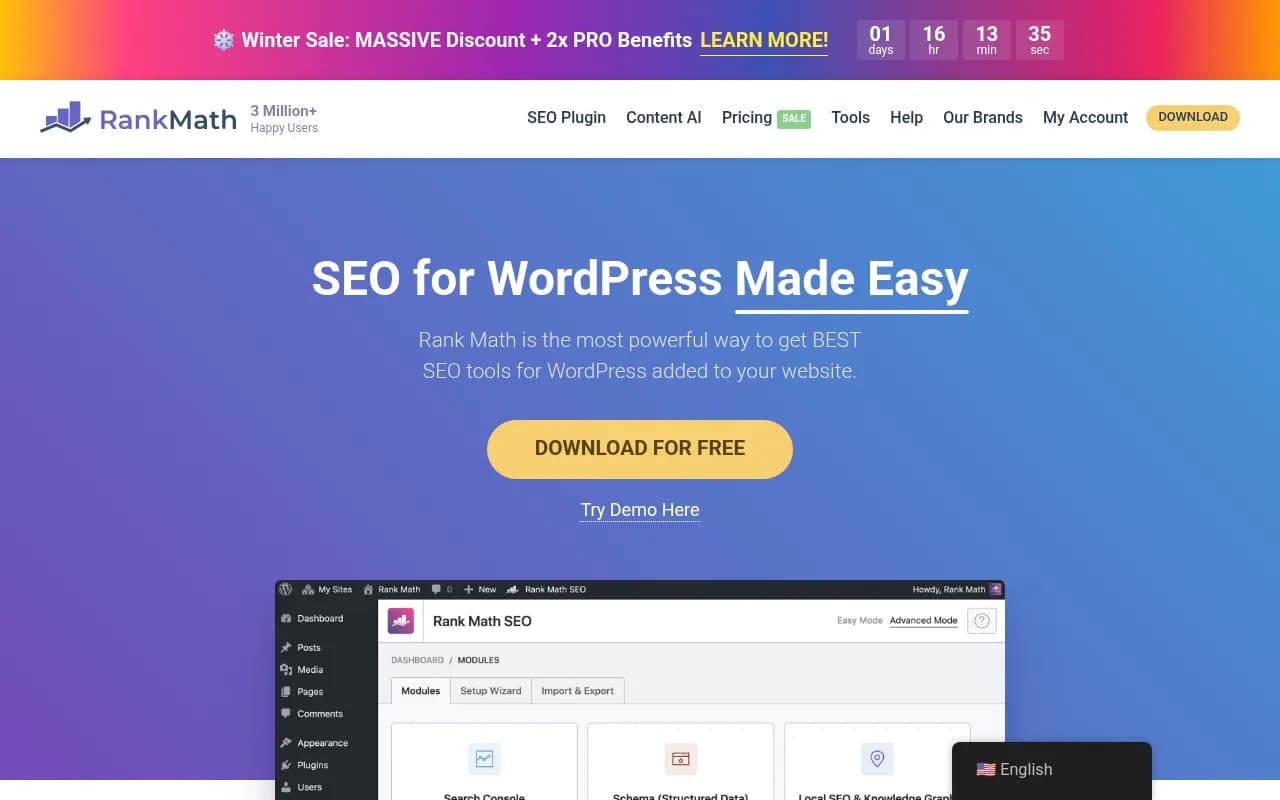
Rank Math has exploded in popularity since 2018, and for good reason: it gives away features competitors charge $100+ per year for. The free version includes unlimited focus keywords, schema markup for 20+ content types, redirects, 404 monitoring, Google Trends integration, and AI content suggestions.
What Rank Math Does Best
Schema markup without coding: Add FAQ, HowTo, Recipe, Product, and 15+ other schema types with a few clicks. This structured data helps AI models understand your content and increases the chances of being cited in ChatGPT, Perplexity, and Google AI Overviews.
AI-powered content suggestions: The built-in Content AI analyzes top-ranking pages and suggests headings, questions, and keywords to include. It's not as deep as standalone tools like Surfer SEO or Clearscope, but it's useful for quick optimization.
Redirect manager: Handle 301 redirects directly in WordPress without installing a separate plugin. Track 404 errors and fix broken links before they hurt rankings.
Local SEO features: Add business schema, opening hours, and location data — critical for local businesses competing in Google Maps and AI-powered local search results.
Where Rank Math Falls Short
Overwhelming for beginners: The setup wizard asks 20+ questions about tracking codes, sitemaps, and schema preferences. New users often enable features they don't need, slowing down their site.
Aggressive upsells: The free version is generous, but Rank Math constantly promotes the Pro version ($59/year) with popups and dashboard notifications.
Support relies on community: Free users get forum support only. Premium support requires the Pro plan.
Pricing
- Free: Unlimited sites, unlimited keywords, schema, redirects, AI suggestions
- Pro: $59/year (1 site) — adds video SEO, news SEO, WooCommerce optimization, Google Trends data
- Business: $199/year (100 sites) — agency license with white-label options
Who Should Use Rank Math
Rank Math is the best choice for:
- Bloggers and content creators who need unlimited keywords and schema without paying
- Small businesses optimizing 10-50 pages and want AI content suggestions
- Developers comfortable with technical settings and customization options
Avoid Rank Math if you're a complete beginner or want a simple, distraction-free interface.
Yoast SEO: The Beginner-Friendly Standard
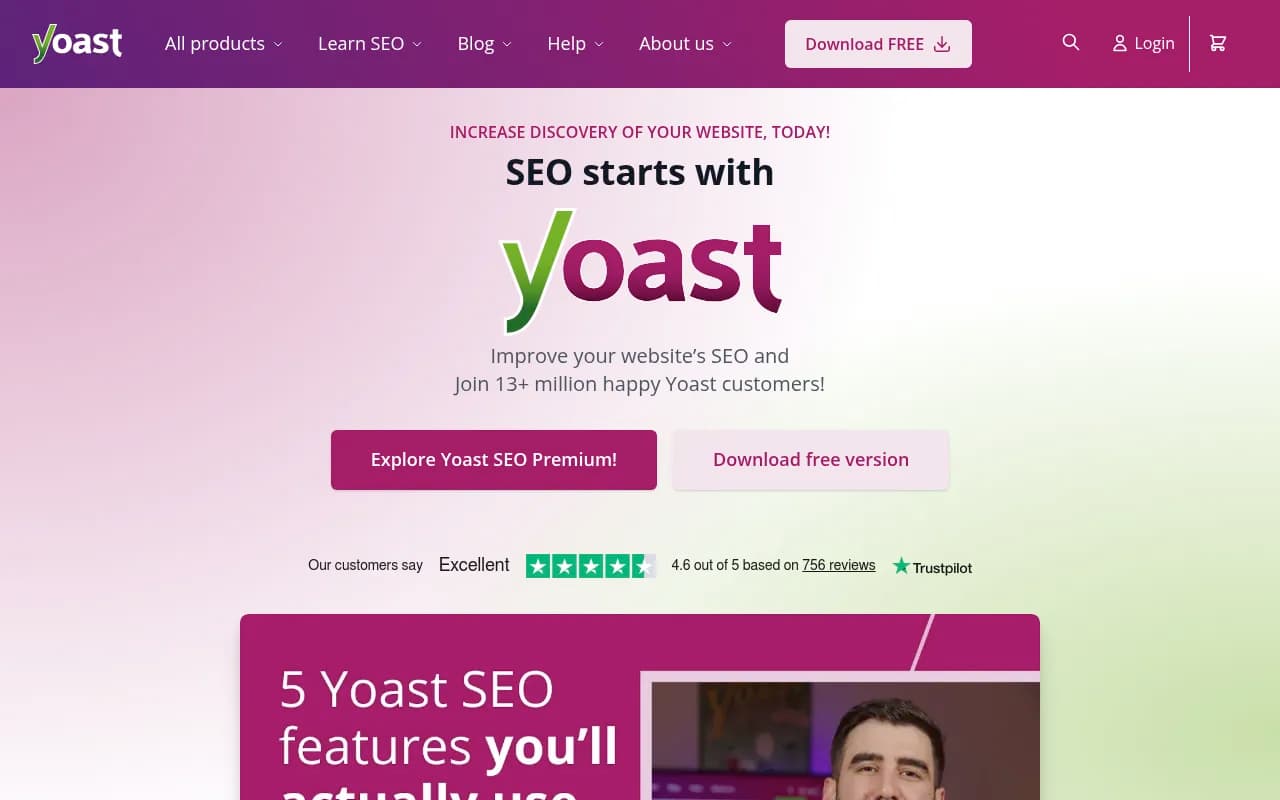
Yoast SEO has been the default WordPress SEO plugin since 2010. It's installed on 5+ million sites and known for its traffic light system (red/orange/green) that guides users through optimization.
What Yoast SEO Does Best
Simplicity: Yoast's interface is clean and intuitive. The setup wizard takes 5 minutes, and the plugin explains every setting in plain English. New users can optimize content without understanding technical SEO.
Readability analysis: Beyond keyword optimization, Yoast scores content on sentence length, paragraph structure, transition words, and passive voice. This makes content easier to read — which improves engagement and AI citation rates.
Cornerstone content feature: Mark your most important pages as "cornerstone content" and Yoast will suggest internal links from other posts. This helps build topical authority, which AI models reward when deciding what to cite.
Solid documentation: Yoast's blog and academy offer hundreds of free SEO guides. Premium users get email support that actually responds within 24 hours.
Where Yoast SEO Falls Short
Limited free version: You get 1 focus keyword per post, basic schema (article only), and no redirect management. Most useful features require Premium ($99/year).
No AI content tools: Unlike Rank Math and AIOSEO, Yoast doesn't suggest related keywords or analyze competitor content. You're optimizing blind unless you use external tools.
Slower updates: Yoast adds features conservatively. Rank Math and AIOSEO ship new capabilities (AI tools, ChatGPT optimization) faster.
Pricing
- Free: 1 focus keyword, basic schema, XML sitemaps, meta tag control
- Premium: $99/year (1 site) — adds unlimited keywords, redirect manager, internal linking suggestions, 24/7 support
- WooCommerce SEO: $99/year — product schema, breadcrumbs, image optimization for online stores
Who Should Use Yoast SEO
Yoast is the best choice for:
- Complete beginners who want clear guidance without technical jargon
- Small sites (under 50 pages) that don't need advanced schema or redirects
- Users who value support and want access to Yoast's extensive documentation
Avoid Yoast if you're optimizing hundreds of posts, need advanced schema, or want AI content suggestions without paying.
All in One SEO (AIOSEO): The WooCommerce Specialist
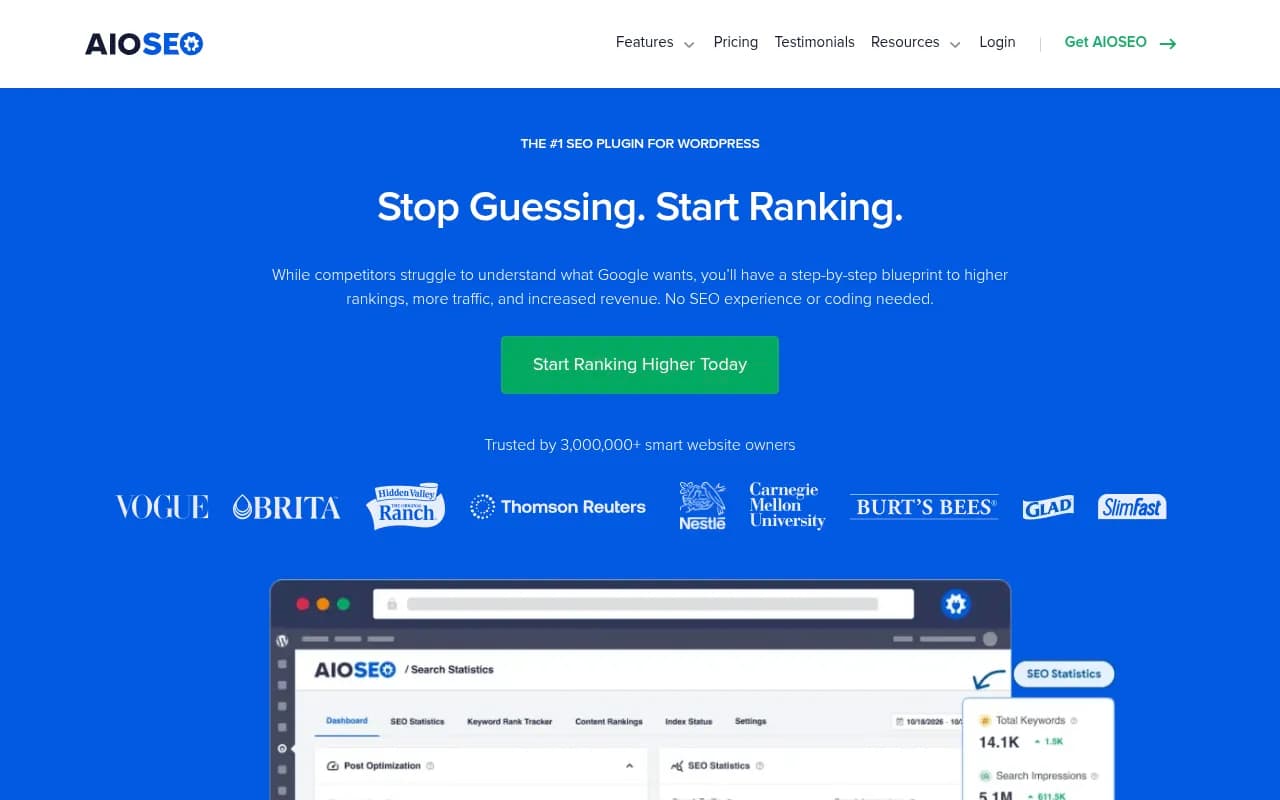
All in One SEO has been around since 2007, making it one of the oldest WordPress SEO plugins. It's evolved into a powerful option for eCommerce sites, with deep WooCommerce integration and product schema features competitors lack.
What AIOSEO Does Best
WooCommerce optimization: AIOSEO automatically generates product schema, adds breadcrumbs, optimizes category pages, and creates XML sitemaps for products. This helps online stores rank in Google Shopping and get cited in ChatGPT's shopping recommendations.
Local SEO features: Add business schema, opening hours, multiple locations, and service areas. The local SEO module integrates with Google Business Profile and helps businesses rank in local AI search results.
Smart XML sitemaps: AIOSEO creates separate sitemaps for posts, pages, products, and custom post types. You can exclude low-quality content (tags, archives) that dilutes crawl budget.
TruSEO score: Real-time content analysis that checks keyword placement, title length, meta description, image alt text, and internal links. The checklist format makes optimization straightforward.
Where AIOSEO Falls Short
Expensive for full features: The free version is limited to basic meta tags and sitemaps. Local SEO, WooCommerce optimization, and advanced schema require the Pro plan ($99/year for 1 site).
Slower interface: AIOSEO's dashboard loads noticeably slower than Rank Math or SEOPress, especially on sites with 1,000+ posts.
Limited AI features: No AI content suggestions or competitor analysis tools. You're optimizing based on checklists, not data.
Pricing
- Free: Basic meta tags, XML sitemaps, social meta, robots.txt editor
- Basic: $99/year (1 site) — adds TruSEO analysis, schema markup, redirect manager
- Plus: $199/year (3 sites) — adds local SEO, WooCommerce optimization, image SEO
- Pro: $399/year (10 sites) — adds advanced eCommerce features, priority support
Who Should Use AIOSEO
AIOSEO is the best choice for:
- WooCommerce stores that need product schema and category optimization
- Local businesses with multiple locations requiring local SEO features
- Users who want guided optimization with checklists and clear scoring
Avoid AIOSEO if you're on a tight budget (the free version is too limited) or need AI content tools.
SEOPress: The White-Label Agency Option
SEOPress is the dark horse of WordPress SEO plugins. It lacks the brand recognition of Yoast or Rank Math, but agencies love it for one reason: no branding, no upsells, no distractions.
What SEOPress Does Best
Clean, ad-free interface: SEOPress doesn't promote premium features in the free version. No popups, no upgrade banners, no affiliate links. Just SEO tools.
White-label ready: Remove all SEOPress branding and replace it with your agency's logo. Perfect for client sites where you don't want them seeing plugin names.
Google Analytics integration: Track pageviews, events, and conversions directly in WordPress. No need for separate analytics plugins.
Content analysis without limits: Analyze unlimited keywords per post in the free version. Yoast limits you to 1, and AIOSEO locks this behind premium.
Where SEOPress Falls Short
Smaller community: Fewer tutorials, forum posts, and third-party guides compared to Yoast or Rank Math. You'll rely on official documentation.
No AI features: SEOPress focuses on traditional SEO. No AI content suggestions, competitor analysis, or ChatGPT optimization tools.
Limited schema options: The free version includes basic article schema. Advanced schema types (FAQ, HowTo, Product) require the Pro version ($49/year).
Pricing
- Free: Unlimited keywords, meta tags, XML sitemaps, redirects, Google Analytics integration
- Pro: $49/year (unlimited sites) — adds advanced schema, WooCommerce optimization, local SEO, white-label options
Who Should Use SEOPress
SEOPress is the best choice for:
- Agencies managing multiple client sites who need white-label options
- Users who hate upsells and want a distraction-free interface
- Budget-conscious site owners who need unlimited keywords without paying
Avoid SEOPress if you want AI content tools or prefer a larger support community.
Feature Comparison: What Each Plugin Includes
Free Version Features
| Feature | Rank Math | Yoast SEO | AIOSEO | SEOPress |
|---|---|---|---|---|
| Focus keywords | Unlimited | 1 per post | 1 per post | Unlimited |
| Schema markup | 20+ types | Article only | Article only | Article only |
| Redirects | Yes | No | No | Yes |
| 404 monitoring | Yes | No | No | Yes |
| AI suggestions | Yes | No | No | No |
| Google Trends | Yes | No | No | No |
| Internal linking | Manual | Manual | Manual | Manual |
| WooCommerce | Basic | No | No | Basic |
Premium Features Worth Paying For
Rank Math Pro ($59/year):
- Video SEO schema for YouTube embeds
- News SEO optimization
- Advanced WooCommerce schema
- Google Trends data in editor
Yoast Premium ($99/year):
- Unlimited focus keywords
- Redirect manager
- Internal linking suggestions
- Premium support
AIOSEO Plus ($199/year):
- Local SEO with multiple locations
- Advanced WooCommerce optimization
- Image SEO (alt text automation)
- Smart XML sitemaps
SEOPress Pro ($49/year):
- Advanced schema (FAQ, HowTo, Product)
- WooCommerce optimization
- Local SEO features
- White-label options
How to Choose the Right Plugin for Your Site
For Bloggers and Content Creators
Choose Rank Math if you publish frequently and need unlimited keywords, schema, and AI suggestions without paying. The free version covers 90% of what bloggers need.
Choose Yoast SEO if you're new to SEO and want simple guidance. The readability analysis helps you write better content, even if you're limited to 1 keyword.
For WooCommerce Stores
Choose AIOSEO for the best product schema, category optimization, and WooCommerce-specific features. The Plus plan ($199/year) is worth it for stores with 100+ products.
Choose Rank Math Pro ($59/year) if you want WooCommerce features at a lower price point. It's not as deep as AIOSEO but covers the basics well.
For Agencies and Client Sites
Choose SEOPress Pro ($49/year, unlimited sites) for white-label branding and a clean, upsell-free interface. Clients won't see plugin names or upgrade prompts.
Choose Rank Math Business ($199/year, 100 sites) if you need advanced features like video SEO and news optimization across many client sites.
For Local Businesses
Choose AIOSEO Plus ($199/year) for the most complete local SEO features: multiple locations, service areas, opening hours, and Google Business Profile integration.
Choose Rank Math Free if you only need basic business schema and can't justify the cost. It covers single-location businesses well.
Beyond WordPress Plugins: Tracking AI Search Visibility
WordPress SEO plugins handle on-page optimization, but they don't show you how AI search engines cite your content. ChatGPT, Perplexity, Google AI Overviews, and Claude are now major traffic sources — and traditional SEO tools don't track them.
If you want to understand how AI models discover and cite your WordPress content, tools like Promptwatch can help. It tracks your brand visibility across 10+ AI search engines, shows which pages get cited, and identifies content gaps competitors are filling. Unlike monitoring-only tools, Promptwatch helps you fix gaps with AI content generation and optimization features.
For WordPress sites serious about AI search visibility, the workflow looks like this:
- Optimize on-page SEO with Rank Math, Yoast, AIOSEO, or SEOPress
- Track AI citations with Promptwatch to see which content AI models cite
- Fill content gaps using Promptwatch's Answer Gap Analysis and AI writing tools
- Monitor results with page-level tracking and traffic attribution
This closes the loop between traditional SEO and AI search optimization — something WordPress plugins alone can't do.
Common Mistakes to Avoid
Installing Multiple SEO Plugins
Running Yoast and Rank Math simultaneously causes conflicts: duplicate meta tags, broken sitemaps, and slower page loads. Choose one plugin and stick with it.
Ignoring Schema Markup
Schema markup (structured data) helps AI models understand your content. All four plugins support schema, but many users skip it. At minimum, add Article schema to blog posts and FAQ schema to common questions.
Optimizing for Keywords Only
Keyword density matters less in 2026. AI models reward content that answers questions clearly, uses proper headings, and includes relevant entities (people, places, concepts). Focus on structure and clarity, not keyword stuffing.
Neglecting Internal Links
Internal linking builds topical authority — which AI models use to decide what to cite. Link related posts together, create content clusters, and use descriptive anchor text.
Not Tracking Results
SEO plugins optimize content, but they don't show you what's working. Connect Google Search Console to track rankings, use Google Analytics to monitor traffic, and consider AI visibility tools to see how ChatGPT and Perplexity cite your content.
Final Verdict: Which Plugin Should You Choose?
Rank Math wins for most users. The free version is absurdly generous — unlimited keywords, schema, redirects, and AI suggestions. It's the best value in WordPress SEO, period.
Yoast SEO is the right choice if you're a complete beginner who values simplicity over features. The interface is cleaner, the guidance is clearer, and the support is better. Just know you'll hit limits fast and need to upgrade.
All in One SEO is the WooCommerce specialist. If you run an online store, the product schema and category optimization features justify the $199/year Plus plan. For non-eCommerce sites, it's overpriced.
SEOPress is the agency option. White-label branding, no upsells, and unlimited sites for $49/year make it perfect for managing client sites. But the smaller community and lack of AI features hold it back for solo users.
No matter which plugin you choose, remember: on-page SEO is just the foundation. To compete in 2026, you need to track how AI search engines cite your content and fill the gaps competitors are exploiting. WordPress plugins handle the basics — but tools like Promptwatch help you win the AI search game.
Frequently Asked Questions
Can I switch between SEO plugins without losing data?
Yes, but carefully. Rank Math, Yoast, AIOSEO, and SEOPress all include migration tools that import settings and meta data from other plugins. Back up your site first, deactivate the old plugin, install the new one, and run the migration wizard. You won't lose meta titles, descriptions, or schema markup.
Do I need a premium SEO plugin?
Most sites don't. Rank Math's free version covers 90% of what bloggers and small businesses need. Upgrade to premium if you need advanced schema, WooCommerce optimization, or white-label branding for client sites.
Which plugin is fastest?
SEOPress and The SEO Framework are the lightest options, adding minimal overhead to page load times. Rank Math and AIOSEO are slightly heavier due to more features. Yoast falls in the middle. For most sites, the performance difference is negligible — under 50ms.
Can SEO plugins help with AI search visibility?
Indirectly. Proper schema markup, clear content structure, and entity optimization (all handled by SEO plugins) help AI models understand your content. But plugins don't track how ChatGPT or Perplexity cite you — you need dedicated AI visibility tools for that.
Should I use an SEO plugin with a page builder like Elementor?
Yes. Page builders handle design; SEO plugins handle optimization. Rank Math, Yoast, AIOSEO, and SEOPress all integrate with Elementor, Divi, Beaver Builder, and other page builders. You'll see SEO settings directly in the page builder interface.