Key takeaways
- A client-ready AI visibility report needs three layers: an executive summary in plain language, evidence (prompts, citations, competitors), and next steps. Skip a layer and the report falls apart in the meeting.
- Most agencies spend 30-45 minutes per report once they have a system; without one, some spend 1-2 hours. The time sink is almost always manual data pulling and formatting, not analysis.
- Lock your prompt set before you start. Clients changing the query list every month makes trend lines meaningless.
- Pick a handful of KPIs (visibility rate, citation rate, prominence, share of voice against named competitors) instead of dumping 40 charts into a slide deck.
- Tools that combine tracking with white-label export, like Promptwatch, cut most of the manual work out of this process. Tools that only show a dashboard still leave you building the client-facing version by hand.
Why this is harder than a normal SEO report
A rank tracker spits out a position. An AI visibility report has to explain something clients have never seen before: why ChatGPT answered a question about their category and never mentioned them, while a competitor with a worse website got cited three times. That requires more context than a number on a slide.
I've sat through enough of these calls to know the failure mode. Someone pulls a CSV of "mention rate" from a tracker, screenshots a few ChatGPT conversations, and calls it a report. The client nods politely and then asks the question that kills the meeting: "Okay, so what do we do about it?" If the report doesn't answer that, it wasn't a report. It was a data dump with a logo on it.
The good news is that the structure for doing this well is pretty fixed, and once you build the template once, assembling it monthly really can take under an hour.
Step 1: lock the prompt set before you touch any data (5 minutes)
Every AI visibility report lives or dies on its prompt list. If the prompts change from month to month, so does the baseline, and you'll spend half the client call explaining why a metric moved for no real reason.
Build three buckets and freeze them:
- Core category prompts ("best project management software for remote teams")
- Competitor-comparison prompts ("X vs Y for small business")
- Problem/solution prompts further up the funnel ("how to reduce churn in a SaaS product")
The agency controls this list, not the client. Clients will ask to add their favorite vanity prompt every month; resist it unless it genuinely represents a commercial query, or your trend data turns into noise.
Step 2: pull the numbers, don't eyeball chat windows (10-15 minutes)
This is where most of the hour either gets saved or wasted. Manually running prompts in ChatGPT and Perplexity and copy-pasting results into a spreadsheet does not scale past two or three clients, and it's the exact workflow that turns a 45-minute report into a two-hour one.
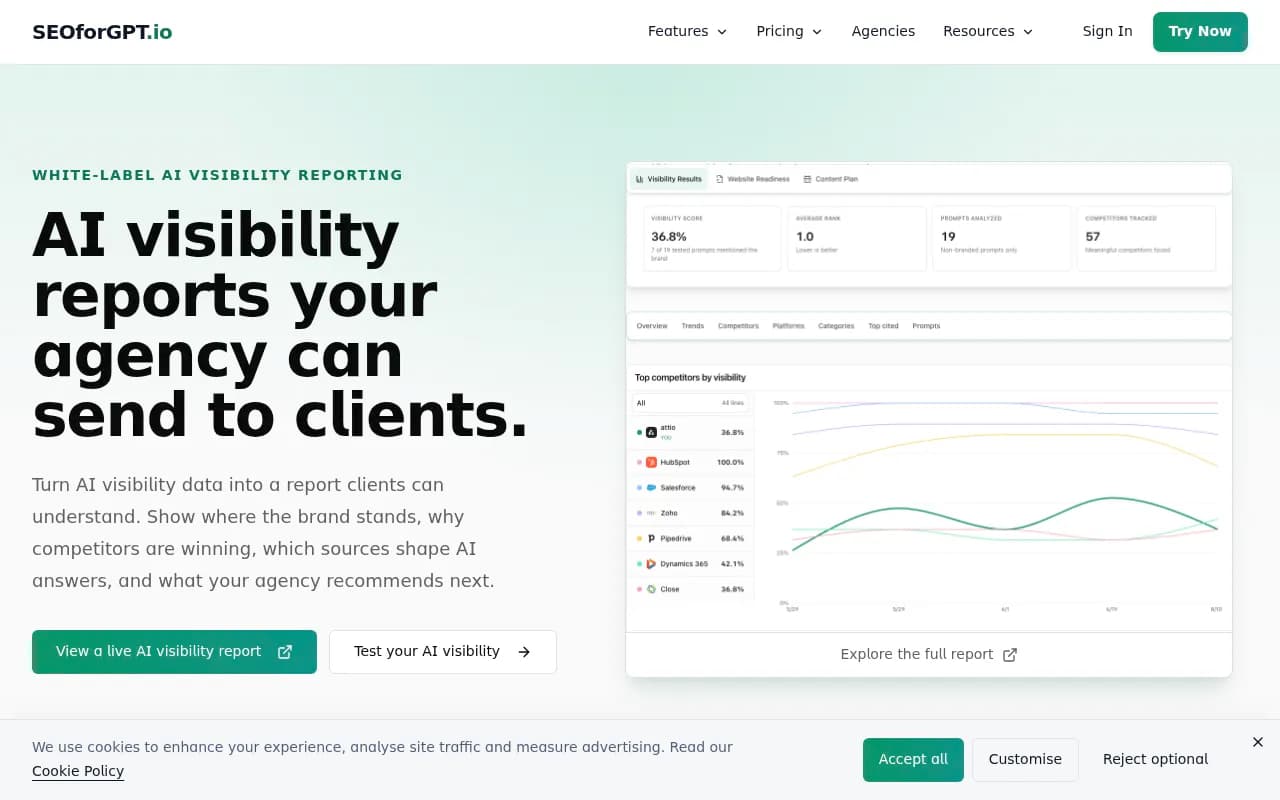
A dedicated AI visibility platform runs the prompt set on a schedule across models and hands you structured output: visibility rate, citation rate, rank/position when mentioned, and the source URLs AI pulled from.

Promptwatch tracks ChatGPT, Gemini, Claude, Perplexity, Grok, Copilot, DeepSeek, Mistral, Google AI Overviews and AI Mode against your locked prompt set, and because it monitors the actual user-facing interfaces rather than just API responses, the numbers match what a real person would see when they type the question in. That matters for a client report, because a client will sometimes run the prompt themselves right after your call to check your work.
For teams still shopping around, a few other trackers worth knowing for this step:
Otterly.AI

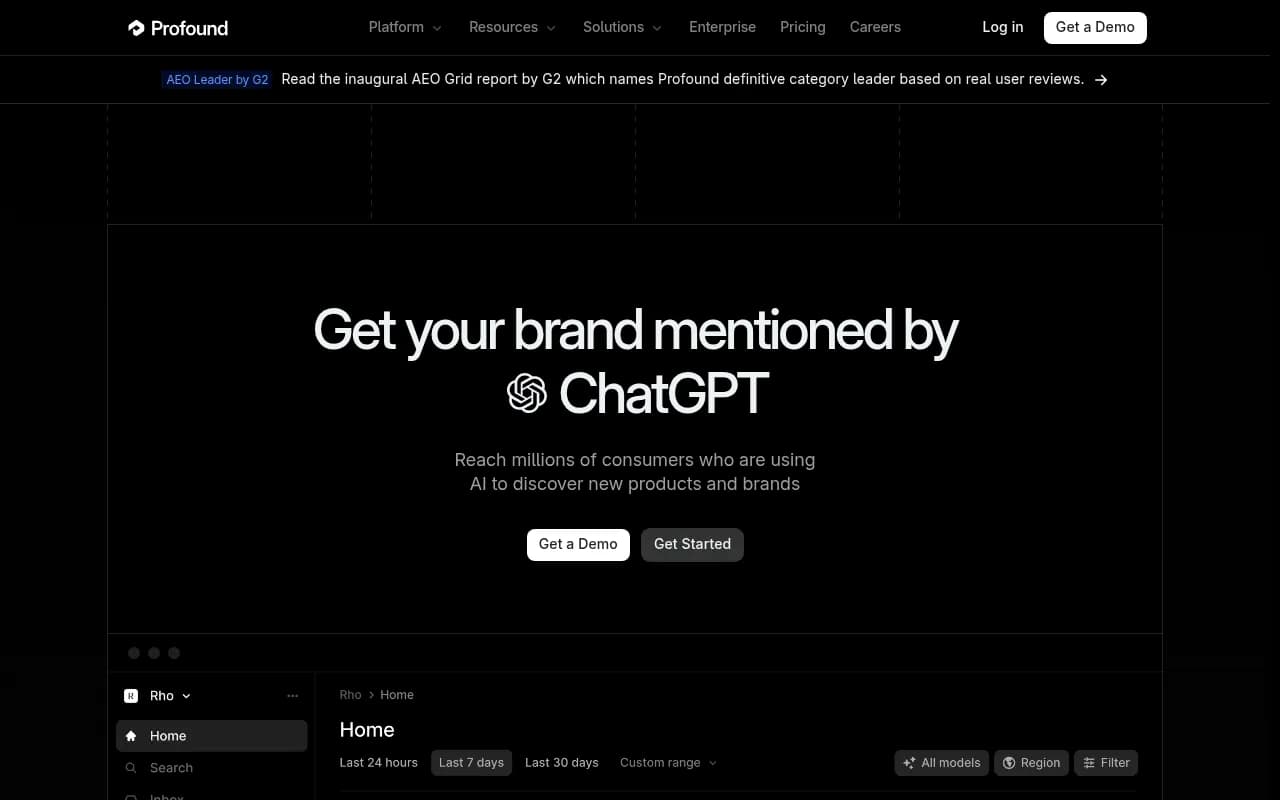
Profound

Step 3: understand why, not just what (10 minutes)
A visibility score without an explanation is a trivia fact. The part that actually earns the retainer is explaining why.
Two data points make this section write itself. First, domain authority doesn't gatekeep AI citations the way it does classic rankings. Promptwatch's citation-share-by-domain-rank data for August 2026 found DR 46-60 sites earned 22.6% of ChatGPT citations and DR 61-75 sites earned 23.4%, together almost half the pie, while the top DR 91-100 tier shrank from roughly 7% to 3% share over the course of the month (ChatGPT Citation Share by Domain Rank, August 2026). If a client's domain rating is mid-tier, that's good news worth saying out loud, not a caveat to bury.
Second, content type matters more than most clients expect. In August 2026, product pages made up 28.7% of ChatGPT's citations, listicles 10.1%, and how-tos 6.3%, while how-to content more than doubled its share over the month, from 4.3% in week one to 9.1% in the last stretch of August (ChatGPT Citation Types Over Time, August 2026). If a client has no how-to or comparison content, that's a concrete, fixable gap, not a vague "improve your content strategy" line.
Worth flagging if the client's category leans on Reddit or social proof: reddit.com's share of ChatGPT Search citations collapsed from roughly 4% to 0.5% in a single day on August 14, 2026 (Reddit Citations Are Dropping in ChatGPT). If last quarter's strategy leaned on Reddit seeding, this is the line that explains a visibility dip that has nothing to do with the client's own content.
Step 4: build the report in three layers, not one giant dashboard
Layer 1: executive summary
One page, plain language, no prompts, no tool screenshots. Three sentences: did visibility go up or down, which competitor is winning the category right now, and what the agency is doing about it this month. Executives read this and nothing else.
Layer 2: evidence
This is where the prompt-level detail lives: the tracked queries, where the brand showed up versus didn't, which competitor answers beat it, and what sources AI actually cited. Show two or three specific prompt examples with the real AI answer text, not just a chart. Clients trust a screenshot of the actual ChatGPT response far more than a visibility percentage.
Layer 3: actions
Turn the evidence into a short list: publish a comparison page for the prompt where a competitor dominates, fix the three product pages that aren't getting indexed by AI crawlers, refresh the how-to guide that's losing citation share. If your tool surfaces a prioritized action list automatically, like Promptwatch's Unified Actions, lean on it instead of writing this section from scratch every month.
Step 5: strip your own branding into theirs (5-10 minutes)
White-label, in this context, means the client never sees the dashboard name, the pricing page, or any UI chrome that isn't the agency's own. Swap in agency colors, rename generic metric labels into your own vocabulary ("AI Visibility Index" reads better than "mention rate"), and freeze a snapshot of the current reporting period so the numbers don't shift mid-discussion while live monitoring keeps running in the background.
Tool comparison for agency-ready reporting
| Tool | Starting price (agency-relevant tier) | White-label reporting | Models tracked | Crawler logs / content gen | Best for |
|---|---|---|---|---|---|
| Promptwatch | $95/mo (Essential), agency plans from $199/mo | Yes, branded dashboards and PDF/custom reports | ChatGPT, Gemini, Claude, Perplexity, Grok, Copilot, DeepSeek, Mistral, AI Overviews, AI Mode | Yes, plus CMS publishing and content briefs | Agencies that want to go from report to published content without switching tools |
| Profound | $99/mo (Starter, ChatGPT only) | Not published | Up to 3 engines on Growth, 9+ on Enterprise | No content generation | Enterprise brands with a dedicated analytics team |
| Peec AI | ~70 EUR/mo (Starter) | Branded Looker Studio dashboards on agency tiers | 3 of 6 models on Starter | No | Agencies managing 3-10 clients on credit-based plans |
| Otterly.AI | $29/mo (Lite) | DIY via Looker Studio, no native white-label | ChatGPT, Perplexity, AI Overviews; others as paid add-ons | No | Smaller teams testing the category on a budget |
Worth noting: the prompt trackers in that table answer "was my brand mentioned." The report you're building needs to answer "how do we grow from here," which is a different job. Monitoring-only tools will get you Layer 2 of the report. Getting to Layer 3 without manually writing a content brief from scratch usually means a platform that also does content gap analysis and generation.
A realistic hour, broken down
| Time | Task |
|---|---|
| 0-5 min | Confirm locked prompt set, pull last period's frozen snapshot for comparison |
| 5-20 min | Export current-period data (visibility, citations, competitors) from your tracking tool |
| 20-30 min | Write the executive summary, cross-checking against domain-rank and content-type data for context |
| 30-45 min | Assemble the evidence section: prompt examples, competitor comparisons, cited sources |
| 45-55 min | Pull or confirm the actions list, tie it to specific URLs or content pieces |
| 55-60 min | Apply branding, freeze the snapshot, generate the shareable link or PDF |
This only holds up if your tracking tool already did the heavy lifting in step one. If you're still manually running prompts in a browser, double the time and don't expect to hit the hour mark consistently.
Common mistakes that blow past the hour
Mixing audit work into a reporting cycle is the biggest one. An audit answers why something is broken and usually happens once, at onboarding or after a strategy shift. A report answers what changed since last time and should happen on a fixed cadence. Agencies that try to re-diagnose the whole account every month end up writing a new audit each time instead of a report, and that's where the hour disappears.
The second mistake is showing every available chart because the tool generated it. Clients don't need 40 charts. They need visibility rate, citation rate, prominence (was the brand mentioned early in the answer or buried at the bottom), and a short list of winning and losing prompt clusters. Pick four or five KPIs and stick with them across every report so the client can actually track progress over time.
The third is letting client data bleed across accounts when managing multiple clients in one tool. Locked, isolated query sets per client aren't optional once you're past two or three accounts; without that structure, metrics drift and nobody trusts the numbers by month three.
When it makes sense to bring in outside help
If the reporting workload is eating time that should go toward strategy, or if the in-house team doesn't have the bandwidth to run this monthly across a growing client list, that's usually the point to bring in a specialist. 1001 SEO Media runs AI search and GEO programs end to end, from the audit work that establishes the baseline through the ongoing optimization that the report is supposed to justify, so the reporting becomes a byproduct of real work rather than a separate task someone has to remember to do.
For teams exploring the broader toolset before committing, the GEO software directory at bestgeosoftware.com is worth a look, and the comparison of 21 platforms on Promptwatch's own site breaks down how the monitoring-only tools stack up against ones built for execution, not just tracking.