Key takeaways
- Treat the switch as a 30-day project with four phases: audit, shortlist and trial, parallel run, cutover. Don't cancel AthenaHQ until the new platform has matched your baselines for at least two weeks.
- Start by counting your credit burn (tracked prompts x models x frequency). That workload is the spec the new tool has to meet or beat.
- Export everything you can before you touch billing, and expect visibility numbers to shift between tools because each one scores differently.
- Re-validate your prompt library during the move. ChatGPT's search behavior changes often enough that old prompts may no longer reflect how it searches.
- Pick a replacement on what it does after the dashboard: crawler logs, content execution, and traffic attribution matter more than another score.
Why people leave AthenaHQ (and when you shouldn't)
Be honest about the reason before you start shopping. Teams tend to leave a GEO platform for one of four reasons: the credit model limits how many prompts they can track, they need multiple regions or languages, they want the tool to help ship content rather than just report, or they need to prove traffic and revenue from AI search.
If your problem is that the dashboard doesn't tell you what to do, a new dashboard won't fix it. If your problem is credits, a different pricing model might.
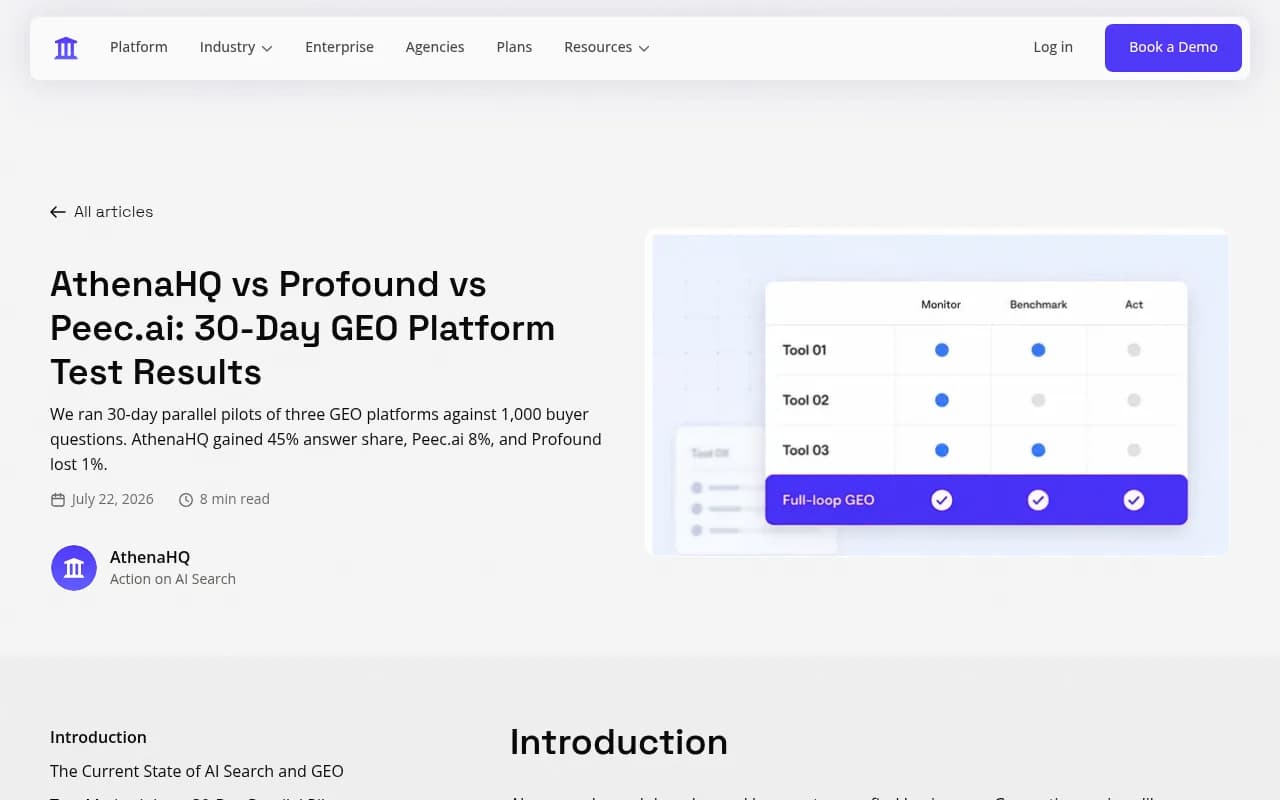
One caution on AthenaHQ's own marketing. It published a 30-day pilot claiming a 45% answer share gain against Peec.ai at 8% and Profound at -1% (https://athenahq.ai/blog/geo-platform-showdown-athenahq-vs-profound-vs-peec). That is vendor-run and self-published. I wouldn't treat it as independent evidence for staying or leaving, and the same goes for any competitor's claims about AthenaHQ. Run your own test. That's the whole point of the parallel phase below.
What you are actually migrating
A GEO platform holds more than a dashboard. Before you plan anything, list what lives in AthenaHQ today:
- Your prompt library, with topics, tags, and any persona or intent labels
- Your competitor list and brand aliases
- Historical visibility, share of voice, and sentiment data
- Recommended actions and content tasks, including anything half-finished
- Scheduled reports and who receives them
- Integrations and exports feeding other dashboards
The historical data is the painful one. Most tools score visibility differently, so you will rarely get a clean line from old to new. Plan for a break in the trend line and document the date of the change so nobody panics in a board deck.
AthenaHQ plan facts worth knowing
Per a third-party review from Cognizo (a competing vendor, so read its framing with that in mind, though it says the facts come from AthenaHQ's own pages), the current structure looks like this:
| Plan | Price | Credits | Models | Notable limits |
|---|---|---|---|---|
| Essential | Free | 300 | 5 | Unlimited members |
| Starter | $295/mo monthly, about 17% less annually | 3,600/mo | 11 | CSV export, single region and language, API and extra credits are paid add-ons |
| Enterprise | Custom | Custom | 11 | API, SSO, audit log, multi-region and multi-language, 2-hour SLA |
One credit equals one AI response. Tracking all 11 Starter models daily burns 330 credits a day, which covers roughly 10 to 11 prompts a day. The same allowance stretches to about 24 prompts a day on 5 models. Source: https://www.cognizo.ai/blog/athenahq-review
Verify all of this against your own contract. Pricing pages change.

Days 1 to 5: audit and export
This is the boring week that decides whether the rest goes smoothly.
Step 1: calculate your real workload
Write down tracked prompts x models x runs per day. If you are on Starter and tracking 10 prompts across all 11 models, that is your whole credit budget. The new platform needs to handle the same workload, ideally with room to grow. Many teams discover they were tracking far fewer prompts than they wanted because of credit limits. Note the prompts you cut, and add them back to the wish list.
Step 2: export what you can
Pull CSV exports of prompts, responses, citations, and visibility history. If you are on Starter, CSV export is available per the Cognizo review; API access is an add-on, so check what yours includes. Store the files somewhere permanent with a date in the filename. Take screenshots of any dashboard view you report on regularly, because you may need to recreate it.
Step 3: freeze a baseline
Pick a date range (the last 30 days works) and record, per AI engine: visibility or answer share, share of voice versus your top competitors, and sentiment. Per-engine matters. Promptwatch's data shows ChatGPT cites about 5 sources per web-search answer while Google AI Overviews cites about 10 and Perplexity about 10 (average sources per response, September 2025, so a bit dated). Citation counts differ by engine, so a blended number hides what changed.
Step 4: write your requirements list
Separate must-haves from nice-to-haves. A sensible must-have list:
- Coverage of the engines you care about, tracked from real interfaces rather than only APIs
- Prompt capacity at or above your current workload
- Multi-country or multi-language tracking if you sell in more than one market
- Exports and an API so you are never locked in again
- A way to see whether AI crawlers can actually read your site
- Traffic and conversion attribution from AI referrals
Days 6 to 10: shortlist and start trials
The GEO category is crowded. The directories at bestgeosoftware.com and ai-rank-tools.com are useful for scanning the field, but you only need three candidates for a real test.
It helps to sort tools by what they do beyond monitoring:
| Category | Examples | What you get | What's missing |
|---|---|---|---|
| Monitoring-focused trackers | Peec AI, Otterly.AI, Rankshift, LLM Pulse | Visibility, sentiment, citations, often cheaper | Usually no crawler logs, content execution, or traffic attribution |
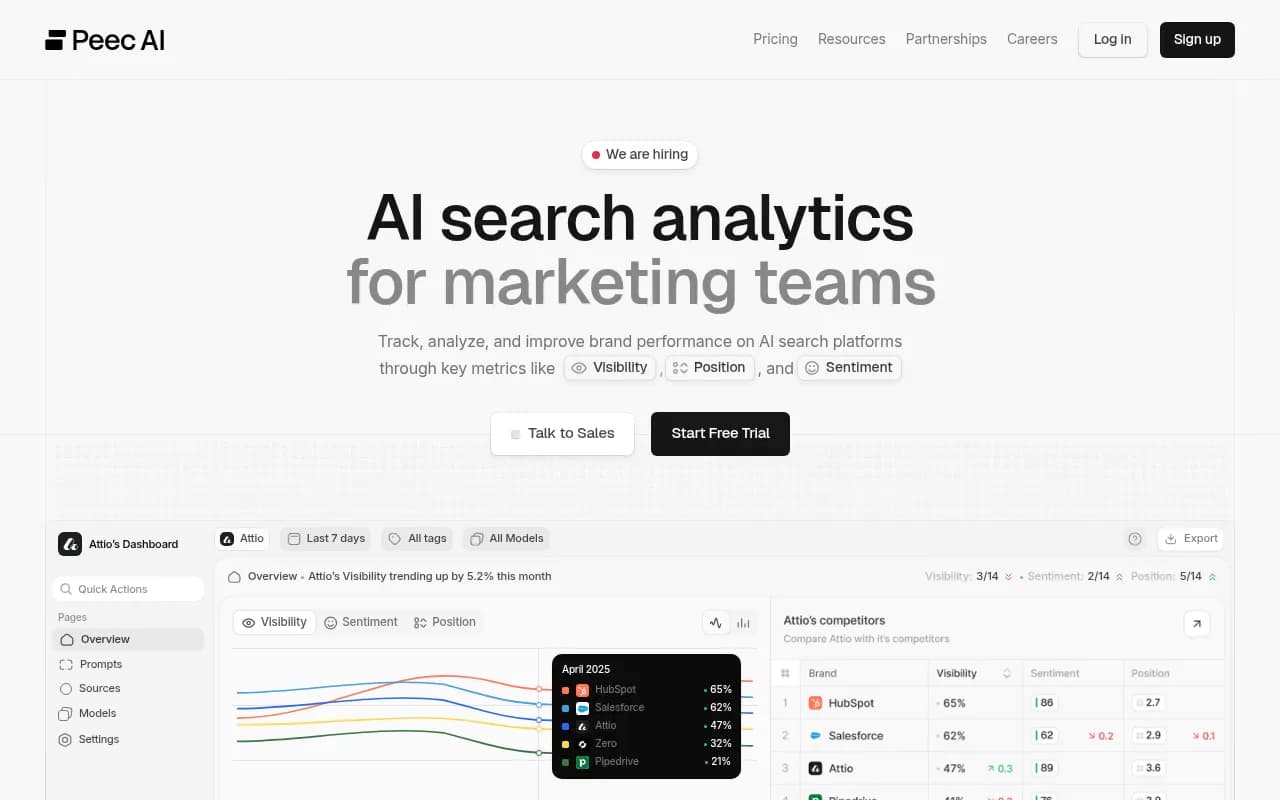
| Enterprise monitoring | Profound, Scrunch | Deep reporting, enterprise features | Higher price points, less execution |
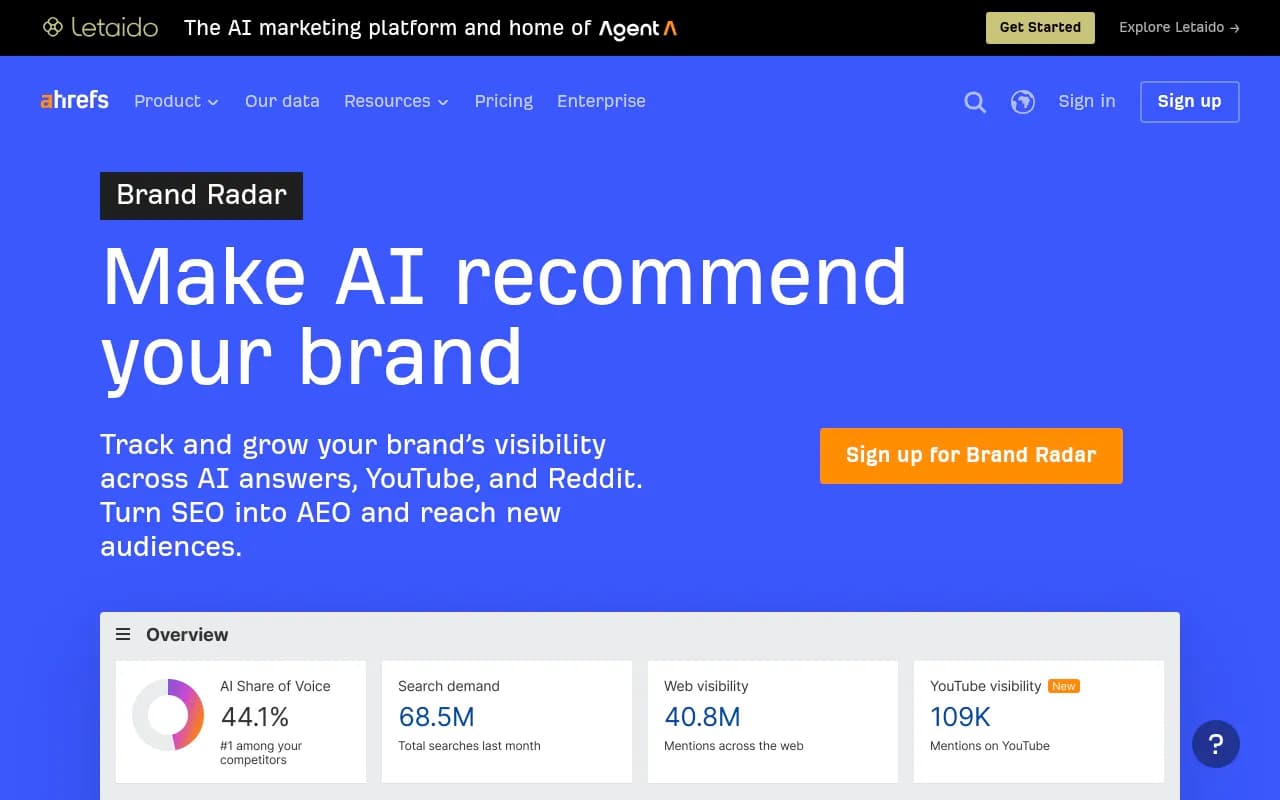
| SEO suites with AI add-ons | Semrush, Ahrefs Brand Radar | Familiar workflow, one login | Fixed prompt sets, shallower AI-specific data |
| End-to-end platforms | Promptwatch | Monitoring plus content, crawler logs, attribution | Larger surface area to learn |
Profound
Otterly.AI


Where Promptwatch fits
If your reason for leaving is that the platform reports but doesn't help you act, Promptwatch is the one to put on the shortlist. It monitors prompts from the real interfaces of ChatGPT, Gemini, Perplexity, Google AI Overviews, AI Mode, Copilot and others, then traces citations, and then closes the loop with the Action Board, Content Agent, and CMS publishing to WordPress, Webflow, and Framer. IP-verified AI crawler logs and visitor analytics show whether published pages get read, cited, and clicked. It is ISO/IEC 27001 certified and rated 4.7/5 on G2.

On price, the plans are Essential at $95/mo, Professional at $245/mo, and Business at $579/mo, with agency plans at $199, $399, and $799. Every plan tracks all supported models, and prompts run daily. Confirm numbers at promptwatch.com/pricing. There is a 7-day free trial on monthly billing, and a free AI visibility report if you want a quick first look before committing. Head-to-head pages exist for the common comparisons, such as Promptwatch vs Profound and Promptwatch vs Peec.
I'd still tell you to run it against your actual prompts rather than take my word for it. That applies to every tool on this list.
Days 11 to 14: rebuild the prompt library, don't just copy it
This is the step most teams skip, and it's where a migration pays for itself.
Promptwatch's ChatGPT query fanout data shows how much ChatGPT's search behavior moves. Average fanout searches per response went from 2.15 in early December to about 1.84 by early March, then fanouts returned in April at exactly 1.0 per response. Average query length fell from about 117 characters to the high 80s, and to about 53 characters in April. Separately, ChatGPT started using the site: operator at scale on August 8, 2026, jumping from about 0.4% to about 17% of fanout queries overnight.
So a prompt library written months ago, with long conversational prompts, may not reflect how ChatGPT searches today. Use the move as a reason to:
- Drop prompts nobody on your team could justify
- Add the ones you cut because of credit limits
- Check each important prompt's query fanouts and rewrite headings on your own pages to read like the searches AI actually runs
- Tag prompts by intent (informational, commercial, branded, competitor comparison) and by persona
The free ChatGPT query fan-out generator is a quick way to sanity check this before you load anything into a new tool.
Import mechanics
Most tools accept CSV or paste-in of prompts. Keep the topic and tag structure from your export so you can compare like with like. If a tool fixes your prompt set (some SEO suites do), that is a real limitation for anyone who has built a custom library, so test it now rather than after you have cancelled.
Days 15 to 24: the parallel run
Run the old and new platforms side by side for at least ten days. Two weeks is better. This is the only way to know whether differences come from the market or from the tool.
What to compare
| Check | How to do it | What a good result looks like |
|---|---|---|
| Mention agreement | Pick 20 prompts, compare which brands each tool says appear | Same brands, similar order |
| Citation agreement | Compare cited domains per engine | Top domains overlap heavily |
| Trend direction | Chart both over the period | Both move the same way, even if the levels differ |
| Spot checks | Run five prompts by hand in ChatGPT and Perplexity | The tool's response matches what you see |
| Operational fit | Time how long a weekly report takes | Less manual work than before |
Spot checking by hand is underrated. Tools that capture the actual user interface rather than only an API will often show different citations than a raw API call. For ChatGPT in particular, the free GEO Inspector Chrome extension shows fan-outs and fetched versus cited sources locally, without signing in.
Expect levels to differ between tools. Visibility scoring is not standardized. What you care about is whether the direction and the competitive ranking agree, and whether the new tool surfaces something the old one missed.
Add the layer AthenaHQ didn't give you
Use the parallel period to switch on whatever the new platform has that the old one lacked. If you are testing Promptwatch, that means connecting crawler logs through your CDN or the WordPress plugin, and installing visitor analytics so AI referrals are measured. Note that ChatGPT stopped sending a referrer on October 8, 2026, so tag links with utm_source=chatgpt.com and enable the setting that counts those visits. The attributing AI traffic guide covers it.
Crawler data is the fastest win. It tells you whether a visibility problem is an access problem (bots can't read the page) or a content problem (they read it and still don't cite it). Promptwatch's AI crawler traffic report covers weekly verified requests from OpenAI, Anthropic, Google, Perplexity, and Mistral if you want a benchmark, and the Agentic readiness check is a free first pass.
Days 25 to 30: cutover
Day 25 to 26: decide
Score each platform against the requirements list from week one. Don't average everything. Pick the two or three criteria that were the reason you left and make those pass or fail.
Day 27 to 28: rebuild reporting
Recreate the dashboards and scheduled reports your stakeholders actually read. Send the first new-format report alongside the old one, with a short note explaining that numbers will differ because the scoring method changed. Mark the switch date on any trend chart.
If you report to clients, check white-label and export options now. Agencies should look at plans built for multiple projects; Promptwatch's agency page lists them.
Day 29: close out the old account
Do a last export. Check your billing cycle, because annual contracts don't refund and monthly ones may renew a day before you cancel. Remove any shared integrations or scheduled emails that point at the old tool. Keep the export files and screenshots for at least a year.
Day 30: write the retro
Record what went differently than planned, what the new platform found that the old one didn't, and the first three actions you are taking from it. Teams that skip this tend to drift back into reporting-only mode.
Common mistakes
- Cancelling before the parallel run finishes. You lose your comparison point.
- Comparing absolute scores across tools. Compare rank order and trend direction.
- Importing a stale prompt library unchanged.
- Ignoring Copilot volatility. Promptwatch's data showed Copilot swinging from under 2 to nearly 17 sources per response before settling low, so don't build a baseline on one week of it.
- Choosing on price per prompt alone. A cheaper tracker that needs a second tool for content and attribution is not cheaper.
- Trusting any single vendor's pilot, including the ones in this article.
A short decision guide
| If your main problem is | Look at |
|---|---|
| Credit limits and more prompts | Tools with plan-level response allowances, such as Promptwatch or Peec AI |
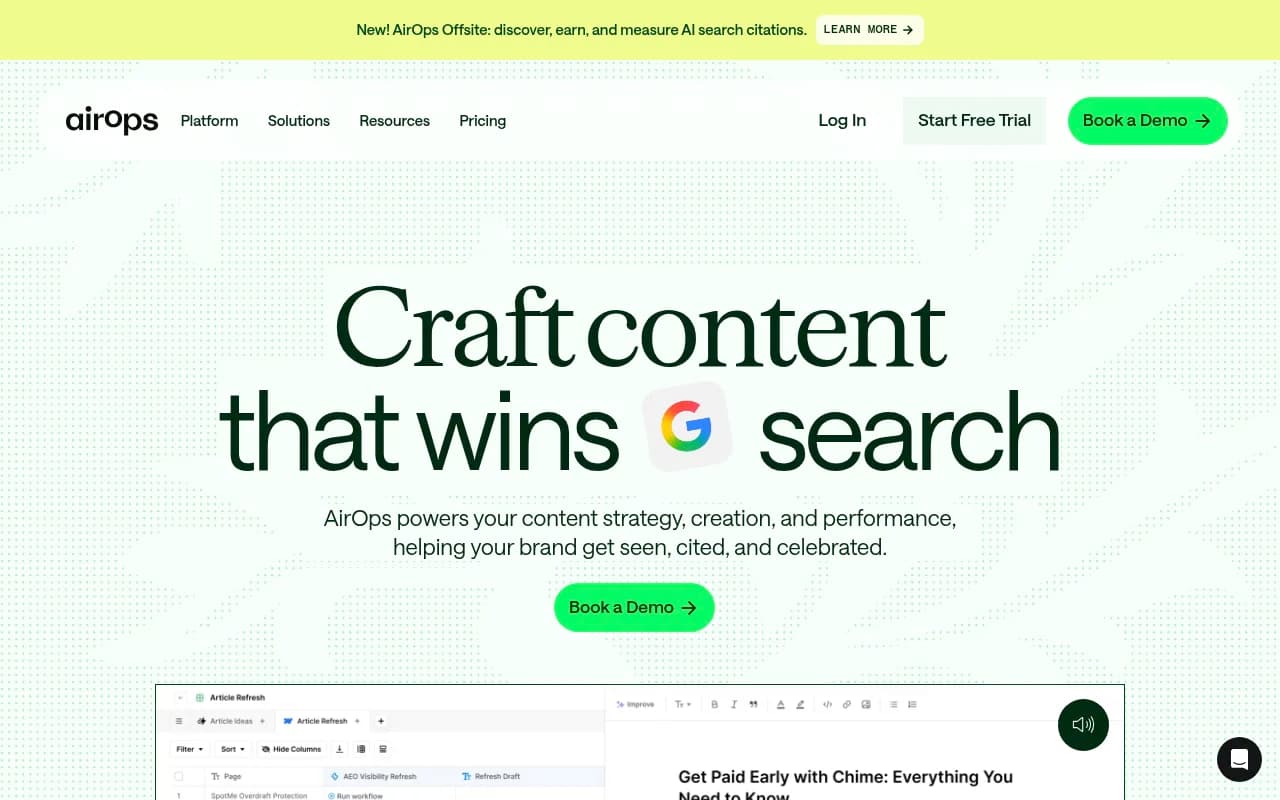
| Moving from reports to shipping content | Promptwatch's Content Agent, or a content platform like AirOps |
| Multi-country tracking | Check regional and language support on every plan before trialing |
| Proving AI traffic and revenue | A platform with visitor analytics and crawler logs built in |
| Staying inside an existing SEO suite | Semrush or Ahrefs Brand Radar, accepting shallower AI data |
For a wider scan, see the GEO software directory.
The best sign you picked right: by day 30, your team is arguing about which page to publish next, not about what the dashboard means.
Frequently asked questions
How long does a platform switch really take?
The mechanical part, exporting and importing, takes a day or two. The parallel run is what stretches it to 30 days. If you cut it to a week you will mostly be measuring noise.
Will I lose my historical data?
You will keep what you export, but you will not get a continuous trend line, because tools score visibility differently. Keep the old exports and annotate the switch date.
Can I run two platforms at once without paying twice?
You will pay twice for roughly two weeks. Use free tiers and trials where available: AthenaHQ's Essential tier is free with 300 credits, and Promptwatch offers a 7-day trial on monthly billing, both per the details above. Check current terms.
Should I switch at all?
If the tool answers your questions and your team acts on its output, probably not. Switch when the platform is the bottleneck, not when a competitor's blog post says it should be.