Key takeaways
- Slack hosts its own MCP server (
mcp.slack.com/mcp), which handles search, messaging, and canvas operations. You don't build that part, you just connect to it. - The real work is wiring a second MCP server, like an AI-visibility one, into the same bot so it can answer questions like "did we get cited in ChatGPT this week" directly in a channel.
- Promptwatch ships a first-party MCP server with brand visibility, citations, AI-referred traffic, and content-gap data, included on every paid plan starting at $95/mo, which makes it a reasonable default if you don't want to build your own wrapper.
- Slack's platform has real limits: 3-second event acknowledgment windows, roughly 1 message/second per channel, and a 3-second expiry on
trigger_idfor modals. Design around these or your bot will silently drop events. - Budget about a day for the Slack side (Bolt app + MCP client wiring) and anywhere from 30 minutes (if you point at a hosted MCP server) to a few days (if you're building your own wrapper around an internal API).
Why build this at all
Most teams track AI visibility in a dashboard somewhere and nobody looks at it after the first week. The data rots in a tab. Putting the same data behind a Slack bot changes that, because questions get asked where people already are: "are we still getting cited for 'best project management software'" in the #marketing channel, right before a standup, answered in ten seconds instead of someone opening a tool, logging in, and hunting for a report.
This is also a genuinely good use case for MCP (Model Context Protocol). You're not building a custom Slack slash command with hardcoded API calls, you're letting an LLM decide which tool to call, with what parameters, based on a plain-English question. Ask "how are we doing in AI Overviews this month" and the LLM can route that to a citation-share tool; ask "what pages are getting crawled by ChatGPT" and it routes to a crawler-log tool instead. You write the connection once; the question-answering logic scales with whatever tools the MCP server exposes.
The architecture, in plain terms
There are three moving pieces, and it helps to think of them separately before writing any code.
- The Slack bot runtime. This listens for events (a mention, a DM, a slash command) and acknowledges them within Slack's time limits.
- An LLM. This takes the user's question plus a list of available MCP tools and decides which tool(s) to call, with what arguments.
- One or more MCP servers. Slack's own server handles things like searching message history or posting replies. A separate AI-visibility MCP server handles the actual domain question: citations, prompts, traffic, competitors.
The bot runtime doesn't need to know how any MCP server works internally. It just forwards the tool list to the LLM, executes whatever the LLM asks for, and threads the result back into Slack. That's the whole point of MCP: one protocol, swappable servers.
Step 1: set up the Slack app and its own MCP server
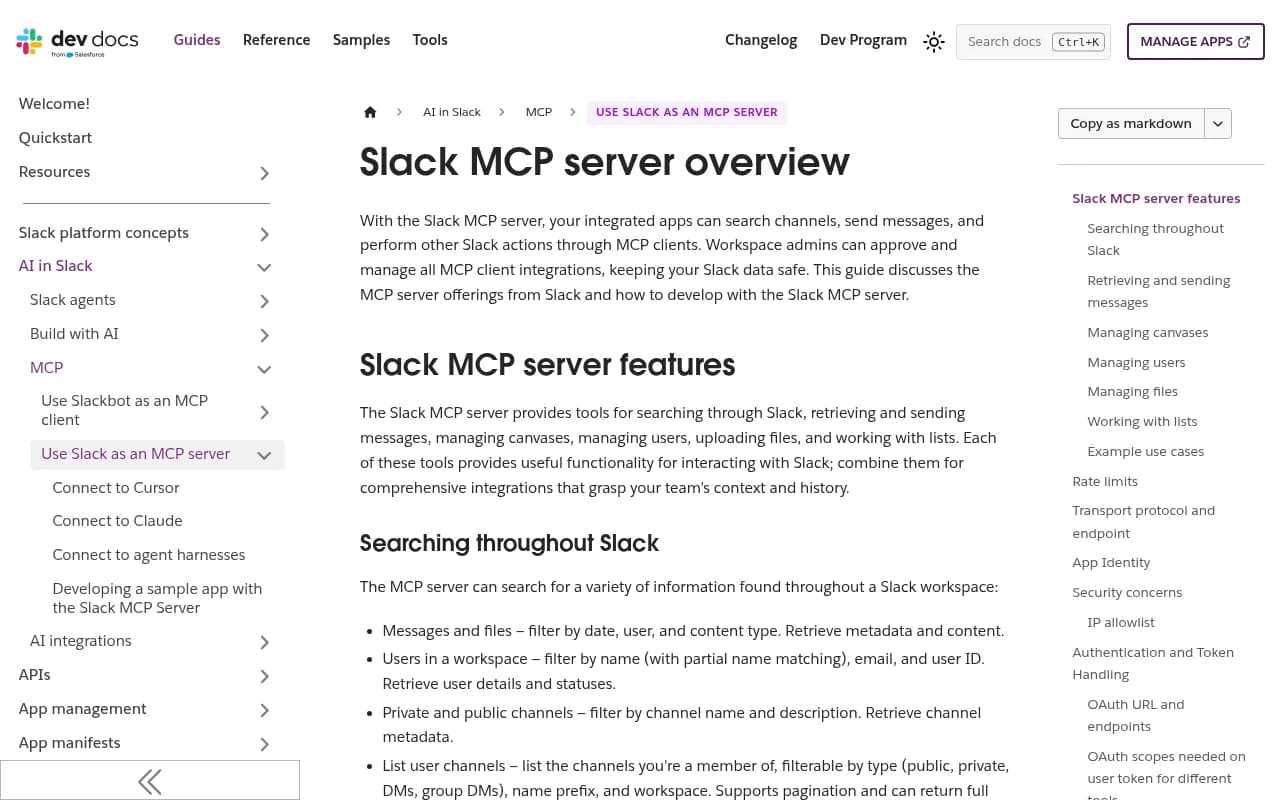
Slack hosts and manages its MCP server for you, so you're only wiring up the connection, not implementing search or messaging logic.
- Create a Slack app from a manifest.
- In the app config, go to the Agents section and toggle on "Slack Model Context Protocol (MCP) Server."
- Add OAuth scopes. For a bot token you'll want
assistant:write,channels:history,chat:write,groups:history,im:history, andmpim:history. Note that search requires a user token (xoxp), not a bot token (xoxb), because bot tokens can't search messages. - Add a redirect URL (ngrok works fine for local dev).
- Install the app to your workspace.
Slack's own sample repo, slack-samples/bolt-js-slack-mcp-server, is the canonical reference here. Clone it, set your .env, run npm install && npm start, then point your Event Subscriptions URL at .../slack/events.
The key integration pattern, and this is the part that trips people up expecting to write manual tool-routing code, is that the Slack MCP server gets passed directly as a tool definition in the LLM call itself:
tools: [{
  type: 'mcp',
  server_label: 'slack',
  server_url: 'https://mcp.slack.com/mcp',
  headers: { Authorization: `Bearer ${context.userToken}` },
  require_approval: 'never',
}]
That's it. No if (tool === 'search_messages') branching. The LLM, via the Responses API (or Claude's tool-use equivalent), sees this server URL, calls it when needed, and Slack's MCP server does the work.
Step 2: add a second MCP server for AI visibility data
This is the part that actually answers "how are we doing in ChatGPT." You have three realistic paths here, and they differ a lot in effort.
Option A: point at a hosted AI-visibility MCP server
Promptwatch ships a first-party MCP server that exposes brand visibility, citations, AI-referred traffic, competitor comparisons, content gaps, and content generation as callable tools. It's the same server that powers Promptwatch's official ChatGPT plugin and Claude connector, so it's already battle-tested against multiple MCP clients, not just Slack.

The connection pattern for any remote, API-key-authenticated MCP server (this generalizes beyond Promptwatch) typically goes through mcp-remote as a shim:
"mcpServers": {
  "promptwatch": {
    "command": "npx",
    "args": ["-y", "mcp-remote", "https://<promptwatch-mcp-endpoint>", "--header", "X-API-Key:${PROMPTWATCH_API_KEY}"]
  }
}
You add this alongside the Slack MCP server config in your bot's tool list, and the LLM now has two servers to choose from per question. One worth noting on pricing: Promptwatch includes API and MCP access starting on its Essential plan at $95/mo. That's not universal in this space. Otterly.AI gates API/MCP access behind a $189+ tier, and Searchable requires its $400 "Scale" tier for API access. If your budget is tight and MCP access is the point of the exercise, which plan actually includes it matters more than the headline price.
SE Ranking and Peec.ai both publish similar hosted MCP servers if you want to compare notes. Peec.ai's is at https://api.peec.ai/mcp with OAuth, and SE Ranking's lets you query its AI Visibility API in plain language from Claude, Cursor, or Codex.
Option B: build a generic Slack-to-MCP bridge yourself
If you want more control over model choice or need to register several MCP servers at once (filesystem, GitHub, your internal API, an AI-visibility API), tuannvm/slack-mcp-client is a solid open-source starting point. It's Go-based, supports OpenAI, Anthropic (Claude Sonnet 4.5 / Opus 4.1), or local Ollama models, and a config flag called useAgent with maxAgentIterations gives you multi-step tool-calling loops, so the bot can chain a citation lookup into a traffic lookup without you writing that logic by hand.
Option C: write your own thin MCP wrapper
If you're not using a hosted platform and just have an internal API or dashboard you want to expose, a minimal MCP server (a handful of endpoints behind API-key auth, with pagination) is genuinely fast to build. One write-up documents doing this in about 30 minutes, usable immediately from Claude Desktop or Cursor. Worth considering if your "AI visibility data" is really just a Postgres table someone built internally.
Comparing your options
| Approach | Setup time | Who maintains it | Best for |
|---|---|---|---|
| Promptwatch hosted MCP server | ~30 min (just config) | Promptwatch | Teams who want citations, AI traffic, and content-gap data without building anything |
| SE Ranking AI Visibility MCP | ~30-60 min | SE Ranking | Teams already on SE Ranking's platform |
| Peec.ai hosted MCP endpoint | ~30-60 min | Peec.ai | Teams on Peec.ai wanting Claude/Cursor/Windsurf access |
tuannvm/slack-mcp-client bridge | Half a day to a day | You | Teams who want to wire multiple MCP servers at once, with model flexibility |
| Custom thin MCP wrapper | ~30 min to a few days | You | Teams with an existing internal API/dashboard, no vendor involved |
Step 3: wire up the Bolt app logic
The shape of the actual bot code, once both MCP servers are configured, is straightforward. On a mention or DM:
- Acknowledge the Slack event immediately (you have 3 seconds).
- Pass the user's question, conversation context, and the list of available MCP tools (Slack's + your visibility server's) to the LLM.
- Let the LLM decide which tool(s) to call. It might call the visibility server's "citation share" tool, then Slack's "post message" tool to reply in-thread.
- Thread the formatted response back.
Slack's own bolt-js-support-agent sample repo is built around exactly this pattern (search/read/send/schedule via the Slack MCP server), and is a reasonable scaffold to fork even if your second MCP server is something else entirely. There's also bolt-js-starter-agent, a more minimal agent template using either the Claude SDK or the OpenAI Agents SDK, actively maintained as of October 2026.
One thing worth flagging if you're copying code from older tutorials: Slack is moving app manifests away from assistant_view/assistant_description toward agent_view/agent_description, and deprecating the assistant_thread_started event in favor of an app_home_opened plus tab-gated pattern, ahead of a new Agent DM Messages Tab experience. If your sample code still references the old fields, update it before you ship.
Platform limits that will bite you if you ignore them
Slack's API has hard limits that matter more here than in a typical bot, because LLM + MCP round trips are slower than a simple API call.
- 3-second acknowledgment window. Every Events API delivery needs an HTTP 2xx response within 3 seconds, or Slack retries up to 3 times. If your failure rate goes above roughly 95% over an hour, Slack can temporarily disable your event subscription entirely. Acknowledge first, do the slow LLM/MCP work after, and post the answer as a follow-up message or a threaded update.
- 30,000 events per workspace per app per hour. Beyond that, Slack sends
app_rate_limitedand drops the excess rather than queuing it. Not usually a problem for an internal visibility bot, but worth knowing if usage spikes. chat.postMessageis roughly capped at 1 message/second per channel. Go over it and you'll get a 429 with aRetry-Afterheader. The official SDKs (@slack/web-apifor Node,slack_sdkfor Python) handle retries automatically if you let them.- Global rate limiting across endpoints. One real incident write-up describes a runaway loop hitting a single endpoint (closing old DM conversations) that took down every other API call the app was making, including posting replies, because Slack's limiter is workspace-wide, not per-endpoint. Catch 429s, respect
Retry-After, and avoid firing hundreds of sequential calls in a loop. trigger_idexpires in 3 seconds. If your bot opens a modal for a more structured "ask a visibility question" UX, open the view immediately and do the slow LLM/MCP work afterward, updating the view once you have an answer.
What kinds of questions this actually answers well
It's worth setting expectations here. A Slack bot wired to an AI-visibility MCP server is good at narrow, specific lookups: "what's our ChatGPT citation share this month," "which pages got crawled by ClaudeBot this week," "are we showing up in AI Overviews for [topic]." It's less good at open-ended strategy questions unless the underlying MCP server exposes richer tools like content-gap analysis or competitor comparisons.
For context on what's realistic to ask about: Promptwatch's own data shows ChatGPT typically cites around 5 sources per web-search response, while Google AI Overviews and Perplexity each cite roughly double that, about 10. Reddit's share of ChatGPT citations also collapsed from around 4% to 0.5% on August 14, 2026, a sharp move worth knowing about if your bot gets asked "why did our Reddit mentions disappear from ChatGPT." Mid-authority domains (DR 46-75) took close to 46% of ChatGPT's citations in August 2026, while top-tier DR 91-100 sites fell to around 3%, so "are we too small a domain to get cited" is a less useful question than people assume. These are the kinds of facts a well-wired bot should be able to surface on demand instead of someone digging through a dashboard.
A note on content generation, not just monitoring
If the MCP server behind your bot only exposes read-only monitoring tools, your Slack bot becomes a nicer way to check a dashboard, which is useful but limited. Promptwatch's MCP server also exposes content generation (AI-optimized articles and rewrites built from prompts and personas), so a more ambitious version of this bot could take "we're not getting cited for X, write a draft that fixes that" and actually kick off content work, not just report the gap. That's the difference between a tracker and something closer to an agent.
If you want to see more platforms exposing this kind of hosted, agent-callable visibility data, the GEO software directory at bestgeosoftware.com is a reasonable place to compare options side by side.
Wrapping up
The Slack side of this is mostly solved for you, clone the sample repo, toggle on the MCP server, set scopes, done. The interesting engineering decision is which second MCP server you plug in for the actual visibility data, and whether you want something hosted and maintained (Promptwatch, SE Ranking, Peec.ai) or something you build and own. Either way, respect Slack's 3-second acknowledgment window and rate limits, or your bot will look broken even when the MCP server behind it is working fine.