Key takeaways
- Google rolled out a dedicated Generative AI performance report inside Search Console on June 3, 2026, isolating impressions from AI Overviews, AI Mode, and Discover's AI surfaces from regular organic search.
- The report has a hard limitation: no click data, and no history before May 18, 2026. It tells you where you showed up, not whether anyone clicked.
- Connecting GSC to a dedicated AI visibility platform fills that gap, pairing Google's own impression data with cross-model tracking across ChatGPT, Perplexity, Claude, and Gemini, plus the crawler logs and click/traffic data GSC doesn't give you.
- Setup takes three stages: verify your property correctly (domain-level, not URL-prefix), connect GSC via OAuth to your AI visibility tool, and map the combined data so AI and traditional organic are measured as separate channels, not blended into one number.
- Most platforms that integrate with GSC pull data on a daily refresh schedule once permissions are granted, so budget a day or two before dashboards fully populate.
Why this integration matters now
For most of Search Console's history, "performance" meant one thing: blue links. Then Google added AI Overviews to results pages, AI Mode launched as its own surface, and suddenly a chunk of your impressions were happening inside a chat interface you couldn't see into. Search Console didn't separate any of it. You'd look at a page's impressions and have no idea whether a given spike came from a snippet or from Gemini summarizing your content for someone.
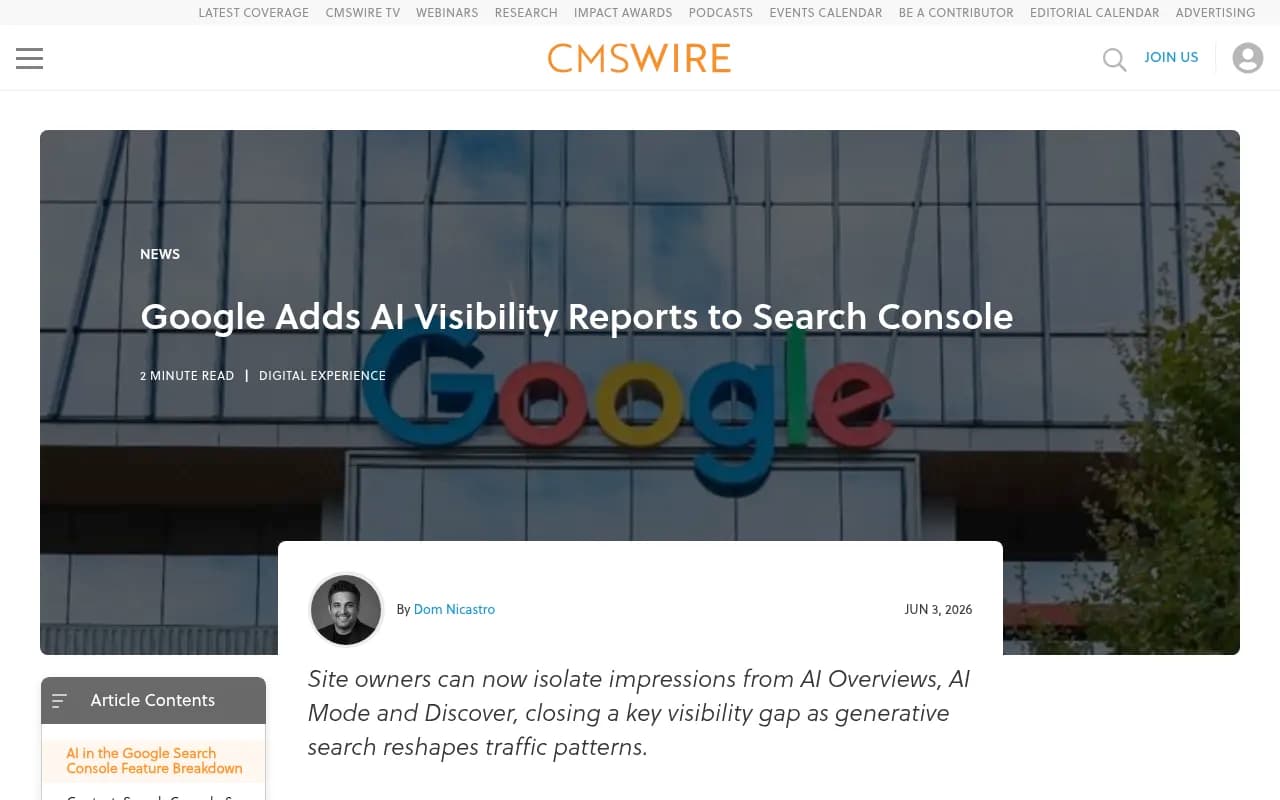
That changed on June 3, 2026, when Google shipped the Generative AI performance report, initially to a subset of UK-based sites before wider rollout (CMSWire's coverage of the launch has the details). The report breaks out impressions, pages, countries, and dates specifically for generative surfaces. It's a real step forward. It's also, by Google's own admission, missing the one metric everyone actually wants: clicks.
That gap is exactly where connecting GSC to a dedicated AI visibility platform earns its keep. GSC tells you Google saw your page inside an AI answer. It won't tell you what ChatGPT or Perplexity did with that same page, whether anyone actually visited your site afterward, or which of your competitors is eating your citations. For that, you need something built specifically to watch AI search behavior across models, not just inside Google's own surfaces.
What Google's native AI report actually gives you
Before connecting anything, it helps to know exactly what you're working with inside GSC itself.
| Capability | What it shows | What it doesn't show |
|---|---|---|
| Impressions | How often your URLs appeared in AI Overviews, AI Mode, and Discover's AI features | Whether the impression led to a visit |
| Pages | Which specific URLs surfaced inside AI features | Where on the page content was pulled from |
| Countries | Geographic breakdown of AI feature visibility | City or region-level detail |
| Devices | Device type for Search (not applicable to Discover) | Browser or AI model used |
| Dates | Hourly to monthly performance history | Anything before May 18, 2026 |
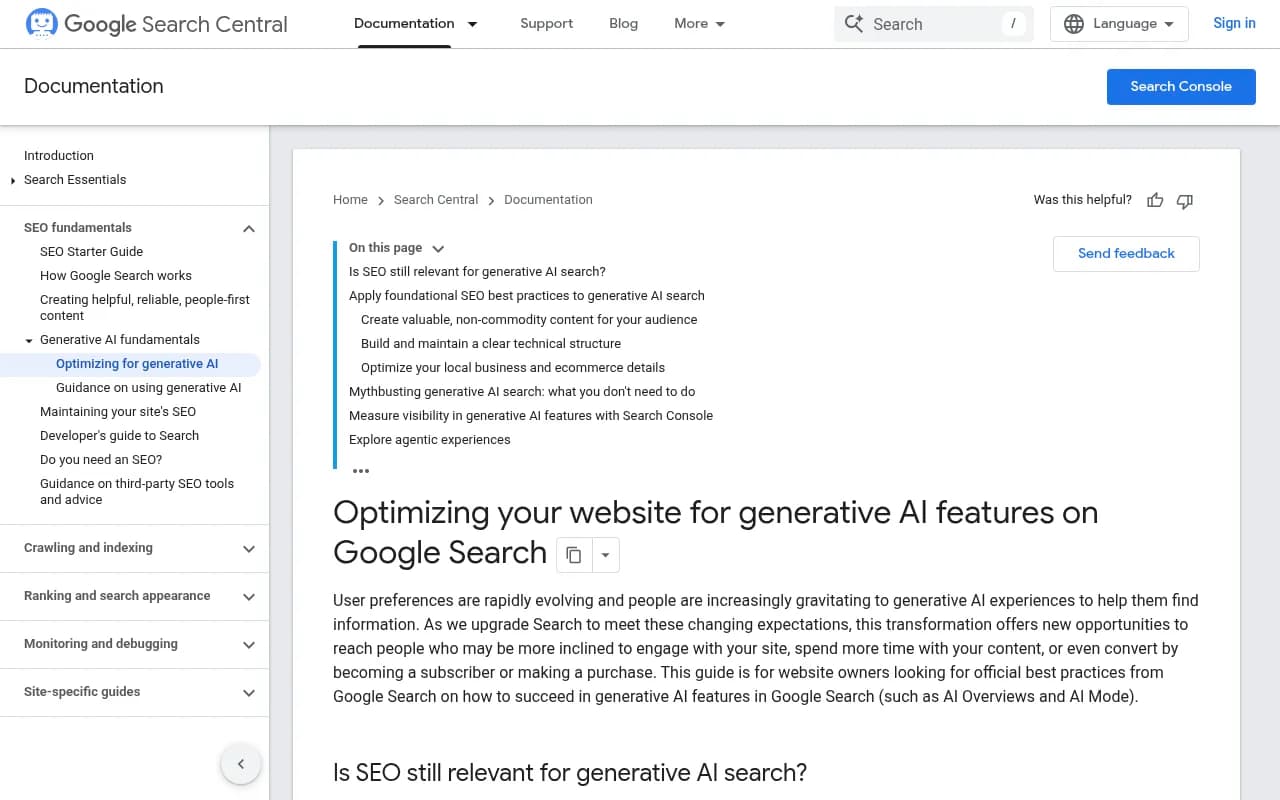
If your account doesn't show the Generative AI section yet, it's a staged rollout, not a bug on your end. Google says the toggle took effect from June 17, 2026 for most properties. Google's own developer documentation on optimizing for generative AI features is worth a read too, since it lays out what Google considers "AI-citable" content in plain terms: helpful, non-commodity, factually current.
Step 1: verify your property the right way
Before any integration can pull meaningful data, your Search Console property needs to be set up at the domain level, not the URL-prefix level. Domain properties aggregate http, https, www, and non-www variants into one view, which matters because AI citation URLs don't always match the canonical format you'd expect. Go to search.google.com/search-console, add a domain property via DNS verification if you haven't already, and give it a few days to backfill data before connecting anything downstream.
If you're managing properties for multiple brands or subsidiaries, this is also the moment to standardize naming conventions. Visibility platforms that connect to several GSC properties will surface them by the property name you set, and a messy naming scheme turns into a reporting headache later.
Step 2: connect GSC to your AI visibility platform
Most modern AI visibility tools support a GSC connection through OAuth, the same mechanism Google Analytics uses. The flow is nearly identical across platforms:
- In your visibility platform, go to Integrations or Settings and find Google Search Console.
- Sign in with the Google account that has owner or full-user access to the property.
- Grant the requested read-only permissions. Legitimate tools never ask for write access to your property.
- Select the specific property (or properties) you want to connect.
- Wait for the initial sync. Most platforms pull 16 months of historical data on first connection, then refresh daily after that.
Promptwatch is the GEO and AI visibility platform I'd point to here, because it goes beyond pulling GSC impressions into a dashboard. Once connected, it layers your own site's crawler logs (which bots like ChatGPTBot and PerplexityBot actually visited and what they read), citation tracking across ChatGPT, Gemini, Claude, Perplexity, and Google's own AI surfaces, and real visitor analytics showing whether AI-driven impressions turned into actual traffic. That last part is the piece GSC's native report structurally can't give you yet.

Step 3: reconcile the two data sets correctly
This is the step people skip, and it's the one that actually makes the integration worth doing. AI visibility and traditional organic visibility are two separate channels now, and they need separate measurement frameworks. A page ranking on page one of regular search is not the same thing as a page earning AI citations, even though the same URL can do both.
When you combine GSC's Generative AI report with a cross-model visibility platform, you want to end up answering three distinct questions, not one blended metric:
- Which of my pages get cited inside Google's own AI surfaces (from GSC), and does that volume match what I see for the same pages in ChatGPT and Perplexity (from the visibility platform)?
- Of the pages getting AI impressions, which ones are also driving measurable visits, via UTM-tagged traffic or referral patterns the visibility platform tracks?
- Where is there a gap, meaning Google cites a page heavily but other models ignore it, or vice versa?
That third question is usually the most useful one operationally, because it tells you whether a content or structure problem is Google-specific or systemic across all AI models.
Comparing integration approaches
There isn't just one way to link GSC data into an AI workflow. Here's how the common approaches stack up:
| Approach | Setup time | Best for | Limitation |
|---|---|---|---|
| Native GSC Generative AI report | None, built in | Quick directional read on Google's own AI surfaces | No clicks, no cross-model data, no history before May 2026 |
| OAuth connection to an AI visibility platform | 10-20 minutes | Ongoing monitoring with citation and traffic context | Requires granting account access |
| GSC API via custom script | 30-45 minutes | Teams needing full control over data processing | Requires maintaining OAuth token refresh and rate limiting yourself |
| MCP server / AI agent connection | Under 10 minutes | Ad hoc analysis through Claude or ChatGPT | Not a substitute for ongoing dashboards and alerting |
| CSV export + manual upload | A few minutes per session | Occasional one-off analysis | No automation, stale data fast |
For most marketing and SEO teams, the OAuth connection to a dedicated platform is the sweet spot. It's fast to set up, doesn't require engineering time, and gives you a living dashboard rather than a static export you have to remember to re-pull every week.
What good looks like once it's connected
After the integration is live and has a week or two of data, you should be able to answer, without exporting a single CSV, which pages are earning AI citations across Google and the major chat assistants, whether those citations are trending up or down, and whether the AI-driven traffic you're getting converts at a different rate than your regular organic traffic. Crisp, a customer support platform, saw AI-driven traffic convert at roughly 2x the rate of their traditional channels once they had this visibility, which changed how they prioritized content production entirely.
If you want a sense of what's actually getting cited across AI models right now, Promptwatch's research on ChatGPT citation share by domain rank breaks down how citation volume splits across domain authority tiers for August 2026, which is a useful sanity check when you're deciding how much weight to put on raw domain strength versus content structure.
A note on crawler access before you connect anything
None of this integration work matters if AI crawlers can't reach your content in the first place. Before you spend time wiring up dashboards, confirm that ChatGPTBot, PerplexityBot, ClaudeBot, and GoogleOther aren't being blocked by an overly aggressive robots.txt or a bot-management rule left over from a security audit. Promptwatch's Agent Analytics (crawler log monitoring) will show you this directly once connected, flagging errors and dead-end crawl paths before they show up as a mystery drop in citations three weeks later.
Final checklist
- Verify your GSC property at the domain level, not URL-prefix.
- Wait for the Generative AI report to appear in your account; it's a staged rollout as of late 2026.
- Connect GSC via OAuth to a GEO or AI visibility platform rather than relying on manual CSV exports.
- Set up separate reporting views for AI-driven visibility and traditional organic performance; don't blend them into one number.
- Check crawler logs for blocked or erroring bot requests before you draw conclusions from citation data.
- Re-baseline your metrics monthly for the first few months, since both Google's report and most third-party platforms are still adjusting methodology as the AI search space moves.
If you're evaluating which AI visibility platform to connect GSC to in the first place, the GEO software directory at bestgeosoftware.com is a reasonable place to compare options side by side before committing to one.