GrowthBar Review 2026
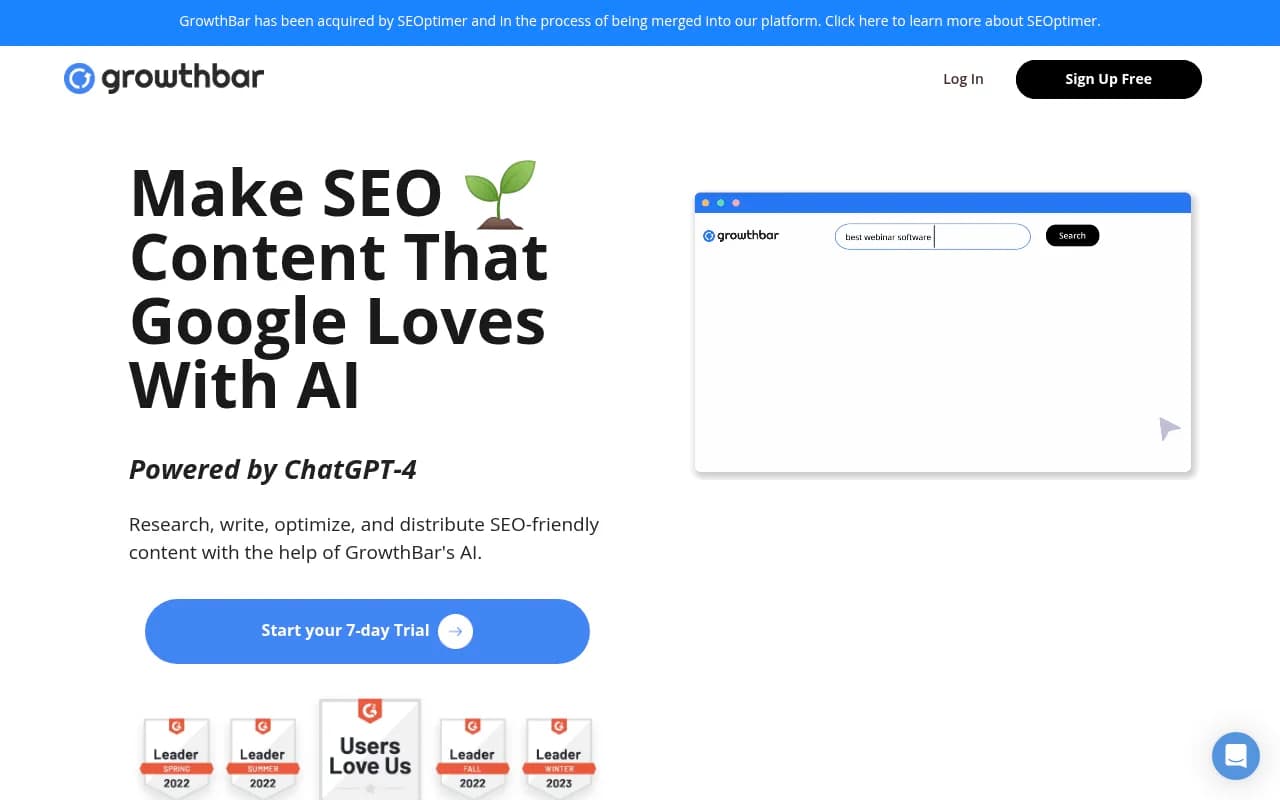
GrowthBar is an AI writing and SEO platform that helps bloggers, marketers, and agencies research keywords, generate optimized long-form content, and track rankings. Powered by GPT-4, it combines competitor analysis, keyword research, and AI writing to produce SEO-friendly blog posts 10x faster than
Key Takeaways:
- All-in-one SEO content platform combining keyword research, AI writing (GPT-4), competitor analysis, rank tracking, and content optimization in one tool
- 2-minute blog builder generates complete 1,500-word articles from outline to final draft with built-in SEO recommendations
- Custom AI models let you train the system on your best content to match your brand voice and style
- Best for: Solo bloggers, content teams, and agencies managing 1-25 client sites who want faster content production without sacrificing quality
- Limitations: Monthly content limits can feel restrictive for high-volume publishers; lacks advanced technical SEO features found in enterprise tools like Semrush
GrowthBar positions itself as the bridge between traditional SEO tools and modern AI writing assistants. Founded by Hailey and Mark, the team behind Growth Marketing Pro, it launched as a Chrome extension for competitive research before evolving into a full content creation platform. Today it serves over 6,000 customers including teams at Dell, Bill.com, Bubble, and AllTrails, with a 4.9/5 rating on G2 and 5/5 on Capterra.
The platform targets a specific pain point: content teams who understand SEO fundamentals but spend too much time on research and first drafts. Rather than replacing writers, GrowthBar accelerates the research-to-publish workflow by handling the grunt work -- keyword analysis, competitor scanning, outline generation, and draft writing -- so human editors can focus on refinement and quality control.
AI Content Generation (The Core Feature)
GrowthBar's content generator is built on OpenAI's GPT-4 and trained on 175 billion parameters. Here's how it actually works: you enter a target keyword, GrowthBar scans the top-ranking Google results for that query, analyzes their structure (headings, word count, keywords, internal links), and generates an SEO-optimized outline. You can drag-and-drop headlines to reorder them, then click to generate full paragraphs for each section. The system suggests optimal word counts, related keywords to include, and internal linking opportunities based on what's working for competitors.
The "2-minute blog builder" claim is mostly accurate for straightforward topics. For a post on "best project management tools," GrowthBar delivered a 1,500-word draft with intro, feature comparisons, pricing breakdowns, and conclusion in under three minutes. The content required editing for accuracy and brand voice, but the structure and keyword targeting were solid. For more nuanced or technical topics, expect to spend 10-15 minutes guiding the AI and refining outputs.
Custom AI Models (launched in 2025) let you upload 5-10 of your best-performing articles so GrowthBar learns your writing style, tone, and formatting preferences. This addresses the biggest complaint about AI content tools: everything sounds generic. After training on your content, the system mimics your voice more closely -- though it's not perfect. You'll still need human editing, but the starting point is much closer to publication-ready.
The platform includes AI paragraph generation (500-5,000 generations per month depending on plan), AI meta descriptions (unlimited), AI blog ideas (unlimited), and seven other AI writing functions including product descriptions, press releases, and social media posts. The paragraph generator is particularly useful for expanding thin sections or adding examples without starting from scratch.
Keyword Research & Competitor Intelligence
GrowthBar pulls keyword data from Google Ads and proprietary algorithms, offering access to 7 billion keyword suggestions. Each keyword shows search volume, difficulty score (0-100), estimated cost-per-click, and projected monthly traffic if you rank in the top 3. The difficulty scoring is reasonably accurate -- keywords marked 60+ are genuinely competitive and require strong domain authority.
The competitor analysis feature shows you the exact keywords, backlinks, and Google Ads your competitors are targeting. Enter a competitor's domain and you'll see up to 2,000 of their ranking keywords (on Agency plan), 1,500 backlinks, and 2,000 Google Ads. This is shallower than Ahrefs or Semrush (which show millions of backlinks), but for most content teams, seeing the top 1,500 backlinks is enough to identify link-building opportunities.
The Chrome extension (included free with all plans) overlays keyword and competitor data directly in Google search results. When you search for a keyword, GrowthBar shows search volume, difficulty, and related keywords in a sidebar. Click on any result and you'll see that page's word count, headings, and backlink count. It's a faster way to do competitive research without switching between tabs.
Rank Tracking & Performance Monitoring
GrowthBar includes rank tracking for 25-5,000 keywords (depending on plan) across 1-25 websites. You can track rankings in 25 countries and 20 languages, which is useful for international SEO or multi-market agencies. The rank tracker updates weekly (not daily like some tools), which is fine for content-focused SEO but less useful for tracking volatile SERP features or paid search.
The Google Search Console integration (available on all plans, limited to 1-25 sites) imports your actual traffic data so you can see which pages are driving clicks and impressions. This helps prioritize which existing articles to audit and optimize. The content audit feature lets you import existing URLs, analyze their SEO performance, and get recommendations for improvement -- essentially a health check for underperforming content.
Keyword Roadmaps (2-25 per month depending on plan) are curated lists of related keywords grouped by topic. Enter a seed keyword like "email marketing" and GrowthBar generates a roadmap of 20-50 related keywords organized into clusters (e.g. "email automation," "email design," "email analytics"). This is helpful for planning content calendars and identifying content gaps.
Team Collaboration & Workflow
GrowthBar supports 2-10 user accounts depending on plan tier. The draft sharing feature (Pro and Agency plans) lets writers create drafts and share them with editors for review before publishing. There's no built-in approval workflow or commenting system like Google Docs, but you can export drafts to WordPress, Google Docs, or copy-paste into your CMS.
The WordPress integration (via Chrome extension) lets you write and optimize content directly in the WordPress editor. You can generate outlines, write paragraphs, and check SEO scores without leaving WordPress. This is a genuine time-saver for teams publishing directly to WordPress sites.
Blog-to-Audio and Blog-to-Video (new in 2025) converts written articles into audio files or video slideshows. You get 2-25 conversions per month depending on plan. The audio quality is decent for podcast-style content, though the AI voice lacks the nuance of professional narration. The video feature generates simple slideshows with text overlays and stock images -- useful for repurposing blog content for YouTube or social media, but not a replacement for professional video production.
Who Should Use GrowthBar
Solo bloggers and niche site builders managing 1-3 sites will find the Standard plan ($36/month annual) sufficient. You get 25 AI blog posts per month, unlimited keyword research, and rank tracking for 25 keywords. This is ideal for someone publishing 5-10 articles per month who wants to speed up research and drafting without hiring writers.
In-house content teams at SaaS companies or e-commerce brands (3-10 person teams) fit the Pro plan ($74.25/month annual). You get 100 AI articles per month, 2,000 paragraph generations, rank tracking for 1,000 keywords across 3 sites, and 5 user accounts. This works well for teams publishing 20-40 articles per month across a main site and a couple of microsites or international domains.
Marketing agencies managing 5-25 client sites need the Agency plan ($149.25/month annual). You get 300 AI articles per month, 5,000 paragraph generations, rank tracking for 5,000 keywords across 25 sites, and 10 user accounts. The higher competitor data limits (2,000 keywords, 1,500 backlinks per query) are essential for client reporting and competitive analysis.
Who should NOT use GrowthBar: Enterprise SEO teams managing 50+ sites with complex technical SEO needs will find GrowthBar too limited. It lacks site audit features, log file analysis, advanced schema markup tools, and API access for custom integrations. Tools like Semrush, Ahrefs, or Conductor are better fits for enterprise-scale SEO. Similarly, if you need daily rank tracking, real-time SERP monitoring, or advanced link analysis (seeing all backlinks, not just top 1,500), GrowthBar won't cut it.
Integrations & Ecosystem
GrowthBar integrates with Google Search Console (import traffic data), WordPress (write and publish directly), and Google Ads (keyword cost data). There's no Zapier integration, no API, and no direct connections to tools like Slack, Trello, or Asana. For teams with complex workflows, this means more manual copy-pasting between tools.
The Chrome extension works on Google, Bing, and YouTube search results. It's available for Chrome, Edge, and Brave browsers. There's no mobile app, so all work happens on desktop.
Pricing & Value
GrowthBar offers three tiers with 7-day free trial:
- Standard: $36/month annual ($48/month monthly) -- 25 AI articles, 500 paragraph generations, 2 blog-to-audio/video, rank tracking for 25 keywords on 1 site, 2 user accounts
- Pro: $74.25/month annual ($99/month monthly) -- 100 AI articles, 2,000 paragraph generations, 10 blog-to-audio/video, rank tracking for 1,000 keywords on 3 sites, 5 user accounts
- Agency: $149.25/month annual ($199/month monthly) -- 300 AI articles, 5,000 paragraph generations, 25 blog-to-audio/video, rank tracking for 5,000 keywords on 25 sites, 10 user accounts
All plans include unlimited keyword research, unlimited Chrome extension use, and access to all AI writing functions. The main differences are content generation limits, rank tracking capacity, and team size.
Value comparison: At $36/month, GrowthBar is cheaper than Jasper ($49/month for similar AI writing limits) and significantly cheaper than Surfer SEO ($89/month) or Clearscope ($170/month). However, those tools offer more advanced content optimization features. For pure keyword research, Ahrefs ($129/month) and Semrush ($139.95/month) provide deeper data but lack AI writing. GrowthBar sits in the middle: less expensive than enterprise SEO tools, more comprehensive than standalone AI writers.
The 25-article monthly limit on Standard plan can feel restrictive if you're ramping up content production. At 100 articles per month on Pro, you're paying $0.74 per AI-generated article, which is competitive with hiring freelance writers at $50-100 per article (since you still need editing time, but research and drafting are automated).
Strengths
- Genuinely faster content production: The 2-minute blog builder and AI paragraph generation cut research and drafting time by 60-70% for straightforward topics
- Custom AI models that learn your brand voice are a standout feature most competitors lack
- All-in-one platform means you're not juggling separate tools for keyword research, writing, and rank tracking
- Chrome extension makes competitive research seamless without leaving Google search results
- Affordable pricing compared to enterprise SEO tools, with a real free trial (not just a demo)
Limitations
- Monthly content limits can feel restrictive for high-volume publishers -- 25 articles per month on Standard plan isn't enough for aggressive content strategies
- Shallow competitor data compared to Ahrefs or Semrush -- seeing 1,500 backlinks is useful but not comprehensive for serious link-building campaigns
- No API or advanced integrations limits workflow automation for larger teams
- Weekly rank tracking (not daily) means you'll miss short-term SERP fluctuations
- AI content still requires editing -- it's a starting point, not a finished product, and fact-checking is essential
Bottom Line
GrowthBar is best for content-focused SEO teams (1-10 people) who want to publish more without hiring more writers. If you're a solo blogger publishing 10-20 articles per month, an in-house content team at a SaaS company, or an agency managing 5-20 client sites, GrowthBar will speed up your workflow and improve content quality. The combination of keyword research, AI writing, and rank tracking in one affordable tool makes it a strong value.
Skip it if you need enterprise-scale SEO features (site audits, log file analysis, API access), daily rank tracking, or comprehensive backlink analysis. For those needs, stick with Semrush, Ahrefs, or Conductor. But if your primary goal is producing more SEO-optimized content faster, GrowthBar delivers on that promise.
Tags:
Similar and alternative tools to GrowthBar