Key Takeaways
- Brevo offers the best value for growing small businesses with a comprehensive free plan (300 emails/day), affordable paid tiers starting at $9/month, and built-in CRM, SMS, and WhatsApp marketing -- making it ideal for businesses that need multiple channels without breaking the bank
- HubSpot is the premium choice for businesses planning to scale, with powerful automation, advanced CRM capabilities, and extensive integrations, but pricing jumps quickly from the free tier to $20/month (Starter) and $890/month (Professional)
- Mailchimp sits in the middle with strong email design tools and basic automation, starting free for up to 500 contacts, but lacks native CRM and charges $13-$350/month for paid plans with limited SMS and transactional email capabilities
- The right platform depends on your budget, technical skills, and growth trajectory -- Brevo wins on affordability and features, HubSpot wins on enterprise-grade capabilities, and Mailchimp wins on ease of use for email-only campaigns
Why All-in-One Marketing Platforms Matter for Small Businesses
Small businesses face a unique challenge: you need professional marketing tools to compete, but you don't have the budget or team size to manage five different platforms. An all-in-one marketing platform consolidates email marketing, CRM, automation, landing pages, SMS, and analytics into a single interface -- saving you time, money, and the headache of integrating multiple tools.
The market has evolved significantly in 2026. What used to be simple email marketing software has transformed into complete marketing ecosystems. The three platforms that consistently rise to the top for small businesses are HubSpot, Brevo (formerly Sendinblue), and Mailchimp. Each takes a different approach to solving the same problem: helping small businesses execute professional marketing campaigns without enterprise budgets or technical teams.
This guide provides a detailed, practical comparison of all three platforms. We'll cover pricing, core features, automation capabilities, CRM functionality, ease of use, and the specific scenarios where each platform excels. By the end, you'll know exactly which platform fits your business model, budget, and growth plans.
Understanding the All-in-One Marketing Platform Landscape
Before diving into specific platforms, it's important to understand what "all-in-one" actually means in 2026. The term gets thrown around loosely, but true all-in-one platforms should include:
- Email marketing: Campaign creation, templates, A/B testing, deliverability management
- Marketing automation: Triggered workflows, behavioral targeting, lead scoring
- CRM (Customer Relationship Management): Contact management, deal pipelines, activity tracking
- Landing pages and forms: Drag-and-drop builders, conversion optimization, lead capture
- Multi-channel marketing: SMS, WhatsApp, push notifications, social media scheduling
- Analytics and reporting: Campaign performance, attribution, revenue tracking
- Integrations: Native connections to ecommerce platforms, payment processors, and business tools
Not every platform excels at all of these. Some are email-first with CRM bolted on. Others are CRM-first with marketing features added later. Understanding each platform's core strength helps you choose the right foundation for your business.
Brevo: Best Value All-in-One Platform for Growing Businesses
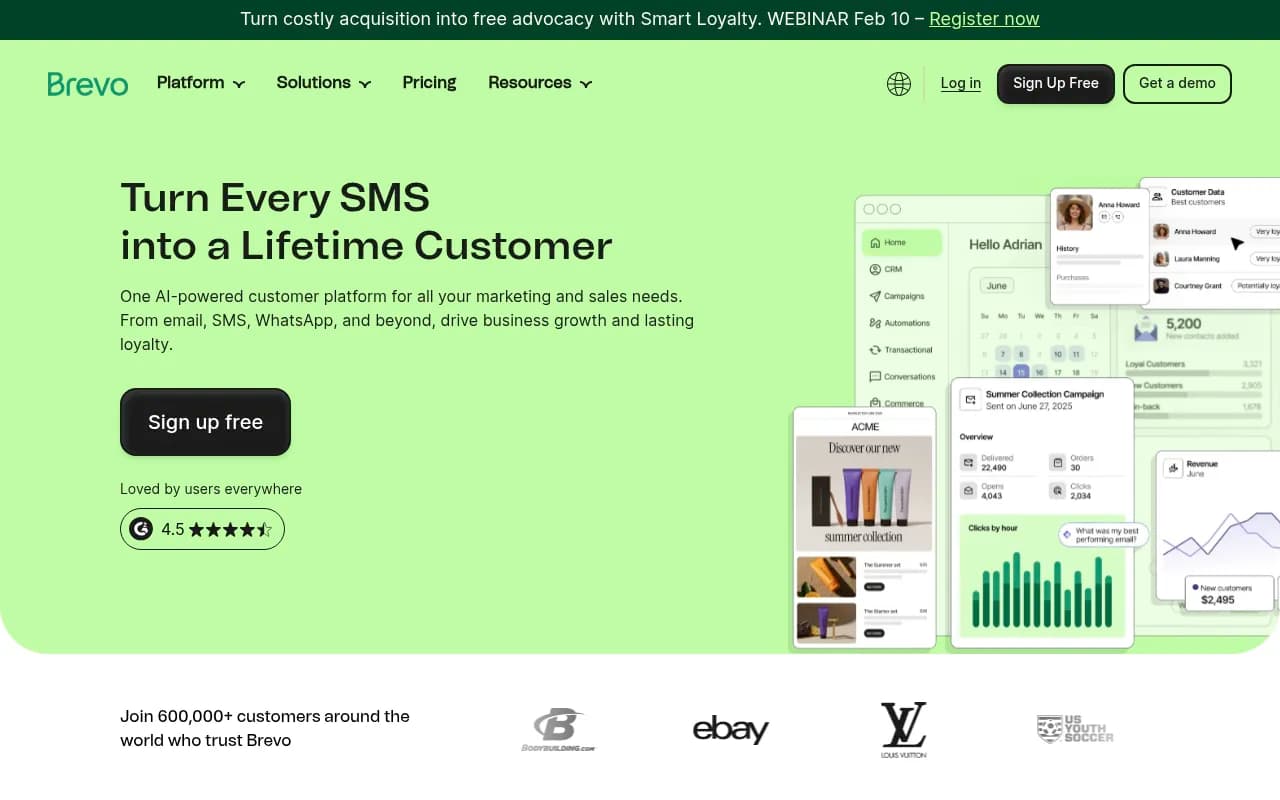
Brevo (formerly Sendinblue) has quietly become one of the most compelling all-in-one platforms for small businesses in 2026. While HubSpot and Mailchimp get more headlines, Brevo delivers a more complete feature set at a fraction of the cost.
Pricing and Plans
Brevo's pricing model is refreshingly straightforward:
- Free Plan: 300 emails per day (9,000/month), unlimited contacts, basic email campaigns, signup forms, SMS marketing (pay-as-you-go), transactional emails, and basic CRM
- Starter Plan: $9/month for 5,000 emails/month, removes daily sending limits, adds A/B testing and basic automation
- Business Plan: $18/month for 5,000 emails/month, includes advanced automation, landing pages, multi-user access, send time optimization, and phone support
- Enterprise Plan: Custom pricing for high-volume senders with dedicated account management, priority support, and advanced security features
The key differentiator: Brevo charges based on emails sent, not contacts stored. If you have 10,000 contacts but only email 2,000 of them monthly, you pay for 2,000 emails. Mailchimp and HubSpot charge based on total contacts, regardless of how often you email them.
Core Features and Capabilities
Email Marketing: Brevo's drag-and-drop email builder is intuitive without being limiting. You get 40+ responsive templates, a robust template editor, and the ability to save custom blocks for reuse. The platform handles transactional emails (order confirmations, password resets) natively, which most competitors charge extra for or don't support at all.
Marketing Automation: This is where Brevo punches above its weight class. The visual workflow builder lets you create sophisticated automation sequences based on email opens, link clicks, website visits, CRM activity, and custom events. You can build abandoned cart sequences, lead nurturing campaigns, and re-engagement workflows without touching code.
Built-in CRM: Brevo includes a full CRM at every pricing tier, including the free plan. You can manage contacts, track deals through a visual pipeline, log activities, and set tasks and reminders. It's not as powerful as HubSpot's CRM, but it's far more capable than Mailchimp's contact management system.
Multi-Channel Marketing: Brevo natively supports SMS marketing, WhatsApp campaigns, and Facebook Ads integration. You can build cross-channel workflows that send an email, follow up with an SMS if it's not opened, and retarget with a Facebook ad -- all from one platform.
Landing Pages and Forms: The landing page builder is solid, with mobile-responsive templates and A/B testing. Forms can be embedded on your website or hosted on Brevo's domain. The form builder includes conditional logic, hidden fields, and CAPTCHA protection.
Strengths and Weaknesses
Strengths:
- Exceptional value -- you get CRM, automation, SMS, and transactional emails at price points where competitors only offer basic email marketing
- Email-based pricing is more affordable for businesses with large contact lists but lower send volumes
- Native multi-channel capabilities (SMS, WhatsApp, Facebook Ads) without third-party integrations
- Strong deliverability rates and dedicated IP options for high-volume senders
- Transactional email API included at all tiers
Weaknesses:
- Email templates are functional but less visually polished than Mailchimp's
- CRM is basic compared to HubSpot -- lacks advanced pipeline customization and reporting
- Learning curve for automation workflows can be steep for complete beginners
- Limited social media scheduling compared to dedicated social tools
- Reporting interface feels dated compared to HubSpot's analytics dashboards
Best For
Brevo is ideal for:
- Ecommerce businesses that need transactional emails, abandoned cart automation, and SMS marketing in one platform
- Service businesses with large contact databases but lower email frequency (consultants, agencies, SaaS companies)
- Startups and bootstrapped businesses that need enterprise features on a startup budget
- International businesses that require multi-language support and global SMS delivery
- Businesses transitioning from basic email tools that want to add CRM and automation without a massive price jump
HubSpot: Premium All-in-One Platform for Scaling Businesses
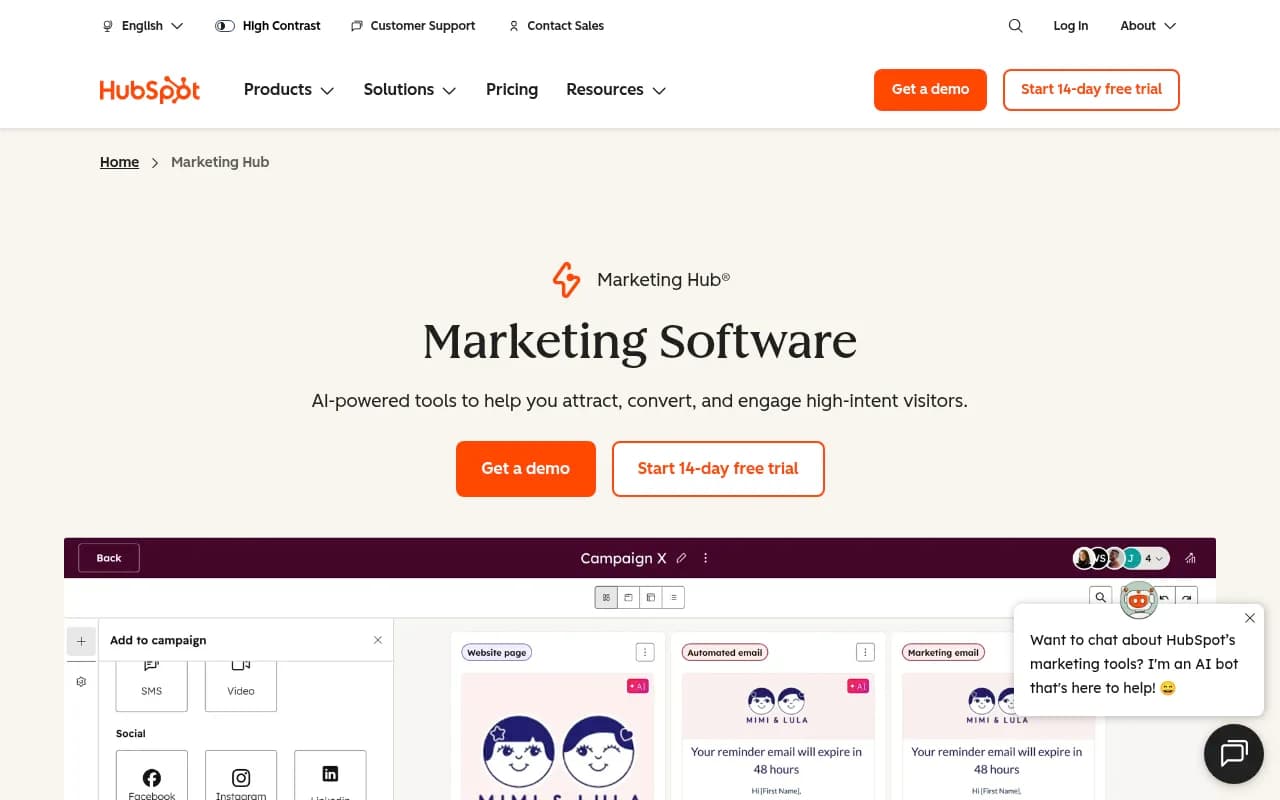
HubSpot pioneered the concept of an all-in-one marketing platform and remains the gold standard for businesses with growth ambitions. The platform is built around a powerful CRM core with marketing, sales, and service hubs that work together seamlessly.
Pricing and Plans
HubSpot's pricing structure is more complex than Brevo or Mailchimp:
- Free Tools: Unlimited contacts, basic email marketing (2,000 emails/month), forms, landing pages, live chat, and full CRM access
- Marketing Hub Starter: $20/month for 1,000 contacts, includes 1,000 marketing emails/month, email automation, ad management, and basic reporting
- Marketing Hub Professional: $890/month for 2,000 contacts, adds advanced automation, A/B testing, custom reporting, multi-touch attribution, and social media tools
- Marketing Hub Enterprise: $3,600/month for 10,000 contacts, includes predictive lead scoring, custom objects, advanced permissions, and dedicated support
Pricing increases as you add contacts. At 10,000 contacts, Starter costs $450/month, Professional costs $3,200/month, and Enterprise costs $5,000/month. Additional contacts cost $45-$100 per 1,000 depending on your tier.
Core Features and Capabilities
Email Marketing: HubSpot's email builder is sophisticated, with drag-and-drop editing, smart content (personalized blocks based on contact properties), and extensive A/B testing. The platform automatically optimizes send times based on when each contact is most likely to engage.
Marketing Automation: This is HubSpot's standout feature. The workflow builder is visual, powerful, and endlessly flexible. You can trigger workflows based on hundreds of criteria: form submissions, page views, email engagement, CRM activity, custom events, and more. Workflows can update contact properties, rotate leads to sales reps, send internal notifications, and integrate with external systems via webhooks.
CRM and Sales Tools: HubSpot's CRM is industry-leading. You get customizable deal pipelines, activity tracking, email sequences, meeting scheduling, document tracking, and conversation intelligence. The CRM syncs bidirectionally with Gmail and Outlook, so sales activity automatically logs in HubSpot.
Content Management: Professional and Enterprise tiers include a full CMS for building websites, blogs, and landing pages. The drag-and-drop page builder includes SEO recommendations, mobile optimization, and dynamic content personalization.
Analytics and Attribution: HubSpot's reporting is unmatched at this price point. You get campaign attribution, revenue reporting, custom dashboards, and cohort analysis. Professional tier includes multi-touch attribution modeling to understand which touchpoints drive conversions.
Strengths and Weaknesses
Strengths:
- Most comprehensive feature set -- marketing, sales, service, CMS, and operations hubs work together seamlessly
- Best-in-class CRM with advanced pipeline management, forecasting, and sales automation
- Powerful automation engine with sophisticated branching logic and conditional workflows
- Extensive integration marketplace (1,500+ native integrations)
- Strong educational resources (HubSpot Academy) and active community
- Excellent deliverability and email infrastructure
Weaknesses:
- Pricing escalates quickly as you add contacts and features
- Many advanced features locked behind Professional tier ($890/month minimum)
- Steeper learning curve than Brevo or Mailchimp
- SMS marketing requires third-party integration (not native like Brevo)
- Can feel overwhelming for small businesses that only need basic email marketing
- Contact limits can be restrictive for businesses with large databases
Best For
HubSpot is ideal for:
- B2B companies with complex sales cycles that need tight marketing-sales alignment
- Growing businesses (10-100 employees) that plan to scale and need a platform that won't require migration
- Companies with dedicated marketing teams that can leverage advanced automation and reporting
- Businesses that value integration and want a central hub for all customer data
- Organizations prioritizing attribution and need to prove marketing ROI with detailed reporting
Mailchimp: User-Friendly Platform for Email-First Marketing
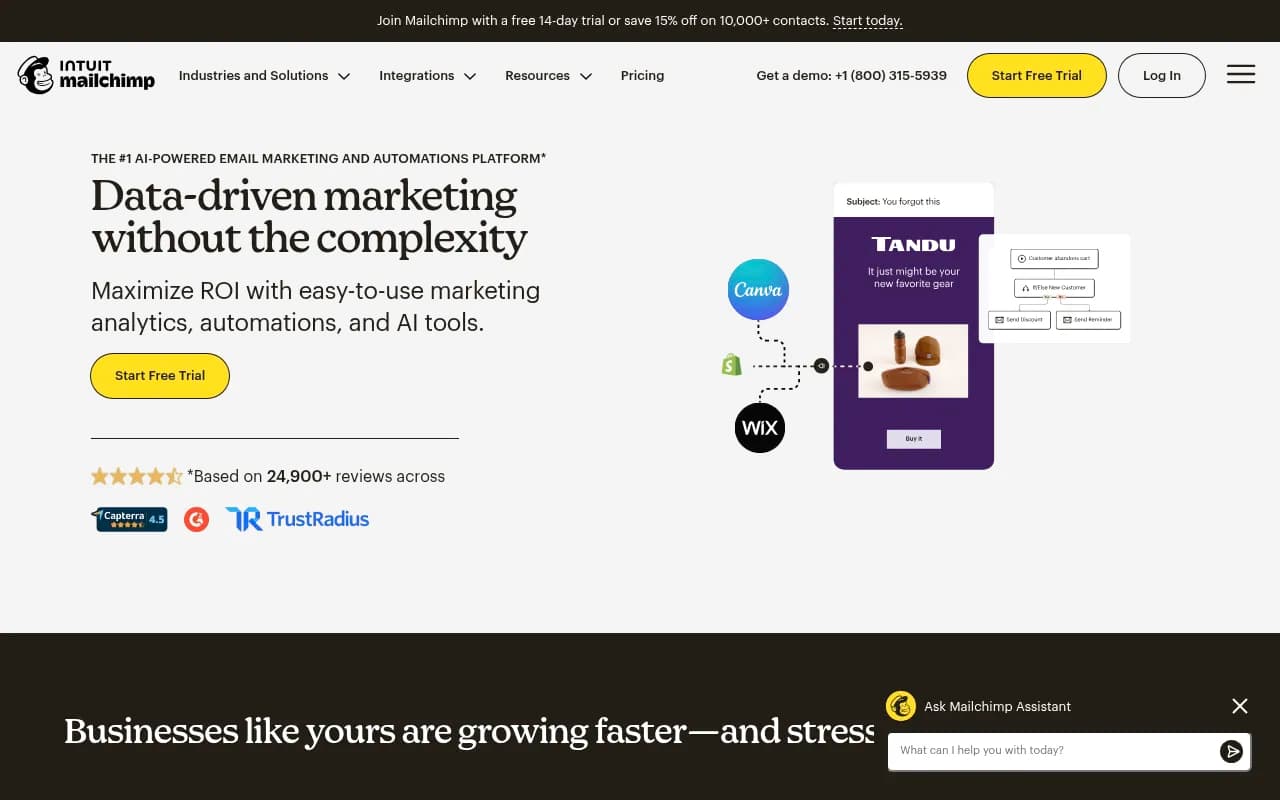
Mailchimp is the most recognized name in email marketing, and for good reason. The platform pioneered accessible email marketing for small businesses and continues to evolve with new features, though it's no longer the budget-friendly option it once was.
Pricing and Plans
Mailchimp's pricing is based on total contacts:
- Free Plan: Up to 500 contacts, 1,000 emails/month, basic email campaigns, signup forms, and one audience
- Essentials Plan: Starting at $13/month for 500 contacts, includes 5,000 emails/month, A/B testing, custom branding, and 24/7 support
- Standard Plan: Starting at $20/month for 500 contacts, adds automation, retargeting ads, custom templates, and advanced audience insights
- Premium Plan: Starting at $350/month for 10,000 contacts, includes advanced segmentation, multivariate testing, phone support, and unlimited seats
Pricing scales with contacts: 1,000 contacts costs $17-$34/month (Essentials-Standard), 5,000 contacts costs $86-$137/month, and 10,000 contacts costs $138-$350/month.
Core Features and Capabilities
Email Marketing: Mailchimp's email builder is the most polished of the three platforms. The drag-and-drop editor is intuitive, with beautiful pre-built templates, a content studio for managing assets, and creative assistant tools powered by AI. The platform excels at creating visually appealing campaigns quickly.
Marketing Automation: Mailchimp's automation is solid but less flexible than HubSpot or Brevo. You get pre-built automation workflows (welcome series, abandoned cart, product recommendations) that are easy to set up but harder to customize deeply. The customer journey builder (Standard tier and up) lets you create multi-step workflows, but branching logic is limited compared to competitors.
Audience Management: Mailchimp's contact management is strong. You can segment audiences based on behavior, demographics, and engagement. The platform includes predictive demographics and lifetime value predictions powered by machine learning.
Landing Pages and Forms: Mailchimp includes a landing page builder with responsive templates and A/B testing. Forms can be embedded or hosted, with customizable fields and conditional logic.
Multi-Channel Marketing: Mailchimp offers social media scheduling, Google and Facebook ad retargeting, and postcards (physical mail). However, SMS marketing is limited (only available via integration), and there's no native WhatsApp support.
Strengths and Weaknesses
Strengths:
- Most user-friendly interface -- genuinely easy for beginners to create professional campaigns
- Best email template library with modern, mobile-responsive designs
- Strong deliverability and sender reputation management
- Creative assistant and AI-powered design tools
- Integrated website builder (Standard tier and up)
- Extensive app marketplace for third-party integrations
Weaknesses:
- No native CRM -- contact management is basic compared to HubSpot or Brevo
- Pricing based on total contacts can get expensive for large lists
- Automation capabilities lag behind HubSpot and Brevo
- Limited SMS marketing (requires third-party integration)
- No transactional email support (requires separate Mandrill account)
- Customer support quality has declined as the platform has scaled
Best For
Mailchimp is ideal for:
- Content creators and bloggers who prioritize beautiful email design and ease of use
- Retail and ecommerce businesses (especially Shopify stores) that need quick setup and product recommendations
- Solopreneurs and very small teams that want to launch email campaigns without a learning curve
- Businesses focused primarily on email that don't need advanced CRM or multi-channel capabilities
- Organizations with small contact lists (under 2,000) where Mailchimp's pricing remains competitive
Head-to-Head Comparison: Key Features
Email Marketing Capabilities
Winner: Mailchimp for design and ease of use, Brevo for deliverability and transactional emails, HubSpot for personalization and smart content.
Mailchimp's email builder is the most intuitive, with the best template library and creative tools. Brevo offers strong deliverability and includes transactional email API at all tiers. HubSpot provides the most sophisticated personalization with smart content blocks that adapt based on contact properties.
Marketing Automation
Winner: HubSpot by a significant margin, followed by Brevo, then Mailchimp.
HubSpot's workflow builder is the most powerful, with advanced branching logic, extensive trigger options, and seamless CRM integration. Brevo's automation is surprisingly capable for the price, with visual workflows and multi-channel triggers. Mailchimp's automation is functional but limited in customization and complexity.
CRM and Contact Management
Winner: HubSpot decisively, Brevo offers solid basics, Mailchimp lacks true CRM.
HubSpot's CRM is enterprise-grade with customizable pipelines, activity tracking, and sales tools. Brevo includes a functional CRM with deal management and basic pipeline views. Mailchimp only offers contact management -- no deal tracking, pipeline views, or sales features.
Multi-Channel Marketing
Winner: Brevo for native SMS and WhatsApp, HubSpot for integrated approach, Mailchimp for social media.
Brevo natively supports SMS, WhatsApp, and Facebook Ads without third-party integrations. HubSpot offers a cohesive multi-channel experience but requires integrations for SMS. Mailchimp includes social media scheduling and ad retargeting but limited SMS capabilities.
Pricing and Value
Winner: Brevo for most small businesses, HubSpot Free for CRM-first approach, Mailchimp for simplicity.
Brevo delivers the most features per dollar, especially for businesses with large contact lists. HubSpot's free tier is generous if you can work within the limits. Mailchimp's pricing becomes expensive quickly as contacts grow.
Ease of Use
Winner: Mailchimp for absolute beginners, Brevo for balanced simplicity and power, HubSpot requires more training.
Mailchimp is the easiest to learn with the most intuitive interface. Brevo strikes a good balance between simplicity and capability. HubSpot has the steepest learning curve but offers the most power once mastered.
Integrations and Ecosystem
Winner: HubSpot with 1,500+ native integrations, Mailchimp with extensive app marketplace, Brevo with solid core integrations.
HubSpot's integration ecosystem is unmatched. Mailchimp offers hundreds of integrations through its app marketplace. Brevo covers the essentials (Shopify, WooCommerce, WordPress, Zapier) but has a smaller integration library.
Analytics and Reporting
Winner: HubSpot for depth and attribution, Brevo for actionable insights, Mailchimp for visual reporting.
HubSpot provides the most comprehensive reporting with custom dashboards, attribution modeling, and revenue tracking. Brevo offers solid reporting with heatmaps and engagement metrics. Mailchimp's reports are visually appealing but less detailed.
Pricing Comparison: Real-World Scenarios
Let's compare actual costs for three common small business scenarios:
Scenario 1: Startup with 1,000 Contacts, 5,000 Emails/Month
- Brevo: $9/month (Starter plan)
- HubSpot: $20/month (Starter plan, includes 1,000 marketing emails but you'd need to purchase additional email capacity)
- Mailchimp: $17/month (Essentials plan)
Winner: Brevo at $9/month with full automation and CRM included.
Scenario 2: Growing Business with 5,000 Contacts, 20,000 Emails/Month
- Brevo: $49/month (Business plan with 20,000 email credits)
- HubSpot: $890/month (Professional plan required for this volume)
- Mailchimp: $86/month (Standard plan)
Winner: Brevo at $49/month, though Mailchimp is competitive if you don't need advanced automation.
Scenario 3: Established Business with 10,000 Contacts, 50,000 Emails/Month
- Brevo: $99/month (Business plan with 50,000 email credits)
- HubSpot: $3,200/month (Professional plan for 10,000 contacts)
- Mailchimp: $138/month (Standard plan)
Winner: Brevo at $99/month for businesses focused on email volume. Mailchimp is viable at $138/month if you prioritize ease of use. HubSpot only makes sense if you need enterprise-grade CRM and attribution.
Making the Right Choice for Your Business
Choose Brevo If:
- You need the most features for the least money
- You have a large contact list but don't email everyone frequently
- You want native SMS and WhatsApp marketing without integrations
- You need transactional email capabilities (order confirmations, password resets)
- You're running an ecommerce business with abandoned cart automation needs
- You want a functional CRM without paying HubSpot prices
Choose HubSpot If:
- You're a B2B company with complex sales cycles
- You need tight alignment between marketing and sales teams
- You want best-in-class CRM with advanced pipeline management
- You require sophisticated automation with extensive branching logic
- You need detailed attribution reporting to prove marketing ROI
- You're planning to scale significantly and want a platform that grows with you
- You have budget for Professional tier ($890/month minimum) to unlock advanced features
Choose Mailchimp If:
- You prioritize ease of use and beautiful email design above all else
- You're a solopreneur or very small team without technical skills
- You primarily need email marketing and don't require advanced CRM
- You have a small contact list (under 2,000) where pricing remains competitive
- You want quick setup and pre-built templates to launch campaigns fast
- You're a content creator or blogger focused on newsletter delivery
Advanced Considerations
Deliverability and Email Infrastructure
All three platforms maintain strong sender reputations, but there are differences:
- Brevo offers dedicated IP addresses starting at the Business tier, giving you full control over sender reputation
- HubSpot uses shared IPs for Starter tier, dedicated IPs for Professional and Enterprise
- Mailchimp uses shared IPs for most plans, with dedicated IPs available as an add-on ($29.99/month)
For most small businesses, shared IPs are fine. Dedicated IPs only matter if you're sending 100,000+ emails monthly and want complete control over deliverability.
Scalability and Migration
Consider your 3-5 year growth trajectory:
- HubSpot scales best for businesses planning significant growth -- you won't outgrow the platform
- Brevo scales well for email-focused businesses but CRM capabilities may become limiting for complex sales processes
- Mailchimp can become expensive as contacts grow, and you may eventually need to migrate to a more robust platform
Migrating email platforms is painful. Choose a platform you can grow into, not just one that meets today's needs.
Team Collaboration and Permissions
- HubSpot offers the most sophisticated user permissions with role-based access control
- Brevo includes multi-user access on Business tier and up
- Mailchimp charges per additional user on most plans
If you have a team, factor in per-user costs and permission management capabilities.
Compliance and Data Privacy
All three platforms are GDPR-compliant and offer:
- Double opt-in capabilities
- Unsubscribe management
- Data processing agreements
- Cookie consent tools
HubSpot and Brevo offer more granular consent management for businesses with complex compliance requirements.
Optimizing Your Marketing Platform for AI Search Visibility
While choosing the right email platform is crucial, modern marketing requires visibility across all channels -- including AI search engines like ChatGPT, Perplexity, Claude, and Google AI Overviews. These AI models are increasingly influencing purchase decisions, and brands that aren't visible in AI-generated answers are missing significant opportunities.
Tools like Promptwatch can help you understand and improve how your brand appears in AI search results. Unlike monitoring-only platforms, Promptwatch shows you where you're invisible in AI responses, identifies content gaps your competitors are filling, and helps you create content that actually gets cited by AI models. This closed-loop approach -- find gaps, create optimized content, track results -- ensures your marketing efforts extend beyond email to capture the growing segment of customers using AI for research and recommendations.
Final Recommendations
For most small businesses in 2026, Brevo offers the best combination of features, affordability, and scalability. You get a complete marketing platform with email, automation, CRM, SMS, and transactional emails at prices that won't strain a small business budget. The email-based pricing model is particularly advantageous for businesses with large contact databases.
HubSpot is the right choice for businesses with growth ambitions and budget to match. If you're a B2B company with a sales team, complex attribution needs, or plans to scale significantly, HubSpot's comprehensive platform and powerful CRM justify the higher cost. Start with the free tier to test the platform, but plan to upgrade to Professional ($890/month) to unlock the features that make HubSpot truly powerful.
Mailchimp remains a solid option for email-first businesses that prioritize simplicity and design. If you're a content creator, blogger, or small retailer who needs beautiful emails without complexity, Mailchimp delivers. Just be aware of pricing limitations as your contact list grows and the lack of advanced CRM capabilities.
The platform you choose should align with your business model, technical comfort level, and growth trajectory. All three platforms offer free trials or free tiers -- take advantage of these to test the interface, build a few campaigns, and see which platform feels right for your team. The best marketing platform is the one you'll actually use consistently, not the one with the most features on paper.