Key Takeaways
- AI crawlers are fundamentally different from traditional search bots: Tools like GPTBot, Claude-Web, and PerplexityBot need explicit access permissions and face unique technical barriers that standard SEO audits don't catch
- Most SEO audit tools still don't check AI crawler access: As of 2026, only a handful of platforms verify whether AI engines can actually crawl your most important pages
- Blocking AI crawlers costs you visibility: Sites that accidentally block GPTBot or Claude-Web miss out on citations in ChatGPT, Claude, and other AI search engines—a growing source of traffic and brand discovery
- The fix requires both technical audits and ongoing monitoring: You need tools that check robots.txt rules, verify crawler logs, and track which pages AI engines are actually reading
- Combining traditional SEO audits with AI-specific checks is now essential: The best approach uses established crawlers like Screaming Frog or Semrush for technical SEO, paired with specialized platforms that monitor AI crawler behavior
SEO audits have always been about one thing: making sure search engines can find, crawl, and index your content. But in 2026, the definition of "search engine" has expanded dramatically. Google and Bing still matter, but now you're also competing for visibility in ChatGPT, Claude, Perplexity, Gemini, and a dozen other AI-powered answer engines.
Here's the problem: most SEO audit tools were built before AI search existed. They check for broken links, missing meta tags, slow page speed, and crawl errors—all critical issues. But they don't verify whether GPTBot, Claude-Web, or PerplexityBot can actually access your site. And if those crawlers are blocked, your content is invisible to AI search engines, no matter how well-optimized it is for traditional SEO.
This guide covers the tools that actually check AI crawler access, explain why it matters, and show you how to audit and fix technical barriers that keep AI engines from discovering your content.
Why AI Crawler Access Matters More Than You Think
When ChatGPT answers a user's question, it doesn't pull information from thin air. It relies on content that GPTBot (OpenAI's web crawler) has previously indexed. Same goes for Claude (Claude-Web), Perplexity (PerplexityBot), and other AI engines. If your robots.txt file blocks these crawlers—or if your site architecture makes it difficult for them to navigate—you're essentially invisible in AI search results.
The stakes are high. Over 60% of searches now end without a click, meaning users get their answers directly from AI-generated summaries. If your brand isn't cited in those summaries, you've lost the visibility game before it even starts. And unlike traditional SEO, where you can at least see your ranking position, AI search is a black box unless you're actively monitoring crawler access and citation data.
The Technical Barriers AI Crawlers Face
AI crawlers encounter unique challenges that traditional search bots don't:
- Robots.txt blocks: Many sites still use blanket "Disallow" rules that inadvertently block GPTBot, Claude-Web, and other AI crawlers
- Rate limiting: AI crawlers often make more aggressive requests than Googlebot, triggering security systems that throttle or block them entirely
- JavaScript rendering: Some AI crawlers struggle with heavy JavaScript frameworks, missing content that renders client-side
- Authentication walls: Paywalls, login gates, and CAPTCHA challenges prevent AI crawlers from accessing valuable content
- Server errors: 503 errors, timeouts, and redirect chains that AI crawlers interpret differently than traditional bots
A standard SEO audit won't catch these issues. You need tools that specifically check AI crawler behavior.
The Tools That Actually Check AI Crawler Access
1. Promptwatch: AI Crawler Logs + Visibility Tracking
Promptwatch is one of the few platforms that combines AI visibility tracking with real-time AI crawler log analysis. Its AI Crawler Logs feature shows you exactly which AI engines are hitting your site, which pages they're reading, how often they return, and any errors they encounter.

This is critical for diagnosing access issues. If GPTBot is consistently getting 403 errors on your product pages, you know exactly where to fix your robots.txt or server configuration. Promptwatch tracks 10 AI models—ChatGPT, Perplexity, Google AI Overviews, Claude, Gemini, Meta AI, DeepSeek, Grok, Mistral, and Copilot—and shows you page-level citation data so you can verify that crawler access is translating into actual AI visibility.
The platform also includes Answer Gap Analysis, which identifies prompts where competitors are visible but you're not. This helps you prioritize which pages need better AI crawler access and content optimization. The built-in AI writing agent then generates content grounded in real citation data, designed specifically to get cited by AI models.
Best for: Marketing teams and agencies that want end-to-end AI visibility optimization—from diagnosing crawler access issues to creating content that ranks in AI search.
Pricing: Essential $99/mo (1 site, 50 prompts), Professional $249/mo (2 sites, 150 prompts, crawler logs), Business $579/mo (5 sites, 350 prompts). Free trial available.
2. Screaming Frog: Traditional Crawling with AI Bot Checks
Screaming Frog remains the gold standard for technical SEO audits. While it wasn't built specifically for AI crawler access, you can configure custom crawls to simulate AI bot behavior and check robots.txt rules for GPTBot, Claude-Web, and other AI crawlers.
The key is using Screaming Frog's "Custom Robot" feature to crawl your site as if you were GPTBot. This reveals which pages are blocked, which return errors, and which are accessible. You can also export robots.txt analysis to verify that your Disallow rules aren't inadvertently blocking AI crawlers.
Screaming Frog won't show you real-time AI crawler logs or citation data, but it's excellent for one-time technical audits and identifying structural issues that affect all crawlers, including AI bots.
Best for: SEO teams that want deep technical audits and are comfortable with manual configuration to check AI crawler access.
Pricing: Free version (up to 500 URLs), paid version £149/year (~$185).
3. Semrush Site Audit: Comprehensive Checks with Limited AI Focus
Semrush's Site Audit tool is one of the most comprehensive SEO auditing platforms available. It checks for 140+ technical issues, including crawlability, indexability, site speed, and mobile-friendliness. While it doesn't have dedicated AI crawler log analysis, it does flag robots.txt issues that could affect AI bots.
Semrush also offers basic AI search tracking through its AI Overviews feature, which monitors when your content appears in Google's AI-generated summaries. However, it doesn't track other AI engines like ChatGPT or Perplexity, and it doesn't provide real-time crawler logs.
Best for: Agencies and in-house teams that need a full-featured SEO platform with traditional auditing capabilities and basic AI search monitoring.
Pricing: Pro $139.95/mo, Guru $249.95/mo, Business $499.95/mo. Free trial available.
4. LLMrefs: AI Visibility Tracking with Crawler Access Insights
LLMrefs
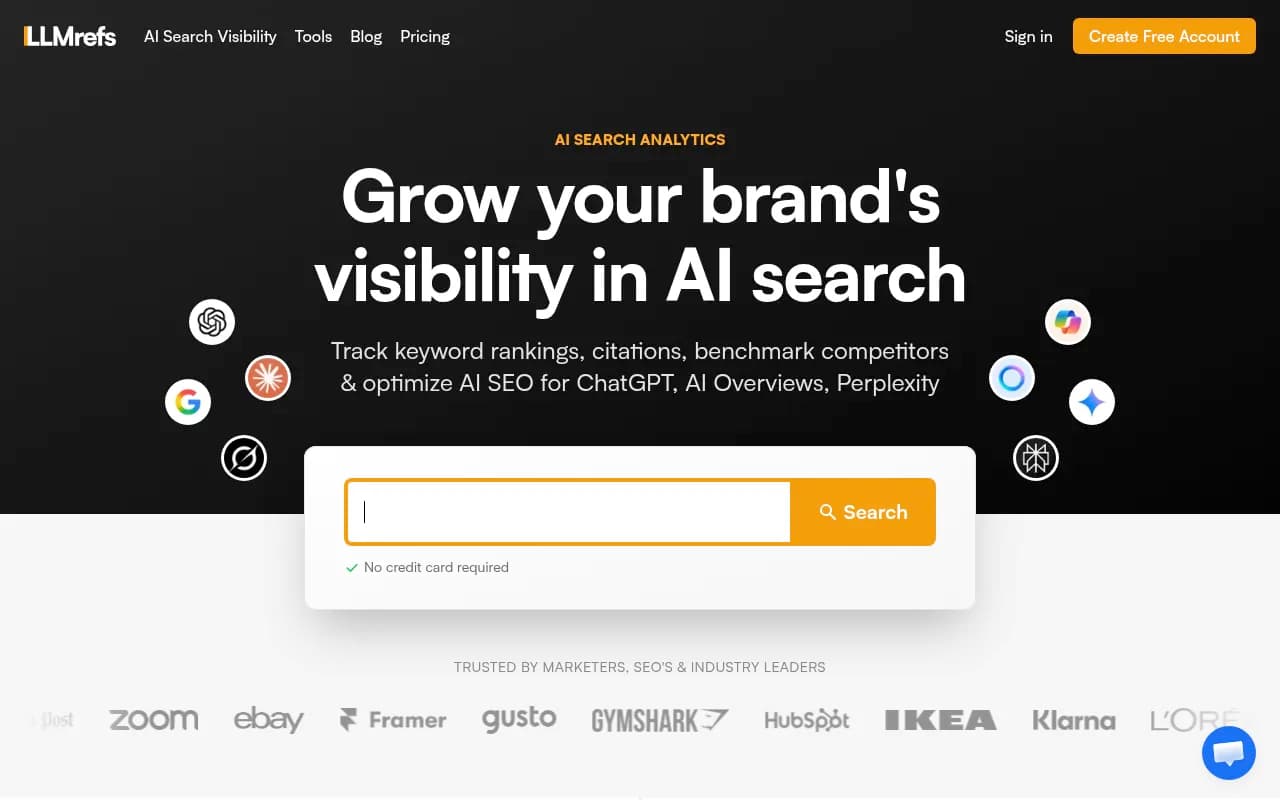
LLMrefs is built specifically for Generative Engine Optimization (GEO). It tracks your brand's visibility across ChatGPT, Google AI Overviews, Perplexity, and Gemini, measuring share-of-voice and citation counts. While it doesn't provide full crawler log analysis like Promptwatch, it does help you verify that AI engines are actually citing your content—a strong signal that crawlers have access.
The platform automatically generates conversational prompts around your target keywords and collects real-time responses, showing you which pages AI engines reference. If you're consistently invisible across multiple AI engines, it's a red flag that crawler access might be blocked.
Best for: SEO teams that want to track AI search visibility and infer crawler access issues from citation data.
Pricing: Contact for pricing (typically starts around $200/mo for small teams).
5. Otterly.AI: Basic AI Search Monitoring
Otterly.AI

Otterly.AI tracks brand mentions across ChatGPT, Perplexity, and Google AI Overviews. It's a monitoring-focused platform that shows you when and how often your brand appears in AI-generated answers. However, it doesn't provide crawler log analysis or technical auditing features.
Otterly is useful for verifying that AI engines are citing your content, but it won't help you diagnose why certain pages aren't being crawled or indexed by AI bots. For that, you'll need a tool with deeper technical capabilities.
Best for: Brands that want simple AI search monitoring without the complexity of technical audits.
Pricing: Starts at $49/mo for basic monitoring.
6. Ahrefs Site Audit: Strong Technical Foundation, No AI Crawler Logs
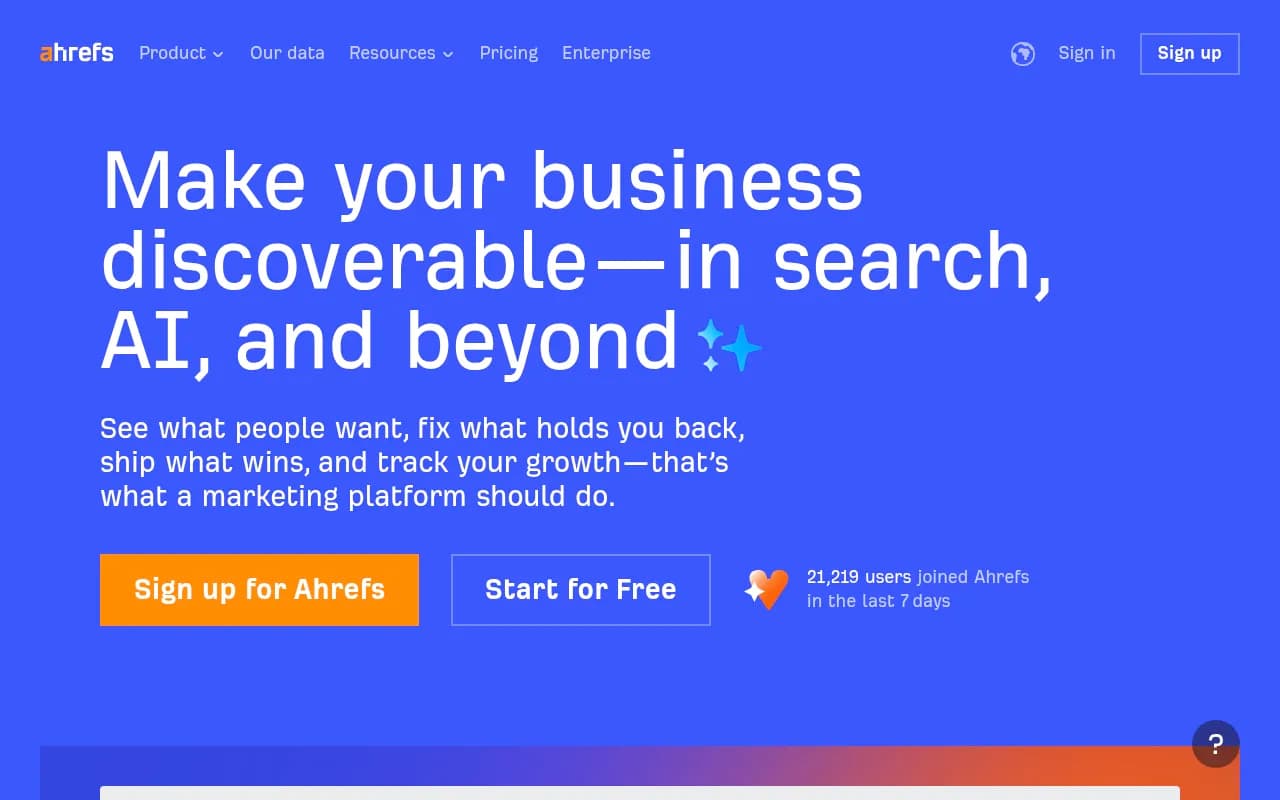
Ahrefs' Site Audit tool is another industry-standard option for technical SEO. It crawls your site like a search engine, identifying issues with crawlability, indexability, internal linking, and page speed. Ahrefs also checks robots.txt files and flags potential blocks.
However, Ahrefs doesn't have dedicated AI crawler log analysis or AI search tracking. Its Brand Radar feature monitors brand mentions in traditional search results, but it doesn't extend to AI-generated answers. You can use Ahrefs for foundational technical audits, but you'll need a separate tool to verify AI crawler access.
Best for: SEO professionals who want a powerful all-in-one platform for traditional SEO audits and competitive analysis.
Pricing: Lite $129/mo, Standard $249/mo, Advanced $449/mo, Enterprise $14,990/year.
7. SE Ranking: All-in-One SEO with Basic AI Tracking
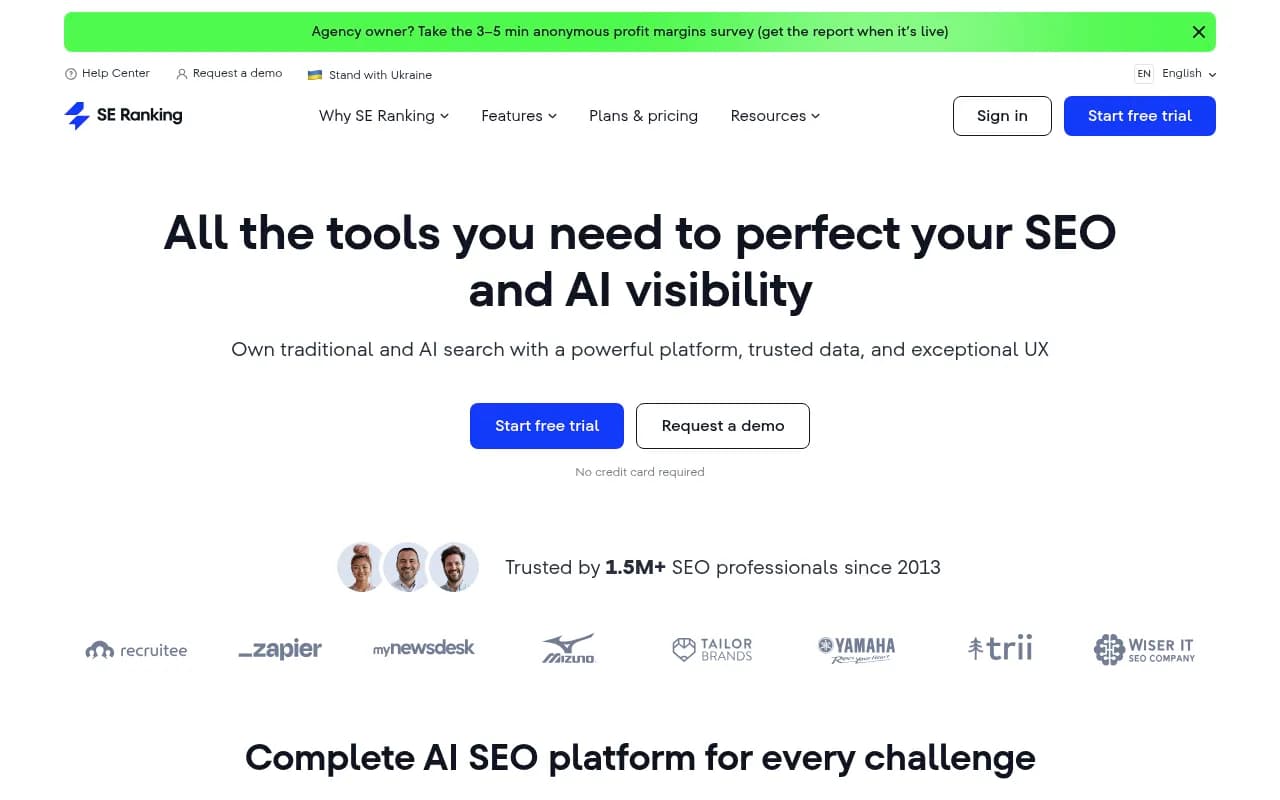
SE Ranking offers a full suite of SEO tools, including site audits, rank tracking, and backlink analysis. Its site audit feature checks for technical issues that affect crawlability, including robots.txt configuration and server errors.
SE Ranking recently added basic AI search tracking, but it's limited compared to specialized platforms. It doesn't provide real-time crawler logs or detailed AI visibility metrics. Still, it's a solid option for teams that want a budget-friendly all-in-one platform with basic AI monitoring capabilities.
Best for: Small businesses and agencies looking for an affordable SEO platform with foundational AI tracking.
Pricing: Essential $65/mo, Pro $119/mo, Business $259/mo.
How to Audit Your Site for AI Crawler Access
Even if you're using one of the tools above, it's worth understanding the manual process for checking AI crawler access. Here's a step-by-step workflow:
Step 1: Check Your Robots.txt File
Start by reviewing your robots.txt file (typically at yoursite.com/robots.txt). Look for Disallow rules that might block AI crawlers. Common culprits:
User-agent: GPTBot
Disallow: /

User-agent: Claude-Web
Disallow: /

User-agent: PerplexityBot
Disallow: /
If you see these rules, you're explicitly blocking AI crawlers. Remove them unless you have a specific reason to block AI access (e.g., protecting proprietary data).
Step 2: Review Server Logs for AI Crawler Activity
Access your server logs (via your hosting provider or a log analysis tool) and search for AI crawler user agents:
GPTBot(OpenAI/ChatGPT)Claude-Web(Anthropic/Claude)PerplexityBot(Perplexity)Google-Extended(Google Gemini)Applebot-Extended(Apple Intelligence)FacebookBot(Meta AI)
Look for patterns: Are these crawlers hitting your site regularly? Are they encountering 403, 503, or 500 errors? Are they successfully crawling your most important pages?
If you don't see any AI crawler activity, it's a strong signal that they're either blocked or your site isn't being prioritized for AI indexing.
Step 3: Test Individual Pages with AI Crawler Simulators
Use tools like Screaming Frog or custom scripts to simulate AI crawler behavior. Configure the crawler to use a GPTBot user agent and see if it can access your key pages. Pay attention to:
- Pages that return 403 or 503 errors
- Pages blocked by robots.txt
- Pages that require JavaScript rendering
- Pages behind authentication walls
Step 4: Monitor AI Search Visibility
Use a platform like Promptwatch, LLMrefs, or Otterly.AI to track whether your content is actually being cited in AI-generated answers. If you've fixed technical access issues but still aren't seeing citations, the problem might be content quality or relevance rather than crawler access.
Step 5: Set Up Ongoing Monitoring
AI crawler behavior changes over time. Set up automated monitoring (via Promptwatch's crawler logs or a custom log analysis tool) to alert you when AI crawlers encounter errors or stop visiting your site. This ensures you catch access issues before they impact your AI visibility.
Common AI Crawler Access Issues and How to Fix Them
Issue 1: Blanket Robots.txt Blocks
Symptom: AI crawlers are completely blocked from your site.
Fix: Update your robots.txt file to allow AI crawlers. Example:
User-agent: GPTBot
Allow: /

User-agent: Claude-Web
Allow: /

User-agent: PerplexityBot
Allow: /
Issue 2: Rate Limiting and Security Systems
Symptom: AI crawlers are being throttled or blocked by your firewall or CDN.
Fix: Whitelist AI crawler IP ranges in your security settings. Most AI companies publish their crawler IP ranges in their documentation. Configure your CDN (Cloudflare, Akamai, etc.) to allow these IPs.
Issue 3: JavaScript-Heavy Pages
Symptom: AI crawlers can't access content that renders client-side.
Fix: Implement server-side rendering (SSR) or static site generation (SSG) for critical pages. Alternatively, use dynamic rendering to serve pre-rendered HTML to AI crawlers.
Issue 4: Paywalls and Authentication Gates
Symptom: AI crawlers can't access content behind login walls.
Fix: Implement flexible sampling (similar to Google's First Click Free) that allows AI crawlers to access a limited amount of gated content. Alternatively, create public-facing summaries or excerpts that AI crawlers can index.
Issue 5: Redirect Chains and Server Errors
Symptom: AI crawlers encounter 301/302 redirects or 503 errors.
Fix: Audit your redirect chains and eliminate unnecessary hops. Ensure your server can handle AI crawler request volumes without timing out. Monitor server logs for patterns of 503 errors during peak crawler activity.
The Future of AI Crawler Access Auditing
As AI search continues to grow, expect more SEO audit tools to add dedicated AI crawler monitoring features. We're already seeing early signs:
- Real-time crawler log dashboards: Platforms like Promptwatch are leading the way with live feeds of AI crawler activity
- Automated access testing: Tools that automatically test whether AI crawlers can access your most important pages
- AI-specific crawl budgets: Insights into how often AI crawlers visit your site and which pages they prioritize
- Citation attribution: Connecting AI crawler activity to actual citations in AI-generated answers
The tools that win in this space will be the ones that close the loop—showing you not just whether AI crawlers can access your site, but whether that access is translating into visibility, citations, and ultimately traffic.
Choosing the Right Tool for Your Needs
Here's a quick decision framework:
If you need end-to-end AI visibility optimization (crawler logs, gap analysis, content generation, citation tracking): Use Promptwatch. It's the only platform that combines technical auditing with actionable optimization tools.
If you need deep technical SEO audits and are comfortable with manual AI crawler checks: Use Screaming Frog or Semrush Site Audit. Configure custom crawls to simulate AI bot behavior.
If you want simple AI search monitoring without technical complexity: Use Otterly.AI or LLMrefs. They won't help you diagnose crawler access issues, but they'll show you whether your content is being cited.
If you need an all-in-one SEO platform with basic AI tracking: Use Ahrefs or SE Ranking. They're strong for traditional SEO but limited for AI-specific auditing.
The reality is that most teams will need a combination: a traditional SEO audit tool for foundational technical checks, plus a specialized AI visibility platform to monitor crawler access and citation data.
Final Thoughts
AI crawler access is the new frontier of technical SEO. You can have the best content in the world, but if GPTBot, Claude-Web, and PerplexityBot can't access it, you're invisible in AI search. The tools in this guide give you the visibility and control you need to ensure AI engines can discover, crawl, and cite your content.
Start with a basic audit: check your robots.txt, review your server logs, and verify that AI crawlers are actually hitting your site. Then set up ongoing monitoring to catch access issues before they cost you visibility. The brands that win in AI search will be the ones that treat AI crawler access as a first-class technical SEO priority—not an afterthought.