
Key takeaways
- From October 8 to roughly October 16, 2026, many ChatGPT links lost
utm_source=chatgpt.com, so AI visits drifted into Direct. Profound says tags were back in about 99% of the cited answers it collected by the morning of October 16. - The tags returning does not repair the history. Reports covering those dates still undercount ChatGPT and need annotation and, where possible, estimation.
- Even with tags back, ChatGPT links carry no referrer in Usermaven's November 24, 2026 test. GA4 files that visit under Unassigned, while HubSpot files it under AI Referrals.
- Click-based analytics will never be complete. Add server-side AI crawler logs, a custom AI channel, and a monthly audit to your reporting before the year ends.
What actually happened in October
If your ChatGPT numbers fell off a cliff on October 9, your customers probably did not leave. Your analytics lost the label.
Profound's research team traced it to ChatGPT's new Intelligent UI, which answers more questions with interactive elements next to the usual text. Many of the links inside those answers were missing utm_source=chatgpt.com, the small tag at the end of a URL that tells an analytics tool "this person came from ChatGPT."
The mechanics are simple. Someone asks for running shoes, your brand is recommended, they click through and buy. Your site still records the visit and the order. But with no tag identifying the source, the visit can show up as Direct, and ChatGPT's part in the sale disappears. Profound adds a caveat worth remembering: a missing UTM does not always mean Direct, because a referring page can sometimes identify the source on its own.
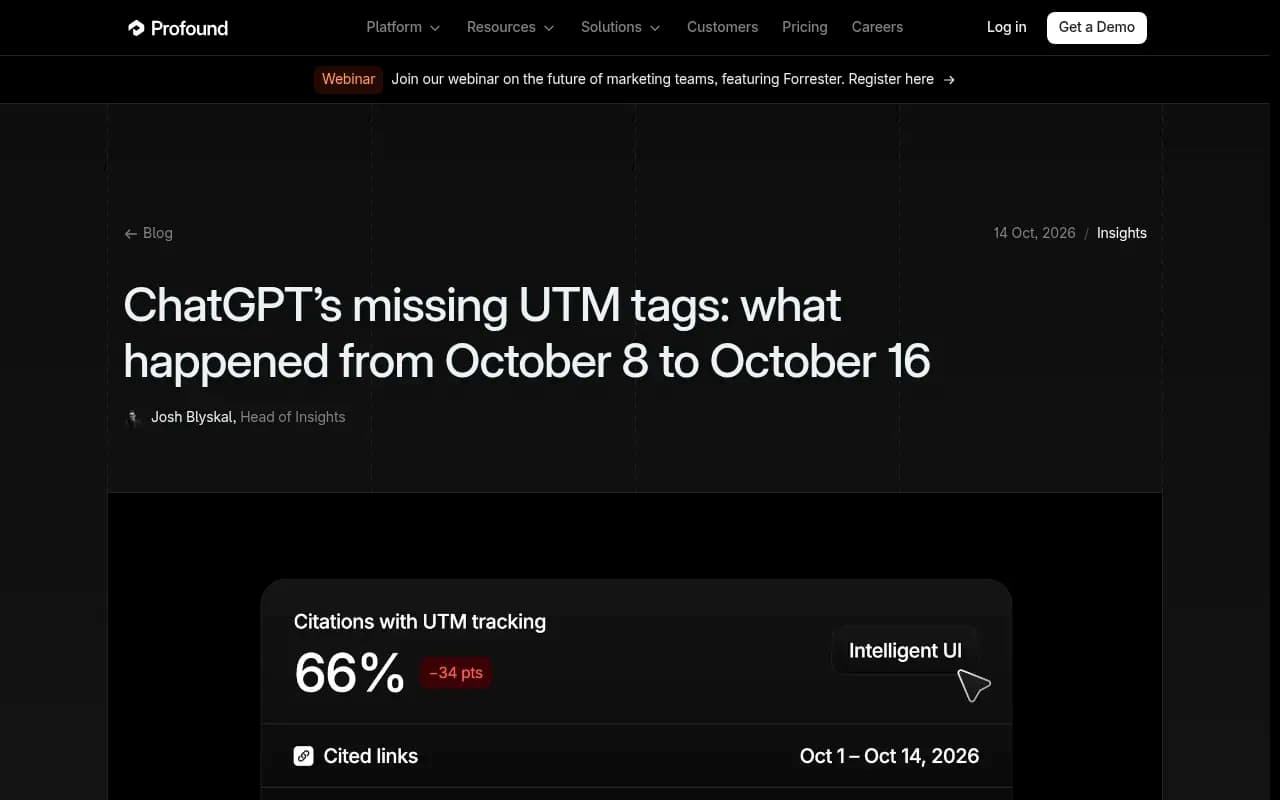
Search Engine Journal covered the same episode as a traffic drop that "appears to be a tracking problem." Their reporting cites measurements of more direct links in ChatGPT answers, with no tags or referrers attached. Search Engine Land's summary was blunt: the drop in UTM tracking was a bug, and you should keep using UTM tracking because referral information is still missing from most ChatGPT clicks.
Profound also noticed something annoying. Attribution could depend on which link a person clicked, even within the same answer. So you cannot assume a whole answer was tagged or untagged. It is messy at the link level.
The second problem: tags without referrers
The October glitch is the headline, but the November finding is the one that should change your setup.
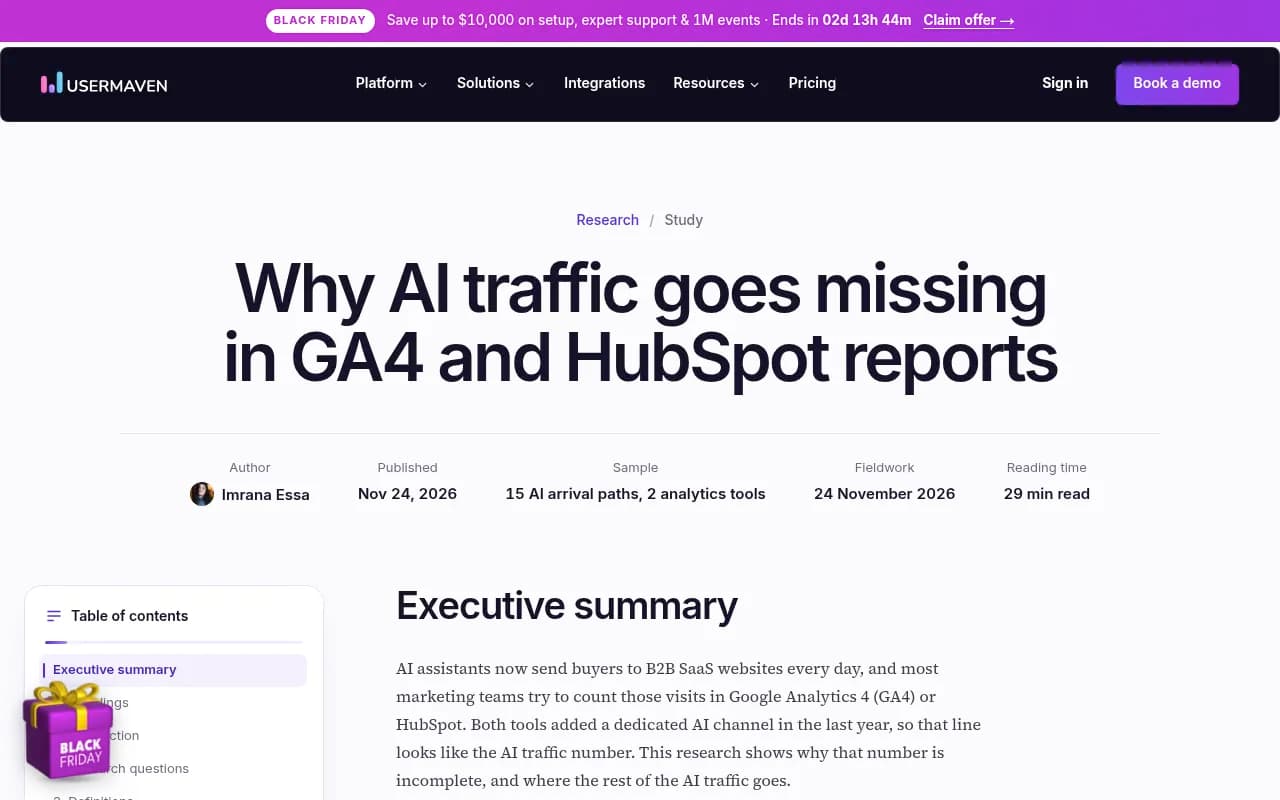
On November 24, 2026, Usermaven ran a controlled test on links inside ChatGPT, Perplexity, and Google AI Mode. For ChatGPT they clicked a link and recorded every header the destination received. Both an in-answer link and a web-search citation used rel="noopener noreferrer" and added utm_source=chatgpt.com. The clicked link delivered no Referer header. Ahrefs had found in May 2025 that free-account ChatGPT links still passed a referrer, so this is a change, not a long-standing quirk.
That matters because GA4 and HubSpot classify AI traffic differently.
| Assistant (Usermaven test) | GA4 default channel | HubSpot |
|---|---|---|
| ChatGPT | Unassigned | AI Referrals |
| Perplexity | Referral | AI Referrals |
| Google AI Mode | Organic Search | Organic Search |
Usermaven's reading of GA4's documented rules: the AI Assistant channel is assigned only when the referrer is on Google's list of AI assistants or the medium is exactly "ai-assistant." A session with source chatgpt.com and no medium is recorded as (not set), which matches no channel rule, so it falls to Unassigned. Across 15 AI arrival paths they examined, including desktop apps, deep research features, and paid ads, at most three reach GA4's AI Assistant channel and seven end up in Direct.
HubSpot reads the tag and files the visit as AI Referrals, which sounds better until you hit the other quirk. An ad click tagged utm_source=chatgpt.com and utm_medium=paid reaches the AI Referrals rule before any paid rule matches. So paid ChatGPT Ads clicks can inflate your organic-looking AI number.
The practical upshot: two tools can show two different AI traffic totals for the same week, and neither is the real one.
Step 1: audit the damage
Start with the history, because it is the part you cannot get back by fixing a setting.
- Pull AI referral and Direct for October 8 to 16 and compare them with the rest of the month. A dip in AI plus a bump in Direct is the signature.
- Check Unassigned in GA4 too. Post-tag-change ChatGPT visits can land there rather than in Direct.
- Add an annotation in GA4 for those dates, and mirror it in whatever BI layer your executives read.
- Look at branded search and Direct landing pages for the same window. Usermaven's headline finding is that when tags and referrers disappear, AI demand moves into Direct and branded search.
- Tell report owners before they ask. A one-line note beats a week of confused Slack threads.
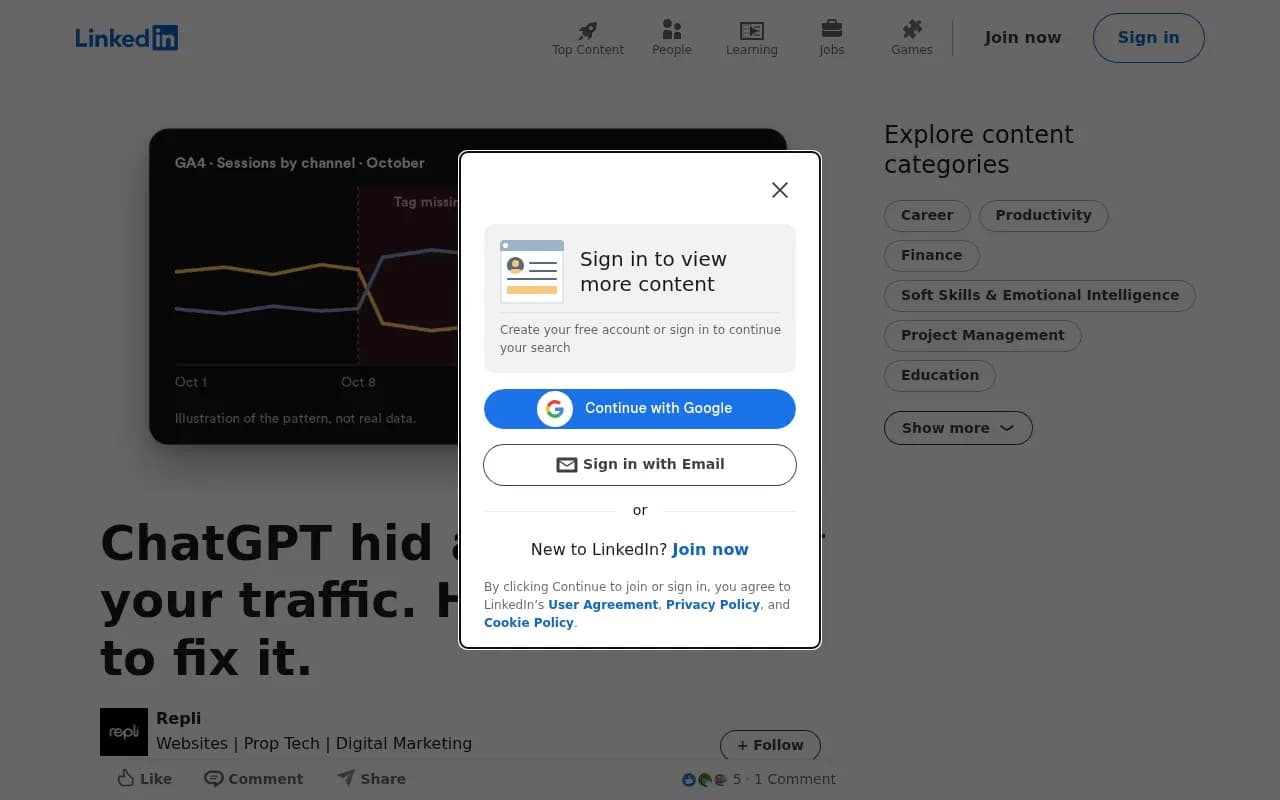
One LinkedIn post making the rounds makes the same point in plain language: compare the window, annotate it, and flag the gap to owners before someone declares ChatGPT dead. I agree with all of it. Another write-up put it better in the title: the leads did not vanish, only the label did. If your CRM shows steady pipeline across those dates while the AI line fell, that is your evidence.
Estimating the missing week
You will not recover exact numbers. You can build a defensible estimate:
- Take the average daily AI-referred sessions for the two weeks before October 8.
- Compare with the dip, and attribute the shortfall to the tagging gap, not to demand.
- Cross-check with the Direct bump and with form fills that mention ChatGPT in a "how did you hear about us" field.
- Label it as an estimate in every deck. Never overwrite the raw data.
Step 2: fix your channel rules
Because GA4 will not classify a tag-only ChatGPT visit as AI, build your own channel.
In GA4
Create a custom channel group with an AI channel rule that matches on source rather than relying on the default group. Use a regex that covers the sources you see in your reports, for example chatgpt.com, perplexity, gemini, copilot, and claude. Put it above Referral and Unassigned in the order of rules, since GA4 applies them in sequence. Then check Unassigned weekly for sources you have not covered.
The rule is simple, but ordering is where people slip. Test it with a real tagged visit before trusting it.
In HubSpot
HubSpot already files tagged ChatGPT visits as AI Referrals, so the job is to stop paid clicks from bleeding in. Use a distinct convention for ads such as a campaign name that identifies paid placements, and review your source rules in order, because the AI Referrals rule fires before the paid rules.
Tag what you control
Search Engine Land's advice stands: keep relying on utm_source=chatgpt.com as an attribution signal, since referrer data is still missing from most clicks. For links you publish yourself, such as your own listings, press, partner pages, or ads, add explicit UTMs with a consistent medium. That costs nothing and survives the next ChatGPT change.
Step 3: add measurement that does not depend on a click
Click-based reporting has a ceiling. Someone reads a ChatGPT recommendation, closes the tab, and types your brand into Google two hours later. No UTM catches that.
Two things help.
Server-side AI fetch logs
HelpDocs published a striking number in its knowledge-base traffic research: before it began recording verified AI fetches on the server, its own script-based tracking saw only 2 to 4% of them. Their advice is to assume you are missing most AI traffic if your analytics cannot see server requests. They also say to treat their 20.5% figure as a floor, since tools that fetch from a person's own computer, such as coding assistants, cannot be verified.
Server logs answer a different question than GA4. They tell you which AI bots are reading which pages, not who clicked. But they are immune to referrer and tag changes. Promptwatch Data's AI crawler report covers IP-verified requests from June 8 to September 6, 2026. In the week of August 31 to September 6, OpenAI made up 79.8% of verified AI crawler requests, down from 94.8% in the week of June 8 to 14. Only requests whose source IP matches the operator's published ranges are counted, so spoofed user agents are excluded.
Its practical advice transfers directly to your own logs: check robots.txt, CDN and WAF rules for each provider, compare your logs against the public mix, and split OpenAI by crawler, since training crawlers and answer-time fetchers behave differently. A provider that is large in the public mix but near zero in your logs is probably blocked.
Promptwatch bundles this with visitor analytics, so you can see AI-referred visits and IP-verified crawler activity side by side. Its AI crawler logs work with Cloudflare, Vercel, Fastly, and raw server logs, and the visitor script includes an optional setting that counts visits tagged utm_source=chatgpt.com as ChatGPT traffic. It is the option I would look at first if you want logs, traffic, and citations in one place.
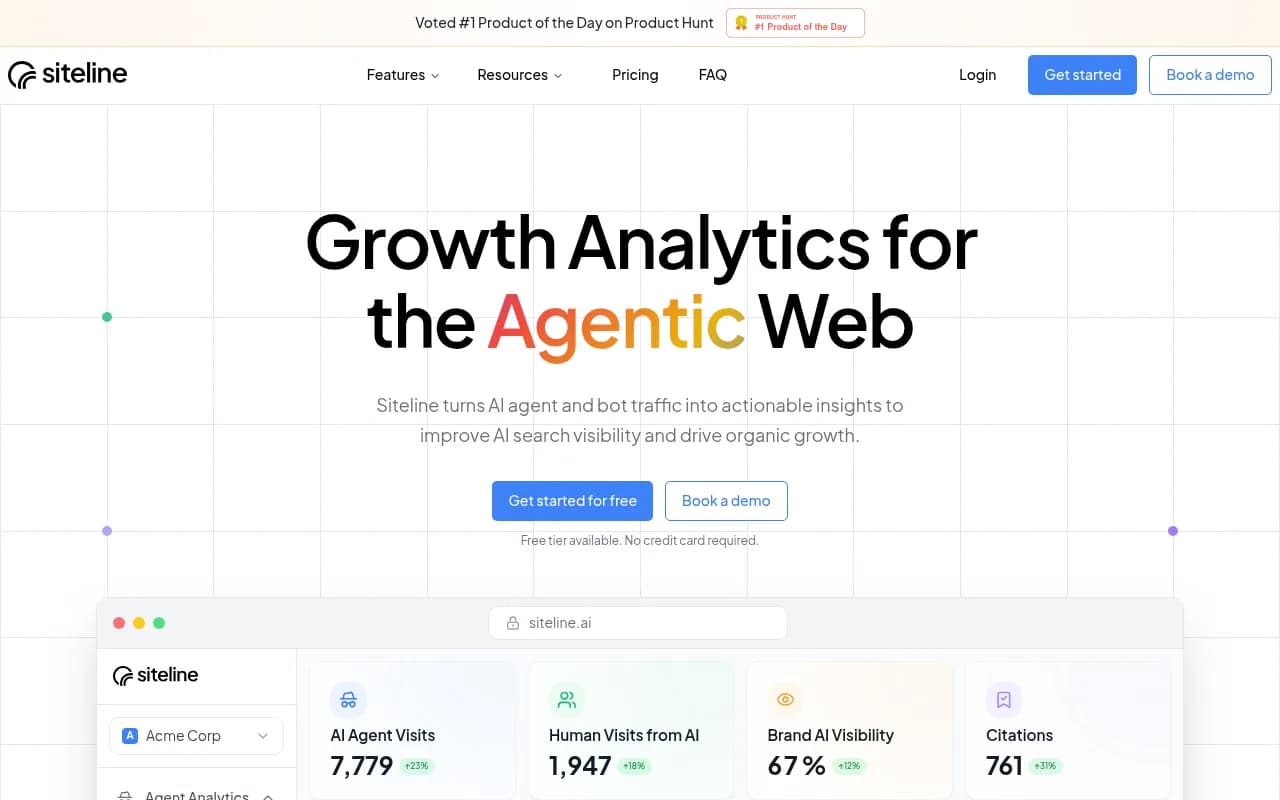
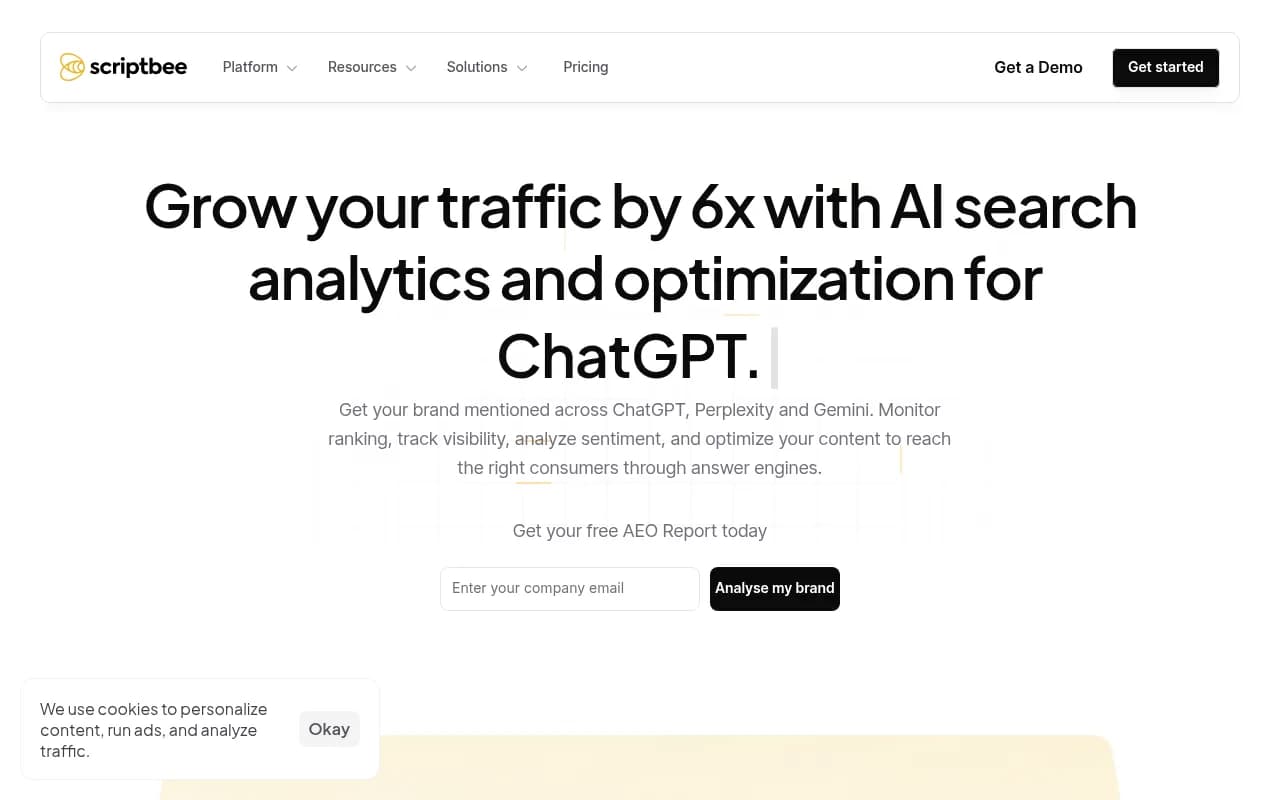
If you would rather stay in a single analytics stack, Siteline AI and Bear AI both market AI agent traffic analytics, and Scriptbee focuses on AI crawler monitoring. Check how each one verifies bots before you trust the numbers.
Visibility tracking
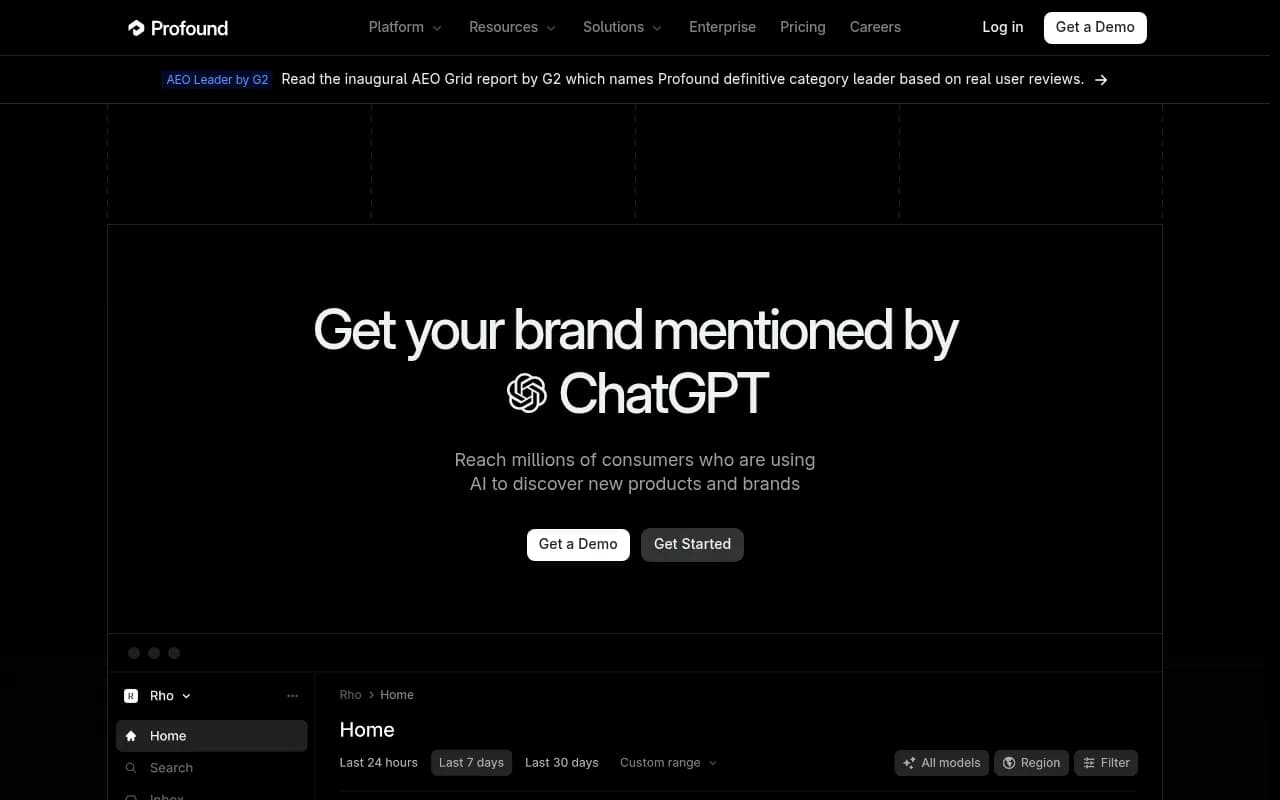
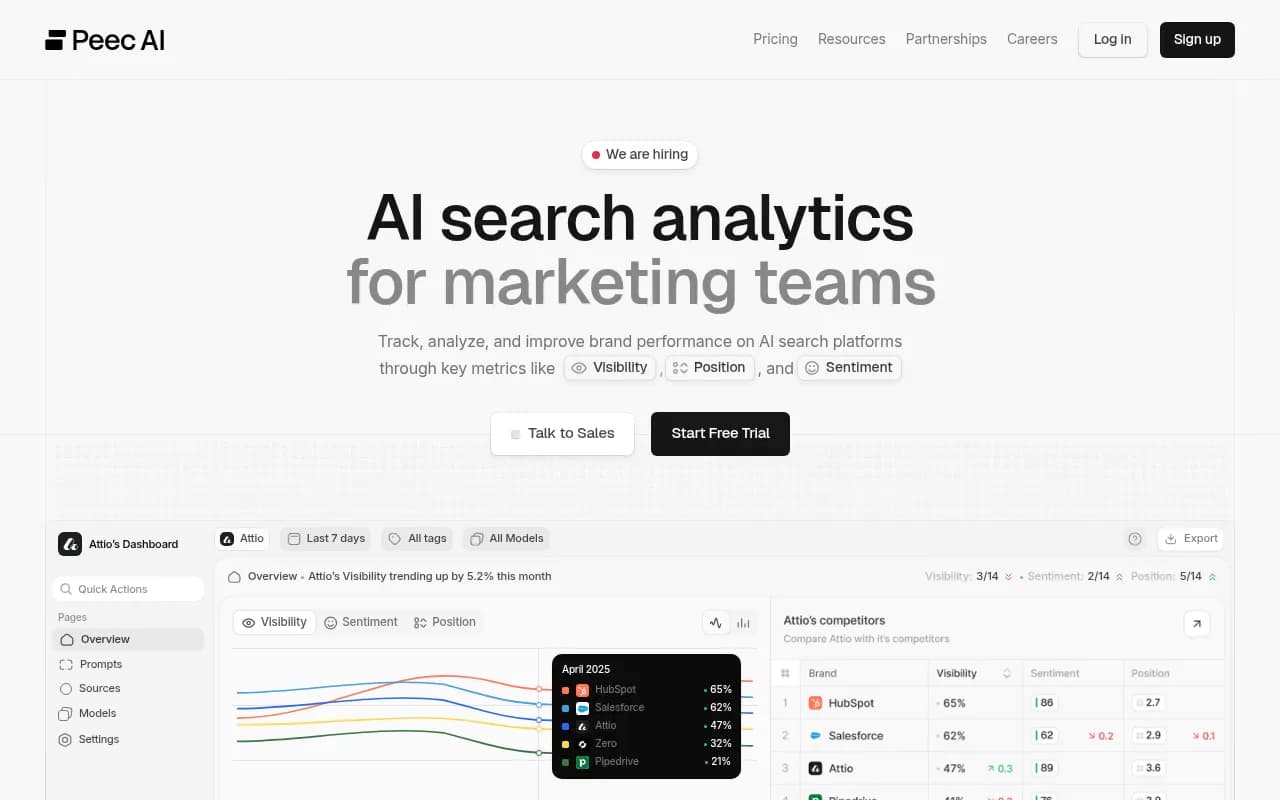
Traffic is a lagging indicator. If ChatGPT stops tagging links again tomorrow, the only steady signal is whether you are being cited in the first place. Tracking prompts, mentions, and citations gives you that leading view, independent of how a click gets labeled. Promptwatch, Profound, and Peec AI all do some version of this, with different depth.
Profound
For a wider shortlist, the GEO software directory at bestgeosoftware.com lists dozens of options.
Comparing your measurement options
| Method | Survives missing referrers | Survives missing UTMs | Shows who clicked | Setup effort |
|---|---|---|---|---|
| GA4 default channels | No | Partly | Yes | None |
| GA4 custom AI channel | No | Yes, if source matches | Yes | Low |
| HubSpot AI Referrals | Yes | No | Yes | None |
| Server-side crawler logs | Yes | Yes | No | Medium |
| Prompt and citation tracking | Yes | Yes | No | Low |
| Self-reported attribution form field | Yes | Yes | Partly | Low |
No single row wins. Use at least one from the click-based group and one from the server or visibility group, then reconcile them monthly.
Step 4: a pre-2027 monitoring checklist
This is the part I would put on a calendar now, while budgets and reporting templates are still open.
- Annotate October 8 to 16 in every dashboard and note the estimate method.
- Build the custom AI channel in GA4 and test it with a live tagged visit.
- Review HubSpot source rules for ordering conflicts, especially between AI Referrals and paid.
- Add a "how did you hear about us" field to demo and signup forms with an AI assistant option.
- Turn on server-side AI crawler logging through your CDN or host.
- Set a monthly check: click one citation in ChatGPT, Perplexity, and Google AI Mode and inspect what arrives in your analytics. Usermaven's method is a good template, since it records the headers the destination receives.
- Watch Unassigned and Direct for sudden shifts. A drop in AI plus a rise in Direct is the October pattern.
- Report AI traffic as a range, with a clear note that it is a floor, not a count.
If your site runs on Cloudflare, Fastly, Vercel, or Netlify, the logging step is usually an afternoon. The monthly click test is five minutes. Neither is glamorous. Both would have caught the October gap days earlier.
How to explain this to leadership
Executives tend to hear "ChatGPT traffic dropped 60%" and reach for the budget. Give them three facts instead:
- The drop came from a tagging change, not a demand change. Profound documented it and the tags largely returned by October 16.
- Pipeline and conversions held steady where your CRM data allows you to show it.
- AI traffic is undercounted by design. Some visits arrive as Direct, Unassigned, or branded search, and some AI fetches never touch a script-based tracker at all.
Then show the plan: custom channel, server logs, a self-reported field, and a monthly audit. That turns an embarrassing blip into a reason to invest in better measurement.
What to do this week
Do the audit first. It takes an hour and gives you something concrete to say. Then create the GA4 channel, because it is the cheapest fix with the biggest effect on how your reports read. After that, pick one server-side source of truth, whether that is your own CDN logs or a platform that collects them for you. By January you want two independent views of AI traffic that roughly agree. When they disagree, that is not a failure. It is the signal telling you something upstream changed, which is exactly what October should have taught us.
FAQ
Did ChatGPT really lose a week of traffic?
No. Visits kept arriving. What went missing was the utm_source=chatgpt.com tag on many links between October 8 and about October 16, 2026, so analytics tools had no label to attach and visits drifted toward Direct.
Are the UTM tags back?
Profound reports that by the morning of October 16, approximately 99% of the cited-link answers it collected included at least one tagged source link. Link-level behavior can still vary within an answer.
Why does GA4 show ChatGPT as Unassigned?
In Usermaven's November 24, 2026 test, ChatGPT links carried a UTM tag but no referrer. GA4 assigns its AI Assistant channel only when the referrer is a known AI assistant or the medium is exactly "ai-assistant," so a visit with source chatgpt.com and no medium matches no rule.
Can I recover the lost October data?
Not exactly. You can annotate it, estimate the shortfall from the pre-October baseline, and cross-check against Direct, branded search, and CRM data.
Do I still need UTMs?
Yes. Referral information is still missing from most ChatGPT clicks, so the UTM remains an important signal. Add your own UTMs to any links you control, and pair them with server-side measurement so you are not betting everything on one tag.