Key takeaways
- I could not find primary evidence on how location changes ChatGPT shopping results. Treat anything claiming otherwise, including this guide, as a hypothesis until you test it.
- Personalization is the biggest confounder. OpenAI says shopping research draws on ChatGPT memory and past conversations, so use a clean account with memory off.
- Run identical prompts from several places, log whether product cards appear, which merchants fill them, and what prices and availability show.
- Promptwatch's data shows shopping features appear on only a low single-digit percentage of web-search responses, so test commercial and transactional prompts, where trigger rates are far higher.
- Fix the basics first: Product schema, accurate prices and availability, and a clean merchant feed.
Why this question matters to retailers
If you sell in more than one region, or you run a store with local stock, you want to know whether a shopper in Denver sees different products than a shopper in Dublin. Google trained everyone to expect location to shape results. ChatGPT is a different animal, and the honest answer right now is that nobody outside OpenAI has published a clean answer.
I looked for primary evidence on IP-based location, device location, and OpenAI's location-sharing settings. I did not find any. The Promptwatch ChatGPT Shopping usage report has no location breakdown either. So this guide is a method, not a verdict. You run the test, you own the result.
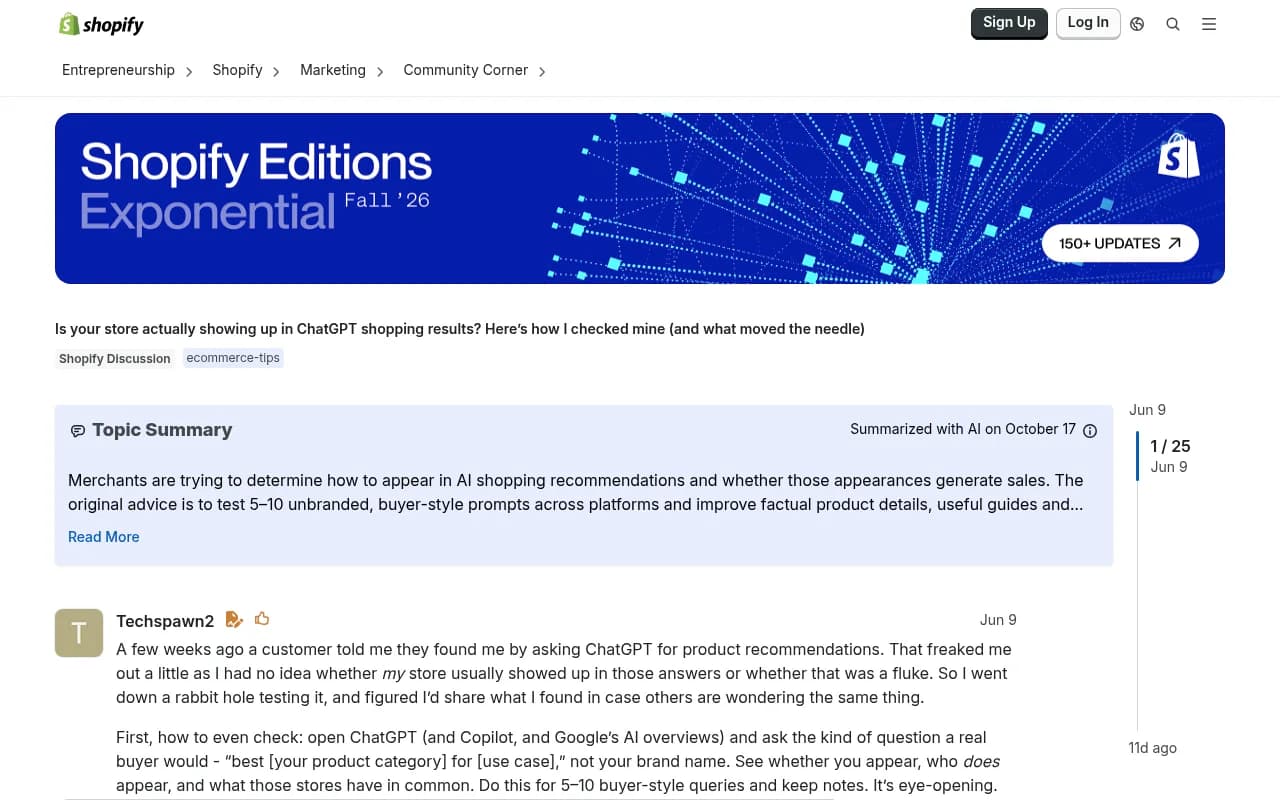
There are plenty of retailer anecdotes floating around. A small camping gear store owner on r/ecommerce described orders slowing for a few months and wondered how much ChatGPT was responsible. A Shopify Community thread on checking whether your store shows up in ChatGPT shopping results makes a similar point from the other direction: you only know by looking, repeatedly.
What we know about how ChatGPT shopping works
OpenAI launched shopping research on November 24, 2025, on mobile and web for logged-in Free, Go, Plus and Pro users. According to OpenAI's announcement, results are organic and based on publicly available retail sites. It reads product pages directly, cites sources, and tries to avoid low-quality or spammy sites.
Two details from that announcement matter for a location test:
- It builds on ChatGPT's understanding of you from past conversations and memory. That is personalization, and personalization can look exactly like a location effect if you are not careful.
- It performs best in detail-heavy categories: electronics, beauty, home and garden, kitchen and appliances, and sports and outdoor. Pick test products from these first, because that is where the feature is most likely to fire.
Now the data side. Promptwatch's shopping report counts the share of ChatGPT web-search responses that carry product cards, shopping recommendations or price comparisons. Only responses with citations are counted. Two findings stand out. The overall rate is a low single-digit percentage. And it moves in steps: in the window shown, it roughly doubled overnight in late May, then fell back weeks later. That looks like OpenAI tuning when cards appear.
The practical consequence is annoying. A result you see on Monday may not be there on Thursday, for reasons that have nothing to do with where you are. Your test design has to separate location from time.
What might plausibly change by location
I cannot tell you which of these is true. These are the places to look.
| Possible location signal | Where it could come from | What to watch for |
|---|---|---|
| IP address | Your network or VPN exit | Different merchants, currencies, shipping notes |
| Device or browser location | Permission prompts on mobile or browser | Local store mentions, "near me" style results |
| Account or profile settings | Saved details, memory | Results that persist after you change IP |
| Prompt wording | You typing a city or country | Obvious, so test it separately from implied location |
| Retailer-side localization | Your own site serving different prices or stock per region | Differences that are really your own site, not ChatGPT |
That last row is the one people forget. If your product page shows different prices in different countries, ChatGPT may read different pages depending on where it fetches from. A difference in results could be your site, not the model.
Query fan-out adds another wrinkle. Promptwatch's ChatGPT query fanout data says a single prompt can trigger 3 to 8+ searches, though the report's own averages were lower: 2.15 per response in early December 2025, about 1.84 by early March 2026, and 1.0 when data returned in April. Average query length fell from roughly 117 characters to about 53. So the searches behind a response are short keyword strings. Whether they include a location depends on your prompt and on what ChatGPT infers about you, and the report does not cover that. It is a gap worth testing.
How to run the location test
Step 1: Build a clean test setup
Personalization will wreck your results if you ignore it. Use a logged-out session or a dedicated clean account with memory turned off, and a fresh browser profile for each location. Note that OpenAI says shopping research is rolling out to logged-in users, so a logged-out session may not trigger the full experience. A dedicated test account with memory off is probably the better compromise. Whatever you pick, keep it the same for every run.
Keep a log of:
- Date and time (to the hour)
- Account type and memory setting
- Location method (VPN, physical device, proxy)
- Browser and device
- The exact prompt, copied and pasted
Step 2: Write a prompt set
Aim for 15 to 30 prompts. Pull them from what your customers really ask, and split them by intent:
- Commercial: "best cordless vacuum for a small apartment"
- Transactional: "buy a 4-person camping tent"
- Local-flavored: "where to buy hiking boots"
- Branded: "is [your brand] tent any good"
- Informational: "how to waterproof a tent"
Promptwatch's shopping data says features concentrate on commercial and transactional prompts, with trigger rates far higher there than on informational ones. Weight your set accordingly or you will get a spreadsheet full of empty rows.
Create two variants of each local-flavored prompt: one with no city, one with an explicit city. If results differ only when the city is typed, you have learned something simple: the model follows your words, not your location.
Step 3: Pick locations deliberately
Choose at least three places, and make them different enough to matter:
- Your home market and main city
- A second city in the same country
- A different country with the same language
- Optionally, a different language market
Use real devices or a reliable VPN. If you can, get a colleague or friend to run a few prompts from a physical location so you can compare VPN against genuine device signals.
Step 4: Control for time
Because card appearance seems to shift in steps, run all locations within the same hour, and repeat the whole sweep on at least three different days. One run proves nothing. If cards appear everywhere on Tuesday and nowhere on Friday, that is a time effect, and Promptwatch's chart suggests it is a real thing.
Step 5: Score what you see
For every prompt, location and run, record:
| Field | Example |
|---|---|
| Product cards shown (yes/no) | Yes |
| Merchants or brands in cards | Brand A, Brand B, Brand C |
| Your brand present (yes/no) | No |
| Position of your products | Not shown |
| Price and currency shown | $129 USD |
| Availability or shipping note | In stock, ships to region |
| Cited sources | Three retailer pages, one review site |
| Any local store or "near me" language | None |
Then compare. Three outcomes are possible, and each tells you something different:
- Results are essentially the same everywhere. Location is not your problem. Spend your effort on content and feed quality.
- Results differ in currency, shipping or merchants. ChatGPT is localizing, or your own site is. Check your site's behavior from each location before blaming the model.
- Results differ randomly between identical runs. This is normal variability. You need more runs before drawing conclusions.
Separate your site from the model
Before you decide ChatGPT is localizing, load your own product pages from each test location. Check whether prices, currency, stock status, redirects, or cookie and geo banners change. Also check whether any geo-blocking or bot rules could affect how crawlers reach you. A page that serves a country-selection wall to a crawler is a page that cannot be read well.
A free option for the crawler side is the AI-crawler checking that comes with most GEO platforms, or simply reviewing your server logs for AI user agents.
What to fix regardless of the test outcome
Promptwatch's recommendations for retailers are not location-specific, and they are the right baseline:
- Complete Product schema markup
- Accurate prices and availability
- A clean merchant feed
- Regular checks of your buyers' real commercial and transactional prompts, noting whether cards appear and which brands fill them
- Treating a step change in card frequency as OpenAI opening or closing a window for your category
Add to that: if you ship to many regions, make region-specific pages crawlable and distinct, with clear currency and shipping details, rather than hiding everything behind a JavaScript selector. A model reading your page cannot choose a region it cannot see.
Tools that can scale the test
Running this by hand across 30 prompts, four locations and three days is 360 checks. It is doable once. It is miserable weekly.
Promptwatch tracks the real interfaces of ChatGPT and other AI search products by country and language, and its Business plan includes local targeting at exact coordinates for ChatGPT, Google AI Overviews and AI Mode. It also has ChatGPT shopping visibility tracking, which is what you would want for the card-or-no-card scoring above. It is also one of the few platforms that logs AI crawler visits to your site, which helps with the site-versus-model question.

Other trackers in the category can handle multi-country prompt monitoring, though you should check each one for shopping-card coverage and location settings before you commit.
Profound

Otterly.AI

For browsing more options, the GEO software directory at bestgeosoftware.com lists a wide range of them.
For your own site-side checks, a crawler like Screaming Frog is handy for auditing structured data across product pages.
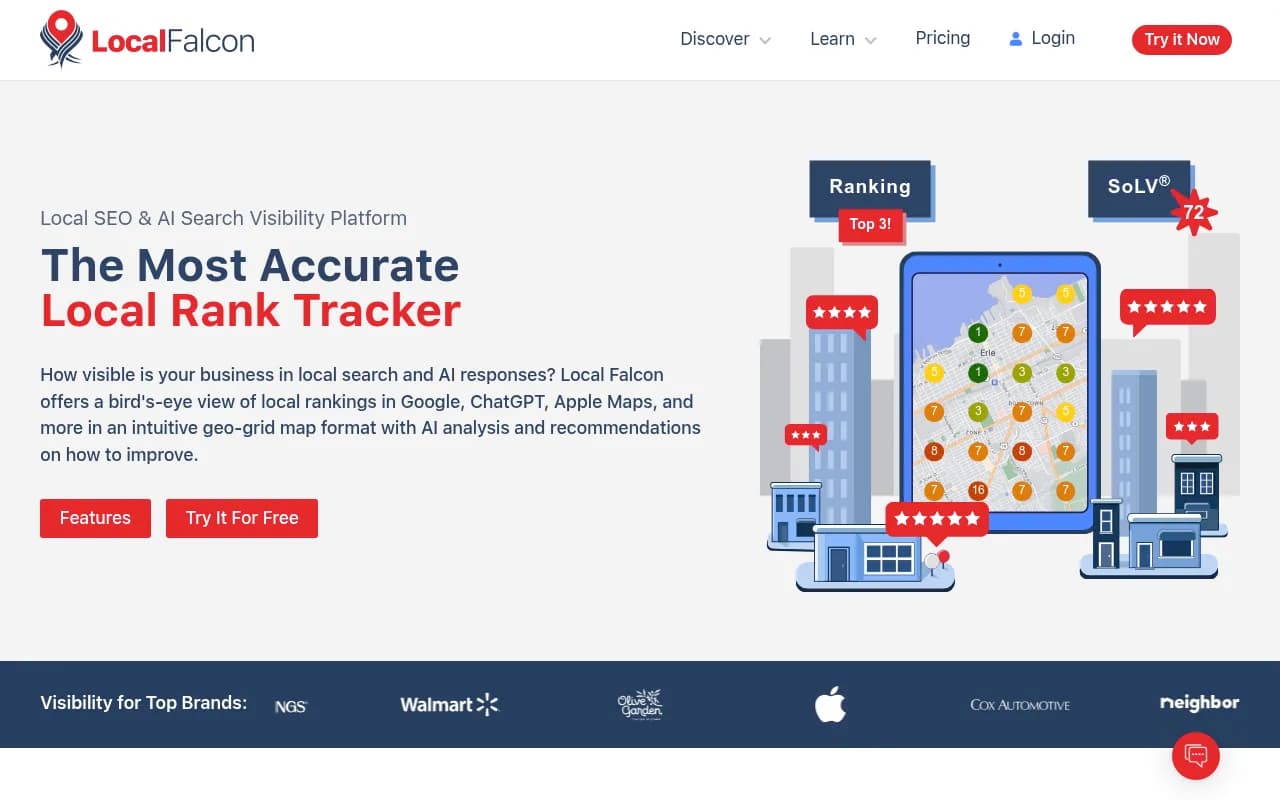
And if your local presence matters, a geo-grid tool shows you the Google side of location, which gives you a baseline to compare against.
Reading your results honestly
A few rules I would hold myself to:
- One screenshot is an anecdote. Ten runs across three days is a pattern.
- If a difference shows up only on a VPN, retest from a real device before you act on it.
- Do not call something a location effect until you have ruled out time, personalization and your own site.
- Write down what you did not test. If you never tried mobile with location permission on, say so.
If the test shows no meaningful location difference, that is a useful finding. It means you can stop worrying about geography and put your time into feed quality, schema and the pages AI systems read. If it shows a clear difference, you now have something concrete to take to your team: which regions you are missing from, and for which prompts.
A simple starting plan for this week
- Create a clean test account with memory off.
- Write 20 prompts weighted toward commercial and transactional intent.
- Pick three locations and run all of them in the same hour.
- Log card presence, merchants, prices and sources in a sheet.
- Repeat on two more days.
- Check your own product pages from each location.
- Fix schema, price accuracy and feed gaps no matter what the test says.
The unknown here is real. OpenAI has not published how location feeds into shopping results, and the data sets I could find do not break it out. Until that changes, your own repeated measurements are the best evidence available to you. For more on how ChatGPT's citation behavior shifts over time, the Promptwatch Data hub is worth bookmarking.