Key takeaways
- ChatGPT does not make up claims about your brand from nothing. Most wrong statements trace back to a page, a review site, a forum thread, or a gap where no good page exists.
- Brand-specific prompts draw on a short source list. In Promptwatch Data, 40.7% of those responses cite 5 domains or fewer, so a single bad source carries real weight.
- The fix is to find the source and correct it. Rewriting your homepage and hoping works poorly.
- You can run the manual version of this workflow for free in an afternoon. Tools can automate it once you have more than a handful of claims to track.
- Check weekly with the same set of questions, because AI answers shift between sessions and over time.
Why wrong answers about your brand are different from generic hallucinations
Most advice on fact-checking AI is written for students. Check the claim, find a second source, move on. That works when you are the reader. It does not work when you are the subject of the answer.
If ChatGPT tells a prospect that your product "lacks a mobile app" or "starts at $500 a month" and neither is true, you cannot lateral-read your way out of it. The prospect already read it. They may never visit your site at all. What you need is to understand why the model said it, and the answer is usually boring: some page said it first.
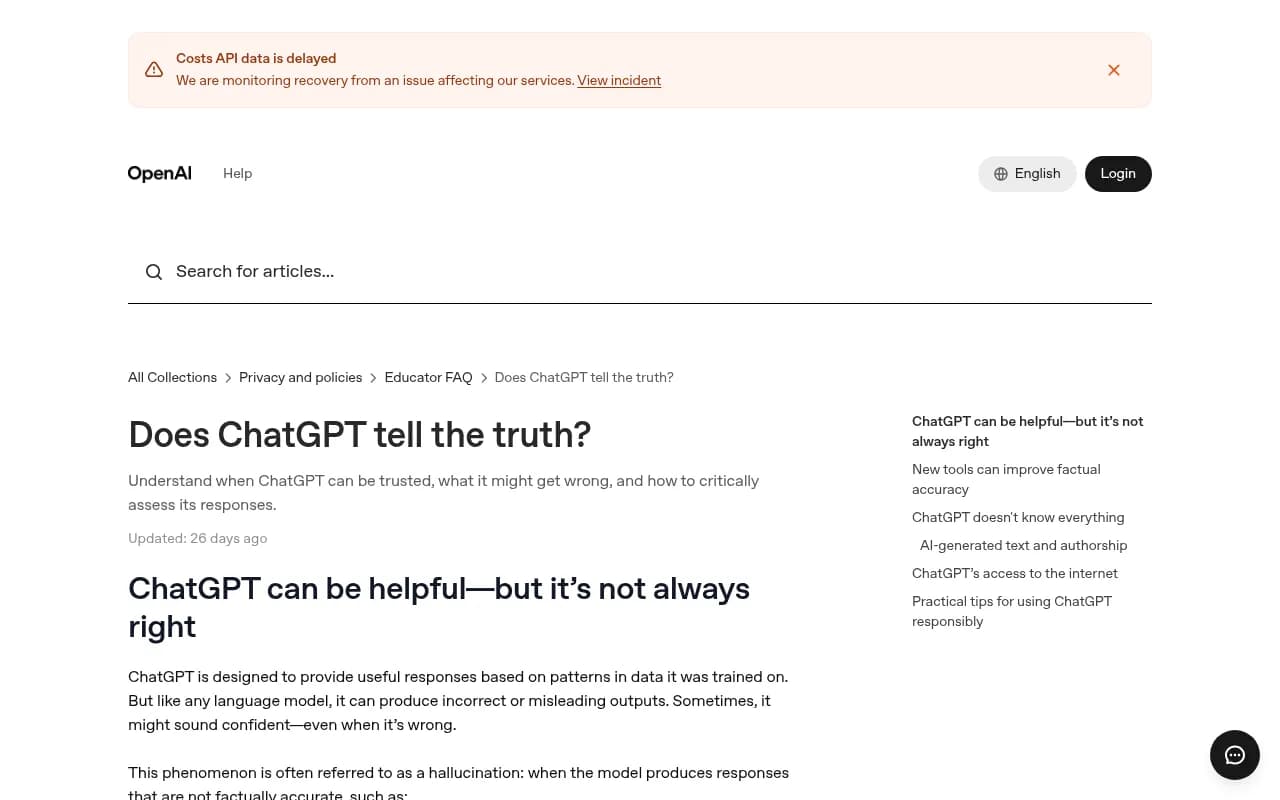
The University of Maryland Libraries have a useful guide on what AI gets wrong. They list three failure modes: AI guesses to cover gaps in information, it cites real websites with page URLs that do not exist, and it misreads the prompt. All three show up in brand answers, and they need different fixes.
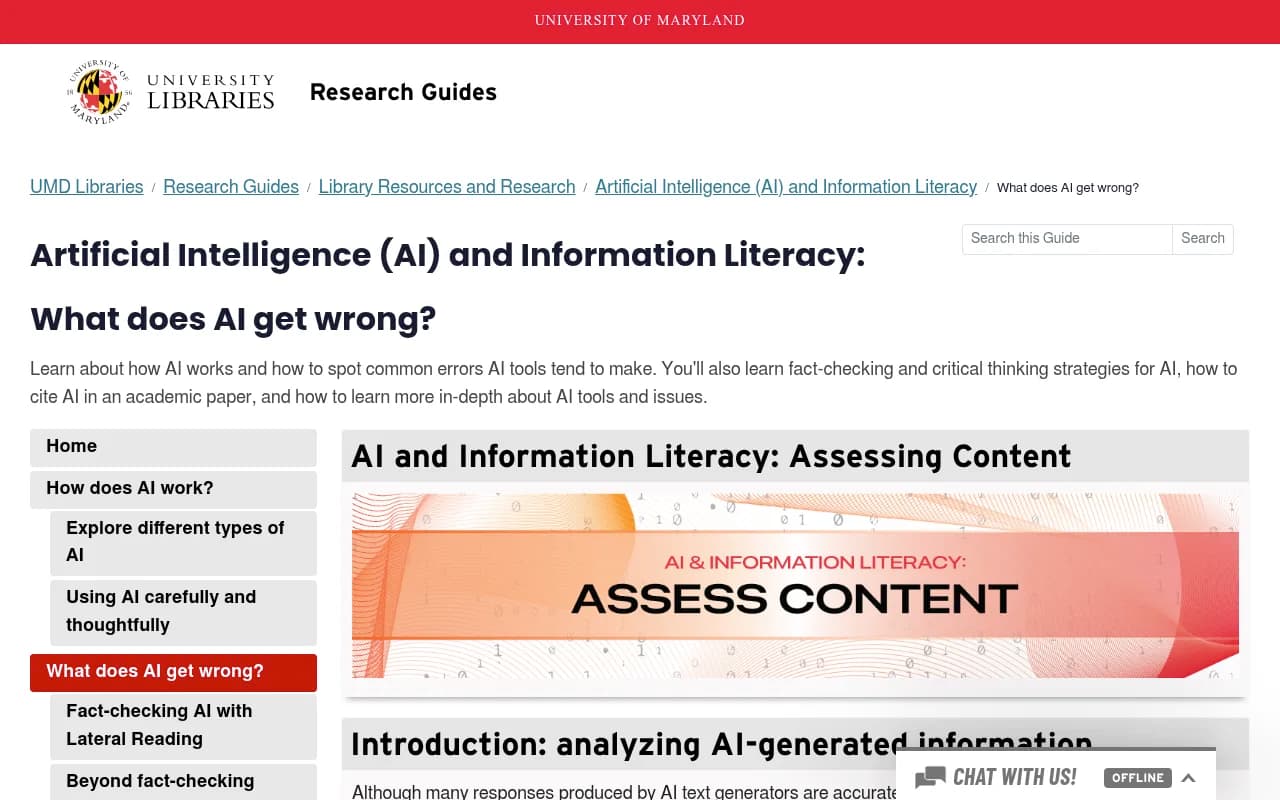
OpenAI itself says the same thing in its help center. Its page on whether ChatGPT tells the truth admits the model can produce incorrect definitions, dates, and facts, fabricated citations, and overconfident answers. It also notes that when Search is on, ChatGPT can look up current information and give cited answers. That second part is what matters for brand work. Cited answers have sources, and sources can be found.
The four reasons ChatGPT gets your brand wrong
Before you hunt for a page, work out which kind of error you are looking at. The diagnosis changes where you look.
| Error type | What it looks like | Where to look |
|---|---|---|
| Stale source | Old pricing, a discontinued feature, a former CEO | Your own old pages, press releases, cached third-party listings |
| Third-party source | A review site or forum thread states something false or outdated | The domains cited alongside your brand |
| Information gap | A confident answer with no matching source at all | Your site, which probably does not state the fact plainly |
| Training-data memory | A claim from the model's baseline knowledge that search does not override | Pages from years ago that still circulate |
The third row is the one I see people misdiagnose most. If no page anywhere states your pricing clearly, the model fills the hole with a guess. That is exactly the "guess to cover up gaps" behavior UMD describes. Fixing it means publishing the fact, not complaining about the answer.
Step 1: Capture the claim exactly
Write the wrong statement down word for word. Screenshot it. Note the prompt you used, the date, and whether search was on.
This sounds fussy, but AI answers vary between sessions, between phrasings of the same question, and over time. Frase makes this point in its guide to checking whether ChatGPT cites your brand, and it recommends checking weekly with a consistent set of buyer questions. A claim you saw once and cannot reproduce is hard to act on.
A decent starter set of prompts looks like this:
- "Is [brand] good for [your core customer]?"
- "How much does [brand] cost?"
- "[Brand] vs [top competitor]"
- "What are the downsides of [brand]?"
- "Does [brand] integrate with [popular tool]?"
Run each one three or four times. If the wrong claim appears in most runs, it is stable and worth chasing. If it shows up once in ten, note it and move on.
Step 2: Find the sources behind the answer
This is the step that separates fact-checking an answer from fact-checking your brand.
With ChatGPT Search on, expand the sources list under the response. Write down every domain. Then look at what kind of prompt you ran, because it changes how many sources you should expect.
Promptwatch Data's report on unique domains per ChatGPT response (Sep 28 to Oct 4, 2026) found that across all responses with citations, 47.6% cite 10 or more domains. Brand-specific prompts, like "is Asana good for small teams," look very different. The most common count is 5 domains, 40.7% of responses cite 5 or fewer, and only 21.3% reach 10 or more. The report's own advice is to check which other domains ChatGPT cites for prompts about your brand, because the review sites and forums on that short list shape how ChatGPT describes you.
That is good news for fact-checking. A short list is a searchable list. You are not hunting through 30 sources, you are reading five.
What to do with the list
Open each cited page and search it for the wrong claim, or for the opposite of the right one. Check three things:
- Does the page state the false claim directly?
- Does it state something true that the model could plausibly have garbled?
- Is the page old? Check the publish date and the last update.
Several URLs from the same domain count once in that report, so also look at whether multiple pages on a single site repeat the error. A comparison site with three stale articles is a bigger problem than one with one.
When the citation is fake
Sometimes the cited URL leads nowhere. UMD flags this: the websites are real, but the specific pages are not. Treat a dead citation as evidence of a gap, not a source. The model wanted a page that would back the claim and none existed. That points you toward publishing one.
Step 3: Check which content types are doing the teaching
Not all pages carry equal weight. Promptwatch Data's content type report (Sep 28 to Oct 4, 2026) breaks down what ChatGPT cites. Product pages lead at 22.4% of citations, then landing pages at 16.8% and listicles at 13.6%.
Branded prompts shift that mix, and it matters for your hunt:
| Content type | Share across all prompts | Share on branded prompts |
|---|---|---|
| Product pages | 22.4% | 23.3% |
| Landing pages | 16.8% | 22.8% |
| Reviews | 1.7% | 5.6% |
| Social posts | under 1% | 3.0% |
| FAQ pages | 3.3% | 4.8% |
So for questions about you specifically, your own product and landing pages account for almost half of citations. Reviews more than triple their share, and social posts rise almost fourfold. If the wrong claim is about pricing or features, start with your own pages and the review sites. If it is about reputation or support quality, look at reviews and social threads first.
Also consider age. The same data notes that news pages lose half their citations in about five weeks, while landing pages and docs keep most of theirs for months, per the content half-life report. A wrong claim sourced from a landing page or doc will stick around. One from a news story may fade by itself.
Step 4: Match the answer to the queries ChatGPT actually ran
There is a subtle trap here. ChatGPT does not search for the user's prompt verbatim. It generates its own queries, called query fan-outs, and cites pages that match those.
Promptwatch's query fanout data shows ChatGPT averaged roughly 2 searches per response in early 2026, with average query length falling over the period. The page's intro says a single prompt can trigger more, and the averages and that claim do not sit perfectly together, so treat any single figure with care. The practical point holds either way: your content has to match one of the queries ChatGPT generates, not the user's wording.
The report recommends headings written like search queries, with the entity and category up front. If your pricing page is titled "Plans" and a competitor's review site has a section called "[Brand] pricing in 2026," the review site wins the match, and its version of the facts gets cited.
ChatGPT also began using the site: operator at scale on August 8, 2026, jumping from about 0.4% to about 17% of fanout queries, according to Promptwatch's report on site: fanouts. That means it increasingly searches specific domains directly. If it is doing site:g2.com or site:reddit.com lookups for your brand, those sites matter more than they did.
Speaking of Reddit, its share of ChatGPT citations collapsed from around 4% to 0.5% on August 14, 2026, per Promptwatch Data. Do not assume a bad forum thread is feeding ChatGPT. It is much more likely to matter in Google AI Overviews, where social platforms earn about 12.2% of citations versus 0.46% in ChatGPT.
Step 5: Rule out an access problem
OpenAI's help page lists another cause: the model may not be able to read a site because of technical issues, paywalls, or robots.txt preferences. If your correct page is blocked or fails to load for AI crawlers, the model cannot learn from it, and the wrong third-party version wins by default.
Two free checks help here. Look at your robots.txt for rules affecting GPTBot, OAI-SearchBot, and ChatGPT-User. Then run a crawler access test, such as Promptwatch's free Agentic Readiness Check. If you have server or CDN logs, look for those user agents and check whether they get 200 responses on your key pages.
This is the difference between an access problem and a content problem. If bots never reach the page, rewriting it changes nothing.
Step 6: Fix the source, then verify
Once you have the offending page, the fix depends on who owns it.
If it is your page
State the fact plainly near the top. Pricing, integrations, and supported platforms should be in one clear sentence, not buried under 800 words of preamble. Frase's advice that engines favor content with a clear answer early in the page matches what I have seen. Add a dated "last updated" line, and update or redirect old pages that contradict the new facts.
If it is a third party
Contact the site and ask for a correction, attaching evidence. Review sites and directories often have a claim-your-profile process. Be polite and specific: quote the line, give the correct fact, link to your canonical page. Some sites respond in days, some never do. For the ones that do not, the answer is to build corroboration elsewhere.
That matters because engines tend to corroborate claims across sources. If your brand is described only on your own site, the model has less reason to trust you over a confident third party. A correct claim on your site, a partner's site, and a directory beats a single correct page.
If there is no source at all
Publish one. A short fact page, an FAQ, or a comparison page that answers the exact question works. Write the headline the way someone would search it.
Then wait, and recheck
New and updated pages take time to be crawled and absorbed. I would give it a few weeks, rerun the original prompts on a consistent schedule, and log whether the claim persists. Do not conclude it failed after two days.
Doing this manually versus with a tool
The manual method is free, takes about 15 minutes per prompt set, and is enough for a small brand with a handful of problem claims. It stops scaling when you have multiple products, markets, or competitors, because you are rerunning dozens of prompts and keeping a spreadsheet of sources.
Tools in this space fall into a few groups. Plain trackers tell you whether you were mentioned. A smaller set trace claims and sources.
| Tool | Approach | Good for |
|---|---|---|
| Promptwatch | Tracks claims AI makes about you, traces sources, helps fix content | Teams that want to find and fix wrong claims |
| LLMClicks | Visibility tracking with hallucination detection | Flagging inaccurate answers |
| Otterly.AI | Brand mention monitoring | Basic monitoring |
| Peec AI | Prompt-level visibility tracking | Marketing teams tracking mentions |
| Profound | Enterprise AI visibility tracking | Large brands with bigger budgets |
Promptwatch is the one I would look at first for this specific job. Its Brand Narrative feature pulls the individual claims AI makes about you and your competitors out of tracked responses, groups repeated ones, and shows which models say each. Fact Check, on the Business plan and above, lets you mark a claim Accurate or Inaccurate, then reads the pages crawled from your site to find the ones stating the claim or its opposite, with quotes and a recommended next step. That is the "which page is teaching it" question answered inside a tool instead of a spreadsheet. See pricing for current plans, or start with the free AI visibility report.

A few others are worth knowing about. LLMClicks advertises hallucination detection:
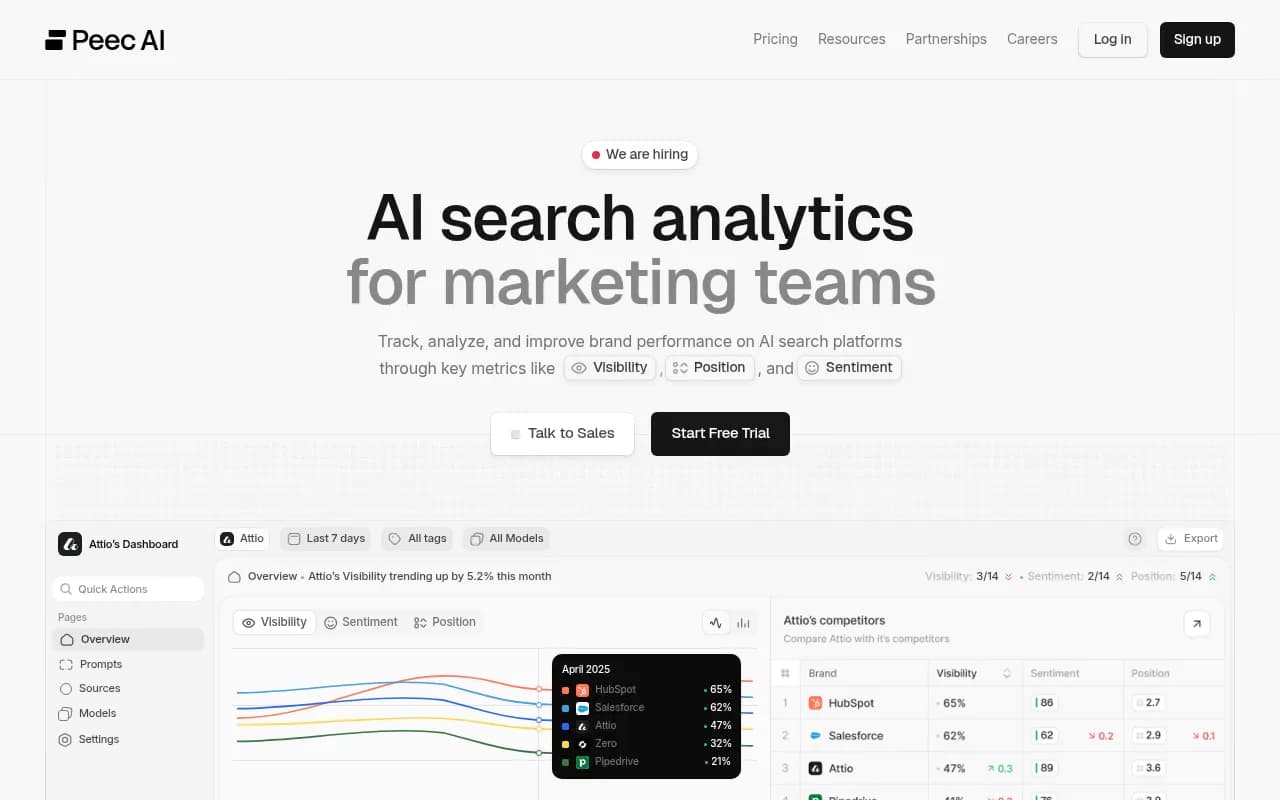
Otterly.AI and Peec AI are monitoring-first, which suits brands that mainly want to know whether they are mentioned:
Otterly.AI

For enterprise teams, Profound is the other name that comes up:
Profound
To browse more options, the GEO software directory at bestgeosoftware.com lists a wider set.
A weekly routine that takes 30 minutes
You do not need to turn this into a project. A short routine catches most problems:
- Run your fixed set of 10 to 15 buyer prompts.
- Record any claim that is wrong or outdated, with the sources cited.
- Open each cited page and decide: yours, theirs, or missing.
- File a correction request, update a page, or draft a new one.
- Recheck the same claims next week and mark them resolved or ongoing.
Keep a simple table: claim, model, prompt, source URL, owner, status, date. After a month you will see patterns. Usually two or three pages account for most of the damage.
What this will not fix
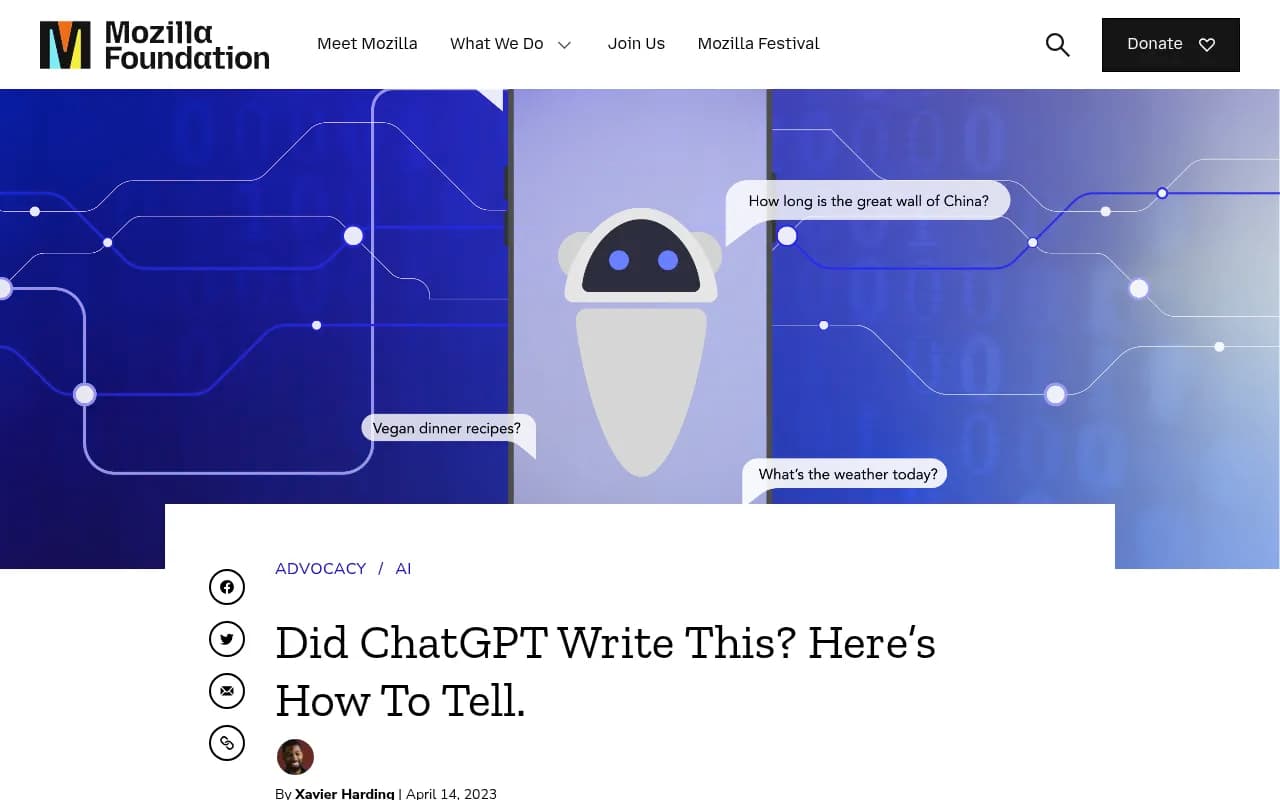
Be realistic. You cannot force ChatGPT to say anything, and you cannot always remove a bad source. Some claims come from the model's training memory and take a long time to shift. Mozilla's piece on spotting misinformation in ChatGPT frames AI output as a starting point, not the final word, and that applies to its descriptions of your brand too.
One more caution. Do not ask ChatGPT to tell you where it learned something and trust the reply. OpenAI says the model can fabricate sources and references. Use the visible citation list from Search, not the model's own account of itself.
Bottom line
When ChatGPT gets your brand wrong, treat it like a bug report. Capture the exact claim, pull the short list of cited domains, open each page, and figure out whether the error lives on your site, a third party, or nowhere. Then fix the source and recheck on a schedule. The brands that handle this well are not the ones with the cleverest prompts. They are the ones that keep one accurate, plainly worded page for every fact a buyer might ask about.