Key takeaways
- A free no-login scan answers one question well: does AI mention my brand at all, and who shows up instead of me?
- It is a single sample. AI answers change between runs, so one scan is a snapshot, not a measurement.
- Free tools generally lack history, frequent sampling, crawler logs, traffic attribution and any way to act on what they find.
- Use the free scan to decide whether you have a visibility problem. Pay only when you need trends, evidence and execution.
- Your own server logs, Search Console and Bing Webmaster Tools are free and cover things no scan can see.
Why a free scan is a reasonable place to start
There are now hundreds of AI visibility tools and a growing pile of free ones. Semrush's checker lets you run three scans a day without an account. Searchable, Conductor, Ahrefs and HubSpot all have a free grader or checker. Google and Bing now show some AI impression data inside their webmaster tools.
I think that is good news. Ten minutes and no credit card is the right price for finding out whether you have a problem. The mistake is treating the result as a measurement instead of a first look.
Promptwatch runs its own free AI visibility report: a no-login scan of how ChatGPT, Gemini and Perplexity talk about your brand, with a visibility score, a crawler access check and a list of what to fix. That is the kind of tool this guide is about, so the rest of it explains what that class of tool does well and where it stops.

What a no-login scan actually tells you
Most free scans return a similar set of outputs. The Semrush-style reports list a visibility score from 0 to 100, mentions, citations, platform coverage, top cited pages and a competitor comparison. Even a basic scan can answer these:
- Whether any of the major engines name your brand when asked about your category.
- Which competitors appear in the answers you wanted.
- Which engine is friendliest to you and which ignores you.
- Whether your site is readable to AI crawlers at all (the better free tools check robots.txt and similar basics).
- A rough baseline number you can compare against later.
That is enough to separate three situations: you are invisible, you are visible but outranked, or you are fine. For a small site or a pitch to a client, that triage is worth having.
What a one-off scan misses
It is one sample of a noisy system
AI answers are not stable. Rand Fishkin's SparkToro research, reported by Search Engine Journal, found less than a 1% chance that ChatGPT or Google's AI returns the identical list of brands twice for the same prompt, based on nearly 3,000 runs across 12 prompts. Run a prompt once and you have sampled one outcome, not a fact.
SISTRIX's 17-week study found ChatGPT replaces 74% of the sources it cites every week, and Google AI Mode replaces 56%. A scan taken today describes today.
Promptwatch's own data points the same way. In its average sources per response report, Perplexity cites almost exactly 10 sources per answer every day, Google AI Overviews cites about 10 and ChatGPT about 5. Copilot swung from under 2 to nearly 17 within a few weeks. A single snapshot is fairly safe for Perplexity and risky for Copilot and ChatGPT.
It tests the prompt you typed, not the searches AI actually runs
When ChatGPT answers with web search, one prompt can trigger several separate searches. Promptwatch's ChatGPT query fanout data tracks how many, and the numbers move: roughly 2.15 fanout queries per response in early December 2025, about 1.84 by early March 2026, and a lower figure once data returned in April. Query length shifted a lot too.
A no-login scan generally tests the exact prompts it ships with. It cannot show you the sub-queries your content needs to match. Behavior also changes abruptly: Promptwatch Data recorded ChatGPT starting to use the site: operator at scale on August 8, 2026, jumping from about 0.4% to about 17% of fanout queries in one overnight shift. A scan cannot warn you about that. Trend monitoring can.
It blends or hides the unbranded picture
Branded prompts only show whether a model can find you when someone already knows your name. The number that matters for growth is the unbranded one, where a buyer has not picked a vendor. If a tool blends both into one score, you look more visible to new buyers than you are. Check whether a free report separates them before you trust the headline number.
No history, no trend, no benchmark
A score of 34 means nothing without last month's score. Free tools either keep no history (Conductor's checker) or depend on a trial or account staying active. Rework's roundup of free tools says it plainly: a paid tool is the only way to get a month-over-month graph instead of a single point in time.
No demand context
You may learn you appear in some percentage of answers for a prompt, with no idea whether that prompt is asked 50 times a month or 50,000. Without prompt volumes and difficulty, you cannot prioritize.
No link between visibility and revenue
Pew Research found Google users click a website 8% of the time when an AI summary appears, versus 15% without one. So a mention is worth less than a click, and a scan cannot tell you whether any clicks arrive. Only analytics tied to AI referrals can. Search Console and GA4 count some of that traffic, but neither tells you whether an engine named you.
No crawler evidence
A scan can check whether robots.txt blocks AI bots. It cannot tell you whether GPTBot, OAI-SearchBot, ClaudeBot or PerplexityBot actually visited, which pages they read, or where they hit errors. That evidence lives in your server or CDN logs. Without it you cannot tell an access problem from a content problem.
No way to fix anything
The report ends with a to-do list. Someone still has to write the pages, publish them and find out whether the fix worked.
Free versus paid at a glance
| Capability | Free no-login scan | Typical paid tracker | Full AI visibility platform |
|---|---|---|---|
| Does AI mention me? | Yes, once | Yes, daily | Yes, daily or hourly |
| Competitor names in answers | Yes | Yes | Yes |
| History and trends | No | Yes | Yes |
| Many runs per prompt | No | Varies | Yes |
| Branded vs unbranded split | Rarely | Sometimes | Yes |
| Prompt volumes and difficulty | Rarely | Sometimes | Yes |
| Query fan-outs | No | Rarely | Yes |
| AI crawler logs | No | Rarely | Yes |
| AI traffic attribution | No | Rarely | Yes |
| Content creation and publishing | No | No | Yes |
| Cost | Free | From about $29 to $295/mo | From $95/mo and up |
Prices vary by vendor and change often. The Best AI Visibility Tools roundup lists Otterly.AI from $29/mo, Peec AI from $95/mo, Semrush's toolkit from $99/mo and AthenaHQ from $295/mo, so confirm current numbers on each vendor's pricing page.
The free tools worth running anyway
Treat these as inputs, not answers.
Manual prompt testing
Open ChatGPT, Perplexity, Gemini and Claude and ask your 15 to 20 most important buyer questions by hand. Log whether you are mentioned and whether you are cited as two separate results. It costs only time and is the baseline every paid tool is measured against.
Google Search Console and Bing Webmaster Tools
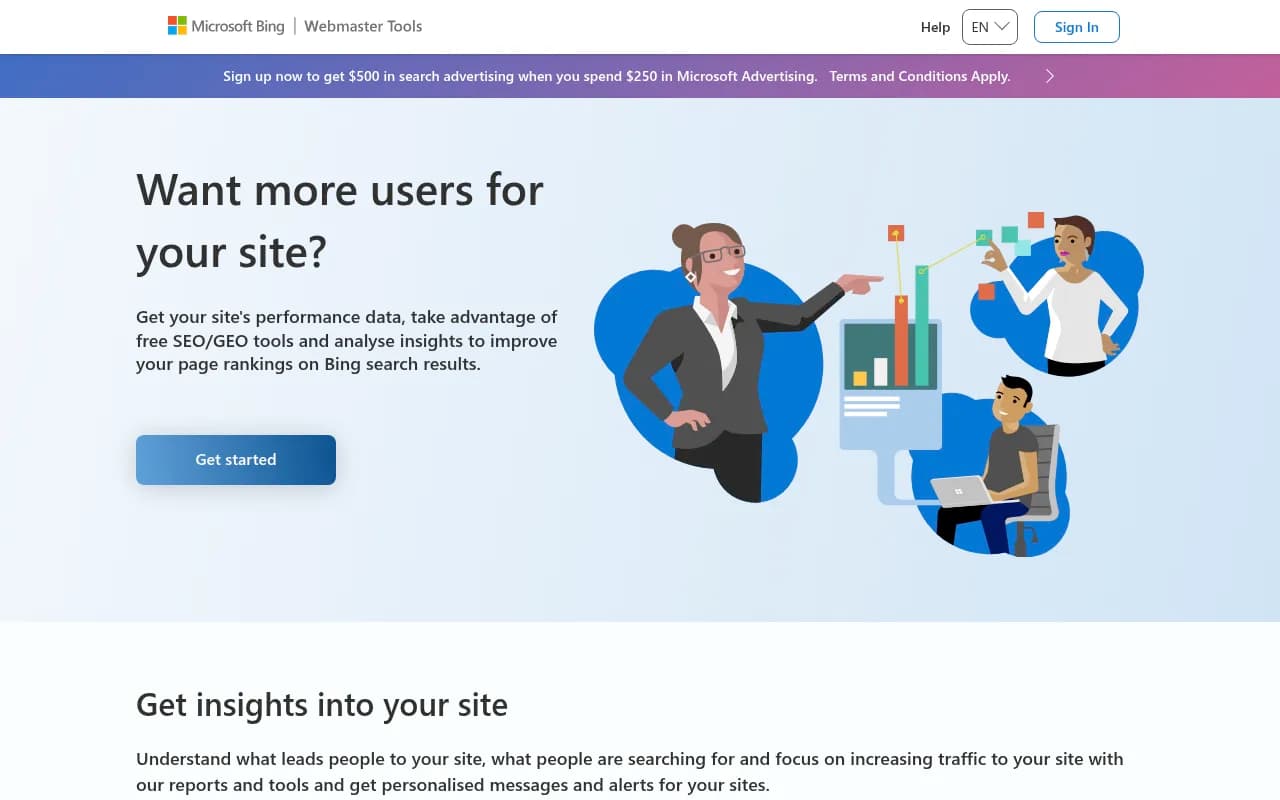
Google Search Console now has an AI report, but it shows impressions only, with no queries and no clicks, and sites without enough AI impressions may not see it. Neither Google nor Bing will say anything about ChatGPT, Perplexity or Claude.
Your own logs and analytics
Your server already records which AI crawlers visit, and analytics already records AI assistant referrals. The user agents worth knowing:
| Crawler | What it does | Your lever |
|---|---|---|
| OAI-SearchBot | Controls appearance in ChatGPT search answers | Allow or block in robots.txt |
| GPTBot | OpenAI model training | Separate robots.txt rule |
| ClaudeBot | Anthropic training collection | Allow or block in robots.txt |
| Claude-User | Live fetch when a person asks Claude to look something up | Generally not worth blocking |
| Google-Extended | Gemini training and grounding | Separate token from Googlebot |
| Bingbot | Feeds Copilot through the Bing index | Standard robots.txt rules |
A visit does not guarantee a citation. But a complete absence tells you something a prompt test cannot: you may not be in the retrieval pool at all. Promptwatch also offers a free AI crawler URL inspector and an Agentic Readiness Check for the access side.
Other free checkers
Amplitude's AI Visibility gives free tracking for a brand where you have a corporate email, with 500 prompts, but only two LLMs and weekly refresh. Semrush, Searchable and Conductor offer quick scans. AthenaHQ has a free Essential plan with a one-time credit grant. The trade-offs are usually the same: one brand, few engines, little history.

How to read a free report without fooling yourself
- Run it more than once, on different days. If your score swings a lot, that is the point: variance is normal.
- Look at competitor names before looking at your score. Who owns the answers is more useful than a 0 to 100 number.
- Check which engine drives the result. A strong Perplexity showing and zero ChatGPT presence are very different problems.
- Note which of your pages get cited. Documentation, product pages and landing pages tend to hold up. Promptwatch Data on content half-life found landing pages and docs stayed cited longest, while news lost half its pages within 36 days.
- Do not act on schema or llms.txt alone. Ahrefs found no meaningful citation lift from schema markup across nearly 2,000 pages studied, per the Rework roundup.
- Screenshot the result and date it. It becomes your only baseline.
When a free scan is enough
Stay free if you run a small site, you only want to know whether AI knows you exist, you are preparing an agency pitch, or you are deciding whether this channel deserves budget. A manual log plus one or two free scans and Search Console covers that.
When to move to a paid platform
Pay when at least one of these is true:
- You need to show trend lines to a boss or client.
- Leadership asks what AI search is worth in traffic and conversions.
- You compete in a category where AI recommendations decide shortlists.
- You suspect AI crawlers are blocked or erroring on key pages.
- You publish content regularly and want to know which pieces get cited.
- You manage several brands, markets or languages.
The next question is which kind of paid tool. Prompt trackers answer "was my brand mentioned?" They are fine for monitoring, but the work of fixing the problem stays with you. Promptwatch is built around a loop instead: monitor what AI says, trace where it gets its answers (citations, IP-verified crawler logs, Reddit and YouTube sources), act through the Action Board and Content Agent, then measure crawls, citations and AI-referred traffic. It reads real AI interfaces rather than only APIs, which matters because user-facing answers can differ from API output.
Plans start at $95/mo (Essential), $245/mo (Professional) and $579/mo (Business, the first plan with the Content Agent, hourly tracking and local targeting). Agency plans start at $199/mo. Confirm current pricing at promptwatch.com/pricing. The 7-day free trial on monthly billing is a sensible next step after the free report. For comparisons with other paid options, see Promptwatch vs Profound, vs Peec and the 2026 GEO platform comparison.
Other paid options to compare
| Tool | Positioning | Good for |
|---|---|---|
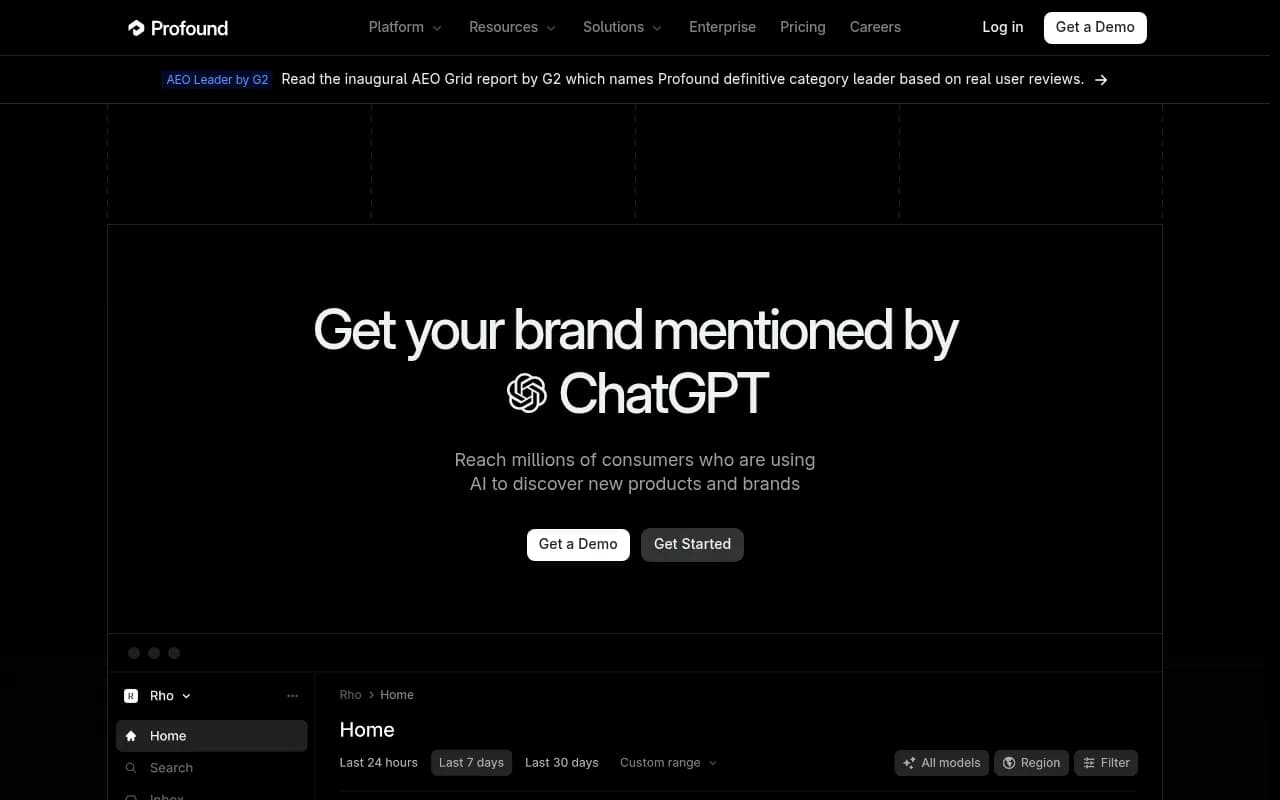
| Profound | Enterprise monitoring | Large brands with budget |
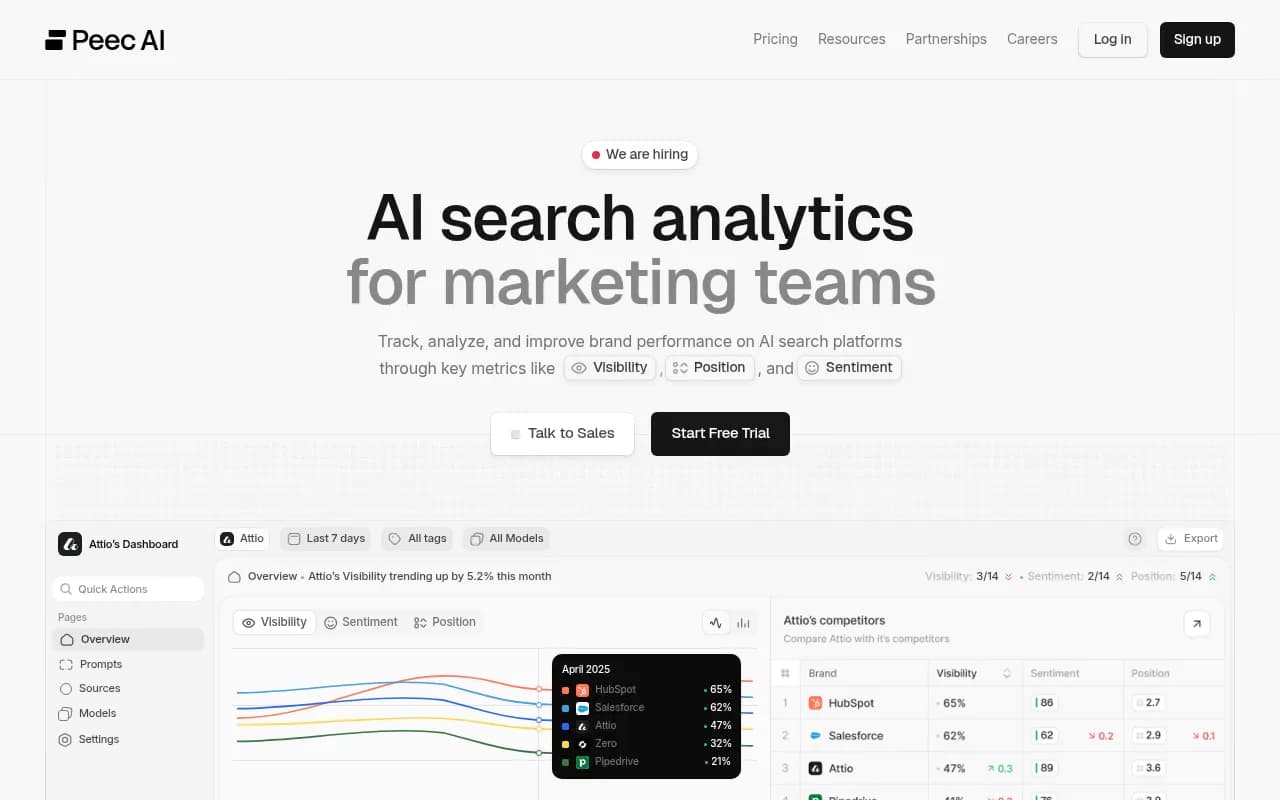
| Peec AI | Tracking for mid-market and agencies | Straightforward monitoring |
| Otterly.AI | Low-cost monitoring | Small budgets |
| AthenaHQ | Many engines for the price | Broad coverage |
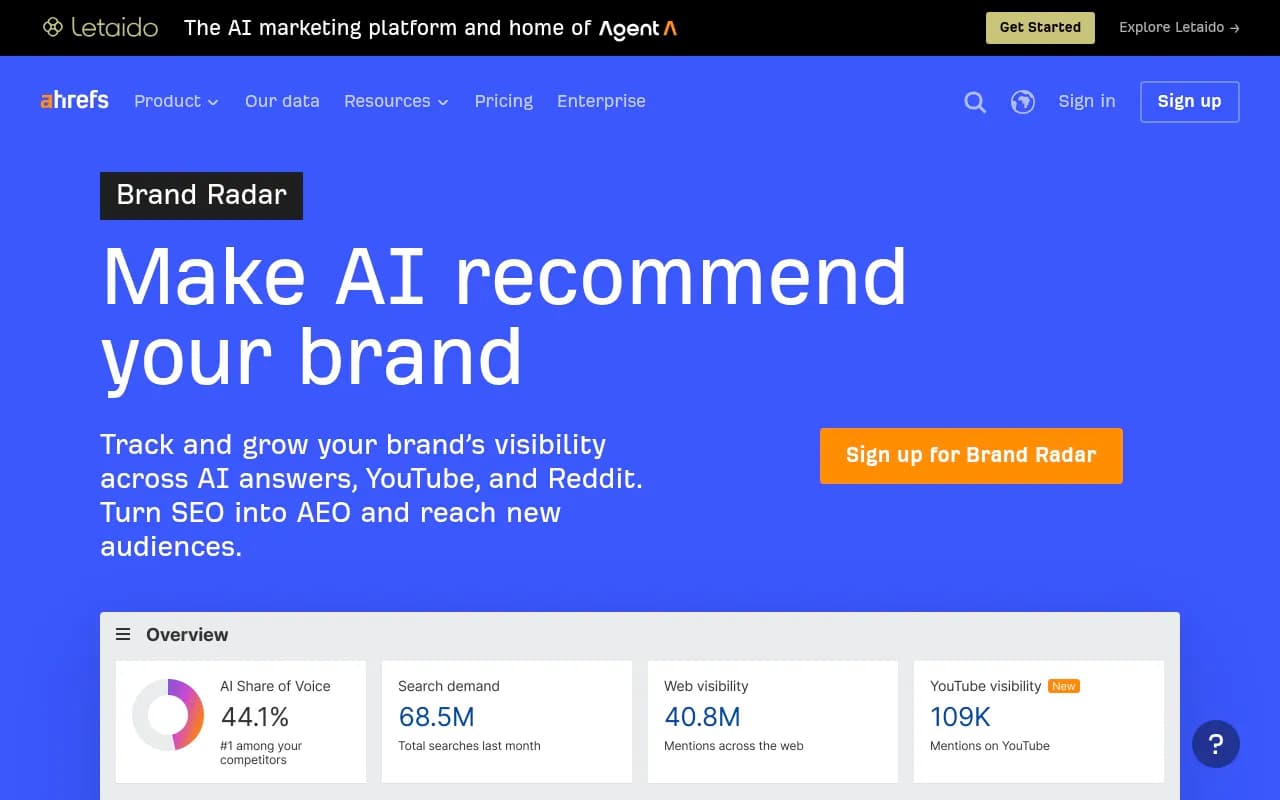
| Ahrefs Brand Radar | Competitor and market research | Teams already on Ahrefs |
| Semrush AI toolkit | Added to an SEO suite | Teams already on Semrush |
Profound
Otterly.AI

For wider browsing, the directories at bestgeosoftware.com and ai-rank-tools.com list many more.
Questions to ask before you pay anyone
- How many runs sit behind each score?
- Are branded and unbranded prompts separate?
- Can I open the raw answer behind any number?
- Does it read real interfaces or only APIs?
- Does it show crawler activity and AI-referred traffic?
- What happens after it finds a gap?
If a vendor cannot answer one of these, ask why before you sign.
The practical path
Run the free report this week and log the result. Add manual prompt tests and check your logs for AI crawlers. Fix anything obviously blocking access. Then retest in two to four weeks. If the number moves or the picture is unclear and the channel matters to revenue, start a trial of a platform that tracks, acts and measures. If it never matters, you spent ten minutes and nothing else.