Key takeaways
- Migrations are risky: only about 10% improve SEO, and 42% of domain migrations never return to pre-migration traffic. A URL map and 301 redirects are non-negotiable.
- AI crawlers like GPTBot, ClaudeBot, and PerplexityBot do not execute JavaScript. If your new theme hides content behind client-side rendering, it becomes invisible to AI even if Google still ranks it.
- ChatGPT now runs
site:yourdomain.comqueries at scale, so gaps in what Google has indexed from your domain become gaps in ChatGPT's answers too. - Verify robots.txt, CDN rules, and WAF settings after migration. AI bot blocks that were harmless months ago now cut off fast-growing citation channels.
- Skip the llms.txt hype. HTML pages account for 99.94% of AI search citations; markdown files are 0.05%. Spend the effort on crawlable HTML and clean schema instead.
Migrating a WordPress site is the SEO equivalent of open-heart surgery. You're changing the thing that feeds your business while it's still running. And in 2026, the surgery got more complicated: you're no longer just protecting Google rankings, you're also protecting (or trying to grow) how often ChatGPT, Google AI Overviews, Perplexity, and Claude cite your content.
The good news is that these two goals mostly overlap. The bad news is the places where they don't, and those are exactly where most migrations go wrong. This guide covers both.
Why migrations fail so often
Let's start with the stakes, because they're worse than most people expect. Research cited by Search Engine Journal found that only around 10% of website migrations actually improve SEO performance. Poorly executed ones commonly lose 50% of traffic. The average recovery time after a bad migration is roughly 523 days, and 42% of domain migrations never get back to their pre-migration traffic at all.
I've seen this firsthand pattern repeat in SEO communities: someone changes their domain, changes nothing else, and still watches traffic fall 85 to 90% for months. Google's own guidance acknowledges that even a clean move causes ranking fluctuation for "a few weeks or more" on medium sites, longer on large ones. A reasonable benchmark is recovering at least 90% of pre-migration organic traffic within 60 to 90 days. If you're not on that trajectory, something is broken.
The core reason migrations fail is that search engines, both traditional and AI, rely on stability: stable URLs, stable structure, consistent content. A migration disrupts all three at once. Your job is to minimize that disruption for Google while simultaneously removing the friction points that keep AI engines from citing you.
What AI search changes about migration planning
Before the checklist, you need to understand three things about how AI engines behave that classic migration guides don't cover.
AI crawlers don't render JavaScript. GPTBot, ClaudeBot, and PerplexityBot fetch raw HTML and extract text from the initial markup. Unlike Googlebot, they don't execute client-side JavaScript. Content that only appears after rendering, common in JS-heavy page builders and headless setups, is invisible to them even when Google ranks it fine. Standard WordPress with a PHP theme is server-rendered by default, which is a genuine advantage. Don't throw it away during a redesign.
ChatGPT searches your domain directly. On August 8, 2026, ChatGPT Search started using the site: operator at scale, jumping from roughly 0.4% to about 17% of all fanout queries overnight, while average searches per response nearly doubled. That means ChatGPT is actively running queries like site:yourdomain.com [topic] against your indexed pages. Orphaned pages, broken internal linking, and thin category archives now hurt you twice: once in Google, once in AI answers.
Citation slots are scarce but winnable. ChatGPT cites about 5 sources per web-search response. Google AI Overviews cites around 10, and Perplexity almost exactly 10 with very little variance. Fewer slots than a classic SERP, yes, but here's the encouraging part: in Promptwatch's June 2026 citation share data, no domain held above 4% of total ChatGPT citations, and even Reddit, the leader, fell from 6.11% to 3.71% in a single month. AI citation share is far less winner-take-all than Google rankings. A smaller site that survives migration intact has a real shot at citations it could never get in the top 10 organic results.
One more thing worth knowing: what AI engines cite is shifting toward commercial content. In July 2026, product pages became the single most-cited format in ChatGPT at roughly a third of all citations, nearly double their March share. Product pages also overtook listicles in Google AI Overviews in late July. If you're rebuilding product, comparison, or how-to pages during migration, preserve the structured specs, transparent pricing, and availability data. Those details are increasingly what AI cites directly, not third-party roundups.
Phase 1: Baseline everything before you touch anything
You can't protect rankings you haven't measured. Before migration planning even starts:
- Record your Google baseline. Export Search Console data: top queries, top pages, click curves for your 20 to 50 highest-traffic URLs. Note current Core Web Vitals. Set the date range so you can compare week-over-week after launch.
- Run a full crawl. Screaming Frog or a similar crawler gives you every URL, every title tag, every meta description, every structured data block. This becomes your post-migration comparison sheet.
- Build the URL map. A spreadsheet with every old URL mapped to its new equivalent. This is the single highest-leverage artifact of the entire migration. If a URL has no new equivalent, decide explicitly: redirect it to the closest relevant page, or let it 404. Never soft-redirect deleted content to the homepage; Google treats that as a soft 404 and it wastes crawl budget.
- Baseline your AI visibility. Run a set of prompts your customers actually use through ChatGPT, Perplexity, and AI Overviews, and record where you're cited and where competitors are. Tools like Promptwatch can automate this baseline so you have citation data from before the migration to compare against, including which of your pages AI engines were citing.

- Check your current AI crawler traffic. Look at your server logs or CDN analytics for GPTBot, ClaudeBot, PerplexityBot, and OAI-SearchBot hits. Claude's citation crawler grew more than 100x between December 2025 and April 2026, so a bot that barely visited you last year may be a meaningful citation channel now. You want a before-and-after picture here too.
Phase 2: Plan the move itself
Google's site-move guidance has one rule that saves more rankings than any other: change one variable at a time. Don't combine a domain change with a CMS change with a redesign with a URL restructure. If you must do several, sequence them months apart. Each one causes ranking fluctuation on its own; stacked together they're untraceable when things go wrong.
For large sites, Google even recommends migrating a smaller, less volatile section first and watching how it settles before moving the rest.
Choose your migration method
| Method | Best for | Tradeoffs |
|---|---|---|
| Plugin (Duplicator, All-in-One WP Migration, WP Migrate) | Small to mid sites, host moves | Fast, low technical barrier; All-in-One WP Migration free tier caps at 512MB and has host compatibility quirks |
| Manual (DB export, file transfer, DNS) | Large or complex sites | Full control, fewer surprises, needs technical skill |
| Host-managed (WP Engine, Kinsta, Cloudways staging push) | Sites already on managed WordPress | Native staging-to-production tools, least error-prone |
Whichever you pick, do the entire build on staging, and make sure staging is set to noindex and blocked in robots.txt. Indexed staging sites leaking into search results is one of the most common and most embarrassing migration mistakes.
Get the redirects right
If URL structures stay identical, you need few redirects. If they change, every old URL needs a 301 to its mapped new URL. Two rules:
- Use 301 (permanent), never 302. A 302 tells search engines to keep the old URL indexed, and authority doesn't transfer.
- Test every redirect before DNS cutover, in staging, checking for loops and chains. Redirect chains dilute equity and slow crawling.
On the WordPress side, you have solid options:
| Tool | Price | What you get |
|---|---|---|
| Redirection plugin | Free | 301/302/307/308 support, 404 monitoring, hit logging with referrers |
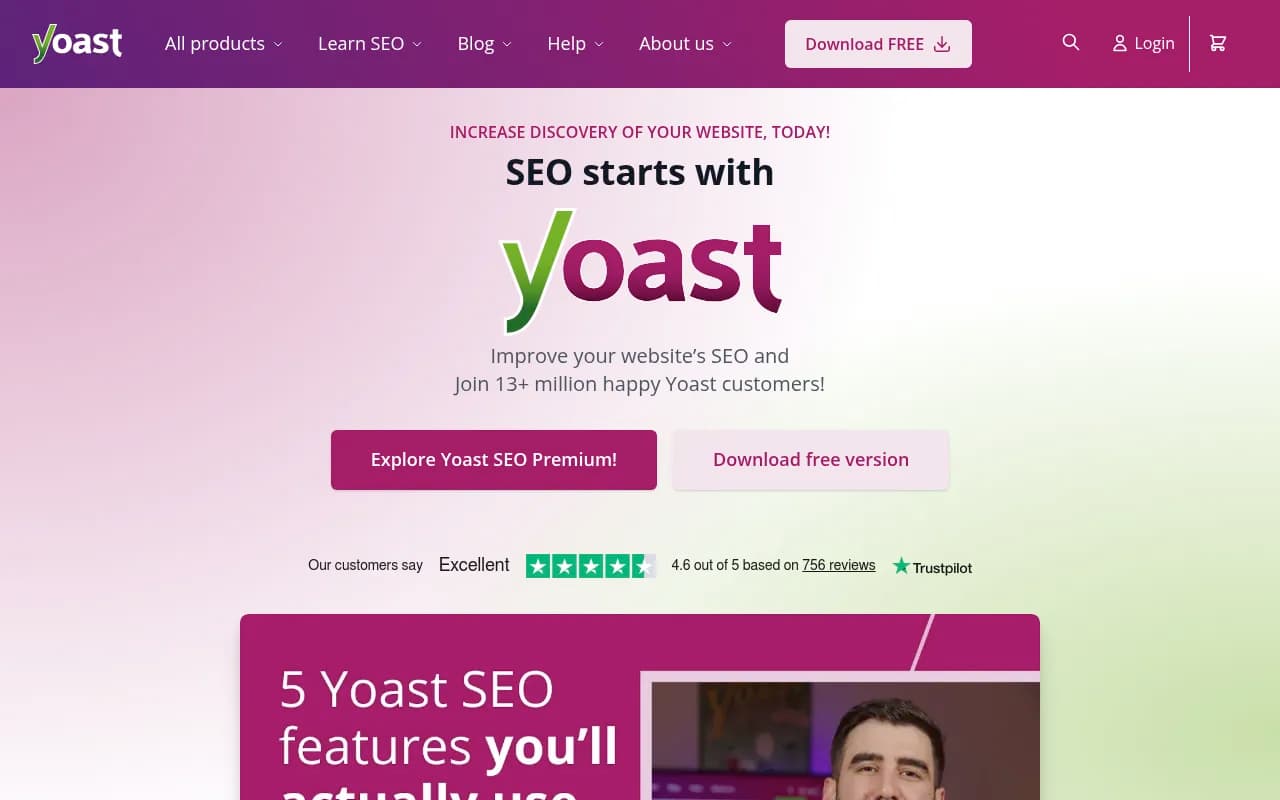
| Yoast SEO Premium | $99/yr | Built-in Redirect Manager, auto-prompts a redirect when you change or delete a URL, loop detection |
| All in One SEO Pro | From $49.60/yr | Redirects plus broader SEO feature set |
| Simple 301 Redirects | Free | Basic redirects only, no bulk import or tracking |
If you're changing domains, put redirects at the server level (htaccess or host config), not just in WordPress, so they fire even if the site is down. And verify every URL variant, http/https, www/non-www, in Search Console for both old and new properties before using the Change of Address tool.
Phase 3: The AI-visibility layer most guides skip
This is where a migration becomes an opportunity rather than just a risk. You're rebuilding the site anyway; here's what to bake in.
Keep the front end server-rendered
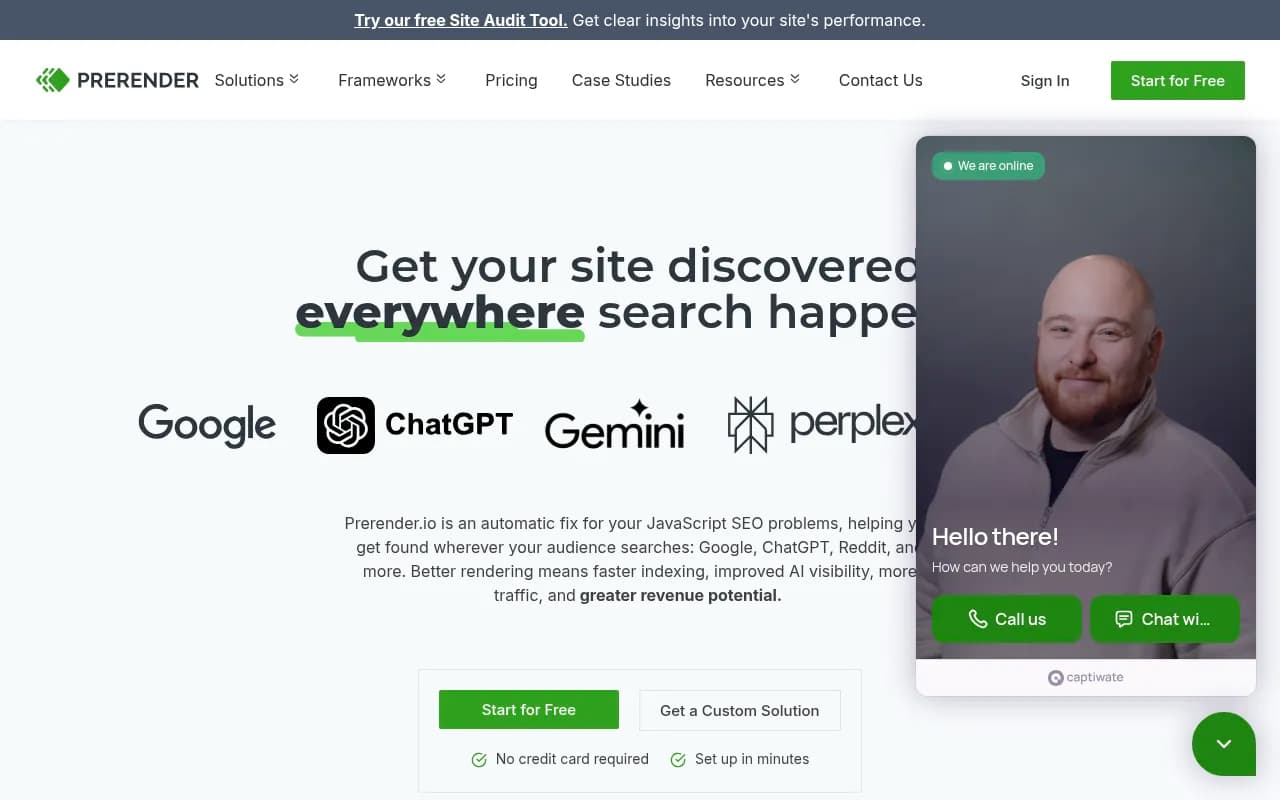
Resist the headless rebuild. A React or Vue front end on top of WordPress introduces exactly the client-side rendering problem that AI crawlers can't handle. Your content may rank in Google (which renders JavaScript) while being completely unreadable to GPTBot and ClaudeBot. If a JS-heavy setup is unavoidable, add server-side rendering, static generation, or a prerendering service.
A quick test after migration: curl your key pages and read the raw HTML. If the main content isn't in the initial markup, AI crawlers can't see it.
Configure robots.txt deliberately for AI bots
Distinguish two categories of AI crawler. Retrieval bots, OAI-SearchBot, ChatGPT-User, Claude-Web, PerplexityBot, are the ones that power live answers. If you want citations, these must be explicitly allowed. Training bots, GPTBot, ClaudeBot, Google-Extended, CCBot, Bytespider, crawl for model training by default, and many brands block them while allowing retrieval bots. Pick a posture, but pick it consciously.
The critical migration-specific point: robots.txt is frequently reset to host or theme defaults during a move. A new CDN or WAF rule set can also block AI bots without you noticing. After cutover, run curl -I https://yoursite.com/robots.txt, then grep the file for GPTBot, ChatGPT-User, Claude-Web, and PerplexityBot to confirm your intended configuration actually survived the move.
Migrate and upgrade your schema
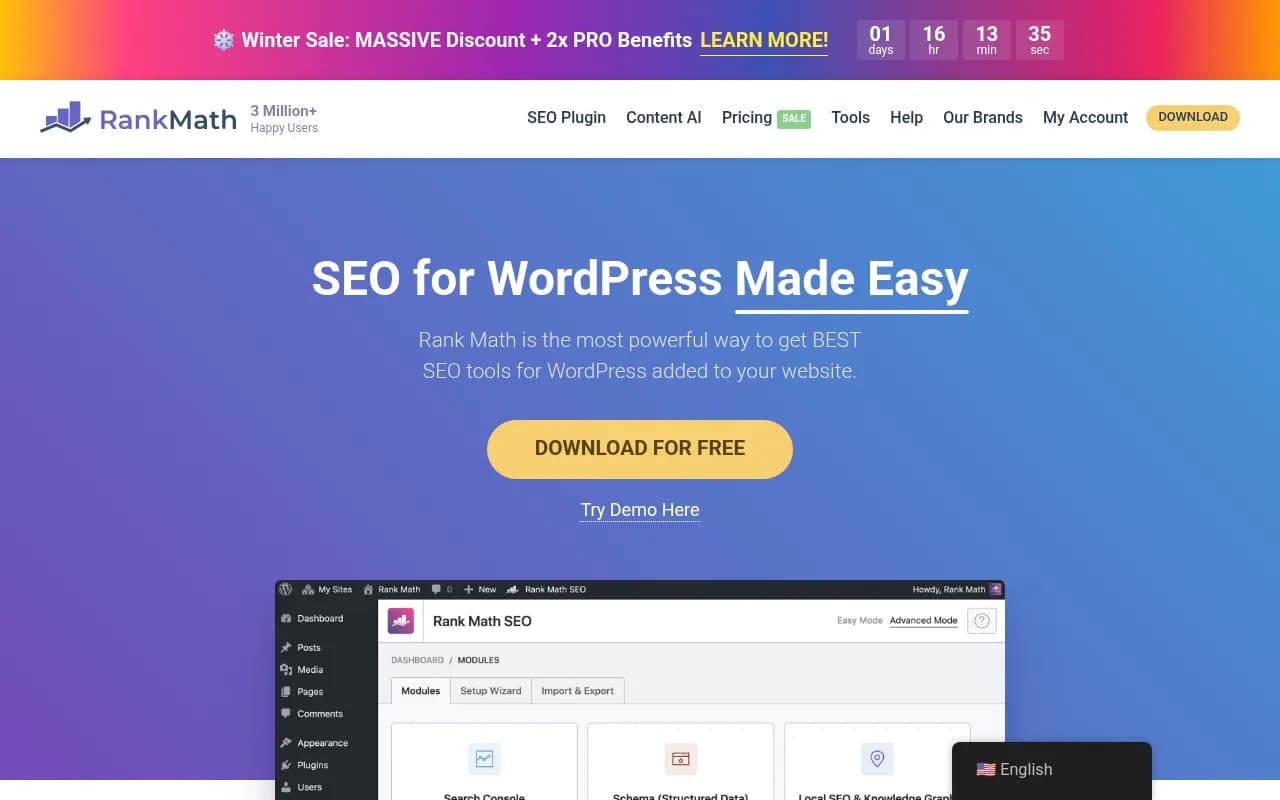
Migration tools and theme changes routinely strip or duplicate JSON-LD. Re-validate everything post-launch. And know what matters now: Google's March 2026 core update removed FAQ and How-To rich results from most pages, so don't mourn those. What gained importance is Organization and Person schema with sameAs links. Google's AI Mode reads schema as an entity-verification signal during answer synthesis, even without visible rich results, and clean entity schema correlates with better citation rates over the following 30 to 60 days. Make sure your Organization schema, with consistent name, logo, and sameAs profiles, survives the move intact.
Skip the llms.txt theater
You'll see advice to publish .md mirrors of your content and an llms.txt file "for the LLMs." For AI search citations, the payoff is essentially zero: across a sample of more than 1.6 million citations, HTML pages accounted for 99.94% and markdown files just 0.05%. An SE Ranking study of ~300,000 domains found llms.txt had no predictive value for AI citations, and only one of the 50 most AI-cited domains even had one. Markdown matters for AI coding agents reading your docs, not for ChatGPT citing your product page. If your JS rendering is broken, fix that; the file format was never the problem.
Phase 4: Migration day
- Lower DNS TTL to 60 to 300 seconds 48 to 72 hours before cutover so propagation is fast.
- Preview before you flip. Use the local hosts-file method to point your machine at the new server and click through the site, forms included, before changing DNS.
- Check email records. MX and SPF records routinely break during DNS updates because everyone focuses on A records. Verify mail flow immediately.
- Keep old hosting alive for 1 to 2 weeks minimum. You need rollback capability and lingering DNS caches need the old server to respond.
- Watch SSL. Mixed-content warnings after a protocol or host change will hurt both users and crawlers.
Phase 5: Post-launch monitoring, on both fronts
Google's definition of a finished migration is strict: it's complete only once Googlebot has crawled every old and new URL at least once. Until then, you're mid-surgery.
For the Google side:
- Submit the new XML sitemap in Search Console (and Bing Webmaster Tools).
- Use the Change of Address tool if the domain changed, only after redirects are live.
- Watch the Index Coverage report for 404s and robots.txt-blocked pages that shouldn't be.
- Re-crawl the site with Screaming Frog and diff against your pre-migration crawl: missing titles, stripped schema, broken internal links.
- Retest Core Web Vitals against your baseline.
For the AI side:
- Re-run your baseline prompts in ChatGPT, Perplexity, and AI Overviews. Perplexity is a useful control here because it cites almost exactly 10 sources per answer with very little variance, so a citation drop there is more likely your problem than platform noise.
- Check your logs for AI crawler activity. Are GPTBot, ClaudeBot, and PerplexityBot crawling the new site? Are they hitting errors? A crawl-to-citation gap here tells you the new setup is blocking them somewhere.
- Compare citation data against your pre-migration baseline. Promptwatch's crawler logs and citation analytics are built for exactly this, showing which pages AI reads, which get cited, and where the crawl breaks.
Expect some Google fluctuation for weeks regardless. What you're watching for is the shape of the curve: a dip that recovers toward 90% of baseline within 60 to 90 days is normal; a flatline at 50% means something structural is wrong, usually redirects.
Common mistakes, ranked by how much they hurt
- No URL map. The root cause behind most failed migrations.
- 302 redirects instead of 301s, or soft-404s to the homepage.
- Cancelling old hosting before propagation and redirects are verified.
- A JS-heavy new front end that Google renders fine but AI crawlers can't read at all.
- robots.txt or WAF rules silently blocking AI retrieval bots after the move.
- Stripped or duplicated schema, especially Organization entity data.
- Indexed staging sites competing with production.
- Forgetting email records and losing weeks of lead flow while debugging DNS.
Wrapping up
A migration done well is one of the few chances you get to fix foundational problems without starting over. Keep the URL structure stable or redirect it perfectly, keep the HTML server-rendered, keep AI retrieval bots explicitly allowed, keep your entity schema clean, and measure both Google and AI visibility against a baseline you recorded before anything changed. Do that, and the odds shift in your favor in a game where most people don't even know the odds exist. If you'd rather have a team handle the whole thing, 1001 SEO Media runs migrations with AI search visibility built in from day one. And if you want to explore the monitoring side further, the directories of AI rank tracking tools and GEO software are good places to compare options.