Key takeaways
- Elmo is the most complete open-source AI visibility tracker we found. It is MIT-licensed, self-hostable with Docker and PostgreSQL, and has a web UI, REST API, MCP and CLI.
- Self-hosted does not mean free. You pay for provider API keys and, if you want consumer-app answers, a scraping provider. Costs grow with prompt count and run frequency.
- We could not find any open-source AI visibility tracker called "Voyage", so this guide does not review one. If you mean a specific project, check its repo before you trust any comparison, including this one.
- DIY scripts are fine for a weekend experiment. They get painful once you need repeatable runs, history, competitor tracking and reporting.
- API answers and real ChatGPT or AI Overviews interface answers are different data. Label them differently, whatever you use.
A note on "Voyage"
The title of this guide asks for Elmo vs Voyage vs DIY scripts. I looked for Voyage and came up empty. My research turned up Elmo, Canonry, GeoLook and GEO Optimizer as the open-source options, and nothing under that name. Voyage is a name that shows up elsewhere in AI tooling (embedding models, for example), but I found no evidence of a Voyage visibility tracker, and I would rather say so than invent a review.
So here is what this guide covers instead: Elmo as the main open-source platform, the other open-source projects people actually compare it with, and the DIY route. If you have a specific Voyage repo in mind, apply the checklist further down and test it the same way.
What an AI visibility tracker actually does
The job is simple to describe. You keep a list of prompts your buyers might ask. You run them on a schedule against ChatGPT, Gemini, Perplexity, Google AI Overviews and others. You store the answers, then measure whether your brand is mentioned, whether your site is cited, where you rank against competitors and how the tone reads.
A Reddit builder who made their own open-source tracker put it bluntly: the tools are almost identical, they run prompts daily and analyze the responses. That is mostly true at the monitoring layer. The differences show up in four places:
- Which engines are queried, and whether through the consumer interface or the model API.
- How many runs sit behind each number. One sample a week is noise, because answers vary between runs.
- Whether two identical runs agree.
- Whether you can export the raw data.
Those four criteria come from Elmo's own comparison of 14 tools. It is vendor content, so read it with that in mind, but the criteria are sound regardless of who wrote them.
Elmo: the full open-source platform
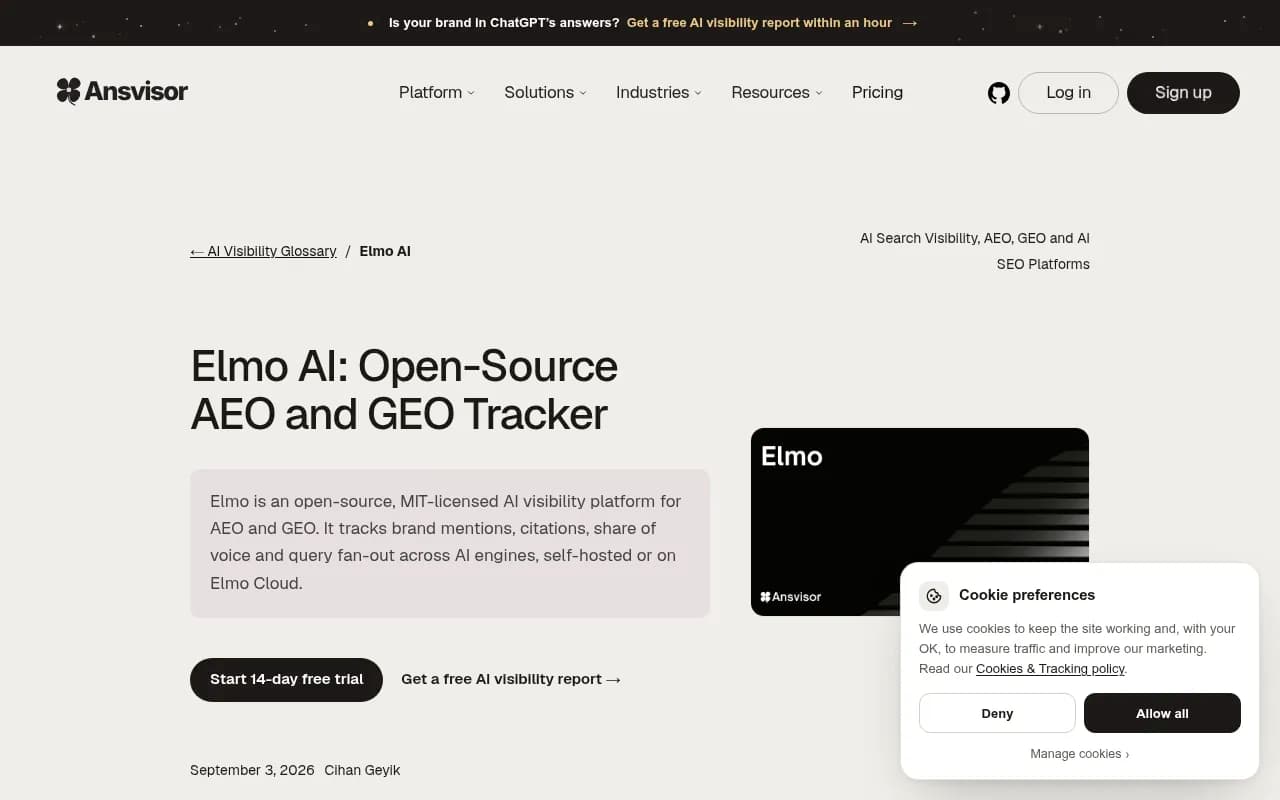
Elmo is published by elmohq on GitHub under the MIT license. It records whether AI answers mention and cite a brand, tracks competitors, and turns results into ranked opportunities. It also covers sentiment, share of voice and query fan-out, plus shareable reports.
Setup and architecture
Self-hosting means a web app, a worker and PostgreSQL, run through Docker Compose. A setup CLI manages the Docker configuration. That is a light footprint compared with most analytics stacks, and any developer comfortable with Docker can get it running in an afternoon.
Interfaces are the strongest part. Elmo has a web UI, REST API, SDKs, an MCP server and a CLI. The MCP support matters if you want an AI agent to query your visibility data directly.
The real cost of free
The code is free. The data is not. You bring your own API keys for every AI provider you track, and scraping consumer apps needs a separate scraping provider. Those bills scale with how many prompts you track and how often you run them. Elmo says self-hosted use includes unlimited prompts and every model, which is true of the software, but your wallet sets the real limit.
If you would rather not run infrastructure, Elmo Cloud is the managed version. The entry tier covers ChatGPT only. Higher tiers cover any four platforms, more brands and premium models. All cloud plans include unlimited seats plus API and MCP access. There is a live demo, but no listed free trial. I could not find exact cloud prices in my research, so check the vendor's pricing page.
The pitfall to watch
Elmo's provider guide separates services that capture consumer interfaces from direct model APIs. This matters more than it sounds. A response from a model API is not the same as what a person sees in ChatGPT or Google AI Mode. Tag your data by source from day one, or you will end up comparing apples to something that only looks like an apple.
Elmo also ships an Agent Readiness audit, a CLI check that needs no Elmo instance or Docker. It looks at access, readability and site signals. Its score is not a citation rate, so do not report it as one.
The other open-source options
A comparison published by the Canonry team in November 2026 looked at four MIT-licensed projects. The author builds Canonry, so treat the framing as interested, and note that the piece compares workflow fit, not measured speed or accuracy.
- Canonry is self-hosted with SQLite and your own provider keys. It connects to Search Console, GA4 and server-traffic integrations.
- GeoLook is a Python CLI with a local dashboard. It stores projects as JSON and Markdown files and supports automated API sampling or manual collection.
- GEO Optimizer is a CLI, Python library, MCP server and GitHub Action for site checks in CI. It audits your site rather than tracking citations.
The Canonry write-up makes a point I agree with: a site audit, a saved answer and a referral are three different kinds of evidence. None of them proves the other two. A clean audit does not mean you are cited, and a citation does not mean anyone clicked.
DIY scripts: what you are signing up for
I have written this kind of script. It starts as thirty lines of Python that loop over prompts and call an API. It feels great for about a week.
The trouble begins when you want it to be trustworthy:
- Scheduling and retries when a provider times out.
- Storage, so you can chart trends rather than read last night's output.
- Parsing answers into mentions, citations and positions without false matches. A brand named after a common word will wreck naive string matching.
- Repeat sampling, because a single run tells you very little.
- Competitor lists, dashboards and reports your boss will actually open.
The bigger issue is data fidelity. A script that calls a model API is not seeing what ChatGPT's search interface shows users. Citations, shopping results and fan-out behavior can differ. I found no solid figures on scraping legality or rate limits for consumer apps, so get that checked before you build anything that automates them.
Query fan-outs are a good example of why this is hard to eyeball. Promptwatch Data's ChatGPT query fanouts report shows average web searches per response falling from 2.15 in early December to about 1.84 by early March 2026, and fanout queries getting much shorter. Behavior like that shifts under you, and a hand-rolled script will not tell you when it does.
Side-by-side comparison
| Option | Cost to start | Setup effort | Interfaces | Best for |
|---|---|---|---|---|
| Elmo (self-hosted) | No license fee, plus provider and scraping bills | Docker Compose, PostgreSQL | Web UI, REST API, SDKs, MCP, CLI | Teams that want control and repeatable reporting |
| Elmo Cloud | Paid tiers, ChatGPT-only entry | Minimal | Same, plus unlimited seats | Teams that want Elmo without ops work |
| Canonry | No license fee, plus provider keys | SQLite, light | Self-hosted app, GSC and GA4 integrations | Linking visibility to traffic data |
| GeoLook | No license fee, plus provider keys | Python CLI | Local dashboard, JSON and Markdown files | Solo practitioners and small experiments |
| GEO Optimizer | Free | CLI or GitHub Action | MCP server, Python library | Site checks in CI, not citation tracking |
| DIY scripts | Your time plus API bills | Whatever you build | Whatever you build | One-off experiments |
| Voyage | Not verified | Not verified | Not verified | Could not find a project by this name |
A checklist for judging any tracker, including a Voyage you may have in mind
Run these checks before you commit time to any open-source tracker:
- Does it say whether answers come from the consumer interface or the model API?
- Can you run each prompt several times and see the spread?
- Is the scoring code readable, so you can see how a mention is counted?
- Can you export raw responses and citations?
- Is the repo active, with recent commits and a license you can live with?
- Does it track competitors, or only your own brand?
If a tool fails the first one, treat every number it produces as directional.
When open source stops making sense
Open source is a good fit when you have an engineer on hand, you care about owning the data, and your prompt set is modest. It gets less attractive when you need many markets and languages, fast refresh rates, crawler data or content workflows. At that point you are building a product, not running a tool.
That is where managed platforms earn their fee. Promptwatch is an end-to-end AI visibility platform that collects answers from the real interfaces of ChatGPT, Gemini, Perplexity, AI Overviews and others, then goes past monitoring: IP-verified AI crawler logs, a Content Agent that writes and publishes pages, and visitor analytics that show what AI traffic converts. Plans start at $95/mo with a 7-day free trial on monthly billing, and you can confirm current pricing at promptwatch.com/pricing.

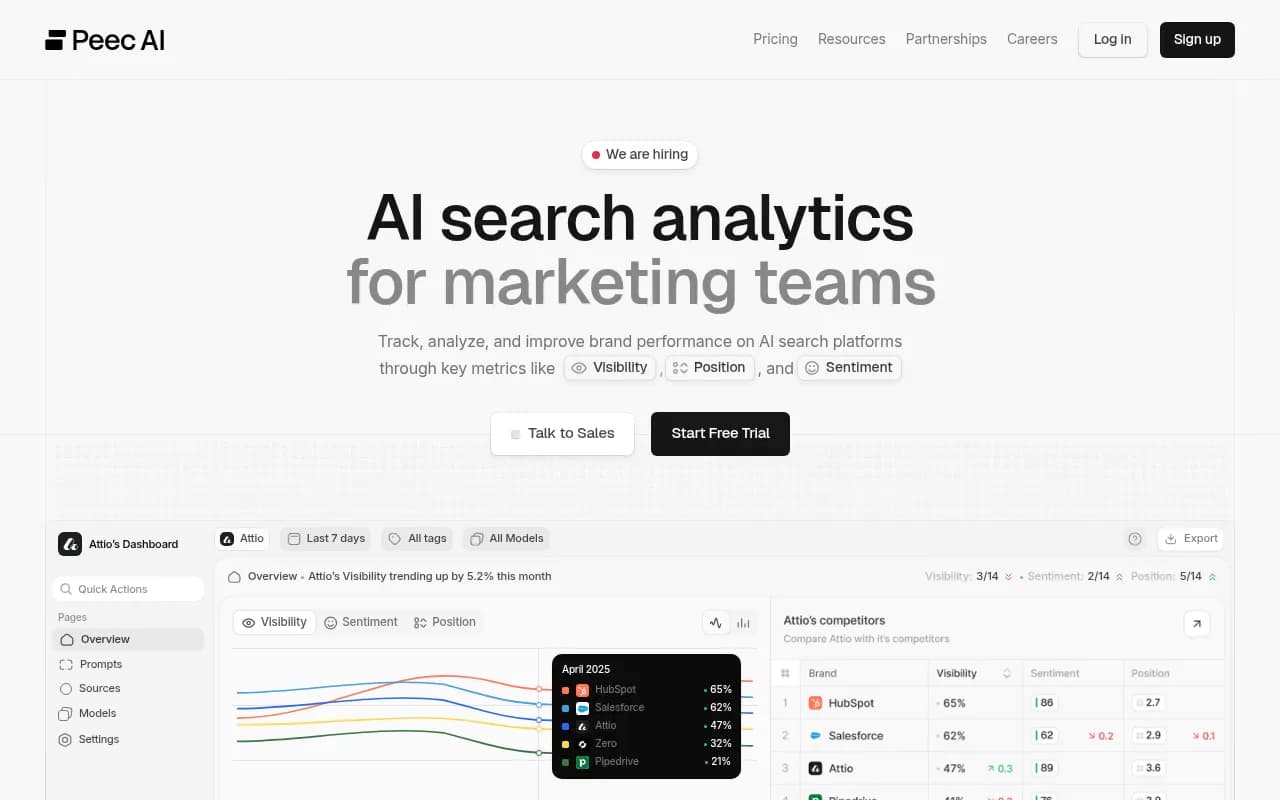
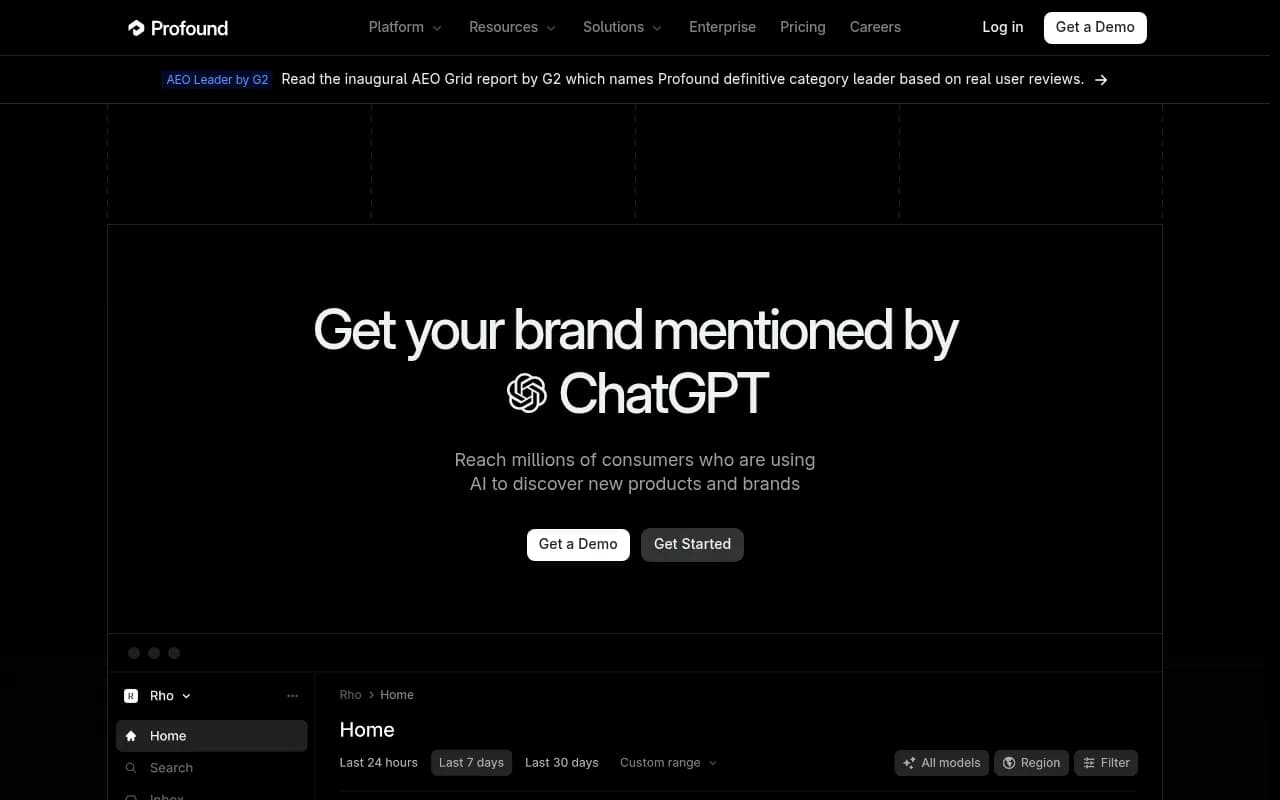
Other trackers in the same space include Peec AI, Otterly.AI and Profound, which are mostly monitoring-focused.
Otterly.AI

Profound
For a wider list of options, the GEO software directory at bestgeosoftware.com is a good place to keep browsing.
My recommendation
- Want open source with the least regret: start with Elmo, self-hosted, with a small prompt set. Budget for provider keys before you budget for servers.
- Want to tie visibility to Search Console and GA4: look at Canonry.
- Just testing whether AI search matters for your brand: a short script or GeoLook is enough, as long as you sample each prompt more than once.
- Need crawler logs, content production and multi-market tracking without running infrastructure: use a managed platform and put the engineering time elsewhere.
- Looking for Voyage: confirm it exists first, then run the checklist above.
Whichever route you take, keep API data and interface data in separate columns. Most bad AI visibility reports I have seen come from mixing the two.