Key takeaways
- Issue counts are a bad way to compare crawlers. One tool flags 300 problems, another 75, and the shorter list can be the more useful one.
- Screaming Frog (£199 per year) and Sitebulb suit hands-on specialists. Semrush, Ahrefs and SE Ranking bundle audits with rank tracking. Lumar and JetOctopus handle very large sites in the cloud.
- Google Search Console is the free source of truth. Open it before you open any crawler.
- Test crawlers on a deliberately broken staging site and score them on detection accuracy and prioritisation, not on site health numbers.
- A modern crawl audit should also check whether AI bots can reach your pages, not only Googlebot.
A note on how this guide was built
The title promises a six-tool audit, so I should be upfront about what that means. I did not run one site through all six tools and publish raw results. The research behind this guide did not turn up first-hand test data for that either, and I would rather say so than invent a leaderboard. What you get instead is a comparison drawn from current pricing and feature pages, recent roundups, and a testing method you can run yourself in an afternoon.
Pricing and limits for some tools below (Sitebulb, Ahrefs, Semrush, Lumar, JetOctopus) were not verified against live pricing pages. Check each vendor before buying.
Why crawler comparisons usually mislead
Digimetrics put the problem well in its comparison of nine technical SEO audit tools: nine crawlers can analyse the same site and return nine different reports. One flags 300 issues, another finds 180, a third highlights 75.
The tempting conclusion is that the 300-issue tool is the most thorough. But suppose 200 of those findings are low-priority metadata notes on archive pages, while the shorter report catches a canonical problem on your biggest product category. The shorter report wins.
A crawler does two jobs. It crawls the site the way a search engine would and lists what is broken: dead links, redirect chains, duplicate titles, missing canonicals, blocked pages. Then it ranks those problems so you fix the ones that matter first. The first job is largely a commodity. The second is where tools really differ.
The six tools at a glance
The Rework roundup (updated October 22, 2026) frames the market by site size and by who runs the audit: desktop crawlers, all-in-one suites, and cloud crawlers for very large sites. That framing holds up, so I used it.
| Tool | Type | Where the crawl runs | Starting price | Best for |
|---|---|---|---|---|
| Screaming Frog SEO Spider | Desktop crawler | Your machine | £199 per user per year (free up to 500 URLs) | Specialists who want control |
| Sitebulb | Desktop crawler | Your machine | Check vendor | Guided, visual audits |
| Semrush Site Audit | All-in-one suite | Cloud | Check vendor | Teams already in Semrush |
| Ahrefs Site Audit | All-in-one suite | Cloud | Check vendor | Teams already in Ahrefs |
| Lumar | Cloud crawler | Cloud | Quote-based | Large enterprise sites |
| JetOctopus | Cloud crawler and log analyzer | Cloud | From about €383 per month | Big sites on a cloud budget |
The ivristech guide (published May 2026, prices tagged Q2 2026) adds useful context: Botify, Lumar and OnCrawl are quote-gated and typically run five to six figures a year, while JetOctopus has the lowest published cloud entry point.
Screaming Frog SEO Spider
The SEO Spider is on v25.1 and the Log File Analyser on v7.2, according to Screaming Frog's own pricing page. A licence is £199 per year per user, dropping to £189 each for 5 to 9 licences, £179 for 10 to 19, and £169 for 20 or more.
The free version caps out at 500 URLs. The paid version is listed as unlimited, though in practice the ceiling is the memory and storage on your machine. That matters. A laptop will choke on a million-URL crawl long before a licence key does.
The feature list is long: JavaScript rendering, crawl comparison, scheduling, near-duplicate detection, semantic similarity and content clustering, accessibility auditing, segmentation, and integrations with Google Analytics, Search Console and PageSpeed Insights. Newer additions include AI integration (OpenAI, Gemini, Anthropic and Ollama), command-line automation and an MCP server.
One caution. The pricing page's comparison table appears to show some of those features in the free column as well. I would treat the 500-URL cap as the one reliable free-tier limit and confirm the rest before you rely on it.
The tradeoff is effort. Screaming Frog hands you raw, filterable data and trusts you to know what matters. If you do, nothing beats it for price. If you do not, you get a very large spreadsheet.
Sitebulb

Sitebulb is the other desktop option, and it takes the opposite approach. Roundups consistently describe it as the best for visual audit reporting, with prioritised hints that explain why an issue matters rather than only listing it. That makes it popular with consultants who have to hand a report to a client or a developer who has never heard of a canonical tag.
I could not verify current Sitebulb pricing or crawl limits for this guide, so check its pricing page directly. Like any desktop crawler, it shares the same hardware ceiling on very large sites.
Semrush Site Audit
Semrush bundles a cloud-based site audit with rank tracking, backlinks and content tools. Its pull is workflow integration: if your team already lives in Semrush, the audit sits next to everything else, runs on a schedule, and flags regressions without anyone opening a desktop app.
The tradeoff is depth of control. Suite crawlers give you less say over how the site is explored than a dedicated crawler does, and the project-based limits depend on your plan. Verify the current crawl allowances before committing.
Ahrefs Site Audit

Ahrefs makes a similar offer from a different starting point: backlink and keyword data first, with a site audit attached. It is a sensible pick when you want one login for link analysis and technical checks, and a YouTube comparison in the research covered it alongside SE Ranking and Ahrefs Webmaster Tools for smaller sites.
SE Ranking belongs in the same bucket. Moz Pro does too. All of them trade the fine-grained control of Screaming Frog for convenience and scheduled monitoring.
Lumar and JetOctopus
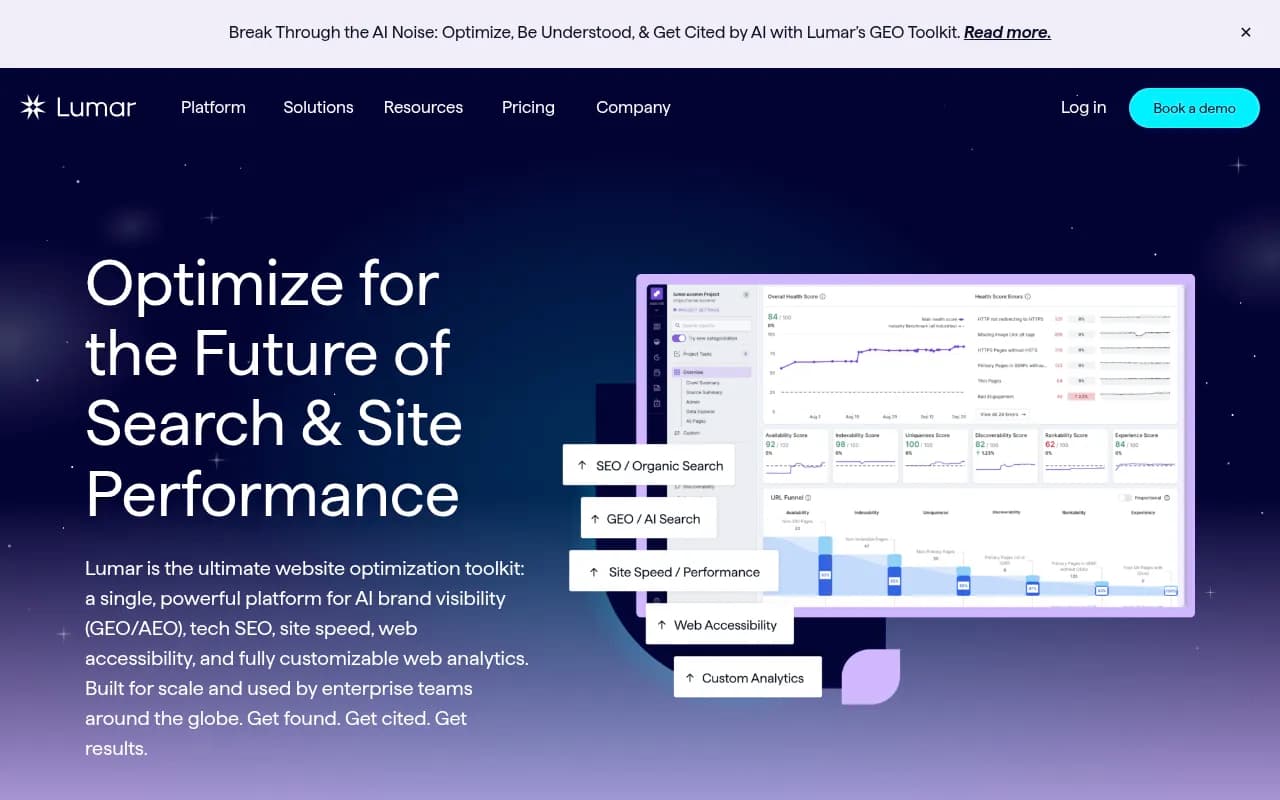
These are the cloud crawlers for sites where a desktop machine simply gives up. Lumar is quote-based and aimed at enterprise teams. JetOctopus is positioned as a crawler plus log analyzer for sites with 10K or more pages, and its entry price (from about €383 per month per ivristech) is the lowest published figure among the cloud options.
Do you need either? Probably not unless you are very large. Google's own guidance says crawl budget is mainly a concern for sites with over a million unique pages, or medium sites with rapidly changing content. If you run a 5,000-page site, a cloud enterprise crawler is likely a solution looking for a problem.
Other tools worth knowing in this tier: [tool:botify] and [tool:oncrawl], both quote-gated and enterprise-focused.
Start with Google Search Console
Before comparing anything, open Search Console. It shows what Google actually indexed, which pages it excluded, and why. A crawler tells you what a crawler sees. Search Console tells you what Google decided. When the two disagree, that disagreement is usually the most interesting finding in the whole audit.
How to run a fair six-tool test
Since there is no trustworthy published head-to-head, run your own. The Digimetrics approach is the right one: a controlled test on a deliberately broken staging site.
Step 1: Plant known problems
Build or clone a staging site and break it on purpose. Include:
- A canonical pointing at the wrong URL on a high-value category page
- A redirect chain three hops long
- A few orphaned pages that are in the sitemap but have no internal links
- A noindex tag on a page that should rank
- A client-side-rendered page whose content only appears after JavaScript runs
- Duplicate titles on a template, plus a handful of trivial metadata issues as noise
Write the list down before crawling. That list is your answer key.
Step 2: Crawl with each tool, default settings first
Run every tool with defaults, then again with JavaScript rendering on. This matters because Google processes JS-heavy pages in a deferred rendering queue, and a crawler without rendering will report client-side-rendered pages as empty.
Step 3: Score detection and prioritisation separately
| What to score | How |
|---|---|
| Detection | Did the tool find each planted issue? Count hits and misses |
| False positives | How many findings were wrong or irrelevant? |
| Prioritisation | Did the planted canonical and noindex problems rank above the metadata noise? |
| Explanation | Could a developer act on the report without a call? |
| Repeatability | Does a second crawl show what changed? |
Ignore the "site health" percentage entirely. Each vendor calculates it differently, so comparing them is meaningless.
Step 4: Weigh cost at your actual scale
The US Tech Automations roundup weights issue prioritisation highest (30%), then crawl depth and cost at site scale (25% each), then reporting (20%). I agree with putting prioritisation first. Most tools find broadly the same classes of problems. What differs is whether the important ones surface first.
One honest caveat from that same source: no audit tool ships a fix. Every one of them finds and prioritises. A person still has to action the change and confirm it worked.
Which crawler should you pick?
| Your situation | Likely pick |
|---|---|
| Solo SEO or consultant, budget-conscious | Screaming Frog |
| Agency delivering client-readable reports | Sitebulb |
| In-house team already paying for a suite | Semrush or Ahrefs Site Audit |
| 1M+ page site, enterprise budget | Lumar, Botify or OnCrawl |
| Large site, mid-market budget | JetOctopus |
| Any site, any budget | Search Console alongside whichever crawler you choose |
If I had to give one piece of advice, it is the ivristech one: pair tools from two categories. A crawler plus a log analyzer, or a desktop crawler plus a scheduled cloud monitor, covers gaps that either one leaves alone.
Add an AI crawler check to every audit
Classic crawl audits stop at Googlebot. That is no longer enough. Promptwatch Data's AI crawler report, covering IP-verified weekly requests from June 8 to September 6, 2026, shows OpenAI at 79.8% of verified AI crawler requests in the week of August 31 to September 6, down from 94.8% in early June. The mix shifts fast, and your robots.txt, CDN and WAF rules need to cover every major provider.
The practical test is simple. If a provider takes a big share of crawler traffic overall but is near zero in your own logs, you are probably blocked or unreachable for it. The HTTP Archive Web Almanac 2025 found GPTBot named in 4.5% of sites' robots.txt files, so deliberate blocking is a real, common cause.
Traditional crawlers do not show you any of this. Tools like Promptwatch fill the gap with IP-verified AI crawler logs that show which bots read which pages, where they hit errors, and whether a crawled page later gets cited. That tells you whether a problem is access or content.

For a quick, free first pass, the Agentic Readiness Check shows which AI crawlers can read your site. If you want to browse alternatives in this space, the GEO software directory lists more options.
One more reason to care: JavaScript rendering. AI crawlers often do not execute scripts, so a page that a rendering crawler reports as fine can still look empty to them. Prerendering services such as [tool:prerender-io] exist for exactly this problem.
Final take
Pick the crawler that matches your site size and who reads the report, not the one that produces the biggest issue count. Run the staging test if the purchase is large enough to justify an afternoon. And whatever you choose, put Search Console beside it and check AI bot access too. The tool that finds your most important problem first is the right one, even if its report is the shortest.
For broader tool research, the software directory at surferstack.com covers the wider SEO stack.