Key Takeaways
- AI traffic attribution connects brand mentions in ChatGPT, Perplexity, and other LLMs to actual website visits and conversions
- Three proven tracking methods: GA4 custom channel groups, server log analysis, and JavaScript tracking snippets
- Citation share and mention rate are vanity metrics unless you connect them to assisted conversions and revenue
- Multi-touch attribution models reveal how AI visibility influences the buyer journey alongside traditional channels
- Weekly audits that tie visibility gaps to content actions create compounding ROI over time
AI search engines now influence billions of purchase decisions. ChatGPT, Perplexity, Claude, and Google AI Overviews recommend brands, compare products, and answer high-intent questions that used to drive organic search traffic. But most companies tracking AI visibility have no idea whether those mentions actually drive conversions.
This guide shows you how to connect the dots. You'll learn how to track AI-referred traffic, attribute it to revenue, and prove ROI from your AI visibility efforts. We'll cover technical setup, attribution models, and how to turn visibility data into conversion optimization.
Understanding AI Traffic Attribution
AI traffic attribution measures how visitors from AI search engines (ChatGPT, Perplexity, Claude, Gemini, etc.) move through your funnel and convert. It answers three questions:
- Which AI engines send traffic? Not all LLMs drive equal value. ChatGPT users may research differently than Perplexity users.
- What role does AI play in the conversion path? AI mentions often assist conversions rather than close them directly.
- Which prompts and citations drive the highest-value visitors? Some AI recommendations convert at 5x the rate of others.
Traditional web analytics miss most of this. Google Analytics shows "direct" traffic or generic referrals. It doesn't tell you that a visitor came from ChatGPT after asking "best CRM for small teams" or that they read three AI-generated comparisons before converting.
Why Standard Referral Tracking Fails for AI Traffic
AI search engines strip referrer data in ways traditional search engines don't:
- ChatGPT sends users through chat.openai.com with no query parameters
- Perplexity uses perplexity.ai referrals but doesn't pass the original prompt
- Claude and Gemini often show as direct traffic when users copy-paste URLs
- Google AI Overviews blend with organic search, making them hard to isolate
You need specialized tracking to capture this traffic accurately.
Three Methods to Track AI-Referred Traffic
Method 1: GA4 Custom Channel Groups (Quick Setup)
The fastest way to start tracking AI traffic is to create custom channel groups in Google Analytics 4 that recognize AI referrers.
Setup steps:
-
Go to Admin > Data Display > Channel Groups in GA4
-
Create a new channel group called "AI Search"
-
Add rules for known AI referrers:
- Source contains
chat.openai.com→ ChatGPT - Source contains
perplexity.ai→ Perplexity - Source contains
claude.ai→ Claude - Source contains
gemini.google.com→ Gemini - Source contains
you.com→ You.com
- Source contains
-
Save and apply to all reports
Limitations: This method only catches traffic where the referrer is passed cleanly. You'll miss:
- Copy-pasted URLs (shows as direct)
- Mobile app traffic (often stripped)
- Users who click through intermediate pages
Still, it's a good starting point and takes 10 minutes to set up.
Method 2: UTM Parameter Tagging (Manual but Accurate)
If you control where your URLs appear in AI responses, add UTM parameters to track them precisely.
Example tagged URL:
https://yoursite.com/product?utm_source=chatgpt&utm_medium=ai_search&utm_campaign=product_comparison
This works when:
- You're cited in AI training data and can influence the URL format
- You're running ads in AI platforms (e.g., Perplexity Ads)
- You're testing AI visibility with specific content pages
Best practices:
- Use consistent naming:
utm_medium=ai_searchfor all AI channels - Vary
utm_sourceby engine:chatgpt,perplexity,claude,gemini - Use
utm_campaignto track specific prompts or content types
Method 3: Server Log Analysis + JavaScript Tracking (Enterprise-Grade)
The most accurate method combines server logs with JavaScript tracking to capture AI crawler activity and visitor behavior.
How it works:
- Monitor AI crawler logs to see which pages AI engines read and how often
- Deploy a tracking snippet that detects AI referrers even when standard referrer headers are missing
- Match crawler activity to visitor sessions to understand the full path from AI indexing to conversion
Platforms like Promptwatch provide this out of the box. Their AI Crawler Logs show real-time activity from ChatGPT, Claude, Perplexity, and other AI engines, while their visitor analytics connect that activity to actual traffic and conversions.
What you can track:
- Which pages AI crawlers visit most frequently
- Errors or blocks that prevent AI engines from reading your content
- Time lag between crawler activity and traffic spikes
- Conversion rates for AI-referred visitors vs. other channels
This method requires more setup but gives you the complete picture.
Attribution Models for AI Traffic
Once you're tracking AI traffic, you need to attribute it correctly. AI visibility rarely drives direct conversions. Instead, it influences buyers early in the journey.
First-Touch Attribution
Credits the first interaction in the conversion path. Useful for understanding how AI drives awareness.
Example: A user asks ChatGPT "best project management tools," clicks your site, browses, leaves, then returns via Google search three days later and converts. First-touch gives 100% credit to ChatGPT.
When to use: You want to measure top-of-funnel impact and justify AI visibility investments.
Last-Touch Attribution
Credits the final interaction before conversion. This undervalues AI because users often return through direct or branded search.
Example: Same scenario as above, but last-touch gives 100% credit to Google search. ChatGPT gets zero credit even though it introduced the user to your brand.
When to use: You're focused on closing channels and want to optimize for immediate conversions.
Linear Multi-Touch Attribution
Splits credit evenly across all touchpoints. More fair to AI but doesn't reflect that some touchpoints matter more than others.
Example: User path: ChatGPT → Email → Google Search → Conversion. Each channel gets 33.3% credit.
When to use: You want a simple model that acknowledges AI's role without over- or under-weighting it.
Time-Decay Attribution
Gives more credit to touchpoints closer to conversion. This often undervalues AI because it happens early.
Example: ChatGPT (10% credit) → Email (30% credit) → Google Search (60% credit).
When to use: You believe recent interactions matter more and want to optimize late-stage channels.
Position-Based (U-Shaped) Attribution
Gives 40% credit to the first and last touchpoints, splits the remaining 20% among middle interactions. This model often works best for AI traffic because it values both awareness (where AI excels) and conversion.
Example: ChatGPT (40%) → Email (10%) → Google Search (40%) → Conversion (10%).
When to use: You want to balance awareness and conversion metrics. This is the recommended starting point for AI attribution.
Connecting Visibility Metrics to Conversion Data
Tracking traffic is step one. The real value comes from connecting AI visibility metrics (citation share, mention rate, prompt coverage) to actual business outcomes.
Citation Share → Assisted Conversions
Citation share measures how often AI engines cite your brand vs. competitors. High citation share means nothing if those mentions don't drive valuable traffic.
How to connect them:
- Export citation data from your AI visibility platform (tools like Promptwatch track this across 10+ AI engines)
- Match citation timestamps to GA4 sessions using referrer data or UTM parameters
- Build a report showing:
- Prompts with high citation share
- Traffic volume from those prompts
- Assisted conversion rate for that traffic
What good looks like: A prompt where you have 60% citation share should drive proportional traffic and conversions. If it doesn't, either the prompt has low search volume or your cited content isn't compelling enough to click.
Mention Rate → Engagement Metrics
Mention rate tracks how often AI engines mention your brand in responses. But not all mentions are equal.
Quality signals to track:
- Click-through rate: What % of AI mentions result in site visits?
- Time on site: Do AI-referred visitors engage deeply or bounce?
- Pages per session: Are they exploring your content or leaving immediately?
- Return visitor rate: Do AI-referred users come back?
If your mention rate is high but engagement is low, the AI is citing you in the wrong context or your landing pages don't match user intent.
Prompt Coverage → Conversion Rate by Topic
Prompt coverage measures how many relevant prompts you're visible for. More coverage should mean more conversions, but only if you're covering high-intent prompts.
How to optimize:
- Segment prompts by intent: informational, comparison, transactional
- Track conversion rate for each segment
- Prioritize content creation for high-intent prompts where you're currently invisible
Example: You're visible for 200 informational prompts ("what is CRM") but only 10 transactional prompts ("best CRM for small teams"). Your AI traffic is high but conversion rate is low. Solution: create content targeting transactional prompts.
Real Conversion Data: What to Expect
Based on data from 6,700+ brands tracking AI visibility, here's what typical conversion metrics look like:
Traffic Volume
- Early-stage brands (low AI visibility): 1-3% of total traffic from AI referrers
- Optimized brands (active AI visibility programs): 8-15% of total traffic from AI referrers
- AI-native brands (built for AI discovery): 20-35% of total traffic from AI referrers
Conversion Rates
- Informational prompts: 0.5-2% conversion rate (awareness stage)
- Comparison prompts: 3-8% conversion rate (consideration stage)
- Transactional prompts: 10-25% conversion rate (decision stage)
AI-referred traffic often converts 2-5x higher than organic search because AI engines pre-qualify users by answering basic questions first. By the time someone clicks through, they're further down the funnel.
Revenue Attribution
- Direct conversions: 15-30% of AI-referred visitors convert on first visit
- Assisted conversions: 40-60% convert within 7 days after multiple touchpoints
- Long-tail impact: 10-20% convert after 30+ days, often through branded search
This means 65-80% of AI visibility's value comes from assisted conversions, not direct conversions. If you're only tracking last-touch attribution, you're missing most of the ROI.
Tools for AI Traffic Attribution
You need two types of tools: one to track AI visibility, one to measure conversions.
AI Visibility Platforms
These tools monitor how often and where AI engines mention your brand:
- Promptwatch — The only platform rated as a "Leader" across all categories in 2026 comparisons. Tracks 10 AI models, provides AI crawler logs, and includes built-in content generation to fix visibility gaps. Pricing starts at $99/mo.

-
Profound — Enterprise-focused with strong feature set but higher price point. Lacks Reddit tracking and ChatGPT Shopping monitoring.
-
Otterly.AI — Basic monitoring only. No crawler logs, no visitor analytics, no content optimization tools.
-
AthenaHQ — Monitoring-focused platform that shows you where you're visible but doesn't help you improve it.
The key difference: most competitors stop at showing you data. Platforms like Promptwatch close the loop by helping you create content that actually ranks in AI search.
Analytics and Attribution Platforms
These tools connect AI traffic to conversions:
-
Google Analytics 4 — Free, works for basic tracking with custom channel groups. Limited multi-touch attribution.
-
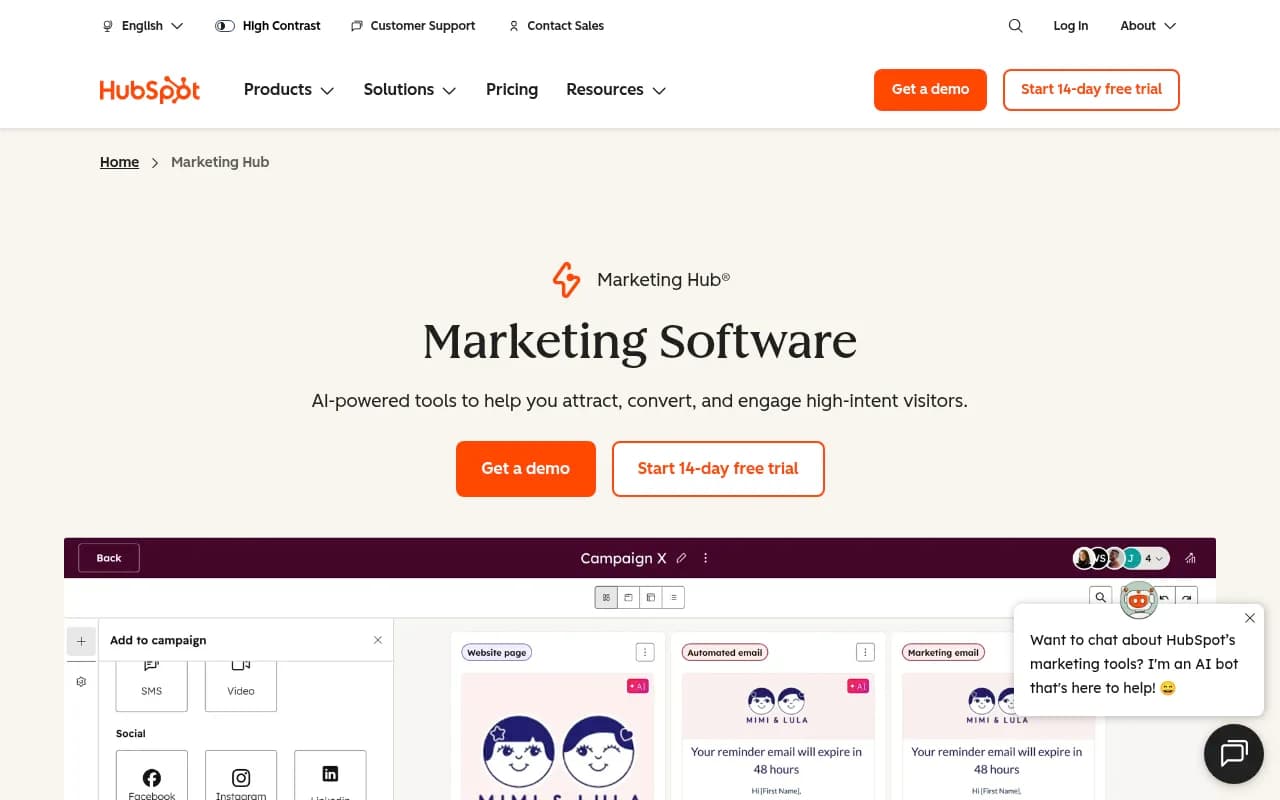
HubSpot Marketing Hub — Strong multi-touch attribution and campaign tracking. Integrates well with CRM for full-funnel visibility.
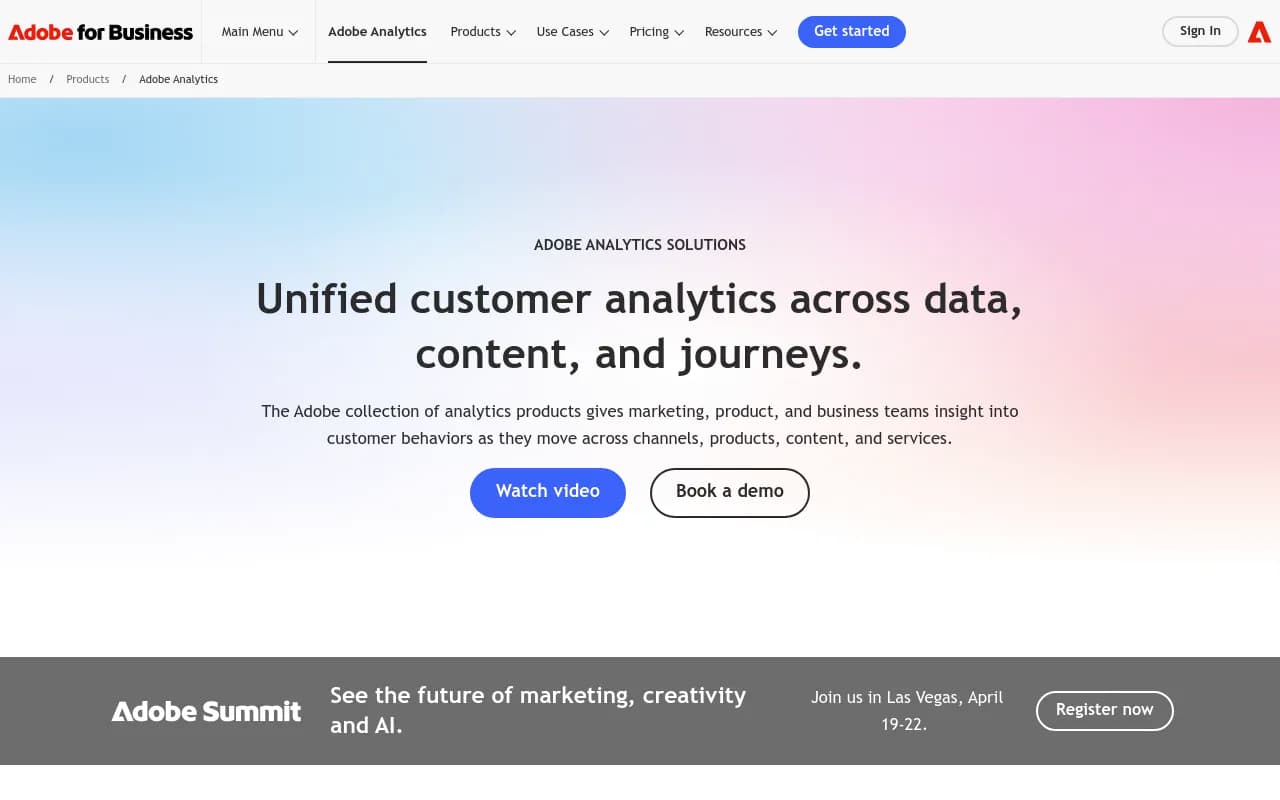
- Adobe Analytics — Enterprise-grade attribution modeling with advanced segmentation. Expensive but powerful.
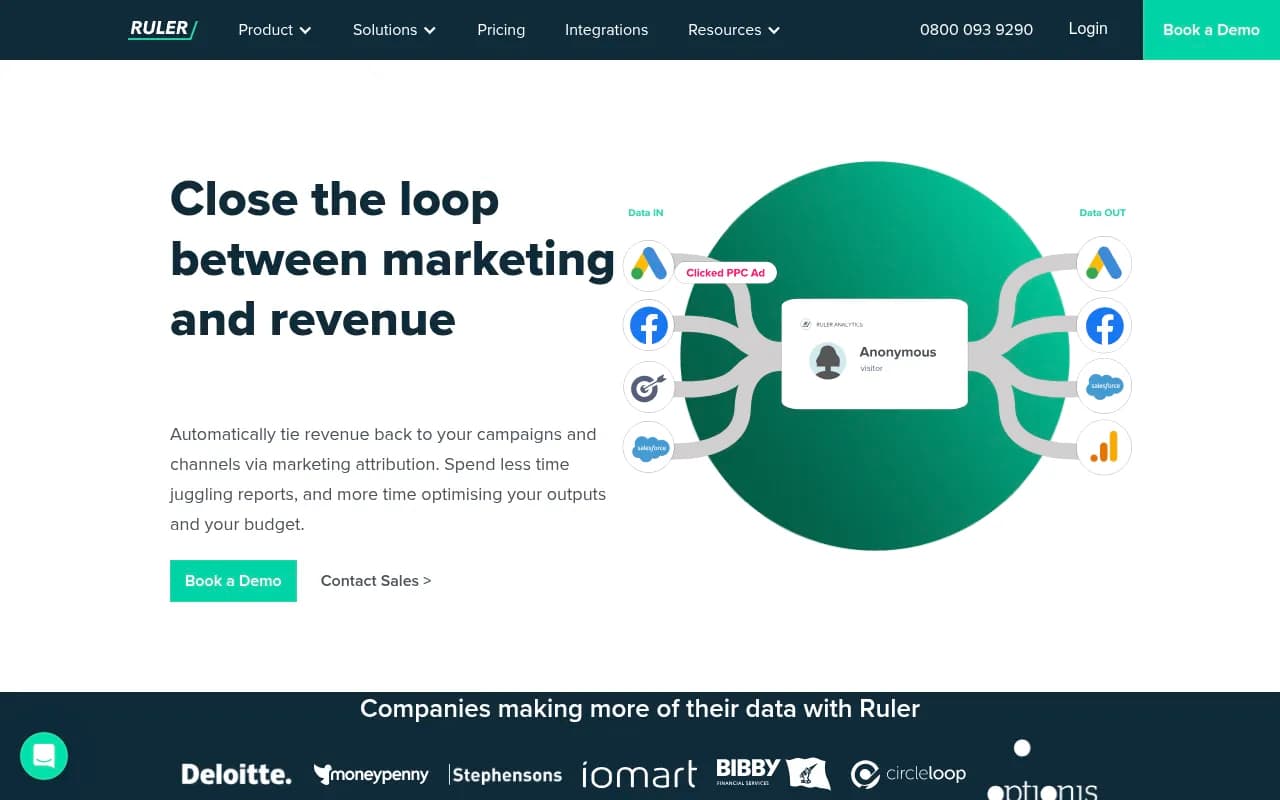
- Ruler Analytics — Closed-loop attribution that connects marketing spend to revenue. Good for proving ROI.
For most teams, GA4 + a dedicated AI visibility platform is enough to start. Add a full attribution platform once AI traffic exceeds 10% of your total.
Step-by-Step Implementation Roadmap
Week 1: Set Up Basic Tracking
- Create GA4 custom channel groups for AI referrers (30 minutes)
- Add UTM parameters to any URLs you control in AI responses (1 hour)
- Install a tracking snippet if your AI visibility platform provides one (30 minutes)
- Set up a dashboard showing AI traffic, engagement, and conversions (1 hour)
Week 2-4: Baseline Measurement
- Let data accumulate for 2-3 weeks to establish baseline metrics
- Identify which AI engines send the most traffic
- Segment by prompt type (informational, comparison, transactional)
- Calculate conversion rate by segment
Month 2: Attribution Modeling
- Choose an attribution model (start with position-based)
- Build reports showing:
- First-touch conversions from AI
- Assisted conversions where AI played a role
- Revenue attributed to AI visibility
- Compare AI ROI to other channels (organic search, paid ads, email)
Month 3+: Optimization Loop
- Run weekly audits to find visibility gaps (prompts where competitors appear but you don't)
- Create content targeting high-intent prompts with low visibility
- Track how new content improves citation share and traffic
- Measure conversion lift from optimization efforts
- Repeat
This cycle — find gaps, create content, track results — is what separates monitoring from optimization. Platforms like Promptwatch automate much of this with Answer Gap Analysis and built-in AI content generation.
Common Attribution Mistakes to Avoid
Mistake 1: Only Tracking Direct Conversions
AI visibility drives awareness and consideration. Most conversions happen days or weeks later through other channels. If you only track direct conversions, you'll undervalue AI by 60-80%.
Fix: Use multi-touch attribution models that credit AI for assisted conversions.
Mistake 2: Treating All AI Traffic Equally
Traffic from ChatGPT answering "what is CRM" converts differently than traffic from Perplexity answering "best CRM for small teams." Segment by engine and prompt intent.
Fix: Build separate conversion funnels for informational, comparison, and transactional prompts.
Mistake 3: Ignoring Time Lag
AI-referred visitors often research for weeks before converting. If you measure ROI over 7 days, you'll miss long-tail conversions.
Fix: Track conversions over 30-90 day windows and use cohort analysis to understand time-to-conversion.
Mistake 4: Optimizing for Vanity Metrics
High citation share means nothing if those citations don't drive valuable traffic. Focus on metrics that tie to revenue.
Fix: Build dashboards that connect visibility metrics (citation share, mention rate) to business metrics (traffic, conversions, revenue).
Mistake 5: Not Connecting Visibility Gaps to Content Actions
Most teams track AI visibility but don't act on it. They see they're invisible for 500 high-value prompts and... do nothing.
Fix: Run weekly audits that turn visibility gaps into specific content tasks. Tools like Promptwatch's Answer Gap Analysis make this automatic.
Advanced: Tying AI Visibility to Revenue
Once you're tracking conversions, the final step is connecting AI visibility to actual revenue. This requires integrating your AI visibility platform with your CRM or revenue analytics.
Method 1: CRM Integration
Pass AI referrer data into your CRM as a custom field. When a lead converts to a customer, you can attribute revenue back to the original AI source.
Setup:
- Add a hidden field to your forms:
ai_referrer - Populate it with JavaScript that detects AI referrers
- Pass the field value to your CRM (HubSpot, Salesforce, etc.)
- Build reports showing revenue by AI source
Method 2: Revenue Attribution Platforms
Tools like Ruler Analytics, Dreamdata, and HockeyStack connect marketing touchpoints to closed revenue. They track the full customer journey and attribute revenue to each channel.
How it works:
- Install the attribution platform's tracking code
- Connect it to your CRM and analytics
- The platform automatically tracks AI touchpoints and assigns revenue credit based on your chosen attribution model
Method 3: Cohort Analysis
Track revenue by acquisition cohort. Compare customers who first discovered you through AI vs. other channels.
Example report:
| Acquisition Channel | Avg Customer LTV | Time to First Purchase | Retention Rate |
|---|---|---|---|
| ChatGPT | $2,400 | 18 days | 78% |
| Perplexity | $2,100 | 12 days | 72% |
| Organic Search | $1,800 | 21 days | 65% |
| Paid Ads | $1,200 | 3 days | 52% |
This shows AI-referred customers have higher lifetime value and retention, even if they take longer to convert initially.
Case Study: B2B SaaS Company
A project management software company implemented AI traffic attribution in Q1 2026. Here's what they learned:
Before attribution:
- Tracked AI visibility but couldn't prove ROI
- Marketing team argued AI was a waste of time because "direct conversions were low"
- No budget allocated to AI optimization
After attribution:
- Discovered 42% of conversions had an AI touchpoint in the journey
- ChatGPT-referred visitors had 3.2x higher LTV than paid ad traffic
- Transactional prompts ("best project management tool for remote teams") drove 8x more revenue than informational prompts
Actions taken:
- Shifted content budget to target high-intent prompts where they were invisible
- Used Promptwatch's Answer Gap Analysis to identify 200+ missing content opportunities
- Generated AI-optimized content using the platform's built-in writing agent
Results after 90 days:
- AI-referred traffic increased from 4% to 14% of total
- Assisted conversions from AI grew 280%
- Revenue attributed to AI visibility: $340K (up from $85K)
- ROI on AI optimization: 12:1
The key insight: AI visibility wasn't driving direct conversions, but it was introducing high-value prospects who converted later through other channels. Without attribution, they would have missed this entirely.
The Future of AI Traffic Attribution
AI search is evolving fast. Here's what to watch in 2026 and beyond:
Agentic AI and Conversion Tracking
AI agents (autonomous systems that complete tasks on behalf of users) will make attribution harder. An agent might research products, compare options, and even make purchases without the user visiting your site.
What this means: Traditional conversion tracking breaks down. You'll need to track agent activity separately and measure influence rather than clicks.
Zero-Click AI Answers
AI engines increasingly answer questions without requiring users to click through. Your brand might be cited, but you get zero traffic.
What this means: Visibility metrics (citation share, mention rate) become more important than traffic metrics. You'll need to measure brand lift and consideration, not just conversions.
AI Shopping and Direct Transactions
ChatGPT Shopping and similar features let users buy products directly in AI interfaces. The AI engine becomes the storefront.
What this means: Attribution shifts from "did they visit our site" to "did the AI recommend us at the point of purchase." Platforms that track ChatGPT Shopping (like Promptwatch) will be essential.
Cross-Engine Attribution
Users increasingly query multiple AI engines before making decisions. Someone might ask ChatGPT for recommendations, verify with Perplexity, then check Google AI Overviews.
What this means: You need cross-engine visibility tracking and attribution models that credit multiple AI touchpoints in a single journey.
Conclusion
AI traffic attribution connects the dots between brand visibility in AI search engines and actual business results. Without it, you're flying blind — investing in AI visibility with no idea whether it drives revenue.
The three-step framework:
- Track AI traffic accurately using GA4 custom channels, UTM parameters, or advanced tracking snippets
- Attribute conversions correctly using multi-touch models that credit AI for assisted conversions
- Connect visibility to revenue by integrating AI data with your CRM and revenue analytics
Start simple: set up GA4 tracking this week. Add attribution modeling next month. Build the full revenue connection over the next quarter. Each step compounds.
The brands winning in AI search aren't just tracking visibility — they're proving ROI and using that data to optimize. Tools like Promptwatch make this possible by combining visibility tracking, crawler logs, content gap analysis, and AI-generated optimization in one platform.
AI search is already influencing billions of purchase decisions. The question isn't whether to track it. The question is whether you'll track it before or after your competitors do.