Key takeaways
- There are two separate jobs here: getting your products into ChatGPT's shopping system (a merchant feed), and tracking whether your products actually appear (a monitoring catalog upload).
- Stable product IDs, accurate prices, and complete attributes matter more than anything clever. Regenerating IDs makes a feed look like a brand-new catalog.
- Shopping cards are rare. Promptwatch Data shows ChatGPT attaches shopping features to only a low single-digit percentage of web-search responses, and they cluster around commercial and transactional prompts.
- Your own product pages are the main citation surface: product pages are 22.4% of ChatGPT citations (Sep 28 to Oct 4, 2026).
- Tracking tools like Promptwatch let you upload your catalog and see your products in ChatGPT shopping carousels and Amazon Alexa product results. I could not verify Alexa-specific feed specs, so treat Alexa as a tracking surface for now, not a feed you submit to.
Two different things people mix up
Search for "upload product catalog to ChatGPT" and you will find guides that blur two workflows. They are different, and you probably need both.
- Feeding ChatGPT. You give OpenAI structured product data so ChatGPT can show your items with accurate price and availability. This is the merchant side.
- Tracking ChatGPT. You give a monitoring tool your catalog so it can tell you which of your products appeared in shopping results for which prompts, and which competitors took the slots instead. This is the measurement side.
The first gets you eligible. The second tells you whether it worked. Skipping the second is how teams end up with a perfect feed and no idea whether anyone sees it.
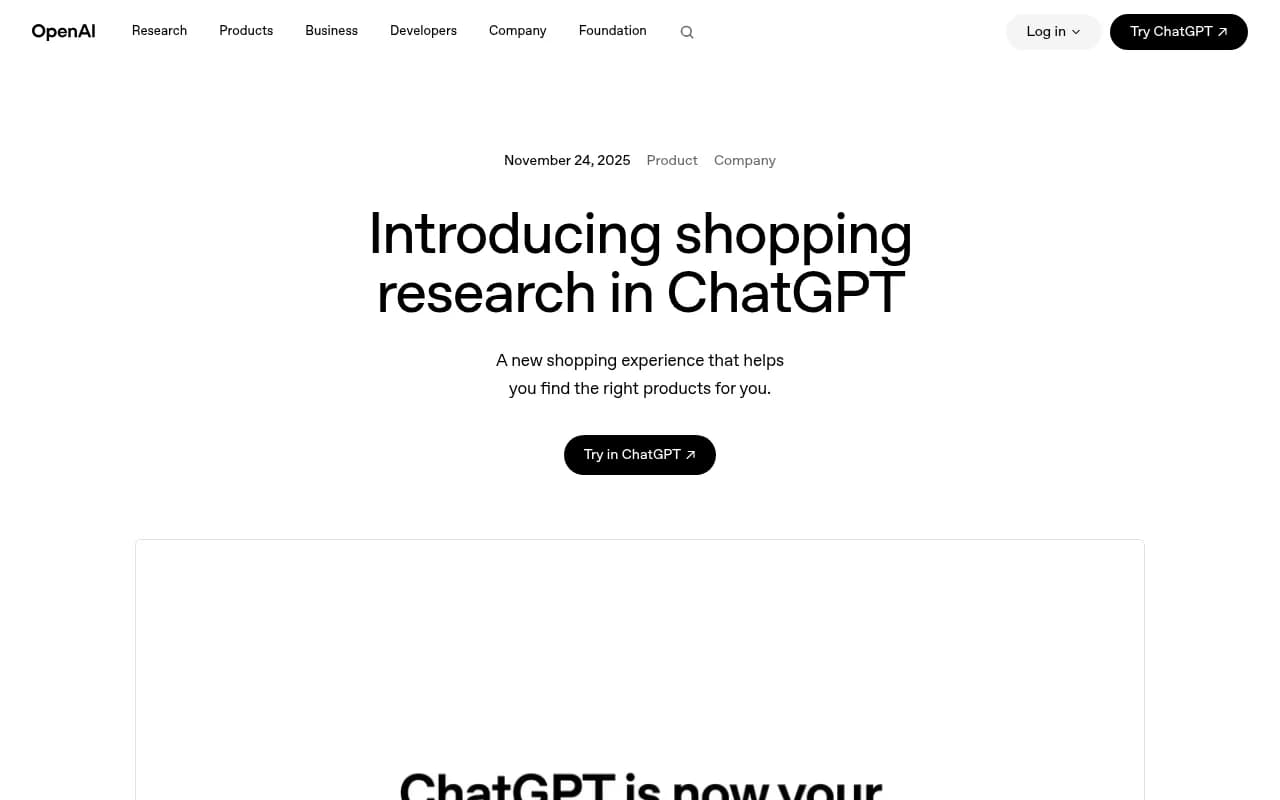
OpenAI introduced shopping research on November 24, 2025. It asks clarifying questions, researches across the web, and builds a buyer's guide. OpenAI says it performs especially well in detail-heavy categories like electronics, beauty, home and garden, kitchen and appliances, and sports and outdoor. If you sell in those categories, expect more of your demand to pass through this experience.
What ChatGPT actually reads to pick a product
Per Darkroom Agency's July 2026 write-up, brands appear based on structured product feeds and third-party trust signals, not paid placement. The carousel shows images, prices, ratings, and review summaries pulled from merchant feeds and crawled web data.
That gives you three inputs to control:
- The feed you submit (structured, official).
- Your product pages (what ChatGPT crawls and cites).
- Third-party signals like reviews and mentions on other sites.
Promptwatch's citation data backs up the second one. In its content type report for Sep 28 to Oct 4, 2026, product pages were the most cited type at 22.4%, with landing pages at 16.8%. Together that is about 39% of citations going to pages describing what a company sells. For commercial prompts, product pages take 26.0% and landing pages 20.6%.
So your product pages are not an afterthought to the feed. They are half the job.
Step 1: Clean your catalog before you upload anywhere
Every uploader, whether OpenAI's or a tracker's, will choke on the same problems. Fix them once in your source of truth.
Stable identifiers
Third-party guides on OpenAI's feed (Alhena's summary is the clearest) say OpenAI matches products by item ID, not file name. Keep your item_id the same forever. If your export script regenerates IDs, the system sees a brand-new catalog and you lose history. Use your SKU or your platform's permanent product ID, never a row number.
The fields that matter
One third-party guide counts nine required fields for ChatGPT's feed. I could not confirm the exact list against OpenAI's own specification, so check the current spec when you apply. In practice, expect to need at least:
- Stable ID
- Title
- Description
- Product URL
- Image URL
- Price and currency
- Availability
- Brand
- Identifier such as GTIN or MPN where one exists
Beyond the required set, richer attributes help ChatGPT match a product to a specific need. A shopper asking for "a waterproof trail runner under $150 with a wide toe box" is matching on attributes. If your feed says "shoe" and your competitor's says "waterproof, wide toe box, 8mm drop," the competitor is easier to recommend.
A simple pre-flight checklist
- No duplicate IDs, no blank prices, no zero-stock items marked in stock.
- Titles that read like a product name, not a keyword dump.
- Descriptions that state specs in plain language.
- Product page URLs that return 200 and are not blocked to AI crawlers.
- Product schema markup on the page that matches the feed values. Mismatched prices between feed and page are a classic trust problem.
Step 2: Submit your feed to ChatGPT
The research here comes from third-party guides rather than OpenAI documentation, so verify details at the source before you build around them.
What those guides agree on:
- Apply at chatgpt.com/merchants. The form asks for company details, website, product categories, and SKU count (CloseIT).
- Choose file upload, API, or both. The recommendation reported by Alhena is a full file once a day, plus API updates during the day for price and stock. A small catalog can run entirely on the API. Promotions can only be sent through the API.
- Validate a sample of roughly 100 products before sending everything.
- E2M reports that merchants can refresh feeds as often as every 15 minutes for live pricing and inventory.
- Digital Applied says that as of March 2026, products in Shopify Catalog are automatically discoverable in ChatGPT for US merchants. If you are on Shopify, check that before building a custom feed.
I would treat each of these as a lead to confirm, not a fact to quote to your boss. The merchant program has changed repeatedly since the first feed announcement.
Instant Checkout is optional
OpenAI announced Instant Checkout and the Agentic Commerce Protocol on September 29, 2025. You can be discoverable without it. Checkout is a separate decision about where the purchase completes, and it adds integration work. Start with discoverability, measure, then decide.
Step 3: Upload your catalog to a tracking tool
Now the part most guides skip. A feed gets you eligible. It does not tell you whether ChatGPT shows your product when a real buyer asks a real question.
Promptwatch has an AI Shopping feature for exactly this. You upload your product catalog, and it tracks your own products in ChatGPT shopping carousels and in Amazon Alexa product results. Shopping Insights is included from the Business plan, and Agency Scale plans do not include it, so check promptwatch.com/pricing against your tier.
A sensible setup looks like this:
- Export your catalog as CSV from your store or PIM, using the same stable IDs as your ChatGPT feed.
- Upload it so the tool can recognize your products by name, brand, and URL when they appear in a card.
- Build a monitor of commercial and transactional prompts your buyers use: "best [category] under [price]", "[product type] for [use case]", comparisons between you and competitors.
- Run it daily across ChatGPT and, where relevant, Alexa, in the countries you sell in.
- Read which of your SKUs show up, in which position, and which competitors fill the rest.
Promptwatch's own guidance from its ChatGPT shopping usage data is to run your buyers' commercial prompts and record which brands fill the shopping cards, then treat it like early Google Shopping: modest traffic now, but early visibility is hard to displace later.
Why you need real UI tracking
Shopping cards only exist in the user interface. API outputs do not show them the same way, and the same prompt can return different products by country. Pick a tracker that queries the real ChatGPT interface in the markets you sell in.
How often do shopping cards actually appear?
Less than you would hope. Promptwatch Data's shopping usage report measures the share of citation-enabled ChatGPT responses that include shopping features, and the rate is a low single-digit percentage across all prompt types. It moves in steps, not smoothly. In the window shown it roughly doubled overnight in late May and then fell back weeks later, which Promptwatch reads as OpenAI actively tuning when product cards appear.
Two takeaways:
- Do not judge your catalog from a single week of data. Look at trends over a month or more.
- Track commercial prompts specifically. Trigger rates there run far higher than the all-prompt average, so that is where your products would appear if they appear at all.
What about Alexa?
I could not find reliable public documentation on how Alexa sources product results, and I would rather say so than guess. What is clear is that Alexa product results are a surface you can monitor. Promptwatch covers Amazon Alexa including product results, so if Alexa is relevant to your category, add it to your tracked surfaces and compare your visibility there with ChatGPT. Since Alexa leans on Amazon's retail ecosystem, expect your Amazon listing quality to matter, but confirm that with your own tracking data rather than assuming.
Step 4: Turn tracking data into fixes
When you see the results, the diagnosis usually falls into one of four buckets.
| What you see | Likely cause | What to fix |
|---|---|---|
| Product never appears for any prompt | Not in feed, or page blocked to crawlers | Confirm feed acceptance, check robots.txt and AI crawler access |
| Appears for brand prompts, not category prompts | Weak attributes or low trust signals | Enrich specs, earn reviews and third-party mentions |
| Competitor product appears instead | Better attribute match or price | Compare their page and feed fields against yours |
| Appears, then disappears | OpenAI tuning or stale data | Check price and stock freshness, watch the trend over weeks |
Crawler access is worth checking early. If ChatGPT's bots cannot read your product pages, no feed will compensate. Promptwatch's crawler logs show which AI bots hit your pages and whether they hit errors, and its free Agentic Readiness Check tells you which AI crawlers can read your site.
Tools worth knowing
Several trackers monitor brand visibility in ChatGPT. Only some handle product-level shopping tracking, so ask each vendor directly before you commit.
| Tool | Brand mention tracking | Product catalog upload and shopping tracking | Notes |
|---|---|---|---|
| Promptwatch | Yes | Yes, ChatGPT shopping and Alexa products | Also covers crawler logs and content actions |
| Profound | Yes | Verify with vendor | Enterprise-focused |
| Otterly.AI | Yes | Verify with vendor | Basic prompt tracking |
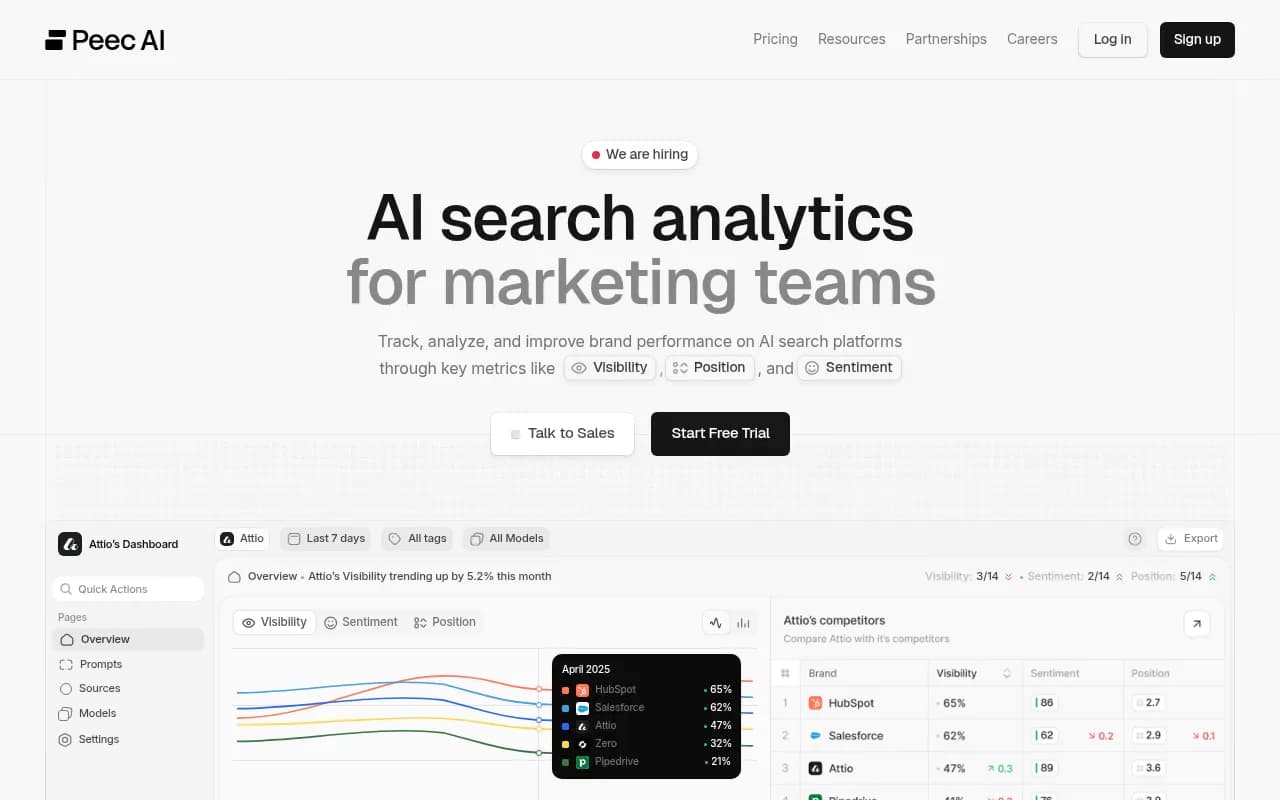
| Peec AI | Yes | Verify with vendor | Prompt tracking for marketing teams |
Profound
Otterly.AI

If you are comparing options more broadly, the GEO software directory at bestgeosoftware.com lists more of them.
A realistic first-month plan
- Week 1: Clean the catalog, fix IDs and missing fields, check product page schema, confirm AI crawlers can reach your pages.
- Week 2: Apply for the merchant program or confirm your platform's automatic coverage. Validate a small sample.
- Week 3: Upload the catalog to your tracker and set up 30 to 50 commercial prompts across your top categories.
- Week 4: Read the baseline. Note which competitors own the cards, then pick your five highest-margin SKUs and fix those pages first.
Do not expect big traffic immediately. The point of the first month is a baseline. Without one, every later change is a guess.
What I would not bother with
I would skip chasing every feed field on day one, and I would not build a custom checkout integration before you know whether shopping cards show your products at all. Get discoverable, measure, then decide where to invest. Boring advice, but the rare sequencing mistake here is spending months on checkout for a catalog nobody sees.
For current numbers on how ChatGPT cites sources more broadly, the Promptwatch Data hub publishes regularly updated reports you can use to sanity-check your own results.