Key takeaways
- An agentic readiness check probes your domain for the files and headers AI crawlers and agents look for: robots.txt rules, llms.txt, Content Signals, MCP server cards, A2A agent cards and OAuth discovery.
- Crawler access comes first. If robots.txt, your CDN or your WAF blocks GPTBot, ClaudeBot or PerplexityBot, nothing else on the list matters.
- llms.txt and Content Signals are cheap and apply to every site. MCP server cards only make sense if you actually run an MCP server or an API.
- None of these standards has been shown to drive AI citations. Treat them as hygiene and early positioning, not a ranking lever.
- Typical sites pass few checks. Recent scans on Promptwatch's checker landed between 3 and 8 out of 17, while the best sites reach 15 out of 17.
What an agentic readiness check actually does
A readiness check is a probe. You give it a domain, it requests a fixed list of files, headers and well-known endpoints, reads your robots.txt the way each AI crawler would, and reports what passes and what doesn't. It doesn't crawl your pages, run a browser or change anything on your site.
Two kinds of visitors are in play. Crawlers like OAI-SearchBot, Claude-SearchBot and PerplexityBot read pages so ChatGPT, Claude and Perplexity can find and cite them. Agents go further: they call APIs, sign in on a user's behalf and finish tasks. Both start with the same three questions. Am I allowed in? Where is the content? Is there a cleaner format or an API I can use instead of scraping HTML?
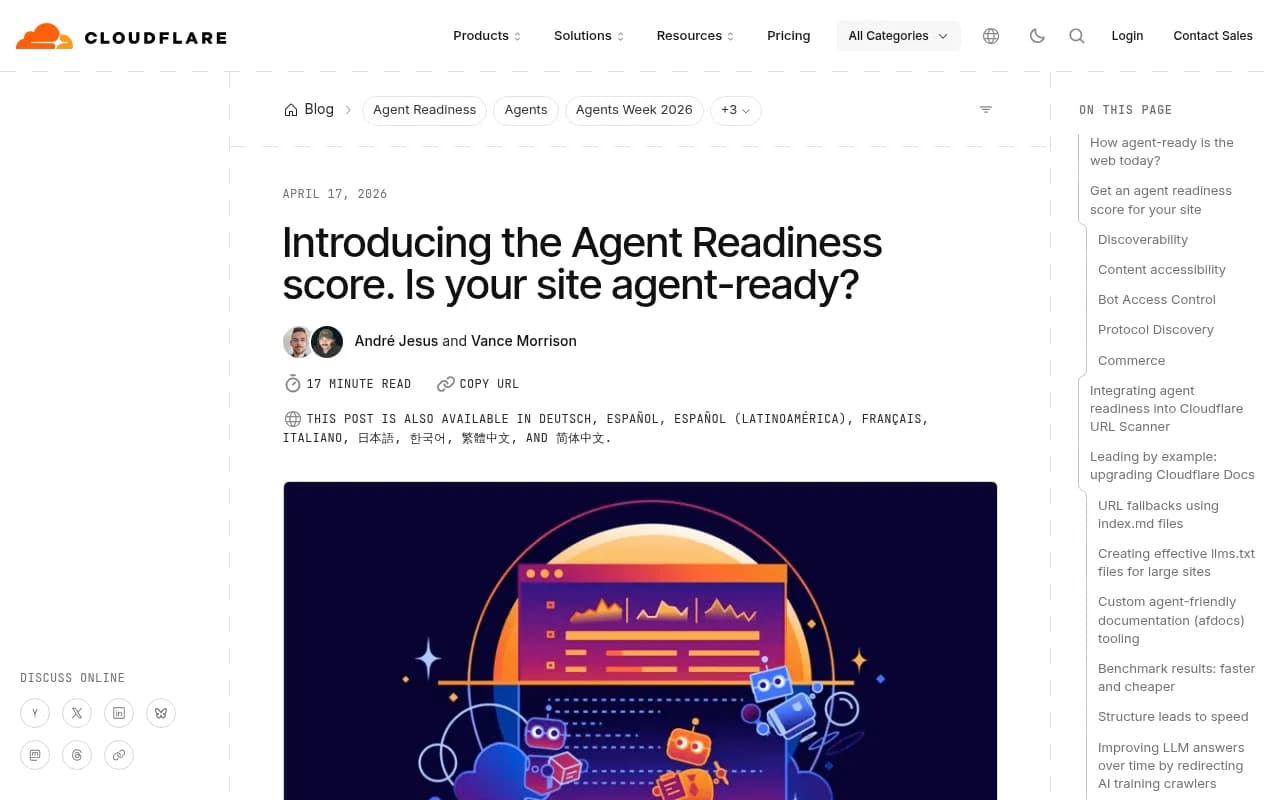
The standards that answer those questions are new and still moving. Cloudflare scanned the 200,000 most visited domains when it launched its Agent Readiness score and summed up the result bluntly: the web is not very agent-ready yet. Content Signals showed up in roughly 4% of sites, and MCP Server Cards and API Catalogs (RFC 9727) together appeared on fewer than 15 sites in the whole dataset.
That last number is the interesting one. It means nobody is ahead of you by much, and it also means nobody has proven these files pay off.
The checks, in plain language
Different checkers group things differently, but the core list is stable. Here is where each file lives and who needs it, based on the BlogSEO and Cloudflare tooling.
| Check | Where it lives | Who needs it | Impact today |
|---|---|---|---|
| robots.txt AI bot rules | /robots.txt | Every site | High |
| sitemap.xml | /sitemap.xml or Sitemap: line | Every site | High |
| llms.txt | /llms.txt | Every site | Medium |
| llms-full.txt | /llms-full.txt | Every site | Medium |
| Content Signals | Content-Signal line in robots.txt | Every site | Medium |
| Markdown for agents | Homepage with Accept: text/markdown | Every site | Medium |
| MCP server card | /.well-known/mcp/server-card.json | Sites with an API or app | Emerging |
| A2A agent card | /.well-known/agent-card.json | Sites with an API or app | Emerging |
| WebMCP | document.modelContext in homepage JavaScript | Sites with an API or app | Emerging |
| Link headers, DNS-AID | Homepage response, _agents DNS records | Sites with an API or app | Emerging |
Notice the split. Everything marked High or Medium applies to any website. Everything marked Emerging only matters if you expose something an agent can call.
Crawler access: the check that matters most
Before you touch llms.txt, look at who can get in. Promptwatch's checker tests robots.txt against nine crawlers: GPTBot, OAI-SearchBot and ChatGPT-User from OpenAI, ClaudeBot and Claude-SearchBot from Anthropic, PerplexityBot and Perplexity-User, Google-Extended, and Meta-ExternalAgent.
The point of testing them separately is that blanket rules hurt. A site might want to block training crawlers while staying open to the ones that fetch pages to answer a user's question live. Those are different bots with different jobs, and lumping them together is how brands accidentally disappear from ChatGPT answers.
Robots.txt is only half of it. CDN and WAF rules can return 403s to bots that robots.txt explicitly allows. Promptwatch Data's AI crawler traffic report (IP-verified requests, June 8 to September 6, 2026) puts OpenAI at 79.8% of verified crawler requests in the week of August 31 to September 6, down from 94.8% in early June. Its advice is simple: if a provider is a big share in that report but close to zero in your own logs, you're probably blocked or unreachable for that provider.
A readiness check can't see your logs, so it can't tell you that. It tells you what your rules say. Your server or crawler logs tell you what actually happens.
llms.txt: cheap, short, unproven
llms.txt was proposed in September 2024. It's a plain text file at the root of your site: an H1 with the site name, a one-line summary in a blockquote, then sections of links to the pages that matter. Think of it as a reading list for a model with a limited context window.
A minimal one looks like this:
# Example Co

> Example Co makes invoicing software for freelancers.

## Docs
- [Getting started](https://example.com/docs/start): setup in five minutes
- [API reference](https://example.com/docs/api): endpoints and auth

## Product
- [Pricing](https://example.com/pricing): plans and limits
Checkers vary in how hard they look. LLM Pulse only verifies that the file exists and returns plain text rather than an HTML shell, which is the most common failure on single-page apps that serve their index page for every path. Others also look for llms-full.txt, a longer version with the full content inline.
Here is my honest take. Whether llms.txt does anything for AI citations is unresolved. One technical writeup on agent readiness notes that nobody has published a study showing llms.txt, MCP or A2A drives citations, though its author does see ChatGPT-User, ClaudeBot and OAI-SearchBot fetching these files in server logs. Chrome's Lighthouse now includes an agentic browsing audit that checks for llms.txt, but it resolves to Not Applicable when the file is missing, and Chrome says the category exists to gather data, not to rank anything.
So: it takes about 30 minutes, costs nothing, and the downside is zero. Ship it. Just don't expect a traffic spike.
One related caution. Promptwatch Data's Markdown in AI Search report found HTML made up 99.94% of AI search citations while markdown files were 0.05%, roughly 2,000 to 1. That report measures citations, not llms.txt fetches, so it's no verdict on llms.txt. But it does say don't build .md mirrors of your marketing pages hoping to win citations. Reserve markdown endpoints for developer docs, where coding agents do fetch them heavily.
Content Signals: say what you allow
Content Signals is a directive you add to robots.txt. Instead of a blanket allow or block, you declare three separate preferences:
User-agent: *
Content-Signal: search=yes, ai-input=yes, ai-train=no
Allow: /
- search covers a search index with links and short excerpts, not AI summaries
- ai-input covers using your pages as real-time input for AI answers, including grounding
- ai-train covers training or fine-tuning models
A signal you leave out neither grants nor restricts that use. That detail trips people up, so be explicit about all three if you have a position.
The practical appeal is that a publisher can stay in AI answers (ai-input=yes) while declining training (ai-train=no). Whether every AI company honors the signal is another matter, and it's a preference declaration rather than technical enforcement. About 4% of the sites Cloudflare scanned had one, so it's early, but it's a one-line change.
MCP server cards, A2A cards and the rest
MCP is the Model Context Protocol, the standard many AI clients use to connect to tools and data. An MCP server card is a small JSON file at /.well-known/mcp/server-card.json describing your server: name, version, transport endpoint and available tools. It lets an agent discover your server without you handing over a URL manually.
An A2A agent card at /.well-known/agent-card.json does a similar job for agent-to-agent communication, describing skills and capabilities. WebMCP exposes tools from homepage JavaScript via document.modelContext.
The server card spec is still a draft proposal, and Cloudflare says so directly. Which brings up the question that matters: do you need one?
- If you run an MCP server, an API or an app with real actions an agent could take, yes, publish it. It's a small file.
- If you run a blog, a brochure site or a local business page, no. A card pointing at nothing is noise. Many checkers flag this as an informational item rather than a failure for exactly this reason.
This is why LLM Pulse's FAQ says most sites score low on agent interfaces: the standards are new and most sites have no interface to describe. A low score there isn't a defect.
Which checker should you use
Several free checkers exist and they overlap a lot. They differ in scope.
| Checker | Scope | Notes |
|---|---|---|
| Promptwatch Agentic Readiness Check | 9 crawlers, 17 scored standards | Free, no signup, about 20 seconds. Public results pages and a leaderboard |
| Cloudflare isitagentready.com | Protocol layer including Web Bot Auth and OAuth metadata | Has a stateless MCP server with a scan_site tool |
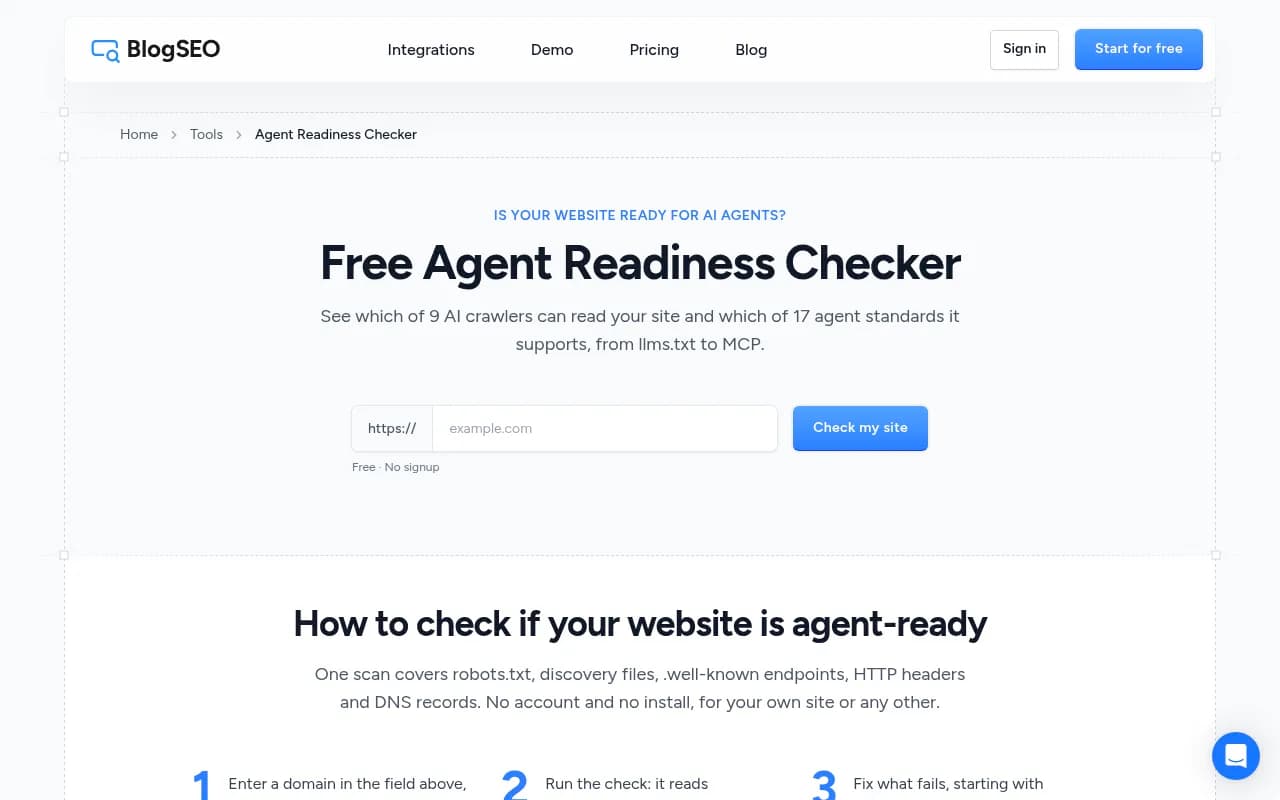
| BlogSEO checker | 9 crawlers, 17 standards plus 6 informational | Gives a fix prompt you can paste into a coding agent |
| LLM Pulse checker | Four dimensions: discovery, content, crawler rules, interfaces | Asks for a work email |
| Frase checker | Access, discovery and parseability per page | Scores 0 to 100 |
I'd start with Promptwatch's Agentic Readiness Check because it's free, doesn't ask for an email and tests the five standards in this article's title. Cloudflare's is a good second opinion for the protocol layer. Running two and comparing is cheap.
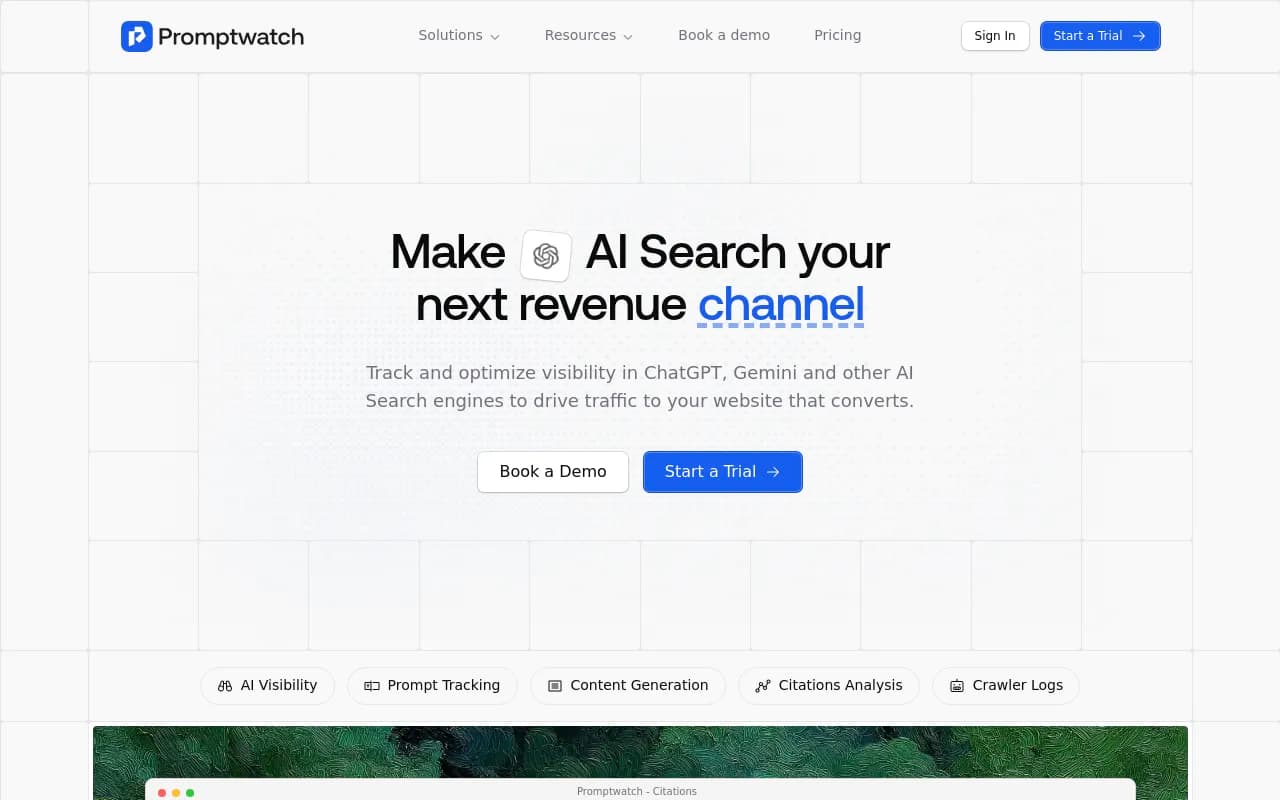
LLM Pulse's checker comes from a visibility tracking tool of the same name.
What good scores look like
Promptwatch's checker lists razorpay.com and airbyte.com at 15 out of 17, monday.com and resend.com at 14, and zapier.com, neon.tech, circleci.com, cal.com and a few others at 12. Those are all companies with APIs and developer audiences. Recent random checks landed at 3 to 8 out of 17, including big names like Docusign, Box and Palantir at 3.
So don't chase 17. A content site scoring 8 with clean crawler access and a working llms.txt is in better shape than an API company scoring 12 that blocks OAI-SearchBot at the firewall.
A fix order that makes sense
- Confirm crawler access. Open robots.txt, then check CDN and WAF rules for each AI provider. Decide deliberately which bots you want in.
- Make sure pages render without JavaScript. If content only appears after client-side rendering, many crawlers see an empty shell. Prerendering services such as Prerender.io exist for this.
- Add or fix sitemap.xml and reference it from robots.txt.
- Publish llms.txt, and llms-full.txt if you want to. Verify it returns text/plain, not your 404 page dressed as HTML.
- Add a Content-Signal line that states your actual position.
- If you have an API or MCP server, publish the server card, API catalog and OAuth metadata, then add a Link header on the homepage that points to them.
- Rerun the check, then check your logs a week later.
One developer with server access can handle steps 1 to 5 in an afternoon. The scoring guides I read put the highest-impact items (llms.txt, Link headers, explicit bot rules) at one to two hours.
From readiness to results
A readiness check is a snapshot of what you've published. It says nothing about whether AI systems then fetch, cite or send visitors to your pages. For that you need crawler logs and citation data. Platforms like Promptwatch show IP-verified AI crawler hits per page, which pages get cited, and what traffic that sends, so you can see whether the fixes worked. If you're comparing options, the GEO software directory lists more.
If your site is a JavaScript app that crawlers struggle with, or you simply want a second pair of eyes on technical setup, an agency like 1001 SEO Media handles technical SEO and AI search work. That's optional; the steps above are doable in-house.
Caveats worth keeping in mind
Some agents fetch llms.txt and some don't. In the one case where fetching is clearly documented, coding agents with a hardcoded docs URL in their system prompt, the trigger isn't autonomous discovery on the open web. If you run a personal blog or a local shop, the odds that an agent has your URL pre-loaded are close to zero.
Standards also shift. MCP server cards moved paths during the draft process, and the older /.well-known/mcp-server.json path still shows up. Check current specs before copying a template.
And checkers aren't neutral. Each one scores what its vendor cares about, so a 9 on one tool and a 14 on another doesn't mean you changed anything. Pick one, track your score over time, and focus on whether the underlying files and rules are correct.
Quick answers
Does llms.txt improve AI citations?
No published study shows it does. It's cheap to ship and some agents read it, so it's reasonable, but it isn't a ranking lever.
Do I need an MCP server card?
Only if you run an MCP server or API. Otherwise skip it.
Is blocking training bots a good idea?
That's your call. You can block ai-train through Content Signals and training crawlers in robots.txt while staying open to search and answer-time fetchers. Test the result so you don't block the wrong bot.
How often should I rerun the check?
After any CDN, WAF or robots.txt change, and about monthly otherwise. New bots and standards appear regularly.
For broader data on how AI answers pick sources, see Promptwatch Data.