Key takeaways
- A scheduled briefing in the channel your team already reads beats a dashboard nobody opens. Pick one day, one channel, one owner.
- Promptwatch's Agent Chat can run scheduled chats and deliver them in-app or in Slack, with ready-made skills like the 7-day GEO briefing and competitor gap analysis.
- Slack also has native options (Workflow Builder's scheduled message template and Slackbot recurring tasks), but those send text, not your live AI visibility data.
- Scheduled jobs fail quietly. Check both that the job ran and that the message landed, and add a stale-data guard.
- A good briefing answers four questions: what changed, why, what to do, and who owns it. Keep it short.
Why a Slack briefing beats another dashboard
I have watched plenty of teams buy a monitoring tool, build a gorgeous dashboard, and then never open it after week three. The data was fine. The habit was missing.
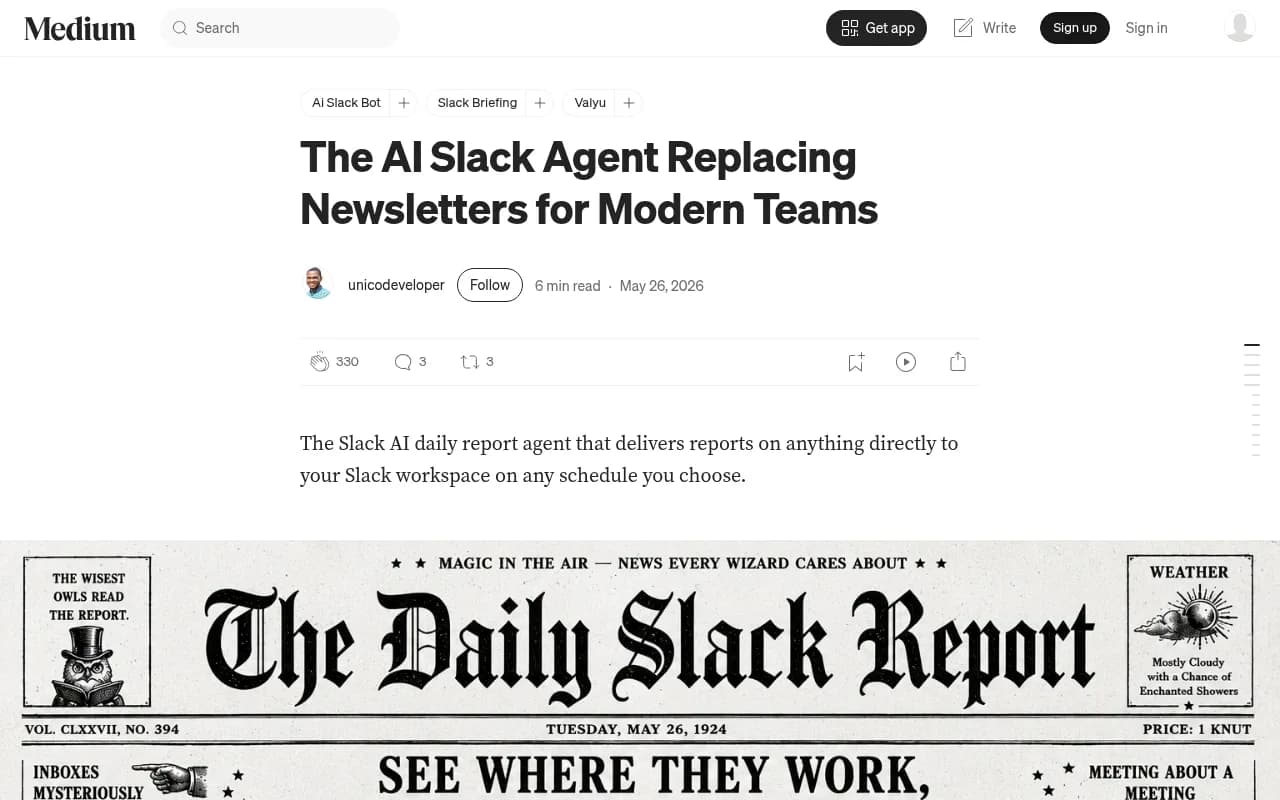
Slack fixes the habit problem because people are already there. A briefing that shows up Monday morning in #marketing gets read in the same pass as everything else. One practitioner who built a Slack briefing agent describes the appeal as replacing newsletters: the report lands in the channel your team is in all day, on whatever schedule you pick (daily, weekly, Monday morning, Friday afternoon, or on demand), and you can run several briefings on different schedules for different topics (source).
That pattern is exactly what AI search teams need. AI answers change daily. Citations move. A model update can reshuffle who gets recommended overnight. Promptwatch Data showed ChatGPT's reddit.com citation share collapsing from roughly 4% to 0.5% on August 14, 2026 (Reddit citations are dropping in ChatGPT). If your content strategy leaned on Reddit, you wanted to hear about that on Monday, not at the quarterly review.
Your options for scheduling briefings in Slack
There are three realistic routes. They are not equal.
| Approach | What it sends | Pulls live AI visibility data | Setup effort | Best for |
|---|---|---|---|---|
| Promptwatch Agent Chat scheduled chats | Analyst-written briefing from your live data, in Slack or in-app | Yes | Low | Teams tracking AI search visibility |
| Slack Workflow Builder scheduled message | A fixed message on a recurring schedule | No | Low | Reminders, links to a dashboard |
| Slackbot recurring task | Slackbot output based on what it can see in Slack and connected apps | Only if a connected source has it | Low to medium | General team summaries |
| Custom agent via cron plus webhook | Anything you code | If you wire it up | High | Engineering-led teams |
The Workflow Builder template is the simplest: you pick a start date and time and a frequency, then save (Slack help). It is a fine way to post a reminder that says "AI visibility review at 10am, dashboard link here." It will not tell you anything new.
Slackbot is described by Slack as a personal agent for work, available to all members on all plans, with access and limits that vary by plan. Its answers use only information the user can view in Slack, and it can pull from Salesforce, installed third-party apps and enterprise search sources. Slack's search snippet says recurring tasks can be set up from the Home tab by tapping Slackbot and describing the task and when it should run. I could not confirm those exact steps on the help page itself, so check Slack's current docs and your admin settings before rolling it out. Admins can restrict Slackbot access.
Setting up scheduled briefings with Promptwatch Agent Chat
Promptwatch is the AI search visibility and GEO platform I would point most teams to for this. Agent Chat is a conversational analyst over your live data: prompts, citations, competitors, crawler logs, traffic and search data. It supports scheduled chats delivered in-app or in Slack, plus a Slack integration that lets you chat with your data and get scheduled briefings in channels.

I did not find public step-by-step documentation for the exact click path, so treat the flow below as the general shape and confirm the current screens in your workspace and at promptwatch.com/integrations.
Step 1: connect Slack
Install the Slack integration from your Promptwatch workspace settings and authorize it for the workspace you want. Create or choose a dedicated channel first. I would use something like #ai-visibility rather than dumping this into a busy general channel. Invite the Promptwatch app to that channel so it can post.
Step 2: pick a skill instead of writing a prompt from scratch
Agent Chat ships with ready-made Agent Skills: a 7-day GEO briefing, competitor gap analysis, citation research and newsjacking. For a first scheduled report, the 7-day GEO briefing is the obvious choice. It is a weekly roll-up, which is what most people can actually act on.
Once that works, add a second schedule for something narrower. Competitor gap analysis on a different day is a good pairing.
Step 3: set the schedule
Promptwatch's scheduled chats run on a cadence you choose. Here is how I would think about timing:
- Weekly briefing: Monday morning in your team's time zone, so the week starts with a clear priority list.
- Competitor gap analysis: mid-week, when people have room to act on it.
- Daily: only if you are in a launch, a crisis, or running a content sprint. Daily briefings turn into noise fast.
One detail from Promptwatch Data is useful here. Its AI crawler traffic report counts weeks Monday to Sunday in UTC and excludes the current incomplete week (AI crawler traffic report). If you want your briefing to compare complete weeks, schedule it for Monday so it summarizes a finished week instead of a half-finished one.
Step 4: tell it what the briefing must contain
The generic output is fine. A tuned one is much better. Put your expectations in the instruction. Here is a template you can adapt:
Every Monday, post a briefing for the last 7 days covering:
1. Visibility Score and Share of Voice vs. the prior week, per AI model
2. The three biggest movers (prompts or topics) and why they moved
3. New or lost citations on our own pages, plus any pages AI crawlers hit errors on
4. One competitor that gained ground and which prompts they won
5. Up to three recommended actions, ordered by expected impact
Keep it under 250 words. Lead with the single most important change.
The word limit matters more than it looks. Long briefings get skimmed, and then ignored.
Step 5: tie it to the Action Board
A briefing that ends in "interesting" is wasted. Promptwatch's Action Board is an AI-generated GEO to-do list with prioritized actions for content gaps, sentiment, Reddit, offsite mentions, site health and more, and its Discovery agent suggests up to five evidence-backed actions a week. Agent Chat also works the board: assigning, commenting and replying when @-mentioned. So end each briefing by pointing at the board, and have someone own clearing it.
What a useful AI visibility briefing contains
I would keep the structure boring and stable so people learn where to look.
The headline metric movement
Visibility Score (0 to 100), Share of Voice, and position in the answer. Read them together. Low Share of Voice points to a coverage problem. Late position is about prominence. Mentions without self-citations suggest a content or crawlability problem. Weak sentiment is a reputation problem. A briefing that names which one you have is worth more than one that lists numbers.
Citation changes
Which of your pages gained or lost citations, and which third-party pages are naming you. This matters because the citation mix keeps shifting. In Promptwatch Data from Sep 28 to Oct 4, 2026, social platforms made up only 0.46% of ChatGPT's citations but 12.2% of Google AI Overviews' citations (social media citations by AI model). A single blended number would hide that gap, so break your briefing out by model.
Crawler and technical flags
If AI crawlers hit errors on your key pages, you want to know before the citation drop shows up. Promptwatch's IP-verified crawler logs make this concrete. In its data, OpenAI's share of verified AI crawler requests fell from 94.8% in Jun 8-14 to 79.8% in Aug 31-Sep 6, 2026, which is a reminder to check robots.txt, CDN and WAF rules for every provider, not just one.
Position and description, not just presence
Promptwatch Data on ChatGPT responses found that 47.6% of responses with citations cite 10 or more domains (unique domains per response). With that many sources per answer, being cited is table stakes. The report's advice is to track where you appear and how ChatGPT describes you, and to measure across many prompts because one prompt tells you little. Build that into the template.
Actions with owners
Three at most. Each with a name next to it.
Making scheduled jobs reliable
This is the part most guides skip, and it is where scheduled agents quietly rot.
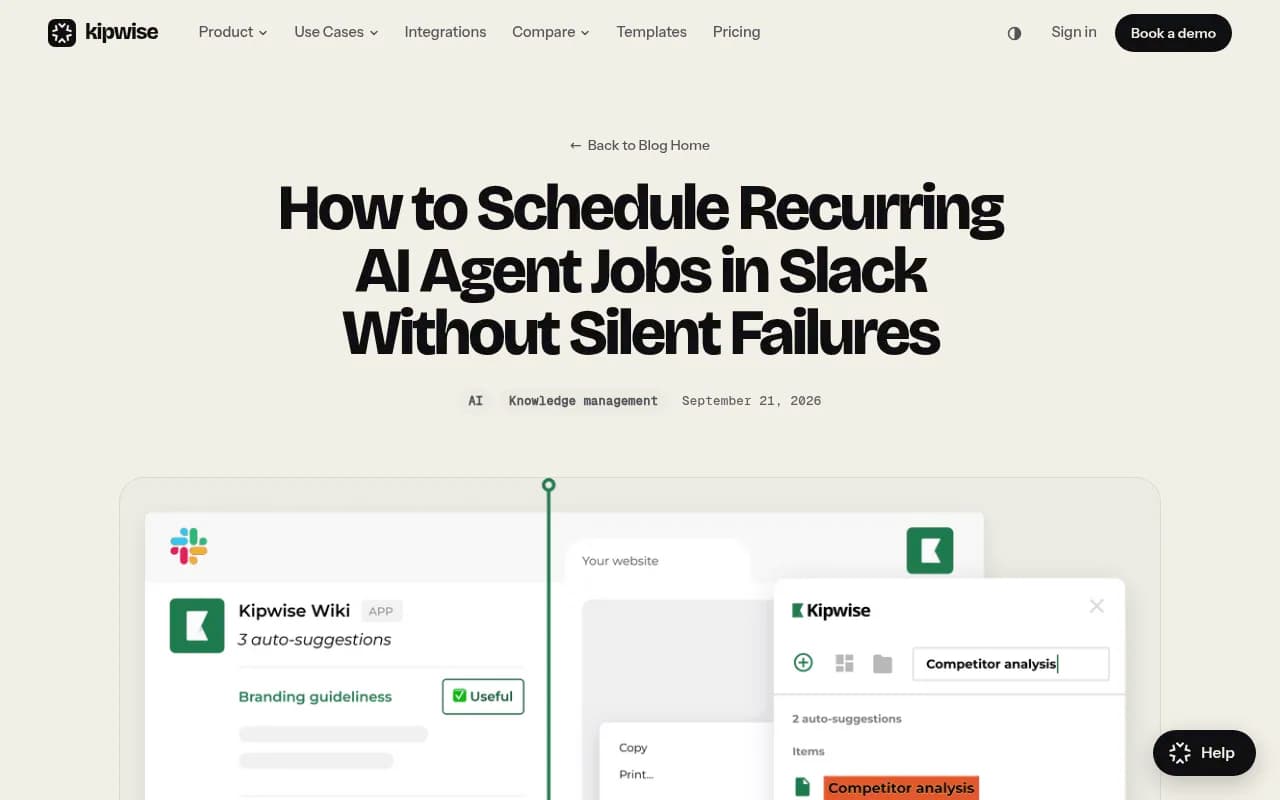
Kipwise makes the point well: a scheduled agent job needs two statuses, not one. Did the run execute, and did the right Slack destination receive the result? A skipped job raises no error for any handler to catch, so alert on a fire that never happened as well. Scheduled jobs fail in the dark: the model finishes, the status says ok, and the channel is empty (Kipwise). Open-source agent schedulers have reported exactly this, with runs marked ok while delivery failed.
I have not verified how any particular vendor handles this, including delivery confirmation inside Promptwatch's Slack scheduling, so test it yourself. A practical checklist:
- Run a dry test to a private channel and confirm the message actually appears.
- Add a heartbeat. If no briefing arrives by Monday 10am, someone gets pinged. A simple Workflow Builder reminder in the same channel works as a tripwire.
- Re-check permissions after any Slack admin change, channel rename, archive, or app reinstall. Renamed or private channels are a classic cause of lost deliveries.
- Put the data window in the first line of every briefing (for example, "Mar 2-8"). If the window looks old, people spot a stale report instantly.
- Have one named person own the briefing. Unowned automations are the ones that break for months unnoticed.
Combining briefings with the rest of your stack
A briefing is a summary layer. It should link back to where work happens.
- Content work: the Action Board and Content Agent handle gaps, drafting and publishing to Webflow, Framer or WordPress. Link the briefing to the relevant gap.
- Reporting: scheduled PDF reports and Looker Studio cover stakeholders who are not in Slack.
- Search data: Google Search Console and Bing Webmaster data sit next to AI data in Promptwatch's search insights, so a briefing can flag pages that rank in Google but never get cited by AI.
- Other automation: if you want to push alerts to other tools, Zapier or n8n can sit between your data and Slack, though that adds maintenance.
If you are still shopping for a platform, the GEO software directory at bestgeosoftware.com lists the options. Many monitoring-only tools such as Otterly.AI or Peec AI will tell you whether you were mentioned. Check whether any of them offer scheduled Slack delivery and an action layer before you commit, because I did not verify that for them.
Otterly.AI


A sample rollout plan
| Week | What to do | Who |
|---|---|---|
| 1 | Create #ai-visibility, connect Slack, run the 7-day GEO briefing on demand | SEO or content lead |
| 2 | Schedule it for Monday morning, add the template instruction, add a heartbeat reminder | Same owner |
| 3 | Add a mid-week competitor gap analysis, link both to the Action Board | Same owner plus one editor |
| 4 | Review: which briefings led to actions? Cut the ones that did not | Team |
The week 4 review is the one people skip. Delete anything nobody acted on. A briefing channel that earns attention with three tight posts a week beats one that posts daily and gets muted.
Common mistakes
- Posting to a channel with 200 people. Start with the five who will act.
- Letting the briefing be a metric dump. Lead with the one thing that changed.
- Scheduling daily out of enthusiasm, then muting it by week three.
- Trusting a green status. Verify that humans actually received it.
- Reporting only whether you were cited. Report position, description and which model.
Bottom line
Set up one weekly Monday briefing in one channel with one owner, based on Promptwatch's 7-day GEO briefing skill, and make it end in three owned actions. Then add a heartbeat so you know when it goes quiet. Confirm current limits and screens in Promptwatch and Slack before rolling out to a wider team, and check pricing at promptwatch.com/pricing.