Key takeaways
- Most "AI content workflows" only make publishing faster. A useful one also tells you whether ChatGPT, Perplexity or AI Overviews cited the page afterward.
- The loop has five stages: track prompts, find gaps, brief and draft, publish with human approval, then measure citations and traffic. Automate the middle three, keep a person at the approval step.
- Map content type to prompt intent. In Promptwatch Data (Sep 28 to Oct 4, 2026), product pages were 22.4% of ChatGPT citations, landing pages 16.8%, and listicles 13.6%.
- Schedule refreshes by content type. News loses half its cited pages in about 36 days, while landing pages and docs hold on far longer.
- You can wire this up with a general automation tool like Zapier or n8n, or use an AI visibility platform that already closes the loop.
Why the usual AI content workflow falls short
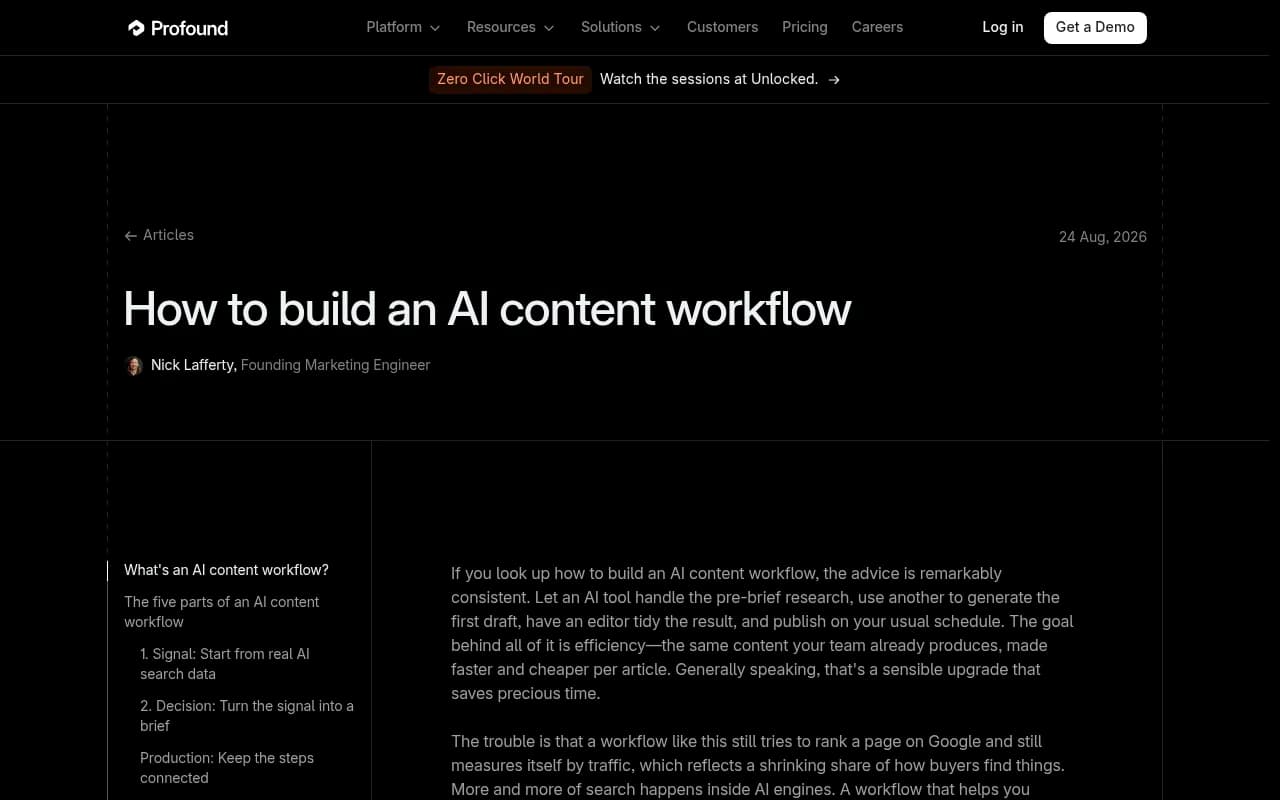
Search for advice on building an AI content workflow and you get the same recipe everywhere. Let a model do the pre-brief research, let another write the first draft, have an editor tidy it up, publish on schedule. Profound's August 2026 article on the topic makes the point well: that workflow still aims at a Google ranking and still grades itself on sessions. It makes you faster. It does not tell you whether an answer engine ever cited you.
I think that framing is right, and it changes how you should build things. The drafting model does not care whether it is serving a blue link or a citation. The inputs and the scoreboard decide that. Feed the workflow a keyword list and grade it on rankings, and everything downstream optimizes for rankings. Feed it the questions buyers ask AI engines and grade it on citations, and the same sequence produces pages built to be quoted.
So the goal of automation here is not "publish more." It is "close the loop between what AI engines are asked, what they cite, and what you publish next."
The five-stage loop
Here is the structure I would build, regardless of which tools you pick.
- Track. Run a fixed set of prompts daily across the AI engines your buyers use.
- Diagnose. Find prompts where competitors are cited and you are not, plus pages that get crawled but never cited.
- Brief and draft. Turn each gap into a brief, then a draft grounded in your facts and tone.
- Publish. A human approves, then the CMS publishes on a schedule.
- Measure. Check crawls, citations and AI-referred traffic for each new page. Underperformers go back into stage 2.
Most teams automate stage 3 and stop. That is the weakest place to start, because drafting is the cheapest part of the chain. The value is in stages 1, 2 and 5, which tell the drafter what to write and whether it worked.
Stage 1: automate prompt tracking
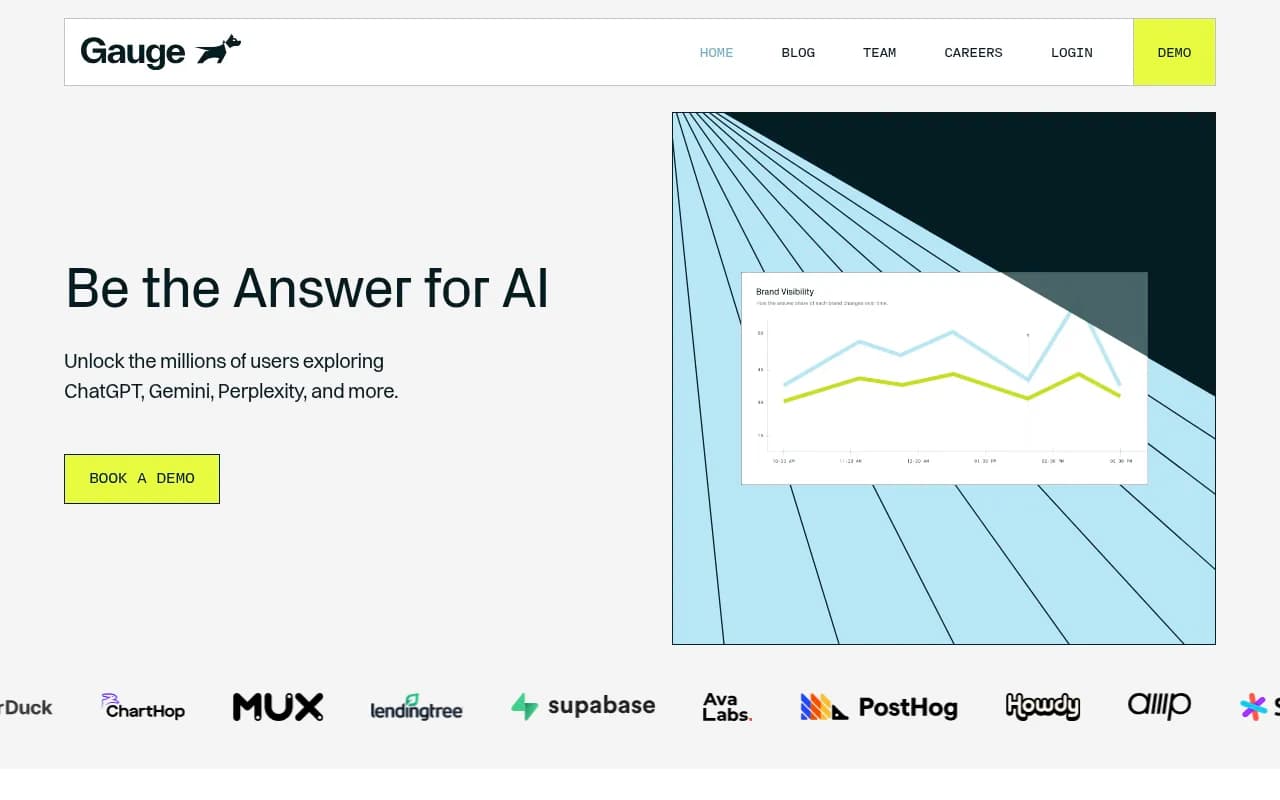
Prompt tracking means running structured queries daily across AI platforms and recording visibility, citations and how your brand is described. Gauge's 2026 roundup of prompt tracking tools describes the basic pattern: set prompts, run them daily, watch trends. Smaller teams do fine with that.
A few things make tracking actually useful rather than a vanity dashboard.
Choose prompts from real demand
Do not invent prompts at your desk. Pull from Search Console queries, People Also Ask, sales call transcripts and your own pages. Group them by intent: organic discovery, brand-specific, and competitor comparison. Intent matters later, because it decides which content type you should write.
Track the real interface
API outputs and the consumer UI of ChatGPT or Google AI Overviews can differ. If you are measuring what buyers see, use a tool that captures the actual interface in the right country and language.
Watch query fanouts
ChatGPT often turns one prompt into several web searches. Promptwatch's ChatGPT query fanout data measured an average of 2.15 fanout queries per response in early December 2025, easing to about 1.84 by early March 2026. Separately, on August 8, 2026 ChatGPT started using the site: operator at scale, going from about 0.4% to about 17% of fanout queries (Promptwatch's site: operator report). Those fanout queries are the real searches your pages need to answer, so a good tracker should show them.
Tools in this category include Promptwatch, which also covers the later stages of this loop, plus monitoring-focused options like Otterly.AI, Peec AI, Gauge and Profound.

Otterly.AI


Profound
Stage 2: automate gap detection
This is where automation starts earning its keep. The baseline from stage 1 shows prompts where a competitor is cited and you are not. Profound's piece calls these the openings, and I agree. Everything else in the workflow hangs off that list.
Good gap detection answers three separate questions:
- Which prompts mention competitors but not you? That is a coverage problem.
- Which prompts mention you but never cite your own domain? That is a content or crawlability problem.
- Which of your pages get crawled by AI bots but never cited? That points to the page itself, or to errors the crawler hit.
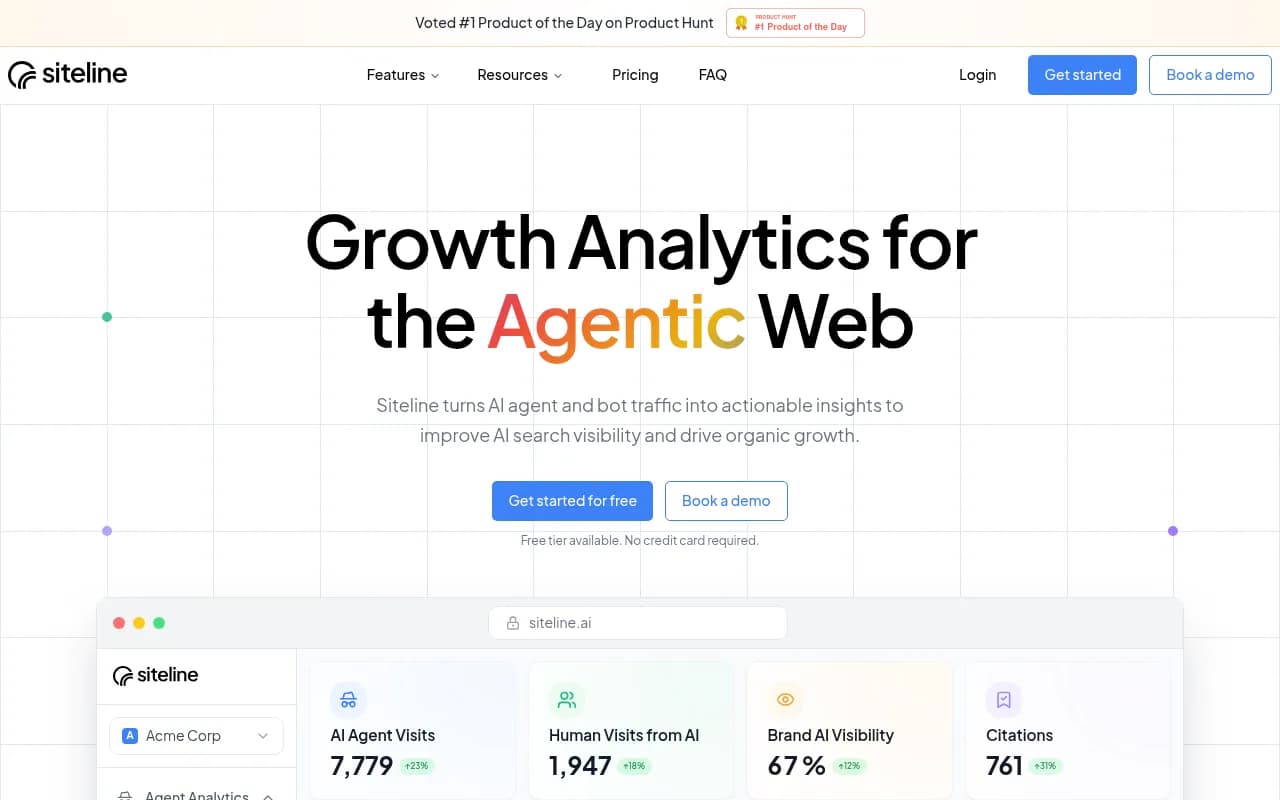
The second and third questions need data most trackers do not have. Server-side AI crawler logs show which bots visited, what they read and where they errored. Promptwatch includes IP-verified crawler logs and page-level citation tracking, and Siteline AI and Scriptbee focus on the crawler side. If your tracker only says "mentioned or not," you will be guessing at fixes.
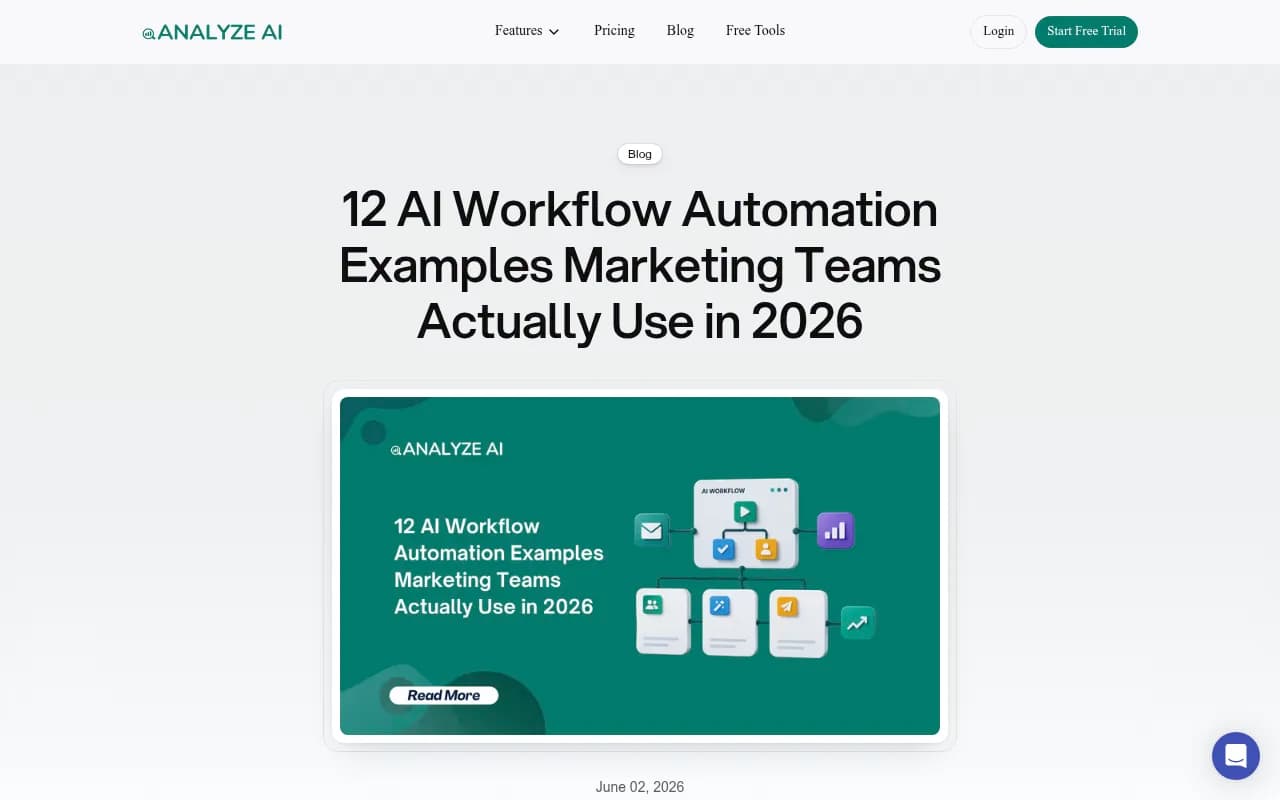
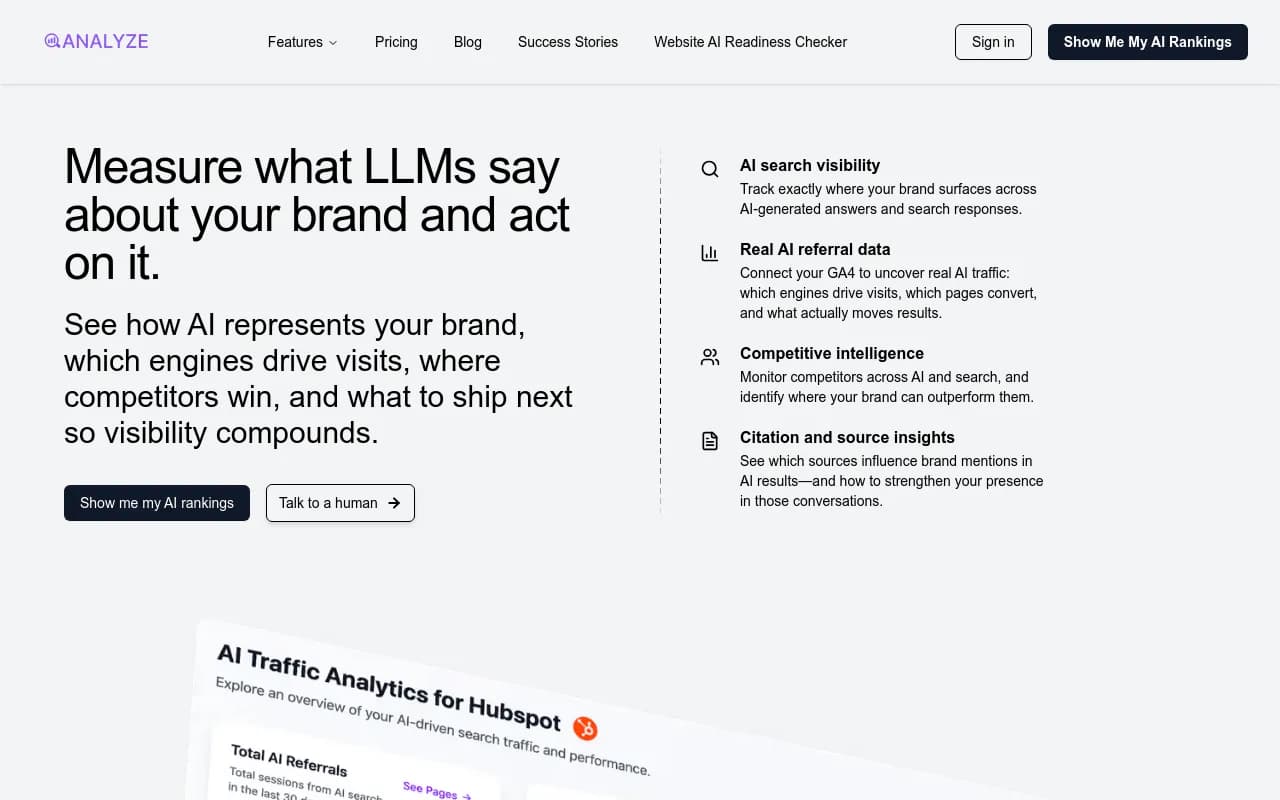
For an automated version, set a weekly job that exports the gap list and pings Slack when visibility drops on a tracked prompt. Analyze AI describes this exact pattern: an agent notices a visibility drop, posts the affected prompts to Slack, and drafts a counter-content brief.
Stage 3: brief and draft, matched to intent
Before you let any model write, decide what type of page each gap needs. Promptwatch Data on ChatGPT citation share by content type (Sep 28 to Oct 4, 2026) gives a useful map:
| Content type | Share of ChatGPT citations |
|---|---|
| Product pages | 22.4% |
| Landing pages | 16.8% |
| Listicles | 13.6% |
| How-to guides | 8.7% |
| Documentation | 7.5% |
| General articles | 6.1% |
| Comparisons | 5.9% |
| News | 5.7% |
| FAQ pages | 3.3% |
| Reviews | 1.7% |
The split by prompt intent is more actionable than the total. For commercial prompts, product pages (26.0%), landing pages (20.6%), listicles (15.0%) and comparisons (7.9%) add up to almost 70% of citations. For informational prompts, how-tos (10.7%), docs (8.5%) and articles (7.7%) matter more. For branded prompts, product pages (23.3%) and landing pages (22.8%) lead, with reviews and FAQ pages also showing up.
Put that into your brief template as a required field: prompt intent, then recommended page type. A commercial gap gets a comparison or landing page, not a 2,000-word blog post.
The same fanout report suggests a few writing rules that are easy to bake into a brief:
- Write headings that read like search queries, such as "Best CRM for small agencies 2026."
- Front-load the entity and category in titles and H2s.
- Build focused pages for sub-questions: comparisons, pricing, alternatives and how-tos.
Pick a drafting tool
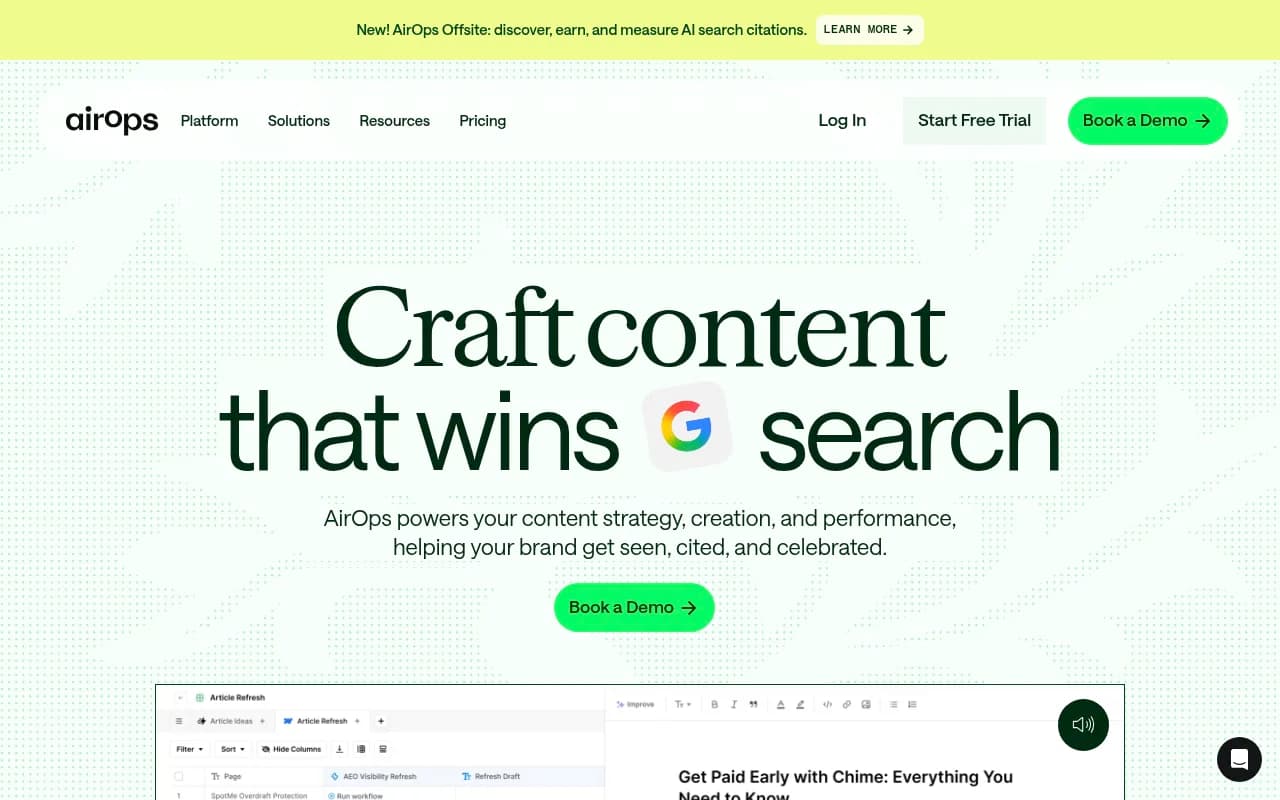
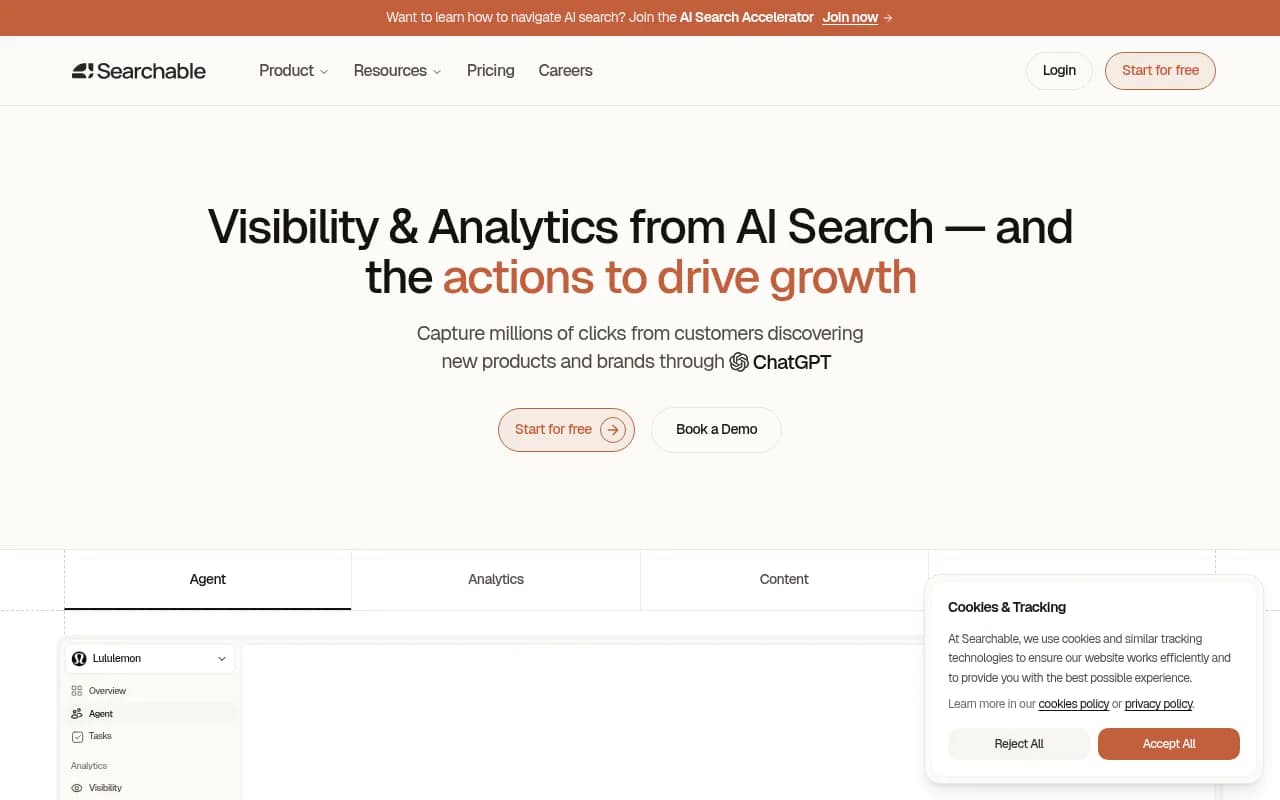
There are two broad routes. Content-first tools such as Frase, Surfer SEO, Jasper and AirOps draft and optimize, but they do not know what AI engines cite. Visibility platforms that include content generation ground drafts in citation data. Promptwatch's Content Agent plans, writes and publishes against visibility gaps, and Searchable and Analyze AI also bundle writers.
| Approach | Examples | Knows your citation gaps | Publishes to CMS | Best for |
|---|---|---|---|---|
| Monitoring only | Otterly.AI, Peec AI, Gauge | Yes | No | Teams with an existing content process |
| Content-first writers | Frase, Surfer SEO, Jasper | No | Varies | Google-focused teams adding AI features |
| General automation | Zapier, n8n, Make | Only what you wire in | Yes, via connectors | Teams that want custom control |
| Visibility plus content | Promptwatch, Analyze AI, Searchable | Yes | Varies | Teams that want one closed loop |
Stage 4: publish with a human in the loop
I would not run fully hands-off at first. Start with a review inbox: the agent drafts, a person approves, edits or declines, and only approved pages go live. Once the approval rate is consistently high and your brand book is solid, loosen it.
For the plumbing, you have two options.
Option A: general automation tools
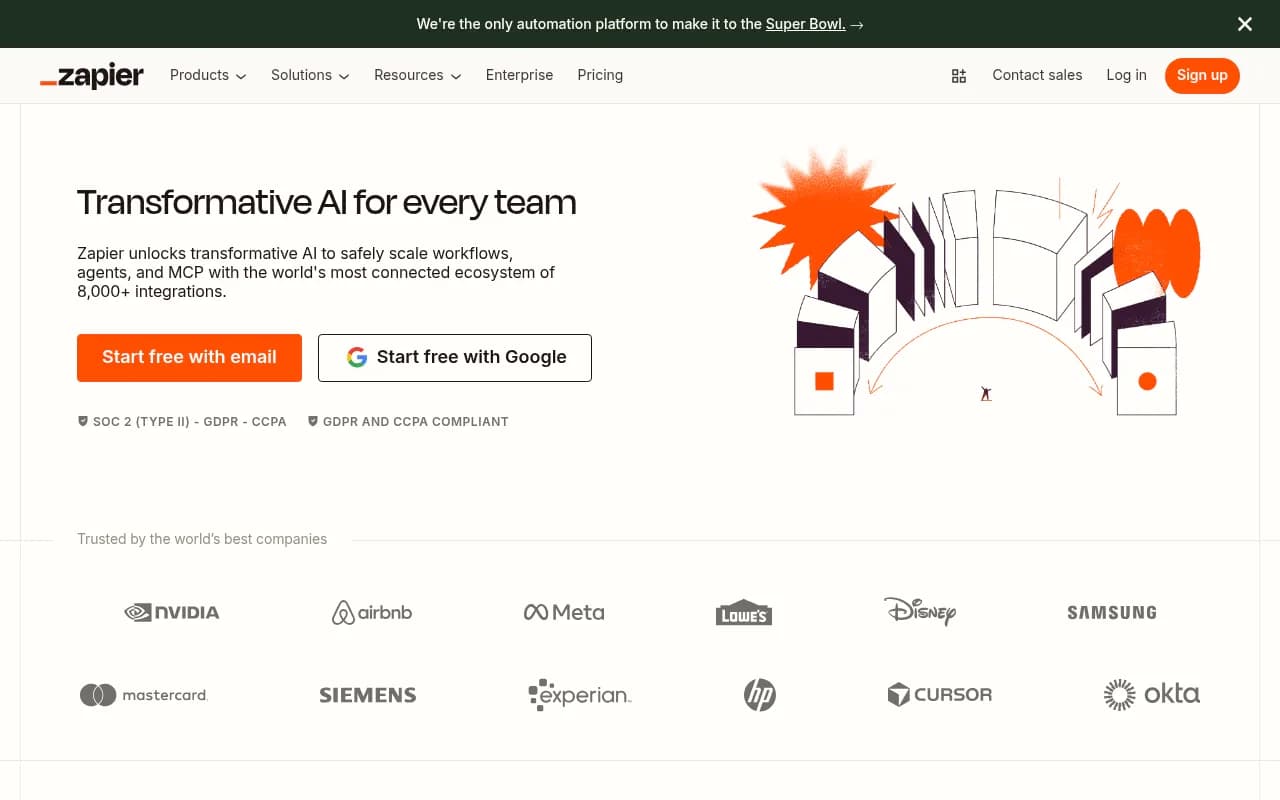
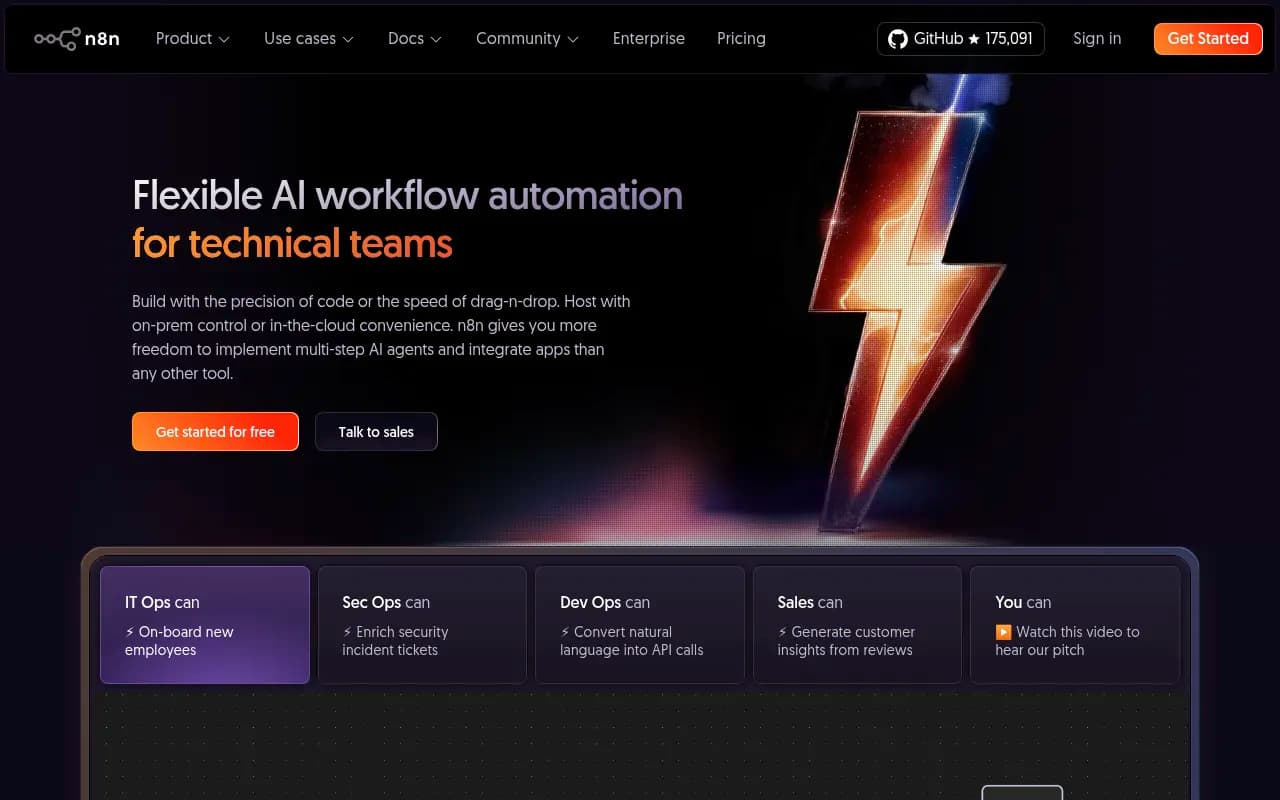
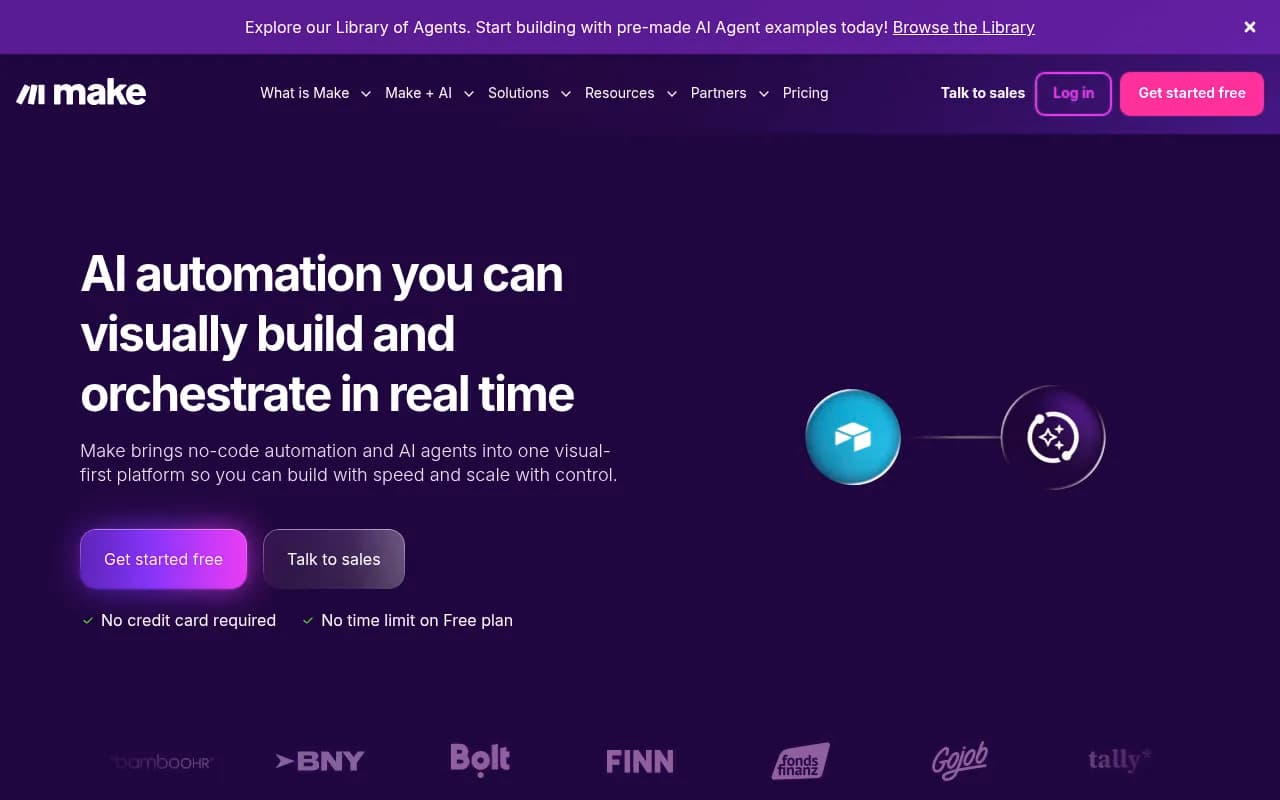
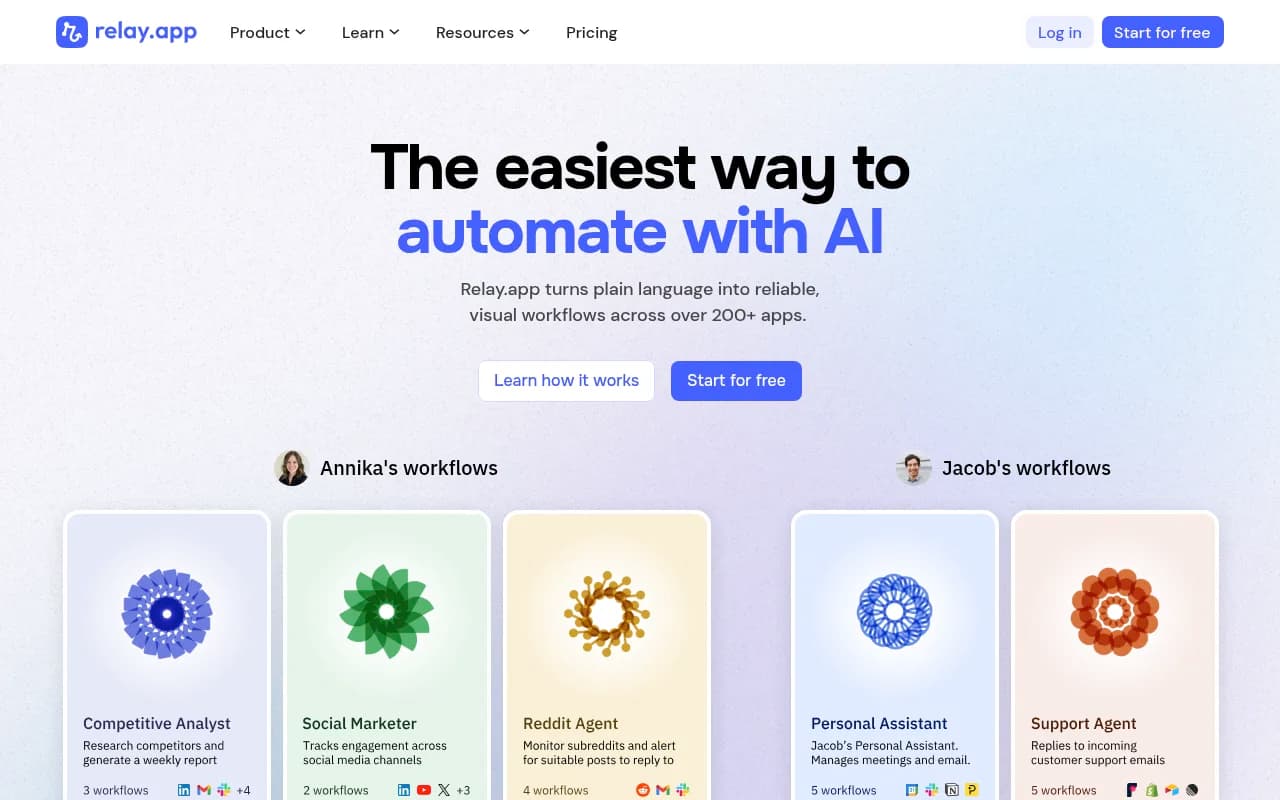
Zapier, n8n and Make connect almost anything. A typical build is: a scheduled trigger pulls the gap list, an LLM node writes a brief, a second node drafts, a human approval step in Slack or Relay.app gates it, and a WordPress or Webflow node publishes. n8n gives code-level control and can be self-hosted, which matters if your data cannot leave your infrastructure. Zapier is quicker to set up but gets expensive at volume.
The downside is that you build and maintain every connection, and the workflow only knows what you feed it. It will not tell you why a page failed to get cited unless you also wire in crawler and citation data.
Option B: a platform with native publishing
Platforms that publish directly to Webflow, Framer or WordPress remove a lot of glue. Promptwatch publishes to those three CMSs with a calendar, monthly budget, publish windows and a review inbox. For headless setups, you may still need your CMS (Sanity, Contentful, Storyblok, Strapi) wired in through an API or MCP.

Stage 5: measure, then schedule refreshes
This stage is what separates a workflow from a content factory. For each published page, check three things in order: was it crawled, was it cited, and did the citation send anyone to your site?
Crawl first. If AI bots never fetched the page, nothing else matters, and the fix is technical: robots rules, rendering or errors. Citation second. If it was crawled but not cited, the content or format is the problem. Traffic third. AI-referred visits can be tracked in analytics with a script or Google Tag Manager, and you can compare them against Google Search Console data. Google Analytics and Search Console are free starting points, though neither identifies AI referrers as cleanly as dedicated visitor analytics.
Refresh by content type, not by gut
Citations decay, and the rate depends on the format. Promptwatch's content half-life study tracked pages ChatGPT cited on July 6, 2026 for 90 days:
- Landing pages (78%) and docs (76%) were still cited after 30 days, and 69% and 67% after 60 days.
- Comparisons held at 72% after 30 days and 63% after 60.
- Product pages, reviews and how-tos sat around 55% after 60 days, with a half-life of 74 to 77 days.
- News had a half-life of 36 days, and almost a quarter of news pages were never cited again after the first day.
Turn that into a refresh schedule. Revisit product pages, how-tos and reviews at roughly 60 to 70 days. Treat news as a short-burst format and do not plan to maintain it. Landing pages, docs and comparisons can wait longer, though the study window ended before they crossed 50%, so their true half-life is likely near or beyond 90 days.
A scheduled job that flags pages approaching their refresh window, compares them against current citation data, and creates a refresh task is a good thing to automate. Analyze AI's example of a content refresh workflow pulls declining pages from GA4, scrapes them, rewrites with brand voice injected, and updates the post in WordPress. Content refresh features in visibility platforms do a similar job with a diff-style view.
Putting it together: three realistic setups
Solo marketer or small team
Use a lightweight tracker (Otterly.AI, Peec AI or Gauge) for stage 1, a spreadsheet for the gap list, and a drafting tool you already own. Add one Zapier or n8n flow that posts a weekly summary to Slack. It is not elegant, but you will learn which prompts matter before you spend more.
In-house team that publishes weekly
A visibility platform that includes gap analysis, crawler logs and content generation saves the most time. This is where Promptwatch fits: tracking, gap analysis, an Action Board of prioritized tasks, the Content Agent and CMS publishing are in one place, and published pages are tracked afterward. Business-tier plans include the automated Content Agent, so check the Promptwatch pricing page for current limits. Analyze AI and Searchable are alternatives with built-in writers.
Agency
Agencies need multi-client views, white-label reports and per-client brand rules. Look at agency tiers of visibility platforms (Promptwatch, Rankscale and Radarkit AI all target agencies) and keep your approval step at the client level. If you would rather hand the whole thing off, a specialist agency such as 1001 SEO Media covers technical SEO, content and generative engine optimization as a service, and uses Promptwatch for AI visibility work.
If you are still comparing options, the GEO software directory lists a wider range of visibility platforms than I can cover here.
Mistakes that break the loop
- Optimizing for the wrong metric. If you grade the workflow on sessions, it will drift back to Google-style content. Add citation rate and AI-referred conversions to the scoreboard.
- Skipping crawl checks. A page that bots cannot read will never be cited. Check logs before rewriting.
- Writing one format for everything. The citation mix differs sharply by prompt intent. Match page type to intent.
- Chasing volume. More articles do not help if they sit in formats that decay quickly. Prioritize the durable ones.
- Removing the human too early. Approval is cheap. A wrong claim published across 30 pages is not.
- Ignoring model changes. ChatGPT's search behavior shifts. Promptwatch's citation drop data shows average citations per response fell around the GPT-5.3 rollout on March 4, 2026. Re-audit after major updates.
A simple starting checklist
- List 50 prompts from Search Console, sales calls and competitor comparisons. Tag each by intent.
- Start daily tracking across ChatGPT, Google AI Overviews, Perplexity and Gemini.
- Install crawler logging or a visitor script so you can see AI bots and AI referrals.
- Build a weekly gap report and send it to Slack.
- Write a brief template with required fields for intent, page type, entities and internal links.
- Draft with a model, review by a person, publish via your CMS.
- After two weeks, check crawl, citation and traffic for each new page.
- Put every page on a refresh calendar based on its type.
Start small, get one full loop running end to end, and only then add volume. A workflow that publishes five pages and tells you exactly what happened to each is worth more than one that publishes fifty and tells you nothing.