Key takeaways
- The Promptwatch MCP server is a hosted, streamable HTTP endpoint (
https://server.promptwatch.com/mcp) that lets Claude, ChatGPT, Cursor and other MCP clients query and act on your AI visibility data. Nothing runs locally. - Tools cover nearly the whole platform: visibility and sentiment, citations, prompts and responses, competitor heatmaps, content gaps, query fan-outs, site health, crawler and visitor analytics, plus write tools for content, prompts, reports and CMS publishing.
- Setup takes a couple of minutes. ChatGPT and Claude have official listings (plugin and connector), while Claude Code and Cursor use a one-line command or a small JSON config.
- Access is controlled with project-scoped or organization-scoped keys, and read-only keys disable every write tool. Use them for anything an assistant should only look at.
- The value is speed: you ask a question in plain language and the assistant chains several tool calls together instead of you clicking through dashboards.
What an MCP server actually does for a marketer
MCP (Model Context Protocol) is a standard way for an AI assistant to call tools in another product. Without it, Claude or ChatGPT knows what its training data says and whatever you paste in. With it, the assistant can pull live numbers from your tools, then reason over them.
Most marketing MCP servers you will find in roundups, like the Audienceful one for email or the Hyper AI connector for ad platforms, wire an assistant into a channel you already run. The Promptwatch one is aimed at a newer channel: how your brand shows up inside AI answers.
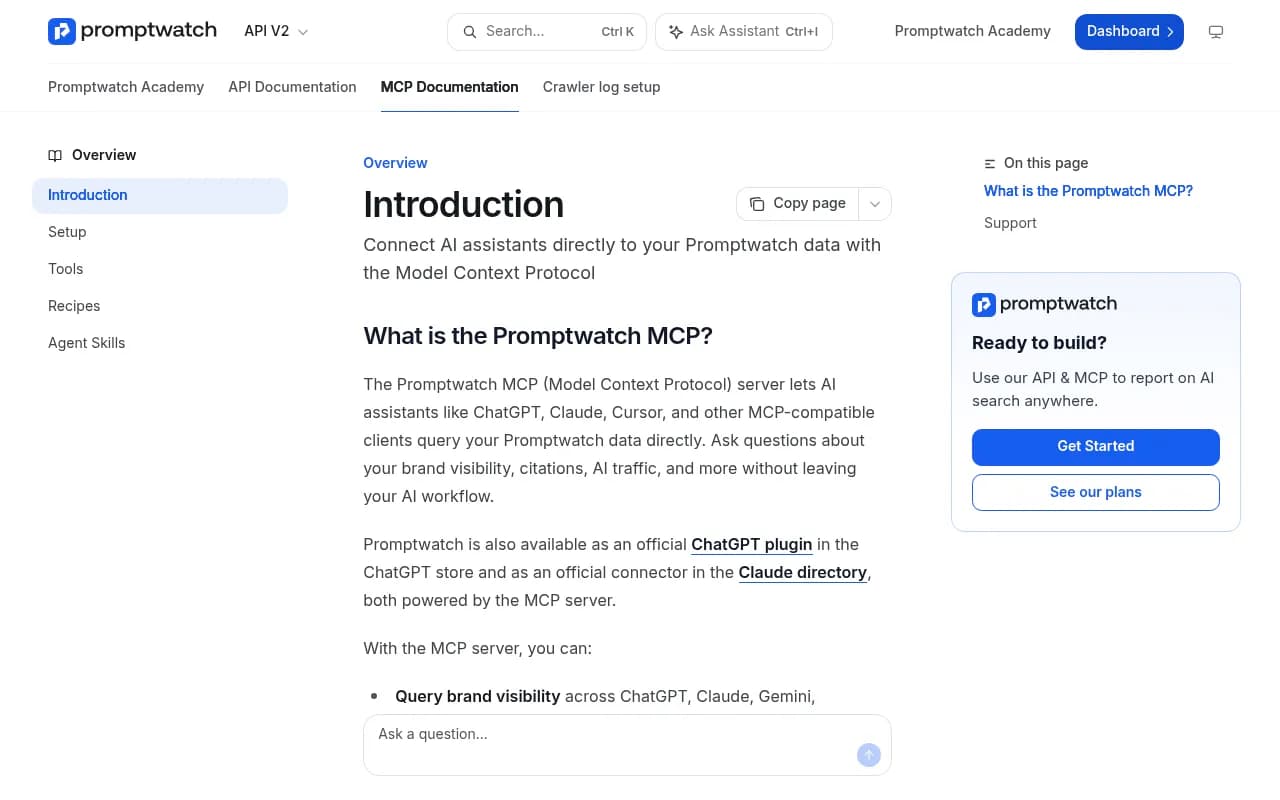
The official Promptwatch docs describe it plainly: the server lets AI assistants like ChatGPT, Claude, Cursor and other MCP-compatible clients query your Promptwatch data directly. You ask about brand visibility, citations or AI traffic without leaving the assistant.

If you are new to the underlying data, it helps to know what is being measured. Promptwatch tracks how brands appear in ChatGPT, Google AI Overviews, Google AI Mode, Gemini, Perplexity, Copilot, Claude and more, using the real user interfaces of the live-search platforms rather than only APIs. The MCP just exposes that dataset to whichever assistant you already use.
What you can do with it
The docs list six headline capabilities, and the integrations page says the tool set covers nearly the whole platform. I am not going to claim an exact count beyond the stated 110+, since the full tool page is the source of truth, but the groups are clear.
Read tools: ask questions about your data
- Visibility and sentiment time series, plus events that explain spikes.
- Citations with rank analysis, top pages, domains over time, and breakdowns by LLM.
- Reddit and YouTube citations.
- Prompts and responses, mentions over time, and top competitors.
- Competitor and performance heatmaps (two axes from brands, models, topics and countries, scored on Visibility, Sentiment, Position or Share of Voice).
- Content gap stats, gap prompts and recommendations.
- Query fan-outs, site health, crawler analytics and visitor analytics.
Write tools: change things
- Create and manage monitors, prompts, tags, topics and personas.
- Generate content such as articles, blog posts and page rewrites from prompts and personas.
- Manage Content Agent slots, push drafts to a connected CMS or publish live.
- Create reports and action items.
- Add up to 100 URLs per call to the Page Tracker.
Most tools are read-only. The smaller set that creates, updates or deletes is labeled that way, and every tool carries readOnlyHint, destructiveHint and idempotentHint annotations so a client can gate them. That detail matters more than it sounds, and I come back to it in the access section.
Setup: Claude, ChatGPT, Cursor and Claude Code
The server URL is https://server.promptwatch.com/mcp, transport is Streamable HTTP, and API-key auth uses an Authorization: Bearer YOUR_API_KEY header. OAuth is available where the client supports it.
Claude (web and desktop)
- Go to Customize, then Connectors, then Browse, and search for Promptwatch.
- Click Connect.
- Choose which organization and projects the assistant can reach, then click Accept.
Promptwatch is an official connector in the Claude directory, so no URL pasting is needed.
ChatGPT
The recommended route is the official Promptwatch plugin in the ChatGPT store. Click Install plugin, choose the organization and projects, and accept.
The manual route works too. Create an API key in the Promptwatch dashboard (Settings, API Keys, Create API Key), then in ChatGPT add a custom MCP with the name Promptwatch, type Streamable HTTP, the URL above, and the Bearer header.
Claude Code
Run this and use OAuth:
claude mcp add --transport http promptwatch https://server.promptwatch.com/mcp
Then inside a session run /mcp, select promptwatch, choose Authenticate and finish the consent page. Check it with claude mcp list; it should say Connected.
One pitfall: do not pass --header if you want OAuth. Adding it silently switches the connection to API-key auth and skips the consent flow. If you do want a key (for CI or a locked-down read-only setup), add --header "Authorization: Bearer YOUR_API_KEY" deliberately.
Cursor
Use the one-click deeplink from the docs and swap in your key, or add this to .cursor/mcp.json:
{
  "mcpServers": {
    "promptwatch": {
      "url": "https://server.promptwatch.com/mcp",
      "headers": {
        "Authorization": "Bearer YOUR_API_KEY"
      }
    }
  }
}
Clients without remote HTTP support
Use the mcp-remote proxy:
npx -y mcp-remote https://server.promptwatch.com/mcp --header "Authorization: Bearer YOUR_API_KEY"
The integrations page also lists Lovable and OpenAI Codex as compatible, along with any MCP-compatible client.
| Client | Auth route | Best for |
|---|---|---|
| Claude (web, desktop) | Official connector, OAuth consent | Marketers who want zero config |
| ChatGPT | Official plugin, or custom MCP with API key | Teams already living in ChatGPT |
| Claude Code | OAuth by default, API key via --header | Scripted workflows, weekly briefings |
| Cursor | Deeplink or mcp.json with API key | Developers and technical SEOs |
| Other MCP clients | API key, mcp-remote if needed | Anything else that speaks MCP |
Controlling what the assistant can touch
This is the part most roundups skip, and it is where I would spend ten minutes before rolling this out to a team.
Keys can be project-scoped (one project) or organization-scoped (all projects). Read-only keys make the write tools unavailable, which makes them the safe default for an assistant that should only analyze. OAuth consent lets you pick the organization and projects up front. All tools are scoped to whatever your key or session is tied to, and most require a projectId.
A sensible policy:
- Analysts and execs get read-only, project-scoped keys.
- Content leads get write access on the project they publish for, ideally with the client asking for approval on each write call.
- Agencies use one key per client project, never an organization key in a shared chat.
Delete tools for monitors and prompts are destructive. Deleting a monitor stops its scheduled runs, and language and location are fixed once a monitor is created, so a wrong setup means a new monitor. Turn on client-side approval for those calls. Also remember the docs say AI responses may contain mistakes, so treat any number that will end up in a board deck as something to verify against the dashboard.
Prompts that work well
The docs suggest starting with questions like "How visible is my brand in AI search results?" and "Which sources are LLMs citing when they mention us?" Those are fine for a first test. Here are more useful ones once you are connected.
Diagnosis
- "Compare our Visibility Score against our top three competitors over the last 30 days and tell me which topics explain the gap."
- "Build a heatmap of Share of Voice by topic and country, then list the three weakest cells."
- "Which of our pages get cited by AI, and which pages rank in Google but never get cited?"
To read the answers properly, remember how the metrics split. Low Share of Voice is a coverage problem, late Position is a prominence problem, mentions without self-citations point to a content or crawlability problem, and weak sentiment is a reputation problem. An assistant that knows this can route you to the right fix.
Content
- "List the biggest content gaps, then draft an article for the top one using persona Y."
- "Take this existing page and give me a rewrite aimed at the prompts where competitors are cited and we are not."
- "Add these 40 competitor URLs to the Page Tracker and report which prompts cite them."
Generating content from gap data is the interesting bit. The assistant can chain content gap recommendations into a draft, and with the CMS tools it can push that draft into WordPress, Webflow or Framer. Keep a human review step before anything goes live.
Reporting
- "Write a Monday briefing on visibility, citation changes, AI-referred traffic and crawler errors. Keep it under 300 words."
- "Create a report and add three action items for the content team."
In Claude Code you can script this as a recurring task, which is how some teams automate weekly reporting from the data without opening the dashboard.
How it compares with other marketing MCP servers
Marketing roundups usually list servers for email, ads, analytics and SEO. They cover different jobs, so they combine well rather than compete.
| Server | Focus | What it adds to an assistant |
|---|---|---|
| Promptwatch MCP | AI search visibility and GEO | Citations, visibility, crawler logs, AI traffic, content gaps, content publishing |
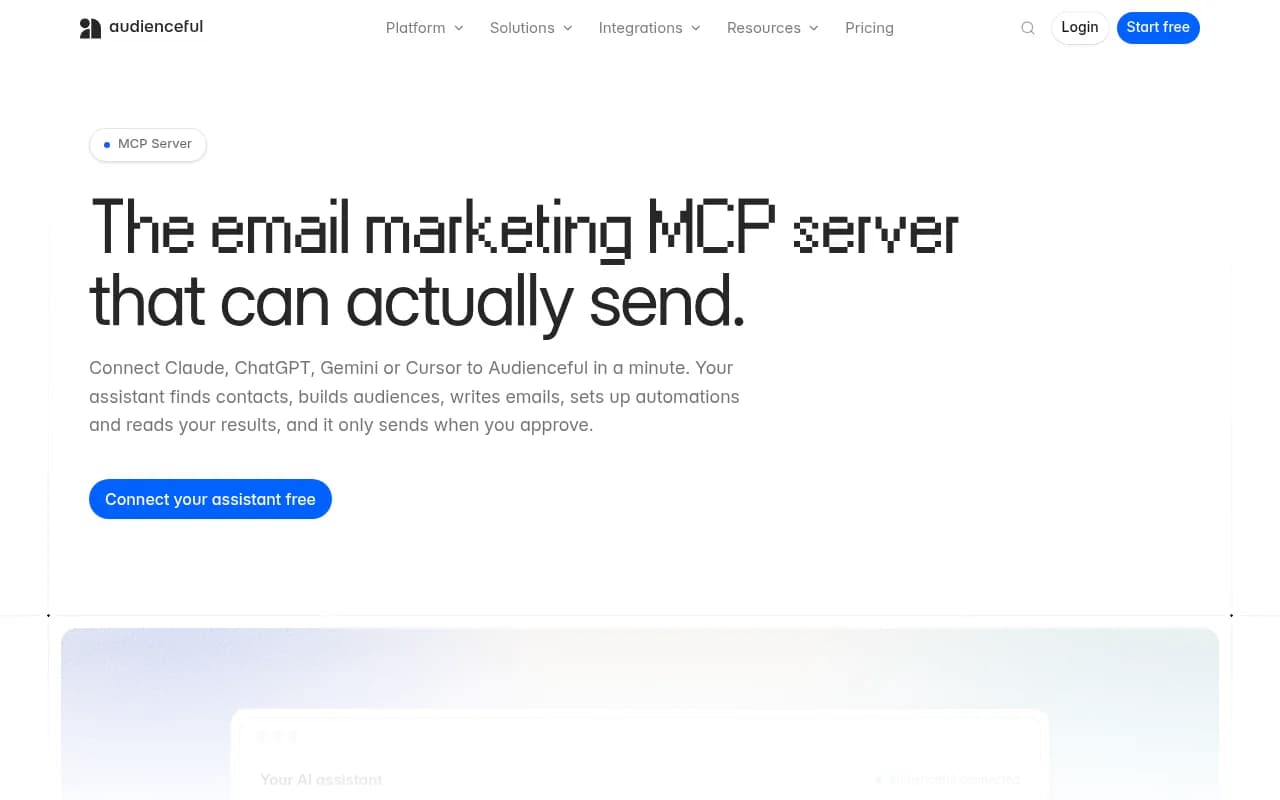
| Audienceful MCP | Email marketing | Audiences, drafts, automations, sends with one-time approval |
| Hyper AI MCP | Paid ads, social, SEO | One connector across 160+ integrations such as Meta, Google Ads and TikTok |
| Frase MCP | SEO content | Research, scoring and optimizing articles |
| Contentstack Canoe MCP | Brand mentions in AI answers | URL plus Bearer header setup in Cursor |
The Audienceful model of showing recipients and timing before anything sends is a good pattern to copy in your own approval habits. For AI visibility specifically, a monitoring-only tool can tell you a number. The Promptwatch MCP is different because the same connection can read the diagnosis and perform the fix.
If you want to browse alternatives for the tracking side, the GEO software directory lists the main platforms, and Frase, which has its own MCP, is covered here:
A practical first-week plan
- Day one: connect Claude or ChatGPT with a read-only, single-project key. Ask the four docs prompts and compare the answers with your dashboard.
- Day two: ask for a competitor heatmap and a list of content gaps. Pick one gap.
- Day three: have the assistant draft that article, then edit it yourself.
- Day four: add Page Tracker URLs for your key competitors and your own money pages.
- Day five: ask for a weekly briefing and decide whether it is worth scheduling.
Give it context too. Promptwatch has a Brand Book (facts, positioning, tone), and the MCP can read and update it, so drafts start on-brand instead of generic. Be careful with updateBrandBook: renaming a brand also changes the project URL slug.
Limits and gotchas
- Plan gating: I could not confirm which plans include MCP and API access, so check the pricing page before rolling it out. At the time of writing, the Essential plan lists MCP and API.
- Tool count: the 110+ figure comes from Promptwatch's own materials. Verify against the full tools page in the docs if you need an exact number.
- Date filters on some tools default to today only and reject future dates, so tell the assistant the range you want.
- Language and location on monitors are locked after creation.
- Removing a page tracker keeps past responses and citations, so history is not lost.
For context on why this data is worth asking about, Promptwatch Data shows how fast citation behavior moves. In one report, reddit.com's share of ChatGPT citations fell from roughly 4% to 0.5% on August 14, 2026, which is the sort of shift you would want an assistant to flag for you (Reddit citations are dropping in ChatGPT). Another report found product pages were the most cited content type in ChatGPT at 22.4% from Sep 28 to Oct 4, 2026 (which content types ChatGPT cites most). Numbers like these change monthly, which is a good argument for querying live data rather than a stale PDF.
Bottom line
The Promptwatch MCP server turns a dashboard you open into a colleague you ask. Start read-only, verify the first answers, then add write access one project at a time. If you only try one thing, connect Claude, ask for a competitor heatmap, and ask it what to write next.