Key takeaways
- An MCP server lets an AI assistant query your AI visibility data directly, so a weekly report becomes a saved prompt plus a schedule instead of a manual export.
- The workflow has four parts: data source, report prompt, delivery, and annotations. Skip the annotations and your trend lines will mislead you.
- Engines behave differently week to week. Citation counts per response, fan-out depth and query length all drift, so normalise before you compare.
- Promptwatch, Profound and Limelit all expose MCP servers. Check each vendor's documentation for tool lists and limits before you commit.
- "TreeHouse-style" here means the pattern TreeHouse (the company behind Pararius and Huurwoningen.nl) described using: fix crawler access, publish proprietary data, and automate weekly reporting through an MCP server.
Why weekly AI search reports are a pain
Most teams I talk to build their AI search report the same way. Someone logs into a dashboard on Monday, screenshots six charts, pastes them into a slide deck, and writes three sentences of commentary. It takes two hours. By Wednesday nobody remembers what it said.
The data isn't the hard part. The hard part is the repetition, and the fact that the interesting question changes every week. One week it's "did we lose citations in ChatGPT?" The next it's "which pages got crawled but never cited?" A static dashboard answers the first kind of question well and the second kind badly.
This is where the Model Context Protocol helps. MCP is a standard way for an AI assistant to call tools and read resources from an external system. Point an assistant at your visibility platform's MCP server and it can pull the numbers itself, reason over them, and write the report.
A note on the framing. TreeHouse grew AI search to roughly 25% of organic conversions, about 99% of it from ChatGPT, by fixing crawler access, publishing proprietary rental data, and automating weekly reporting with the Promptwatch MCP. I could not find an independent write-up of their exact setup, so treat what follows as a pattern built from that outline, not a replica of their internal workflow.
What MCP gives you that a dashboard export does not
The MCP specification defines a few primitives. The two that matter for reporting are tools and prompts.
- Tools are functions the assistant can call: "get citations for this domain in the last 7 days", "list crawler errors by bot".
- Prompts are reusable, parameterised instructions the server hands to the client. The MCP team's own example is a weekly meal planner, but they point out the pattern fits "generating weekly reports" just as well.
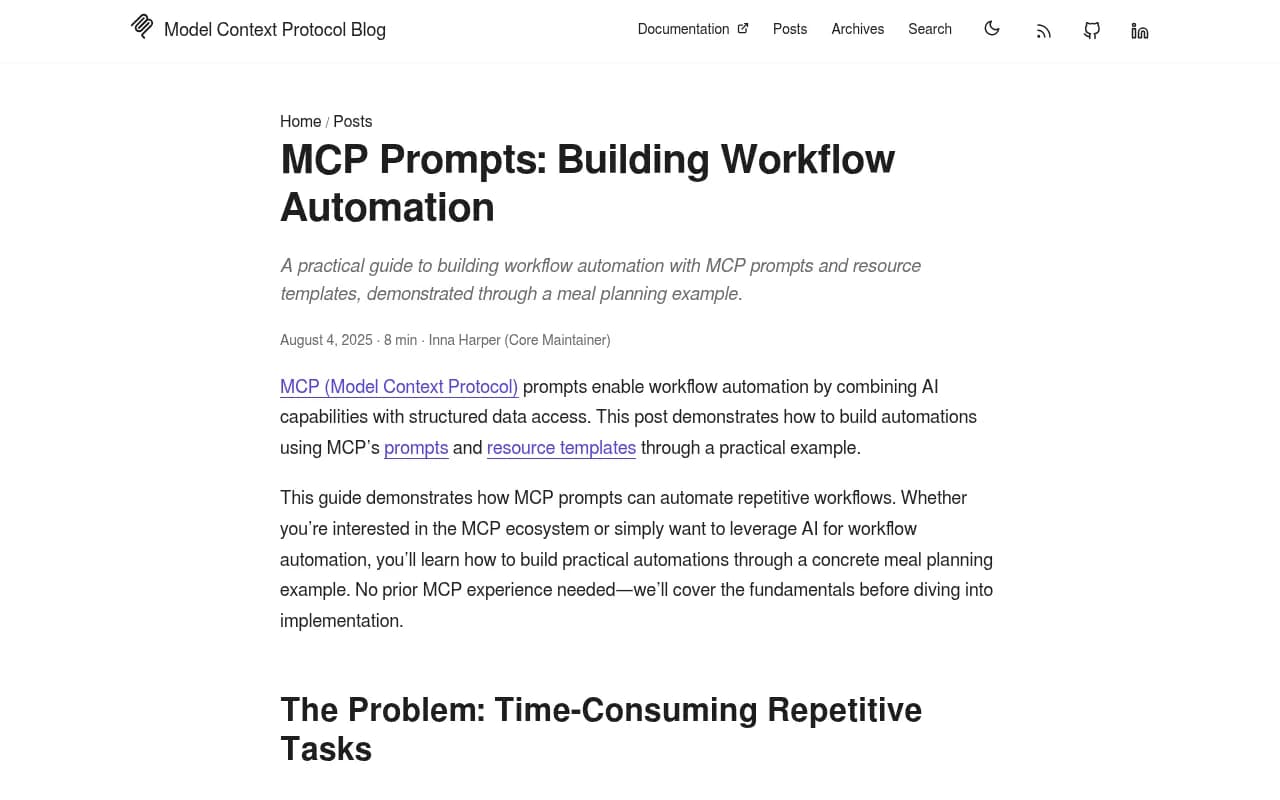
That second point is the one people miss. You don't just get a chat box that can see your data. You can ship a named prompt, say weekly-ai-visibility-report, with arguments for date range and brand, and every analyst on the team runs the identical analysis.
Here is the shape of a prompt registration, adapted from the MCP blog's TypeScript example:
server.registerPrompt(
  "weekly-ai-visibility-report",
  {
    title: "Weekly AI visibility report",
    description: "Summarise last 7 days vs prior 7 days",
    argsSchema: { brand: z.string(), weeks_back: z.string().optional() },
  },
  async ({ brand }) => ({
    messages: [{
      role: "user",
      content: { type: "text", text: `Build the weekly report for ${brand}...` },
    }],
  })
);
You will probably not write this yourself. Hosted servers from the vendors below handle the tools. But if you want a shared report prompt, this is how it is packaged.
The four-part workflow
1. Pick the data source and connect it
Your assistant needs a server that exposes the metrics you actually report on. Several vendors now ship one.
Promptwatch has a hosted MCP server with 110+ read and write tools. It works with Claude, Claude Code, ChatGPT, Cursor, Lovable, Codex and any MCP client. This is the server TreeHouse used for their weekly reporting, and it sits next to crawler logs, visitor analytics and citation data in the same account, which matters for the report design below.

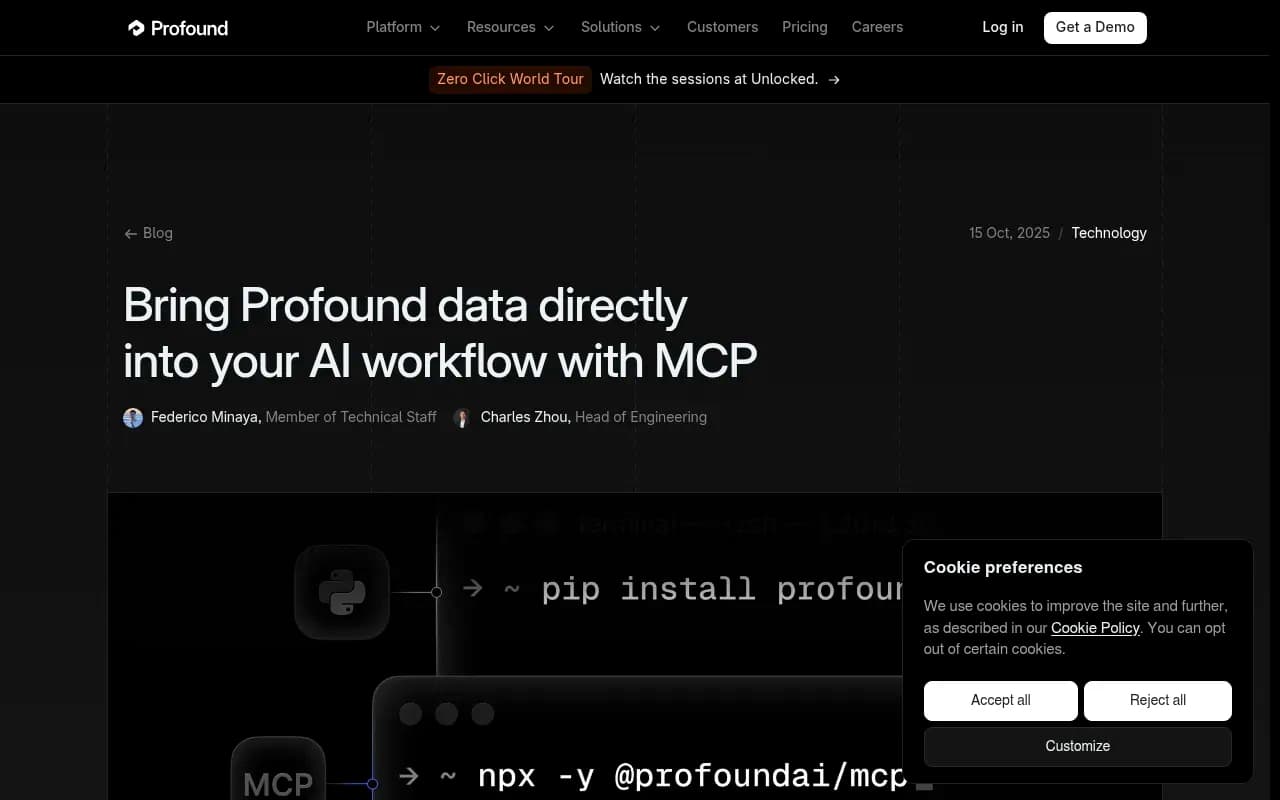
Profound launched an MCP server in October 2025 that connects ChatGPT, Claude Desktop, Cursor and Cline to its Agent Analytics and visibility data. It also ships TypeScript and Python SDKs, which is handy if you would rather script the report than chat it.
Profound
Limelit announced an MCP server on every account, reporting 211 tools as of October 19, 2026 according to its own documentation. I have not tested it, so I am relaying the vendor's claim, not vouching for it.
The assistant side is simpler. Claude and ChatGPT both support MCP connectors, and Cursor works if you live in an editor.

| Server | Reported scope | Client support | Notes |
|---|---|---|---|
| Promptwatch | 110+ read and write tools | Claude, Claude Code, ChatGPT, Cursor, Lovable, Codex | Crawler logs, visitor analytics and citations in one account |
| Profound | Visibility, citations, bot analytics | ChatGPT, Claude Desktop, Cursor, Cline | Also has TypeScript and Python SDKs |
| Limelit | 211 tools (vendor figure) | Claude, ChatGPT, Cursor, VS Code, Windsurf | Includes governed agents; verify in its docs |
Confirm pricing and plan limits on each vendor's site. They change.
2. Decide what the report measures
This is where most automated reports fall apart. If you ask an assistant to "summarise our AI visibility", you get fluent filler. You need a fixed set of questions.
A starting set that works for most teams:
- Visibility score and share of voice, this week versus last week, per engine.
- Top ten cited pages and which ones dropped out.
- Pages that AI crawlers fetched but never cited.
- Crawler errors, grouped by bot.
- AI-referred sessions and conversions, per engine.
- Three prompts where a competitor gained ground.
Notice the mix. The first two are visibility metrics. The next two are diagnostic. The last two tie to revenue. A report that only covers the first group tells you something moved but not why or whether it matters.
That is the practical reason to prefer a platform where crawler logs and traffic data live in the same place as citation data. When TreeHouse pulled AI search up to about a quarter of organic conversions, the fix was crawler access and content, not a better chart. A report that surfaces crawl errors next to citation drops points you straight at the lever.
3. Write the report prompt
Treat the prompt like code. Put it in version control, review changes, and keep it short enough to read in a minute.
A workable skeleton:
You are preparing the weekly AI search report for {brand}.
Use only data from the connected MCP server. Do not estimate.

1. Compare the last 7 days to the previous 7 days.
2. For each engine, report visibility score, share of voice and
   average citations per response.
3. List pages that gained or lost citations (top 5 each).
4. List crawler errors by bot, with the affected URLs.
5. Report AI-referred sessions and conversions.
6. Flag anything that moved more than 20% and say whether the
   cause is likely content, crawlability or an engine-side change.
7. End with at most five actions, ordered by expected impact.

If a number is missing, say so. Do not fill gaps.
Two lines do most of the work. "Do not estimate" stops invented numbers. "If a number is missing, say so" gives the model permission to admit gaps, which it otherwise rarely does.
4. Schedule and deliver it
There are three realistic options.
- Scheduled chats inside the platform. Promptwatch's Agent Chat supports scheduled chats delivered in-app or in Slack, which is the lowest-effort route if you already use it.
- An automation tool that triggers the assistant on a cron and posts the result to Slack or email. Zapier, n8n and Make can all do this.
- A script using the vendor's SDK or API, run from CI on a weekly schedule.
| Approach | Setup effort | Control | Best for |
|---|---|---|---|
| Built-in scheduled chat | Low | Medium | Marketing teams without engineering help |
| Zapier, n8n or Make | Medium | High | Teams that want Slack, email and Sheets in one flow |
| SDK script in CI | High | Full | Engineering-led teams, custom pipelines |
For enterprise stacks that already run governed workload automation, there are also MCP servers that sit on top of job schedulers. Redwood's RunMyJobs, for example, exposes 50+ governed MCP tools with existing access controls and audit trails. That is overkill for a marketing report but relevant if IT insists on one control plane.

Making the numbers trustworthy
An automated report that is confidently wrong is worse than a manual one, because nobody double checks it. Three things need handling.
Normalise by engine behaviour
Engines do not cite the same number of sources. According to Promptwatch's average sources per response data (updated daily, drawing on real UI collection), ChatGPT cites about 5 sources per answer when web search triggers, Google AI Overviews about 10, and Perplexity almost exactly 10 every day. Copilot swung from under 2 to nearly 17 within a few weeks before settling low.
So a raw citation count compared across engines is meaningless. Report share of citations or citations per response, and judge Copilot on monthly trends, not weekly snapshots. The same report suggests using Perplexity as a steady test bench, since a change there is more likely to reflect your content than engine noise.
Annotate fan-out and model changes
ChatGPT's search behaviour moves under you. Promptwatch's ChatGPT query fanouts report shows average fanouts per response at 2.15 in early December 2025 and about 1.84 by early March 2026, with average query length dropping from roughly 117 characters to the high 80s. Elsewhere, Promptwatch Data found ChatGPT began using the site: operator at scale on August 8, 2026, jumping from about 0.4% to about 17% of fanout queries overnight (report).
A caution on those numbers: the fanout report's intro says a single prompt can trigger 3 to 8+ searches, while the measured averages above are lower. Those are different measures, so name which one you mean in your own report.
The practical lesson: keep a running change log. Give the assistant a short list of dated engine events and tell it to check any large movement against that list before blaming your content. Reddit is a good example. Its share of ChatGPT citations fell from about 4% to about 0.5% on August 14, 2026 (Promptwatch Data). If your report had read that as a failure of your Reddit strategy, it would have sent the team in the wrong direction.
Cross-check one number by hand
Once a month, pick a single figure from the automated report and verify it in the platform's UI. If it matches, fine. If not, fix the prompt before anyone acts on the output.
Turning the report into actions
A report that ends in observations is a newsletter. The TreeHouse pattern is closer to a loop: report, fix, measure.
Ask the assistant for actions, then route them somewhere that gets worked. Promptwatch's Action Board is an AI-generated GEO to-do list covering content gaps, site health and untapped pages, with a weekly digest email on Mondays. If you use a different stack, push the actions into your project tool of choice with an automation step.
The fixes that tend to come up, in rough order of how often I would expect them:
- Crawler access problems, such as blocked bots or error responses on key pages.
- Pages that are crawled but never cited, which usually need clearer, more specific content.
- Prompts where a competitor is cited and you are not, which become content briefs.
- Stale pages. Promptwatch's content half-life data found news pages lost half their ChatGPT citations within 36 days, while landing pages and docs stayed cited longest, so refresh cadence should differ by content type.
Alternatives to a full MCP setup
Not every team needs this. If you only want a recurring PDF, a plain scheduled report from your visibility tool is enough. Several trackers in the category offer exports, and you can browse them in the GEO software directory. Otterly.AI and Peec AI are lightweight monitoring options, though they do not combine crawler logs or visitor analytics the way a fuller platform does.
Otterly.AI


MCP earns its keep when the questions change weekly, when several people need the same analysis, or when you want the output to feed something else, like a ticket queue.
A realistic first month
Week one: connect the server to one assistant, run the report prompt by hand, and fix the obvious errors in the prompt. Week two: add the change log and the normalisation rules. Week three: schedule it to Slack. Week four: compare the automated output to a manual report and retire the manual one.
That is a modest plan, and deliberately so. The value is not in a clever setup. It is in the report showing up every Monday without anyone building it, and in the team arguing about what to fix instead of what the chart means.
After that, the next improvement is usually closing the loop on content. Track whether each fix got crawled, then cited, then clicked. That is the part of the TreeHouse story worth copying most closely.