Key takeaways
- If your site already sits behind Cloudflare, that is the easiest route. AI Crawl Control is available on all plans with zero configuration, and log export is the natural next step.
- Vercel can get you the data, but log drains require Pro or Enterprise and cost $0.50 per GB, so high-traffic sites should estimate volume first.
- Netlify and WordPress routes depend on your setup. Netlify sites often sit behind Cloudflare or a log-forwarding layer, and WordPress has a dedicated plugin route. Verify current plan limits before committing.
- Only count IP-verified requests. Spoofed user agents will inflate any log you read by hand.
- Once logs flow, compare them against a baseline. A provider that is big in the benchmark and near zero in your logs usually means you are blocked.
Why bother with AI crawler logs
Google Search Console tells you about Googlebot. It tells you almost nothing about GPTBot, ClaudeBot, PerplexityBot or the newer agent fetchers. Your analytics script does not see them either, because most crawlers never run JavaScript. Server or CDN logs are the only place these visits show up.
That matters because AI visibility often fails quietly. A WAF rule, an overzealous bot-fight setting, or a robots.txt line written in 2023 can keep a provider out entirely, and nothing in your normal reporting will flag it.
There is also a baseline to compare against. Promptwatch's report Which AI Crawlers Visit the Open Web? covers IP-verified weekly requests from about June 8 to September 6, 2026. In it, OpenAI made up 79.8% of verified AI crawler requests in the week of August 31 to September 6, down from 94.8% in the week of June 8 to 14. Anthropic, Google, Perplexity and Mistral split the rest. If your logs show a wildly different mix, that is worth investigating.
The report's own advice is simple. Check robots.txt, CDN and WAF rules for every provider in the chart, then compare your logs to the mix. If a provider is large in the report but near zero for you, you are likely blocked or unreachable for that provider.
The four routes at a glance
The route you pick is mostly decided by where your traffic is served from, not by preference. Here is the short version.
| Route | Best when | Cost signal | Main catch |
|---|---|---|---|
| Cloudflare | Your DNS or CDN already runs through Cloudflare | AI Crawl Control on all plans | Log export plan limits need checking |
| Vercel | Your app is deployed on Vercel | Drains on Pro/Enterprise, $0.50 per GB | Paid plan needed, volume-based cost |
| Netlify | Your site is hosted on Netlify | Check current plan details | Native log access is plan-dependent, often easier via Cloudflare in front |
| WordPress | You run a self-hosted or managed WP site | Plugin-based | Cached pages can bypass PHP, so confirm what the plugin sees |
I could not confirm Netlify or WordPress specifics from primary documentation while writing this, so treat those two rows as directional and check the current docs before you build around them.
Route 1: Cloudflare
If you only read one section, read this one. Cloudflare is where most AI crawler traffic questions get answered fastest, because the CDN sees every request before your origin does.
What you get out of the box
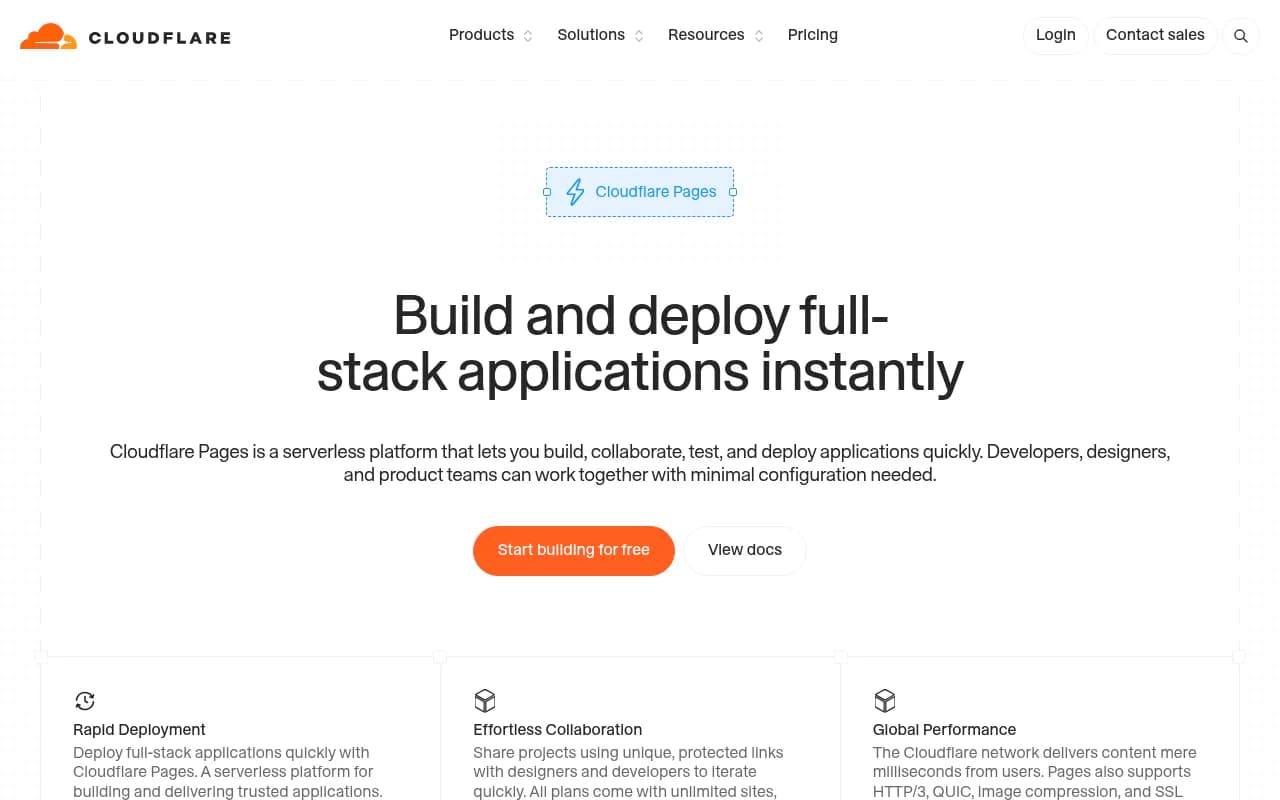
Cloudflare's AI Crawl Control is available on all plans and works with zero configuration, according to Cloudflare's docs. The dashboard lists each crawler along with the operator that owns it. For each one you can allow it, block it, or configure the block response. A "charge for crawl" option exists too, tied to pay per crawl, which is still in private beta.
That is useful for a first look. You find out who is visiting and you can act immediately. What it is not is a full log pipeline. For page-level questions (which URLs did ClaudeBot read, which returned 403) you want raw logs exported somewhere you can query.
Defaults are changing
Starting September 15, 2026, Cloudflare splits AI crawler traffic into three categories instead of treating "AI bots" as one broad group, as hosting.com's explainer describes. In practice that means a blanket block or allow you set earlier may now behave differently per category. Open the dashboard and re-check each crawler's status rather than assuming your old setting carried over.
Getting raw logs out
For raw request logs, the usual mechanisms are Logpush or a Worker that forwards requests to an endpoint you control. I did not find plan limits or retention details in my research, so confirm those on Cloudflare's current pricing before you rely on them. Platforms that analyze crawler logs, Promptwatch among them, typically connect to Cloudflare through Logpush or an auto-deployed Worker.
Who should pick it
- Sites already proxied through Cloudflare, regardless of where the origin lives.
- Sites where you want to block or allow bots at the edge without touching application code.
- Anyone hosting on WP Engine, Kinsta, Webflow or Shopify with Cloudflare in front.
If you do not use Cloudflare yet, moving DNS just for logs is a bigger project than it sounds. Look at the other routes first.
Route 2: Vercel
Vercel is the right route when your app lives there and you do not want another layer in front of it. It is also the route with the clearest pricing, which is both a good and a bad thing.
How it works
Vercel exposes request logs through Drains, which stream data to a destination you choose. Per Vercel's docs, drains are available on Pro and Enterprise. Hobby and Pro Trial users must upgrade to Pro for non-audit-log drains.
What it costs
- Drains are priced at $0.50 per GB.
- Pro is $20 per user per month and includes a $20 usage credit.
- Observability Plus is an add-on at $1.20 per 1M events and extends log retention to 30 days.
The pricing page extract I worked from was garbled on default retention windows (1 hour, 1 day or 3 days depending on plan), so check the exact per-plan values on Vercel's pricing page before publishing any budget.
One third-party wrinkle: Axiom noted that after Vercel's log drain change, you need to be on Pro and commit to the new Log Drains charge to keep its integration working. If you built a log pipeline in 2024 or 2025, re-test it.
The cost trap
A drain ships everything, not just bot hits. A busy site with images, API routes and prefetch traffic can generate a lot of gigabytes. Two ways to keep it sane:
- Filter at the destination or in the drain config so you keep only requests whose user agent matches known AI crawlers.
- Start with a short test window, measure GB per day, then multiply.
I could not confirm whether the free Hobby tier exposes bot traffic in any form, so do not plan around it.
Who should pick it
- Next.js or other frameworks deployed on Vercel with a Pro plan already in place.
- Teams that want the data without changing DNS.
- Sites with moderate traffic where $0.50 per GB stays small.
Route 3: Netlify
Netlify is the route I have the least verified detail on, so I will keep this honest. My research found nothing on Netlify log drains, plan requirements or pricing, and I would rather say that than guess.
What I can say from general hosting comparisons: Netlify is strongest for static sites and Jamstack projects, with flat and predictable pricing, per the Vibe Coder comparison. That tells you about the platform's profile, not about its logging.
Practical advice for a Netlify site:
- Check Netlify's current docs for log drain or log export on your plan.
- If native export is gated or missing, put Cloudflare in front of the site and use Route 1. Many guided setups exist for exactly this pattern.
- Remember that static assets served from cache will not touch your functions, so function logs alone will undercount crawler visits.
If you are choosing a host from scratch and crawler visibility is a priority, this uncertainty is itself a reason to lean toward Cloudflare or Vercel, where the path is documented.
Route 4: WordPress
WordPress is the odd one out. There is no single platform log. Your visibility depends on your host, your caching layer and whether you use a plugin.
I found no primary documentation on WordPress server logs or plugins during research, so here is the reasoning rather than the spec sheet.
- A server-side plugin sees requests that reach PHP. Pages served entirely from a full-page cache or a CDN may never reach it. That can undercount crawler hits badly.
- Raw access logs from your host (Apache or Nginx) see more, but many managed hosts restrict access or keep them briefly.
- A CDN in front of WordPress sees everything, which is why many WordPress sites end up using Route 1 anyway.
Some AI visibility platforms ship an official WordPress plugin for crawler logs. If you go that way, test it: request a page as a known bot user agent, then confirm the hit appears. Then request a page you know is cached and check again. If the cached hit is missing, you have found the gap.
For on-page SEO work on the same site, plugins like Yoast SEO and Rank Math are common, but they handle metadata and sitemaps, not crawler logging.

What to do with the logs once they flow
Getting data is the easy half. Reading it is where people stall.
Verify before you trust
A user agent string says nothing about who is really calling. Anyone can send "GPTBot" in a header. Promptwatch's report only counts requests whose source IP matches the operator's published ranges, so spoofed agents are excluded. Do the same in your own analysis, or use a tool that does it for you.
Separate training from answer-time fetches
A large provider share can be training crawls, live answer fetches, or both. They mean different things. Training bots affect whether future models know you. Answer-time fetchers like ChatGPT-User or Perplexity-User tell you that a real person's question just led an AI to your page. The Promptwatch report includes a per-crawler view for this split.
Look for errors, not just volume
The valuable rows are the 403s, 429s and 5xx responses. A crawler that visits 4,000 times and gets blocked on all of them is worse than one that never shows up, because you think you are covered.
Compare to a baseline
Use the weekly provider mix from Promptwatch's data as a sanity check. If OpenAI is around 80% of verified requests across the open web and near zero on your site, you have a blocking problem. If Anthropic or Perplexity are missing entirely, same story.
Tools that sit on top of the logs
Raw logs in a bucket are not a workflow. Someone has to parse, verify, and tie crawls to citations.
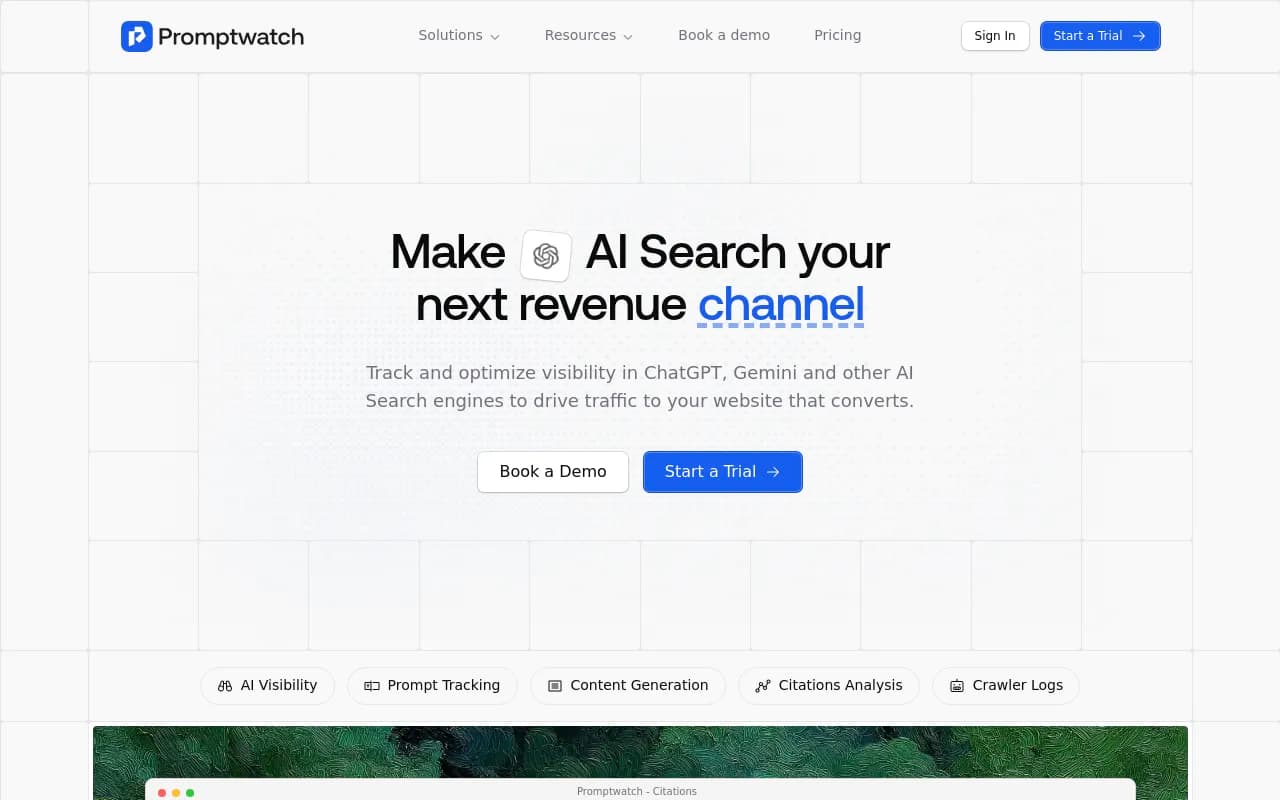
Promptwatch is built for this. Its crawler analytics reads from Cloudflare, Vercel, Fastly and raw server logs, filters out spoofed bots, and shows which pages each AI crawler read and what errors it hit. It then connects crawls to citations and AI-referred traffic, so you can see whether a crawl actually led anywhere.
Other tools in our catalog touch the same ground at different depths:
| Tool | Crawler angle | Notes |
|---|---|---|
| Promptwatch | IP-verified logs from CDN and server sources, tied to citations | Broadest end-to-end stack |
| Siteline AI | AI agent traffic analytics | Focused on agent visits |
| Scriptbee | AI crawler monitoring | Unlimited domains |
| xSeek | GPTBot crawler monitoring alongside ChatGPT rank tracking | Narrower scope |
| JetOctopus | Log analyzer for large sites | Classic SEO log analysis |
If you are shopping for a broader category, the GEO software directory lists more options.
How to pick: a quick decision path
- Do you already proxy your domain through Cloudflare? Use Cloudflare. You get an immediate crawler view and a path to raw logs.
- Is your app deployed on Vercel and you are on Pro? Use Vercel Drains, filter to bot traffic, and watch the GB meter.
- Is your site on Netlify? Check native log options first. If they do not fit, put Cloudflare in front.
- Is it WordPress? Prefer a CDN-level source. If you use a plugin, test it against cached pages.
- None of the above, or a mix of hosts? Pick the layer closest to the edge that sees every request. That is almost always the CDN.
| If you have... | Pick |
|---|---|
| Cloudflare DNS or proxy | Cloudflare |
| Next.js on Vercel Pro | Vercel Drains |
| Static site on Netlify | Cloudflare in front, or Netlify's native options if your plan has them |
| Managed WordPress with heavy caching | CDN-level logs, plugin as backup |
| Multiple sites on different hosts | One CDN layer across all of them |
Mistakes that waste weeks
- Trusting analytics scripts. Most AI crawlers do not run JavaScript, so Google Analytics will not show them.
- Counting user agents without IP checks. Spoofed traffic makes your numbers look healthier than they are.
- Forgetting robots.txt and WAF rules. Logs show you the symptom. The cause is often a rule written long ago.
- Not re-checking after platform changes. Cloudflare's September 15, 2026 category split is a good example of a default that can change what your old setting does.
- Ignoring cost until the bill arrives. Drain pricing at $0.50 per GB is fine for a small site and painful for a large one.
If you would rather have a team handle the audit and fixes, an agency like 1001 SEO Media covers technical SEO and AI search work, but the setup in this guide is something a developer can finish in an afternoon.
Bottom line
Cloudflare is the strongest default because it sees every request and documents its crawler controls clearly. Vercel is a clean second if you are already there and willing to pay per gigabyte. Netlify and WordPress work, but I would verify current docs first, and for both a CDN in front is often the simplest fix. Whichever route you choose, verify by IP, compare against the baseline in Promptwatch's AI crawler traffic report, and fix the blocks before you worry about anything else.