Loomly Review 2026
Loomly is a collaborative social media management platform for teams and agencies managing multiple brands. Schedule posts across 10+ platforms, streamline approvals with custom workflows, track campaigns with labels, and manage community interactions from a unified inbox. Trusted by 50,000+ markete
Summary
- Best for: Marketing teams, agencies, and brands managing 2-10 social accounts who need client collaboration and approval workflows -- not solo creators or enterprise-scale operations
- Standout strength: Multi-level approval workflows and client collaboration features that agencies love -- clients can review and approve content without needing full platform access
- Honest limitation: Analytics are basic compared to Sprout Social or Hootsuite -- you get follower growth and engagement metrics, but no sentiment analysis, competitive benchmarking, or advanced audience insights
- Pricing sweet spot: Mid-tier plans ($79-$269/mo) offer the best value for agencies managing 5-20 client accounts with team collaboration needs
- Missing: No AI content generation, no social listening beyond basic inbox management, no influencer discovery tools
Loomly positions itself as the "stress-free" social media management platform, and after digging into what 50,000+ users actually use it for, that tagline holds up for a specific audience: marketing teams and agencies who spend more time wrangling approvals than they do analyzing sentiment trends. This is a workflow tool first, an analytics platform second.
What Loomly actually is
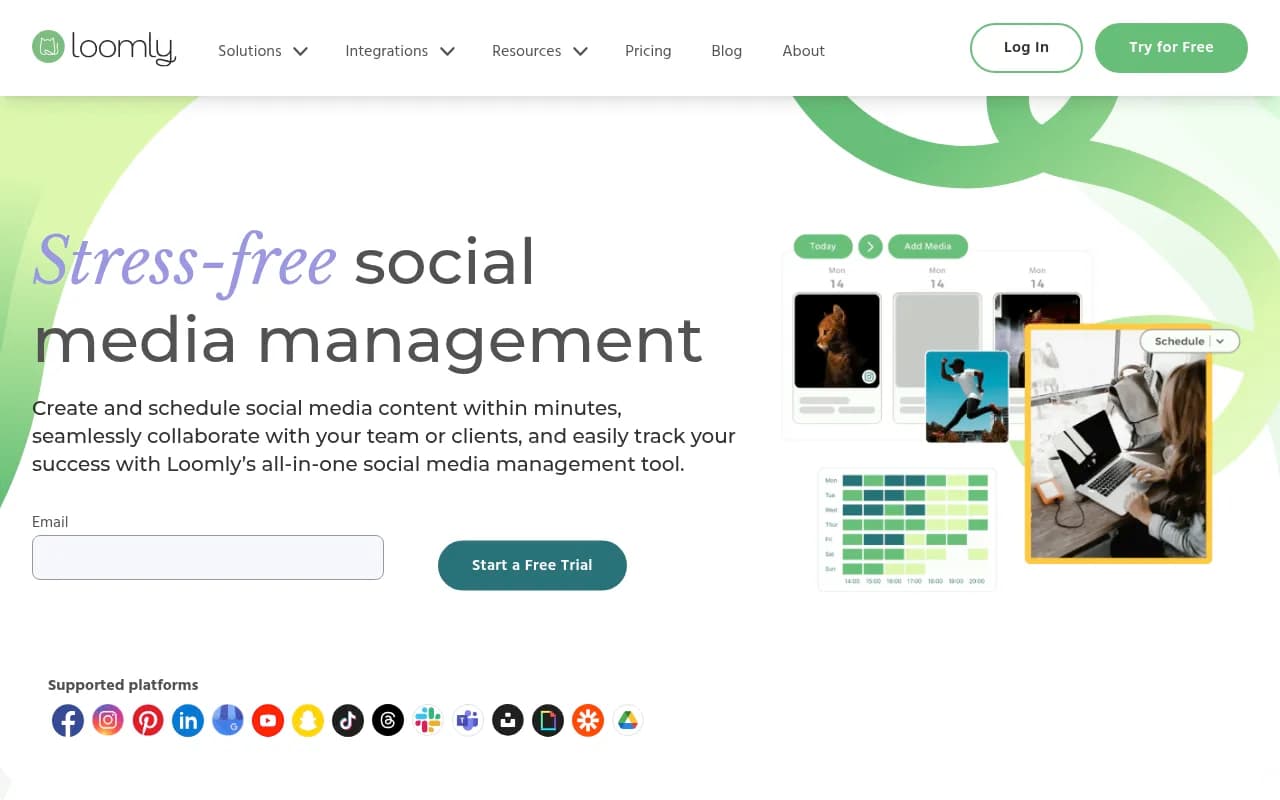
Loomly is a social media calendar and collaboration platform built around a central insight: most social media management pain comes from approval bottlenecks, not from lack of features. It supports Facebook, Instagram, Pinterest, LinkedIn, Google Business Profile, YouTube, Snapchat, TikTok, Threads, plus Slack and Microsoft Teams integrations. The platform launched in 2016 and has grown steadily by focusing on agencies and in-house teams managing multiple brands -- not influencers or solo creators.
The core workflow: create posts in Loomly's calendar, route them through custom approval stages (draft -> pending approval -> approved -> scheduled), collaborate with teammates or clients via comments and version history, then publish automatically or get mobile push notifications to post manually. Everything lives in a visual calendar that you can filter by campaign labels, social channel, or approval status.
Who uses it: Digital agencies managing 5-20 client accounts (the most common use case based on testimonials), in-house marketing teams at mid-sized companies (50-500 employees), nonprofits and local businesses with small marketing teams. Not a fit for solo creators (too expensive, too many collaboration features you won't use) or enterprise brands with 50+ social accounts (lacks the advanced analytics and governance features they need).
Post creation and scheduling
Loomly's post builder is where you'll spend most of your time. You create one post, then customize it per platform -- different copy for LinkedIn vs Instagram, different image crops for Facebook vs Twitter. The platform previews exactly how your post will look on each channel, including character counts and image dimension warnings.
Post Ideas feature: Daily content prompts based on trending topics, holidays (yes, National Donut Day), and events relevant to your industry. You can filter by category (food, sports, tech, etc.) and save ideas to your calendar as drafts. Useful for filling content gaps, though the suggestions are generic -- you're not getting personalized recommendations based on your audience data.
Built-in media tools: Access to Unsplash (5M+ royalty-free photos), Giphy (GIF search), and Google Drive integration. The in-platform image editor lets you crop, add text overlays, apply filters, and resize for different platforms. Video editor supports trimming, adding captions, and creating slideshows from multiple images. These tools are basic but functional -- you're not replacing Canva, but you can make quick edits without leaving Loomly.
Post templates: Save frequently used post formats (store hours, weekly promotions, event announcements) as templates with pre-filled text, hashtags, and media placeholders. One click to duplicate and customize. Agencies use this heavily for recurring client content.
Scheduling options: Auto-post (Loomly publishes for you), scheduled with mobile notification (you approve and post from your phone), or save as draft. The mobile notification option exists because some platforms (Instagram Stories, LinkedIn personal profiles) don't allow third-party auto-posting due to API restrictions. Loomly sends a push notification at the scheduled time with the post copy and media ready to paste.
Approval workflows and collaboration
This is Loomly's killer feature and why agencies choose it over competitors. You can create custom approval workflows with multiple stages: Draft -> Pending Approval -> Approved -> Scheduled. Assign specific team members or clients as approvers at each stage. Posts can't advance to the next stage without approval.
How it works in practice: A junior social media manager creates a post and marks it "Pending Approval." The account manager reviews it, leaves feedback via comments, and either approves it (moves to next stage) or sends it back to draft. The client gets a notification to review approved posts before they go live. All feedback and version history is tracked -- you can see exactly who changed what and when.
Client collaboration: Clients can be added as "Guests" with view-only or comment-only access. They don't need a paid seat and can't see other clients' calendars. This is huge for agencies -- clients can review and approve content without needing full platform access or seeing your other clients' work. Competitors like Hootsuite and Buffer require clients to have paid seats or use clunky external approval links.
Post history: Every post has a full audit trail showing all edits, comments, approvals, and status changes. If a client claims they never approved something, you have receipts.
Campaign tracking with labels
Loomly uses a label system to organize posts by campaign, content type, or any custom taxonomy you create. You can assign multiple labels to a single post (e.g. "Q1 Campaign" + "Product Launch" + "Video Content"). Filter your calendar by labels to see all posts for a specific campaign at a glance.
Campaign reporting: Generate reports filtered by labels to see performance metrics (reach, engagement, clicks) for specific campaigns. This is useful for showing clients ROI on a campaign-by-campaign basis, though the metrics themselves are basic (more on that below).
Visual asset library: Upload images and videos to Loomly's media library, tag them with labels, and reuse them across posts. Agencies use this to organize client assets (logos, product photos, brand guidelines) in one place.
Analytics and reporting
Loomly's analytics are functional but not deep. You get:
- Follower growth: Track follower count over time per platform
- Engagement metrics: Likes, comments, shares, clicks per post
- Top-performing posts: See which posts got the most engagement
- Demographic data: Age, gender, location of your audience (pulled from platform APIs)
- URL shortener: Built-in link shortener to track clicks on links in your posts
What you DON'T get: Sentiment analysis, competitive benchmarking, influencer identification, optimal posting time recommendations, or advanced audience segmentation. If you need those, you're looking at Sprout Social ($249/mo+) or Hootsuite ($99/mo+ but limited features at that tier).
Automated reports: Schedule reports to send to clients or stakeholders on a recurring basis (weekly, monthly). Reports are PDF exports with charts and tables. They look professional but aren't customizable beyond choosing date ranges and which accounts to include.
Community management (Interactions)
Loomly's unified inbox (called "Interactions") aggregates comments, messages, and mentions from all connected social accounts. You can reply, assign conversations to teammates, use saved replies for common questions, and archive old threads.
What works: Switching between accounts is fast, saved replies save time for FAQs, and assigning conversations to teammates keeps everyone accountable.
What's missing: No sentiment tagging, no keyword monitoring beyond direct mentions, no automated response rules. This is basic inbox management, not social listening. If you need to track brand mentions across the web or monitor competitor activity, you need a dedicated social listening tool like Brandwatch or Mention.
Integrations and ecosystem
Loomly integrates with:
- Social platforms: Facebook, Instagram, Pinterest, LinkedIn, Google Business Profile, YouTube, Snapchat, TikTok, Threads
- Workflow tools: Slack (post notifications), Microsoft Teams (post notifications), Zapier (connect to 5,000+ apps)
- Content sources: Unsplash, Giphy, Google Drive, Canva (export designs directly to Loomly)
- Analytics: Google Analytics (track traffic from social posts)
API: Loomly offers a REST API for custom integrations, though documentation is sparse compared to competitors. Developers report it's functional but not well-documented.
Mobile apps: iOS and Android apps for on-the-go posting and approvals. The mobile experience is solid -- you can create posts, approve content, and respond to comments from your phone. The mobile notification feature for manual posting works well.
Pricing and value
Loomly uses a tiered pricing model based on number of social accounts (called "channels") and users:
- Base: $42/mo (10 channels, 2 users, 30 posts/month scheduled in advance)
- Standard: $79/mo (20 channels, 6 users, 100 posts/month)
- Advanced: $172/mo (35 channels, 14 users, 300 posts/month)
- Premium: $269/mo (50 channels, 30 users, unlimited posts)
- Enterprise: Custom pricing (unlimited channels and users)
All plans include: post scheduling, approval workflows, analytics, interactions inbox, post ideas, media library, and integrations. The main differences are account limits and user seats.
Annual billing: 25% discount if you pay yearly (e.g. Standard drops to $59/mo).
Free trial: 15 days, no credit card required. You get full access to Premium plan features during the trial.
How it compares: Loomly is cheaper than Sprout Social ($249/mo for 5 profiles) and Hootsuite ($99/mo for 10 profiles but limited features). It's more expensive than Buffer ($6/mo per channel) but offers more collaboration features. The sweet spot is the Standard or Advanced plan for agencies managing 10-20 client accounts -- you're paying $4-5 per channel, which is reasonable.
Value assessment: If you need approval workflows and client collaboration, Loomly is good value. If you're a solo creator or need advanced analytics, you're paying for features you won't use.
Strengths
- Approval workflows: Best-in-class multi-stage approval system with full audit trails. Agencies love this.
- Client collaboration: Guest access for clients without paid seats is a huge cost saver for agencies.
- Post customization per platform: Create one post, customize copy and media for each channel. Saves time.
- Campaign tracking with labels: Organize posts by campaign and generate campaign-specific reports.
- User-friendly interface: Clean, intuitive design. New users get up to speed in minutes, not hours.
Limitations
- Basic analytics: No sentiment analysis, competitive benchmarking, or advanced audience insights. If you need deep analytics, you'll need a separate tool.
- Limited social listening: Interactions inbox only shows direct mentions and messages. No keyword monitoring or brand tracking across the web.
- No AI content generation: Competitors like Hootsuite and Sprout Social now offer AI writing assistants. Loomly's Post Ideas feature is manual curation, not AI-generated suggestions.
- Mobile posting workaround: For platforms that don't allow auto-posting (Instagram Stories, LinkedIn personal profiles), you have to manually post from your phone when Loomly sends a notification. This is an API limitation, not Loomly's fault, but it's still friction.
Who should use Loomly
Buy Loomly if you're a digital agency managing 5-20 client social accounts and you need approval workflows and client collaboration features. The guest access for clients and multi-stage approval system will save you hours per week.
Also a fit for in-house marketing teams at mid-sized companies (50-500 employees) managing 5-10 social accounts across multiple brands or regions. The campaign tracking and team collaboration features are useful here.
Skip Loomly if you're a solo creator or influencer (too expensive, too many collaboration features you won't use), an enterprise brand needing advanced analytics and governance (Sprout Social or Hootsuite are better fits), or a brand that needs social listening and competitive intelligence (add Brandwatch or Mention to your stack).
Bottom line
Loomly is a collaboration-first social media management platform that solves the approval bottleneck problem agencies and marketing teams face every day. The approval workflows, client guest access, and campaign tracking features are best-in-class. The analytics are basic and the social listening is minimal, but if your main pain point is "getting content approved and published on time," Loomly nails it. Best use case: agencies managing 10-20 client accounts who need a clean, affordable platform for collaboration and scheduling without enterprise-level complexity.
Tags:
Frequently asked questions
What is Loomly and what does it do?
How much does Loomly cost per month?
Is Loomly good for small businesses or solo creators?
What social media platforms does Loomly support?
Does Loomly have a free trial?
How does Loomly compare to Hootsuite and Sprout Social?
What are Loomly's main limitations?
Can clients approve content in Loomly without full access?
Similar and alternative tools to Loomly