Summary
- Building a GEO tool comparison for agency clients requires a structured framework that evaluates monitoring capabilities, content optimization features, and reporting infrastructure
- The most critical dimensions to compare are multi-engine coverage (ChatGPT, Claude, Perplexity, Gemini), prompt automation, competitive benchmarking, and white-label reporting
- Agencies should segment recommendations by client size and needs: small businesses need basic monitoring, mid-market clients need optimization tools, and enterprise clients need custom workflows and API access
- The comparison should include concrete pricing analysis, implementation timelines, and ROI projections to help clients make data-driven decisions
- Tools like Promptwatch stand out by combining monitoring with actionable optimization -- showing clients exactly what content is missing and generating articles that get cited by AI engines

Why agencies need a structured GEO tool comparison framework
Your clients are asking the same question: "When someone prompts ChatGPT about our category, do we show up?" Traditional rank trackers can't answer this. Manual checking across ChatGPT, Perplexity, Claude, and Gemini for every client, every week, is impossible at scale.
The GEO tool market exploded in 2025-2026. There are now 40+ platforms claiming to track AI visibility. Most clients see a wall of feature lists and pricing tiers that all look identical. Your job is to cut through the noise and build a comparison framework that maps tools to actual client needs.
The shift is real. Google AI Overviews now appear in over 85% of searches, yet only 15% of AI Overview sources overlap with traditional Top 10 organic results. A brand ranking #1 in Google can be completely invisible in AI-generated answers. Clients need to understand this gap, and they need tools that help them close it.
The five dimensions every GEO tool comparison must include
Start with these five evaluation criteria. Every tool on your shortlist should be scored across all five dimensions.
1. Multi-engine coverage and monitoring depth
The baseline requirement: which AI engines does the tool monitor? At minimum, you need ChatGPT, Claude, Perplexity, and Gemini. Each uses a different retrieval architecture -- ChatGPT relies on pre-training and real-time search, Perplexity uses live web retrieval, Claude emphasizes context windows, Gemini integrates Google's knowledge graph.
But coverage alone isn't enough. How does the tool monitor? Some platforms run manual spot checks. Others automate prompt monitoring on a schedule. The best platforms use keyword-centric prompt generation -- they programmatically create conversational prompts around your target keywords and poll multiple AI models in real time.
Look for:
- Number of AI engines tracked (10+ is ideal)
- Prompt automation (scheduled queries without manual intervention)
- Recency of data (content updated within 30 days receives 3.2x more citations)
- Multi-language and multi-region support
2. Competitive benchmarking and share-of-voice
Clients don't just want to know if they appear in AI answers. They want to know how they stack up against competitors. Branded domains are cited 11.1 points more than third-party sites, so relative positioning matters.
The tool should provide:
- Share-of-voice metrics (what percentage of AI responses mention your brand vs competitors)
- Citation rankings (where you appear in the list of sources cited)
- Competitor heatmaps (visual comparison of who's winning for each prompt)
- Prompt-level competitive analysis (which competitors appear for high-value queries)
3. Content gap analysis and optimization signals
This is where most tools fail. Monitoring-only platforms show you the problem but leave you stuck. The question clients actually need answered is: "Why aren't we being cited, and what do we need to fix?"
The best platforms provide:
- Answer Gap Analysis: which prompts competitors are visible for but you're not
- Entity optimization signals: structural guidance on why an AI engine isn't citing your brand
- Content recommendations: the specific topics, angles, and questions your website is missing
- Page-level tracking: which pages are being cited, how often, and by which models
Promptwatch excels here -- it shows you the gaps, then helps you fix them with an AI writing agent that generates articles grounded in real citation data.
4. Multi-brand workspace and agency features
Not every AI visibility platform is built for agency workflows. Before evaluating tools, confirm these non-negotiable capabilities:
- Multi-brand workspaces (one account, multiple client brands tracked separately)
- Isolated reporting (each client sees only their data)
- Team seats (unlimited or generous limits)
- White-label reporting (PDF or custom-branded outputs clients can read without platform access)
- Client onboarding speed (how quickly can you add a new client and start tracking)
5. AI crawler logs and technical visibility
AI engines crawl websites differently than Google. ChatGPT's GPTBot, Perplexity's PerplexityBot, and Claude's ClaudeBot all have distinct crawling patterns. If these bots can't access your client's content, no amount of optimization will help.
Look for:
- Real-time AI crawler logs (which pages AI bots are reading, errors they encounter, crawl frequency)
- Robots.txt analysis (are AI crawlers being blocked)
- JavaScript rendering support (can AI bots see content loaded via JavaScript)
- Structured data validation (is schema markup being read correctly)
Most competitors (Otterly.AI, Peec.ai, AthenaHQ) lack crawler log visibility entirely. This is a critical blind spot.
Building the comparison table: what to include
Once you've scored tools across the five dimensions, build a comparison table that clients can actually use. Here's a template:
| Tool | AI engines tracked | Prompt automation | Competitive benchmarking | Content gap analysis | Crawler logs | Agency features | Starting price |
|---|---|---|---|---|---|---|---|
| Promptwatch | 10 (ChatGPT, Perplexity, Claude, Gemini, etc.) | Yes, scheduled | Yes, share-of-voice + heatmaps | Yes, with AI content generation | Yes, real-time | Multi-brand, white-label | $99/mo |
| Otterly.AI | 3 (ChatGPT, Perplexity, Google AI) | Yes, scheduled | Basic | No | No | Limited | $199/mo |
| Peec.ai | 5 (ChatGPT, Perplexity, Claude, Gemini, Meta) | Yes, scheduled | Yes | No | No | Multi-brand | $149/mo |
| AthenaHQ | 6 (ChatGPT, Perplexity, Claude, Gemini, Grok, DeepSeek) | Yes, scheduled | Yes | No | No | Multi-brand | $299/mo |
| Semrush AI Toolkit | 2 (Google AI Overviews, Bing Chat) | Limited, fixed prompts | No | No | No | Yes, existing Semrush users | Add-on to existing plan |
Otterly.AI



Segmenting recommendations by client size and needs
Not every client needs the same tool. Segment your recommendations based on three client profiles:
Small businesses and startups (under $500k revenue)
These clients need basic monitoring and can't afford complex implementations. Recommend:
- Tools with free trials or low entry pricing ($99-199/mo)
- Simple dashboards that don't require training
- Automated reporting (they won't log in daily)
- Focus on 1-2 primary AI engines (ChatGPT + Perplexity)
Best fit: Promptwatch Essential ($99/mo), Peec.ai Basic ($149/mo)
Mid-market companies ($500k-$10M revenue)
These clients need optimization tools, not just monitoring. They have content teams and can act on insights. Recommend:
- Platforms with content gap analysis
- Competitive benchmarking across 5+ AI engines
- Multi-language and multi-region tracking
- Integration with existing content workflows
Best fit: Promptwatch Professional ($249/mo), AthenaHQ ($299/mo)
Enterprise clients ($10M+ revenue)
These clients need custom workflows, API access, and dedicated support. Recommend:
- Platforms with API access for custom integrations
- Advanced security (SSO, SOC 2 compliance)
- Dedicated account management
- Custom reporting and data exports
Best fit: Promptwatch Business ($579/mo) or Enterprise (custom), Profound (enterprise pricing), Scrunch (enterprise tier)
Profound

Pricing analysis: what clients actually pay
GEO tool pricing varies wildly. Here's what you'll encounter:
Entry tier ($99-199/mo):
- 1-2 brands tracked
- 50-150 prompts monitored
- Basic reporting
- Limited AI engine coverage (3-5 engines)
- No content generation
Professional tier ($249-399/mo):
- 2-5 brands tracked
- 150-500 prompts monitored
- White-label reporting
- Full AI engine coverage (8-10 engines)
- Content gap analysis
- AI crawler logs
Enterprise tier ($579-2000+/mo):
- Unlimited brands
- Unlimited prompts
- API access
- Custom integrations
- Dedicated support
- AI content generation
Annual billing typically offers 15-20% discounts. Most platforms offer 7-14 day free trials.
Implementation timelines and onboarding
Clients want to know: how long until we see results? Set realistic expectations:
Week 1: Setup and baseline
- Add client brand and competitors to platform
- Configure target keywords and prompts
- Run initial AI engine queries
- Establish baseline visibility scores
Week 2-4: Analysis and strategy
- Review competitive benchmarking data
- Identify content gaps (prompts where competitors appear but client doesn't)
- Prioritize high-value, winnable prompts
- Create content optimization roadmap
Month 2-3: Content creation and optimization
- Generate new content targeting identified gaps
- Optimize existing pages for AI citation
- Implement structured data and entity markup
- Monitor AI crawler logs for indexing issues
Month 4+: Measurement and iteration
- Track visibility score improvements
- Measure citation increases
- Attribute traffic and conversions to AI search
- Refine strategy based on results
Princeton University research shows that systematic GEO implementation boosts AI visibility by up to 40% -- and up to 115% for brands with low initial visibility.
ROI projections: making the business case
Clients need to justify the investment. Build an ROI model that connects GEO tool costs to revenue impact:
Step 1: Estimate AI search traffic potential
- Current monthly organic traffic: X
- Percentage of searches now showing AI answers: 85%
- Potential AI search traffic (if visible): X * 0.85
Step 2: Calculate citation value
- Average conversion rate: Y%
- Average customer value: $Z
- Value per 1000 AI citations: (X * 0.85 * Y * Z) / 1000
Step 3: Project visibility improvement
- Current AI visibility score: Low (0-30)
- Projected visibility after 6 months: Medium (40-60)
- Expected citation increase: 40-115%
Step 4: Compare to tool cost
- GEO tool cost: $249-579/mo
- Break-even citations needed: (Tool cost * 12) / Value per citation
For most B2B SaaS clients, the break-even point is 50-200 additional AI citations per month. Achievable within 3-6 months with systematic optimization.
Common client objections and how to address them
"We already rank #1 in Google. Why do we need this?"
Show them the data: only 15% of AI Overview sources overlap with traditional Top 10 organic results. Google rankings don't predict AI visibility. Run a live demo -- search their category in ChatGPT and show them which competitors appear.
"Can't we just do this manually?"
Walk through the math. To manually check 50 prompts across 5 AI engines weekly requires 250 queries. At 2 minutes per query, that's 8+ hours per week. The tool automates this for $99-249/mo. The ROI is immediate.
"How do we know this isn't just a fad?"
Cite the usage data: ChatGPT has 300M+ weekly active users. Perplexity processes 600M+ queries per month. Google AI Overviews appear in 85% of searches. This isn't a fad -- it's a fundamental shift in how people find information.
"We don't have resources to create new content."
This is where tools like Promptwatch differentiate. The platform doesn't just show you gaps -- it generates the content for you. The built-in AI writing agent creates articles grounded in real citation data, prompt volumes, and competitor analysis. You're not starting from scratch.
The comparison deliverable: what to send clients
Package your analysis into a client-ready deliverable. Include:
-
Executive summary (1 page)
- Current state: client's AI visibility vs competitors
- Opportunity: potential traffic and revenue from improved visibility
- Recommendation: which tool to implement and why
-
Tool comparison table (1 page)
- Side-by-side feature comparison
- Pricing analysis
- Pros/cons for each option
-
Implementation roadmap (1 page)
- Week-by-week timeline
- Resource requirements
- Expected milestones
-
ROI projection (1 page)
- Traffic and revenue model
- Break-even analysis
- 12-month forecast
-
Next steps (1 page)
- Trial setup instructions
- Onboarding checklist
- Success metrics
Testing and validation: run trials before committing
Never recommend a tool you haven't tested. Most GEO platforms offer 7-14 day free trials. Run parallel trials with 2-3 top contenders:
Week 1: Setup and baseline
- Add the same client brand to each platform
- Configure identical prompt sets
- Run initial queries across all platforms
- Compare baseline visibility scores
Week 2: Feature testing
- Test competitive benchmarking accuracy
- Evaluate content gap analysis quality
- Review reporting and export options
- Assess ease of use and learning curve
Decision criteria:
- Data accuracy (do the platforms agree on citation counts?)
- Actionability (does the platform tell you what to fix?)
- Usability (can your team use it without extensive training?)
- Support quality (how responsive is the vendor?)
Document your findings in a trial summary. This becomes part of your internal knowledge base for future client comparisons.
Advanced considerations for enterprise clients
Enterprise clients have additional requirements beyond basic monitoring:
API access and custom integrations
Large clients want to pipe GEO data into existing dashboards and workflows. Confirm:
- REST API availability
- Rate limits and quotas
- Webhook support for real-time alerts
- Data export formats (JSON, CSV, etc.)
Security and compliance
Enterprise buyers require:
- SOC 2 Type II certification
- GDPR compliance
- SSO/SAML support
- Data residency options
- SLA guarantees
Custom prompt libraries
Enterprise clients often have proprietary prompt sets based on customer research. The platform should support:
- Bulk prompt uploads
- Custom prompt scheduling
- Prompt tagging and categorization
- Prompt performance analytics
Multi-team collaboration
Large organizations have multiple teams (SEO, content, product marketing) using the same tool. Look for:
- Role-based access control
- Team workspaces
- Commenting and annotations
- Audit logs
Keeping the comparison current: quarterly reviews
The GEO tool market moves fast. New platforms launch, existing platforms add features, pricing changes. Schedule quarterly reviews:
Q1: Feature updates
- Review release notes from all platforms on your shortlist
- Test new features that impact client recommendations
- Update comparison table with new capabilities
Q2: Pricing changes
- Check for price increases or new tiers
- Evaluate new competitors entering the market
- Update ROI models with current pricing
Q3: Client feedback
- Survey clients using GEO tools
- Identify pain points and feature requests
- Share feedback with vendors
Q4: Market trends
- Review AI search usage data (ChatGPT, Perplexity, etc.)
- Assess new AI engines entering the market
- Update recommendations based on where users are searching
Final recommendations: the agency toolkit
For most agencies managing 5-20 clients, we recommend a two-tier approach:
Primary platform: Promptwatch
- Covers 90% of client needs (monitoring, optimization, content generation)
- Agency-friendly pricing and multi-brand support
- Strong balance of features and usability
- Excellent support and onboarding
Specialized tools for edge cases:
- Enterprise clients with custom requirements: Profound or Scrunch enterprise tiers
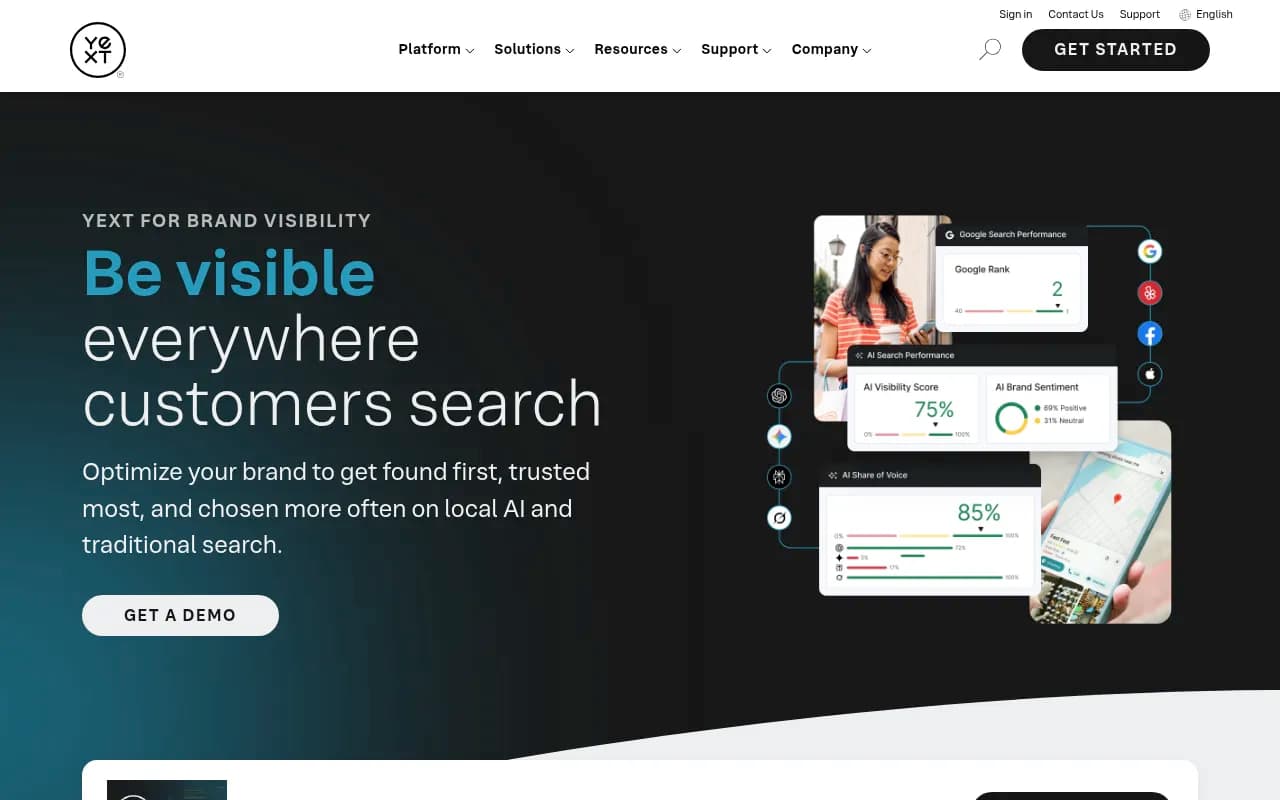
- Clients focused on local search: Yext or SOCi with AI visibility add-ons
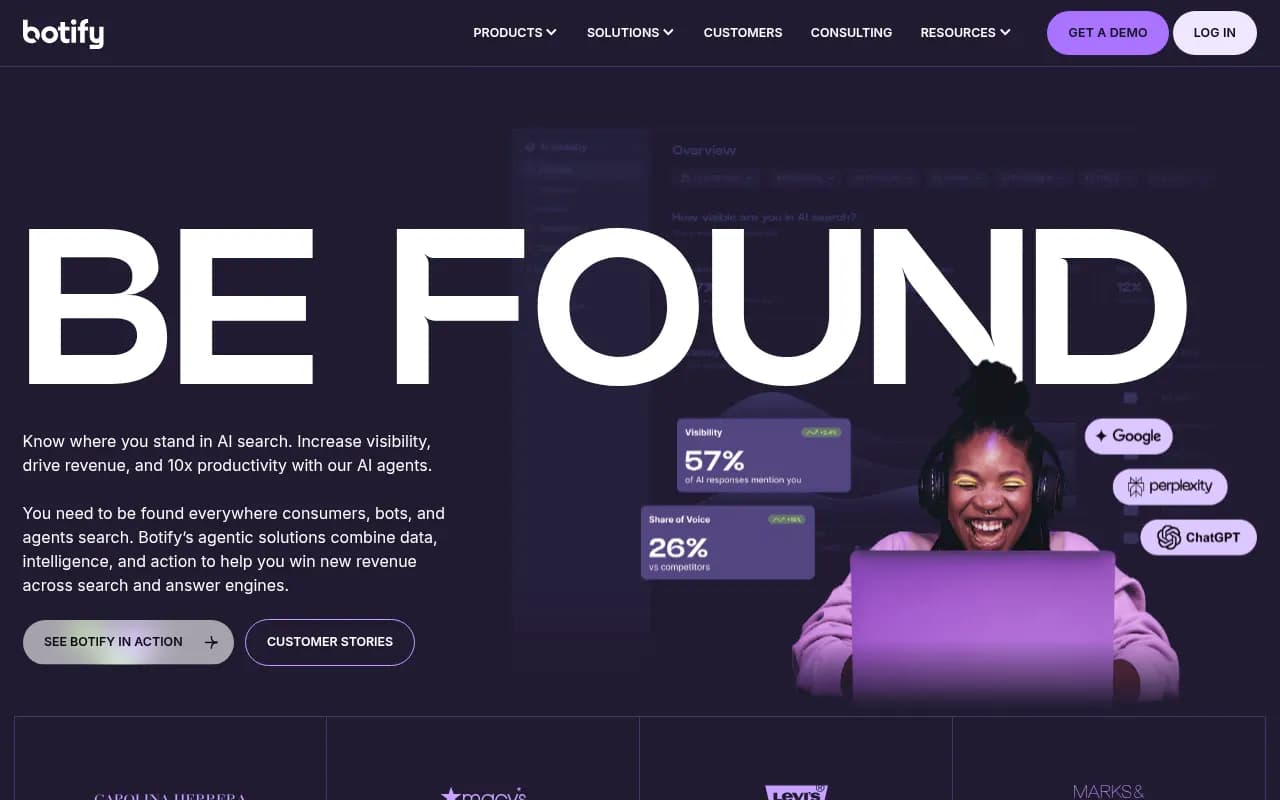
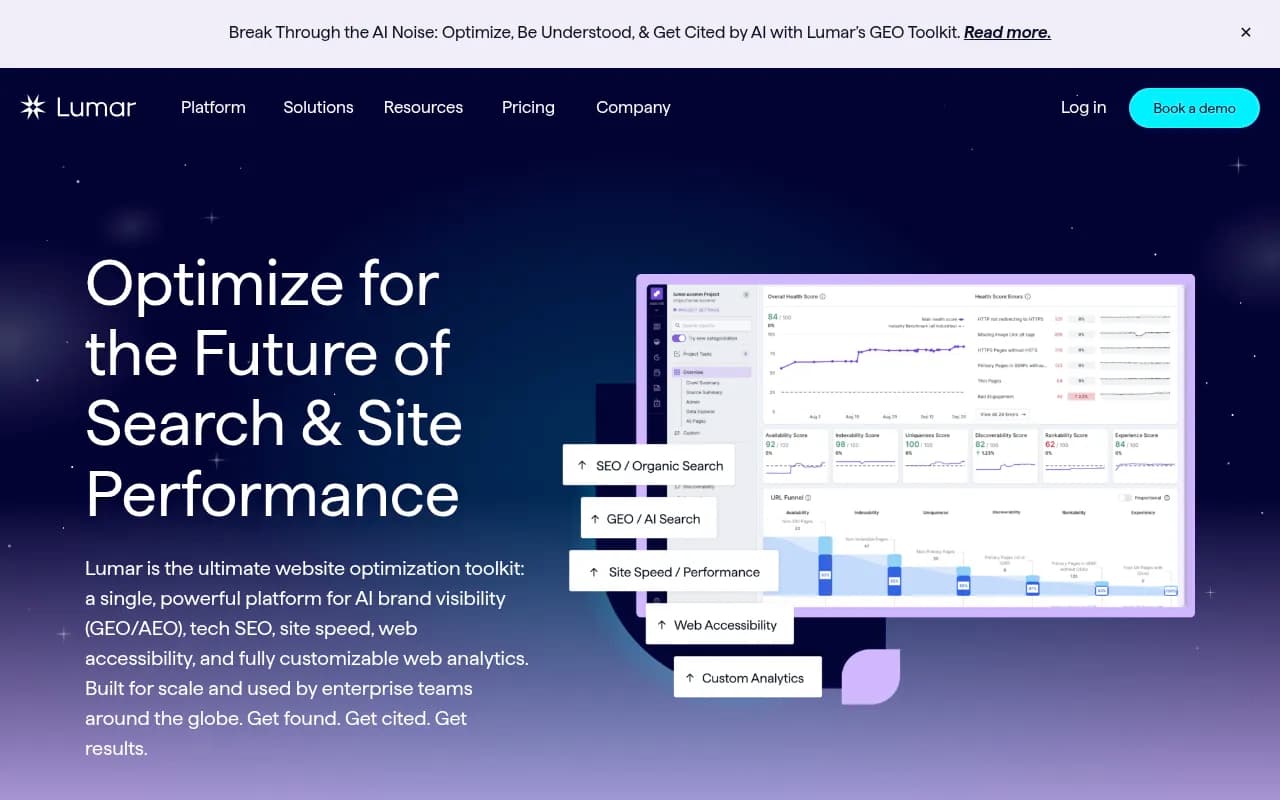
- Clients needing deep technical audits: Botify or Lumar
The key is building a repeatable process. Once you've validated your comparison framework with 2-3 clients, you can scale it across your entire portfolio. The upfront investment in building the comparison pays dividends every time you onboard a new client.