Matomo Review 2026
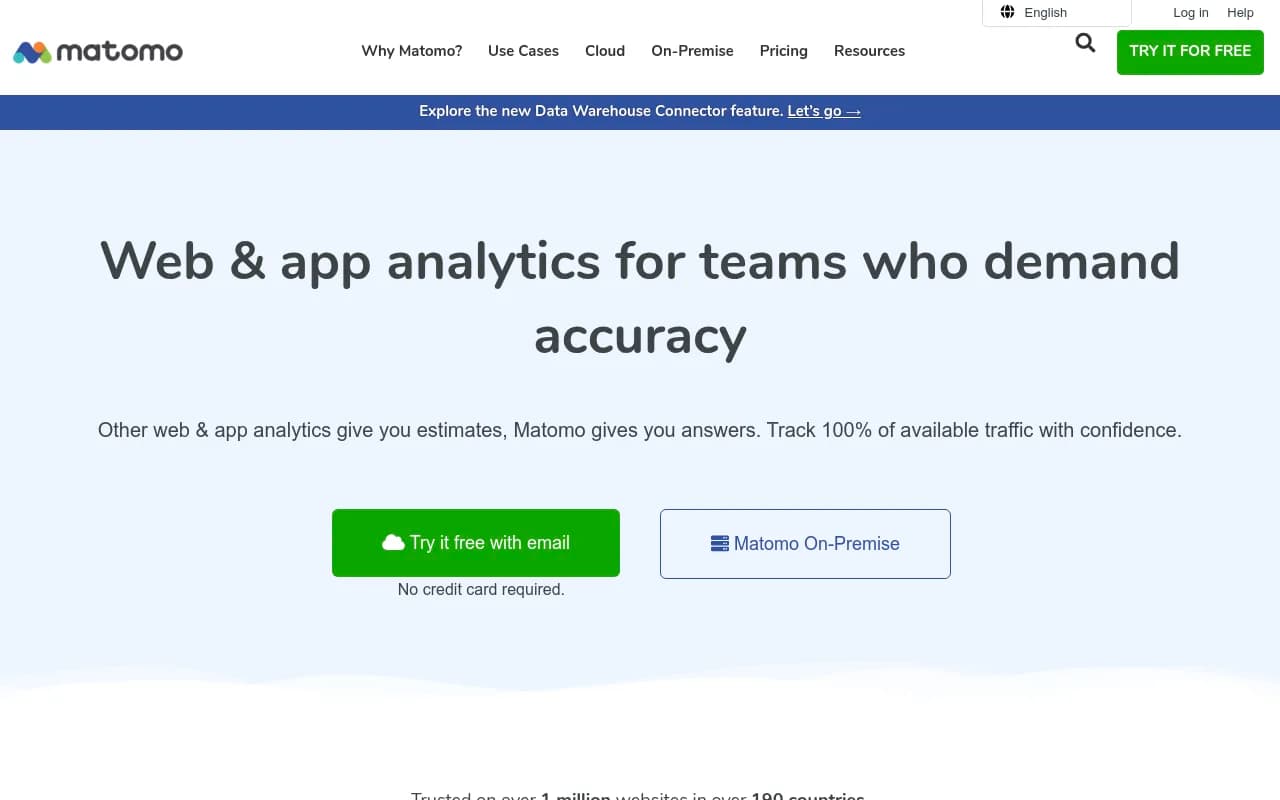
Matomo is an open-source web and app analytics platform trusted on 1M+ websites worldwide. Unlike Google Analytics, it gives you complete data ownership, GDPR/CCPA compliance without consent banners, no data sampling, and unlimited websites/users. Available as cloud-hosted or self-hosted.
Key Takeaways:
- Complete data ownership and privacy: Unlike Google Analytics, you control where your data lives and who sees it -- no third-party access, no data used for advertising
- No data sampling or limitations: Track 100% of your traffic with unlimited websites, users, segments, and data storage -- GA caps you at 10M hits/month on free tier
- GDPR/CCPA compliant by default: Can be used without consent banners in many jurisdictions because data never leaves your control
- Open source with 15+ years of development: Transparent codebase reviewed by hundreds of contributors, ISO 27001:2022 certified for security
- Pricing: Cloud from €19/mo (50k hits), self-hosted free forever, enterprise custom pricing
Matomo (formerly Piwik) is the leading open-source alternative to Google Analytics, built for organizations that refuse to compromise on data privacy or accuracy. Launched in 2007, it's now trusted on over 1 million websites across 190 countries -- including the European Commission, United Nations, Amnesty International, and privacy advocacy groups like CNIL and noyb. The core pitch: you get the analytics insights you need without handing your data to Google or risking GDPR fines.
The platform comes in two flavors: Matomo Cloud (fully managed hosting) and Matomo On-Premise (self-hosted, free forever). Both give you the same feature set -- the difference is whether you want Matomo to handle infrastructure or you want total control over your server environment. For most teams, Cloud makes sense unless you have strict data residency requirements or want to avoid any recurring costs.
Why teams switch from Google Analytics
The migration wave started accelerating after GDPR enforcement ramped up in 2020-2022. Multiple EU data protection authorities ruled that Google Analytics violates GDPR because it transfers data to US servers where it can be accessed by intelligence agencies under FISA 702. Austria, France, Italy, and Denmark all issued guidance that GA is non-compliant. Even with Google's "EU data residency" promises, the fundamental issue remains: Google uses your analytics data for its own advertising purposes, which means you're not the sole data controller.
Matomo solves this by keeping data entirely under your control. With Cloud, data is stored in EU or US data centers (your choice) and never shared with third parties. With On-Premise, data lives on your own servers. This means you can often run Matomo without cookie consent banners -- a huge UX win that also improves data accuracy since you're not losing 30-60% of users who reject tracking.
The second major reason for switching: data sampling. Google Analytics samples your data once you exceed certain thresholds (500k sessions in GA4's standard reports). Matomo never samples -- you get 100% accurate reporting on every single visit, no matter your traffic volume. For e-commerce sites, SaaS companies, or anyone making decisions based on conversion funnels, this accuracy difference is critical.
Core features and how they work
Real-time visitor tracking: See who's on your site right now, what pages they're viewing, where they came from, and what device they're using. The real-time dashboard updates every few seconds and shows individual visitor journeys as they happen. Useful for monitoring campaign launches, checking if a new page is getting traction, or troubleshooting issues as users report them.
Acquisition reports: Standard traffic source breakdown (organic search, paid ads, social, direct, referrals) with full UTM parameter support. You can see exactly which campaigns, keywords, and channels drive traffic. Unlike GA4's opaque "Google / organic" lumping, Matomo shows you the actual search queries users typed (when available from search engines). Integration with Google Search Console pulls in additional keyword data.
Behavior analysis: Page views, entry/exit pages, site search tracking, event tracking, content tracking, and heatmaps (via plugin). The Page Overlay feature shows click data directly on your live site -- hover over any link to see how many people clicked it. Useful for optimizing navigation and CTAs without digging through reports.
E-commerce tracking: Revenue, conversion rate, average order value, products viewed/added to cart/purchased, abandoned carts. You can track the full funnel from product page view to checkout completion and see where users drop off. Works with WooCommerce, Shopify, Magento, and any custom cart via JavaScript API.
Goal tracking and funnels: Define up to 1000 goals per site (form submissions, downloads, time on site, page visits, etc.) and track conversion rates. Funnel visualization shows you exactly where users abandon multi-step processes. You can set revenue values for non-e-commerce goals to calculate ROI.
Custom dimensions and segments: Create unlimited custom dimensions to track user properties (subscription tier, user role, A/B test variant, etc.) and segment all reports by these dimensions. Segments can be saved and applied across reports -- e.g. "mobile users from organic search who converted" or "returning customers who viewed pricing page".
User ID tracking: Assign persistent user IDs to track the same person across devices and sessions. Critical for SaaS products where you want to connect analytics to your CRM or product database. You can see individual user journeys over weeks or months, not just anonymous sessions.
Form analytics: Track which form fields users interact with, how long they spend on each field, and where they abandon forms. Helps optimize checkout flows and lead gen forms. Available as a premium plugin.
Media analytics: Track video and audio engagement -- play rate, completion rate, time watched, drop-off points. Works with HTML5 video, YouTube, Vimeo. Premium plugin.
A/B testing: Built-in experimentation framework for running split tests on pages, CTAs, layouts. Define variants, set traffic allocation, track which version performs better on your goals. Premium plugin.
Heatmaps and session recordings: Visual heatmaps show where users click, scroll, and move their mouse. Session recordings let you watch real user sessions to spot UX issues. Premium plugins.
Roll-up reporting: Aggregate data from multiple websites into a single dashboard. Useful for agencies managing client sites or companies with multiple brands. You can drill down into individual sites or view combined metrics.
White label and custom branding: Remove Matomo branding and add your own logo, colors, and domain. Useful for agencies reselling analytics to clients.
API and data export: Full REST API for pulling data into other tools (BI platforms, CRMs, custom dashboards). Export reports as CSV, JSON, XML, PDF. Integrates with Looker Studio (formerly Google Data Studio), Tableau, Power BI.
Google Analytics importer: Migrate your historical GA data into Matomo so you don't lose years of trends when you switch. Imports traffic sources, page views, goals, e-commerce data. Works with both Universal Analytics and GA4.
Tag Manager: Built-in tag management system (similar to Google Tag Manager) for deploying tracking pixels, conversion tags, and third-party scripts without editing code. Free feature.
Mobile app analytics: SDKs for iOS, Android, React Native, Flutter, Cordova. Track screen views, events, crashes, user flows in mobile apps with the same interface as web analytics.
Log analytics: Import server logs (Apache, Nginx, IIS, CloudFront, S3) to track visitors who block JavaScript. Useful for getting more complete data and tracking bots/crawlers separately from real users.
Who should use Matomo
Matomo fits three main user profiles:
1. Privacy-conscious organizations: Government agencies, healthcare providers, financial institutions, educational institutions, NGOs, and any company operating in the EU that wants to avoid GDPR headaches. If you're tired of explaining to your legal team why you're sending user data to Google, Matomo is the obvious choice. The European Commission, UN, and multiple EU data protection authorities use it internally.
2. Teams that need accurate data: E-commerce sites, SaaS companies, and digital agencies that make decisions based on conversion funnels, A/B tests, or attribution modeling. If you're currently hitting GA's sampling limits or losing 40% of your traffic to cookie consent rejections, Matomo gives you the complete picture. Companies like Ahrefs (a major SEO tool) use Matomo because they need precise traffic data to inform product decisions.
3. Self-hosters and open-source advocates: Developers, tech-savvy marketers, and companies that prefer owning their infrastructure. If you're already running WordPress, Nextcloud, or other self-hosted tools, adding Matomo On-Premise is straightforward. The open-source model means you can audit the code, customize it, and contribute back to the project.
Matomo works for solo bloggers tracking 1000 visits/month and enterprises tracking 10 billion hits/month. The free self-hosted version scales as far as your server can handle. Cloud pricing scales with traffic, so it grows with you.
Who should NOT use Matomo: Teams that need Google's machine learning features (predictive metrics, anomaly detection, automated insights) won't find equivalents in Matomo. GA4's integration with Google Ads, BigQuery, and the broader Google ecosystem is tighter than Matomo's integrations. If your entire marketing stack is Google (Ads, Search Console, Tag Manager, Optimize, BigQuery) and you're not concerned about privacy, GA4 might still make sense. Matomo also requires more manual setup than GA4 -- there's no automatic event tracking for clicks and scrolls out of the box (though plugins exist).
Integrations and ecosystem
Matomo integrates with 100+ platforms via official plugins and community extensions:
- CMS: WordPress (1M+ active installs), Joomla, Drupal, TYPO3, Magento, PrestaShop, Shopify
- Marketing: Google Ads, Facebook Ads, Google Search Console, Bing Webmaster Tools, Mailchimp
- CRM/Sales: Salesforce, HubSpot, Pipedrive (via Zapier/Make)
- BI Tools: Looker Studio, Tableau, Power BI, Metabase (via API)
- Development: GitHub (for tracking open-source project analytics), GitLab, Jenkins
- Tag Management: Built-in Tag Manager, works with Google Tag Manager
- Data Warehouses: Export to BigQuery, Snowflake, Redshift via API or plugins
The WordPress plugin is particularly polished -- it embeds Matomo directly in your WordPress admin, so you never leave your CMS to check analytics. No external accounts needed.
API is well-documented with client libraries for PHP, Python, JavaScript, Ruby, Java, C#. You can pull any report programmatically or push custom events via the Tracking API.
Pricing and value
Matomo On-Premise: Free forever. Download, install on your server, use all core features with unlimited traffic and websites. You pay for hosting (a $5/mo VPS handles small sites, larger sites need beefier servers) and optionally premium plugins ($199-$349/year each for features like heatmaps, form analytics, A/B testing, media analytics). No per-user or per-site fees.
Matomo Cloud: Fully managed hosting with automatic updates, backups, and scaling. Pricing based on monthly hits (a hit = page view, event, or download):
- 50k hits/mo: €19/mo
- 100k hits/mo: €29/mo
- 500k hits/mo: €79/mo
- 1M hits/mo: €129/mo
- 5M hits/mo: €329/mo
- 10M hits/mo: €579/mo
- 50M+ hits/mo: Custom enterprise pricing
Annual billing saves 17% (2 months free). All Cloud plans include unlimited websites, users, segments, and data retention. Premium features (heatmaps, form analytics, A/B testing, etc.) are add-ons at €10-€290/mo depending on traffic tier.
21-day free trial, no credit card required.
How it compares: Google Analytics is free but you pay with your data. Matomo Cloud is more expensive than GA but you're paying for privacy and accuracy. Compared to other privacy-focused alternatives (Plausible €9-€99/mo, Fathom $14-€54/mo, Simple Analytics €9-€99/mo), Matomo is pricier but offers far more features -- those tools are lightweight dashboards, Matomo is a full analytics suite comparable to GA. For enterprises, Matomo is cheaper than Adobe Analytics or Mixpanel at similar scale.
Strengths
- Data ownership is real: You can export everything, delete everything, and you're not locked into a proprietary format. With On-Premise, you can even fork the codebase if you want.
- No data sampling ever: 100% accurate reporting regardless of traffic volume. This alone justifies the cost for data-driven teams.
- GDPR/CCPA compliance without consent banners: Huge UX and data quality win. You can configure Matomo to anonymize IPs, respect Do Not Track, and avoid cookies entirely if needed.
- Feature parity with GA: Matomo covers 90% of what most teams use in Google Analytics -- traffic sources, behavior flow, goals, e-commerce, custom dimensions, segments. The UI is more intuitive than GA4's.
- Open source transparency: You can audit the code, verify privacy claims, and customize anything. The community has contributed 1000+ plugins.
- Excellent WordPress integration: The WordPress plugin is the best analytics experience for WordPress users -- no external accounts, no leaving your admin panel.
- Scales to enterprise: Companies tracking billions of hits per month use Matomo. The architecture handles high traffic with proper server setup.
Limitations
- No machine learning features: GA4's predictive metrics, anomaly detection, and automated insights don't exist in Matomo. You're working with raw data and manual analysis.
- Premium features cost extra: Heatmaps, form analytics, A/B testing, media analytics, and funnel visualization are paid add-ons (€199-€349/year each for On-Premise, €10-€290/mo for Cloud). GA includes some of these for free (though GA's funnel reports are less flexible).
- Self-hosting requires technical skills: On-Premise is free but you need to handle server setup, updates, backups, and scaling. Not a limitation if you have a dev team, but non-technical users should use Cloud.
- Smaller ecosystem than Google: Fewer third-party integrations and less community content (tutorials, courses, agencies) compared to GA. You won't find as many "how to do X in Matomo" blog posts.
- UI feels dated in places: The interface is functional but not as polished as GA4 or modern SaaS tools. Some reports require more clicks to access than they should.
Bottom line
Matomo is the best choice for teams that need accurate, privacy-compliant analytics without sacrificing features. If you're in the EU, handling sensitive data, or just tired of Google owning your analytics, Matomo delivers everything you need -- traffic sources, behavior tracking, goals, e-commerce, custom reporting -- while keeping data under your control. The self-hosted version is free forever and scales as far as you need. Cloud hosting is pricier than GA but you're paying for privacy, accuracy, and peace of mind. Best use case: EU-based SaaS companies, e-commerce sites, and agencies that need GDPR compliance, no data sampling, and the ability to track users without consent banners.
Frequently asked questions
What is Matomo and what does it do?
Is Matomo free to use?
How much does Matomo cost?
Is Matomo GDPR compliant?
What is the difference between Matomo and Google Analytics?
Should I choose Matomo Cloud or self-hosted Matomo?
Who uses Matomo?
Does Matomo have data sampling like Google Analytics?
Similar and alternative tools to Matomo