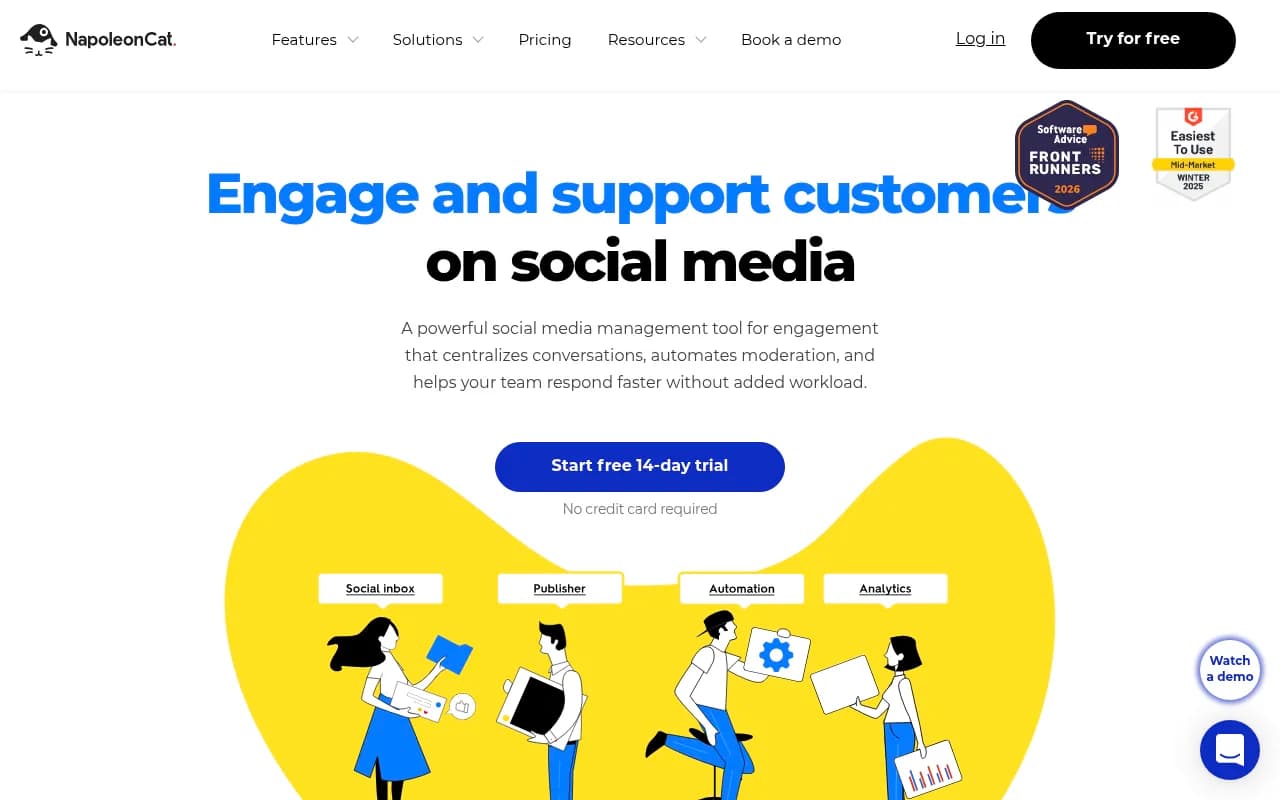
NapoleonCat Review 2026
Schedules posts across platforms while centralizing comments and messages into one inbox for teams focused on engagement.
Key takeaways
- NapoleonCat is a social media management tool built around customer service, not scheduling. The Social Inbox, auto-moderation, and ad-comment handling are the reasons to buy it.
- Auto-moderation is the standout: rules can hide, delete, or reply to comments based on keywords, sentiment, and timing. New Balance credits it with saving a third of a full-time position.
- Pricing runs $89/mo (Standard), $109/mo (Pro), $139/mo (Expert), and from $465/mo (Enterprise), with a 2-user minimum on every plan. AI features are paid add-ons.
- No Pinterest, Threads, or Bluesky support. API access is Enterprise-only. Auto-moderation doesn't cover X or Google Business.
- Best for e-commerce brands and agencies fielding hundreds of daily comments, DMs, and reviews on Facebook, Instagram, and TikTok. Solo schedulers should look elsewhere.
What NapoleonCat actually is
For a tool named after a cat and a French emperor, NapoleonCat has an unusually clear sense of identity. Ask the company and they'll tell you straight: it's "first and foremost a social media customer service platform." Most social tools lead with publishing and treat engagement as an afterthought. NapoleonCat inverts the order.
That distinction matters when you're evaluating it. If your problem is "we get 400 comments a day, half of them under ads, and the team is drowning," this tool was designed for you. If your problem is "I need to schedule 20 posts a week," you can do that here, but you'd be paying for machinery you won't use.
The Social Inbox is the product
The inbox pulls comments, DMs, and reviews from Facebook, Instagram, TikTok, YouTube, LinkedIn Company Pages, Google Business locations, Google Play, and the Apple App Store into one queue. It also catches comments under Facebook, Instagram, and TikTok ads, which is rarer than it should be. Plenty of tools ignore ad comments entirely, and ad comments are exactly where spam, scams, and angry customers concentrate.
The 2026 updates made the inbox noticeably better. Bulk actions arrived in June, so you can delete, tag, hide, assign, or mark sentiment across selected items instead of working one by one. Inbox Activity Reports landed in April, breaking down ticket volume, response rates, and reaction time per profile. The mobile app got full inbox parity in July. This is a product with a real roadmap behind it.
Social CRM sits underneath: user profiles with conversation history, internal notes, and contact details, so whoever answers a DM knows this customer complained about shipping three weeks ago. CRM data exports to XLS.
Auto-moderation
This is the feature that justifies the price for high-volume teams. Rules can hide, delete, or reply to comments based on keywords, interaction type, time periods, and AI-detected sentiment. You can auto-redirect comment threads into private messages, or set auto-replies for after hours. Redline Steel runs over a billion ad impressions through it, filtering and auto-assigning comments by trigger.
An August 2026 update added explicit "AND" labels between combined conditions. Sounds minor, but it fixes a real problem: previously, stacking sentiment plus keyword plus tag conditions left you guessing how the logic chained together.
The limits are worth knowing. Auto-moderation covers Facebook, Instagram, TikTok, YouTube, and LinkedIn Company Pages, but not X or Google Business. TikTok ad comments can be monitored but occasionally need answering in TikTok Ads Manager directly, an API limitation rather than NapoleonCat's fault.
The AI Assistant, still in beta
AI Reply Suggestions launched in beta in June 2026. You train agents on your brand tone, FAQs, and knowledge docs, and they draft replies to comments. It's human-in-the-loop: drafts get edited or discarded, nothing sends itself. Free during beta for Social Inbox 2.1 users with the AI Assistant add-on, Expert-plan-only afterward.
Sentiment analysis, spam and hate speech detection, and an AI content assistant for captions round out the AI layer. All are paid add-ons rather than bundled features, which is worth knowing before you compare plan prices.
Publishing and analytics
Scheduling covers Facebook, Instagram, LinkedIn, Google Business, TikTok, and X, with a shared color-coded calendar, approval workflows, automatic first comments on Instagram, and location tagging. It's competent. It's also not why anyone buys NapoleonCat.
Analytics covers your own profiles plus competitor tracking on Facebook, Instagram, and YouTube. Automated, brandable PDF reports can be scheduled out to clients or executives. Solid for agencies, and competitor benchmarking is included from the Standard tier up.
Pricing
- Standard: $89/mo billed monthly, $67/mo yearly. 2 users, 5 profile slots. Scheduling, analytics, competitor tracking, automated reports.
- Pro: $109/mo monthly, $82/mo yearly. Adds the Social Inbox, saved responses, team performance reports, mobile app. 10K inbox capacity.
- Expert: $139/mo monthly, $105/mo yearly. Adds auto-moderation, comment hiding and deletion, sentiment analysis, advanced search.
- Enterprise: from $465/mo. API access, custom reporting, compliance options, SLA.
Prices exclude VAT and have crept up recently, so ignore the older $79/$99 figures still floating around in cached search results. Every plan bills a minimum of 2 users, even for one-person businesses. Onboarding is only available on plans over $249/mo. The 14-day trial is generous: full Expert features, 5 seats, 10 profiles, 25,000 inbox messages, no credit card. One catch, you can preview reports during the trial but can't download your own.
Where it falls short
The 2-user minimum is the most common complaint, and it's a fair one. A solo freelancer pays for a seat that doesn't exist. The platform gaps are real too: no Pinterest, Threads, Bluesky, or Mastodon. Reviewers on G2 and Capterra (4.7/5 on both) mention occasional slowdowns and Instagram connection hiccups, though several note the integration issues trace back to platform API limits rather than NapoleonCat itself.
API access being locked to Enterprise stings if you want to pipe social data into your own stack. And the tier-gating means the features that make the tool distinctive, the inbox and auto-moderation, require Pro or Expert money.
Who it's for
E-commerce brands running Facebook and Instagram ads with heavy comment volume. Agencies managing community and customer service across Meta and TikTok for clients. Multi-location businesses handling Google reviews at scale. Customer service teams that need response-time reporting and ticket delegation.
Who should skip it: solo creators, anyone whose audience lives on Pinterest or Threads, and teams that only need scheduling. Browsing the social media tools directory at surferstack.com will surface lighter options for less money.
Bottom line
NapoleonCat makes no pretense of being an all-in-one marketing suite. This is a customer service operation for social channels, with scheduling attached, and its auto-moderation and ad-comment handling are genuinely hard to find elsewhere at this price. If your team spends hours a day in Meta Business Suite moderating comment by comment, the New Balance claim of saving a third of a full-time position will feel plausible. If you're not drowning in interactions, you're paying for depth you don't need.
Tags:
Frequently asked questions
What is NapoleonCat used for?
Who is NapoleonCat designed for?
What platforms does NapoleonCat support for scheduling?
Does NapoleonCat have a social inbox feature?
How much does NapoleonCat cost?
Is NapoleonCat free to use?
What makes NapoleonCat different from other social media tools?
Can NapoleonCat be used by agencies managing multiple clients?
Does NapoleonCat help with team collaboration on social media management?
Similar and alternative tools to NapoleonCat