Prismic Review 2026
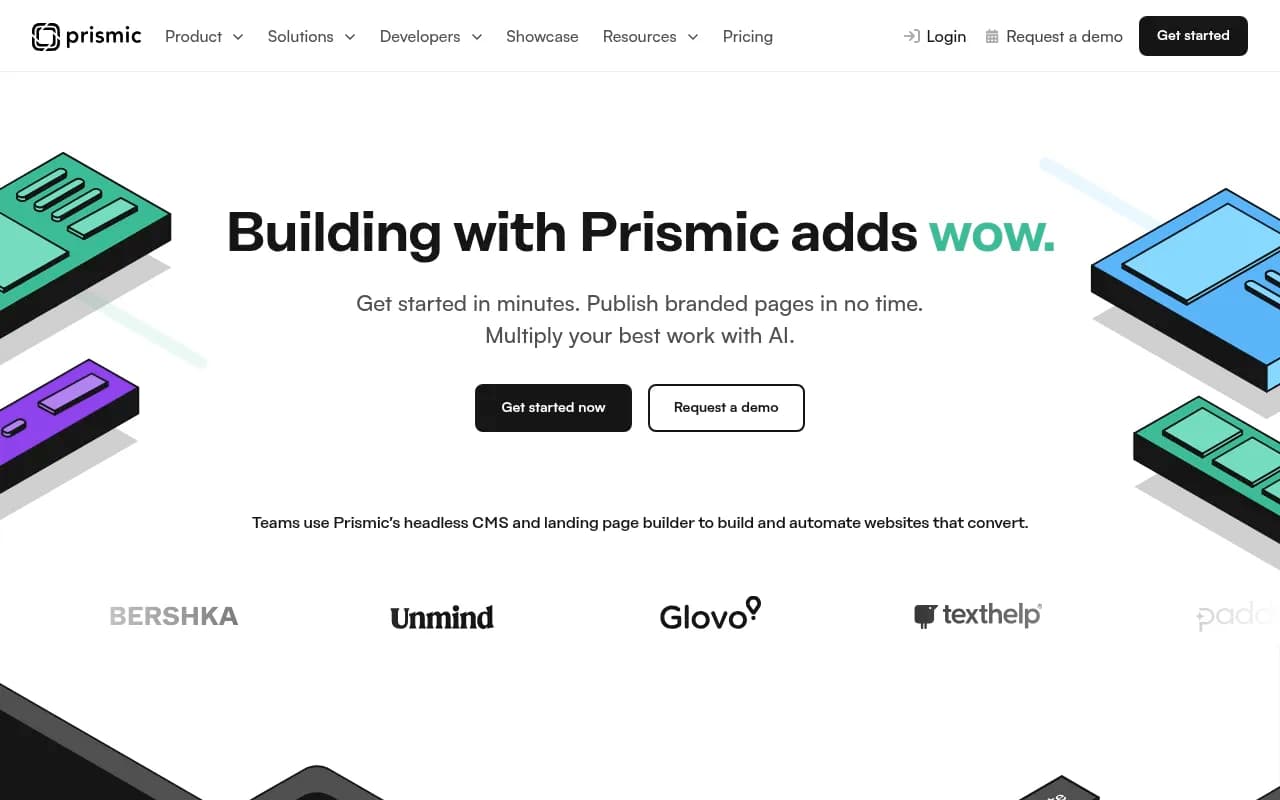
Prismic is a headless CMS and visual page builder designed for modern JavaScript frameworks like Next.js, Nuxt, and SvelteKit. It combines developer-friendly content modeling with a marketer-friendly page builder, enabling teams to ship on-brand pages fast while maintaining full code control. Featur
Summary: Key Takeaways
- Best for: Development teams using Next.js, Nuxt, or SvelteKit who want to give marketers page-building independence without sacrificing code quality or brand consistency
- Standout strength: Component-based "Slices" system that lets developers build reusable, pre-approved components that marketers can mix and match in a visual page builder -- no custom code or design drift
- Unique capabilities: Automated landing page generation for SEO and ABM campaigns, AI-powered content creation, local development tool (Slice Machine), and official framework integrations maintained by Prismic
- Limitations: Primarily focused on Next.js, Nuxt, and SvelteKit -- not ideal if you're using other frameworks; pricing can scale quickly for high-traffic sites (some users report significant price increases at higher tiers)
- Pricing: Free plan available; paid plans start at $10/month per user (billed annually) for teams, with custom enterprise pricing for larger organizations
Prismic positions itself as a headless CMS built specifically for modern JavaScript frameworks, with a particular focus on Next.js, Nuxt, and SvelteKit. Unlike traditional headless CMSs that simply provide an API for content delivery, Prismic offers a complete page-building experience that bridges the gap between developer control and marketer autonomy. The platform is used by brands like UNICEF, SportsShoes, Unmind, EVRI, and Ski.com to manage everything from marketing sites to large-scale content operations.
The company's core philosophy centers on what they call "Slices" -- a component-based approach to page building that lets developers define the building blocks (components with specific fields, variants, and constraints) while marketers assemble them into pages through a visual interface. This approach aims to eliminate the tension between "developers want control" and "marketers want speed" that plagues many CMS implementations.
Component-Based Page Building with Slices
The Slices system is Prismic's defining feature and what sets it apart from both traditional CMSs and other headless platforms. Here's how it works: developers use Slice Machine (Prismic's local development tool) to create reusable components -- things like hero sections, feature grids, testimonial blocks, CTAs, and content sections. Each Slice is defined with specific fields (text, images, links, etc.) and can have multiple variants (different layouts or styles of the same component type).
Once Slices are built and pushed to Prismic, marketers can use them in the page builder to construct pages by dragging, dropping, and configuring these pre-approved components. The key benefit: every page stays on-brand and technically sound because marketers are working within guardrails set by developers. No rogue CSS, no broken layouts, no accessibility issues from WYSIWYG editors.
Customers report building libraries of 30-50 Slices that cover nearly all their page-building needs. EVRI's technical architect mentioned having "around 40 slices with variants" that handle almost everything, while SportsShoes recreated over 200 bespoke pages using just 10 Slices by leveraging variants and flexible configurations.
Slice Machine: Local Development Tool
Slice Machine is Prismic's local development environment that runs alongside your Next.js, Nuxt, or SvelteKit project. It provides a visual interface for creating and editing Slices, defining content models, and syncing changes between your local codebase and the Prismic repository. The tool generates TypeScript types automatically, provides live previews of components as you build them, and integrates directly with your framework's development server.
The workflow: you define a Slice in Slice Machine, write the React/Vue/Svelte component code, preview it locally with mock content, then push the Slice definition to Prismic where it becomes available in the page builder. Changes to Slices can be versioned and deployed through your normal Git workflow, giving developers full control over the component library while keeping content separate.
Prismic recently added an AI component creation feature that can generate Slice code based on descriptions or screenshots, though this is still in early stages and primarily useful for prototyping rather than production components.
Framework Integrations: Next.js, Nuxt, SvelteKit
Prismic maintains official, first-party integrations for Next.js, Nuxt, and SvelteKit -- not just SDKs, but deep integrations with documentation, starter projects, and framework-specific features. For Next.js, this includes support for App Router, Server Components, and Incremental Static Regeneration. For Nuxt, it includes Nuxt 3 composables and auto-imports. For SvelteKit, it includes SvelteKit-specific routing and data loading patterns.
The integrations handle routing automatically (pages created in Prismic map to routes in your app), provide preview modes for content editors to see unpublished changes, and include helpers for common tasks like image optimization and link resolution. The company's bet is that by focusing deeply on three frameworks rather than trying to support everything, they can provide a significantly better developer experience.
If you're using a different framework (Remix, Astro, Gatsby, etc.), you can still use Prismic via their REST or GraphQL API, but you'll lose the tight integration and have to build more infrastructure yourself.
Automated Landing Page Generation
Prismic offers two automation features aimed at marketing teams that need to create large numbers of similar pages:
SEO Landing Page Builder: Upload a CSV with keywords, topics, and metadata. Prismic generates hundreds of landing pages from a single template page, each optimized for a specific keyword or topic. The system validates pages for brand consistency, optimizes for search, and can incorporate dynamic content based on the CSV data. Use case: SaaS companies targeting long-tail keywords, agencies building location-specific pages for local SEO, e-commerce sites creating category and product landing pages.
ABM Landing Page Builder: Similar concept but for account-based marketing. Upload a CSV with company names, industry data, pain points, and personalization variables. Prismic generates personalized landing pages for each target account, pulling in relevant case studies, industry-specific messaging, and customized CTAs. The pages are validated for brand consistency and can be A/B tested.
Both features aim to solve the problem of "we need 500 landing pages but can't afford to hand-craft each one." The quality depends heavily on your template design and data quality, but customers report significant time savings compared to manual page creation or using traditional page builders.
AI-Powered Content Creation
Prismic includes AI writing assistance that can generate or refine content within the CMS. This isn't a separate tool -- it's built into the content editing experience. Marketers can ask the AI to write headlines, expand bullet points into paragraphs, adjust tone, translate content, or generate variations for A/B testing. The AI is context-aware (it knows what type of content you're creating and what fields you're filling) and can reference your existing content for consistency.
There's also the Prismic MCP (Model Context Protocol) integration that gives AI coding assistants like Claude or Cursor context about your Prismic setup, making it easier to get help writing Slice code or troubleshooting integration issues.
Live Previews and Scheduling
Content editors can preview unpublished changes in the actual website (not a generic preview pane) before publishing. The preview mode runs in your production or staging environment, so editors see exactly how content will look with real styling, real data, and real interactions. This is particularly valuable for teams that have struggled with "it looked fine in the CMS but broke on the live site" issues.
Scheduling lets you prepare content releases in advance and publish them automatically at a specific date and time. You can schedule individual documents or entire releases (multiple pages and content changes published together). This is useful for product launches, seasonal campaigns, or coordinating content across time zones.
Localization and Multi-Language Support
Prismic supports multi-language content with locale-specific fields and routing. You can define which fields should be translated vs. shared across locales, manage translations in the CMS, and route users to the correct language version based on their location or preferences. The system doesn't include machine translation out of the box, but you can integrate with translation services or use the AI features to generate initial translations that human translators can refine.
Collaboration and Roles
Teams can work in dedicated spaces (separate environments for different brands, regions, or projects) with custom contributor roles. You can define who can create, edit, publish, or delete content, and set up approval workflows for sensitive pages. The activity log shows who changed what and when, which is useful for auditing and troubleshooting.
Prismic doesn't have advanced workflow features like multi-step approvals or content governance tools found in enterprise CMSs like Contentful or Contentstack. If you need complex publishing workflows, you'll need to build them yourself or use a third-party tool.
Integrations and Ecosystem
Beyond the core framework integrations, Prismic connects with:
- Vercel, Netlify, Cloudflare Pages: Deploy hooks and preview environments
- Algolia: Search integration for content discovery
- Segment, Google Analytics: Analytics and tracking
- Zapier: Automation workflows
- Imgix: Image optimization and transformation (Prismic uses Imgix for its built-in image CDN)
The platform provides a REST API and GraphQL API for custom integrations. The API is well-documented and includes SDKs for JavaScript/TypeScript, but if you're using other languages you'll need to work with the raw API.
There's no official WordPress migration tool, no Shopify integration, and limited support for headless commerce use cases compared to platforms like Sanity or Contentful.
Who Is Prismic For
Prismic is built for development teams (typically 2-10 developers) working with Next.js, Nuxt, or SvelteKit who want to give marketing teams (5-50 marketers/content creators) the ability to build and publish pages independently. The sweet spot is mid-market companies and agencies that have outgrown WordPress or traditional CMSs but don't need the enterprise complexity of Contentful or Sitecore.
Specific personas:
- SaaS marketing teams managing 50-200 pages (product pages, landing pages, blog, docs) who need to launch campaigns quickly without waiting for developers
- Digital agencies building client sites on Next.js or Nuxt who want to hand off a page builder that clients can actually use without breaking things
- E-commerce brands using headless storefronts (Next.js + Shopify, for example) who need a CMS for content pages, landing pages, and editorial content
- Enterprise marketing teams at companies like UNICEF or EVRI who need localization, multi-brand support, and the ability to scale to hundreds of pages
Prismic is NOT ideal for:
- Teams using frameworks other than Next.js, Nuxt, or SvelteKit -- you can use the API, but you lose most of the value
- Content-heavy publishers who need advanced editorial workflows, content governance, or digital asset management -- Prismic is lightweight on these features
- Small projects or solo developers who just need a simple blog -- the component-based approach is overkill, and you'd be better off with something like Contentlayer or MDX
- Teams that need a traditional WYSIWYG editor -- Prismic's page builder is component-based, not freeform
Pricing and Value
Prismic offers a free plan for individuals and small projects (1 user, 1 repository, community support). Paid plans start at $10/month per user (billed annually) for the Team plan, which includes unlimited repositories, custom roles, and email support. Enterprise plans with SLAs, dedicated support, and advanced features are custom-priced.
The pricing model is per-user, not per-page or per-API-call, which is simpler than some competitors but can get expensive for larger teams. Some users on Reddit have reported significant price increases when moving from free to paid tiers or when traffic scales up, with one user mentioning a "1900% price increase" when their usage exceeded free tier limits. Prismic's response was that high-traffic sites may need to move to higher-priced plans, but the specifics depend on your usage.
Compared to competitors: Contentful starts at $300/month for teams, Sanity is usage-based (can be cheaper or more expensive depending on traffic), Strapi is open-source and self-hosted (free but requires infrastructure), and Storyblok starts at €9/month per user. Prismic is competitively priced for small to mid-sized teams but can become expensive at scale.
Strengths
- Component-based page building that actually works -- developers maintain control, marketers get autonomy, and pages stay on-brand
- Deep framework integrations for Next.js, Nuxt, and SvelteKit that feel native rather than bolted-on
- Automated landing page generation for SEO and ABM campaigns is a unique feature that competitors don't offer
- Local development tool (Slice Machine) that integrates with your existing workflow rather than forcing you into a web-based editor
- Strong customer results -- UNICEF launched an emergency campaign in under six hours, SportsShoes recreated 200+ pages with 10 Slices, EVRI reduced support tickets by 90%
Limitations
- Framework lock-in -- if you're not using Next.js, Nuxt, or SvelteKit, you're missing most of the value
- Pricing can scale quickly for high-traffic sites or large teams, and some users report unexpected price increases
- Limited editorial workflow features -- no multi-step approvals, content governance, or advanced DAM capabilities
- Smaller ecosystem compared to Contentful or Sanity -- fewer third-party integrations and community plugins
- Learning curve for developers -- the Slice Machine workflow and component-based approach require rethinking how you build pages compared to traditional CMSs
Bottom Line
Prismic is the right choice for teams building modern JavaScript sites (Next.js, Nuxt, SvelteKit) who want to give marketers real page-building power without sacrificing code quality or brand consistency. The component-based Slices system is genuinely differentiated and solves a real problem that most headless CMSs ignore. If you're tired of marketers waiting on developers for every page change, or tired of developers fixing broken pages after marketers use a freeform page builder, Prismic is worth evaluating. Best use case in one sentence: marketing teams at SaaS companies or agencies who need to ship 10-50 landing pages per month on Next.js or Nuxt without developer bottlenecks.
Similar and alternative tools to Prismic