Sintra.ai Review 2026
AI writing tool focused on SEO content creation. Generates drafts and ensures copy matches search intent for better organic performance.
Key Takeaways:
- 13 specialized AI employees covering SEO, social media, sales, customer support, copywriting, recruiting, and more—each with distinct expertise
- Automation-first approach with scheduled tasks, comment monitoring, and proactive suggestions that run 24/7 without manual prompting
- Best for solopreneurs and small teams (1-10 people) who need affordable workforce expansion without hiring costs
- Pricing starts at $15.60/month for annual plans, making it one of the most affordable AI assistant platforms
- Limitations: Less suitable for enterprises needing custom AI models or teams already using specialized best-in-class tools for each function
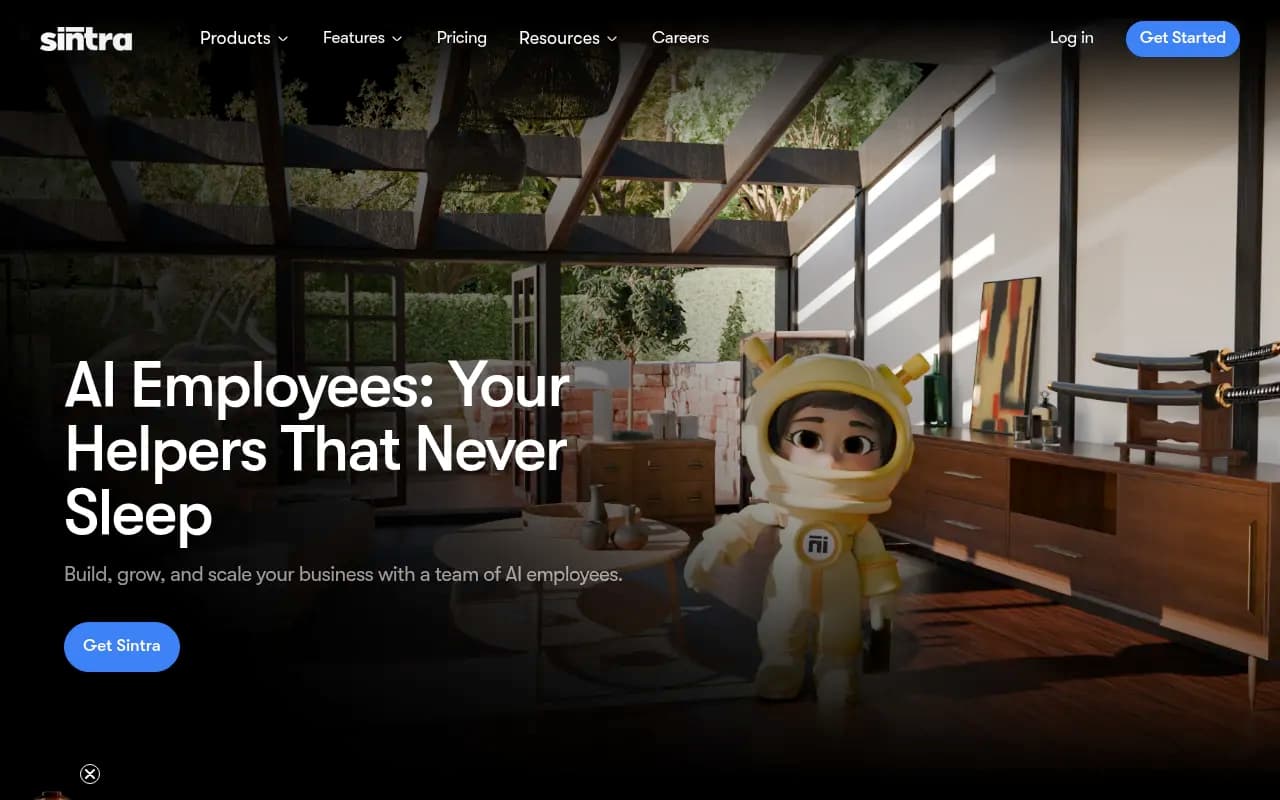
Sintra.ai positions itself as the world's first platform offering specialized AI employees rather than generic chatbots. Launched to serve the 40,000+ entrepreneurs now using the platform across 100+ countries, Sintra takes a fundamentally different approach than tools like ChatGPT or Claude—instead of you prompting an AI, these AI helpers proactively reach out to you with suggestions, completed tasks, and next steps.
The platform targets solopreneurs, freelancers, and small business owners (typically under 10 employees) who are drowning in operational tasks but can't afford to hire full-time specialists. If you're a solo founder juggling SEO, social media, customer emails, sales outreach, and content creation, Sintra promises to give you a full team for less than the cost of a single freelancer.
The 13 AI Employees: What Each One Actually Does
Seomi (SEO Specialist): Generates SEO-optimized blog posts, conducts keyword research, analyzes your site for technical issues, and provides ranking improvement strategies. Seomi crawls your website to understand your content gaps and suggests specific articles to write. Users report it's particularly strong at creating first-draft blog content that matches search intent, though you'll still need human editing for brand voice and accuracy.
Soshie (Social Media Manager): Plans content calendars, writes social posts, schedules publishing across platforms, identifies trending topics in your niche, and monitors engagement. The automation feature lets Soshie post on your behalf at optimal times. It integrates with Facebook and Instagram directly, so you can approve or auto-publish content. Users praise its ability to maintain consistent posting schedules—something many small businesses struggle with.
Vizzy (Virtual Assistant): Manages your calendar, schedules meetings, sends reminders, plans travel, and provides daily briefings based on your email and calendar. Vizzy connects to Google Calendar, Outlook, and Gmail to understand your schedule. One standout feature: it proactively sends you a morning summary of your day's commitments and suggests prep work for meetings. Think of it as a lightweight executive assistant.
Milli (Sales Manager): Writes cold email sequences, creates call scripts, designs sales pitches, and adapts messaging for different audiences. Milli asks about your product, target customer, and value proposition, then generates complete outreach campaigns. It's particularly useful for B2B service businesses doing outbound sales. The scripts are solid starting points but require personalization to avoid sounding generic.
Buddy (Business Development Manager): Crafts growth strategies, analyzes market opportunities, plans product launches, conducts competitor research, and provides strategic business insights. Buddy is more strategic than tactical—it helps you think through go-to-market plans, expansion opportunities, and positioning. Best used for quarterly planning sessions rather than daily tasks.
Cassie (Customer Support Specialist): Drafts responses to customer inquiries, maintains your brand voice, suggests FAQ content, and helps build support documentation. Cassie can monitor Facebook comments (via automation) and draft replies for your approval. It learns your brand tone from examples you provide. Users report it's excellent for handling routine questions but still needs human oversight for complex or sensitive issues.
Commet (eCommerce Manager): Guides online store setup, writes product descriptions, manages inventory tracking, processes order workflows, and optimizes product pages for conversions. Commet is designed for Shopify, WooCommerce, and similar platforms. It's most valuable during the store launch phase or when adding new product lines.
Dexter (Data Analyst): Transforms raw data into insights, creates forecasts, builds reports, and explains complex metrics in plain language. You can upload spreadsheets or connect data sources, and Dexter will identify trends, anomalies, and actionable recommendations. It's like having a junior analyst who can quickly spot patterns you might miss.
Emmie (Email Marketing Specialist): Writes email campaigns, designs automated flows (welcome series, abandoned cart, win-back), segments audiences, and optimizes subject lines. Emmie focuses on revenue-generating email marketing rather than transactional emails. It can draft complete 5-7 email sequences for product launches or promotions. Users note it's strong at structure and persuasion but sometimes needs editing for personality.
Gigi (Personal Growth Coach): Plans meals, organizes study schedules, designs workout routines, sets personal goals, and provides accountability. Gigi is the only non-business-focused helper—it's for entrepreneurs who want AI support for their personal life. Think habit tracking, wellness planning, and life organization.
Penn (Copywriter): Writes ad copy, blog posts, website content, landing pages, and marketing materials. Penn is the generalist writer on the team. It's particularly strong at short-form copy (ads, headlines, CTAs) and can adapt tone from casual to professional. For long-form content, Seomi (SEO focus) or Penn (marketing focus) are your options depending on the goal.
Scouty (Recruiter): Writes job descriptions, screens candidates, plans interview questions, and guides onboarding processes. Scouty helps small businesses professionalize their hiring without HR expertise. It's most useful when you're hiring your first few employees and don't have established processes.
The 13th helper isn't individually named on the site but the platform advertises 13 total AI employees, suggesting either a new addition or a bundled capability.
How Sintra Actually Works: The Proactive AI Difference
Unlike ChatGPT where you initiate every conversation, Sintra's helpers proactively reach out to you. Soshie might message you in the morning with three social post ideas for the day. Vizzy sends a daily briefing before your first meeting. Cassie alerts you to new Facebook comments that need responses. This "pull model" (as users call it) means the AI is working even when you're not actively using the platform.
You teach each helper about your business by answering questions, uploading files (brand guidelines, past content, website data), and providing your website URL. The more context you give, the better the outputs. Each helper has a dedicated chat interface where you can refine requests, ask follow-ups, or give feedback. Over time, they learn your preferences—one user noted that after two weeks, the AI started matching their writing style without being told.
The automation features are where Sintra differentiates from basic AI chat tools. You can set up recurring tasks like "Soshie, create and schedule 5 social posts every Monday" or "Cassie, check my Facebook comments daily at 9am and draft responses." These run automatically, and you receive notifications with the completed work for approval.
Integrations: Connecting Your Existing Tools
Sintra integrates with Facebook, Instagram, Gmail, Google Calendar, Outlook, Google Drive, Notion, and Strava. The integrations are functional but not as deep as dedicated tools—for example, the social media integration lets you schedule posts but doesn't provide analytics dashboards. The Gmail integration allows Vizzy to read your calendar and emails to provide daily summaries, but it won't automatically respond to emails (you approve everything).
Notably missing: Slack, Zapier, LinkedIn, Twitter/X, Shopify direct integration, and CRM platforms like HubSpot or Salesforce. For a platform targeting business automation, the integration list is surprisingly limited compared to competitors. You can work around this by copying content between tools, but it's not seamless.
Workspaces and Team Collaboration
You can create up to 5 business profiles (workspaces) within one account—useful if you run multiple businesses or want to separate client work. Each workspace has its own set of AI helpers trained on that specific business context. You can invite team members to collaborate in a workspace, and everyone sees the same conversations and outputs. This makes it easy for a small team to coordinate—your VA can handle Vizzy, your marketer can work with Soshie, and you oversee Buddy for strategy.
Who Should Use Sintra (And Who Shouldn't)
Ideal users:
- Solo founders and solopreneurs managing every business function themselves—you get 13 specialists for the price of one tool
- Small agencies (2-5 people) who need to punch above their weight on client deliverables without hiring
- Service businesses (coaches, consultants, freelancers) who need help with marketing, sales, and admin but can't justify full-time hires
- Early-stage startups (pre-seed to seed) stretching limited budgets while building initial traction
- Non-technical founders who find ChatGPT overwhelming and want pre-built specialists rather than learning prompt engineering
Who should look elsewhere:
- Enterprises or teams over 20 people—you likely need specialized best-in-class tools (dedicated SEO platforms, proper CRMs, marketing automation suites) rather than generalist AI helpers
- Businesses requiring custom AI models or fine-tuned outputs—Sintra uses general-purpose LLMs, not custom-trained models
- Companies with established processes and dedicated specialists—if you already have an SEO manager, social media coordinator, and sales team, Sintra won't replace them
- Users needing deep integrations—if your workflow depends on Zapier, Slack, or niche tools, Sintra's limited integration list will frustrate you
Pricing: Extremely Affordable for What You Get
Sintra offers three subscription tiers, all providing access to all 13 AI employees:
- Monthly plan: $97/month (currently discounted to $38.80/month, a 60% savings)
- 3-month plan: $177 total ($59/month, 60% discount = $23.60/month)
- Annual plan: $624 total ($52/month, 70% discount = $15.60/month)
The annual plan at $15.60/month is remarkably cheap—less than a single hour of freelancer time. Even at full price ($52/month annually), you're paying less than most single-function AI tools. For comparison, Jasper AI (copywriting only) starts at $49/month, and Surfer SEO (SEO only) starts at $89/month. Sintra gives you 13 specialists for a fraction of that cost.
There's also a money-back guarantee, though the specific terms aren't detailed on the pricing page. The platform mentions a free trial in some places but doesn't clearly state trial length or limitations.
The catch: you're not getting best-in-class performance in any single category. Dedicated tools like Ahrefs (SEO), Buffer (social media), or Intercom (customer support) will outperform Sintra's generalist helpers. But for most small businesses, "good enough" across 13 functions beats "excellent" in one area you can't afford.
Strengths: What Sintra Does Exceptionally Well
Proactive automation that actually works: Unlike passive AI chatbots, Sintra's helpers genuinely automate recurring tasks. Users consistently praise the "set it and forget it" nature—Soshie scheduling posts, Cassie monitoring comments, Vizzy sending daily briefings. This is closer to true business automation than most AI tools deliver.
Breadth of capabilities in one platform: Having 13 specialists under one roof eliminates tool sprawl. You're not juggling subscriptions to Jasper, Buffer, Calendly, and five other tools. Everything lives in Sintra, which simplifies workflows for small teams.
Learns your business context: The ability to upload brand guidelines, past content, and website data means outputs improve over time. Users report that after the initial setup period (1-2 weeks), the quality jumps significantly as the AI understands your voice and business.
Exceptional value for solopreneurs: At $15-40/month depending on plan, Sintra costs less than a single freelancer hour but provides support across every business function. For bootstrapped founders, the ROI is obvious.
Genuinely helpful customer support: Multiple user reviews specifically call out the support team as responsive, professional, and caring. For a small platform, this level of service is noteworthy and builds trust.
Limitations and Honest Drawbacks
Shallow integrations: The integration list is limited, and existing integrations lack depth. You can't auto-respond to emails, can't connect to LinkedIn or Twitter, can't sync with Shopify or CRMs. For a platform emphasizing automation, this is a significant gap.
Generalist outputs need editing: Every AI helper produces solid first drafts but rarely publish-ready work. You'll spend time refining tone, adding specifics, and fact-checking. This is true of all AI writing tools, but worth noting—Sintra won't eliminate your workload, just reduce it.
No custom AI models or fine-tuning: Sintra uses general-purpose language models under the hood. You can't train it on proprietary data, fine-tune outputs to match complex brand voices, or build custom workflows. Power users will hit limitations quickly.
Limited analytics and reporting: The platform doesn't provide dashboards showing how much time you've saved, which helpers you use most, or ROI metrics. For data-driven users, this lack of visibility is frustrating.
Unclear AI model details: Sintra doesn't disclose which underlying LLMs power each helper (GPT-4, Claude, Gemini, etc.) or whether you can choose. Transparency here would help users understand capabilities and limitations.
The Bottom Line
Sintra.ai is best described as an affordable AI workforce for solopreneurs and small teams who need help across every business function but can't afford specialists. At $15-40/month, it's an exceptional value if you're currently doing everything yourself—SEO, social media, sales, support, content, and admin. The proactive automation features genuinely save time, and the breadth of capabilities eliminates tool sprawl.
However, it's not a replacement for dedicated best-in-class tools if you're already established in a category. A serious SEO operation will outgrow Seomi quickly and need Ahrefs or Semrush. A content team will want Jasper or Copy.ai with more advanced features. An agency will need proper project management and CRM tools.
Best use case in one sentence: Sintra is the ideal first AI hire for bootstrapped founders and solopreneurs who need a full team's output on a shoestring budget, accepting good-enough quality across many functions over excellence in one.
Tags:
Similar and alternative tools to Sintra.ai