SocialBu Review 2026
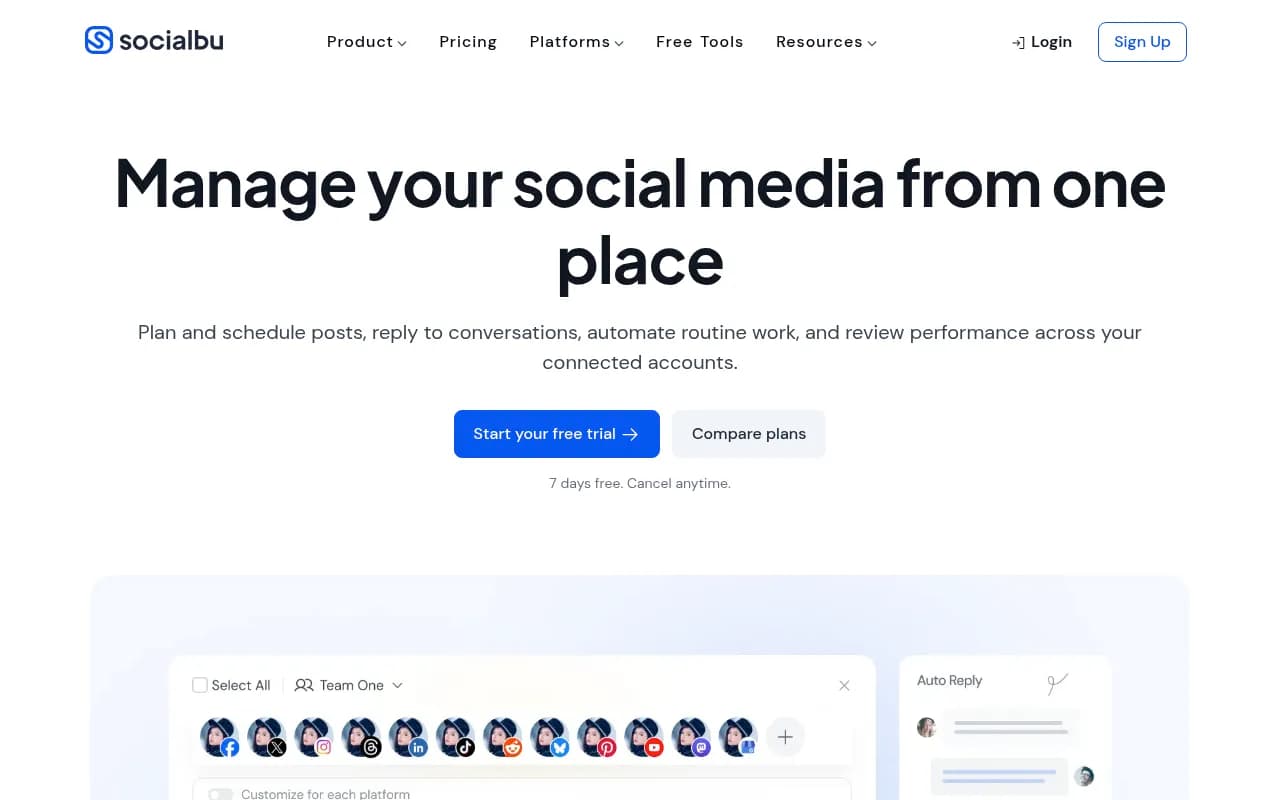
Social scheduler built around bulk posting and rule-based automation for teams managing many accounts.
Key takeaways
- SocialBu is a genuinely affordable all-in-one social media manager: 12 networks, bulk import, queues, a unified inbox, and rule-based automation from $29/month, with the Agency tier at $199/month covering 50 accounts.
- The Automate module is the standout. Trigger-condition-action rules for RSS feeds, mentions, and webhooks, plus 5,000-20,000 monthly executions, go beyond what most schedulers at this price offer.
- The new MCP server is forward-looking: Claude, ChatGPT, and Cursor can create and approve posts in natural language. It's gated to Growth and Agency plans, though.
- Real limitations: recurring account disconnections (especially Instagram and X), a dated, unintuitive UI, and analytics that agencies will find thin for client reporting.
- Best fit is small agencies and multi-brand teams that need volume scheduling and automation on a budget. Enterprise teams wanting polished UX and deep analytics should look elsewhere.
What SocialBu does
SocialBu covers the full social media management loop across twelve networks: X, Facebook, Instagram, LinkedIn, Threads, TikTok, YouTube, Reddit, Bluesky, Pinterest, Mastodon, and Google Business Profile. That list alone tells you a lot. Most competitors at this price cover six or seven platforms. Including Reddit, Bluesky, and Mastodon makes SocialBu one of the few schedulers that treats smaller and emerging networks as first-class citizens.
The product is organized into six modules. Publish handles multi-account scheduling with a calendar, custom queues, post recycling, and bulk import via CSV. Generate is the AI writer for captions and post text. Curate pulls content from sources you follow so you can turn links into drafts. Respond is a unified inbox for messages, comments, and reviews across accounts. Listen creates keyword and mention streams with AI filtering. Automate, the module the whole product is built around, lets you construct trigger-condition-action rules: auto-post from RSS feeds, auto-reply to mentions, fire webhooks, and use dynamic variables in templates.
I've spent real time in tools like this, and the honest framing is this: SocialBu is a scheduling tool with an automation engine bolted firmly into its center, not the other way around. If your workflow is "dump 200 posts, set rules, walk away," it fits. If your workflow is "craft five beautiful posts a week with heavy design input," it's less compelling.
Pricing and plans
Four tiers, all with a 7-day free trial:
- Free: 3 accounts, 10 lifetime posts, 60 AI credits. Enough to test the interface, not enough to actually use.
- Starter at $29/month ($22 billed yearly): 8 accounts, 750 posts/month, 500 AI credits. No listening, no automations, no API access.
- Growth at $79/month ($59 yearly): 20 accounts, 3,000 posts/month, 10 queues, 5 listening streams, 5,000 automation executions, 4 team members, 2,000 AI credits. This is where the product starts making sense.
- Agency at $199/month ($149 yearly): 50 accounts, unlimited posts, 30 queues, 10 listening streams, 20,000 automation executions, 8 team members, 10,000 AI credits.
The pricing structure is fair and transparent. Compare it to Buffer or Hootsuite and the value is obvious: Hootsuite's cheapest professional tier costs more than SocialBu's Agency plan. The catch is what's missing at Starter. No automations at $29/month means the headline feature, the reason you'd pick SocialBu over anything else, requires the $79 plan. If you came for the automation, budget for Growth.
One billing note worth flagging: at least one Capterra reviewer reported being charged around $190 after a free trial they believed they had cancelled. I can't verify the individual case, but check your trial settings before the week is up.
The automation engine, in detail
This is the part worth reading if you're evaluating SocialBu seriously. The Automate module works on a trigger-condition-action model. Triggers include RSS feed updates, new mentions, new messages, and incoming webhooks. Conditions filter those triggers (keyword matching, account matching, time windows). Actions span posting, replying, sending webhooks, and notifying your team.
A practical example: you run content for a SaaS client. You set a rule that watches their engineering blog's RSS feed, filters for posts tagged "release," reformats each item into a LinkedIn post template with dynamic variables pulling the title and URL, and queues it for 9am the next business day. That's one rule replacing a weekly manual task. Multiply that across a dozen client blogs and the Growth plan pays for itself in saved hours.
The execution limits are generous for the price. 5,000 executions per month on Growth is more than most small agencies will ever hit. Where it gets tight is high-volume listening rules that trigger on every mention of a broad keyword. Those can burn through executions fast, so scope your streams carefully.
The MCP server: genuinely interesting
SocialBu recently launched a remote MCP (Model Context Protocol) server, and I want to give this real credit because it's rare. You can connect Claude, ChatGPT, Cursor, or Windsurf to your SocialBu account via OAuth and then do things like "schedule a post about our webinar next Tuesday across LinkedIn and X" or "show me which posts performed best last month" in natural language. The assistant can create posts, review schedules, approve content, run the AI tools, and check analytics.
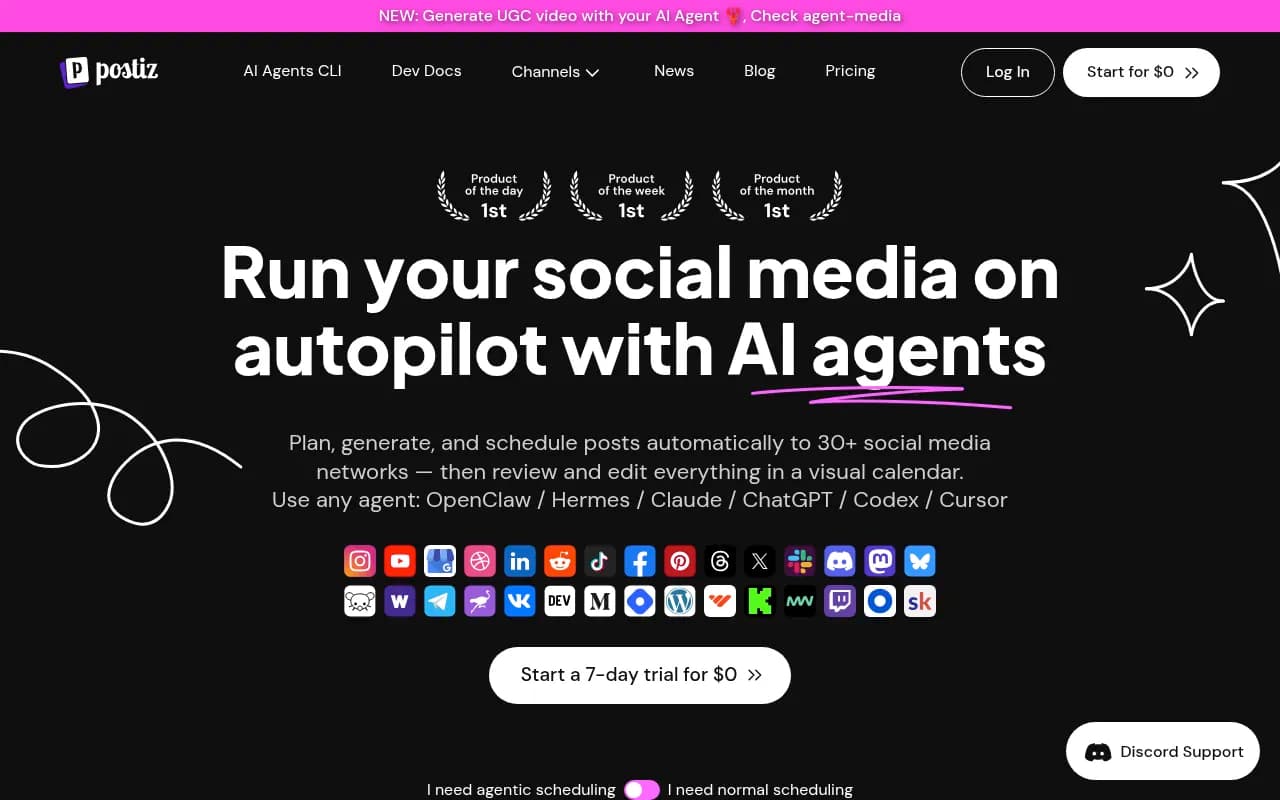
Most social tools at this price have no API at all, let alone an agentic layer. SocialBu putting MCP access on Growth and Agency plans signals they're paying attention to where work is heading. It's early, and I'd treat it as a bonus rather than a core reason to buy, but it's a real differentiator.
Where SocialBu falls short
Three complaints show up repeatedly in reviews, and they match my own impressions of the product's rough edges.
Account disconnections are the big one. Multiple users report Instagram and X connections dropping randomly and needing reconnection. One workaround reviewers mention is connecting Instagram directly rather than through the indirect method. For an agency managing 30 accounts, even occasional reconnection friction is a real operational cost. Set a weekly calendar reminder to check connection status until you trust it.
The interface is functional but not pleasant. Navigation labels are inconsistent, the calendar view is clunky, and there's a learning curve that shouldn't exist in 2026. You'll adapt within a week or two, but first impressions are rough, and if you're handing the tool to a client or a junior team member, expect some confused questions.
Analytics are serviceable but shallow. You get account, network, content, and team performance reports, all dependent on what each network's API exposes. For internal tracking that's fine. For agency client reporting, even a five-star Capterra reviewer wished for deeper analytics. If polished, exportable client reports are central to your agency's offering, you'll end up pulling data into a separate reporting tool anyway.
There's also no official Zapier integration. Automation lives entirely inside SocialBu's own Automate module plus webhooks and the API. If your stack depends on Zapier or Make for cross-app workflows, factor in building webhook bridges yourself.
Who it's for
The fit is specific. A three-person agency managing 15 to 40 client accounts, posting high volumes from RSS sources and client blogs, needing automation rules more than design tools, and watching costs closely. That team saves meaningful money versus Hootsuite or Sprout Social and gets automation depth those tools don't match at this price.
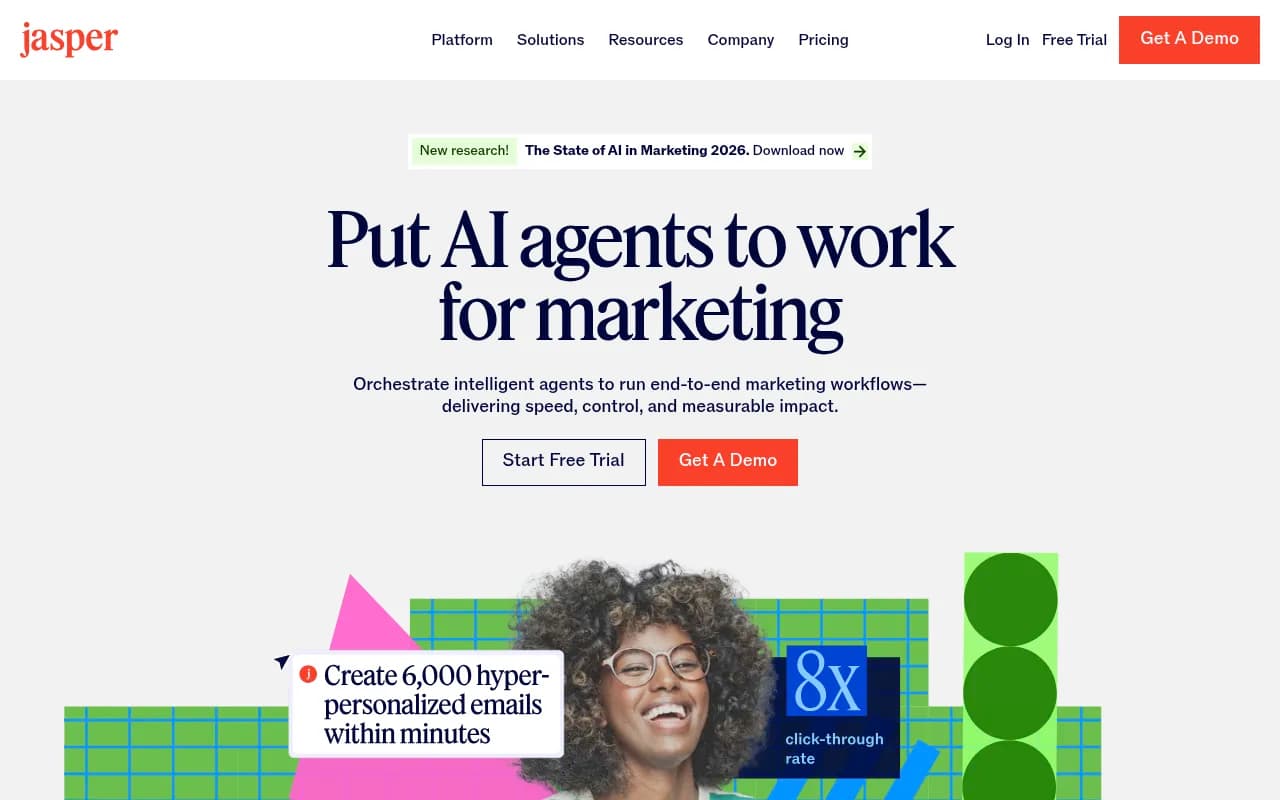
Solo creators and small businesses on Starter get a decent scheduler, but they're not getting the product's best parts. Enterprise social teams should look at Sprout Social or Hootsuite for polish, support depth, and analytics. Anyone whose workflow centers on visual content design should look at Buffer or Later, which handle visual planning better.
The verdict
SocialBu is a tool with a clear identity: maximum scheduling and automation capability per dollar, with UX polish as the tradeoff. The 12-network coverage, the automation engine, and the early MCP server integration make it a smart pick for cost-conscious agencies and multi-brand operators. The disconnection issues and thin analytics are real, and you should go in knowing both. Take the 7-day trial, connect your actual accounts, build one real automation rule, and see whether the rough edges bother you or whether the price makes them easy to forgive. For most budget-driven teams, the price makes them very easy to forgive.
Tags:
Frequently asked questions
How much does SocialBu cost?
Which social platforms does SocialBu support?
Does SocialBu have an API or Zapier integration?
What is SocialBu's MCP server?
Is SocialBu good for agencies?
What are SocialBu's main limitations?
Similar and alternative tools to SocialBu